

Why Eon Wins for Cloud-First Infrastructure Teams
Backup posture that catches gaps before incidents
Clumio can be effective for AWS protection, but coverage and policy can still become service-by-service as environments grow. Eon uses Cloud Backup Posture Management (CBPM) to keep coverage aligned as accounts and workloads shift.
- Discover new resources across accounts and regions as teams add them
- Group protection around data type and compliance needs (not one-off, per-team rules)
- Flag missing or under-scoped coverage during day-to-day operations
- Track posture and recovery activity in one place
Lower cost at scale without API pass-through charges
Clumio’s costs can vary by workload and protection mode. Depending on configuration, teams may see object management fees, data retrieval fees, and API fees that add up over time.
Eon does not charge data retrieval fees for restores, and keeps costs tied mainly to protected storage, with an incremental-forever approach on key workloads.
- Avoid restore costs that depend on retrieval fees
- Reduce storage growth with incremental backups and global deduplication
- Keep costs tied mainly to protected storage, not backup mechanics
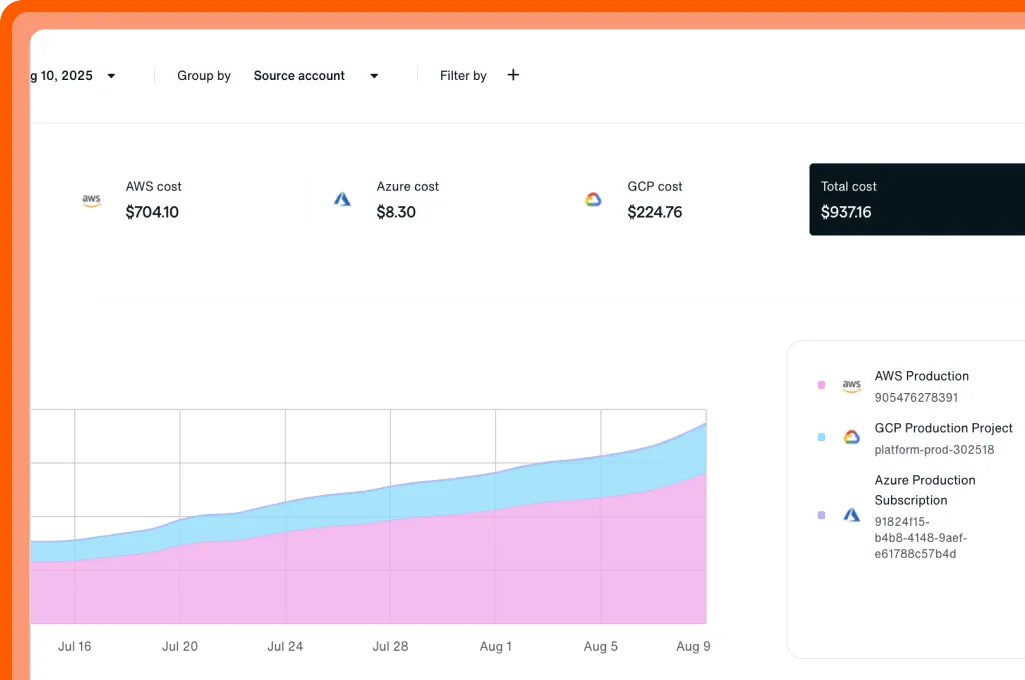
- Use Cost Explorer to map spend to workloads and policies
Cost Explorer
Break spend down by resource to spot waste and prove savings.
Backup data teams can search and query without full restores
Clumio offers file-level restore browsing for EC2/EBS, limited previews for DynamoDB (up to 10 records), and SQL queries for some RDS SecureVault Archive backups. Eon takes a broader approach and lets teams work with backup data directly across supported workloads.
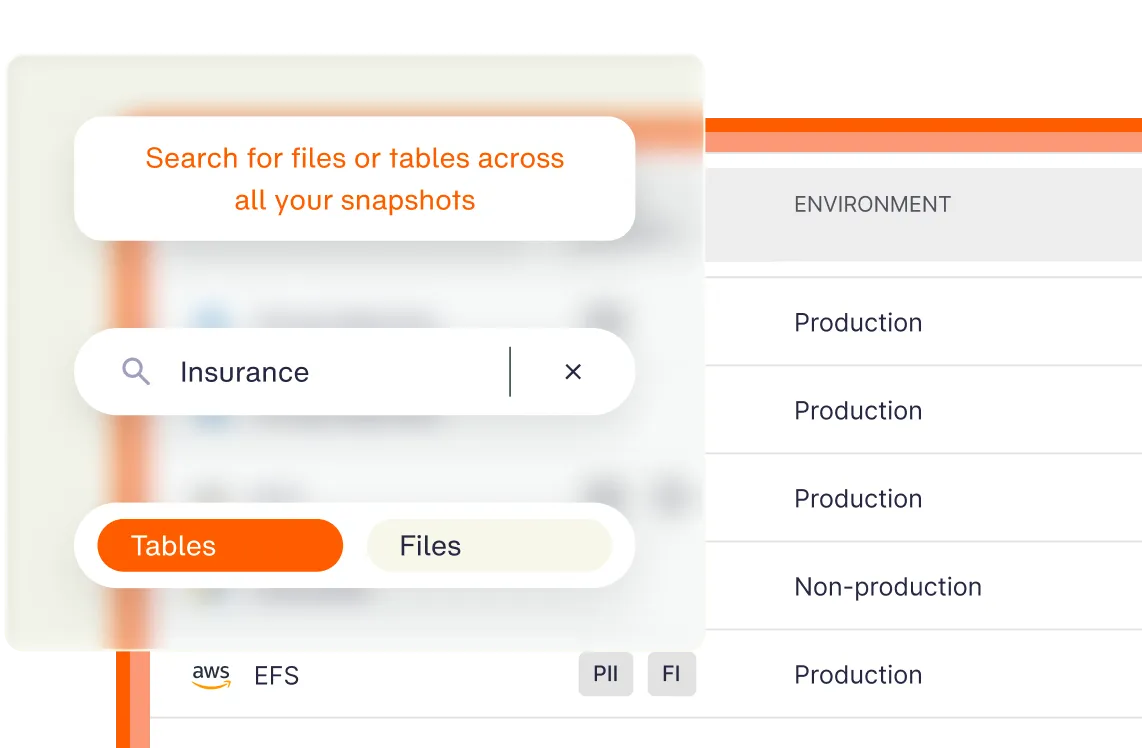
- Search files, objects, and database contents across backups
- Query database backups for audits, investigations, and analysis
- Validate the backup contains the data you want before doing a full recovery
- Easily recover across accounts, regions, and clouds
Eon converts supported backups into Parquet so teams can treat backup history like a governed, queryable data lake for analytics, ML, and AI.
Search your backups
Query backup data with simple search to find the right file, record, or point in time fast.
Ransomware response that stays connected to recovery
Clumio’s ransomware coverage varies by workload (for example, malware scanning for S3 backups is in public early adoption). Eon ties detection signals directly to backup activity across compute, object storage, and databases, and keeps clean recovery points ready for rollback.
- Detect suspicious change patterns during backup activity using Eon’s built-in ransomware detection
- Preserve known-clean recovery points for rollback
- Restore clean data with granular ransomware recovery on compute, object storage, and databases
FAQs
Teams compare Eon and Clumio when they want a true SaaS backup platform for cloud infrastructure but need broader coverage, better cost control, and direct access to backup data.
For infrastructure backups, yes. Eon covers the same core AWS workloads while adding multi-cloud coverage, stronger posture management, direct data access, and built-in ransomware protection.
Clumio supports AWS workloads, while Eon supports AWS, Azure, and Google Cloud from one platform.
Clumio costs can vary by workload and protection mode, including object management fees, data retrieval fees, and API fees. Eon does not charge data retrieval fees for restores, and Cost Explorer shows where spend comes from and why.
Eon allows users to directly search and query backups for granular recovery, audits, and investigations. Due to the underlying conversion of backups into Parquet, Eon presents the backup data as a data lake, which users can leverage for analytics, machine learning, and AI use cases.
Clumio only supports queries on RDS SecureVault Archive backups and limited previews for DynamoDB (limited to 10 records).
Clumio can fit teams that want a managed AWS-only backup service and value AWS-specific features such as S3 Backtrack or DynamoDB restore workflows.