Backup and recovery for Google Cloud
Eon connects to your projects with a service account and no stored credentials. You get coverage you can prove across every project in the organization, recovery down to a single file or row, and backups BigQuery can read without a restore. Available on Google Cloud Marketplace, so you can buy through your existing Google Cloud account.



What Eon backs up on Google Cloud
Eon works natively through Google Cloud's own APIs, with no appliances to run, and recovers any resource across your projects down to a single file, object or row.
Compute Engine

VM Instances and their attached Persistent Disks, including Hyperdisk on NVMe PD. Restore to a new instance, or restore in place and keep the instance ID, internal IP and MAC address, so anything pointing at that machine still resolves.
Cloud Storage

Buckets captured through inventory reports and stored incrementally, so you keep only what changed after the first backup. Restore a bucket, with the option to restrict which destination buckets are allowed.
Cloud SQL
MySQL, PostgreSQL and SQL Server. Full restore, and cross-cloud backup into an AWS or Azure vault so your recovery data does not sit in the same cloud as the thing it protects.
BigQuery

Datasets captured incrementally using Change History. Restore a whole dataset back into BigQuery, or use SQL to recover specific rows to Cloud Storage. Petabyte scale with no imposed volume cap. External tables are covered through Cloud Storage backup.
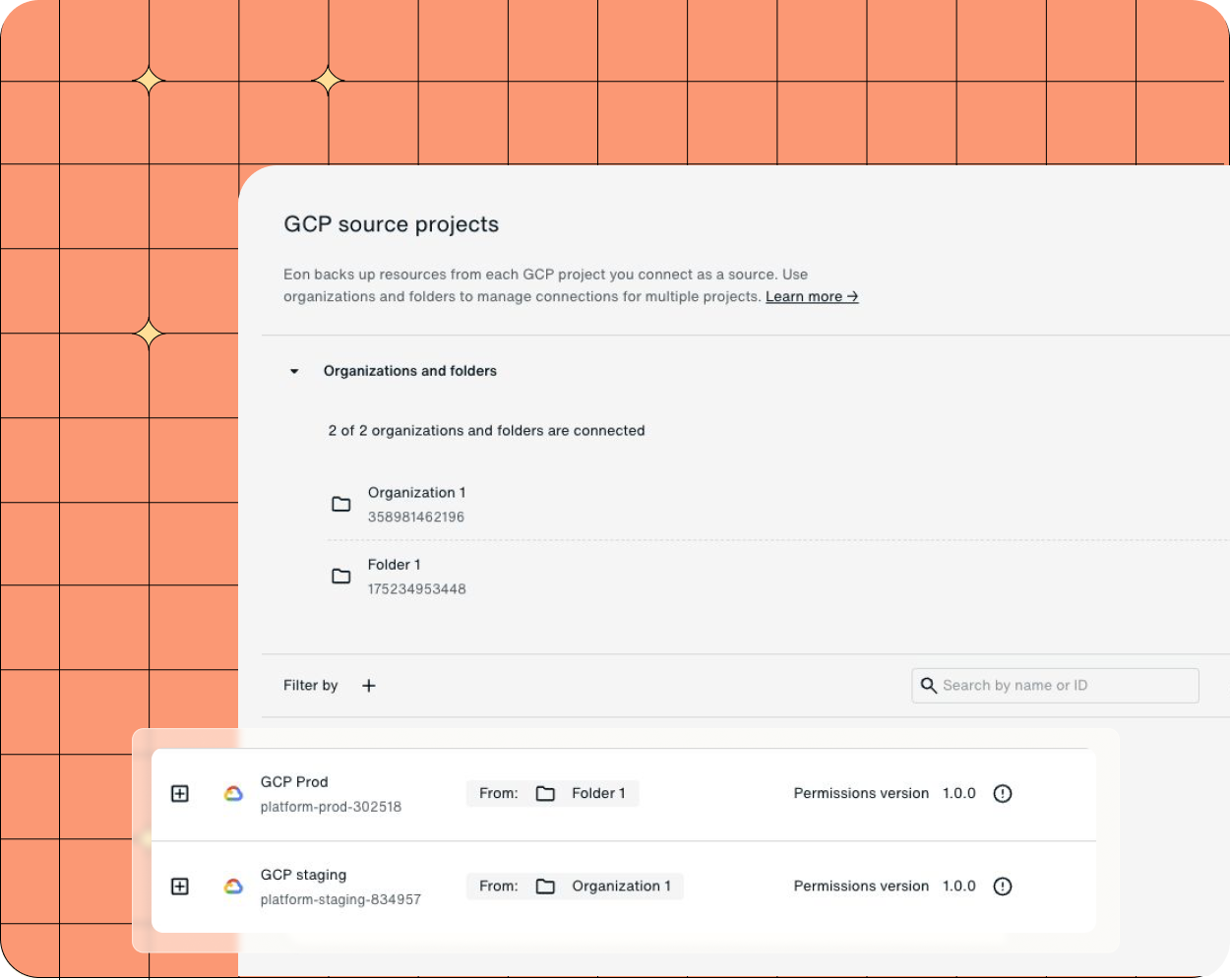
How Eon connects to your Google Cloud projects
One deployment, at the scope you choose.
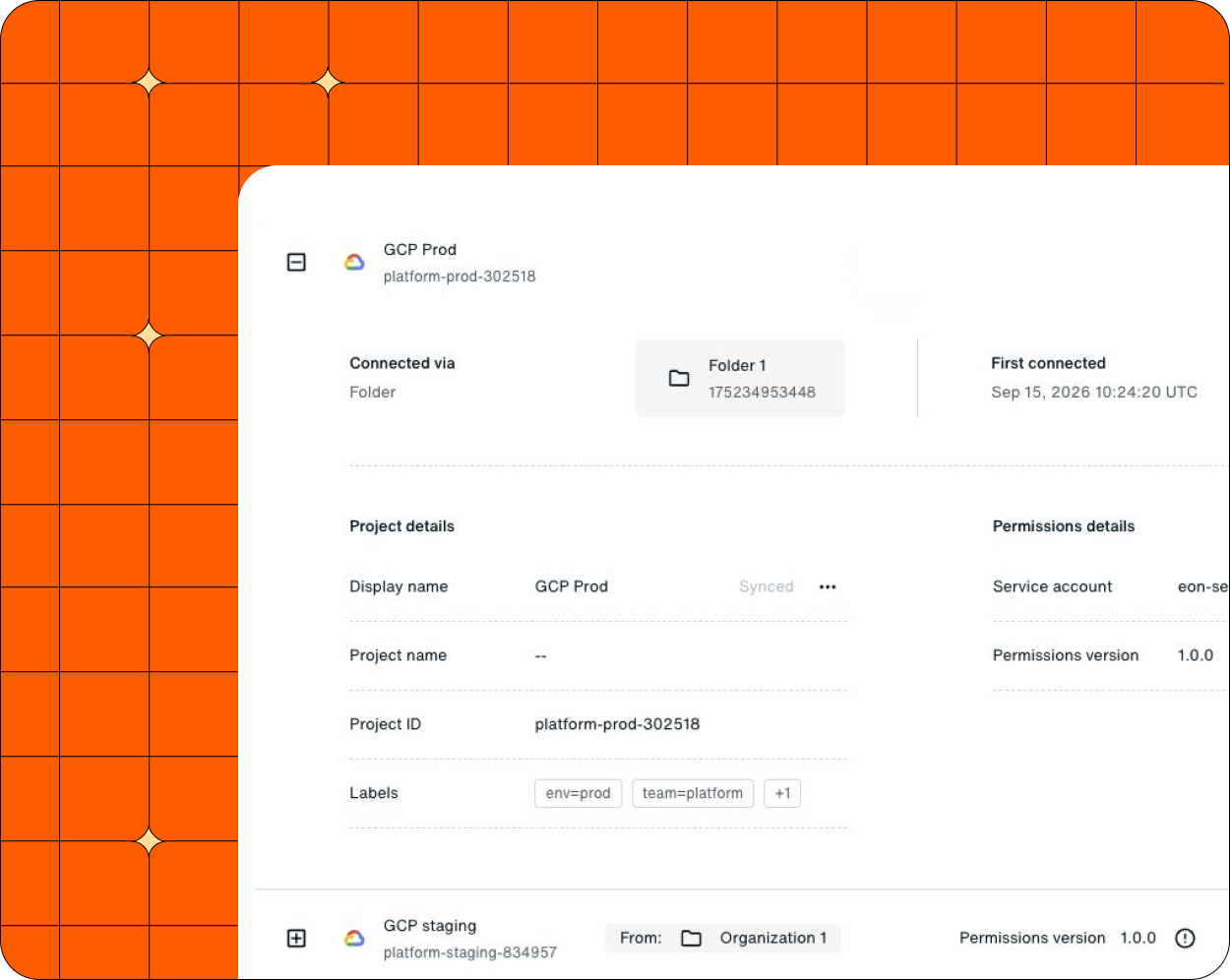
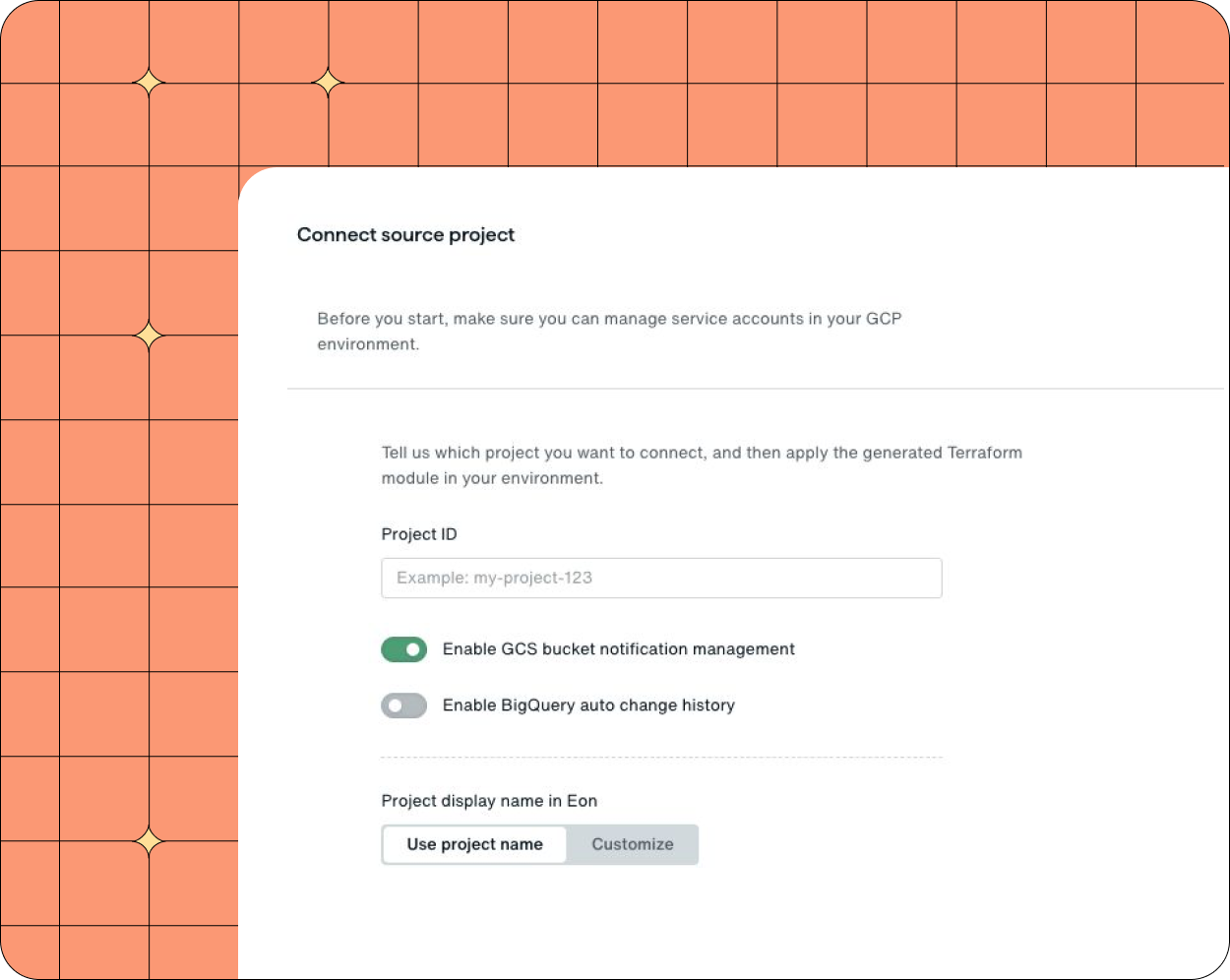
Connect a single project, a folder, or the whole organization. The process is the same and the difference is one parameter. At organization scope, projects created later are covered without another deployment.
Two service accounts, and no stored credentials.
Eon creates a discovery service account and a backup service account with custom least-privilege roles, then impersonates them with short-lived tokens. There is no long-lived key sitting anywhere, and discovery is read-only.
Write access limited to what Eon creates.
The few write permissions Eon needs are constrained by IAM conditions to resources whose names start with eon-. Eon can clean up its own snapshots and nothing else.
From connection to recovery
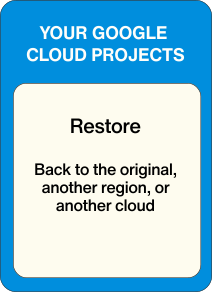
Connect a project with a read-only service account and Eon takes it from there. Nothing to size, patch or operate, and recovery lands back in your own projects.




Built with Google Cloud
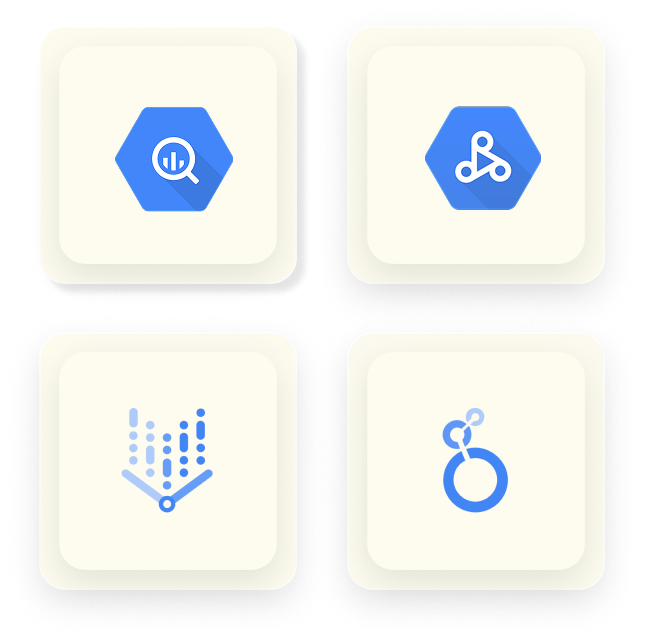
Eon and Google Cloud announced a strategic partnership in 2025, and Eon is a member of the Google Cloud ISV Springboard Program. Eon's storage platform runs on Cloud Storage, and backups land as live Iceberg tables that BigQuery, Dataproc, Vertex AI and Looker can read directly. Eon is available on Google Cloud Marketplace.
Protecting petabytes across regulated, multi-project Google Cloud estates

>100% ROI
in year one
SoFi more than covered the cost of Eon in its first twelve months, across five AWS Regions.

88% faster
recovery
NETGEAR cut restore time on a 10TB SQL Server database and reduced backup costs by 35%.


Ransomware and rogue AI agents
Both come down to something with valid credentials destroying data, starting with the backups. Recovery depends on whether your backups sit where those credentials can't reach, and whether you can tell which copy is clean.
Credentials from production do not open your backups
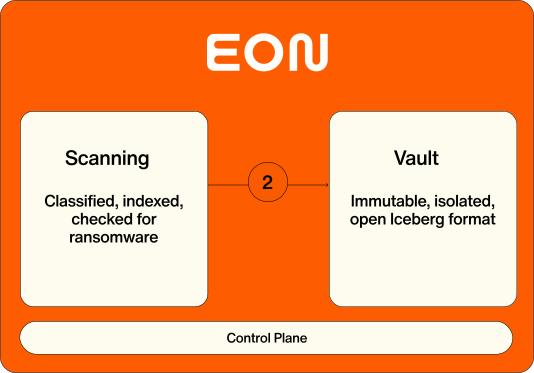
Backups land in an isolated, immutable vault, kept apart from the project they came from. Access is time-bound, so a key stolen out of production does not reach your recovery data, and nothing in there can be quietly overwritten or deleted.
You know which copy is clean before you restore
Every backup is scanned as it lands, for entropy shifts, mass deletion, suspicious file changes and ransomware notes. That runs across instances, object storage and databases, so you pick a clean recovery point rather than restoring and finding out.
Roll back what the agent touched
An automation with write access can do a lot of damage in a few seconds. Because Eon reads data down to the record, you restore the rows or objects it changed and keep every good write that happened alongside them.
Backup storage cost
Retention gets extended and never revisited, and snapshots outlive their resources. Eon stores less and shows where the rest goes, by project and region. As published with Google Cloud, customers cut backup storage and infrastructure costs by 30 to 50%.
You store what changed, not another full copy
After the first backup, Eon keeps only what is new, with a global deduplication pass optimised for cloud object storage rather than one dataset at a time.
One copy, not one per region
Protecting three regions the native way usually means paying to store three copies. Eon keeps one, and it stays searchable and restorable from any region or project you need it in.
Retention that matches what the data is
Because Eon classifies what it protects, retention follows the content instead of one default applied to everything. Snapshots of resources nobody owns any more expire, rather than sitting on the bill for years.





Backups BigQuery can read
Eon writes backups as Iceberg tables in Cloud Storage, so the copy you recover from is also a copy you can query. BigQuery reads it as an external table with no ETL and no second copy to keep in sync, and Dataproc, Vertex AI and Looker connect to the same data. Ask a question in plain English and Gemini turns it into SQL that runs directly against the backup. That is what lets you check what an attacker or an agent actually changed before deciding what to bring back, and answer an audit question without opening a recovery job.
Eon and Google Cloud Backup and DR
Backup and DR Service is a reasonable foundation, with immutable backup vaults and enforced retention up to 99 years. Teams tend to look further when the coverage gaps start to matter. Backup vault storage covers Compute Engine, Cloud SQL, VMware Engine and self-managed Oracle and SQL Server, which leaves Cloud Storage and BigQuery outside it. Some workloads are managed from the Cloud console and others through a separate appliance console, so one estate ends up with two operational models.
Google Cloud Backup & DR
Eon
Outside backup vault storage.
Covered, with row-level recovery from BigQuery.
Cloud console for some workloads, a separate appliance console for others.
One console for everything, across projects and clouds.
Assembled and checked by hand across projects and regions.
Enforced continuously. Drift shows up as a finding, not during a restore.
Restore it first, then look.
Query it in place from BigQuery, in open Iceberg and Parquet.
Resource-shaped, so a single object or a few rows means restoring what contained them.
Resource, file, object or row.
Google Cloud only.
AWS, Google Cloud and Azure in one view.
More on Google Cloud

FAQs

AWS, Google Cloud and Azure in one view.
Connect a service account and Eon will show you what is there: every resource across your projects and regions, what each one holds, what is currently protected, and what is not. Most teams find something they did not know was unprotected. Bring a recovery scenario you have had to handle and we will walk through it.