Microsoft 365 backup and recovery
Restore Microsoft 365 data from a clean point in time. Eon backs up Exchange Online, OneDrive, SharePoint and Teams to an immutable vault outside your tenant, so a deleted email, an encrypted folder or a wiped channel comes back the way it was.

















What Eon protects
Eon backs up your tenant every day and keeps each recovery point searchable, so you can find a lost item before you restore it.

Exchange Online
A single email, a folder or a whole mailbox, from any backed-up point in time.

OneDrive
Files and folders, including earlier versions.

SharePoint
Sites and document libraries, down to a single file, with permissions and sensitivity labels.

Teams
Channels and chats, backed up automatically. Restore a channel, a thread or a single reply with its original sender and timestamp.
Microsoft's recovery windows run out
Microsoft keeps deleted items for a few weeks, and retention policies hold data for compliance. Native tools don't tell you which recovery point is clean, and a compromised admin account can reach all of it.
Microsoft 365 on its own
Eon
Deleted email
Permanently deleted mail is kept 14 days by default, 30 at most.
Any recovery point your policy keeps, down to one email.
Deleted file
Recycle bins hold files for 93 days.
Any file from any backup, restored in place or to a separate folder.
Rolling back after ransomware
Files Restore can roll a library back up to 30 days, but you pick the clean point yourself.
Eon flags the last recovery point with no signs of encryption, so you restore from there.
Where copies live
Inside your tenant, where a compromised admin account can reach them.
An immutable, air-gapped vault outside your tenant.
Recovery that survives a compromised tenant
Backups your tenant can't touch
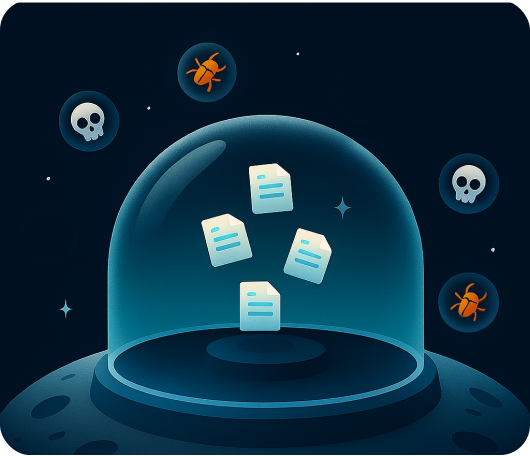
Restore from the last clean point
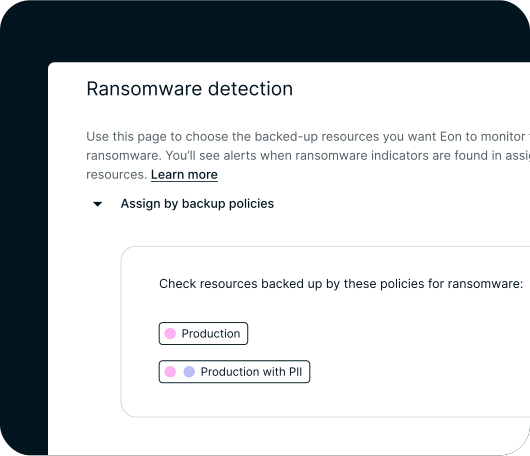
Find it and restore it, or hand it to an agent

How Eon connects to your tenant
- Connect. Grant tenant-wide admin consent through Microsoft Entra ID, from the console, a CLI script or Terraform. Eon reads your data through Microsoft Graph, with nothing to install.
- Protect. The first backup is a full copy. After that, each daily run captures only what changed.
- Recover. Browse or search any recovery point and restore an item, a folder or a whole mailbox.
FAQs
See Eon restore a Microsoft 365 mailbox on your own tenant
Protect Microsoft 365 next to Microsoft Entra ID, Google Workspace and your AWS, Azure and GCP workloads, with one policy model and one console.