Google Workspace backup and recovery
Restore Google Workspace data from a clean point in time. Eon copies Gmail, Google Drive, Shared drives and Google Groups to an immutable vault outside your domain. A deleted message, a wiped Shared drive or a removed group comes back the way it was.

















What Eon protects
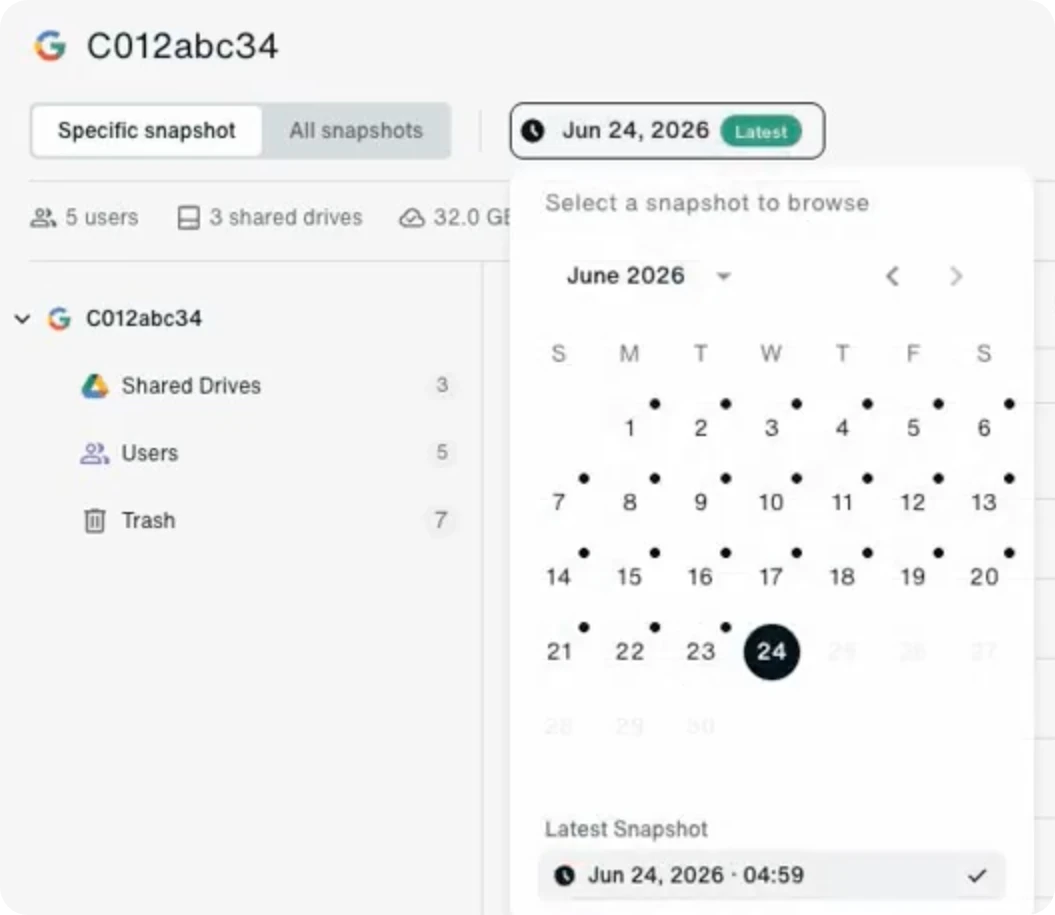
Eon backs up your domain about every 12 hours and keeps each recovery point searchable, so you can find a lost item before you restore it.

Gmail
A single message, a batch of messages or a whole mailbox, restored in place or to another mailbox.

My Drive
Files and folders, with their sharing settings. Restore in place or to another user's drive.

Shared drives
A single file, a folder or an entire Shared drive, with its members and structure.

Google Groups
The group, its members and settings, and its conversation history.
Google's recovery windows run out
Google holds deleted data for a few weeks, and Google Vault exists for legal holds, not recovery. Drive can roll files back about 25 days, but nothing rolls back a mailbox or a group, or tells you which point is clean.
Google Workspace on its own
Eon
Deleted file or email
Admins have 25 days after the trash empties, and restore by date range.
Any recovery point your policy keeps, down to one message or file.
Deleted user
Restorable for 20 days. After that, Google says the data is gone.
Mail and Drive for that user, brought back in one restore job.
Deleted group
Google offers no restore for a deleted group.
The group, its members, settings and conversations.
Where copies live
Inside your domain, where a compromised admin account can reach them.
An immutable, single-tenant vault on Google Cloud, outside your domain.
Knowing a copy is clean
Detection covers Drive for desktop only. Rollback reaches back 25 days, and you pick the point.
Eon checks every backup for mass deletion and encryption.
Recovery that survives a compromised domain
Backups your domain can't touch
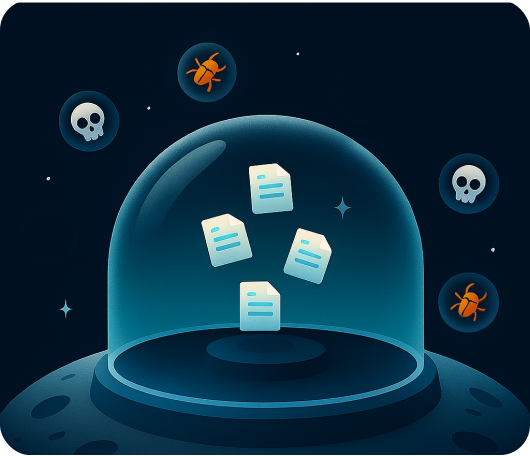
Recovery points land about every 12 hours in an immutable, single-tenant vault on Google Cloud. A compromised admin account, app or AI agent has no path to it. Global deduplication cuts stored volume by up to about half.
Restore exactly what was lost
In Gmail, pick one message or many and restore them in place or to another mailbox. In Drive, restore a file, a folder or a whole drive to the same drive or to another user's drive, with permissions carried over. A deleted group comes back with its members, settings and full conversation history. With Eon MCP, an AI agent can find and restore data from a plain-language request.
Catch the damage before you restore it
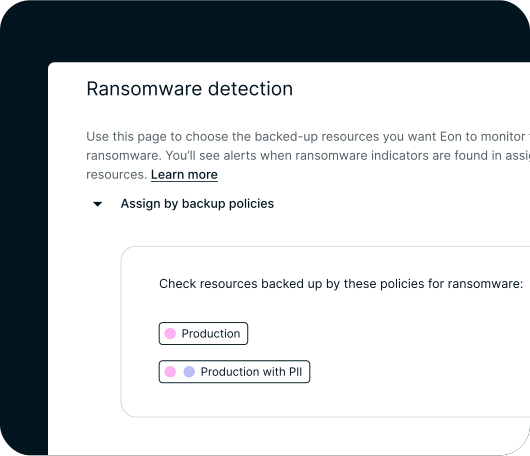
Every backup gets checked for mass deletions and signs of encryption, including changes made with valid permissions by a compromised account, an app or an AI agent, so you restore from the last clean point.
How Eon connects to your domain
- Connect. Authorize Eon in your Google Admin console. There's nothing to install and no agents to run.
- Protect. Set a backup policy. A fresh recovery point lands about every 12 hours.
- Recover. Browse or search any recovery point and restore an item, a user or a Shared drive.
FAQs
Google keeps the service running and holds deleted data for a limited time. Vault keeps data for legal and compliance holds, and Google says it isn't designed to be a backup tool. Eon keeps independent recovery points outside your domain, so a problem inside Workspace doesn't reach your backups.
Gmail, My Drive, Shared drives and Google Groups, including labels, sharing and group conversations.
About every 12 hours. Each recovery point stays for as long as your backup policy keeps it.
In an immutable, single-tenant vault on Google Cloud, in the region you choose.
See Eon restore a Google Workspace user on your own domain
Protect Google Workspace next to Microsoft 365, Microsoft Entra ID and your AWS, Azure and GCP workloads, with one policy model and one console.