

Why Eon Wins for Cloud-First Enterprises
Backup posture that doesn’t rely on tags or static rules
Rubrik’s cloud model spans agent-based and compute-based (Exocompute) approaches, each with trade-offs in operational overhead and consistency as environments scale. Rubrik’s cloud approach can span snapshot-first protection and customer-side compute (for indexing/search/granular workflows), depending on workload and deployment mode. That can create different operating models across services as environments scale.
Eon’s CBPM is built to keep coverage aligned continuously as accounts, regions, and services change.
- Discovers cloud resources across accounts and regions
- Classifies data and workloads by risk and compliance context
- Applies backup policies based on data characteristics, not tags
- Flags under-protected resources during normal operations
- No customer-deployed compute required to keep posture current
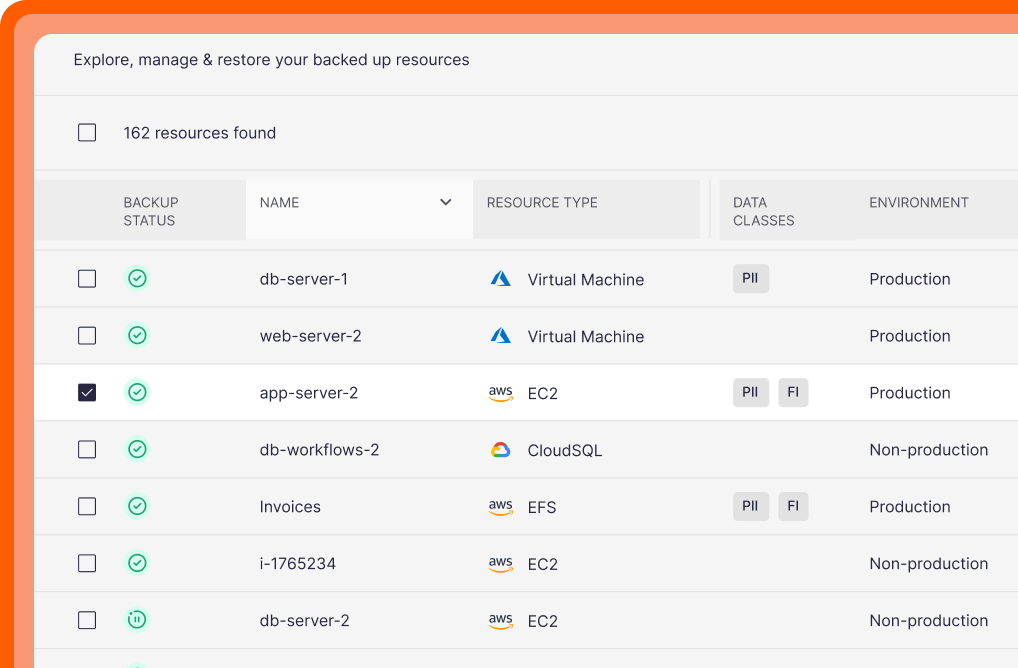
Resource Inventory
A centralized view of resources by type, data class, and environment.
Faster, more precise recovery for real cloud incidents
Rubrik recovery workflows push teams toward restore-first operations, which slows down common incidents like accidental deletes or corrupted tables.
Eon supports precision recovery so teams fix the specific issue rather than the whole system.
- File-, object-, and database record-level restores
- Direct database querying on backup data
- Search and restore across backups (files, objects, databases)
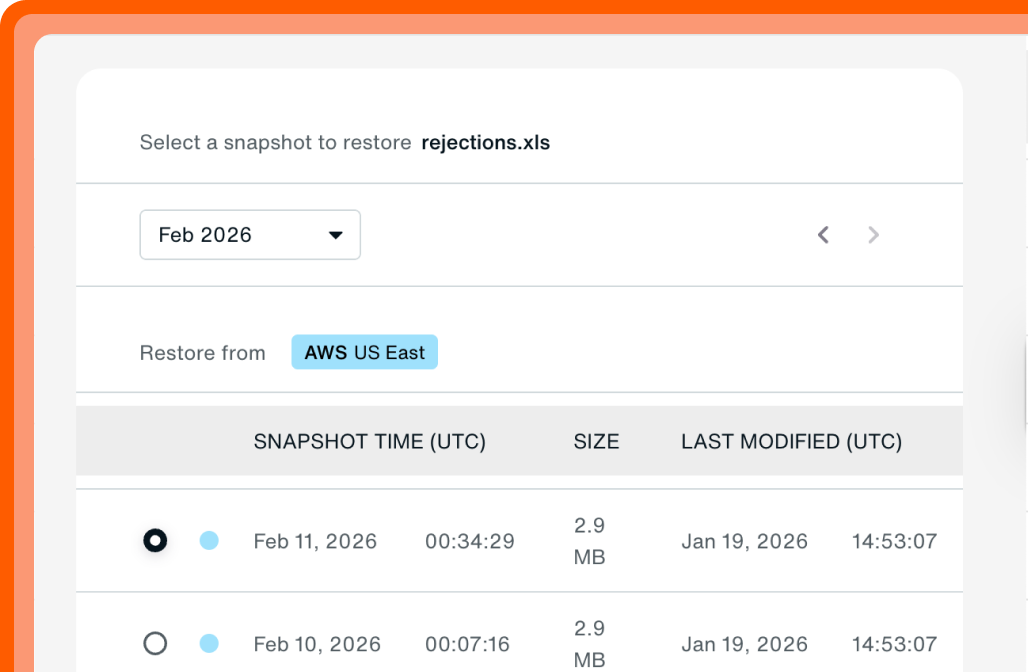
Granular Restore
Recover a specific file/object/table without rebuilding everything.
Ransomware protection that works with cloud workloads
Rubrik offers ransomware features, but advanced scanning can require additional licensed components and customer-side compute, and support can vary by workload and configuration.
Eon includes ransomware protection as part of the backup workflow.
- Logically air-gapped backups
- Immutable backups by default
- Anomaly detection to flag suspicious backup change patterns
- Clean recovery points for rollback to a known-good state
- Granular ransomware detection on database tables/records
Ransomware: find + recovery
Investigate signals, then restore from a known-good point.

Storage savings that don’t depend on infrastructure choices
In Rubrik’s cloud deployments, agent-based modules mean you’re managing cloud infrastructure per region/cloud, and agentless modes run snapshot workflows inside your environment, adding compute and storage overhead; archival modes can add API-call-driven cost.
Many teams cut backup storage spend by 30–50% with Eon through incremental backups and global deduplication.
- Forever incremental backups reduce backup storage
- Global deduplication reduces duplicate data across environments
- Cross-region recovery without running separate backup stacks or duplicated operational workflows
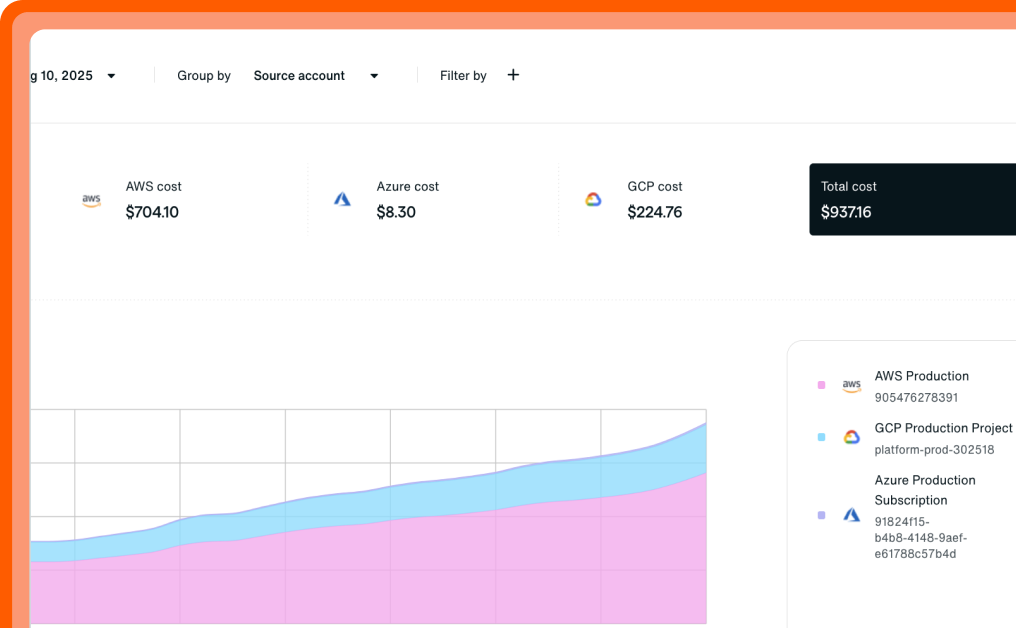
Cost Explorer
Break spend down by resource to spot waste and prove savings.
FAQs
Teams compare Eon vs. Rubrik when Rubrik Security Cloud introduces customer-managed clusters and restore-first workflows.
Eon targets cloud infrastructure across AWS, Azure, and Google Cloud, with fast recovery, backup posture management, and direct access to backup data.
Yes. Rubrik’s granular file recovery for AWS depends on Exocompute (EKS-based compute in the customer environment for indexing and recovery tasks), which adds Kubernetes and networking overhead and is commonly deployed in dedicated VPCs per region.
For cloud infrastructure workloads, yes. Eon replaces restore-first workflows and customer-run backup infrastructure with a SaaS delivery model for public cloud environments.
Rubrik can still fit organizations with significant on-prem environments or SaaS application requirements.
Yes. Eon lets teams search and query backup data directly for audits, investigations, analytics, and AI use cases, without restoring full environments. Robust RBAC controls ensure only authorized teams and users can access backup data.
Eon includes its own Cost Explorer that lets customers granularly identify backup costs from a cloud account level, all the way to an individual resource.
Rubrik cost tracking can span clusters, storage duplication, and licensed modules.