Backup and recovery for AWS
Eon connects to every AWS account and Region through one read-only IAM role. No appliances, no VMs to size, nothing to roll out across your estate. You get coverage you can prove, recovery down to a single file or record, and over 40% off backup storage spend. Available on AWS Marketplace, so you can buy through your existing AWS account.



What Eon backs up on AWS
Eon works natively through AWS's own APIs, with no appliances to run, and recovers any resource across your accounts and Regions down to a single file, table or record.

Compute
Amazon EC2 and Amazon EBS. Instant Restore boots the instance before every volume has finished hydrating, so it serves traffic while the rest catches up. Restore a whole instance, a single volume, or one file.

Object storage
Amazon S3, captured at object level and stored incrementally. Restore a bucket, a prefix, or a single object. You can search a backup to find what you need before restoring anything.

Relational databases
Amazon RDS on MySQL, PostgreSQL, MariaDB, SQL Server and Oracle, plus Aurora and self-managed databases running on EC2. Point-in-time recovery, and restore down to a table or the rows matching a query.

NoSQL databases
Amazon DynamoDB, Amazon Keyspaces and Amazon DocumentDB. Backups are truly incremental rather than a full copy each time, and you can bring back a single record instead of rolling the whole table back.

File storage
Amazon EFS, and Amazon FSx for Lustre, Windows File Server and ONTAP. Restore individual items back into an existing file system, and keep copies in a second Region.

Kubernetes
Amazon EKS, covering persistent volumes, persistent volume claims, secrets and cluster state. There is no operator to install and maintain inside the cluster.
How Eon connects to your AWS account
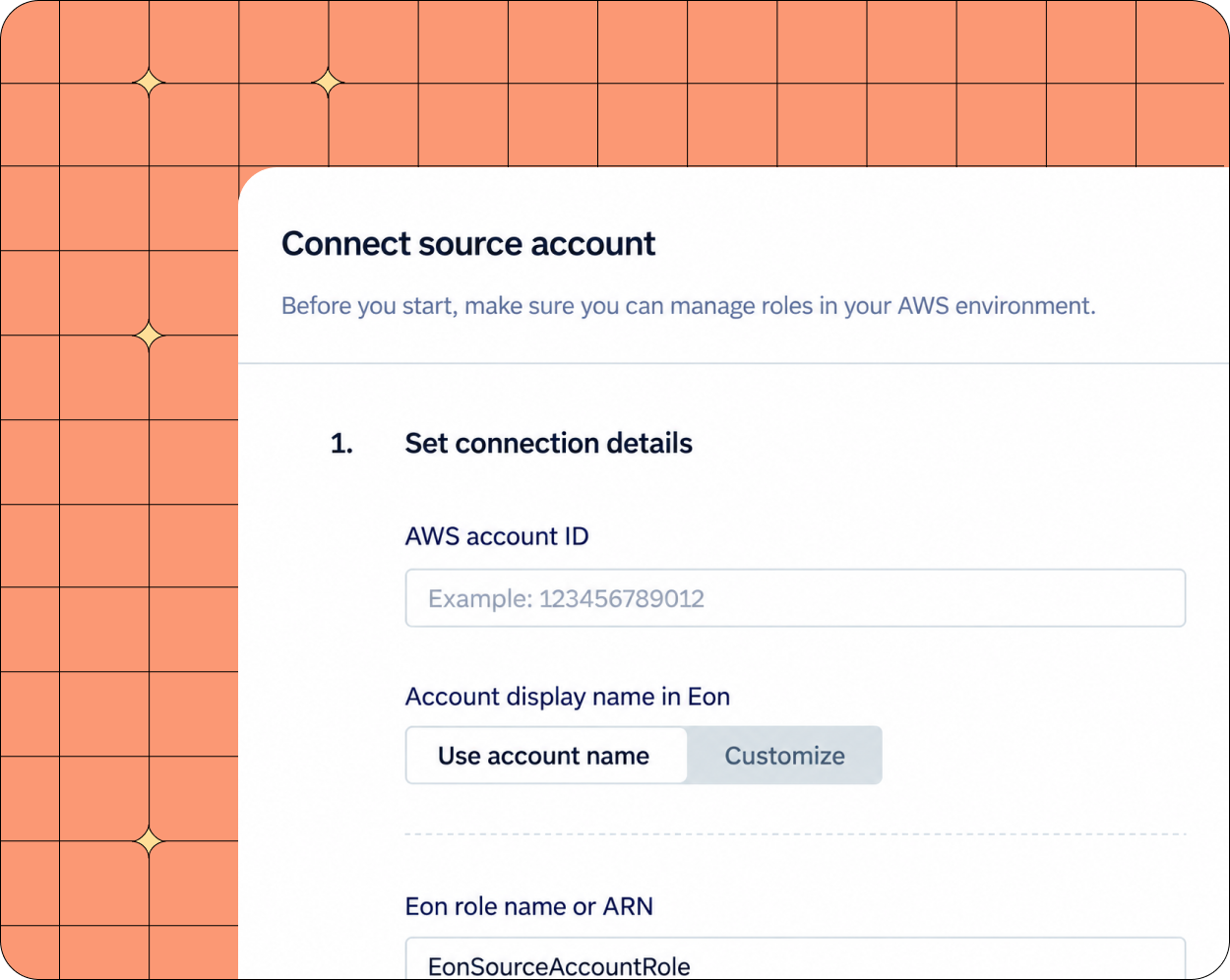
One read-only IAM role
No appliances to run, no VMs to size, no inbound ports to open. Discovery and backup work through the cloud APIs, so there is nothing to deploy across your estate before you are protected. Most teams have their first account covered inside an hour.
Eon finds what you have, including what nobody tagged
It inventories every account and Region and classifies what each resource holds, so protection follows the data instead of a label someone has to remember to apply. New resources are picked up as they appear.
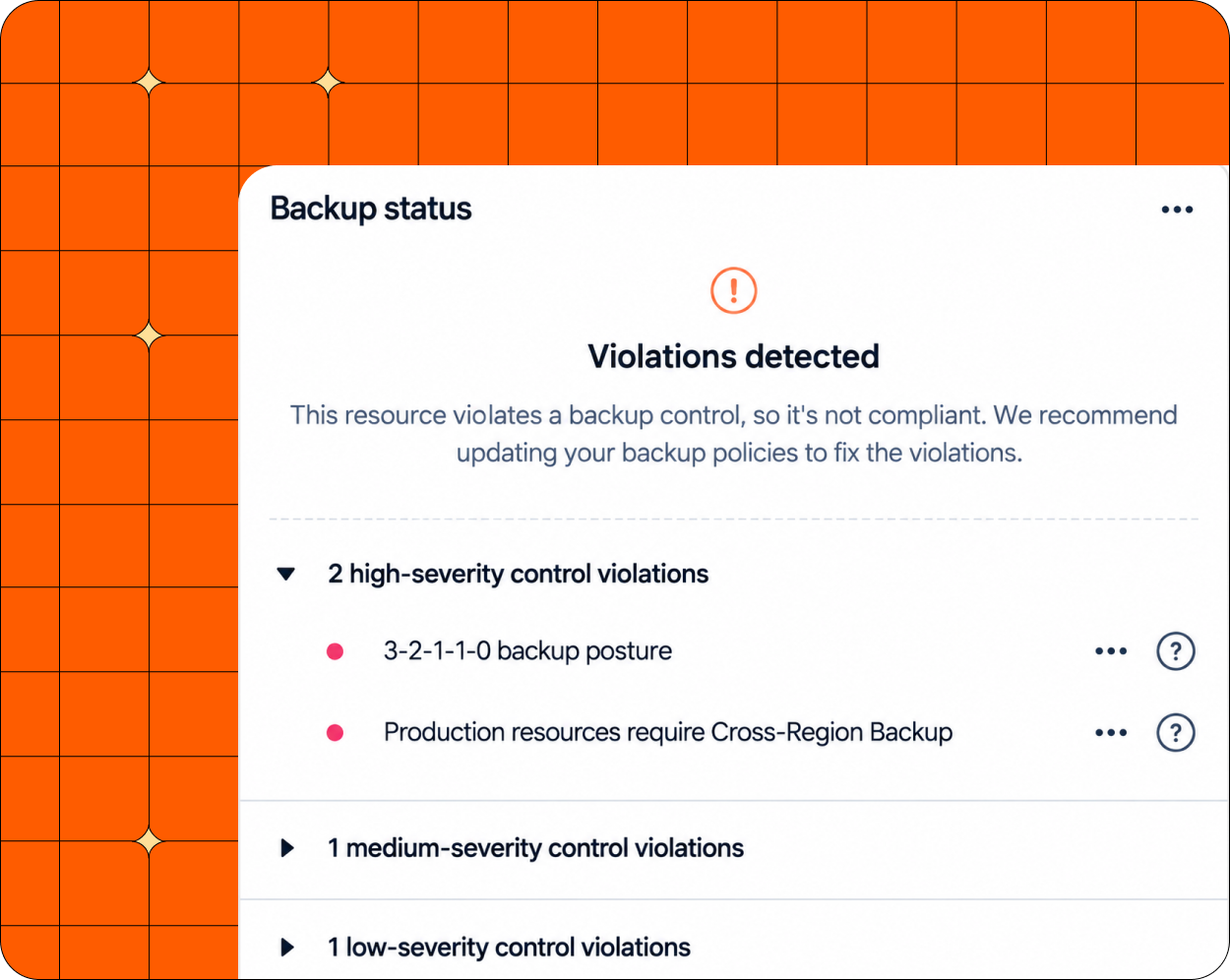
Coverage drift shows up as a finding
When a resource stops matching policy, or a new account appears with nothing protecting it, you see it on a dashboard. Not in the middle of a restore, which is where most teams find out.

Protecting petabytes across regulated, multi-account AWS estates

>100% ROI
in year one
SoFi more than covered the cost of Eon in its first twelve months, across five AWS Regions.

88% faster
recovery
NETGEAR cut restore time on a 10TB SQL Server database and reduced backup costs by 35%.


Eon and AWS Backup
AWS Backup centralizes snapshot scheduling and retention, and for single-cloud teams it's often enough. Teams usually look further after a deleted S3 object or a corrupted DynamoDB record, when the only fix is restoring the whole resource.
AWS Backup
Eon
Resource level. Item level varies by service.
Resource, file, table or record, on every supported service.
Differs per service, so each one has its own runbook.
The same path everywhere, so the team learns it once.
Assembled and checked by hand across accounts and Regions.
Enforced continuously. Drift shows up as a finding, not during a restore.
Restore it first, then look.
Query it in place, in open Iceberg and Parquet.
Building blocks for isolation. Malware scanning available as a paid add-on.
Immutable isolated vault and scanning on landing, on by default.
AWS only.
AWS, Google Cloud and Azure in one view.
Ransomware and rogue AI agents
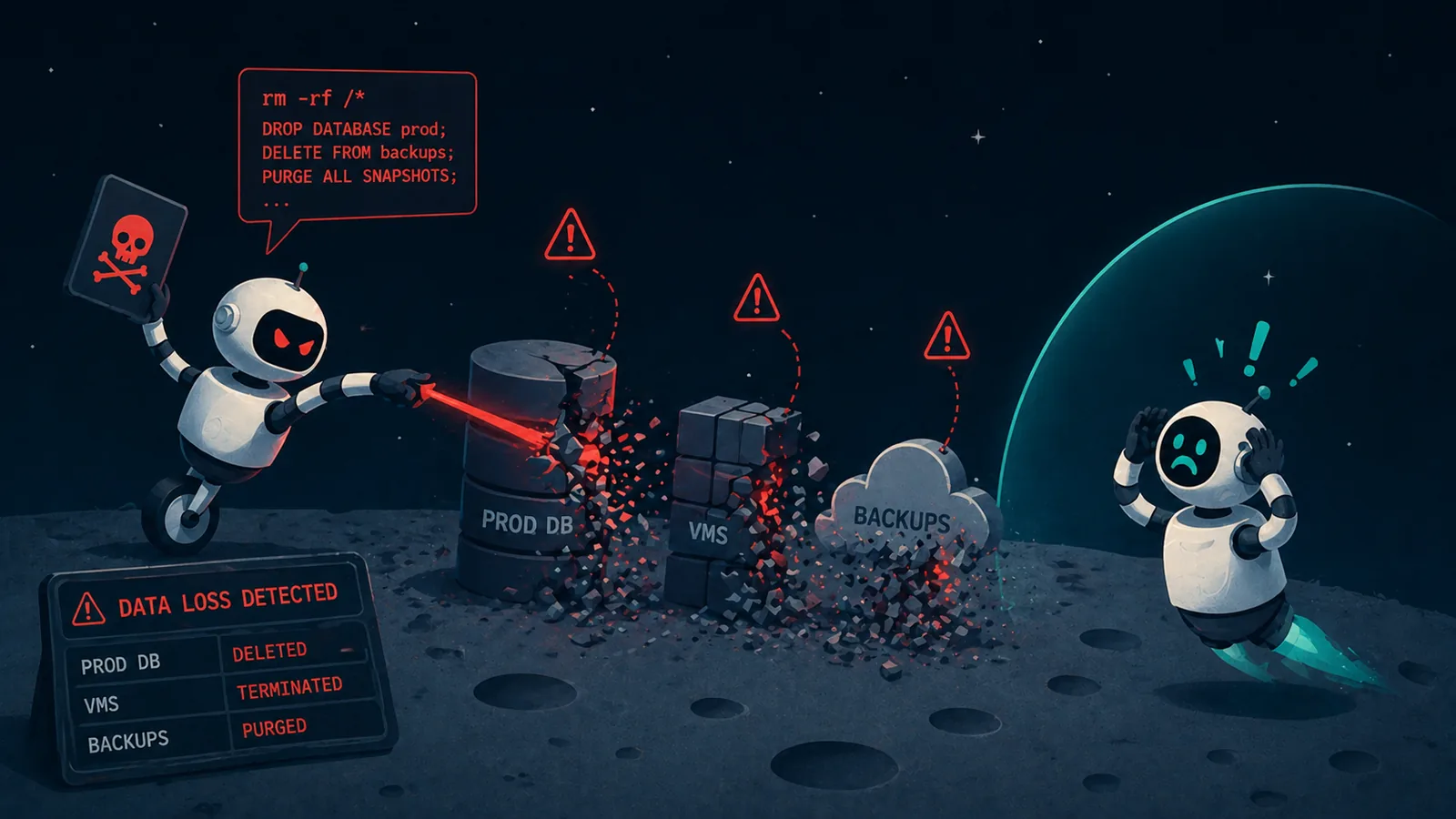
Both come down to something with valid credentials destroying data, starting with the backups. Recovery depends on whether your backups sit where those credentials can't reach, and whether you can tell which copy is clean.
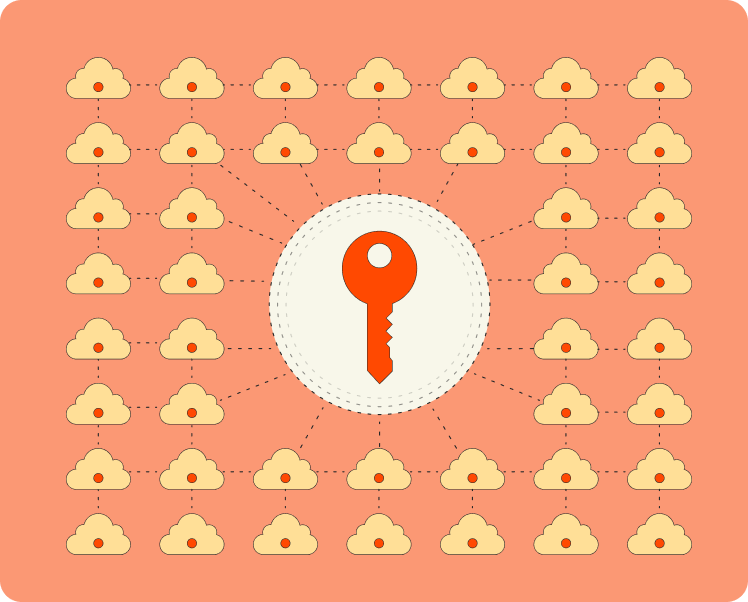
Credentials from production do not open your backups
Backups land in an isolated, immutable vault, kept apart from the accounts they came from. Access is time-bound, so a key stolen out of production does not reach your recovery data, and nothing in there can be quietly overwritten or deleted.

You know which copy is clean before you restore
Every backup is scanned as it lands, for entropy shifts, mass deletion, suspicious file changes and ransomware notes. That runs across instances, object storage and databases, so you pick a clean recovery point rather than restoring and finding out.
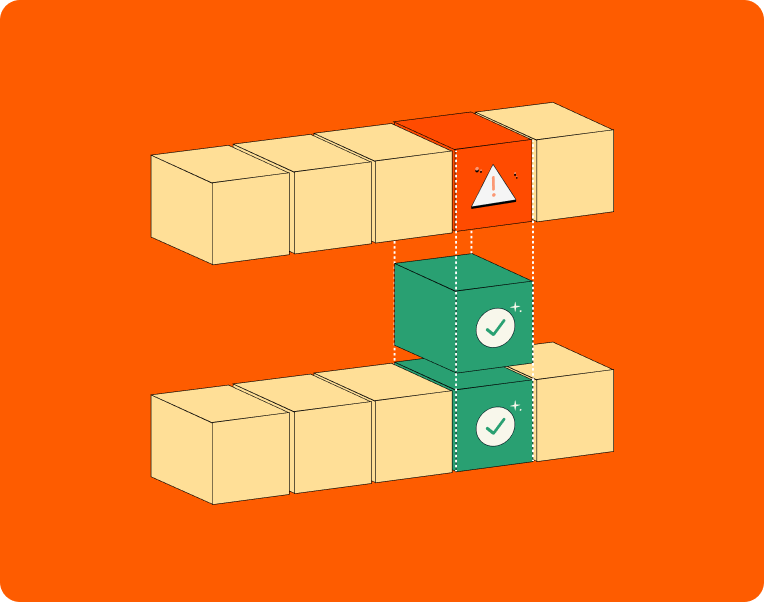
Roll back what the agent touched
An automation with write access can do a lot of damage in a few seconds. Because Eon reads data down to the record, you restore the rows or objects it changed and keep every good write that happened alongside them.
Backup storage
cost
Backup spend grows quietly. Retention gets extended once and never revisited, snapshots outlive the resources they came from, and nobody owns the line item until Finance asks about it. Eon stores less to begin with, and shows you where the rest is going, by account and by Region.
Protect a database into another cloud
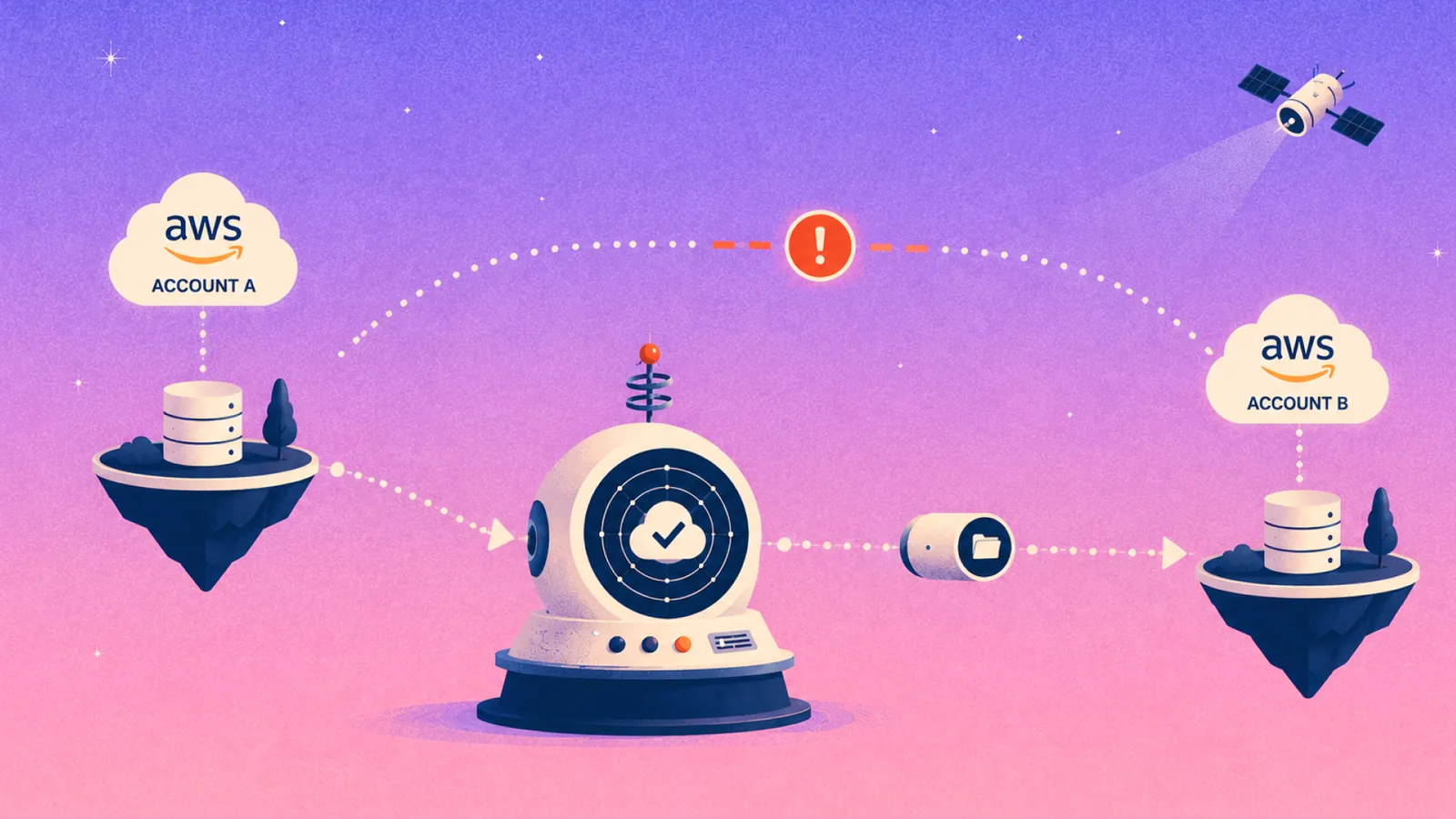
Back up Amazon RDS and Aurora into a vault on Google Cloud, outside the blast radius of an AWS outage or a compromised AWS organization. You can query that copy and restore records from it while AWS is down, then bring the full database back to AWS when it recovers.
More on AWS backup
.webp)
FAQs

See it against your own AWS account
Connect a read-only IAM role and Eon will show you what is in there: every resource across your accounts and Regions, what each one holds, what is currently protected, and what is not. Most teams find something they did not know was unprotected. Bring a recovery scenario you have had to handle and we will walk through it.