Object storage backup and recovery
Back up at object level, store only what changed, and restore one object or a whole bucket. Your backups sit in an isolated vault, apart from the account they came from.
What Eon backs up
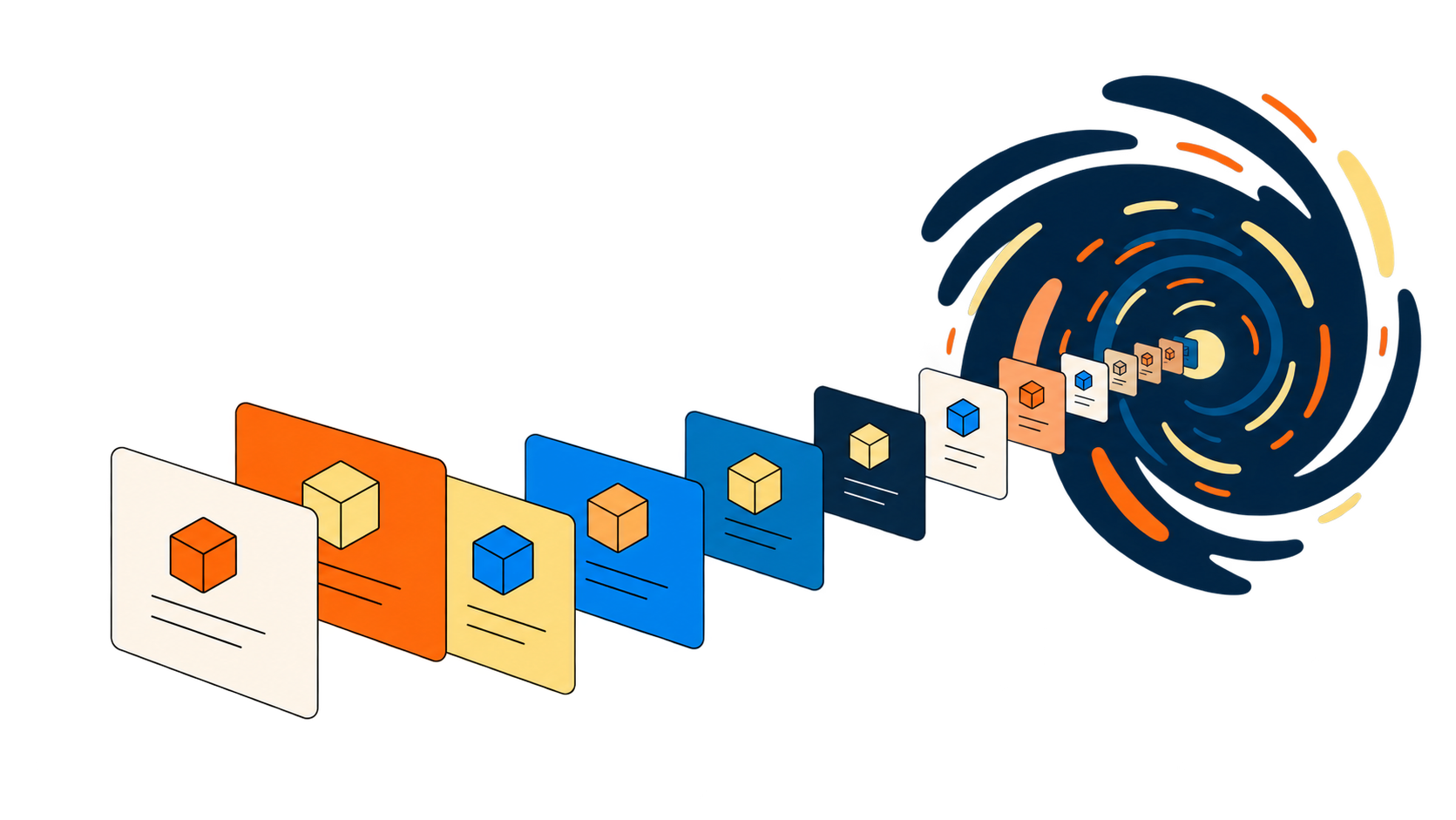
Eon finds your buckets on its own and keeps every snapshot searchable, so you can locate the object you need before restoring anything.
Amazon S3
Object-level capture, stored incrementally after the first backup. Restore a whole bucket, a prefix, or one object. Running at multi-petabyte scale across billions of objects.
How Eon backs up object storage
One read-only role.
Backup runs through the cloud APIs, with no appliances or inbound ports. Eon discovers and classifies new buckets automatically.
Only what changed.
The first backup captures the bucket. After that, Eon stores new and changed objects and never depends on source-bucket versioning.
Copies that outlive the account.
Backups land in an immutable vault kept apart from the source account. You restore into any Region from that one copy, with no replica bucket.
Versioning is not a backup
Versions live in the same bucket, account and credentials as your data. If someone deletes the bucket or compromises the account, the versions go too. Hardening versioning with Object Lock and replication still leaves you without orchestrated recovery.
Versioning and native tooling
Eon
Where copies live
Same bucket, same account.
An isolated vault, separate from the account it came from.
Blast radius
Credentials that reach the bucket reach the versions.
Production credentials do not open the vault.
Storage growth
Every version retained until a lifecycle rule expires it.
Only changed objects stored after the first backup.
Finding an object
Indexing has to be configured, is priced per item indexed and searched, and does not aggregate across Regions.
Object search across every snapshot, included, with no setup.
Cross-Region
A duplicate copy per Region.
One copy, restorable into any Region.
Knowing a copy is clean
Not addressed.
Scanned as it lands, with clean recovery points surfaced.
Knowing which copy is clean
Object Lock stops deletion, yet it also locks in objects that an attacker already encrypted. Eon scans every backup as it lands for mass overwrites, version flooding and staged encryption, and flags the last clean recovery point.
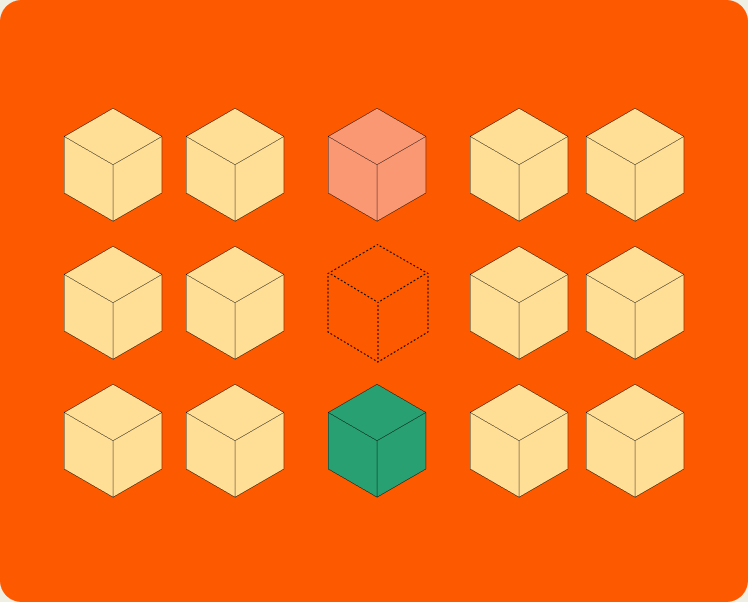
Signals specific to object storage
Eon watches for the patterns that show up in bucket attacks rather than file-server ones, and flags them as backups land.
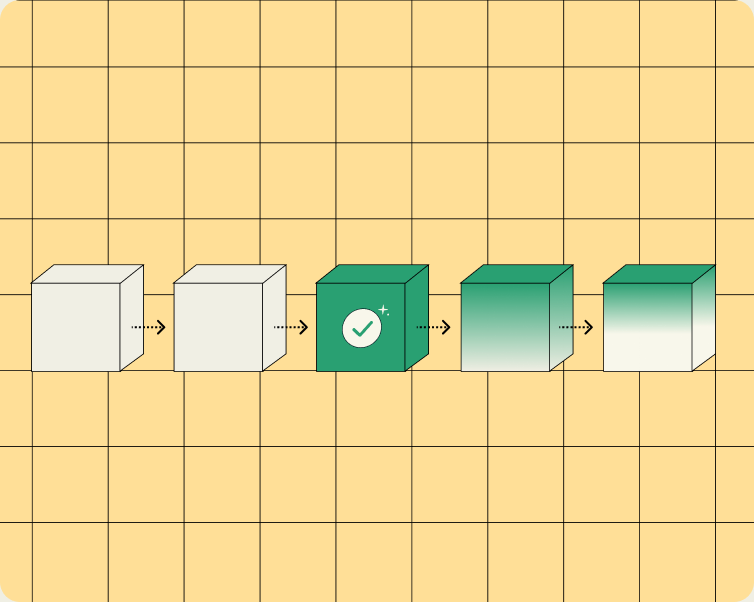
A clean recovery point, identified before you restore
You pick the copy you know is good, instead of restoring and finding out.
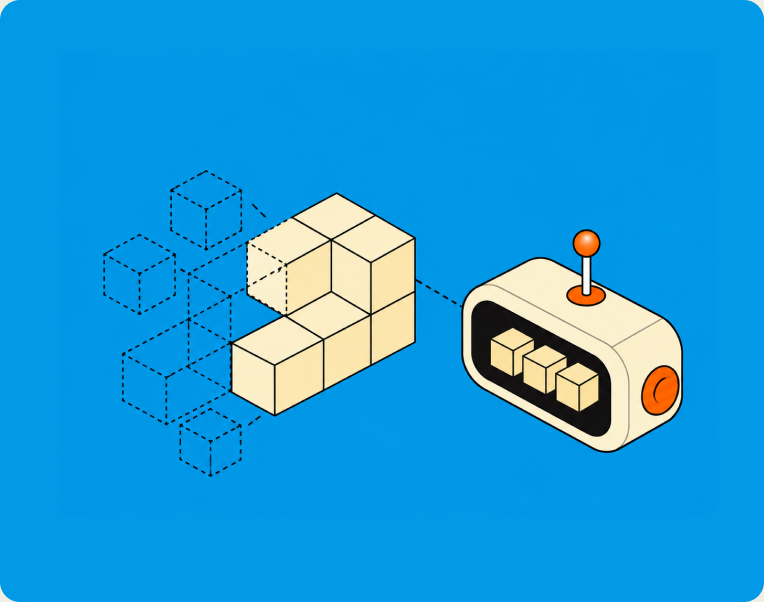
The vault survives the account
Recovery data sits outside the blast radius, so a compromised account does not take your backups with it.
Object storage backup cost
See backup spend by bucket, account and Region, instead of buried in the storage line. Eon keeps changed objects only, so you avoid the extra storage that versioning adds over years.
Your backup data stays usable
Every backup lands as Apache Iceberg and Parquet tables. Query them from analytics engines like Athena, BigQuery or Microsoft Fabric, or ask in plain English. You can check what an attacker changed, or answer an audit, with no restore.
More on object storage backup

FAQs
No. Eon keeps full backup history without it. That means no versioning overhead, fewer API calls, and no second set of copies compounding in the source bucket.
Yes. Object search runs across every snapshot, with no indexing to configure and no per-item search charge, so you can locate what you need before restoring anything. Then restore a whole bucket, a prefix, or one object, straight from backup storage with no rehydration.
Eon is running at multi-petabyte scale across billions of objects. Backups stay incremental as the bucket grows, so backup windows do not stretch with object count.
Backups land in an isolated, immutable vault, kept apart from the account they came from. Access is time-bound, so a key stolen out of production does not open your recovery data.
No. Cross-Region Replication protects a second Region by keeping a second full copy of the bucket, so you pay to store everything twice, and three Regions means three copies. Eon keeps one backup and restores it into whichever Region you ask for. You get the same Regional recovery without multiplying what you store.
Both are covered, from the same console and the same policy model as Amazon S3. What a restore looks like differs a little by cloud. S3 and Azure Blob restore down to individual objects and blobs. Google Cloud Storage restores at bucket level today, with the option to restrict which destination buckets are allowed.

See it against your own buckets
Connect a read-only role and see every bucket you have, and which of them have a backup today. Bring a recovery you've already been through and we will walk through how it would go with Eon.