

Article

Why S3 Versioning Isn’t a Backup Solution (and What to Do Instead)

Relying on versioning alone leaves big gaps in recovery, compliance, and cost control. Here’s what you need to know, and what to do instead.

Around
0
 min read
Updated on 
Feb 10, 2026
Why S3 Versioning Isn’t a Backup Solution (and What to Do Instead)Why S3 Versioning Isn’t a Backup Solution (and What to Do Instead)
Article

Why S3 Versioning Isn’t a Backup Solution (and What to Do Instead)

Relying on versioning alone leaves big gaps in recovery, compliance, and cost control. Here’s what you need to know, and what to do instead.

Around
7
 min read
Industry
Size
Cloud Provider
Use Cases
Eon Solutions
Contact sales
Get a demo
Download PDF

Quick Summary

  • Versioning is not the same as backup. It helps you revert deletions/overwrites, not recover from incidents or cyber events.
  • Most versions share the same blast radius. They live in the same account and usually the same region, so compromised access or a major regional incident can still put recovery at risk.
  • Noncurrent versions quietly drive cost. Without lifecycle controls, versioning can create large, unplanned storage growth.
  • What you need instead: isolated, immutable backups with recovery workflows you can actually execute under pressure.

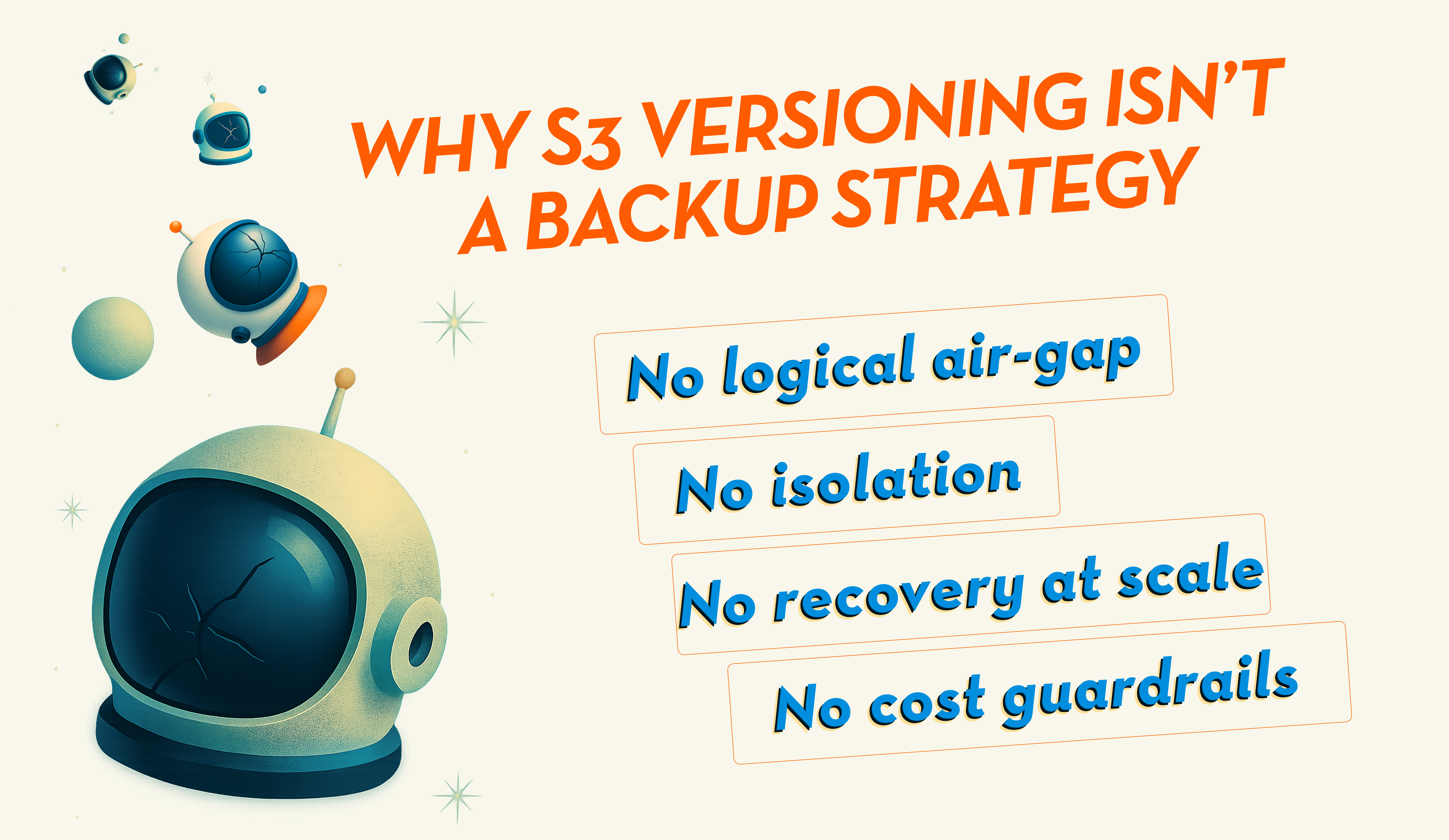
S3 Versioning is a feature that lets you roll back deletes and overwrites. It’s not designed to carry your disaster recovery or cyber recovery plan.

Versioning is great for “oops” moments. But if the scenario involves ransomware, compromised credentials, region-level availability issues, or large-scale recovery, versioning alone won’t give you the isolation and recovery motion you actually need.

Backup isn’t “can I retrieve a thing.” Backup is “can I recover what matters, fast, safely, and predictably, when the situation is ugly.”
What S3 Versioning is (and what people mean when they say “backup”)

S3 Versioning keeps multiple versions of the same object in a bucket. If someone overwrites a file, uploads a bad artifact, or deletes something, you can restore a previous version.

Also: if your goal is actual backup for S3 (not just more versions inside the same bucket), it’s worth understanding the difference between “versioning” and an S3 backup strategy.

When teams say “backup,” they usually mean:

  • Isolation from compromised identities and misconfigurations
  • Immutability you can rely on during an incident
  • Recoverability at scale, with workflows that aren’t a pile of scripts
  • Auditability and retention controls that stand up in real environments

Versioning can help you roll back a mistake. It is not built to carry your incident or cyber recovery plan.

The first gap: versioning doesn’t change the blast radius

Versioning doesn’t move data into a safer failure domain. All versions typically share the same:

  • AWS account boundary
  • IAM access plane
  • Bucket policy posture
  • Region (unless you add replication)

So if something goes wrong in that same blast radius, versioning doesn’t magically become a backup.

Where this shows up in practice:

  • Compromised credentials: an attacker with permissions can delete versions, change policies, or trigger conditions that remove recovery options.
  • Misconfiguration and drift: a single bad change can impact the bucket, the versions, and your ability to access them.
  • Regional incidents: if versions only exist in one region, you’re still betting your recovery on that region being available.

Yes, you can reduce this risk with tight IAM, MFA Delete (where applicable), Object Lock, replication, and/or cross-account patterns. But now you’re assembling a backup system out of multiple S3 features, and you still don’t get orchestrated recovery.

The failure mode isn’t “S3 didn’t keep versions.” It’s “we couldn’t confidently recover the right data fast enough without making the incident worse.”

The second gap: it’s not about “instant discovery,” it’s about retention and findability

A common question is whether versioning only helps if you notice right away. The real answer: it’s not about recency, it’s about whether the right versions still exist and whether you can find them.

Here’s what determines whether versioning will save you in a rollback scenario:

  • You can only roll back to versions that still exist. If versioning has been enabled for months (or years), and you haven’t expired noncurrent versions, you can restore older versions long after an overwrite or deletion.
  • It gets harder to find the right version as time passes. S3 will keep versions, but you may be sifting through lots of versions across prefixes and buckets. Without strong naming discipline, inventory, or tooling, older recovery becomes “possible, but painful.”
  • If versioning wasn’t enabled at the time of the incident, it won’t help retroactively. You only get versions from the point you enabled it onward.
  • If lifecycle rules expire noncurrent versions (common for cost control), older versions may be gone. That’s the tradeoff: cost control vs. deep rollback history.

So versioning can work weeks later. It’s just not a clean, predictable recovery mechanism once scope gets big.

“We also use CRR.” Replication still doesn’t equal backup

Cross-Region Replication (CRR) is a valuable availability feature. It copies objects to another region.

But CRR doesn’t turn versioning into backup for two reasons:

  1. CRR can replicate bad outcomes, too.
    Overwrites, delete markers, and encrypted/corrupted objects can replicate, depending on how you’ve configured replication.
  2. You still don’t get recovery orchestration.
    You’re still stitching together recovery by bucket, prefix, object, and version. During an incident, that becomes slow, error-prone, and hard to validate.

Replication helps with resilience, but it doesn’t replace an actual backup strategy.

Availability features help you stay up. Backups help you get back even when trust is broken (credentials, configuration, data integrity).

“What about Object Lock?” Helpful, but still not the whole story

Object Lock can provide immutability if configured correctly. That’s a strong control.

But it doesn’t solve:

  • Setup drift across many buckets/accounts
  • Org-wide coverage guarantees (who’s protected vs who isn’t)
  • Recovery workflows at scale
  • Ongoing posture management and reporting

Immutability is necessary, but it’s not enough on its own.

The cost trap: noncurrent versions grow quietly

Versioning can become an unplanned storage multiplier.

Overwrites typically create a full new object version. For large objects updated frequently, noncurrent versions add up fast. Many teams only notice after costs compound, because version growth is gradual and spread across many buckets.

That’s why versioning almost always needs lifecycle rules. And lifecycle rules almost always reduce your rollback window.

The tradeoff is unavoidable: either you pay for long history, or you prune history and shrink your recovery options.

What to do instead: treat versioning as a revert then add real backup controls

If you want something that holds up during ransomware, access compromise, or large-scale recovery, you need controls versioning doesn’t provide on its own:

1) Isolation

Backups should live in a separate blast radius. Account-level separation (separate backup accounts/vault accounts) is a common approach. If the primary environment is compromised, recovery assets shouldn’t be in the same line of fire.

2) Immutability that’s baseline

Immutability should be built in and consistently enforced, not something that varies bucket-to-bucket or team-to-team.

3) Recovery you can execute

You want recovery workflows that are repeatable under pressure:

  • Testoring specific objects/prefixes safely
  • Proving what’s recoverable (and what isn’t)
  • Restoring at scale without scripting your way through a crisis

At minimum, an enterprise cloud backup platform should give you the boring-but-nonnegotiable stuff by default: compliance-grade retention beyond 35 days, immutability, logical air-gapped backups, cross-region/account recovery, RBAC, and audit logs.

The goal isn’t “more controls.” It’s fewer bets. You shouldn’t have to discover during an incident that recovery depends on one bucket policy change from six months ago.

How Eon compares to S3 Versioning

Category S3 Versioning Eon
Scope Single-bucket object versions Org-wide coverage across accounts/regions (and across clouds, where needed)
Isolation None (same account/region) Logically air-gapped backups in isolated vaults; immutable and indelible by default
Recovery Manual / scripting-heavy Orchestrated, policy-driven restores designed for predictable recovery outcomes
Cost control Pay for all noncurrent versions Cost visibility + guardrails so “silent growth” doesn’t become a bill surprise
Management Lifecycle and cleanup controls must be configured and maintained Unified control plane for policy enforcement + restore workflows

When versioning is the right tool (and when it’s not)

Use versioning for:

  • Accidental deletes and overwrites
  • Quick rollbacks after a bad deployment
  • Basic protection against day-to-day mistakes

Don’t rely on versioning as your backup strategy if you need:

  • Cyber recovery confidence
  • Isolation from compromised access
  • Large-scale restore readiness
  • Consistent posture across many accounts/teams

S3 Versioning is useful. It’s just not backup.

Treat it like a revert option, then build a real backup strategy around isolation, immutability, and recovery workflows you can prove in practice.


FAQ

No items found.

Solutions Architect @ Eon

Industry
Size
Cloud Provider
Use Cases
Eon Solutions
Contact sales
Get a demo
Download PDF

Quick Summary

  • Versioning is not the same as backup. It helps you revert deletions/overwrites, not recover from incidents or cyber events.
  • Most versions share the same blast radius. They live in the same account and usually the same region, so compromised access or a major regional incident can still put recovery at risk.
  • Noncurrent versions quietly drive cost. Without lifecycle controls, versioning can create large, unplanned storage growth.
  • What you need instead: isolated, immutable backups with recovery workflows you can actually execute under pressure.

S3 Versioning is a feature that lets you roll back deletes and overwrites. It’s not designed to carry your disaster recovery or cyber recovery plan.

Versioning is great for “oops” moments. But if the scenario involves ransomware, compromised credentials, region-level availability issues, or large-scale recovery, versioning alone won’t give you the isolation and recovery motion you actually need.

Backup isn’t “can I retrieve a thing.” Backup is “can I recover what matters, fast, safely, and predictably, when the situation is ugly.”

What S3 Versioning is (and what people mean when they say “backup”)

S3 Versioning keeps multiple versions of the same object in a bucket. If someone overwrites a file, uploads a bad artifact, or deletes something, you can restore a previous version.

Also: if your goal is actual backup for S3 (not just more versions inside the same bucket), it’s worth understanding the difference between “versioning” and an S3 backup strategy.

When teams say “backup,” they usually mean:

  • Isolation from compromised identities and misconfigurations
  • Immutability you can rely on during an incident
  • Recoverability at scale, with workflows that aren’t a pile of scripts
  • Auditability and retention controls that stand up in real environments

Versioning can help you roll back a mistake. It is not built to carry your incident or cyber recovery plan.

The first gap: versioning doesn’t change the blast radius

Versioning doesn’t move data into a safer failure domain. All versions typically share the same:

  • AWS account boundary
  • IAM access plane
  • Bucket policy posture
  • Region (unless you add replication)

So if something goes wrong in that same blast radius, versioning doesn’t magically become a backup.

Where this shows up in practice:

  • Compromised credentials: an attacker with permissions can delete versions, change policies, or trigger conditions that remove recovery options.
  • Misconfiguration and drift: a single bad change can impact the bucket, the versions, and your ability to access them.
  • Regional incidents: if versions only exist in one region, you’re still betting your recovery on that region being available.

Yes, you can reduce this risk with tight IAM, MFA Delete (where applicable), Object Lock, replication, and/or cross-account patterns. But now you’re assembling a backup system out of multiple S3 features, and you still don’t get orchestrated recovery.

The failure mode isn’t “S3 didn’t keep versions.” It’s “we couldn’t confidently recover the right data fast enough without making the incident worse.”

The second gap: it’s not about “instant discovery,” it’s about retention and findability

A common question is whether versioning only helps if you notice right away. The real answer: it’s not about recency, it’s about whether the right versions still exist and whether you can find them.

Here’s what determines whether versioning will save you in a rollback scenario:

  • You can only roll back to versions that still exist. If versioning has been enabled for months (or years), and you haven’t expired noncurrent versions, you can restore older versions long after an overwrite or deletion.
  • It gets harder to find the right version as time passes. S3 will keep versions, but you may be sifting through lots of versions across prefixes and buckets. Without strong naming discipline, inventory, or tooling, older recovery becomes “possible, but painful.”
  • If versioning wasn’t enabled at the time of the incident, it won’t help retroactively. You only get versions from the point you enabled it onward.
  • If lifecycle rules expire noncurrent versions (common for cost control), older versions may be gone. That’s the tradeoff: cost control vs. deep rollback history.

So versioning can work weeks later. It’s just not a clean, predictable recovery mechanism once scope gets big.

“We also use CRR.” Replication still doesn’t equal backup

Cross-Region Replication (CRR) is a valuable availability feature. It copies objects to another region.

But CRR doesn’t turn versioning into backup for two reasons:

  1. CRR can replicate bad outcomes, too.
    Overwrites, delete markers, and encrypted/corrupted objects can replicate, depending on how you’ve configured replication.
  2. You still don’t get recovery orchestration.
    You’re still stitching together recovery by bucket, prefix, object, and version. During an incident, that becomes slow, error-prone, and hard to validate.

Replication helps with resilience, but it doesn’t replace an actual backup strategy.

Availability features help you stay up. Backups help you get back even when trust is broken (credentials, configuration, data integrity).

“What about Object Lock?” Helpful, but still not the whole story

Object Lock can provide immutability if configured correctly. That’s a strong control.

But it doesn’t solve:

  • Setup drift across many buckets/accounts
  • Org-wide coverage guarantees (who’s protected vs who isn’t)
  • Recovery workflows at scale
  • Ongoing posture management and reporting

Immutability is necessary, but it’s not enough on its own.

The cost trap: noncurrent versions grow quietly

Versioning can become an unplanned storage multiplier.

Overwrites typically create a full new object version. For large objects updated frequently, noncurrent versions add up fast. Many teams only notice after costs compound, because version growth is gradual and spread across many buckets.

That’s why versioning almost always needs lifecycle rules. And lifecycle rules almost always reduce your rollback window.

The tradeoff is unavoidable: either you pay for long history, or you prune history and shrink your recovery options.

What to do instead: treat versioning as a revert then add real backup controls

If you want something that holds up during ransomware, access compromise, or large-scale recovery, you need controls versioning doesn’t provide on its own:

1) Isolation

Backups should live in a separate blast radius. Account-level separation (separate backup accounts/vault accounts) is a common approach. If the primary environment is compromised, recovery assets shouldn’t be in the same line of fire.

2) Immutability that’s baseline

Immutability should be built in and consistently enforced, not something that varies bucket-to-bucket or team-to-team.

3) Recovery you can execute

You want recovery workflows that are repeatable under pressure:

  • Testoring specific objects/prefixes safely
  • Proving what’s recoverable (and what isn’t)
  • Restoring at scale without scripting your way through a crisis

At minimum, an enterprise cloud backup platform should give you the boring-but-nonnegotiable stuff by default: compliance-grade retention beyond 35 days, immutability, logical air-gapped backups, cross-region/account recovery, RBAC, and audit logs.

The goal isn’t “more controls.” It’s fewer bets. You shouldn’t have to discover during an incident that recovery depends on one bucket policy change from six months ago.

How Eon compares to S3 Versioning

Category S3 Versioning Eon
Scope Single-bucket object versions Org-wide coverage across accounts/regions (and across clouds, where needed)
Isolation None (same account/region) Logically air-gapped backups in isolated vaults; immutable and indelible by default
Recovery Manual / scripting-heavy Orchestrated, policy-driven restores designed for predictable recovery outcomes
Cost control Pay for all noncurrent versions Cost visibility + guardrails so “silent growth” doesn’t become a bill surprise
Management Lifecycle and cleanup controls must be configured and maintained Unified control plane for policy enforcement + restore workflows

When versioning is the right tool (and when it’s not)

Use versioning for:

  • Accidental deletes and overwrites
  • Quick rollbacks after a bad deployment
  • Basic protection against day-to-day mistakes

Don’t rely on versioning as your backup strategy if you need:

  • Cyber recovery confidence
  • Isolation from compromised access
  • Large-scale restore readiness
  • Consistent posture across many accounts/teams

S3 Versioning is useful. It’s just not backup.

Treat it like a revert option, then build a real backup strategy around isolation, immutability, and recovery workflows you can prove in practice.
Solutions Architect @ Eon

What You’ll Learn

Key Findings at a Glance

What You’ll Learn

Key Findings at a Glance

See Eon in Action

Cut backup cost and complexity while adding instant restore and analytics.

See Eon in Action

Cut backup cost and complexity while adding instant restore and analytics.