


Why Eon Wins for Cloud-First Infrastructure Teams
Backup posture that keeps up with cloud change
Veeam policy scope is often limited to static IDs or tags, which gets harder to keep consistent as accounts and regions expand.
Eon includes Cloud Backup Posture Management (CBPM) that continuously tracks what is protected and what is missing.
- Automatically discovers infrastructure resources as environments change
- Enforces protection without relying on tags or one-off selection rules
- Surfaces coverage gaps during normal operations, not after an incident
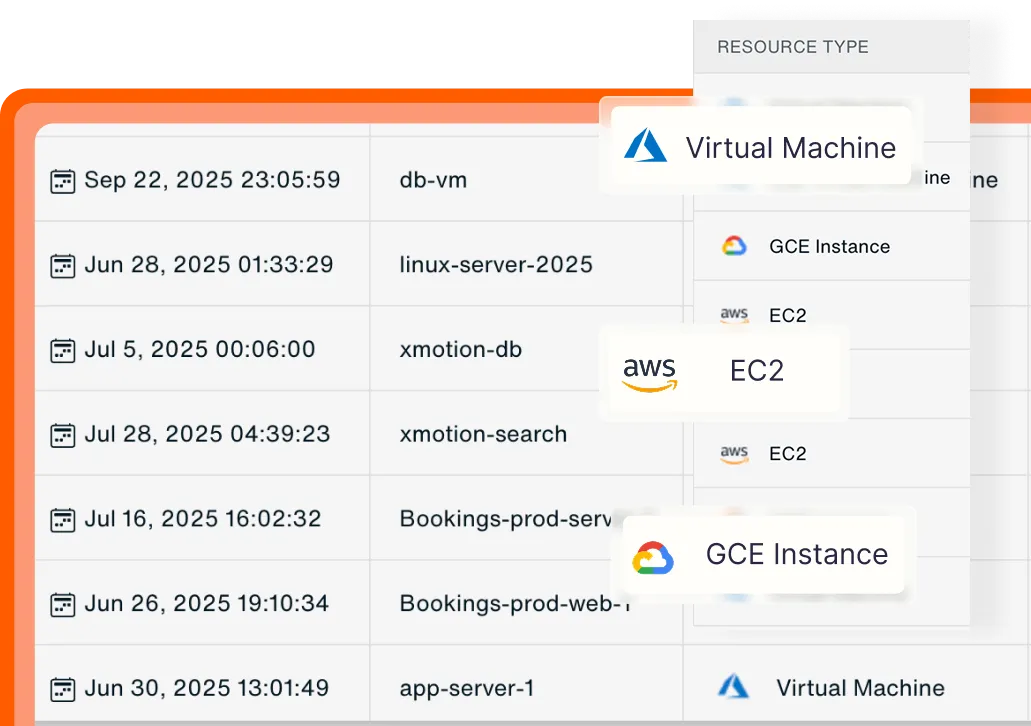
Resource inventory
A centralized view of resources by type, data class, and environment.
Granular recovery without rehydration workflows
For image-based backups and file-level workflows, Veeam often uses temporary worker instances in the customer account, which can add compute (and sometimes data transfer) costs depending on how recovery is executed. Workers typically need to run in the same region and VPC as the protected resources, which adds setup and networking overhead at scale.
Eon focuses on precision recovery so teams fix the exact issue and move on.
- File-, object-, and database-level recovery
- Global search across backups and environments
- Recovery workflows designed for common cloud incidents, not full rebuilds
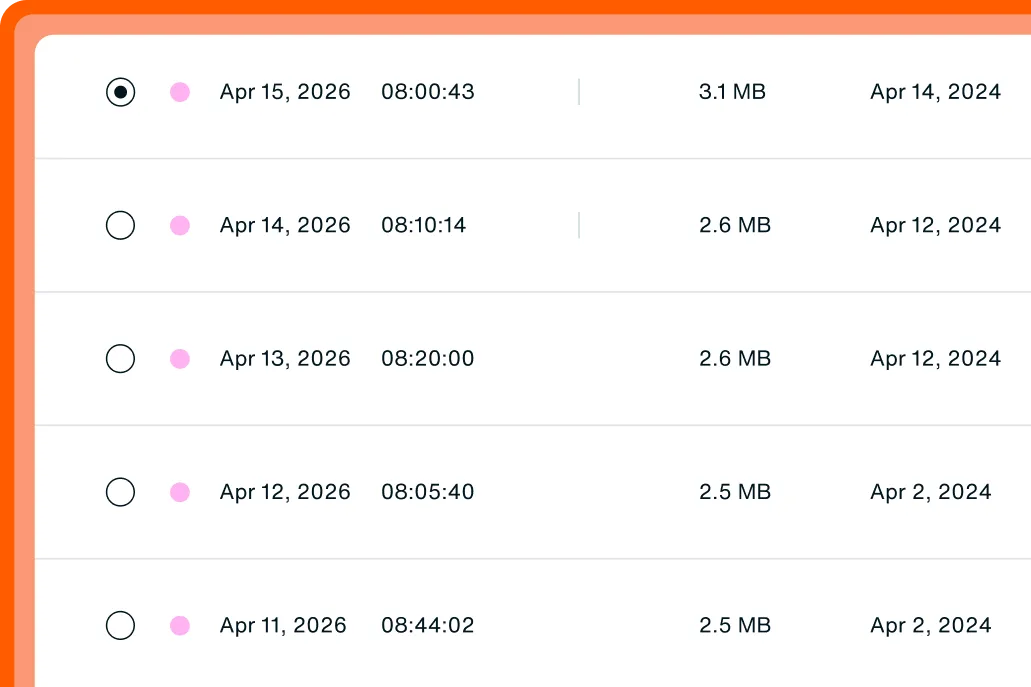
Granular restore
Recover a specific file/object/table without rebuilding everything.
Backup data teams can query and reuse
Veeam backups are primarily built for restore workflows.
Eon treats backups as a governed data layer teams can use for day-to-day operations.
- Search files, objects, and database contents across backups
- Query backup data for audits, investigations, analytics, or AI
- Validate what's in the backup before you run recovery
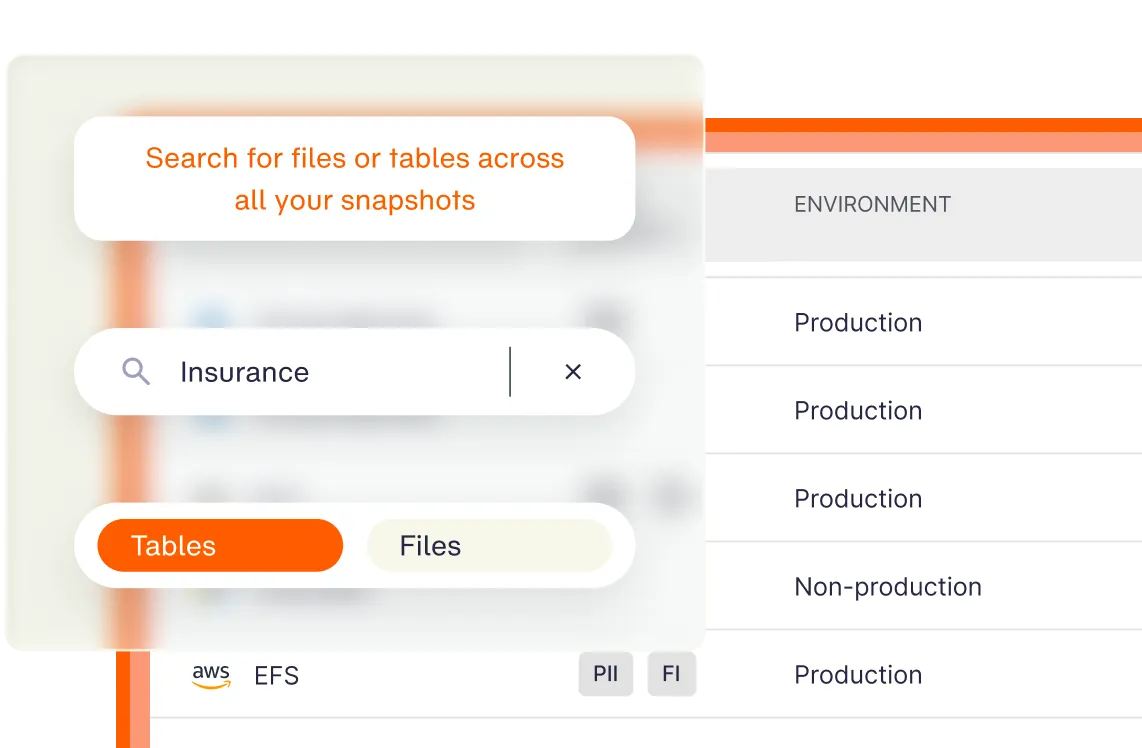
Search your backups
Query backup data with simple search to find the right file, record, or point in time fast.
Cloud economics that do not depend on recovery infrastructure
Veeam can add cost layers tied to a customer-run management appliance plus temporary worker nodes, and each region adds setup and maintenance overhead.
Eon removes those infrastructure-driven cost spikes and makes spend easier to explain.
- Pricing driven primarily by protected storage
- Recovery and data access built into the platform
- Cost Explorer ties spend back to workloads and policies
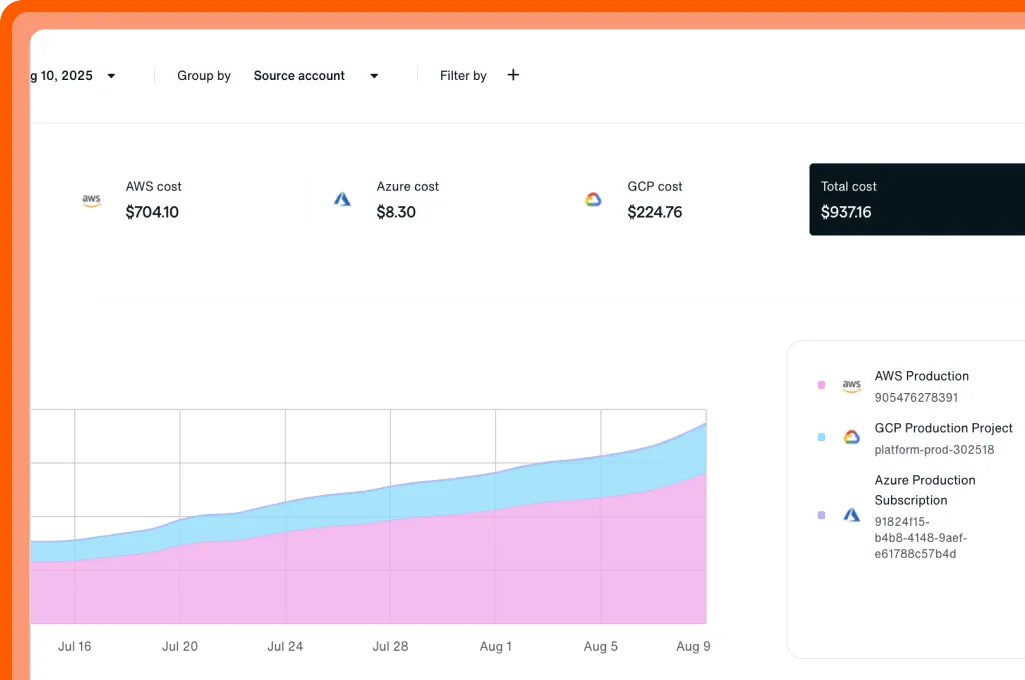
Cost Explorer
Break spend down by resource to spot waste and prove savings.
FAQs
Teams compare Eon vs. Veeam when they want cloud backup without customer-managed appliances and worker nodes, plus more direct access to backup data and clearer cost behavior in AWS, Azure, and Google Cloud.
For cloud-native infrastructure workloads, yes. Eon replaces appliance- and worker-based cloud backup approaches with a SaaS-managed model designed for public cloud environments. Veeam can still be a strong fit for on-premises or heavily hybrid estates.
Yes. Veeam deploys a management appliance inside the customer environment, and uses temporary worker nodes for backup/restore operations (customers cover the compute and related transfer costs).
Eon supports granular recovery without loosening network controls (for example, changing security groups to allow inbound access). Veeam file-level recovery can require security group/network changes and temporary worker instances.
Yes with Eon. Teams can search and query backup data directly for audits, investigations, analytics, and AI use cases without restoring full environments.
Veeam can be a better fit for organizations with large on-premises environments, existing Veeam investments, or requirements centered on traditional hybrid backup operations.