



What happened
On September 15, AWS posted an update on the Middle East (Bahrain) Region:
“After a thorough assessment, we have determined that we are unable to restore access to the resources and data hosted exclusively in this Region.”
The cause, in AWS’s words: “The damage to our infrastructure spanned multiple Availability Zones and exceeded what our regional and multi-AZ services are designed to withstand.”
A parallel update covered the UAE Region, where the unrecoverable data is limited to a single Availability Zone, mec1-az2. AWS says it is still working to recover the rest.
The UAE lost a zone. Bahrain lost the region.
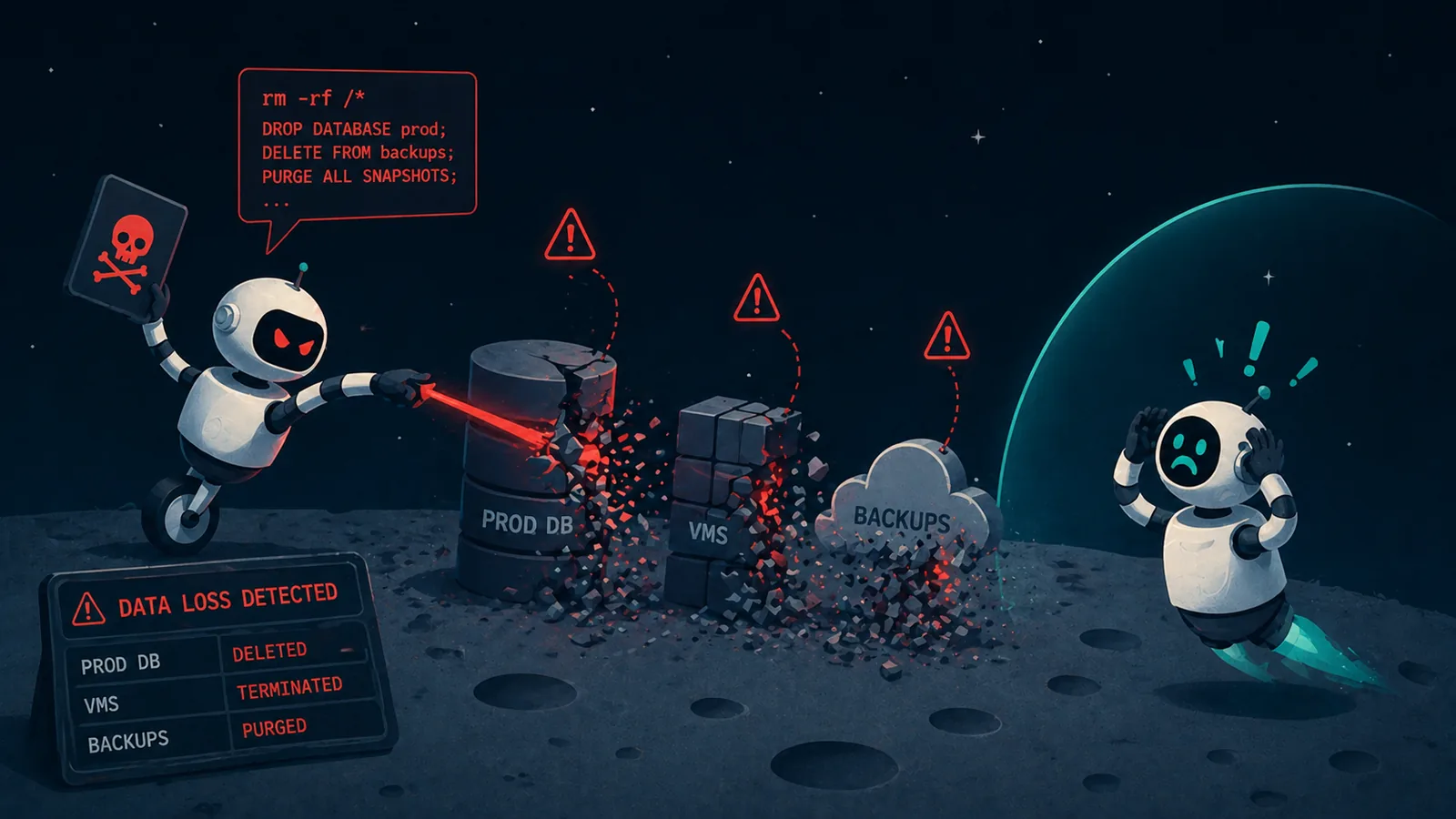
DR plans commonly handle the first case. You spread a workload across Availability Zones so that losing one doesn’t take the application down, and that has been standard practice for years. Bahrain was the second case, where the failure domain was the region, and the backups were sitting inside it along with everything else.
I’d guess most teams never plan for a whole region going down. It’s rare enough to feel theoretical, and real multi-region DR costs money in duplicated storage and cross-region transfer, so it loses the argument to whatever is due this quarter.
What “hosted exclusively” means
AWS lost the region. If you had a copy of your data somewhere outside Bahrain, you restored it in another region and carried on. If Bahrain held your only copy, there was nothing to restore from.
Which makes for a question worth running against your own account this week: what do I have that exists in only one region, or only one zone? The list is longer than it looks, because most of the AWS backup surface is regional by default. EBS snapshots, AMIs, RDS automated backups, DynamoDB backups and S3 without cross-region replication all sit in the region they are protecting.
AWS Backup was down too
This is the part I keep coming back to. Scroll down either bulletin to the list of disrupted services and you find AWS Backup, AWS Elastic Disaster Recovery, Amazon Data Lifecycle Manager and S3 Replication Time Control, in both regions.
AWS was explicit about it on March 2: “we are prioritizing the restoration of services and tools that enable customers to back up and migrate their data and applications out of the affected regions.” The way out had to be repaired before anyone could use it.
To be fair, disrupted means unavailable, not that anything stored in those services was lost. But if your plan for a regional outage runs through services inside that region, it’s better to know it now than during. Worth checking where your backup orchestration actually runs, and where the KMS keys that decrypt your backups live.
Your RTO and RPO assumed the region comes back
Say you take hourly EBS snapshots in me-south-1 and the runbook says RPO one hour, RTO four hours.
Those numbers are right if an instance fails, and still right if an Availability Zone fails, because snapshots are regional and the region is still there. If the region itself is gone, the snapshot went with it and there is no recovery point left to measure from. The one-hour figure was never really a property of the workload. It was a property of where the copy was kept.
What AWS’s own guidance says
The Well-Architected Reliability pillar covers this: “If it is a requirement to implement protection against an unlikely event that prevents your workload from being able to run in a given AWS Region, you can use a DR strategy that uses multiple Regions.” And: “Where possible, you should also copy data backups to another AWS Region.”
Both sentences are conditional. Region loss is described as an unlikely event, and copying backups out is something to do where possible. None of that is wrong, but it reads like advice you can reasonably defer, and plenty of teams did.
What to check in your own account
The first thing worth doing is an inventory. For every data store, write down where its recovery copy actually lives. Then do the same for your backup tooling and the keys that decrypt your backups.
That’s enough to find the obvious gaps in an afternoon. It isn’t enough to tell you whether you could actually recover. How long it would take, how much it would cost and what breaks along the way are things you only really learn by running one.
How Eon approaches this
If that inventory turns up more than you expected, that is the gap Eon is built to close. Eon keeps the recovery plane separate from the environment it protects, and places backup copies in different regions and different accounts by default, so restoring somewhere else is the normal path rather than an emergency one.
Reach out to us to learn more and prepare for the one you filed under “unlikely”.