The short answer: the best Commvault alternatives in 2026 are Eon (multi-cloud infrastructure), AWS Backup, Azure Backup and Google Cloud Backup and DR (single-cloud native), Druva (SaaS and endpoints), Clumio (AWS-first SaaS), and Rubrik (large hybrid estates). Below we compare all seven Commvault competitors on coverage, recovery precision, operating model, and pricing.
Most cloud-first teams evaluating Commvault alternatives are dealing with the same problems: backup fragmented across clouds, policy drift no one caught, and recovery that fails when it matters.
Why cloud-first teams look for Commvault alternatives
Commvault was built for hybrid enterprises with broad on-prem coverage needs. That's still a legitimate use case, but it's not the problem most cloud-first teams are trying to solve. Teams running a genuine on-prem and cloud split can weigh the options in our guide to choosing a hybrid cloud backup approach.
What we often see is backup scope that looked complete on paper stops holding up once accounts, regions, and services start moving. Coverage gaps appear because tagging breaks or ownership shifts. Policy enforcement becomes a manual effort across teams that don't share a single backup owner.
When recovery is needed, the restore workflow is broader than the actual incident.
Commvault can still fit when the environment is truly hybrid and broad coverage across on-prem and cloud systems is the priority. Whether it fits in practice is the question Commvault user reviews answers, since the complaints cluster around administration rather than coverage.
TL;DR: Which Commvault alternative should you choose?
For multi-cloud infrastructure teams: Eon is the strongest fit, especially if Cloud Backup Posture Management, granular recovery, and searchable backup data are priorities.
For single-cloud teams: AWS Backup, Azure Backup, and Google Cloud Backup and DR all make sense if your environment is standardized on one hyperscaler and you want to stay native.
For SaaS and endpoint-heavy environments: Druva covers the broadest workload mix. Clumio is the better fit if you want a managed SaaS model specifically for AWS.
For large hybrid estates: Rubrik and Commvault itself are still relevant if broad on-prem and enterprise backup coverage matter more than a lighter cloud operating model. Our roundup of the best enterprise backup solutions compares nine of them on workload coverage, pricing, recovery, and deployment. If the shortlist is really Commvault against one incumbent, Commvault vs Veeam covers that head-to-head.
The 7 best Commvault competitors at a glance
| Platform | Best for | Deployment model |
|---|---|---|
| Eon | Multi-cloud infrastructure teams | Cloud-native SaaS |
| AWS Backup | AWS-only teams | Native AWS service |
| Azure Backup | Azure-only teams | Native Azure service |
| Google Cloud Backup and DR | Google Cloud teams | Native Google Cloud service |
| Druva | SaaS, endpoint, and cloud coverage | SaaS platform |
| Clumio | AWS-primary teams wanting a managed SaaS backup service | SaaS platform |
| Rubrik | Large hybrid estates | Hybrid platform |
The 7 best Commvault alternatives
1. Eon

Eon is built for teams that want autonomous cloud data protection (automated discovery, policy enforcement, granular recovery, and direct access to backup data) without deploying or managing backup infrastructure, at up to 50% lower storage cost.
Key features
- Cloud Backup Posture Management (CBPM): Automatically discovers resources across connected cloud accounts, classifies data by risk and compliance context, enforces policy without manual tagging, and surfaces coverage gaps and drift before they become incidents.
- Granular recovery: Restores files, objects, records, or tables without rebuilding full environments.
- Searchable, queryable backup data: Teams can search and query across backup data directly using natural language with Eon AI Agent for audits, investigations, analytics, or AI workflows without triggering a restore.
- Logically air-gapped, immutable backups: Built into the default workflow, not assembled from add-ons or customer-run compute.
Pros
- ✅ Coverage stays aligned as environments change; no manual tagging or rule updates required.
- ✅ Granular recovery without full environment rehydration.
- ✅ Backup data is queryable for audits, investigations, and AI workflows without triggering a restore.
Cons
- ❌ On-prem coverage is partial, so it’s not a fit for teams with significant on-premises workloads.
- ❌ Newer platform, so it has a shorter enterprise track record than legacy suites, though its cloud-native architecture is purpose-built for the environments where most net-new infrastructure is landing.
Best for
- Multi-cloud infrastructure teams across AWS, Azure, and Google Cloud, including teams that also need Microsoft 365 and Google Workspace protected.
- Teams dealing with policy drift, coverage gaps, or fragmented backup across accounts and regions.
- Buyers who want backup data to stay accessible and usable beyond restore.
Pricing
- Pricing tied primarily to protected storage (per-GB/month), with flexible commitments based on expected capacity and growth. No public price table; contact Eon for a sizing conversation. (And see our detailed article on Eon vs. Commvault).
2. AWS Backup
AWS Backup makes sense when the environment is concentrated in AWS and the team wants to keep backup orchestration inside the AWS control plane. It becomes a harder fit once recovery needs get more granular or the environment starts spanning multiple clouds.
Key features
- Native AWS coverage: Centralizes backup across supported AWS services.
- Policy-based backup plans: Lets teams define retention and backup schedules inside AWS.
- AWS-native control path: Keeps backup workflows inside the AWS control plane without an additional platform.
Pros
- ✅ No extra platform required for AWS-only environments.
- ✅ Straightforward to justify when the scope is narrow and unlikely to change.
- ✅ Keeps backup workflows inside the AWS control plane; no additional permissions or networking work required.
Cons
- ❌ No unified posture visibility across accounts and regions; coverage gaps require manual tracking.
- ❌ Recovery is mostly resource-level; item-level restore covers only indexed EBS and S3 backups, a handful of items per job.
- ❌ Database contents still require a full restore before anyone can read them.
- ❌ Resource-level cost attribution is limited compared to dedicated cost-tracking tools, making it harder to map spend to individual workloads.
Best for
- AWS-only teams.
- Teams that want native backup plans and vaults inside the AWS control plane.
- Buyers who want to avoid adding another platform while their scope stays limited to AWS.
Pricing
- Varies by AWS usage; confirm current pricing on the official AWS Backup pricing page.
3. Azure Backup
Azure Backup is the natural choice for teams standardized on Azure who want to keep backup and restore inside the Microsoft stack. The limitations show up as subscription sprawl grows: more regions, more subscriptions, and more granular recovery needs start to push past what native backup handles well.
Key features
- Native Azure coverage: Centralizes backup across Azure VMs, Blob storage, SQL, and other supported services without an additional platform.
- Dual vault model: Supports both Recovery Services vaults and Backup vaults, giving teams flexibility in how they manage different workload types.
- Ransomware hardening options: Supports soft delete, immutability, multi-user authorization, and Resource Guard to harden backup vaults against tampering.
Pros
- ✅ No extra platform required for Azure-standardized environments.
- ✅ Lets teams stay native as long as the subscription footprint stays manageable.
- ✅ Straightforward to operate when recovery needs are limited to resource-level restore.
Cons
- ❌ Consistent coverage across many subscriptions requires per-workload policies and tag-based automation; gaps accumulate without active oversight.
- ❌ Granular restores require additional workflow depending on the workload and vault configuration.
- ❌ No unified cost attribution across subscriptions and workloads.
- ❌ Backup data isn't accessible outside of a restore workflow.
Best for
- Azure-only teams.
- Buyers that prefer native Microsoft backup.
- Environments with limited subscription and region sprawl.
Pricing
- Varies by Azure workload and storage use; confirm current pricing on Microsoft’s Azure Backup pricing page.
- Or read our guide to Azure backup pricing.
4. Google Cloud Backup and DR
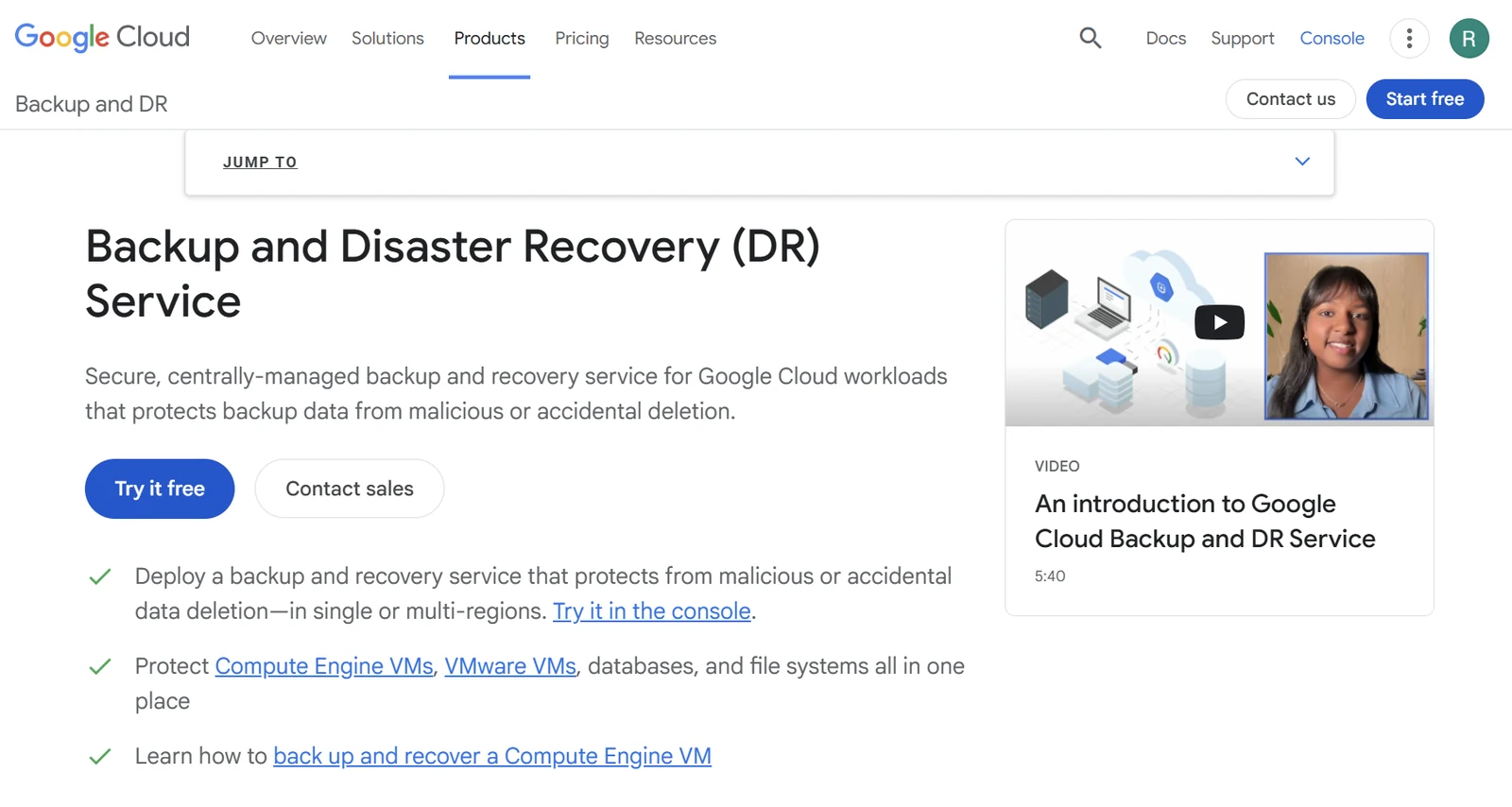
Google Cloud Backup and DR is Google's centralized backup service for compute, databases, and VMware workloads running inside GCP. It keeps backup and recovery operations inside the Google Cloud control plane, but some broader protection patterns require customer-managed appliances and connectors that add operational overhead as the environment grows.
Key features
- Native Google Cloud coverage: Centralizes backup for supported workloads including Compute Engine, VMware Engine, and databases without an additional platform.
- Backup plan management: Lets teams define retention schedules and recovery point objectives inside the Google Cloud console.
- Application-consistent backups: Supports application-aware protection for databases and VMs, ensuring recovery points reflect a consistent application state.
Pros
- ✅ No extra platform required for Google Cloud-standardized environments.
- ✅ Keeps backup operations inside the Google Cloud control plane.
- ✅ Application-consistent backups for databases and VMs reduce recovery complexity for supported workloads.
Cons
- ❌ Some broader protection patterns require customer-managed appliances and connectors, adding operational overhead as coverage grows.
- ❌ No unified posture visibility across projects and regions means coverage gaps require manual tracking.
- ❌ Cost attribution is fragmented across GCP billing, making it harder to track backup spend by workload or project.
- ❌ Querying or inspecting backup data requires a full restore.
Best for
- Google-Cloud-focused teams.
- Buyers that want native backup inside GCP.
- Environments that do not need a broader multi-cloud control plane.
Pricing
- Varies by protected workload and storage use; confirm current pricing on Google’s Backup and DR pricing pages.
5. Druva
Druva is a SaaS-delivered data protection platform that covers endpoints, SaaS applications, and cloud workloads from a single platform. It's the strongest fit in this list for teams whose backup scope extends well beyond cloud infrastructure.
Key features
- SaaS delivery model: No customer-managed backup infrastructure to deploy or maintain. That delivery model is the defining trait of backup as a service, and it is what separates this group from appliance-based tools.
- Broad workload coverage: Protects endpoints, Microsoft 365, Google Workspace, and select AWS workloads from one platform.
- Global deduplication: Reduces storage footprint across protected workloads.
Pros
- ✅ One platform across endpoints, SaaS apps, and cloud workloads.
- ✅ No backup infrastructure to manage or upgrade.
- ✅ Strong fit for teams with Microsoft 365 or Google Workspace protection requirements.
Cons
- ❌ Less focused on cloud infrastructure posture management and policy drift visibility.
- ❌ Granular recovery for cloud infrastructure workloads is less precise than infrastructure-first platforms.
- ❌ Offers federated search across backups, but backup data isn't exposed in open table formats for direct SQL queries.
Best for
- Teams whose estate spans endpoints, SaaS apps, and cloud workloads.
- Buyers who want one SaaS platform across multiple workload types.
- Environments where Microsoft 365 or Google Workspace backup is part of the same decision.
Pricing
- Consumption-based credit model. Rates vary by workload type (endpoints, cloud, SaaS apps) and edition (Business, Enterprise, Enterprise Plus). No public price list; contact Druva for a quote.
6. Clumio
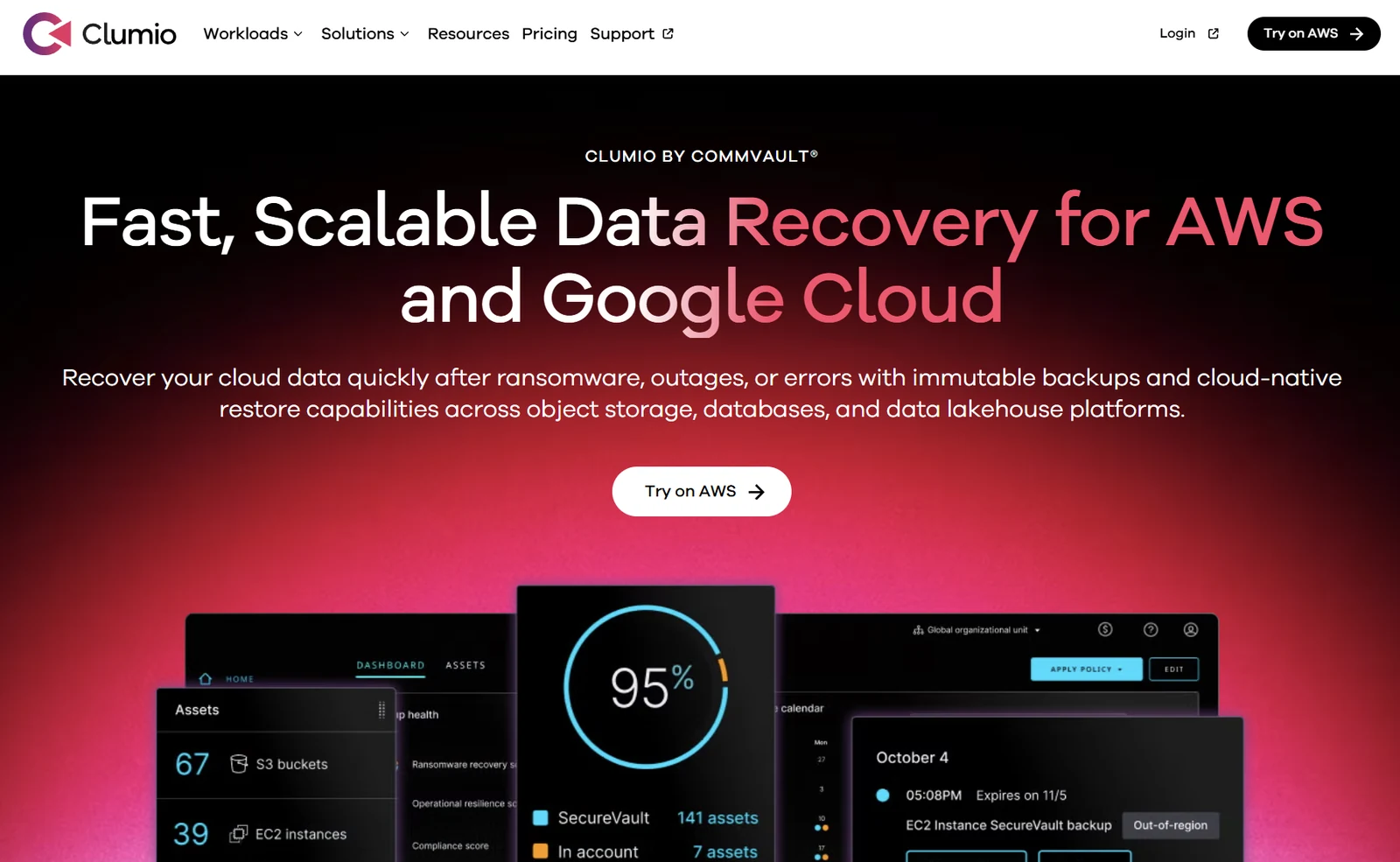
Clumio was acquired by Commvault in 2024 and is now marketed as "Clumio, a Commvault Company," but it still ships as a distinct SaaS product with its own architecture and AWS-native feature set. It also still bills on its own consumption model, which we break down in Clumio pricing.
Teams evaluating AWS backup options encounter Clumio separately from Commvault's broader platform, and the SaaS delivery model is meaningfully different from how Commvault's traditional offering operates. Our comparison of Clumio competitors covers that AWS-only field on its own terms.
Key features
- AWS-primary coverage: Protects AWS workloads including S3, DynamoDB, RDS, Aurora, and EC2.
- SaaS delivery model: No customer-managed backup infrastructure to deploy or maintain.
- Immutable backup storage: Keeps backup copies isolated and tamper-resistant for ransomware and compliance scenarios.
Pros
- ✅ No customer-managed backup infrastructure for AWS workloads.
- ✅ Covers a broad set of AWS services including S3, DynamoDB, RDS, and Aurora.
- ✅ Lighter operating model than legacy backup platforms for AWS-focused teams.
Cons
- ❌ AWS-first with Google Cloud Storage support, and no Azure coverage, so it doesn't fit teams that need multi-cloud coverage across AWS, Azure, and Google Cloud.
- ❌ No direct access to backup data outside of a restore workflow.
- ❌ Posture management and policy drift visibility are limited compared to infrastructure-first platforms.
Best for
- AWS-primary teams wanting a managed SaaS backup service.
- Buyers moving away from legacy backup overhead in AWS.
- Teams comparing lighter SaaS operating models for AWS workloads.
Pricing
- Usage-based pricing tied to protected storage. Rates vary by service and tier. Additional fees apply for restores, object processing, and data egress. Confirm current rates on the official Clumio pricing page.
7. Rubrik

Rubrik Security Cloud is an enterprise data protection platform built for hybrid estates with broad on-premises and infrastructure coverage. Teams with existing Rubrik deployments evaluating cloud extension will find the most familiar ground here. For the direct head-to-head, see Commvault vs Rubrik.
Key features
- Broad hybrid coverage: Protects on-premises, virtualized, and cloud workloads from a single platform.
- SaaS application backup: Covers Microsoft 365 and other SaaS workloads alongside infrastructure.
- Ransomware recovery: Supports anomaly detection, immutable snapshots, and recovery workflows, though advanced scanning capabilities may require additional licensed components.
Pros
- ✅ Strong on-premises and hybrid estate coverage.
- ✅ SaaS application backup included alongside infrastructure workloads.
- ✅ Established enterprise workflows familiar to large IT organizations with existing Rubrik deployments.
Cons
- ❌ Threat scanning is built around files and VMs, so managed cloud databases like Aurora and RDS get less detection coverage.
- ❌ Backup data isn't accessible without a restore workflow.
- ❌ Cost tracking spans clusters, storage duplication, and licensed modules, making spend attribution harder to manage.
Best for
- Larger hybrid estates with significant on-premises workloads.
- Teams with existing Rubrik deployments evaluating cloud extension.
- Buyers who need SaaS application backup alongside infrastructure coverage.
- (Find more Rubrik alternatives here).
Pricing
- TB-based subscription pricing with multi-year terms (typically 3–5 years), priced by protected capacity, edition, and attached modules. No public price list; contact Rubrik for a quote (or see our Rubrik pricing guide here).
How to choose the right Commvault alternative
The decision usually comes down to two things: how much infrastructure your team wants to manage, and how precisely you need to recover.
1. Start with the operating model
Start with how much backup infrastructure your team wants to manage. SaaS-delivered platforms remove customer-managed components entirely. Others bring gateway servers, agents, and upgrade cycles into cloud environments. That operational gap widens as environments scale.
2. Match the platform to your workload mix
Cloud infrastructure, SaaS apps, and endpoints are different problems, and most platforms are stronger in one area than the others. Picking a platform optimized for endpoint and SaaS coverage when your priority is multi-cloud infrastructure posture means paying for breadth that doesn't fit.
3. Look at recovery precision, not just backup coverage
Most platforms can back up a workload, but the real question is what recovery looks like when something actually breaks. Can you restore one file, one object, or one database record? Or does getting back something small require a full environment restore? If the answer is "full environment restore," that's the bottleneck every time.
4. Decide whether backup data needs to be useful before a restore
Some platforms lock backup data behind the restore workflow. Others let teams search, query, and use it for audits, investigations, analytics, or AI workflows without triggering a full restore. For a team running a GDPR audit or an internal investigation, waiting for a full restore to access data is a real delay.
Find out what's actually protected across your clouds
Most cloud-first teams switch from Commvault because backup is fragmented across clouds, recovery stops keeping up with how infrastructure actually fails, and the operating model has gotten heavier than the problem justified.
Eon is built for teams at that inflection point. It covers AWS, Azure, Google Cloud, MongoDB Atlas, Microsoft 365, and Google Workspace from one platform, with autonomous posture management, granular recovery, and backup data you can search and query without triggering a restore.
Not sure what's actually protected across your clouds? Get a demo to find out where the gaps are and how fast you can recover the right data.
Frequently asked questions
How much does Commvault cost compared to its alternatives?
Commvault uses quote-based, per-workload or per-TB subscription pricing, so the total depends on deployment model and scope. See our Commvault pricing breakdown for license, SaaS, and storage costs, and compare it with the per-vendor pricing notes above.
What is the best Commvault competitor for cloud-first teams?
The best Commvault alternative for cloud-first teams depends on the workload mix and operating model. Eon fits multi-cloud infrastructure teams, Druva fits SaaS- and endpoint-heavy environments, and AWS Backup fits AWS-only teams.
Is Commvault still a good fit for hybrid environments?
Yes, Commvault still fits well for organizations with large on-premises estates, broad SaaS application coverage needs, or requirements tied to traditional enterprise backup tooling. It becomes a harder evaluation once the environment shifts to primarily cloud-first infrastructure.
Is Clumio a Commvault alternative?
Yes, Clumio is considered a Commvault alternative because buyers still evaluate it as a distinct cloud backup option. Commvault acquired Clumio in 2024 and now markets it as "Clumio, a Commvault Company," making it best treated as a narrower AWS-primary option within the Commvault portfolio rather than a standalone alternative.
Which Commvault alternative is best for AWS-only teams?
The best Commvault alternative for AWS-only teams is AWS Backup if you want native backup without adding another platform. It is simpler than a separate backup product when your scope is limited to AWS.
Which Commvault alternatives require the least customer-managed infrastructure?
The Commvault alternatives in this list that require the least customer-managed infrastructure are Eon, Druva, and AWS Backup. Eon and Druva use SaaS delivery models, while AWS Backup fits AWS-only teams that want native backup without another platform.