

Cloud costs are growing faster than budgets
Cloud teams have spent years trying to achieve more efficient cloud environments. They clean up unused resources, review capacity, and make sure new workload spend is justified. Still, the bills keep getting bigger.
Today, AI workloads are reshaping the cost equation: AI projects need infrastructure. Applications continue generating more data. And business teams want new capabilities (fast). Meanwhile, finance is looking for savings (yesterday).
According to Synergy Research, enterprise spending on cloud infrastructure hit $129 billion in the first quarter of 2026, up 35% from the previous year. So where can teams save?
The obvious places have already been through multiple rounds of review. You can no longer squeeze out major savings by deleting a forgotten virtual machine or shutting down an old test environment.
So the better question becomes: Are teams even looking in the right places?
Some expenses sit neatly inside storage or compute. Others spread themselves across multiple services and quietly grow in the background. An extra copy of data for protection. A workload replicated to another region. A project policy that stays active years after the project was shuttered.
Together, these expenses can become a surprisingly large part of the monthly bill. Eon's 2026 Cloud Data Infrastructure Report found that 63% of cloud IT leaders say data protection costs weigh heavily on cloud budgeting decisions.
Most teams know they need to spend less. The bigger challenge is figuring out where the money is actually going.
The cuts being made are hitting the wrong data
The rise of the cloud has brought an explosion in data, and with it, high storage costs. Eventually, people started asking if all the data being retained is even needed. The answer isn't always obvious.
Most cloud environments contain a mix of production data, old project data, test environments, backups, and files that haven't been touched in years. Some of it still delivers value. Some of it doesn't. The problem is that nobody puts labels on it. A project finishes, but the backups remain. A test environment is retired, but the retention policy keeps running.
Data that was important years ago quietly stays in storage because nobody is entirely sure whether it's even safe to remove. But that’s only half the problem.
Eon's research found that 87% of organizations are storing data they no longer need. At the same time, 63% say storage costs have forced them to retain or protect less data than they should.
Teams end up spending money protecting data that no longer matters while looking for ways to reduce protection around workloads that still do. The impact of this goes beyond cost. Organizations under budget pressure were more than four times as likely to experience three or more recovery failures during the previous year compared to those facing less pressure.
Most teams are simply trying to balance cost, risk, compliance requirements, and business expectations. The difficulty comes from not knowing which data deserves long-term protection and which data is simply taking up space. Many organizations are making those decisions while also trying to fund new AI initiatives. Every dollar tied up in unnecessary storage or backup infrastructure is a dollar that can't be invested elsewhere.
Hidden Costs of Cloud Computing
You will rarely find a single big mistake behind an expensive cloud bill. More often, costs build up through dozens of small decisions that made perfect sense at the time. A team adds extra protection for a critical workload or copies data to another region. A retention policy stays in place even though the original project ended long ago.
At first, nothing seems out of the ordinary. Over time, the monthly cloud bill keeps growing, and finance starts asking where the extra spend is coming from.
Many hidden costs causing concern today aren't impossible to find. Most teams just aren't looking in the right places. This matters more today because AI workloads are competing for the same cloud budget. Costs that once attracted little attention are now being reviewed much more closely. On AWS specifically, the places worth looking first are ranked in our guide to AWS cost reduction.
Infrastructure and compute
Teams today replicate workloads across regions, deploy extra services to support recovery, and move data between environments. None of these decisions may be expensive on their own. But together, they can create a meaningful amount of spend.
For example, moving a 65 TB workload across regions via a NAT Gateway can generate roughly $2,990 in NAT charges before storage costs even enter the conversation.
Licensing & operational overhead
Backup isn't just about technology. Somebody has to manage it. In a fast-growing cloud environment, engineers may spend several hours each week updating backup policies and checking that newly deployed workloads are protected. Compliance and licensing requirements can also continuously change.
Teams grow, projects move faster, and cloud environments rarely sit still for very long. While software fees may be easy to account for, the internal engineering hours required for management are far more difficult to quantify.
Storage architecture
Storage bills have a habit of growing quietly. Say you have a production database backed up in one region and replicated to another for disaster recovery. The extra copy protects the data, but it also doubles the storage used for those backups. Another team also enables versioning because it feels like the safe choice.
Nobody thinks much about additional backup copies because their growth is gradual. It’s usually only later when somebody discovers just how many copies of the same data are sitting across different regions and storage tiers. In the meantime, costs have been increasing month after month.
Egress & API charges
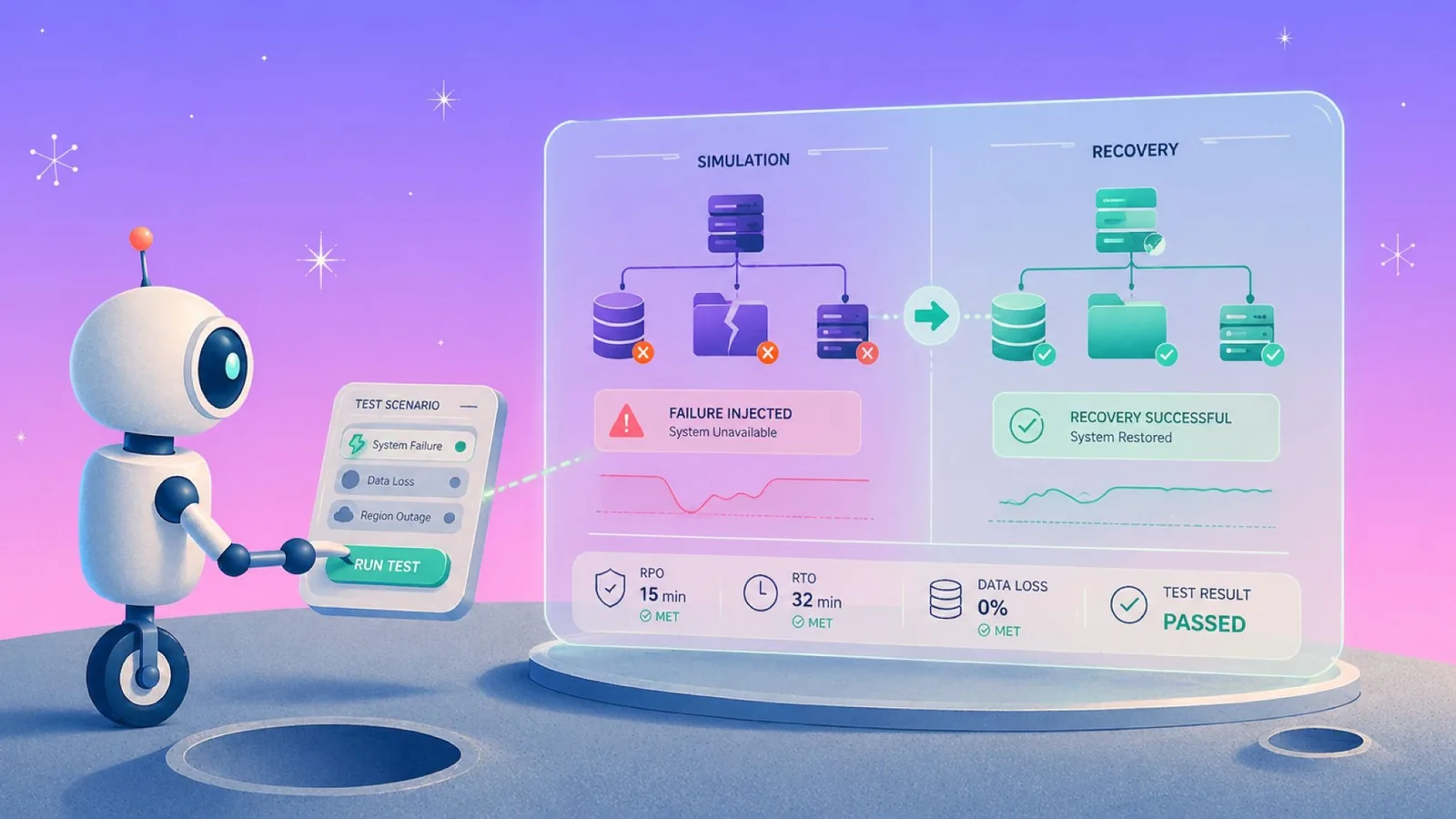
Recovery testing always looks straightforward until the bill arrives. Data gets moved. Requests start firing. Files get restored. Suddenly, you’re looking at transfer charges and API costs that weren't part of the original estimate.
The individual charges look reasonable. The total rarely does.
Over-retention without classification
Once a retention policy is in place, it keeps running month after month, year after year. Development environments, temporary projects, and workloads that disappeared long ago often remain protected alongside production systems. A backup retention policy is what stops that from running unattended.
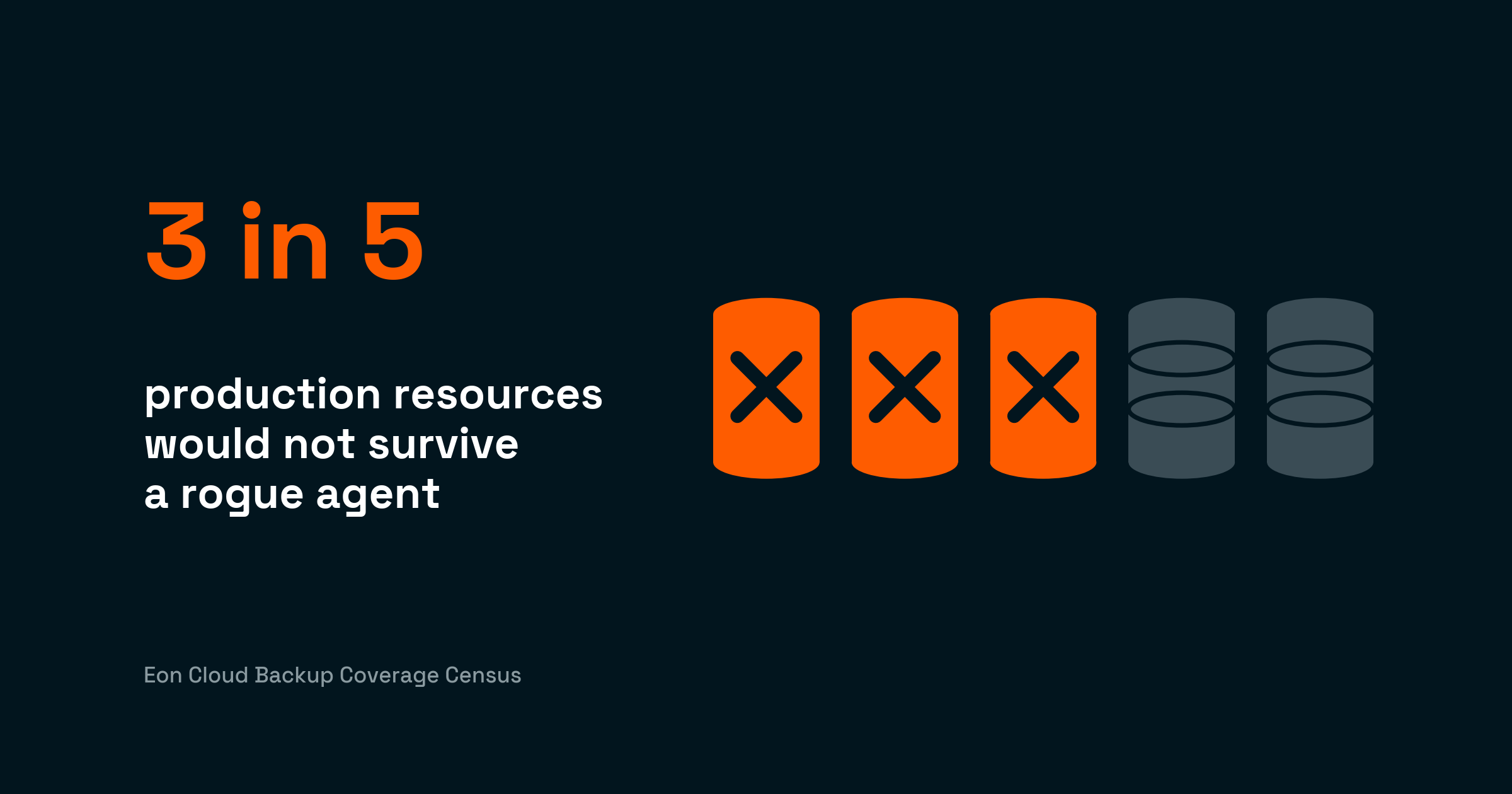
Eon's research found that 87% of organizations retain data they don't need. A development environment retired months ago may still be protected under the same long-term retention policy as a production workload, despite no longer delivering value.
Again, none of the costs described above look particularly dramatic on their own. But together, they can amount to one of the largest sources of cloud spend hiding in plain sight.
Why backup is the line item nobody audits
Infrastructure costs, storage growth, replication traffic, retention policies, recovery testing, operational effort. Follow any of them far enough, and you end up in the same place: backup.
Consider a single protected workload. The backup copy sits in storage (line item: storage). The cross-region replication uses networking (line item: data transfer). The recovery test consumed compute and API calls (line item: EC2 and API charges). The engineer who tagged it, wrote the policy, and validated it spent three hours (line item: nobody sees it). One workload, five line items, none of them labeled 'backup.'
The reason backup costs often escape scrutiny is that most teams never see a single backup line item large enough to trigger concern. Some unnecessary backup spend may be sitting inside storage. Some appears as networking charges. Some pops up as compute costs supporting protection and recovery processes. Other backup expenditures are hiding inside engineering time spent managing policies, compliance requirements, and coverage gaps.
That scattered spend matters more in an AI era. Budget tied up in unaudited backup costs is budget that can't fund the AI initiatives every cloud team is being asked to deliver.
Looking at any one of those charges on its own doesn't tell the full story. But zoom out, and you’ll discover a major cost center. The scale shouldn't be a surprise. Backup data represents the largest collection of data for many companies, and yet, few teams can answer a simple question: How much are we actually spending on backup and why?
Eon's research found that 68% of cloud IT leaders spend $1 million or more annually on cloud storage. The problem isn't that backup costs are hidden. The problem is that they're scattered.
Traditional cost management tools are good at showing where money is being spent. They are less effective at explaining why it's being spent. Backup-related costs are spread across multiple services and billing categories. A storage charge looks like storage. A networking charge looks like networking. By the time those costs reach a dashboard, the connection to backup is often lost.
Native cloud backup tools cost more than they look
Native backup services do what they were built to do. The gap isn't the tool. It's the architecture around it: replication, deduplication, policy management, and coverage across accounts and clouds. The cost of protecting cloud data lives in that architecture, and it grows quietly.
AWS Backup, Azure Backup, and Google Cloud's backup services are already part of your cloud environment. They're easy to enable and easy to use. The picture changes as environments grow. Many teams discover that the cost of protecting data extends well beyond the backup service itself.
A common example is replication. To improve resilience, teams often copy data across regions. From a protection standpoint, this approach works. From a cost perspective, it can mean storing multiple copies of the same data for years.
And storage is only part of the problem. Native backup environments can also rely on manual policy management, meaning it’s up to you to discover, tag, and assign new resources to policies. And you’ll need to repeat this process anytime your environment changes. No charge for this will show up on a cloud invoice, but it still consumes valuable engineering time.
Deduplication is yet another hurdle. Many backup platforms reduce duplicate data within a specific environment, but duplicate copies remain across accounts, regions, or cloud platforms. As data grows, those extra copies continue growing with it. Before long, teams realize the backup bill has ballooned to far more than the storage bill.
None of these costs are unusual. They're simply easier to miss when they span multiple services, reports, and teams. And every dollar sitting in native backup overhead is a dollar not funding your AI roadmap.
What real cost reduction looks like
Most cloud infrastructure leads have already done the easy cost-cutting work. They’ve removed unused resources and reviewed spend. The next round of savings usually comes from teams understanding how they protect, store, and manage data. They know backup is expensive. Fewer know exactly why.
Eon provides a clear picture of backup coverage, storage growth, retention policies, and the infrastructure supporting them. This visibility allows teams to spot duplicate data, outdated policies, and costs that have been growing quietly for years.
Eon's cloud backup Cost Explorer helps teams understand where backup-related spend is coming from, making it easier to connect costs across storage, networking, compute, and recovery operations.
In one case study, Eon helped NETGEAR reduce its backup storage costs by 35% while improving recovery performance by 88% for a 10 TB SQL Server database.
The same architecture that eliminates hidden backup cost also makes the underlying data usable, a valuable feature as organizations expand their use of AI. Backup data is the largest and most complete data set most companies own, and until recently, it's been the hardest to access. When protection and access are built on the same foundation, the historical data that used to sit unused in backups becomes queryable for analytics and AI.
Eon's survey found that 57% of cloud teams are blocked by something in the data layer, and 75% run AI workloads against production because backups are unreachable. The cost you save on backup and the AI budget you free are the same project.
The hidden cloud cost checklist
Before looking for the next round of savings, make sure to check the following boxes.
- Find your real backup line item. Look beyond storage. Include compute, networking, transfer charges, and supporting services.
- Map your backup architecture dependencies. Backup appliances, replication services, IAM roles, and recovery workflows all contribute to costs.
- Check for duplicate data. Extra copies across regions and accounts can quietly drive up storage bills.
- Audit your retention policies. Development, test, and temporary environments often remain protected long after they're needed.
- Measure restore costs. Recovery testing, API requests, and data transfers all come with a price tag.
- Review discovery and tagging. Tagging resources and updating policies takes time, and time costs money.
- Calculate cross-region overhead. Many teams understand the resilience benefits of cross-region protection, but haven't measured its long-term overhead.
- Quantify operational effort. Hours spent maintaining policies, fixing coverage gaps, and handling audits should be part of the conversation, too.
Most teams uncover a few surprises when they work through a list like this. The goal isn't to find a single big problem. It's to understand where multiple smaller costs are building up and why.
FAQs
What are the hidden costs of cloud computing?
The hidden costs of cloud computing are expenses that don't appear as a single line item on a cloud bill. They typically span compute, networking, storage, and operational effort, which makes them hard to attribute. In most environments, the largest hidden cost is backup-related spend scattered across services rather than tagged as backup.
Why are backup costs often overlooked?
Backup costs are overlooked because they rarely show up as a single line item. Instead, they're distributed across cloud storage, networking, compute, and the engineering hours spent managing coverage. A storage charge looks like storage. A networking charge looks like networking. By the time it hits a dashboard, the connection to backup is gone.
How can teams reduce hidden cloud costs without increasing risk?
The most effective reductions come from architecture, not procurement. Forever-incremental backups with cloud-native, global deduplication cut storage waste. Autonomous policy management removes the operational drag of manual tagging. Open-format storage lets one copy of backup data serve recovery, analytics, and AI workloads. Together, these architectural shifts typically reduce backup TCO by 40 to 50 percent without cutting protection.
Where should teams start looking for hidden cloud costs?
Start with backup. It's where the biggest surprises hide. From there, look at retention policies, cross-region replication, and operational time spent managing coverage. Most teams find spend in all three. (Check out our guide on cloud cost optimization).
How do AI workloads change cloud cost priorities?
AI workloads are reshaping cloud budgets faster than most teams can adapt. AI compute scales with usage and can't be capped without breaking the workload. Egress fees are functionally fixed. When finance asks where the cuts come from, backup is what's available. Every dollar tied up in unnecessary backup infrastructure is a dollar that can't fund AI initiatives.
What's the difference between cloud storage costs and backup costs?
Cloud storage is only one component of the total backup cost. Backup also generates spend across cross-region networking, replication compute, restore API charges, and the engineering hours spent managing policies and coverage. Two teams paying the same for storage can have dramatically different backup TCO depending on how their protection architecture is built. Treating the two as one line item is usually the root of it, and cloud backup vs cloud storage separates them before the invoice does.