



The fails that hurt most are the quiet ones. They surface as drift, missed ownership, weak retention, untested restores, and copies that look protected right up until someone needs them.
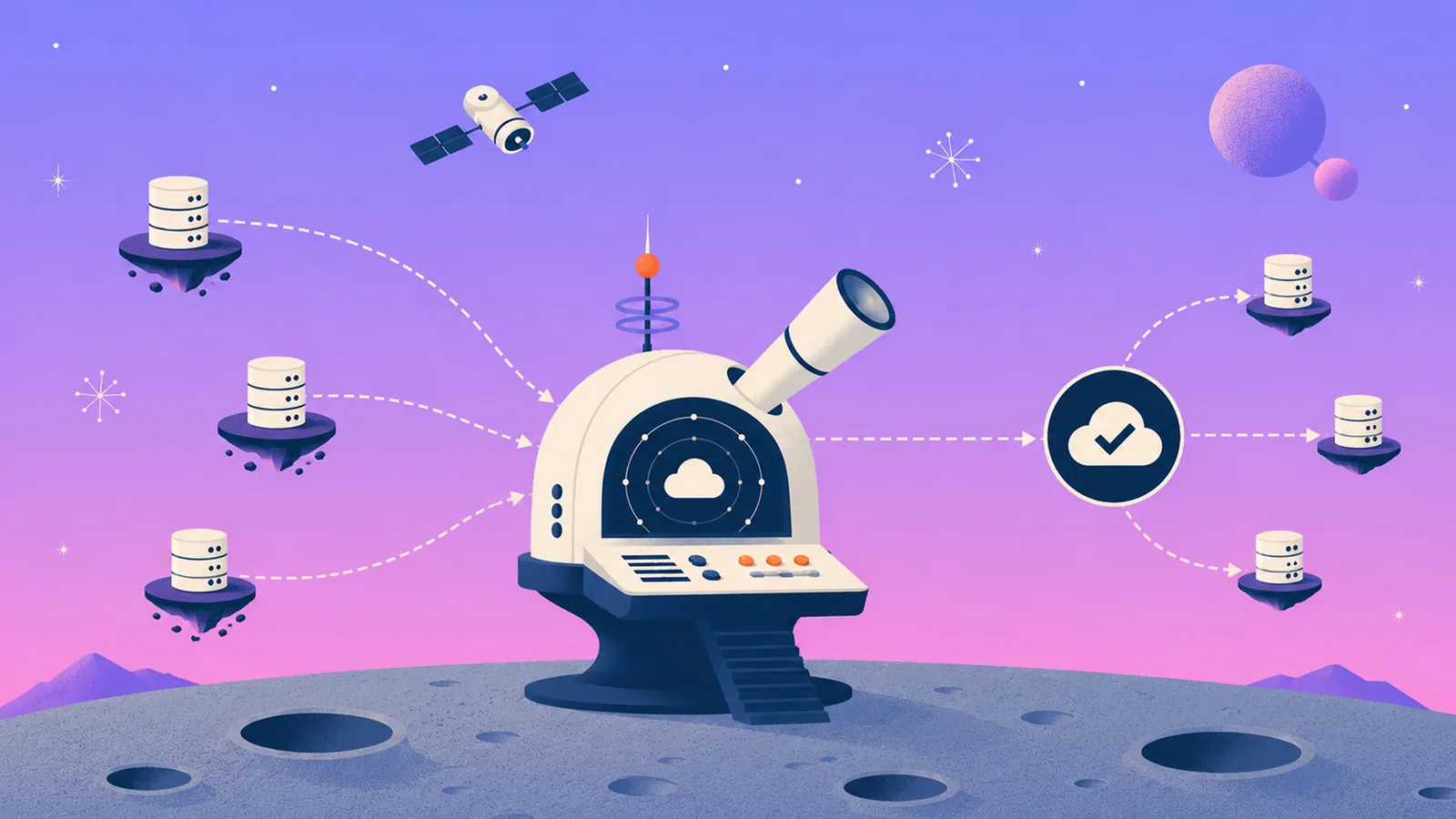
A copy existing somewhere is the low bar. The real measure is posture: Cloud Backup Posture Management (CBPM), the practice of continuously scanning and mapping cloud resources so the right policy lands on each one, based on business and compliance needs.
Cloud environments change constantly. Teams spin up resources, move them, reclassify them, and retire them. When policy can't keep up, the gaps stay quiet until an audit or an outage drags them into view.
Two things changed the stakes lately. AI coding agents now directly access production, deleting tables and corrupting schemas at machine speed using valid credentials. And the same protected data that recovers you is the data your AI initiatives need to be queryable. Backup posture now decides both how well you recover and how ready you are for AI.
These are the failure modes that keep showing up.
1. Treating Snapshots as Backups
Snapshots are useful for quick operational rollback. They can't carry the full recovery strategy on their own.
The first problem is proximity. Snapshots usually live in the same account and region as the data they protect, so the same accidental deletion, malicious action, compromised credential, or regional outage can take out both the source and the copy.
They're also built for short-term rollback, not durable isolation. A snapshot helps when someone needs to undo a recent change. It's far weaker as the last line of defense during a real incident.
AI agents sharpen this. A coding agent with valid credentials can drop a production table in seconds. If the only safety net is a snapshot sitting beside that table, the blast radius covers both.
What teams need is better isolation between production and backups, and recovery paths that hold up when the primary environment can't be trusted, with retention matched to the actual recovery requirement rather than defaulting to "longer."
Eon stores backups in an immutable, logically air-gapped vault in a separate Eon account, away from the production blast radius. SoFi moved off fragile native snapshots this way and took recovery from a full day to minutes across five AWS regions.
2. Letting Ownership Drift Create Coverage Gaps
One of the most common cloud backup failures, and one of the easiest to miss.
Someone spins up a new bucket. A database lands in another account. A workload moves during migration. One team assumes another team owns protection. Nothing breaks loudly. The gap sits there until an incident or audit finds it first.
Manual tagging is where this falls apart. It holds in a controlled environment and gets unreliable fast once ownership spreads across teams, accounts, regions, and clouds.
The fix is continuous discovery and policy enforcement that follows resources as they change. Teams need a live view of what exists, what's covered, and what has drifted out of policy, without relying on perfect tagging or institutional memory.
Zinnia is the real-world version. Their environment had grown into fragmented AWS Backup workflows and manual, account-by-account management. Running backups was never the hard part. Answering a basic operator question was harder: what's actually protected right now? As Zinnia's Senior Director Thomas Auchinleck put it, Eon gives them "far better control, not just on cost, but on what's actually protected across our accounts." Eon's continuous discovery and CBPM deliver that automatically.
3. Storing Backup Data in the Wrong Region
Treat region placement as part of the backup policy. It affects data residency, blast radius, recovery design, and cost, all at once.
Put copies in the wrong geography, and you risk a compliance problem you never see coming. Keep everything in one region, and a single regional failure can take production and backup down together. At the same time, cross-region copies without a clear policy run up transfer costs at scale.
The problem gets worse quietly. A migration happens, a team expands into a new account structure, and someone clones an old policy without revisiting it. The workload moves, but the copy still writes to the default region.
There's a recovery tradeoff too. Cross-region protection adds resilience, but it reshapes your recovery paths and cost model. Skip that planning, and you end up with placement that satisfies neither compliance nor recovery.
The answer is region-specific policy tied to residency and recovery need, enforced continuously and revisited as infrastructure changes, not inherited by accident and discovered during an audit. Eon applies a region-aware policy per resource so placement stays intentional as the footprint grows.
4. Letting Zombie Backups and Snapshot Hoarding Pile Up
Not every backup failure looks like a crisis. Some only show up on the bill.
Someone decommissions a dev environment, but its snapshots keep running. Old copies stay attached to workloads nobody owns. A team adds a second protection path during a migration and forgets to remove the first. Retention creeps up out of caution, and nobody ever tightens it.
None of it looks urgent alone. Together, it turns backup into a steady tax on the platform team.
Backup waste is hard to clean up once it spreads because the problem is rarely a single mistake. It's a long tail of snapshots, duplicate copies, stale policies, and resources with no clear owner. Once teams lose track of what each copy is for, they get nervous about deleting anything.
So cost hygiene in backup is really a posture problem. Teams need to know which workloads are protected, how many copies exist, how long they're retained, and whether those copies still serve a real recovery or compliance purpose.
NETGEAR is the field example. As its AWS footprint grew, the team had limited visibility into actual backup costs and usage and was under pressure to cut infrastructure spend. Eon's Cost Explorer gave them real-time insight into spend by resource and application, replaced manual reporting, and enabled chargeback by instance, application, and team. The outcome: 35% lower backup storage cost and much tighter day-to-day control.
The operational fix is straightforward, even if the cleanup isn't. Tie backup spend back to a resource, workload, or owner, then apply lifecycle and retention policy with enough precision to remove what no longer matters without creating new risk. Eon's lifecycle policy and CBPM do that continuously, so storage no longer behaves like a black box.
5. Mismanaging Retention
Retention is where compliance, ransomware resilience, and cost control all collide.
Set it too short, and you can lose the recovery point that actually matters. The risk is real with slow-burn problems like dormant malware, silent corruption, or a bad data change nobody catches right away. By the time the team works out what happened, the last clean copy may already be gone.
Set it too long, and the shape of the problem changes. Storage keeps growing, old copies pile up, and you keep paying for data that no longer helps recovery or day-to-day operations.
Broad "safe enough" policies break down here. A single rule sounds simple, but it rarely matches how cloud environments actually work. Production databases, object storage, regulated datasets, and temporary dev environments don't carry the same recovery risk or compliance weight. One policy for all of them usually means keeping too much low-value data and too little of what matters.
Retention also shapes the quality of recovery. A backup existing is one thing. Whether the right point in time is still there when the team reaches for it is another.
The better approach ties retention to data type, business value, and recovery risk. Some records need years. Operational data may need a shorter but meaningful window, while temporary data needs little to no window.
Treat retention as part of posture. If the policy doesn't align with how the business needs to recover, govern, and pay for data, it fails in one of those areas. Eon lets teams set retention per data type and enforce it automatically as the estate changes.
6. Skipping Restore Validation
A backup job can succeed and still fail you at restore time.
Teams know that in theory and find out the hard way in production. The jobs completed. Alerts stayed quiet. The policy looked healthy. Then a real incident exposed the part nobody had checked under pressure: the restore itself.
Backup success only tells you a copy exists. It doesn't tell you the copy is usable, that the right recovery point is still there, or that you can get data back at the scope you need.
Where restore plans break is scope. The backup exists, but recovery is either too broad or too slow for the incident at hand. A file-level issue turns into a full volume restore. A bad table change becomes a full database recovery. Either way, a narrow problem forces a far larger rollback than it should.
Recovery friction goes beyond the copy. Access boundaries, scoped permissions, key access, API throttling, and raw data volume all slow things down once a restore is underway.
The standard here is having a granular restore you can verify: prove you can bring back a specific file, object, table, or clean point in time without dragging the whole resource with it. Eon performs row- and file-level restores in minutes, so a narrow incident remains a narrow recovery. NETGEAR cut recovery on a 10TB SQL Server database by 88%, from 24 hours to under three, working this way.
Worth being precise about scope. Verifying a scoped, single-resource restore is fast and repeatable. Standing up an entire environment in a full disaster-recovery event is a broader discipline that lives in your runbooks and team drills, not in a single restore action. The value of granular recovery is that it shrinks how much any real incident has to touch in the first place.
7. Assuming Immutability Solves Ransomware
Immutability is table stakes. It doesn't answer the question teams actually face during recovery: which copy is clean?
Plenty of ransomware strategies fall short right here. The copies are protected from deletion and tampering, which matters, but protected doesn't mean safe to restore. If ransomware activity, corruption, or a malicious change reached the backup chain before anyone noticed, immutability preserves the bad state right alongside the good.
Cloud-native environments make it harder. Traditional ransomware checks focus on files and file-level behavior, leaving a blind spot in managed databases and object storage, where data doesn't appear the way older tools expect.
The database angle matters more than most teams realize. Managed databases like RDS, Aurora, and Cloud SQL don't expose backup files for scanning, so file- and entropy-based detection has nothing to work with.
Eon closes that gap by analyzing the backup's logical content rather than the underlying storage files. Row-count anomalies, cardinality shifts that signal encryption, and missing tables between snapshots all surface compromise inside managed databases, where file-scanning tools can't operate. Eon layers that with entropy analysis, signatures, behavioral detection, ransom-note detection, and AI-assisted review, each feeding a weighted confidence score to cut false positives.
The point of it all is a clean recovery decision: separate compromised recovery points from clean ones, then restore only what's needed. In a real incident, the right move is rarely "roll back everything." More often, the team needs one table, one dataset, one set of changed objects, or one clean point from before the damage spread. SoFi's security team points to Eon's classification and ransomware detection as controls they'd wanted for years.
8. Skipping Classification
Without classification, every piece of data gets the same treatment, and policy drifts away from reality.
Some data carries compliance obligations. Some is business-critical. Some is temporary and easy to recreate. When policy can't tell the difference, teams get the worst of both: over-retaining data that doesn't matter and under-protecting the data that does.
The cost problem shows up first, but the recovery problem is worse. Without classification, teams struggle to know what deserves longer retention, tighter control, or faster recovery during an incident. The backup may exist, but there's too much noise to find what actually matters.
Investigations slow down too. A narrow discovery request or targeted restore shouldn't turn into a large manual hunt, which is exactly what happens when backup data is unclassified and hard to search.
Eon continuously classifies as part of CBPM, so the policy reflects actual data rather than a tagging scheme nobody maintains. A practical note on scope: classification generalizes from samples to indicate where sensitive data likely resides; it won't enumerate every individual file that contains it. And query and inspection in place apply to supported database backups. For VM and object storage backups, you recover the data first, then inspect its contents.
Done right, classification is no longer a compliance side-task; it becomes part of posture, tightening retention, sharpening recovery, and making protected data easier to use later. That last part is where the AI-ready story begins: once you've classified your protected data and, where supported, made it queryable in open formats like Parquet and Iceberg, the largest governed dataset you own becomes usable for analytics and AI without a separate ETL project. NETGEAR chose Eon partly for that, with an eye on using backup data as a backend data lake for AI.
What Good Backup Posture Actually Requires
Strong cloud backup posture isn't mysterious. A team should be able to answer a few questions fast:
- What's protected?
- How long is it protected?
- Where does it live?
- What does it cost?
- Can we restore it cleanly, at the right scope?
If those answers depend on manual checks, stale tags, or assumptions, the posture isn't strong enough yet.
Operationally, that means continuous discovery, policy enforcement across changing environments, backup data stored only where it belongs, clear cost reporting, granular restore validation, and logically air-gapped immutable vaults.
It also means least-privilege access. The team protecting data, the team proving compliance, and the team running recovery shouldn't all hold the same rights. Scoped restore access and role-based control matter because recovery is as much an access-control problem as a data problem.
The baseline still has to be there: immutability, logical air gap, access control, audit trails, cross-region recovery, and compliance-grade retention. The real difference is whether a team can prove posture, cut waste, and recover cleanly without a giant manual process.
If this list feels familiar, skip the next policy spreadsheet and the next snapshot cleanup. What you need is a clear picture of what's protected, what's drifting, what's costing too much, and what would actually happen during recovery.
See how Eon helps cloud teams find hidden backup gaps, automatically enforce posture, recover cleanly at a granular level, and turn protected data into a queryable, AI-ready asset once it's stored.