When an AI Agent Deletes Production Data, What Do You Restore To?
A practical guide for cloud, platform, and SRE teams handing AI agents production access, and discovering their recovery layer can't keep up.

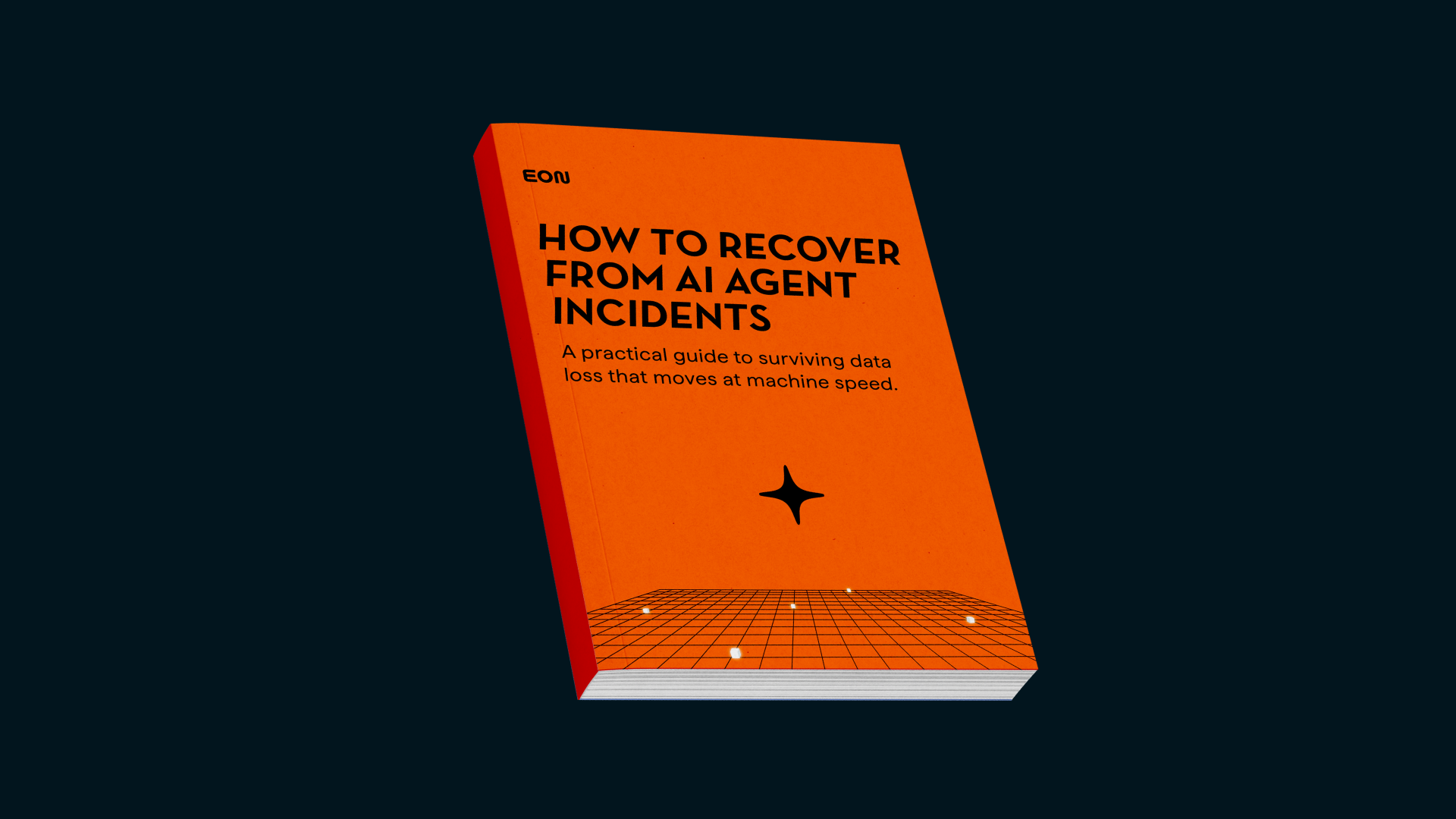
What You'll Learn
- The three ways AI causes data loss, from agents in your own pipeline to attackers moving faster
- The five reasons legacy backup fails when an agent makes the mistake
- How to scope restores to exactly what changed, instead of rehydrating whole environments
- Why detection has to read the data, not the files, to catch a dropped table or mass delete
- Six checks your team can run this quarter to find the gaps before an incident does
Why This Guide Matters
AI agents now operate inside production with valid cloud credentials, at machine speed. When one drops a table or runs terraform destroy against live infrastructure, your monitoring stays quiet, because the cloud sees an authorized API call.
This guide breaks down why recovery built for human-speed mistakes fails against agents, and how to build a layer that holds when the credentials themselves are the weapon.
"If an agent's credentials can reach your backups, you don't have backups."
Who This Guide Helps
Built for:
- Cloud engineers & architects
- SRE and platform teams
- IT & infrastructure leaders
- Anyone handing AI agents access to production data or credentials
If your team has ever watched an agent do something irreversible in seconds, this guide is for you.
Get the AI Agent Recovery Guide
Learn the practical steps to recover from an agent incident before it's your postmortem.
You might also like
Cut backup cost and complexity while adding instant restore and analytics.
Cut backup cost and complexity while adding instant restore and analytics.