Teams automate cloud compliance with posture scanners and evidence collectors. Here are nine of the best in 2026, and the one control they all leave to you. For that last control specifically, see our roundup of compliance-ready cloud backup.
9 best cloud compliance tools: Quick comparison
| Tool | Best for | Key frameworks | Pricing model |
|---|---|---|---|
| AWS Security Hub | AWS-native posture and findings | FSBP, CIS, PCI DSS, NIST | Usage-based, 30-day free trial |
| Wiz | Enterprise multi-cloud posture | SOC 2, ISO 27001, PCI DSS, HIPAA, NIST | Subscription, by assets monitored |
| Prisma Cloud | Broad framework coverage | 100+ including SOC 2, HIPAA, PCI DSS, GDPR | Credit-based subscription |
| Microsoft Defender for Cloud | Azure-centric estates | CIS, NIST, PCI DSS, ISO 27001 | Free tier, paid per resource |
| Orca Security | Agentless coverage | 200+ customizable frameworks | By compute asset |
| Lacework FortiCNAPP | Fortinet-aligned teams | CIS, SOC 2, PCI DSS, plus custom | Custom enterprise |
| Vanta | Fast SOC 2 and ISO audits | SOC 2, ISO 27001, HIPAA, GDPR, more | Tiered subscription |
| Drata | Continuous control monitoring | SOC 2, ISO 27001, NIST, HIPAA, more | Tiered subscription |
| Sprinto | Cloud-native startups and scaleups | SOC 2, ISO 27001, HIPAA, NIST, more | Custom, not publicly listed |
How we evaluated these cloud compliance tools
We reviewed product documentation, current pricing pages, and recent user feedback on G2, Gartner Peer Insights, and TrustRadius. We also confirmed the state of each vendor, since two of the biggest names changed hands recently.
We looked across a few dimensions:
- Does the tool discover and inventory cloud resources on its own, or does it depend on tagging?
- Does it map controls to multiple frameworks and reuse evidence across them?
- Does it collect audit evidence from live telemetry, or from periodic snapshots and manual uploads?
- Does it cover backup and recovery, the control category most compliance roundups skip?
Backup and recovery is required in every framework, but most of these tools only check that it is turned on.
The 9 best tools to automate cloud compliance
1. AWS Security Hub
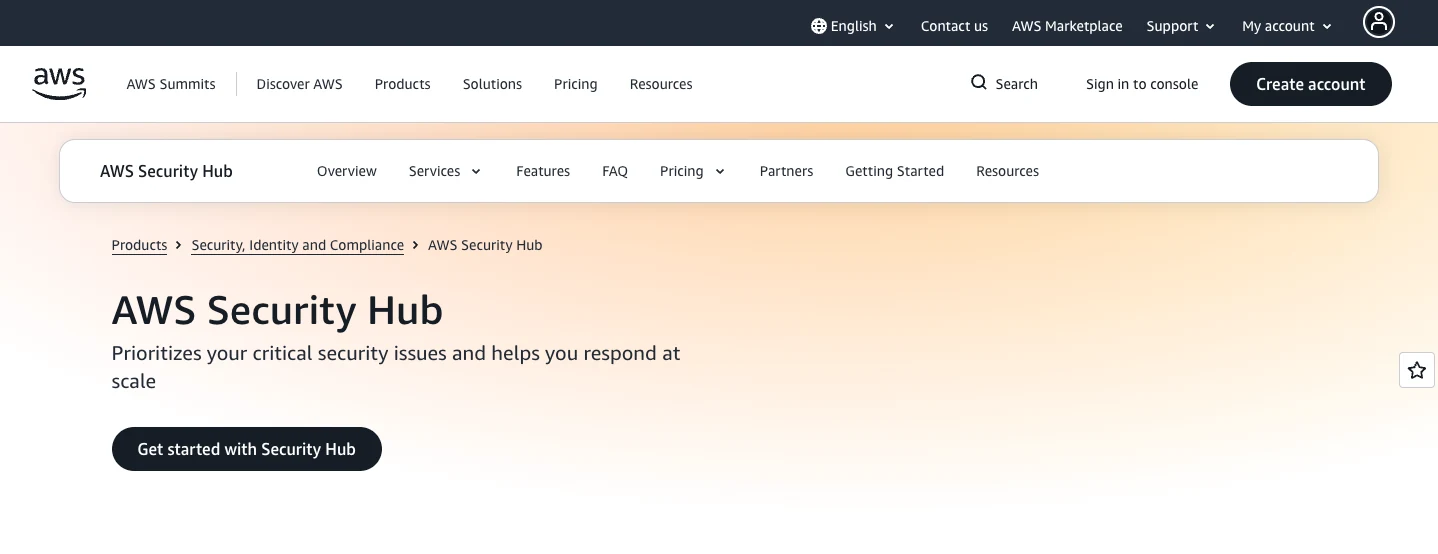
AWS Security Hub is the native posture and findings hub for AWS. The compliance work runs through Security Hub CSPM, which checks AWS resources against security standards and aggregates findings from GuardDuty, Inspector, and Macie into one normalized view.
It maps controls to recognized standards, including AWS Foundational Security Best Practices, the CIS AWS Foundations Benchmark (now v5.0), PCI DSS 4.0.1, and NIST SP 800-53. AWS frames these checks as posture signals that fall short of audit proof on their own, and remediation stays manual or runs through automation you build.
Key features
- Automated checks against FSBP, the CIS Benchmark, PCI DSS, and NIST SP 800-53.
- Finding aggregation from GuardDuty, Inspector, Macie, and partner tools in one format.
- AWS Organizations central configuration and EventBridge routing for automation.
Pros
- ✅ Reads straight from AWS, so findings match the provider's own data.
- ✅ Centralizes security and compliance findings across AWS services.
- ✅ 30-day free trial, with tiered pricing across an organization.
Cons
- ❌ AWS only, with no view into Azure or Google Cloud.
- ❌ Region-scoped, so full CIS coverage needs every region enabled.
- ❌ Detects and reports, so remediation falls to your team.
What users say
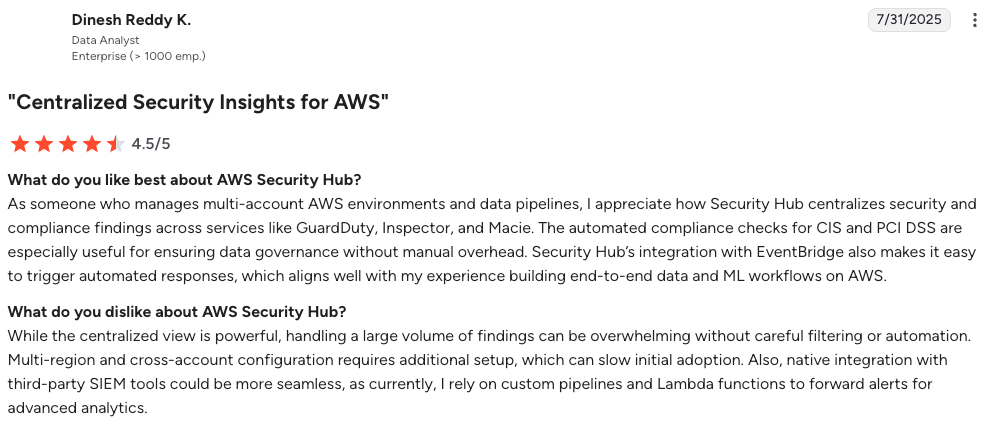
“Security Hub centralizes security and compliance findings across services like GuardDuty, Inspector, and Macie.” – Dinesh Reddy K., G2
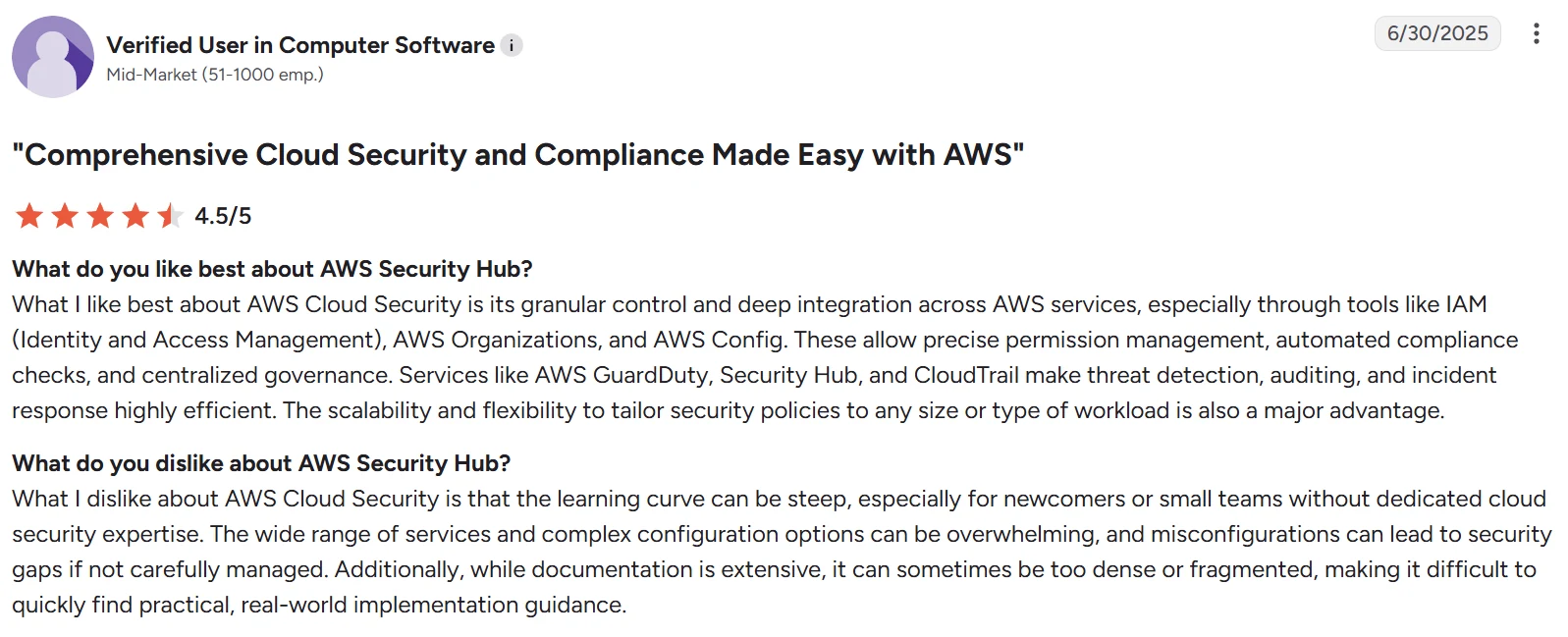
“Misconfigurations can lead to security gaps if not carefully managed.” – User in computer software, G2
Pricing
Security Hub CSPM bills on security checks, finding ingestion events, and rule evaluations, with a 30-day free trial and tiered pricing through AWS Organizations. The enhanced Security Hub is moving to resource-based pricing with unlimited checks.
Bottom line
AWS Security Hub is the right native baseline if you run on AWS, and AWS frames its checks as monitoring signals that fall short of audit proof. Even AWS Backup Audit Manager, the closest native backup-compliance tool, audits policy configuration within AWS and stops short of proving a restore works.
2. Wiz
Wiz is a cloud-native application protection platform, or CNAPP, that connects posture management, workload protection, identity risk, data security, and Kubernetes security into one risk graph. It runs agentless and scans AWS, Azure, Google Cloud, Oracle Cloud, and Kubernetes.
Google recently closed its $32 billion acquisition of Wiz on March 11, 2026. Wiz joined Google Cloud, kept its brand, and still supports AWS, Azure, and Oracle Cloud, though teams with strict data residency rules should review updated data processing terms.
Key features
- A unified graph that links resources, identities, vulnerabilities, and exposures.
- Attack path analysis that shows how misconfigurations connect to real risk.
- IaC scanning through Wiz Code for Terraform and CloudFormation.
Pros
- ✅ Agentless scanning connects in hours with no production impact.
- ✅ The risk graph and attack paths cut noise down to real exposure.
- ✅ Broad multi-cloud coverage, including Kubernetes and IaC.
Cons
- ❌ Pricing climbs fast for mid-sized companies.
- ❌ Runtime enforcement is lighter than agent-based tools.
- ❌ Hybrid and legacy integrations take extra effort.
What users say
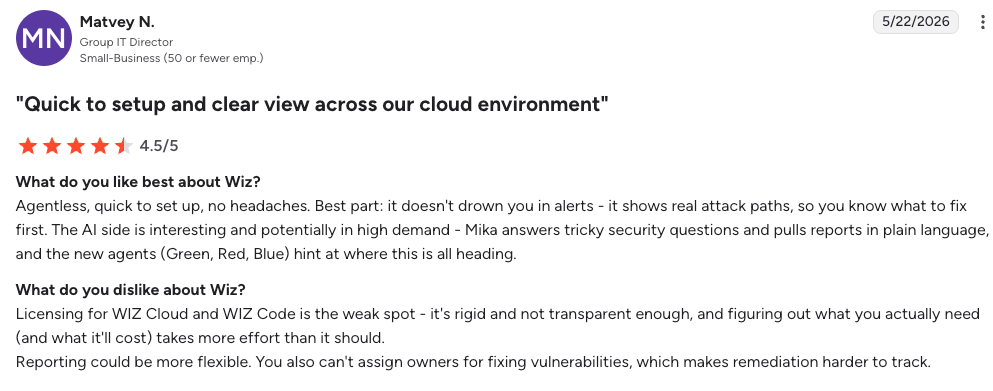
“Best part: it doesn't drown you in alerts - it shows real attack paths, so you know what to fix first. ” – Matvey N., G2
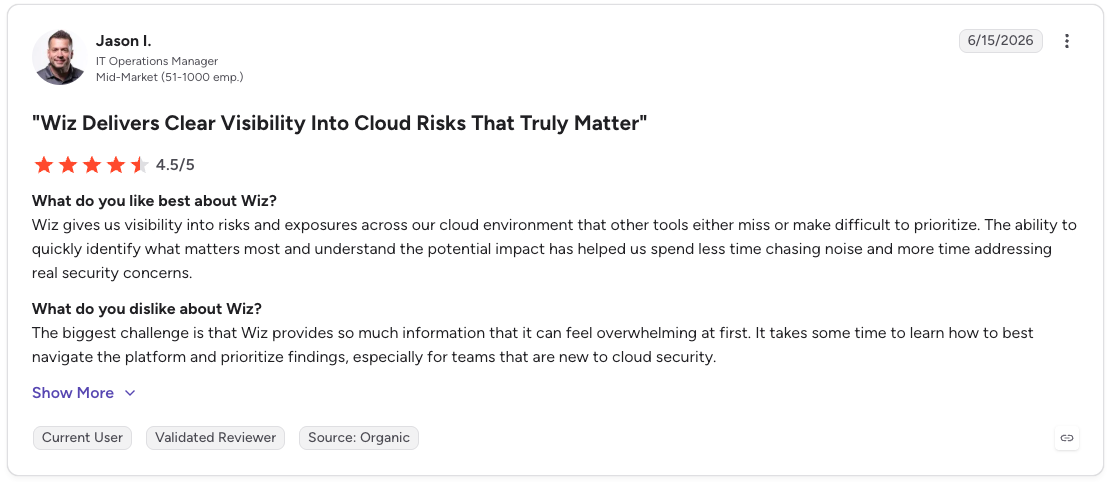
“The biggest challenge is that Wiz provides so much information that it can feel overwhelming at first.” - Jason I., G2
Pricing
Subscription-based and quoted by the number of workloads, resources, or assets monitored. Wiz does not publish list prices.
Bottom line
Wiz is a strong multi-cloud posture choice for enterprises that can absorb the cost. It maps compliance status well, though it reports on configuration rather than proving regulated data can be restored. If the choice is between a full platform and a narrower scanner, CNAPP vs CSPM sets out the trade.
3. Prisma Cloud

Prisma Cloud by Palo Alto Networks is the broadest CNAPP for compliance coverage. It combines posture management, workload protection, identity, code, and network security across AWS, Azure, Google Cloud, Oracle Cloud, and Alibaba Cloud.
The compliance engine is its strength. Prisma Cloud supports more than 100 frameworks, including SOC 2, HIPAA, PCI DSS, GDPR, NIST 800-53, and ISO 27001, with a built-in policy library and audit-ready reports.
Key features
- Continuous configuration monitoring with auto-generated compliance reports.
- Hybrid scanning, agentless for posture and optional Defenders for runtime.
- Custom policy creation with auto-remediation.
Pros
- ✅ Coverage for 100-plus frameworks with audit-ready reports.
- ✅ Hybrid scanning across posture, workloads, identity, and code.
- ✅ Custom policies with auto-remediation.
Cons
- ❌ Credit-based licensing is hard to forecast.
- ❌ Console complexity from multiple acquired products.
- ❌ The Cortex Cloud consolidation adds roadmap uncertainty.
What users say
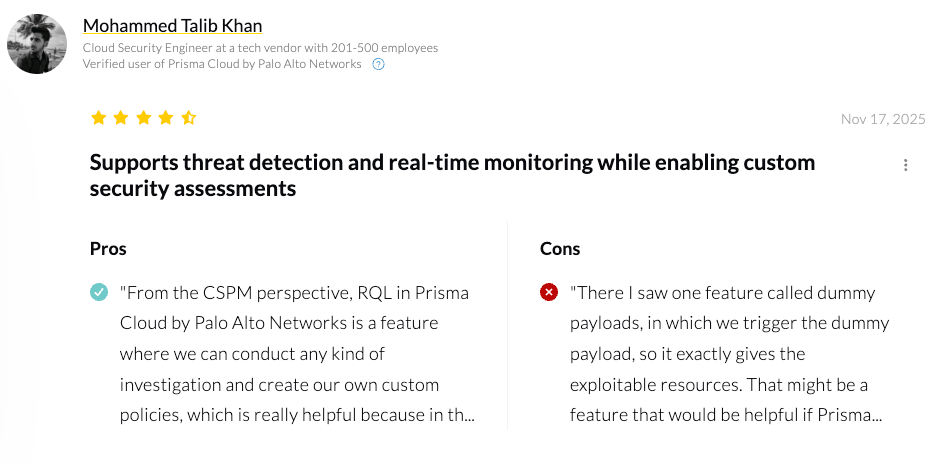
“From the CSPM perspective, RQL in Prisma Cloud by Palo Alto Networks is a feature where we can conduct any kind of investigation and create our own custom policies.” – Mohammed Talib Khan, PeerSpot
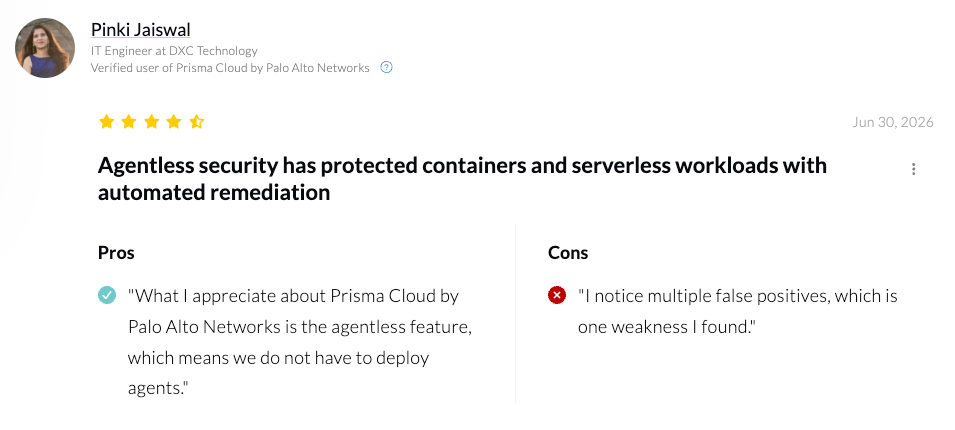
“I notice multiple false positives.” – Pinki Jaiswal, PeerSpot
Pricing
Credit-based subscription, tiered by protected resources and modules. Costs scale quickly at enterprise size.
Bottom line
Choose Prisma Cloud when you want the widest framework coverage and have the team to manage the complexity. Its checks confirm backup settings exist; recovery testing remains your job.
4. Microsoft Defender for Cloud
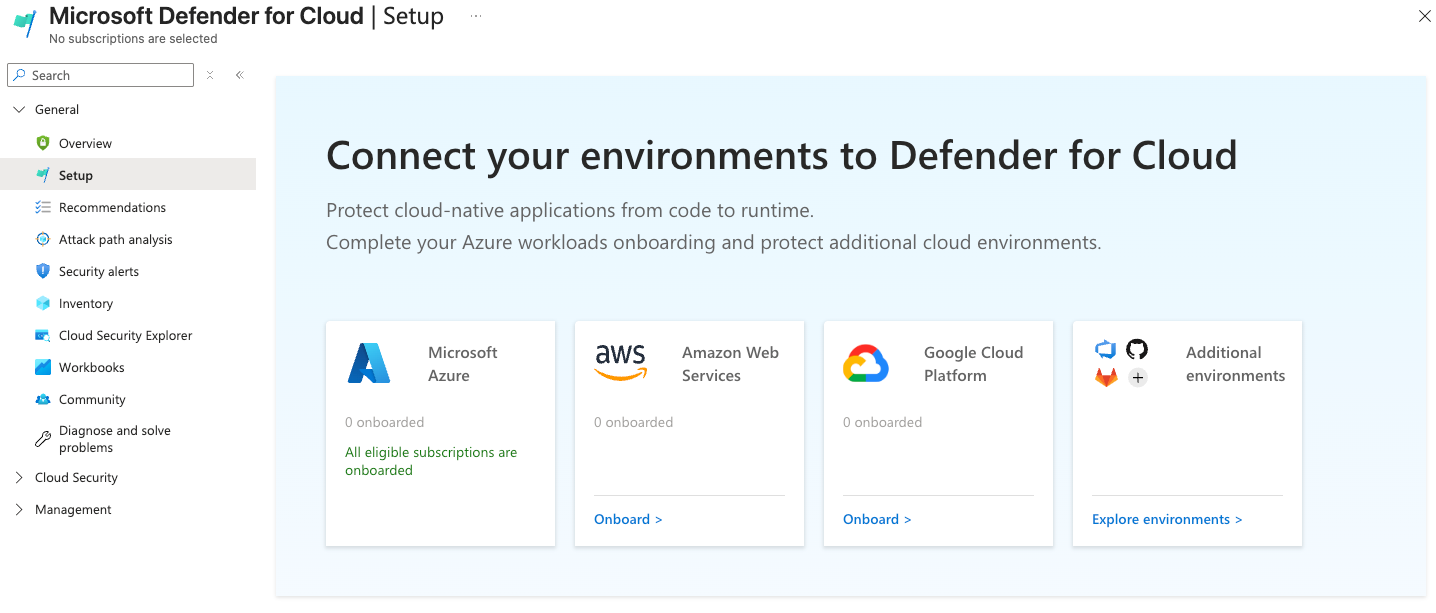
Defender for Cloud is the natural fit for Azure-heavy estates, and it extends to AWS and Google Cloud. Its foundational CSPM tier is free and gives you continuous assessments, a Secure Score, and the Microsoft cloud security benchmark across all three clouds.
Its regulatory compliance dashboard tracks posture against standards like CIS, NIST, and PCI DSS in the free tier. The paid Defender CSPM tier adds attack path analysis, agentless vulnerability scanning, and deeper governance across Azure, AWS, and Google Cloud.
Key features
- A regulatory compliance dashboard with built-in and custom standards.
- Compliance exemptions that record justification and expiry for auditors.
- Multi-cloud posture from one console.
Pros
- ✅ Free foundational CSPM across Azure, AWS, and GCP.
- ✅ Regulatory compliance dashboard with documented exemptions.
- ✅ Strong value for Azure-centric estates.
Cons
- ❌ Costs grow on the paid tier at enterprise scale.
- ❌ Dashboards can feel scattered.
- ❌ The deepest value is Azure-first.
What users say
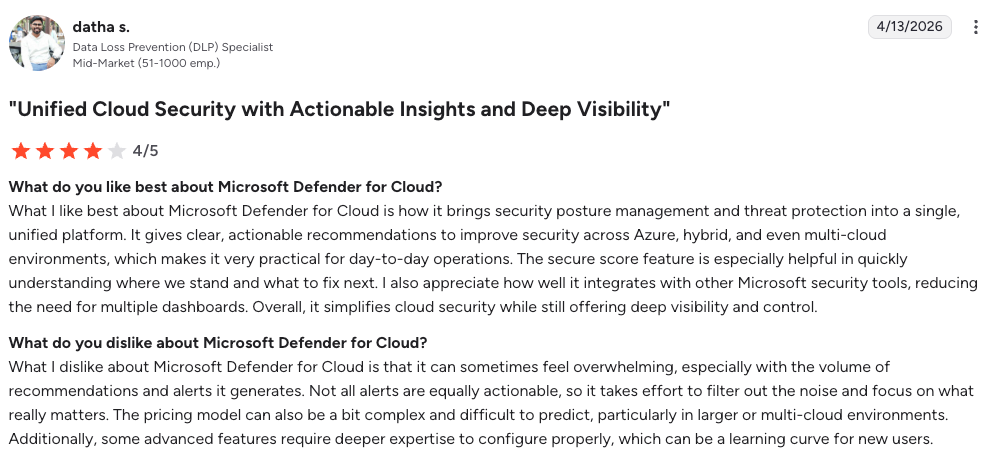
“It brings security posture management and threat protection into a single, unified platform. ” – Datha S., G2
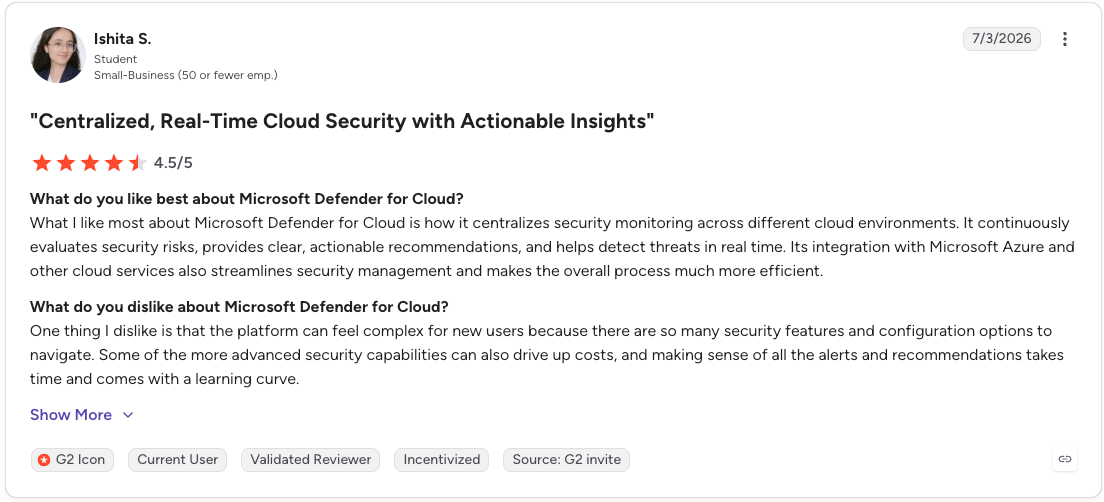
“The platform can feel complex for new users because there are so many security features and configuration options” – Ishita S., G2
Pricing
Foundational CSPM is free. Defender CSPM runs about $5 per billable resource per month, billed on compute, storage, database, and serverless resources.
Bottom line
Defender for Cloud is the value pick when Azure leads your estate. Like other posture tools, it reads backup as a configuration flag rather than evidence of recovery.
5. Orca Security
Orca Security takes a fully agentless approach using what it calls SideScanning, which reads workload data at the block storage level. It covers AWS, Azure, Google Cloud, Oracle Cloud, and Alibaba Cloud without deploying anything in your environment.
Its compliance reporting is wide. Orca produces reports across 200-plus customizable frameworks with automated exporting and continuous compliance workflows.
Key features
- Agentless deployment that connects in hours.
- Context-based prioritization to cut alert fatigue.
- Customizable framework reports with scheduled exports.
Pros
- ✅ Fully agentless, with no logs or prerequisites to enable.
- ✅ Deploys in minutes across major clouds.
- ✅ Wide framework coverage with scheduled exports.
Cons
- ❌ Agentless scans can surface false positives that take time to triage.
- ❌ DSPM depth lags dedicated data-security tools.
- ❌ A few sections take time to learn.
What users say
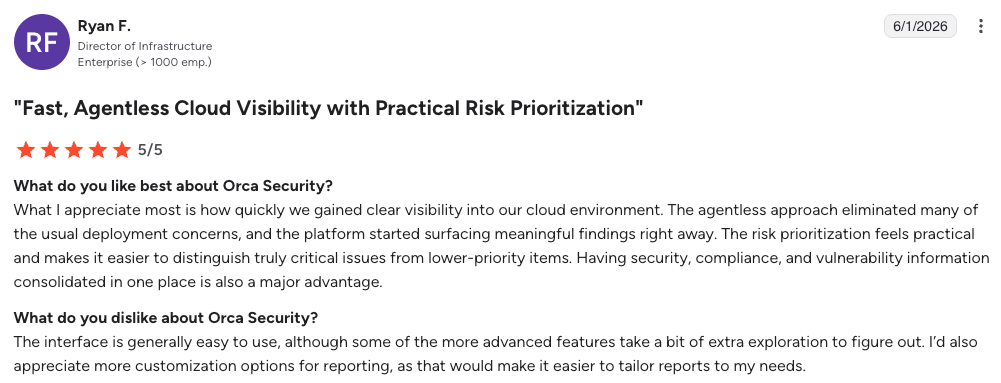
“What I appreciate most is how quickly we gained clear visibility into our cloud environment.” – Ryan F., G2
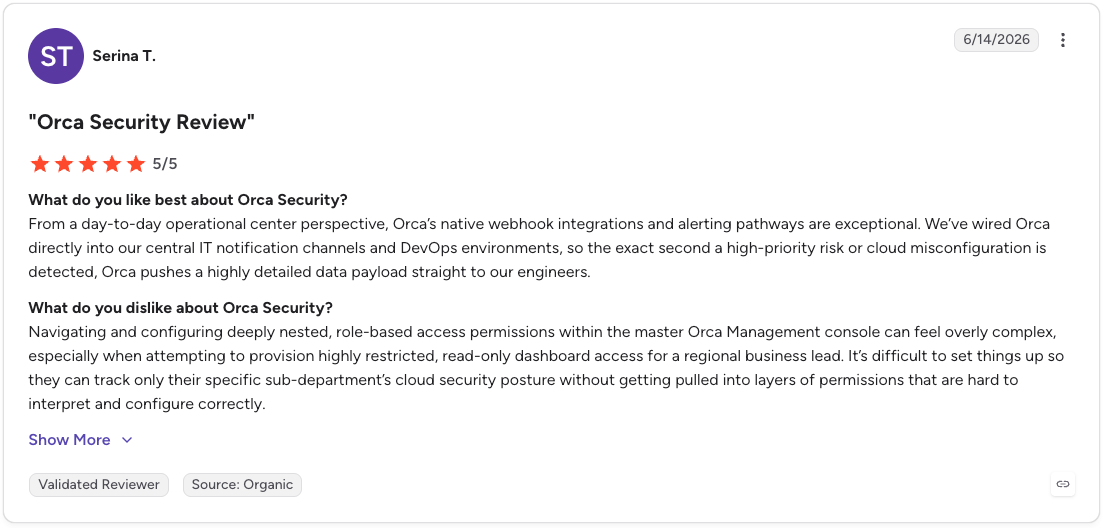
“Navigating and configuring deeply nested, role-based access permissions within the master Orca Management console can feel overly complex” – Serina T., G2
Pricing
Annual subscription priced per compute asset, which keeps storage and database counts out of the meter.
Bottom line
Orca fits teams that want broad, agentless coverage with fast setup. It reports compliance posture across clouds with fast, agentless setup.
6. Lacework FortiCNAPP
Lacework is now part of Fortinet. After the August 2024 acquisition, the product became Lacework FortiCNAPP. It covers AWS, Azure, Google Cloud, and Kubernetes.
Behavioral anomaly detection is what sets it apart. The platform builds baselines from cloud API calls, process activity, and network traffic, then groups weak signals into composite alerts so teams chase fewer false positives.
Key features
- Anomaly detection across cloud and Kubernetes activity.
- Composite alerts that correlate related signals.
- Tight integration with the Fortinet Security Fabric.
Pros
- ✅ Behavioral anomaly detection across cloud and Kubernetes.
- ✅ Composite alerts reduce false positives.
- ✅ Strong fit for teams on the Fortinet Security Fabric.
Cons
- ❌ Compliance framework mapping is less developed than rule-based tools.
- ❌ Teams often supplement it for audit reporting.
- ❌ Some requested features ship slowly.
What users say
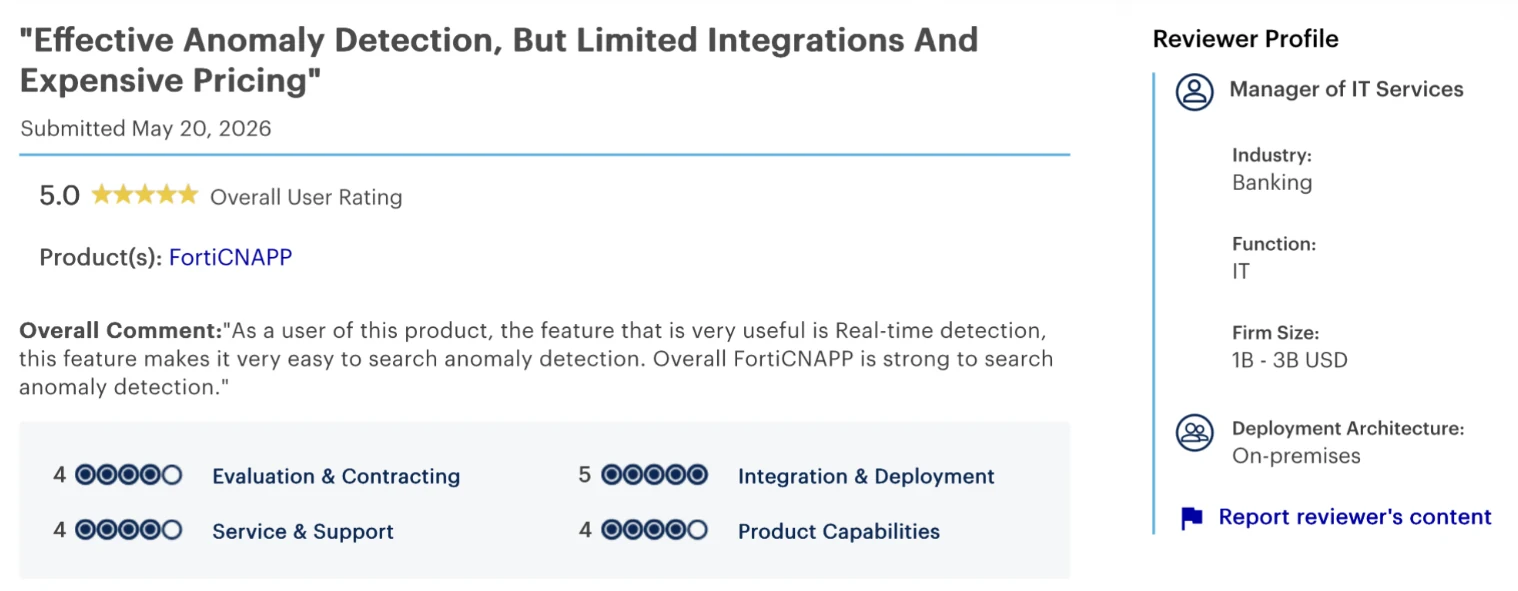
“Real-time detection … makes it very easy to search anomaly detection.” – Manager of IT services, Gartner Peer Insights
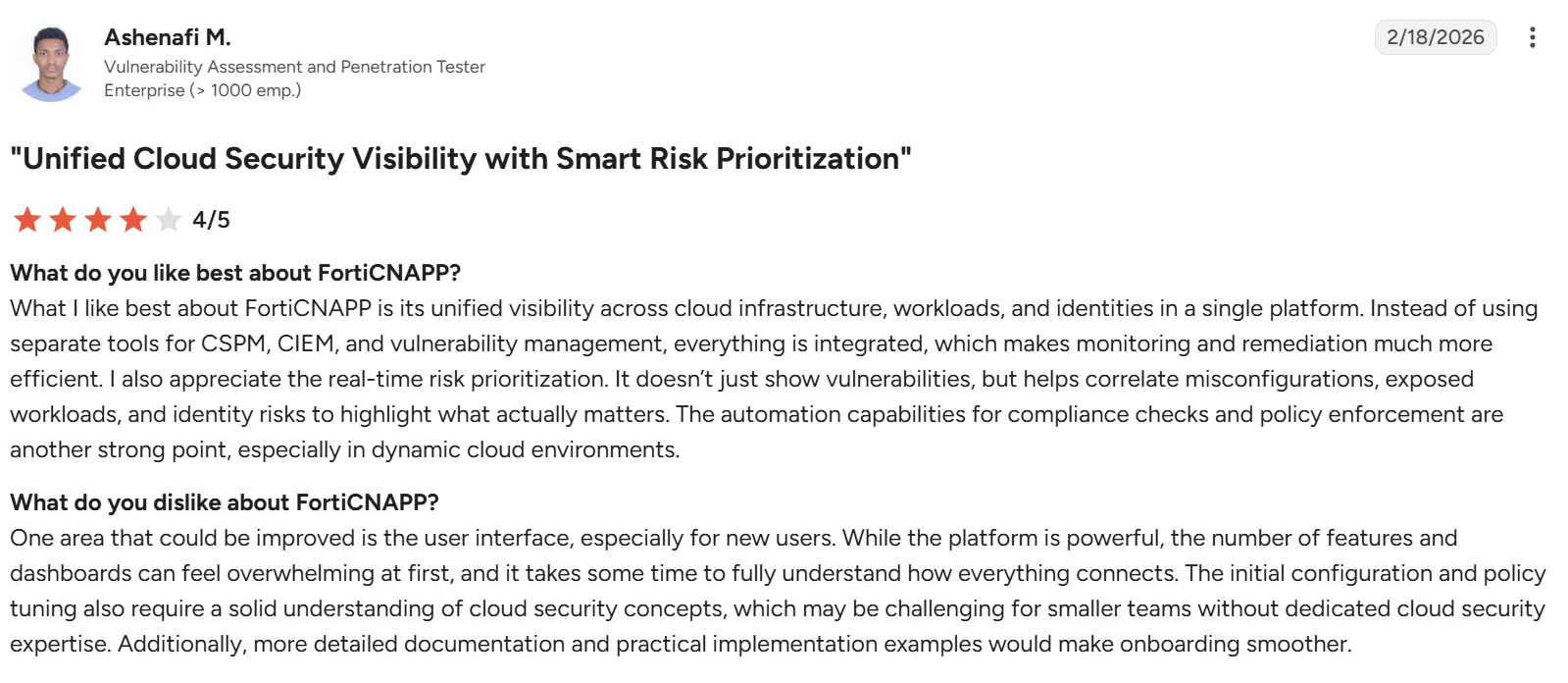
“The number of features and dashboards can feel overwhelming at first, and it takes some time to fully understand how everything connects.” – Ashenafi M., G2
Pricing
Custom enterprise pricing, sold within Fortinet Security Fabric agreements.
Bottom line
FortiCNAPP is a natural add for Fortinet shops that value detection depth. For audit-grade compliance reporting, teams usually pair it with native cloud tools.
7. Vanta
Vanta moves the conversation from cloud posture to audit evidence. It is a governance, risk, and compliance platform that automates evidence collection and continuous monitoring so teams can reach SOC 2, ISO 27001, HIPAA, and other frameworks quickly.
Its appeal is speed and a large connector library. Vanta pulls evidence from that library and presents real-time control status, which makes it a common first choice for SaaS companies running their first audit.
Key features
- Automated evidence collection from cloud, identity, and HR systems.
- A trust center to share compliance status with customers.
- Pre-mapped controls across many frameworks.
Pros
- ✅ 400-plus integrations for automated evidence collection.
- ✅ Fast path to a first SOC 2 or ISO audit.
- ✅ Trust center to share status with customers.
Cons
- ❌ Higher pricing and add-on costs.
- ❌ Test depth can stay surface-level.
- ❌ Base-tier support is self-service.
What users say
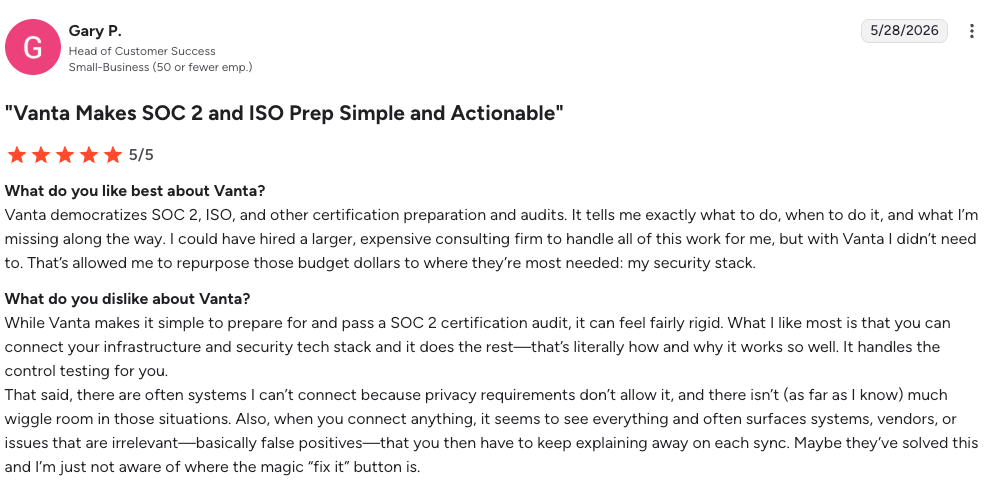
“Vanta democratizes SOC 2, ISO, and other certification preparation and audits. It tells me exactly what to do, when to do it, and what I’m missing along the way” – Gary P., G2
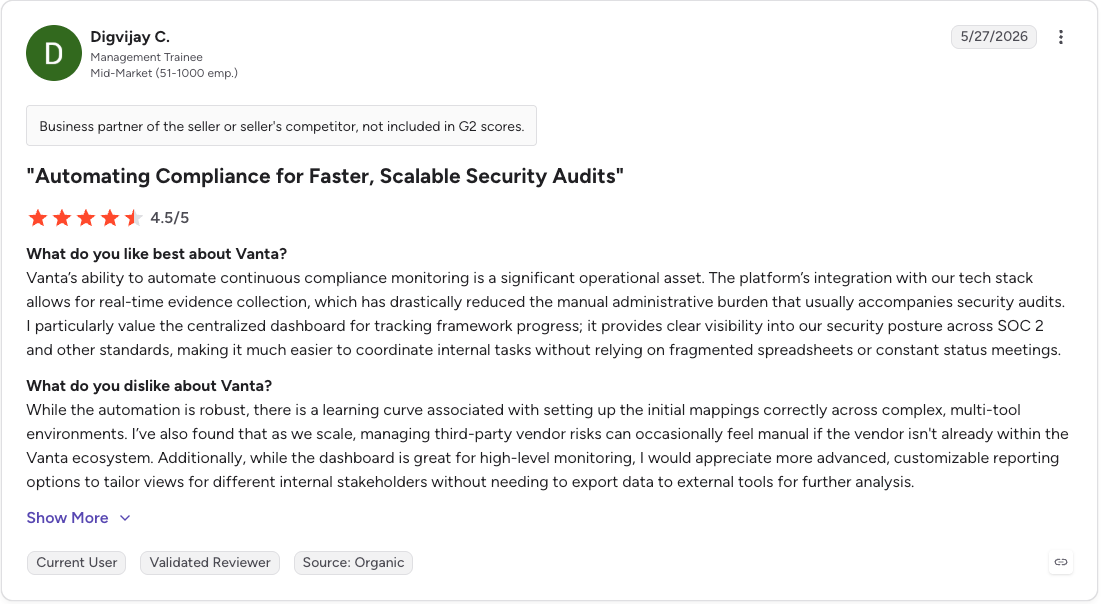
“While the automation is robust, there is a learning curve associated with setting up the initial mappings correctly across complex, multi-tool environments.” – Digvijay C., G2
Pricing
Tiered subscription, quoted by company size and frameworks. Vanta does not publish list prices.
Bottom line
Vanta is the fastest route to a first certification for cloud-native SaaS. It records that a backup control exists through an integration, not that the data behind it is recoverable.
8. Drata
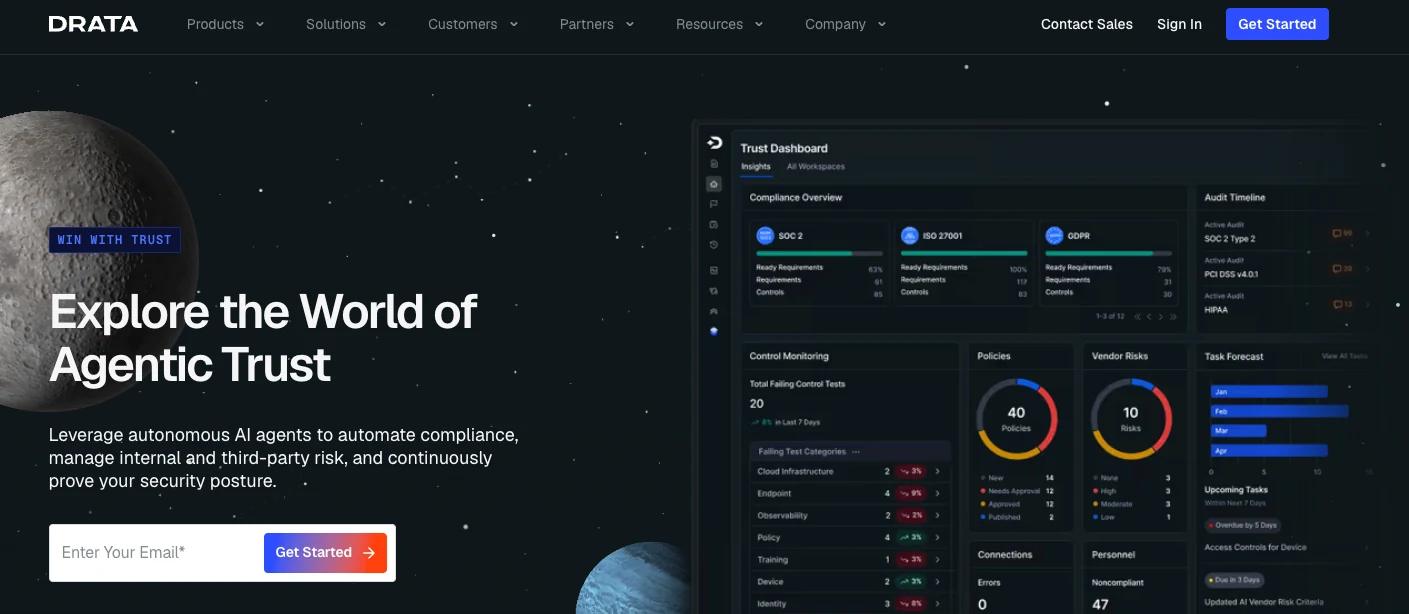
Drata sits next to Vanta but leans into continuous control monitoring and audit rigor. It runs automated tests around the clock against a wide set of integrations and keeps evidence current for recurring audits.
It suits teams with a more formal GRC function. Drata pairs an audit hub for reviewers with a public trust center and an open API for custom controls and connections.
Key features
- Continuous control monitoring with frequent automated tests.
- An audit hub that replaces email threads with a shared workspace.
- Open API and custom controls for less common stacks.
Pros
- ✅ Round-the-clock testing keeps audit evidence current.
- ✅ Audit hub and open API for custom controls.
- ✅ Highly rated customer support.
Cons
- ❌ Setup is steeper across multiple frameworks.
- ❌ Some features sit behind higher tiers.
- ❌ Occasional gaps in evidence collection.
What users say
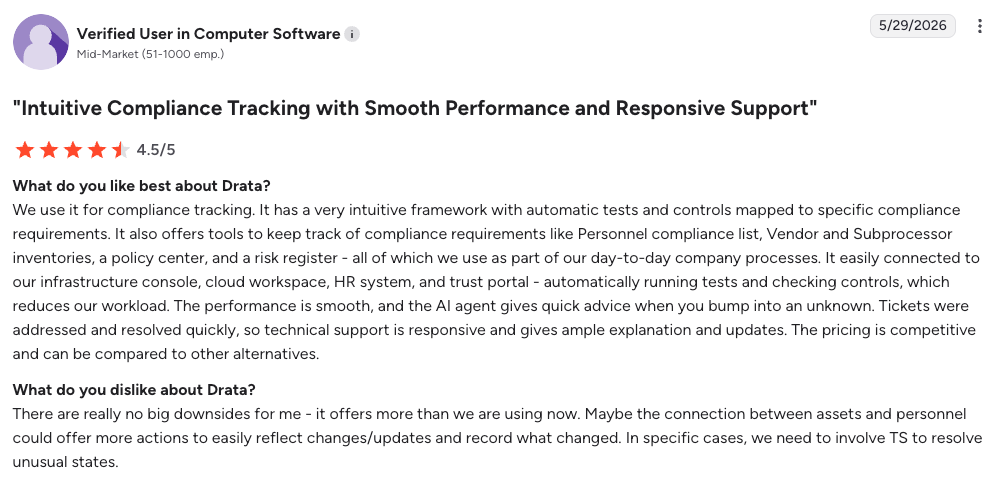
“We use it for compliance tracking. It has a very intuitive framework with automatic tests and controls mapped to specific compliance requirements.” – Verified user in computer software, G2
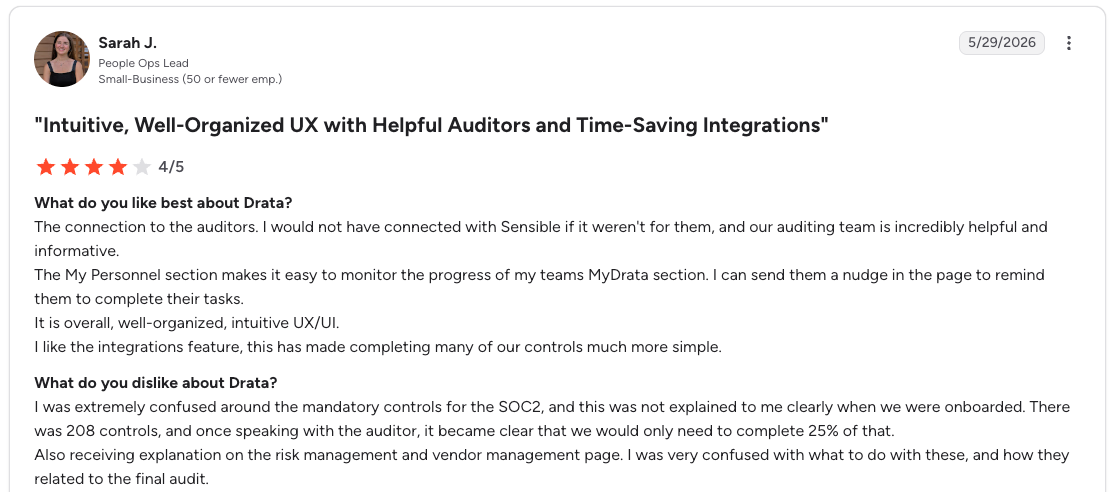
“I was extremely confused around the mandatory controls for the [SOC 2].” – Sarah J., G2
Pricing
Tiered subscription, quoted by company size and frameworks. Drata does not publish list prices.
Bottom line
Drata fits teams that want audit rigor and responsive support. Its evidence comes from integrations and attestations, so recovery readiness still needs separate proof.
9. Sprinto
Sprinto targets cloud-native startups and scaleups that want fast, supported compliance. It automates control checks across cloud infrastructure, code, HR, and vendor systems, and bundles expert onboarding rather than self-serve setup.
Its framework coverage is wide, with support for SOC 2, ISO 27001, HIPAA, NIST, and many others. The platform works best for standardized cloud stacks built on services like AWS, GitHub, and Okta.
Key features
- Validated, alert-driven control monitoring.
- Broad framework library with reusable controls.
- Dedicated onboarding support from day one.
Pros
- ✅ Guided expert onboarding shortens time to first audit.
- ✅ Reusable controls cut effort across multiple frameworks.
- ✅ Alerts surface control drift as it happens.
Cons
- ❌ Smaller integration library than Vanta or Drata.
- ❌ Works best with standardized cloud stacks.
- ❌ Some areas feel confusing at first.
What users say
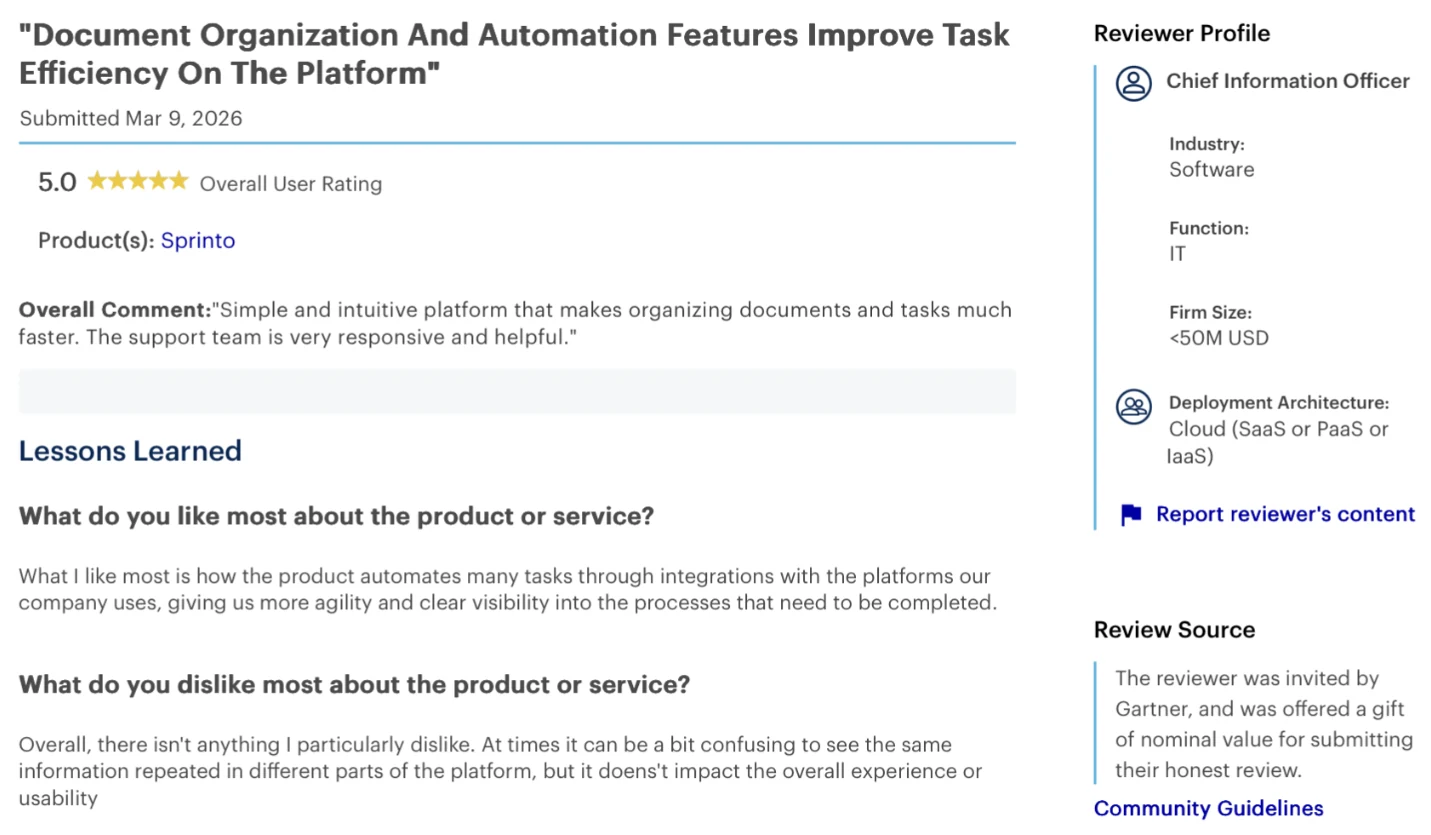
“Simple and intuitive platform that makes organizing documents and tasks much faster.” – Chief information officer in software industry, Gartner Peer Insights
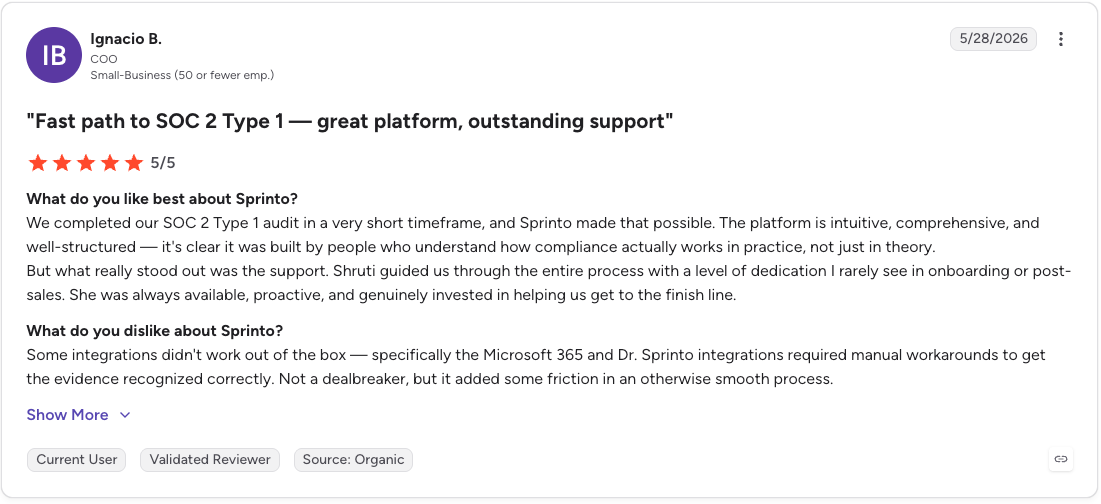
“Some integrations didn't work out of the box — specifically the Microsoft 365 and Dr. Sprinto integrations required manual workarounds to get the evidence recognized correctly.” – Ignacio B., G2
Pricing
Sprinto does not publish pricing. Third-party data puts entry plans near $6,000 to $8,000 per year for one framework, with multi-framework contracts running higher.
Bottom line
Sprinto suits cloud-native teams that want speed and hands-on onboarding. Like other GRC platforms, it verifies the control on paper rather than the restore itself.
Which compliance control do these tools leave to you?
Backup and recovery is the control category every tool above treats as a checkbox. They confirm that backups are switched on. They do not prove that coverage is complete across accounts and regions, or that you can restore a specific record when an auditor asks.
That gap shows up in the data. In Eon's 2026 Cloud Data Infrastructure Report, 98% of executives were confident in their organization's recovery. Yet 61% only discovered protection gaps after an incident, audit, or failed restore.
The confidence is running well ahead of the proof. Posture scanners see config drift on individual resources. They do not connect that drift to whether your regulated data is actually recoverable.
Backup and recovery is a required, testable control in every major framework:
- SOC 2 availability criteria A1.2 and A1.3 require data backup processes, recovery infrastructure, and tested recovery procedures.
- ISO 27001:2022 Annex A 8.13 requires backup copies that are maintained and regularly tested against a backup policy.
- HIPAA Section 164.308(a)(7) requires a data backup plan with retrievable exact copies of ePHI and a disaster recovery plan to restore lost data.
- GDPR Article 32 requires the ability to restore access to personal data in a timely manner after an incident.
Where Eon closes the gap
This is the control Eon was built to prove. Its Cloud Backup Posture Management (CBPM) continuously discovers and classifies cloud resources across AWS, Azure, and Google Cloud, applies backup policies by data type without manual tagging, and surfaces coverage gaps and policy drift as the environment changes. That turns, "Are backups on?" into, "Here is every regulated resource, its policy, and its status."
Eon also produces evidence that a restore actually works. Granular Restoration restores a single file, record, or table without rehydrating a full environment, so restore tests against RTO and RPO targets become routine evidence. Backups stay immutable and logically air-gapped, which connects directly to ransomware recovery and audit posture.
These capabilities show up in how teams pass real audits. StructuredWeb reached full compliance within 30 days by automating resource scanning, which cut manual classification and tagging time by 20%.
For regulated workloads, SoFi applied a new student-loan retention policy in seconds rather than hours, with audit logs and immutability built into every backup vault to support PCI. At scale, AlphaSense completed its initial backup of petabytes of AWS data in three days, part of a SOC-aligned strategy that reached full production in 25 days.
For teams managing this across more than one cloud, Eon's multi-cloud view answers the auditor question in minutes rather than pulling three separate reports from three consoles.
Which cloud compliance tool should you choose?
The right tool depends on your cloud mix, how far along your audit program is, and whether you need to prove recovery, not just configuration. Use this as a shortcut to the entry that fits.
- Choose AWS Security Hub if you run entirely on AWS and want a native posture baseline that reads straight from the provider.
- Choose Wiz if you are an enterprise on multiple clouds and want the clearest risk prioritization, with the budget to match.
- Choose Prisma Cloud if you need the widest framework coverage and have the team to manage a deeper console.
- Choose Microsoft Defender for Cloud if Azure leads your estate and you want solid posture coverage at a low entry cost.
- Choose Orca Security if you want broad, fully agentless coverage that deploys fast across major clouds.
- Choose Lacework FortiCNAPP if you run the Fortinet Security Fabric and value behavioral anomaly detection.
- Choose Vanta if you are a cloud-native SaaS company aiming to clear a first SOC 2 or ISO audit quickly.
- Choose Drata if you want continuous control monitoring, audit rigor, and responsive support for recurring audits. Control monitoring covers the controls; the backup evidence behind them is where teams cut backup compliance costs.
- Choose Sprinto if you are a cloud-native startup that wants fast, guided compliance with hands-on onboarding.
Cloud compliance platforms split along that same line. Most teams run a posture scanner and a GRC platform together, since neither category proves backup and recovery on its own. Add Eon alongside whichever you pick to prove backup coverage and restore readiness across AWS, Azure, Google Cloud, Microsoft 365, and Google Workspace.
Final verdict
No single tool automates cloud compliance end to end. Posture scanners watch your configuration, GRC platforms collect your evidence, and the strongest programs run one of each rather than betting on a single platform. Treating automated cloud compliance as one purchase is where most programs go wrong.
The gap they share is recovery. Automation reports on what is configured, while audits increasingly test what is recoverable, so backup and recovery is the control to close last and prove first.
If your last audit ended in a scramble to show backup coverage and restore readiness, that is the next gap worth closing.
Want to see your real backup posture across every account and cloud? Book a demo and see how Eon proves coverage and restore readiness across every account and region.
Frequently asked questions
What does it mean to automate cloud compliance?
Automating cloud compliance means using software to continuously check cloud configuration against frameworks, collect audit evidence, and report on control status without manual spreadsheets. It replaces point-in-time reviews with ongoing monitoring across accounts, regions, and clouds.
Can CSPM tools prove backup compliance?
No, CSPM tools do not prove backup compliance. They confirm that a backup setting is enabled, but they do not verify that coverage is complete across your estate or that a specific record can actually be restored. Recovery validation requires backup posture management and restore testing. That discipline has its own explainer in cloud backup posture management.
Which compliance frameworks require backup and recovery testing?
SOC 2, ISO 27001, HIPAA, GDPR, PCI DSS, and DORA all require backup and recovery capabilities, and several require evidence that recovery was tested. SOC 2 criterion A1.3 and ISO 27001 Annex A 8.13 specifically call for regular testing of recovery procedures. What HIPAA specifically demands as that evidence is covered in hipaa data backup requirements.
Do native cloud tools cover cloud compliance?
Yes, but only within one provider. Native tools like AWS Security Hub, Config, and Audit Manager cover compliance well inside a single cloud, then fragment across clouds. AWS Audit Manager stopped accepting new customers on April 30, 2026 and is now in maintenance mode, so new teams should plan around AWS Config conformance packs, Security Hub, or a third-party platform.
What is the difference between Vanta, Drata, and a CSPM tool?
The main difference is what they automate. Vanta and Drata automate audit evidence collection and control monitoring through integrations, while CSPM tools like Wiz and Orca scan cloud configuration for misconfigurations. Neither category enforces backup policy or proves data recovery.
How does Eon fit alongside these compliance tools?
Eon fits as the backup and recovery control layer that posture and GRC tools leave open. It continuously discovers and classifies cloud resources, enforces backup policies across AWS, Azure, and Google Cloud, and generates restore evidence that maps to framework requirements for audits.