


We evaluated nine AWS cost optimization tools to map where each one delivers and where they stop short. Most teams run two or three together, and the right stack depends on which cost problems you're solving. Buyers call this category AWS cost management tools or AWS cloud cost optimization tools more or less interchangeably; what separates them is which part of the bill each one can actually see. An AWS Cost Explorer alternative is usually what a team is after once native billing stops short of the detail they need. Tooling is only half the job; the manual levers are in our list of AWS cloud cost reduction strategies.
9 best AWS cost optimization tools: Quick comparison
| Tool | Best for | Pricing model |
|---|---|---|
| AWS native cost tools | Starting any cost program | Free (UI); API calls $0.01/request |
| Spot (now Flexera) | Batch and dev/test fleets | Savings-share or vCPU-based |
| Kubecost | EKS chargeback | Free (up to 250 cores); enterprise pricing on request |
| Cloudability | 50+ account governance | Custom (annual contract; based on managed spend) |
| Vantage | Fast multi-cloud visibility | Free; $30/mo (Pro) |
| ProsperOps | Finance-led commitment buying | Savings-share |
| Harness Cloud Cost Management | CI/CD-integrated cost enforcement | Quote-based (Enterprise plan) |
| Turbonomic | Complex app topologies | From $40K/yr (Essentials) |
| Cast AI | Dynamic Kubernetes clusters | Usage-based; pricing on request. |
How we evaluated these tools
We followed a practical FinOps workflow: discovery first, then rightsizing, then reserve and spot optimization, then governance. For each tool, we reviewed documentation, inspected the interface, and cross-referenced real user reviews on G2 and Capterra. Where a free tier or trial was available, we ran hands-on checks. We ran the same method over the Azure cost optimization tools, so the two lists compare directly.
Four questions guided the evaluation:
- Does the tool use CUR-level data or provide resource-level cost attribution?
- Can rightsizing recommendations be safely automated without breaking workloads?
- How does it handle commitment buying, coverage, and reporting?
- What governance controls exist for chargeback, enforcement, and policy compliance?
We also factored in backup-cost attribution, a category most roundups skip entirely.
1. AWS native cloud cost tools: Best for authoritative billing data
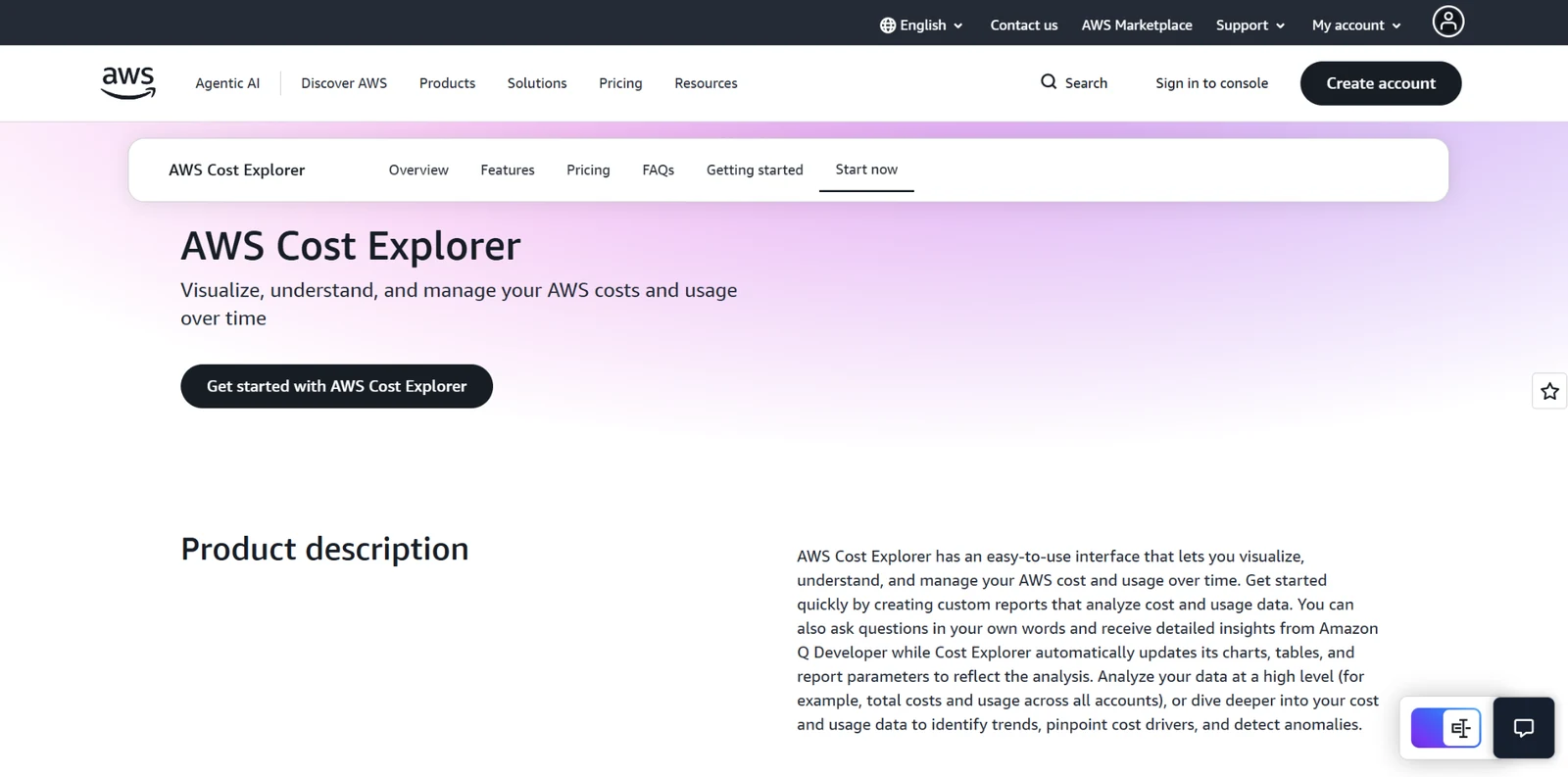
AWS Cost Explorer, Compute Optimizer, Budgets, the Cost and Usage Report (CUR), and Trusted Advisor form the foundation of any AWS cost program. These tools connect directly to billing and usage data, making them the most reliable source for understanding where spend originates.
We treat native AWS tools as the baseline rather than a complete solution. Every third-party platform in this space ultimately depends on the same underlying billing data. If a tool’s numbers don’t align with your CUR, it’s a sign to investigate.
Key features
- Cost and Usage Report (CUR): Granular, line-item billing data with resource-level detail. The foundation for accurate cost analysis and reconciliation.
- Compute Optimizer: Analyzes CPU, memory, network, and I/O over a lookback window of 14 days (default), 32 days (free), or 93 days (paid Enhanced Infrastructure Metrics), and recommends specific instance families and sizes.
- Cost Anomaly Detection: Flags unusual spend patterns using machine learning before they significantly impact monthly costs.
Pros
- ✅ Direct access to billing data eliminates reconciliation gaps.
- ✅ Native integration with IAM, SCPs, and Organizations enables enforcement and traceability.
- ✅ No additional vendor cost.
Cons
- ❌ Compute Optimizer’s default 14-day lookback can produce aggressive downsizing for workloads with longer or seasonal usage patterns.
- ❌ Limited support for financial-grade chargeback across large, multi-account environments.
- ❌ Fragmented UX across multiple consoles with no unified workflow.
What users say
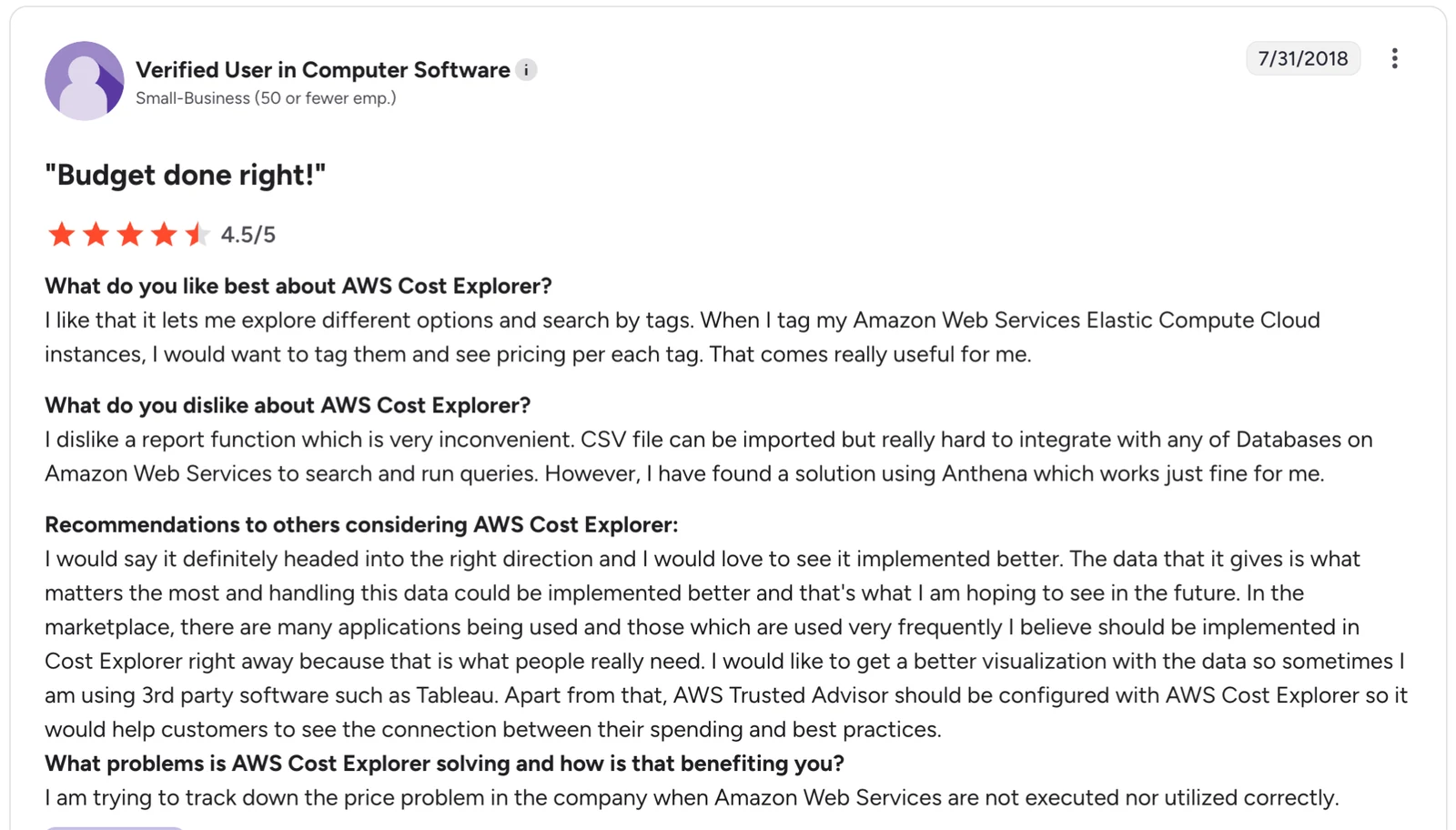
"I like that it lets me explore different options and search by tags. When I tag my Amazon Web Services Elastic Compute Cloud instances, I would want to tag them and see pricing [for] each tag. That comes really useful for me." — User in Computer Software, G2
Pricing
The core tools are included in AWS billing with no additional cost. Cost Explorer API access costs $0.01 per request: a real cost for teams running automated queries or third-party integrations.
Compute Optimizer's 93-day lookback requires the paid Enhanced Infrastructure Metrics feature; the 14-day and 32-day windows are free.
Bottom line
Start with AWS native tools; they’re the only place you’ll see your actual bill broken down at the resource level.
They’re reliable for visibility, but they don’t handle attribution, automation, or governance once you’re operating across multiple teams and accounts. They also stop short on storage and backup. You can see what you’re spending on S3, but not what that spend actually represents.
If AWS backup cost is a growing line item (and for most organizations running at scale, it is), you'll need purpose-built visibility into what your backup spend is actually buying.
2. Spot (now Flexera): Best for spot-instance savings at scale
Spot (now Flexera) automates spare-capacity usage and orchestrates placement across spot, reserved, and on-demand instances.
Spot is most effective in environments where workloads can tolerate interruption: primarily batch processing, CI/CD, and dev/test. You get significant cost savings, but managing availability, interruptions, and capacity shifts manually becomes complex at scale.
Key features
- Spot orchestration engine: Continuously evaluates pricing and availability, shifting workloads before interruption events.
- Kubernetes integration: Manages EKS node groups and handles pod rescheduling during interruptions.
- Policy-based controls: Define availability targets and cost thresholds across large fleets.
Pros
- ✅ Significant cost reductions for batch and dev/test workloads once policies are tuned.
- ✅ Reduces manual effort once policies are tuned.
Cons
- ❌ Setup is non-trivial; policy tuning and initial configuration take time.
- ❌ Limited value for small or mostly production workloads with low interruption tolerance.
What users say
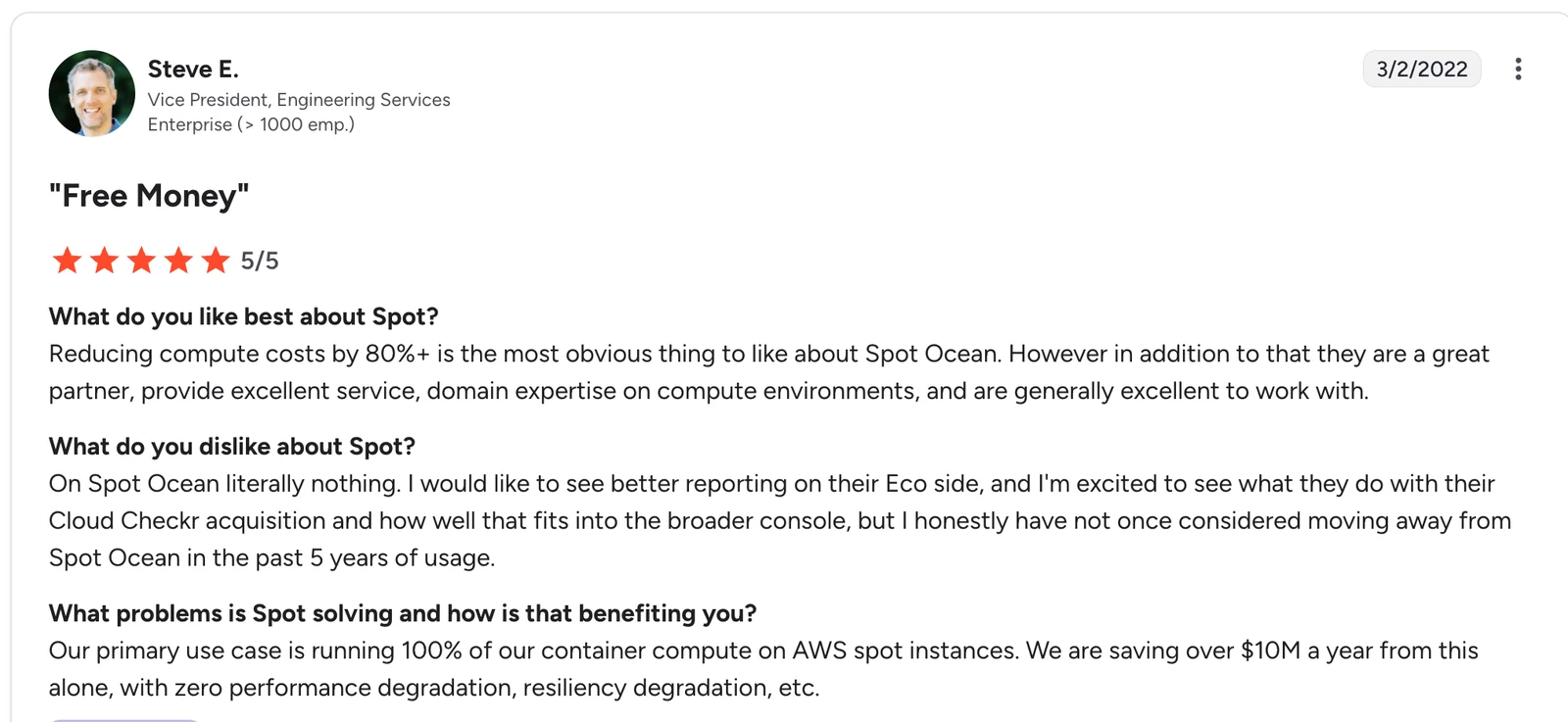
"Reducing compute costs by 80%+ is the most obvious thing to like about Spot Ocean. However in addition to that they are a great partner, provide excellent service, domain expertise on compute environments, and are generally excellent to work with." — Steve E., Vice President, Engineering Services, G2
Pricing
Available via AWS Marketplace with flexible monthly pricing. Billing follows either a savings-share model (a percentage of the savings generated) or a vCPU-based model, depending on the product. Private offers available for larger contracts.
Bottom line
Spot delivers the biggest wins in environments designed for interruption tolerance, particularly batch, CI/CD, and dev/test workloads. For production-heavy estates, the payoff is narrower.
3. Kubecost: Best for Kubernetes cost allocation and chargeback
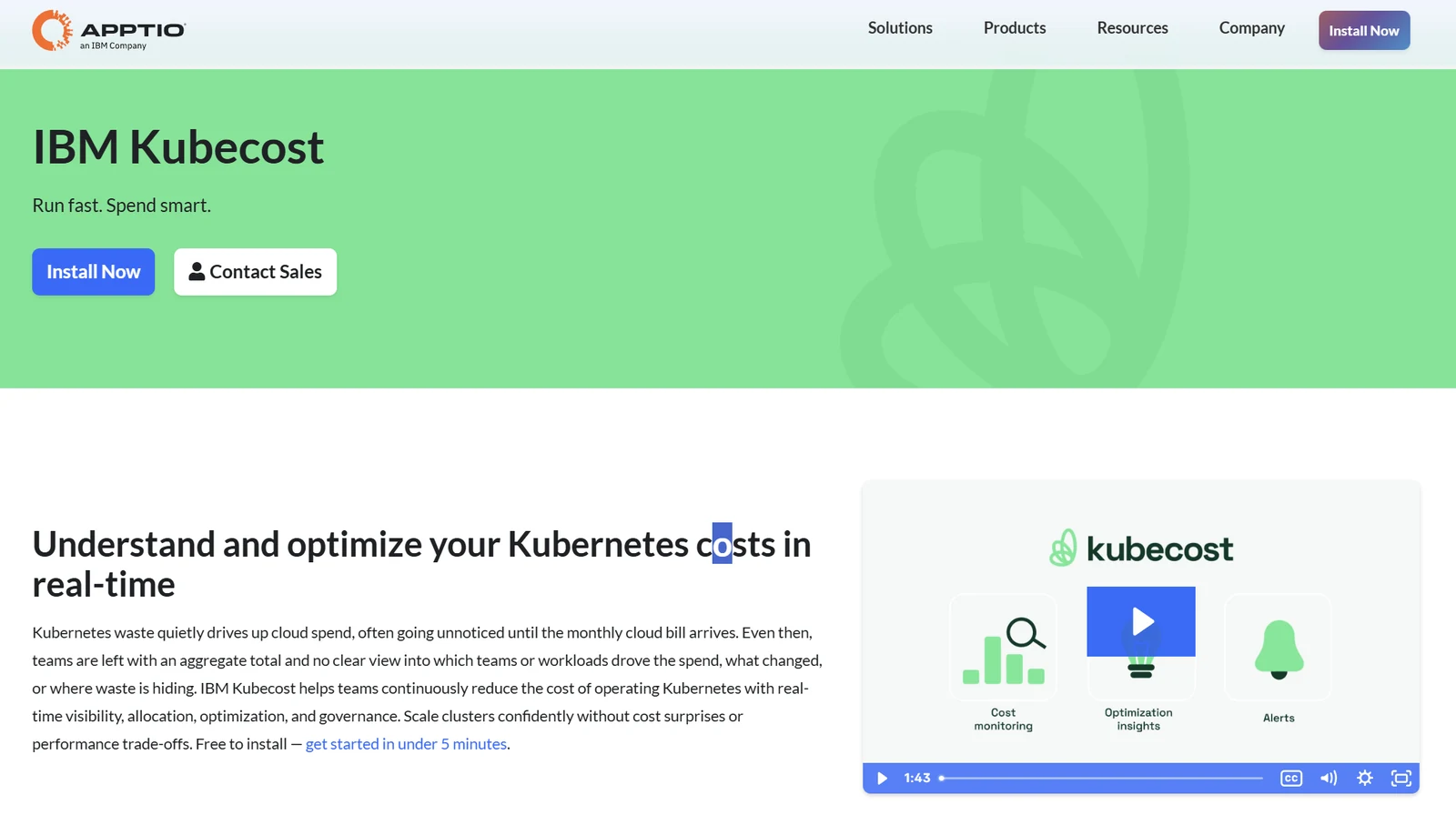
Kubecost maps Kubernetes spend to pods, namespaces, and labels, giving teams visibility into where cluster costs actually come from.
Its strength is attribution. It breaks down shared infrastructure costs, such as cluster overhead, system workloads, and networking, into something that finance and engineering can both understand and act on.
Key features
- Label-aware cost allocation: Maps cluster spend to pods, namespaces, and labels for team-level chargeback.
- Pod-level rightsizing: Recommends CPU and memory request/limit adjustments based on usage.
- OpenCost foundation: Open-source core for baseline visibility before committing to paid tiers.
Pros
- ✅ Granular cost attribution makes Kubernetes spend accountable across teams.
- ✅ Open-source entry point lowers adoption friction.
Cons
- ❌ Accuracy depends heavily on label quality; poor labeling breaks attribution.
- ❌ Doesn’t surface storage and backup waste within Kubernetes environments.
What users say
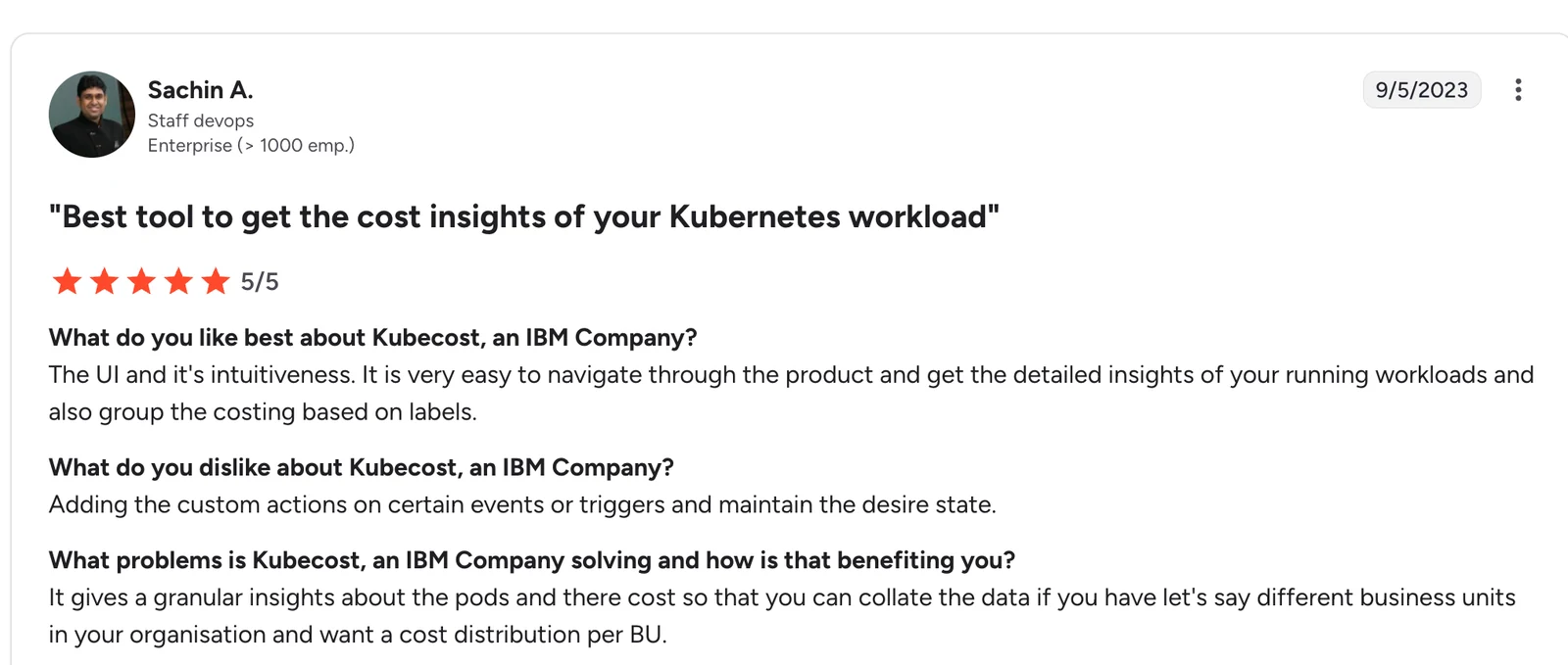
"It is very easy to navigate through the product and get the detailed insights of your running workloads and also group the costing based on labels." — Sachin A., Staff DevOps, G2
Pricing
The free Foundations tier covers unlimited clusters up to 250 cores and 15 days of metric retention. Multi-cluster views, long-term retention, and CUR reconciliation require paid tiers. Enterprise pricing is custom.
Bottom line
We'd pair Kubecost with CUR-based reconciliation for finance-grade accounting. It's the standard for Kubernetes cost transparency.
If your Kubernetes environments also generate significant backup data, you'll need a separate tool for that.
4. Cloudability: Best for enterprise FinOps governance
Cloudability targets organizations managing large, multi-account AWS environments that need centralized cost governance, reporting, and chargeback.
It’s built for teams managing cloud spend across multiple accounts, where costs need to be tracked, allocated, and reported consistently. Instead of focusing on individual resources, it standardizes cost data across accounts and maps it to business units and budgets.
Key features
- Policy engine: Enforces tagging, budgets, and governance rules across accounts.
- Chargeback and showback: Maps cloud spend to teams, projects, and cost centers.
- Multi-cloud normalization: Consolidates AWS, Azure, and GCP into a single reporting layer.
Pros
- ✅ Strong fit for finance and procurement workflows.
- ✅ Centralized governance across large, multi-account environments.
Cons
- ❌ Enterprise onboarding typically takes months, not weeks.
- ❌ Smaller organizations (under 20 accounts) may find the governance depth more than they need.
What users say
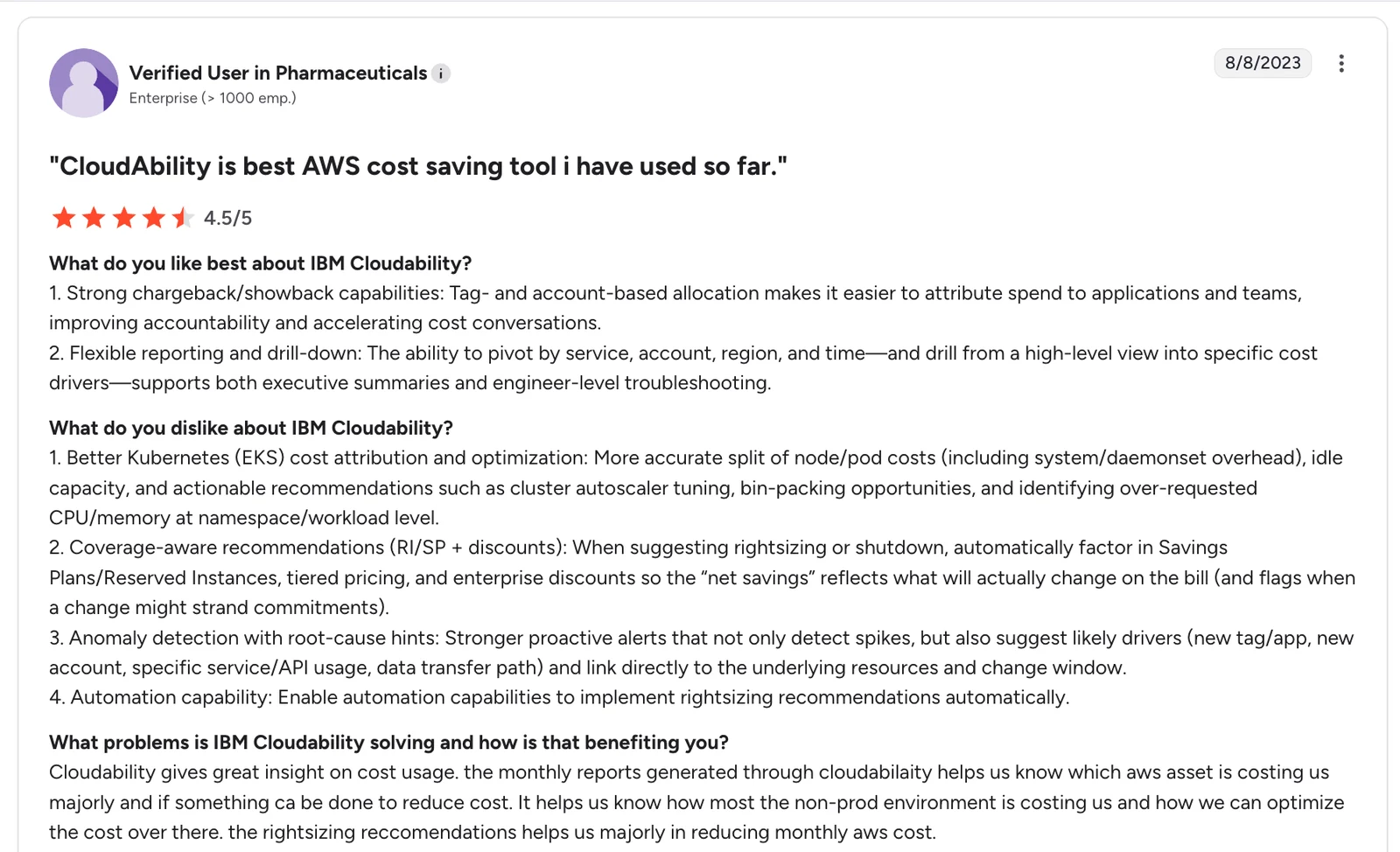
"Tag- and account-based allocation makes it easier to attribute spend to applications and teams, improving accountability and accelerating cost conversations." — User in Pharmaceuticals, G2
Pricing
Not publicly listed. Pricing is annual-contract-based, scaled to managed cloud spend, and available through AWS Marketplace. Request a quote from Apptio for current figures.
Bottom line
Pick Cloudability when centralized governance and finance-ready reporting are a primary requirement. The investment only pays off at scale. For smaller estates, native AWS tools plus Kubecost cover most of the same ground with less overhead.
If backup storage is a material line item, Cloud Backup Posture Management (CBPM) surfaces redundant snapshots, orphaned copies, and classification gaps that Cloudability may miss.
5. Vantage: Best for multi-cloud cost visibility
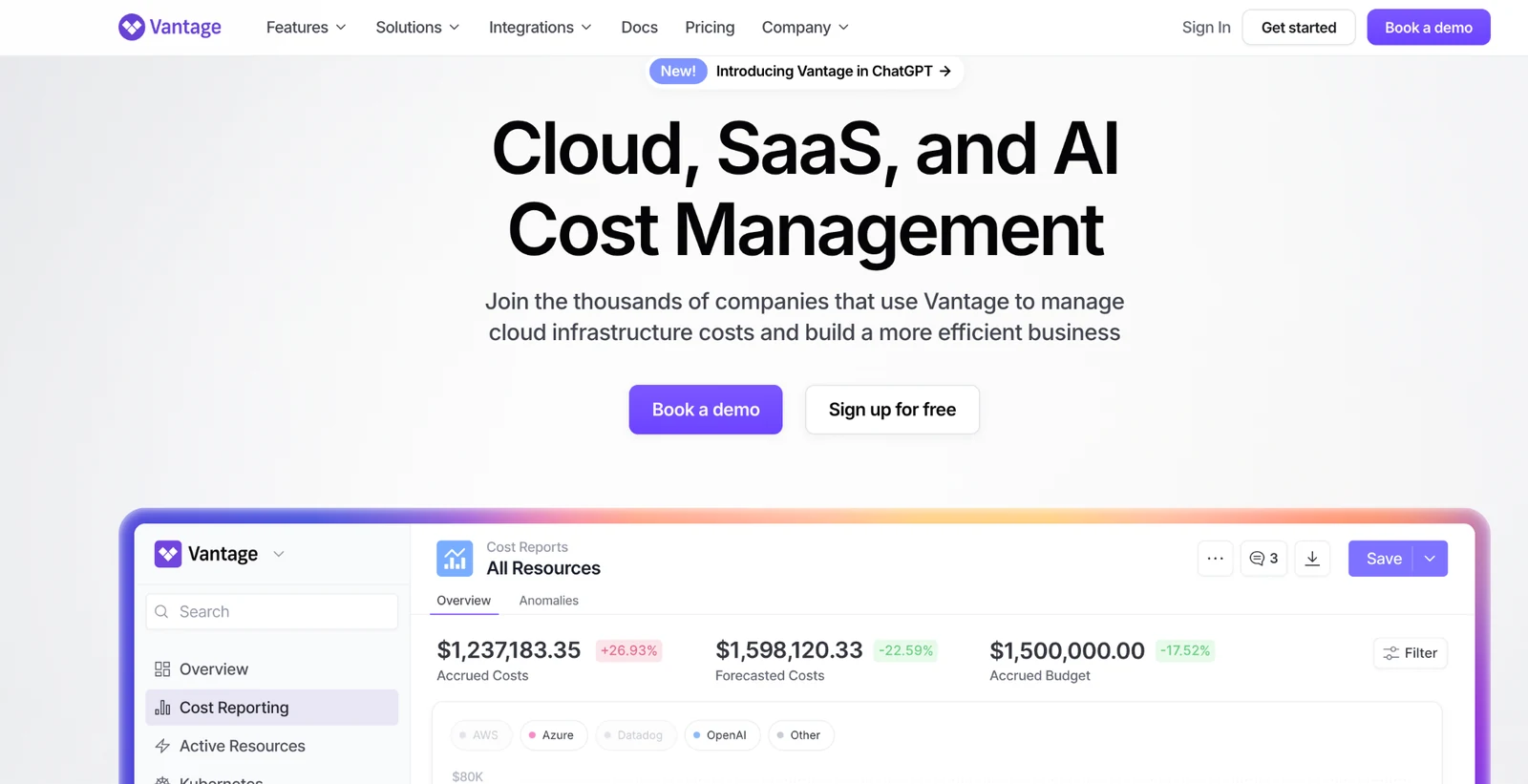
Vantage is a cloud cost observability platform, built by former AWS and DigitalOcean product leaders, that consolidates billing data from 20+ providers into a single view. It covers AWS, Azure, GCP, Kubernetes, and SaaS platforms like Snowflake, Datadog, MongoDB, and Databricks. The setup only takes hours.
Where Cloudability focuses on governance at scale, Vantage focuses on getting visibility quickly.
Key features
- Virtual tagging: Create cost allocation rules without modifying cloud tagging.
- Multi-cloud + SaaS coverage: Tracks spend across cloud providers and tools like Snowflake, Datadog, and MongoDB.
- Automated cleanup: Flags and removes common waste (e.g., unattached volumes, old snapshots).
Pros
- ✅ You can get useful cost visibility within hours.
- ✅ You don’t have to clean up your tagging before getting usable cost breakdowns.
Cons
- ❌ Cost data has a roughly 24-hour delay, limiting real-time decisions.
- ❌ Dashboard customization is limited compared to enterprise FinOps platforms.
What users say
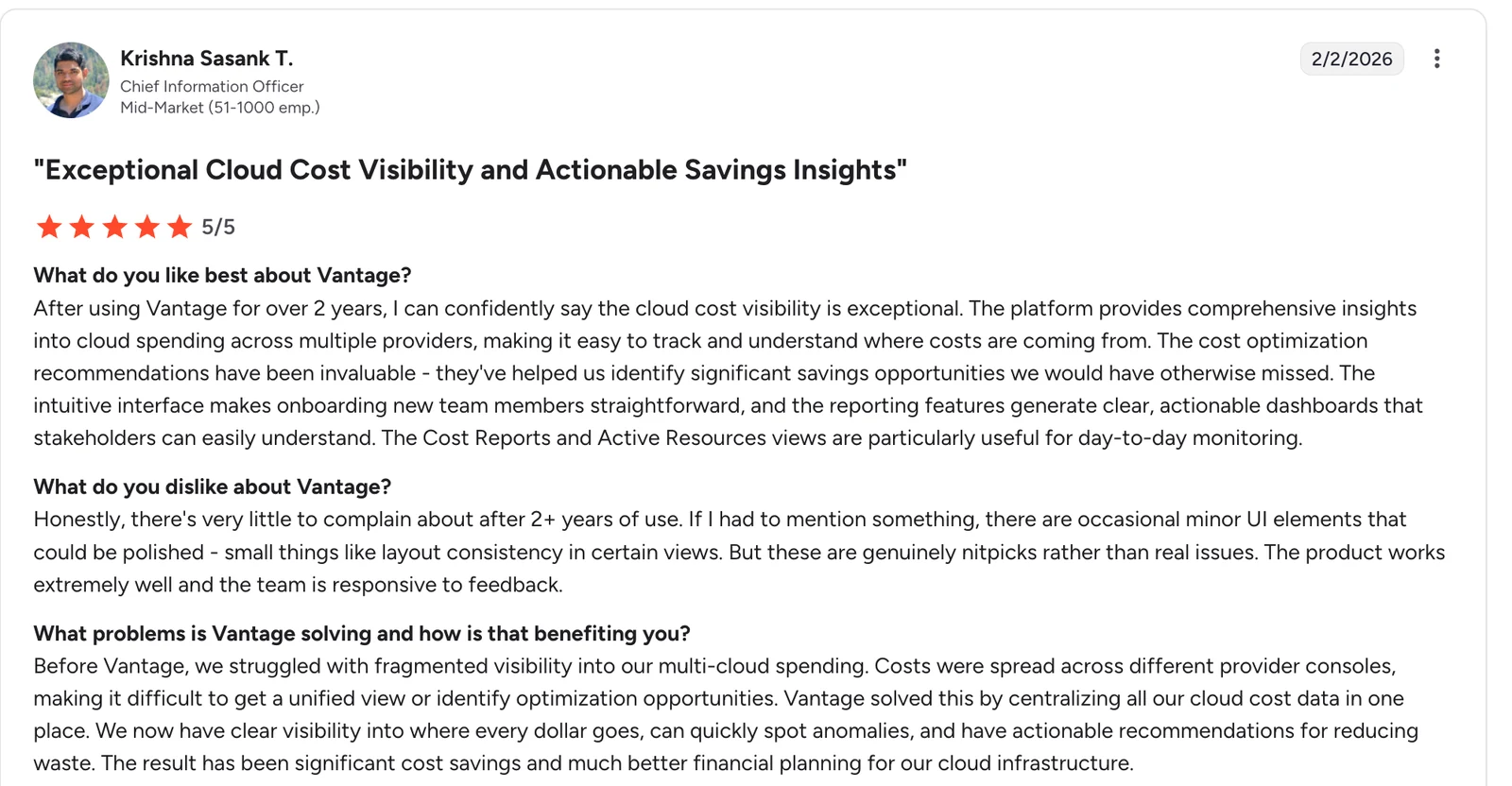
"The platform provides comprehensive insights into cloud spending across multiple providers, making it easy to track and understand where costs are coming from. The cost optimization recommendations have been invaluable." — Krishna Sasank T., Chief Information Officer, G2
Pricing
The Starter tier is free for up to $2,500/month in tracked spend. Pro is $30/month and covers up to $7,500/month. Teams above that threshold move to the Business tier at $200/month, which covers up to $20,000/month. Enterprise pricing is custom.
Bottom line
Vantage is the right choice for fast visibility without a months-long implementation. If you're under $20,000/month in cloud spend, the free and Pro tiers provide accurate cost attribution and SaaS spend coverage within a day of connecting your accounts.
For teams managing 50+ accounts, enforcing tagging standards, or running chargeback across business units, Cloudability is the better fit. Chargeback only works once the underlying cloud cost allocation model is settled.
6. ProsperOps: Best for hands-off commitment automation
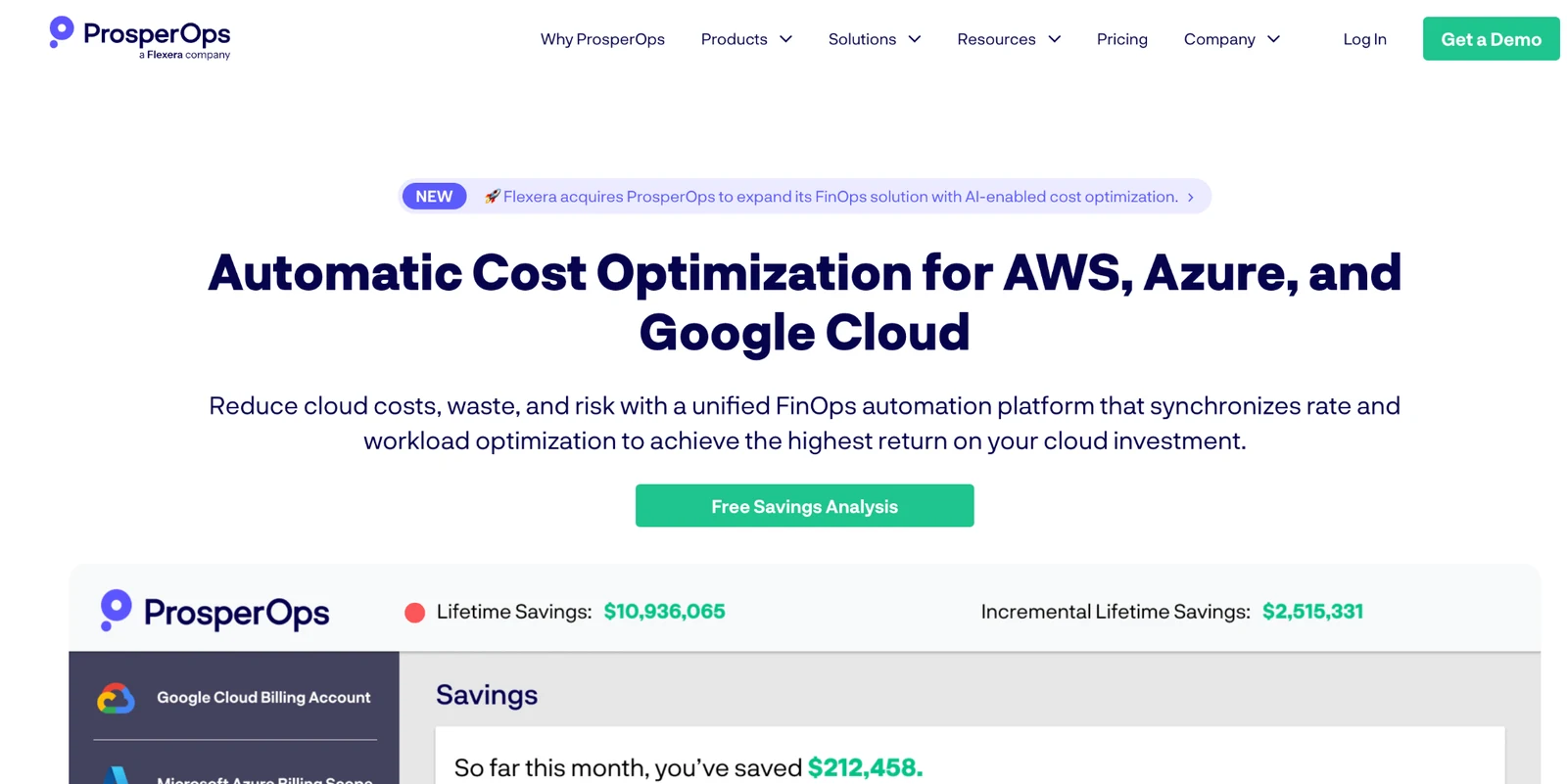
ProsperOps focuses on a single problem: managing Savings Plans and Reserved Instances without manual intervention.
It’s built for teams that want the cost benefits of commitments without actively managing coverage, purchases, and risk. Instead of relying on manual buying decisions, it continuously adjusts commitments based on usage patterns within defined guardrails.
Key features
- Automated commitment buying: Adjusts Savings Plans and RI coverage based on usage.
- Coverage and ROI reporting: Tracks what was purchased, why, and how it performs.
- Guardrail-based controls: Prevents overcommitment by enforcing conservative policies.
Pros
- ✅ Removes the need to actively manage RI and Savings Plan purchases.
- ✅ Clear reporting makes it easier to explain decisions to finance stakeholders.
Cons
- ❌ Narrow scope; only addresses commitments, not broader cloud cost optimization.
- ❌ Savings-share pricing scales with value delivered, which can be meaningful at high commitment volumes.
What users say
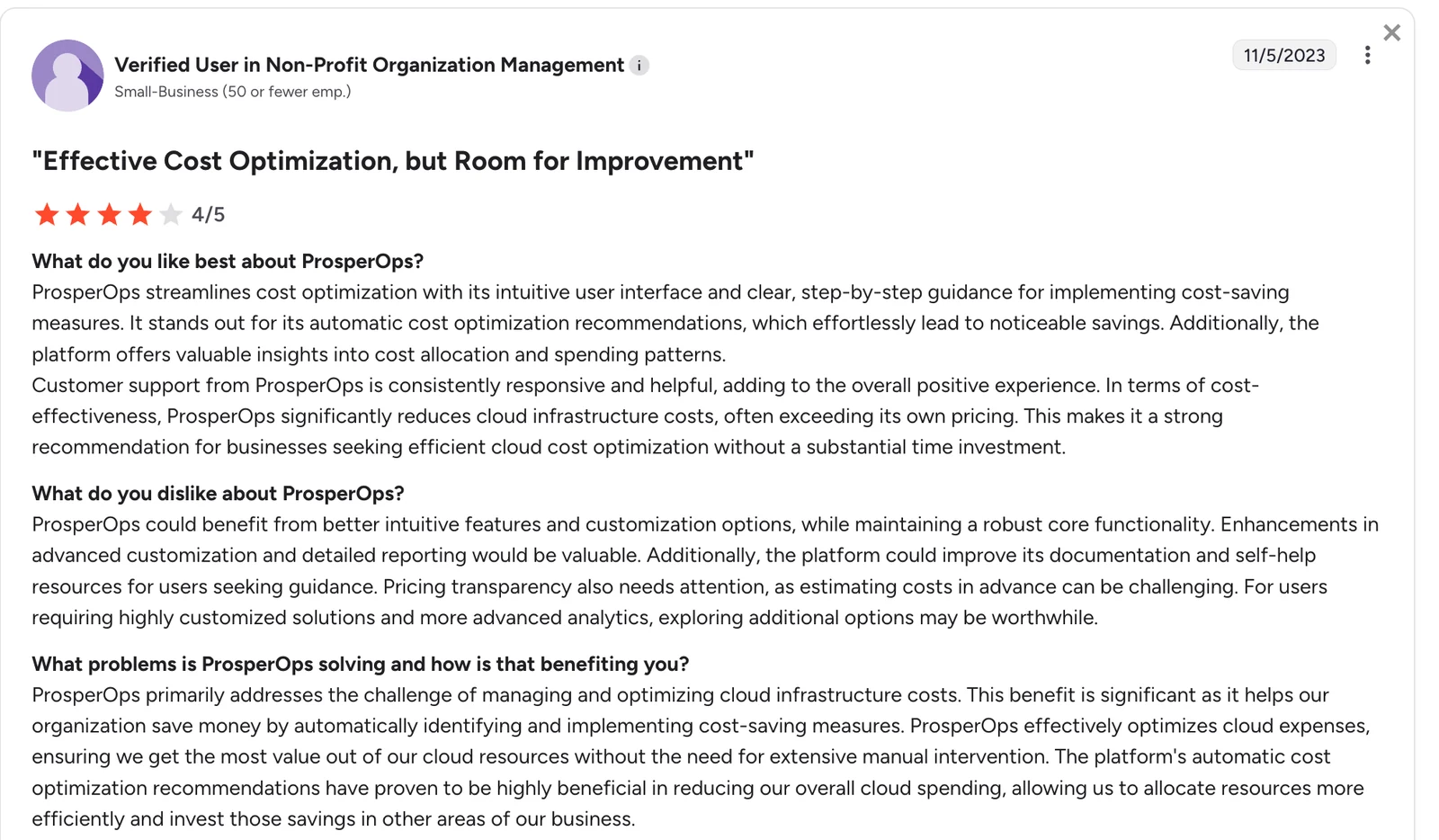
"ProsperOps streamlines cost optimization with its intuitive user interface and clear, step-by-step guidance for implementing cost-saving measures. It stands out for its automatic cost optimization recommendations, which effortlessly lead to noticeable savings." — User in Non-Profit Organization Management, G2
Pricing
Savings-share model based on cost reductions achieved.
Bottom line
ProsperOps is the right tool when commitment buying is the primary lever and finance needs transparent ROI with minimal risk. If you need attribution or Kubernetes visibility, pair it with another tool from this list.
7. Harness Cloud Cost Management: Best for CI/CD-integrated cost governance
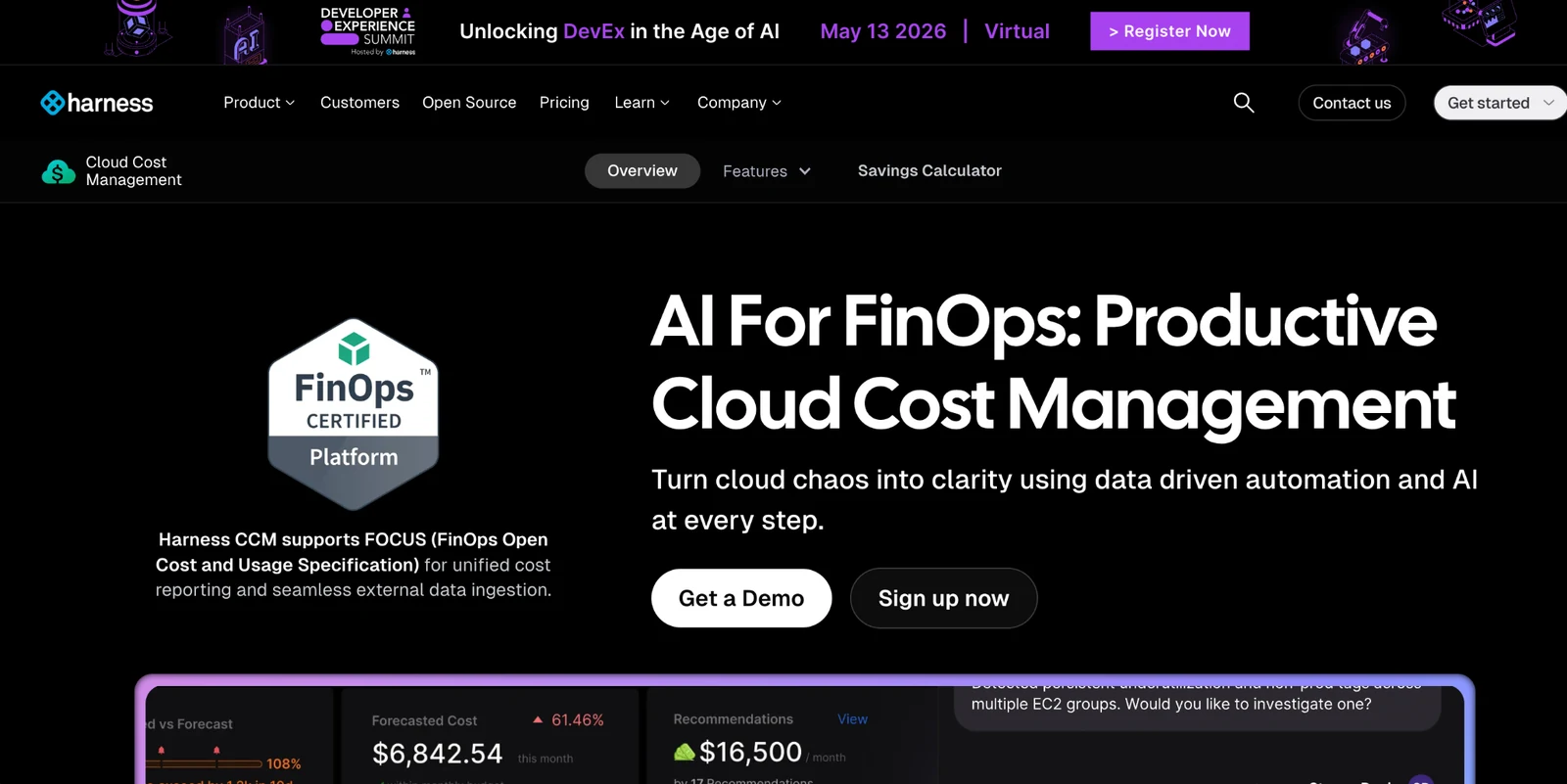
Harness Cloud Cost Management ties cost control directly into deployment workflows, enforcing cost policies at the point where infrastructure is created.
Cost decisions happen during deployment. Harness surfaces those costs early and blocks changes that exceed defined thresholds.
Key features
- Pre-deploy cost gates: Define cost thresholds and policies enforced as pipeline gates. Deployments exceeding budgets get blocked before they run.
- Service-level cost attribution: Maps spend to individual services and pipelines so engineering sees exactly what their deployments cost.
- Automated commitment buying: Provides commitment management alongside the governance layer.
Pros
- ✅Pushes cost accountability to the point of deployment.
- ✅ Strong fit for teams already using CI/CD and infrastructure-as-code.
Cons
- ❌ Requires mature DevOps practices to be effective.
- ❌ Limited value for teams not deploying through pipelines.
What users say
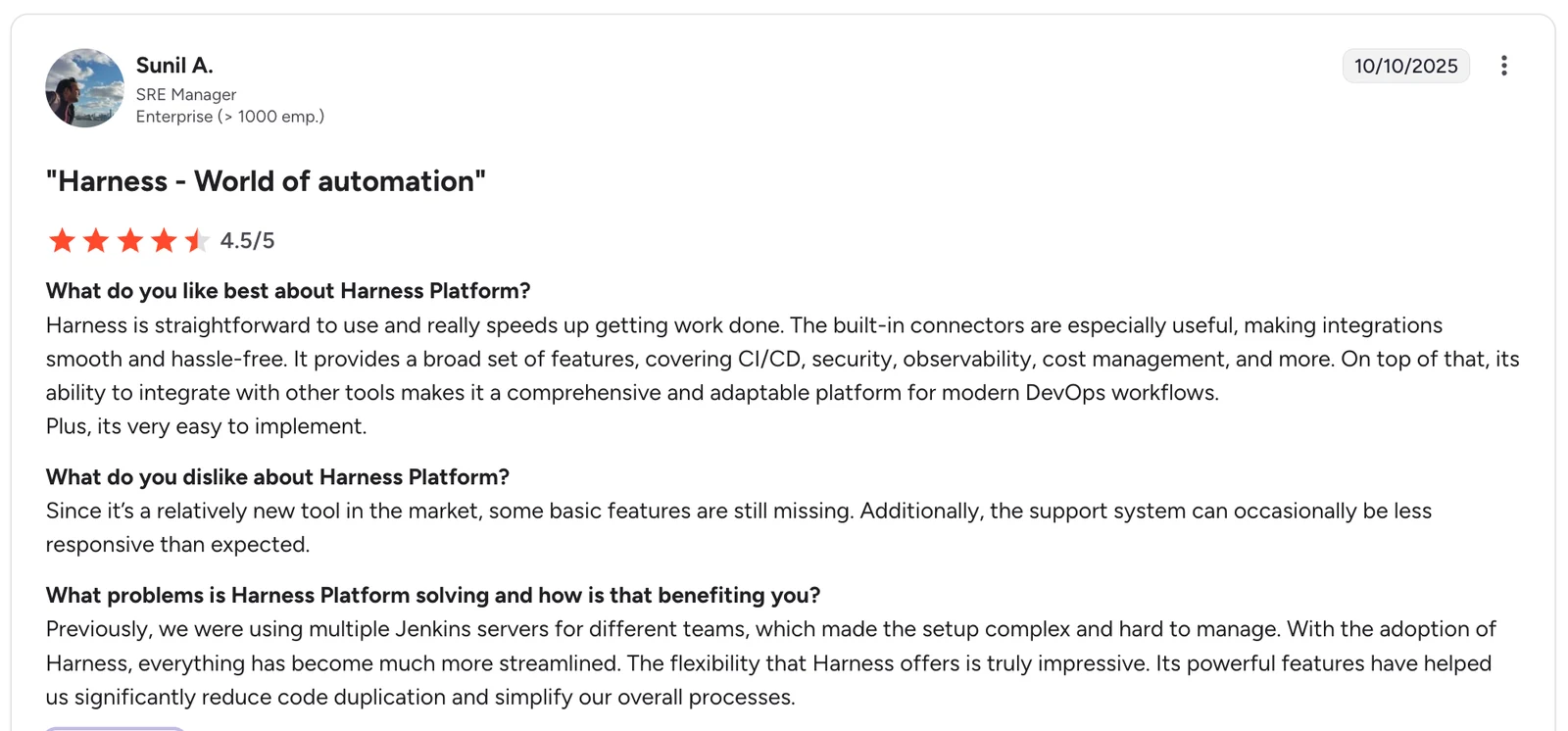
"The built-in connectors are especially useful, making integrations smooth and hassle-free. It provides a broad set of features, covering CI/CD, security, observability, cost management, and more." — Sunil A., SRE Manager, G2
Pricing
Harness now sells cost management (listed as Cloud AI Cost Management) as a module of its Enterprise plan, priced by quotation. Its pricing page no longer lists a free tier for it.
Bottom line
Harness shifts cost control from reporting to deployment-time enforcement. For teams already deploying through CI/CD, it's a natural extension. For teams that aren't, the value is harder to unlock.
8. Turbonomic: Best for application-aware optimization at scale
Turbonomic models how different parts of an application interact (compute, databases, and services) and adjusts resources based on those dependencies.
Instead of optimizing individual resources in isolation, it evaluates how changes affect the application as a whole. That makes it useful in complex environments where downsizing one component can impact performance elsewhere.
Key features
- Dependency-aware optimization: Adjusts resources based on how application components interact.
- Automated actions: Applies scaling and resizing changes without manual intervention.
- Performance constraints: Ensures changes stay within defined performance thresholds.
Pros
- ✅Safer optimization for complex, interdependent systems.
- ✅ Automation reduces the need for ongoing manual tuning.
Cons
- ❌ Setup is heavy; accurate modeling requires significant configuration.
- ❌ Only makes sense when workloads have real dependencies across services.
What users say
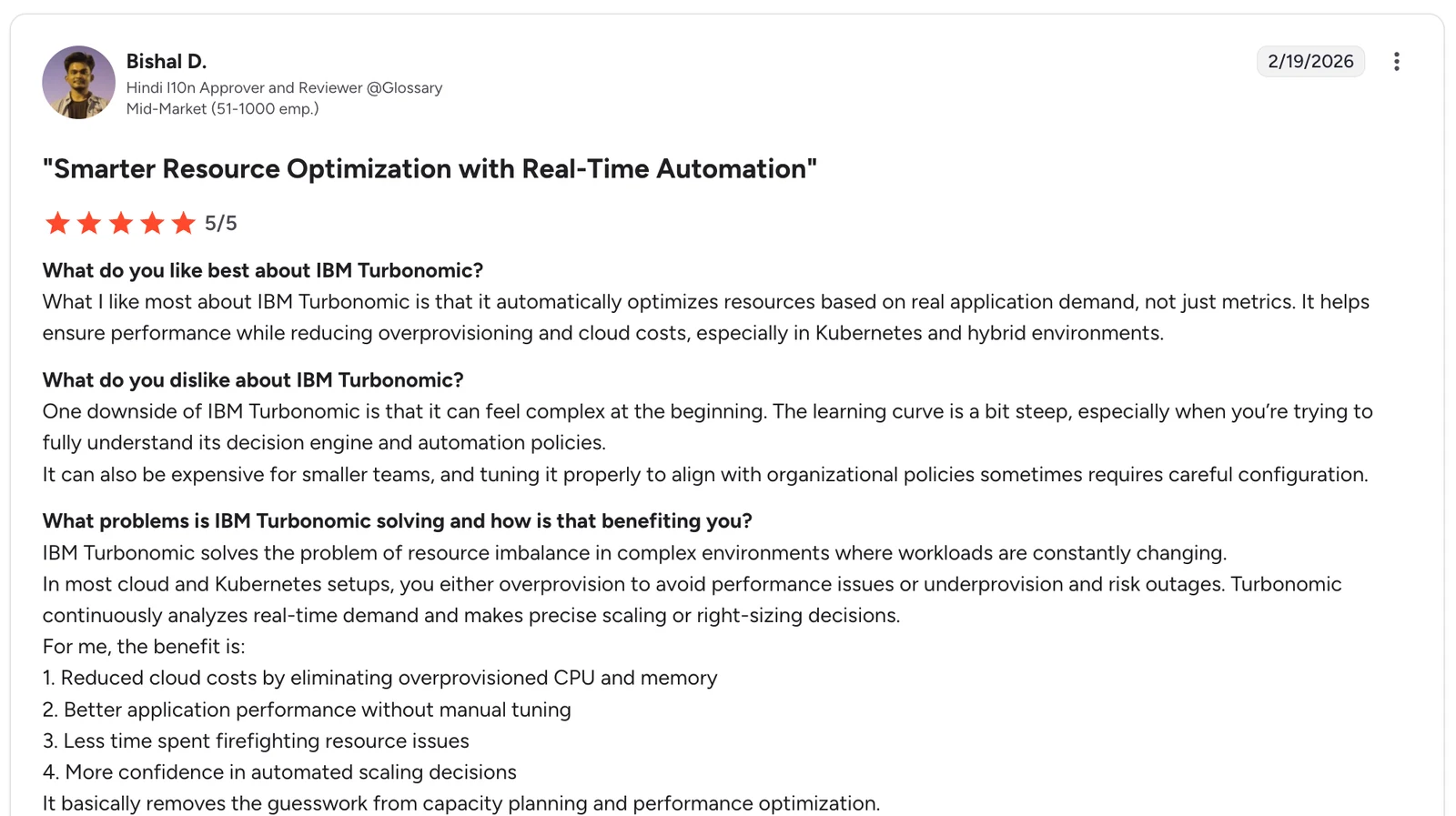
"It automatically optimizes resources based on real application demand, not just metrics. It helps ensure performance while reducing overprovisioning and cloud costs, especially in Kubernetes and hybrid environments." — Bishal D., Hindi l10n Approver and Reviewer, G2
Pricing
The Essentials tier starts at $40,000/year for environments with less than $2M in annual cloud spend. Larger and hybrid deployments are custom-priced. A 30-day free trial is available.
Bottom line
Turbonomic is purpose-built for complex, interdependent environments. For narrower problems like pod-level Kubernetes allocation or commitment buying, a more focused tool will usually be the better fit.
9. Cast AI: Best for autonomous Kubernetes cost reduction
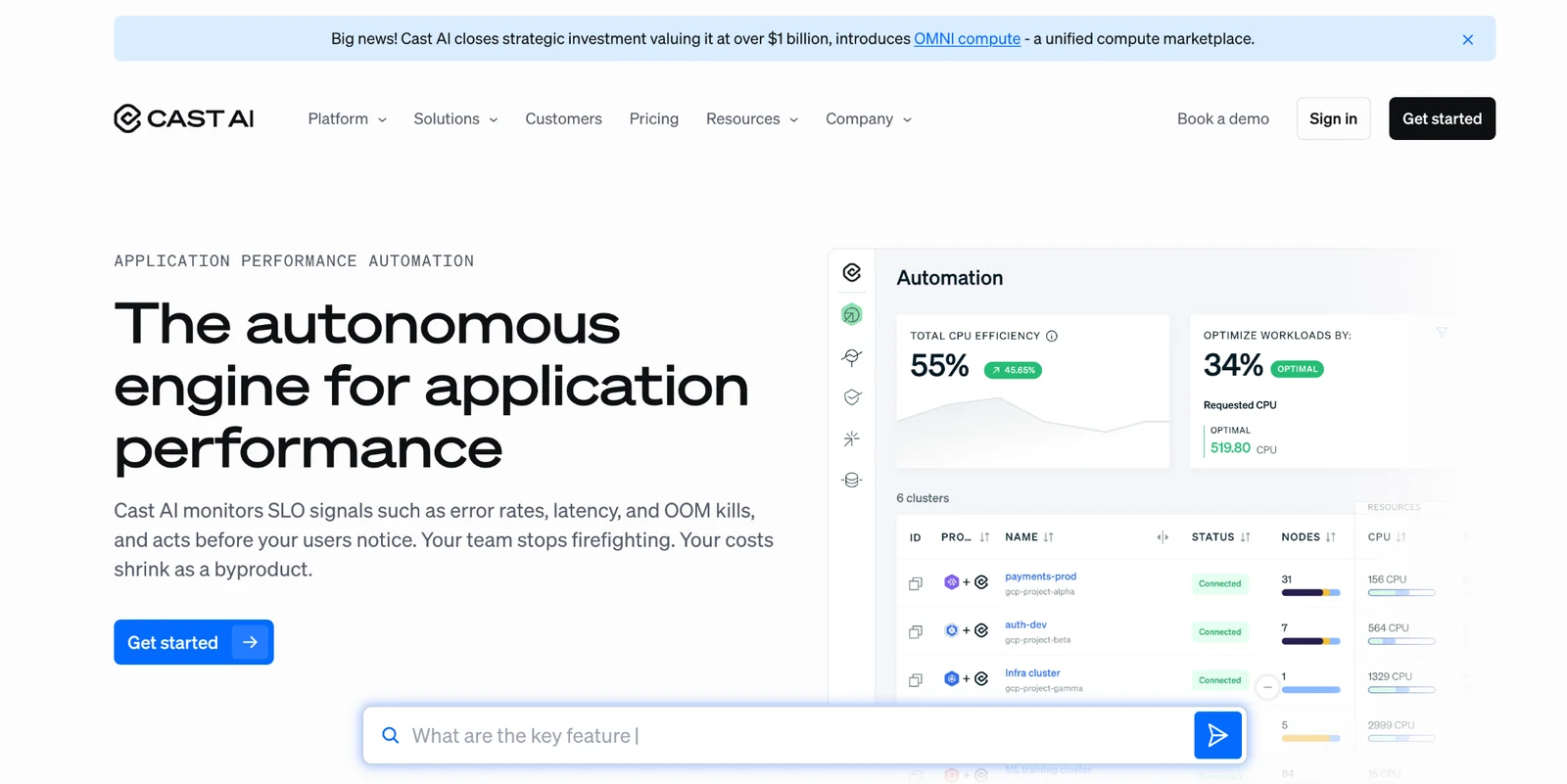
Cast AI continuously adjusts Kubernetes clusters by selecting instance types, scaling nodes, and balancing workloads in real time.
Instead of showing where costs are coming from, it actively reduces them by changing how clusters run. That includes mixing spot, reserved, and on-demand capacity without manual intervention.
Key features
- Autonomous scaling: Adjusts node count and instance types based on real-time demand.
- Instance selection: Chooses the lowest-cost infrastructure that meets workload requirements.
- Continuous optimization: Applies changes without waiting for manual review cycles.
Pros
- ✅Reduces Kubernetes costs without ongoing manual tuning.
- ✅ Handles scaling and instance selection automatically.
Cons
- ❌ Requires trust in automated changes to production infrastructure.
- ❌ Initial setup and tuning can take time in complex environments.
What users say
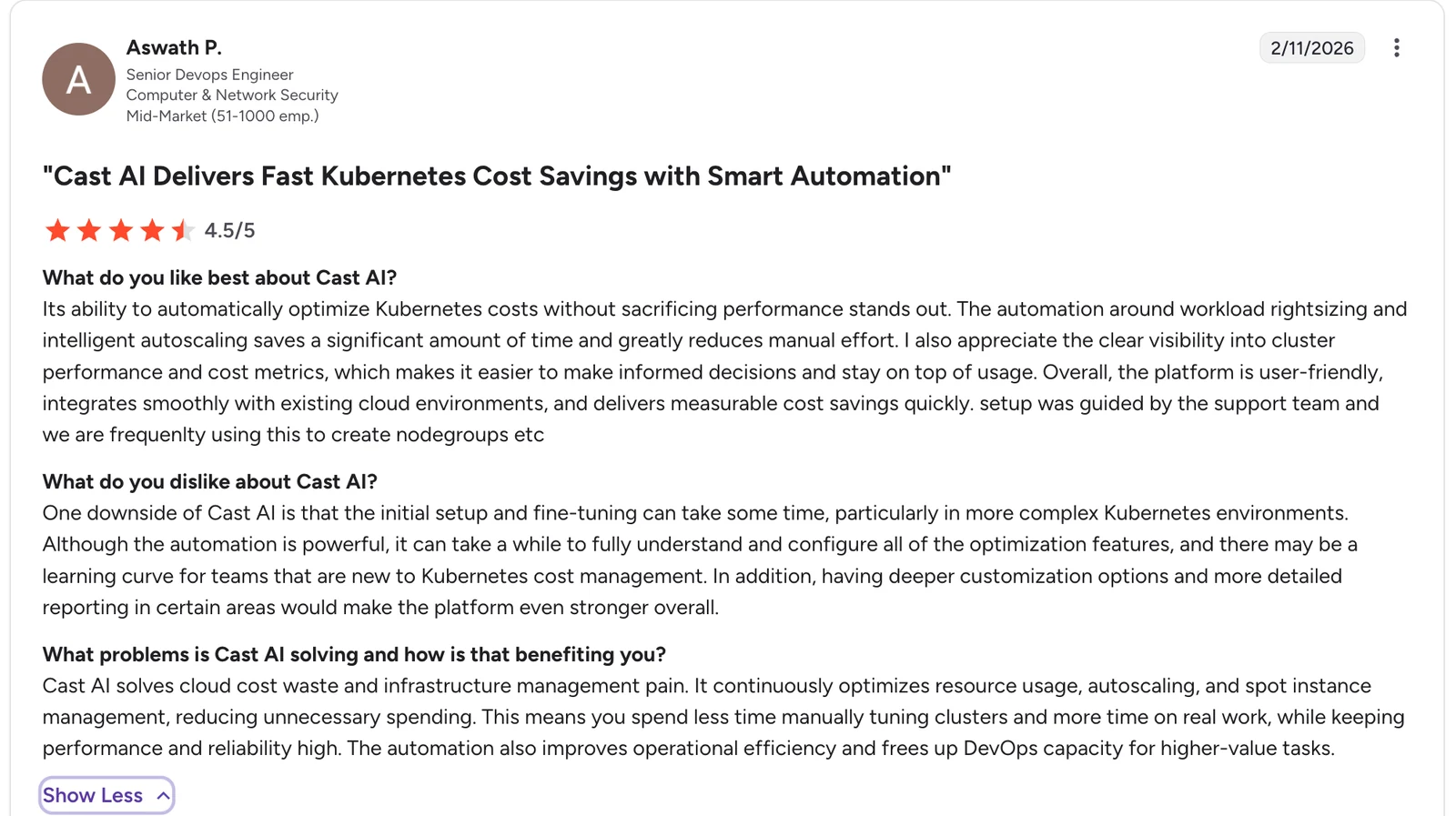
"Its ability to automatically optimize Kubernetes costs without sacrificing performance stands out. The automation around workload rightsizing and intelligent autoscaling saves a significant amount of time and greatly reduces manual effort." — Aswath P., Senior DevOps Engineer, Computer & Network Security, G2
Pricing
Usage-based pricing, often aligned with savings generated.
Bottom line
Cast AI is a strong tool for teams that accept vendor-led autoscaling and want continuous, hands-off Kubernetes cost reduction. Teams that require manual change control over production infrastructure may find the autonomous approach harder to adopt.
The cost category most cloud optimization tools ignore
Every tool in this list covers compute, commitments, or Kubernetes. Backup storage sits outside that scope, and for most organizations running at scale, it's a growing line item with no visibility into what it actually contains.
Eon created Cloud Backup Posture Management (CBPM) to fix this. Most teams can't tell you what's protected, what isn't, or what their AWS backup is actually costing them. CBPM is how you find out.
The real backup cost problem isn't just storage bloat. Most environments are simultaneously over-retaining useless data and under-protecting critical data. You're paying for snapshots that outlived their policy by years while production databases sit uncovered.
Here is what that looks like in practice:
- Discovery and classification with no agents. Scans cloud resources across accounts and regions, classifies by data type, and applies backup policies automatically with no tagging, no agents, and no scripts.
- Instant granular recovery. Restore at the dataset, record, or table level with no rehydration and no full-environment restores.
- Queryable backups. Eon stores backups in open formats (Parquet and Iceberg), so your data is searchable and ready for analytics or AI workloads directly with no ETL, no restore cycle, and no waiting.
- 30-50% lower storage costs. Deduplication, compression, and incremental snapshots versus hyperscaler-native tools.
The result is lower storage costs and clearer visibility into what backups exist, why they’re there, and whether they’re usable.
Which AWS cost optimization tool should you choose?
Start with AWS-native tools to establish authoritative billing data and validate all other tools in your stack.
From there, the right tools depend on which cost problems you’re actually trying to solve:
- Kubernetes costs: Kubecost covers cost allocation and visibility. Add Cast AI if you want those costs actively reduced through automation.
- Compute savings (spot): Spot (Flexera) is suitable when workloads can tolerate interruptions and benefit from automated capacity shifting.
- Commitment management: ProsperOps handles Savings Plans and RI optimization without manual effort. Harness applies those decisions directly within deployment pipelines.
- Governance and reporting: Use Cloudability for centralized cost control across large, multi-account environments. Vantage is a better fit when speed and simplicity matter more than governance depth.
- Complex application optimization: Use Turbonomic when resource decisions need to account for dependencies across services.
Most teams end up combining native AWS tools with one or two specialized tools based on their environment. Several entries here are general cloud cost optimization tools rather than AWS-only ones, so the same stack usually covers Azure and Google Cloud spend as well.
If storage and backup costs are becoming a meaningful part of your bill, that’s a separate problem most of these tools don’t address. Our walkthrough of cloud cost analysis covers how to find that waste.
Eon sits in that gap. Every tool in this list covers compute, commitments, or Kubernetes. Backup cost visibility is the category none of them touch, and the one Eon is built around.
Final verdict
Build your stack in layers: native AWS tools for billing truth, category-specific tools for compute, Kubernetes, commitments, and governance, and Eon for the backup costs that every other tool in this list ignores. The teams that save the most aren't using one tool. They're combining the right ones for each cost category. For what those categories cost before any tooling is applied, see AWS cloud hosting cost.
Most teams don't know how much their backup storage is actually costing them until they look into it. See what Eon finds in your environment.
Frequently asked questions
What top cloud cost optimization tools for AWS?
The best AWS cost optimization tools depend on the cost problem you're solving. AWS native tools handle billing, Kubecost and Cast AI cover Kubernetes, ProsperOps and Harness automate commitments, Cloudability provides enterprise governance, and Eon's CBPM covers backup storage.
How does AWS Compute Optimizer reduce costs?
AWS Compute Optimizer reduces costs by analyzing CPU, memory, and I/O patterns and recommending cheaper instance families that preserve performance. Extend the default 14-day lookback to 93 days for accurate results.
How do Savings Plans and Reserved Instances differ?
The main difference is flexibility. Savings Plans commit to a spend level across instance families and regions. Reserved Instances lock you into a specific instance type and region for better rates, but leave less room to shift.
Which tools automate Reserved Instances or Savings Plan purchases?
Tools that automate Reserved Instances or Savings Plan purchases include ProsperOps, which uses a conservative, finance-focused approach, and Harness, which enforces commitment decisions within CI/CD workflows.
How can I reduce S3 backup costs on AWS?
S3 cost optimization is enabled by applying lifecycle policies, managing retention, and eliminating redundant snapshots. At a larger scale, this requires visibility into what backup data exists and whether it still needs to be retained (check out our guide on how to cut your AWS S3 costs).
What is Cloud Backup Posture Management?
Cloud Backup Posture Management (CBPM) continuously discovers all cloud resources, classifies them by data type, automatically applies the right backup policy, and verifies coverage without manual tagging. It fills the gap between compute-focused FinOps tools and the backup storage costs they don't account for.





.webp)