We compared the five strongest cloud DR and native backup tools across AWS, Azure, and Google Cloud by recovery model, restore precision, and where each one stops solving the problem. Vendors label these as cloud disaster recovery services, disaster recovery software, or backup and disaster recovery solutions, but the labels vary more than the underlying recovery models do. If you are still mapping the fundamentals — recovery objectives, plan structure, and what changes once the workloads are already in the cloud — start with our guide to cloud-based disaster recovery.
5 best cloud backup & disaster recovery solutions: Quick comparison
| Tool | Best for | Recovery model | Key tradeoff |
|---|---|---|---|
| AWS Elastic Disaster Recovery | Replication-based failover into AWS | Continuous replication to AWS | No file-, table-, or record-level restore |
| Azure Site Recovery | Azure VM failover and DR orchestration | VM replication, failover, and failback | Replication only — no granular restore or cross-cloud posture |
| Google Cloud Backup and DR | Google Cloud backup operations and immutable vaults | Managed backup with immutable backup vaults | Some workloads require customer-deployed servers and appliances |
| AWS Backup | AWS-native, policy-driven backup and restore | Policy-based backup and restore | Item-level restore limited to indexed EBS and S3 backups; databases restore at the instance level |
| Azure Backup | Azure-native, vault-based backup for supported workloads | Recovery points in Azure vaults | Two vault types create separate operating models across workloads |
How we evaluated these cloud disaster recovery tools
We compared these five tools by what they actually solve in production: how recovery is modeled, what kind of restore is possible, and whether the tool stays close to a managed-service experience or pulls operational overhead back to the team.
The five criteria below guided the ranking:
- Cloud fit: whether the tool is built for AWS, Azure, Google Cloud, or broader hybrid recovery. On the Azure side that fit is examined in our guide to azure disaster recovery.
- Recovery model: whether it relies on replication, failover, vault-based backup, or policy-based backup and restore.
- Recovery target: whether recovery runs inside one cloud, across regions, or into a dedicated recovery environment.
- Restore precision: whether teams can restore full workloads, resources, files, objects, tables, or records.
- Operational overhead: whether the tool stays close to a managed-service model or adds infrastructure to configure and maintain. That axis is most of the DRaaS versus backup as a service question.
The 5 best cloud disaster recovery solutions
1. AWS Elastic Disaster Recovery: Best for replication-based failover into AWS
AWS Elastic Disaster Recovery is a managed AWS service that replicates source servers to a staging area in an AWS account, then launches recovery instances when teams need to test or recover workloads. The service is designed around continuous replication, point-in-time recovery, and low-cost staging resources that sit idle until needed.
Best for: Organizations that already treat AWS as the recovery target and need replication-based failover into AWS. Whether replication-based failover is the right pattern at all, against backup and restore, pilot light, or warm standby, is what an AWS disaster recovery strategy settles before any tool is picked.
Key features
- Continuous replication to AWS: Source servers replicate to a staging area in the AWS Region you choose, which keeps recovery readiness current without maintaining a full idle recovery site.
- Point-in-time recovery: Teams can recover from the most up-to-date server state or from an earlier point in time.
- Non-disruptive drills and failback: AWS DRS supports recovery testing and failback workflows without stopping ongoing replication.
Pros
- Clear fit for AWS-targeted failover and infrastructure continuity.
- No full recovery site needed during normal operations; staging uses low-cost storage and minimal compute.
- Point-in-time recovery and non-disruptive drills are built in.
Cons
- No granular restore of files, tables, or records; the wrong fit when the incident is data corruption rather than infrastructure failure.
- Scoped to AWS as the recovery destination; less suited to teams that need cross-cloud backup control.
What users say
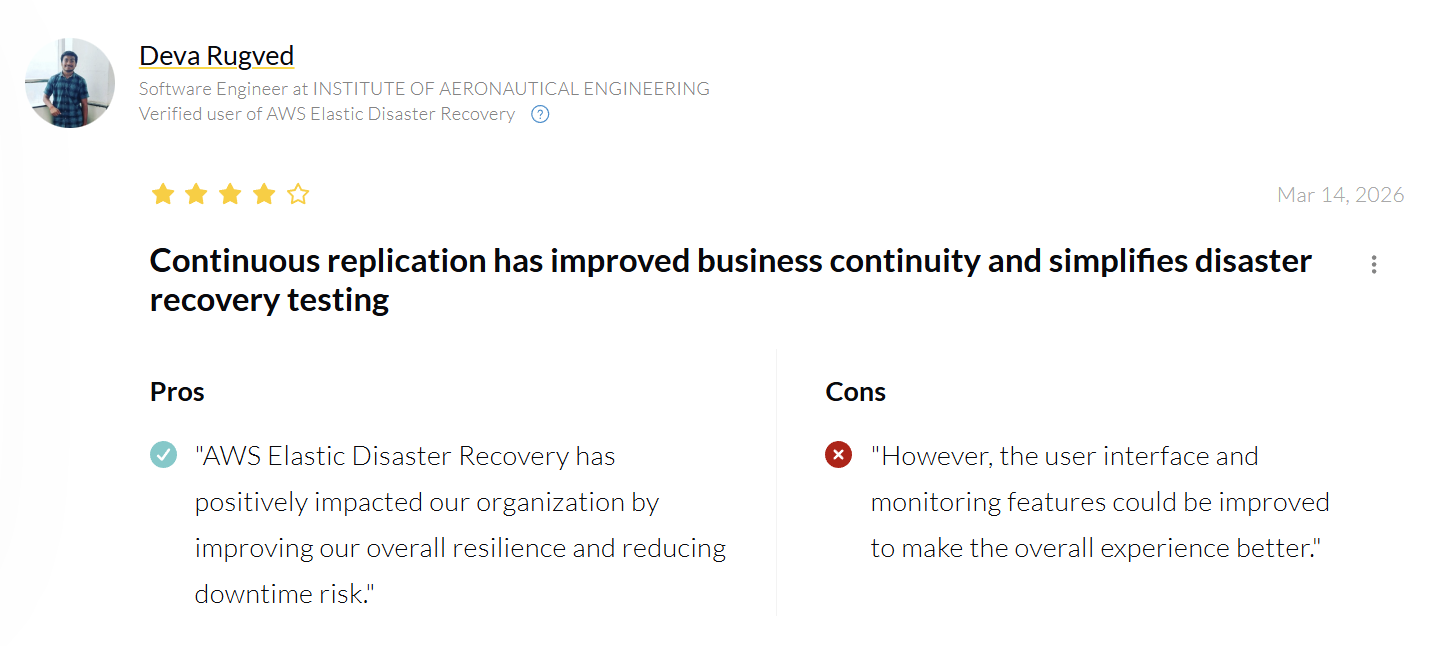
“The automated failover and orchestration features of AWS Elastic Disaster Recovery have made our recovery process much more efficient.” — Deva Rugved, Software Engineer at Institute of Aeronautical Engineering via PeerSpot
“AWS Elastic Disaster Recovery can be improved through regular drills to ensure that all resources are properly prepared for disasters with scheduled drills.” — Harsh Shrivastava, Senior Software Engineer at Thomson Reuters via PeerSpot
Pricing
AWS Elastic Disaster Recovery uses usage-based pricing. You pay only for servers actively replicating to AWS at a flat rate of $0.028 per source server per hour. That covers continuous replication, test launches, recovery launches, and point-in-time recovery. AWS resource charges for EBS and EC2 are billed separately.
Bottom line
AWS DRS is the right call when AWS is already your recovery target and the primary risk is regional infrastructure failure. It won't help when the incident is a deleted table, a corrupted dataset, or a resource that drifted outside your retention policy.
2. Azure Site Recovery: Best for Azure VM failover and DR orchestration
Azure Site Recovery is Microsoft's disaster recovery service for replicating Azure VMs and supported on-premises workloads, then failing them over to another zone, region, or Azure target when needed. It's built around automatic recovery, one-click failover, test drills, and business continuity during planned and unplanned outages.
Note: VMware protection now runs through the modernized experience after Microsoft retired the classic VMware and physical machine experience on March 30, 2026.
Best for: Organizations that already use Azure as the recovery target and need VM replication, failover, failback, and structured DR drills. For the backup layer beneath that recovery target, see best cloud backup for azure.
Key features
- Continuous replication: Microsoft says Site Recovery supports uninterrupted replication for Azure VMs and VMware VMs, with Hyper-V replication frequency as low as 30 seconds.
- Recovery plans: Teams can sequence failover and recovery for multitier applications and integrate plans with Azure Automation runbooks.
- Non-disruptive test failovers: Teams can validate replication and DR strategy without affecting production.
Pros
- Strong fit for VM continuity and cross-region recovery inside Azure.
- Recovery plans and test failovers make drills more structured and repeatable.
- Compute in the recovery region is only needed when workloads actually run there, which keeps costs down during normal operations.
Cons
- Replication and failover only; no granular file-, table-, or record-level restore.
- The operating model is VM-level only; there's no path to selective restore if the incident is below the hypervisor.
What users say
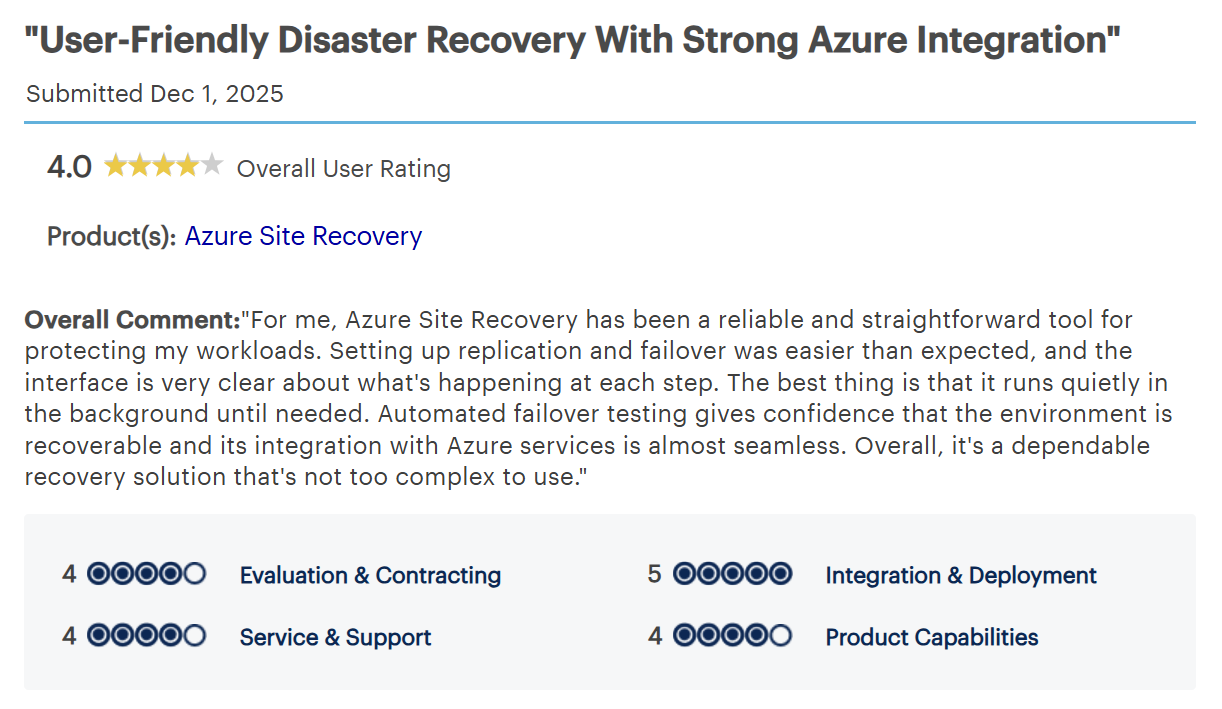
“Automated failover testing gives confidence that the environment is recoverable and its integration with Azure services is almost seamless.” — AppSec Engineer via Gartner Peer Insights
“It is purely an Azure platform service for business continuity, not meant for integration with other services.” — Shashi Jeevan M P, Vice President of Delivery & Deployment at TekFriday Inc. via PeerSpot
Pricing
Azure Site Recovery is billed per protected instance, with every instance free for the first 31 days. After that, Microsoft lists $16 per instance per month for replication to a customer-owned site and $25 per instance per month for replication to Azure, with additional charges for storage, data transfer, and compute during recovery or testing.
Bottom line
Azure Site Recovery is the right call when Azure is your recovery target and VM failover is the primary risk. It won't help when the incident is below the VM level: a corrupted database record, a deleted file, or a workload that needs selective restore rather than full failover.
3. Google Cloud Backup and DR: Best for Google Cloud backup operations and immutable vaults
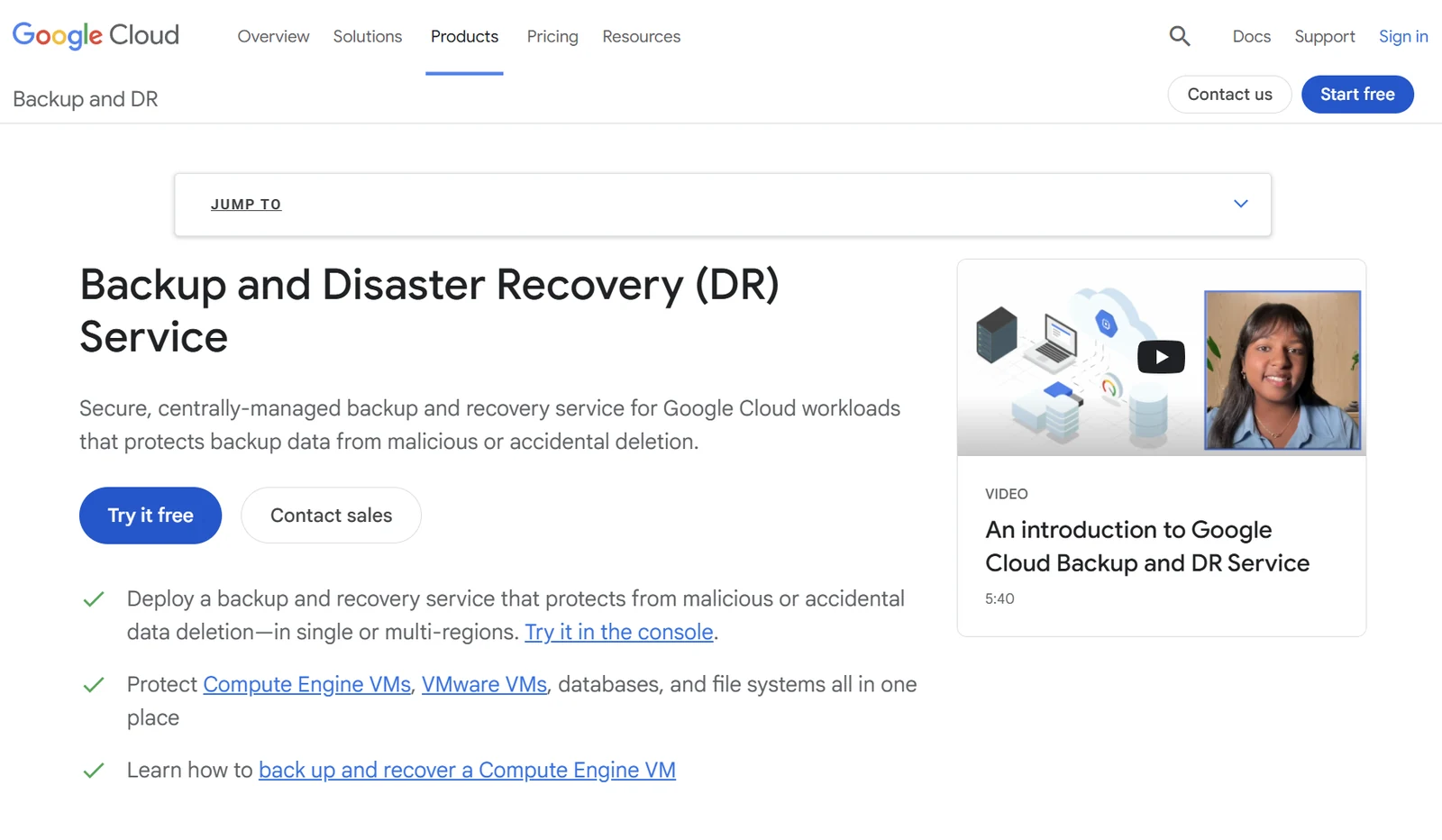
Google Cloud Backup and DR is a managed backup and recovery service for Google Cloud workloads. It provides centralized management, monitoring, and reporting for day-to-day backup operations, while backup vaults protect data in a secure Google-managed environment with immutable, indelible backups.
For VMware, SAP HANA, Oracle, SQL Server, and Db2 workloads, protection requires a customer-deployed backup and recovery appliance and a management server running inside the customer's environment.
Best for: Organizations that run heavily in Google Cloud and need centralized backup management, monitoring, and immutable backup vault protection.
Key features
- Centralized operations: Backup and DR gives teams centralized management, monitoring, and reporting across Google Cloud workloads from one place.
- Backup vault protection: Backup vaults store backups in a secure Google-managed environment and protect them from modification and early deletion.
- Cross-project recovery: Workloads can be recovered into different projects, supporting both disaster recovery and migration scenarios. Native services and cross-cloud platforms differ sharply here, which we compare in disaster recovery tools compared.
Pros
- Strong fit for centralized backup operations inside Google Cloud.
- Backup vaults are a genuine differentiator; immutable and indelible by design, not just policy. On Azure that distinction is the whole argument, and we unpack it in Azure backup immutability.
- Cross-project recovery adds flexibility for both DR and migration workflows.
Cons
- Scoped to Google Cloud-centric environments; less suited to teams that need a cross-cloud backup control layer.
- VMware, SAP HANA, Oracle, SQL Server, and Db2 protection requires customer-deployed servers and appliances.
- Slower restores for large datasets as backup volume grows.
What users say
“The feature set is expansive, covering VMs, databases, and more, with seamless integration into existing workflows.” — Pramod Y., Lab Technician via G2
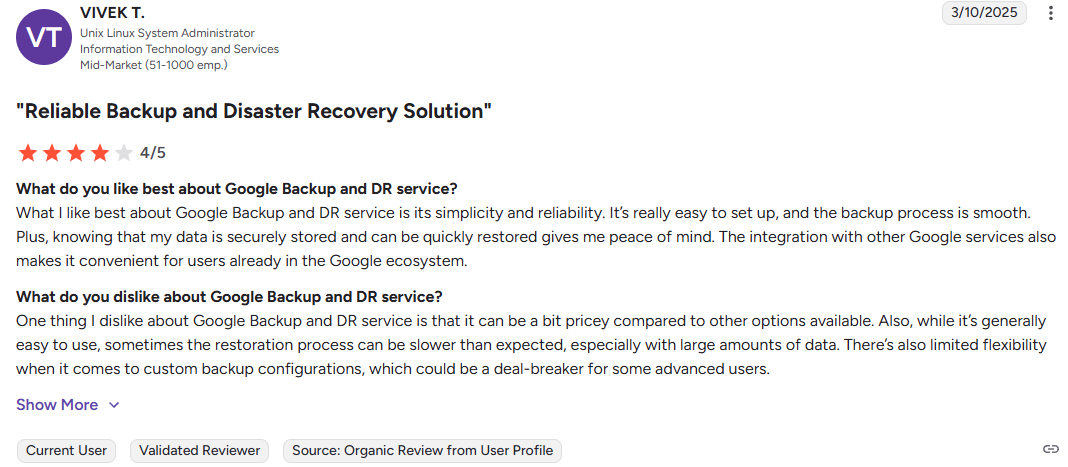
“Sometimes the restoration process can be slower than expected, especially with large amounts of data.” — Vivek T., Unix Linux System Administrator via G2
Pricing
Google Cloud Backup and DR uses usage-based pricing, with management charges based on protected capacity per supported resource type. Pricing tables are broken out by workload and storage model on the Google Cloud pricing page. For how that sits against the rest of the bill, see our GCP pricing breakdown.
Bottom line
Google Cloud Backup and DR is the right call when Google Cloud is your primary platform and vault-based backup management is the main requirement. For VMware and database workloads, it stops being a managed service the moment you have to deploy and maintain your own appliance. What a full plan needs around that service is covered in our guide to Google Cloud disaster recovery.
4. AWS Backup: Best for AWS-native backup-driven recovery
AWS Backup is AWS's fully managed backup service for centralizing and automating cloud data protection across supported AWS services and selected hybrid workloads. It's built around centralized backup policies, governance, and cross-account management inside AWS environments.
Best for: AWS-centric organizations that want centralized, policy-based backup and recovery across AWS services and selected hybrid workloads.
Key features
- Centralized policy management: Teams can configure, manage, and govern backup activity across AWS accounts, resources, and regions from one place.
- Broad AWS service coverage: AWS Backup protects buckets, volumes, databases, and file systems across supported AWS services.
- Jobs dashboard visibility: The console includes backup, copy, and restore job dashboards showing completed, failed, expired, and completed-with-issues activity over time.
Pros
- Natural fit for AWS-centric teams that want native, policy-based backups across services.
- Centralized management removes the need to configure backup workflows service by service.
- Built-in dashboards make it straightforward to monitor backup, copy, and restore job status across accounts.
Cons
- Item-level search and restore covers only indexed EBS snapshots and S3 backups, a few items per restore job. Databases and EC2 still restore at the instance level, with no table- or record-level restore.
- Coverage gaps and restore limitations grow as account footprint scales.
What users say
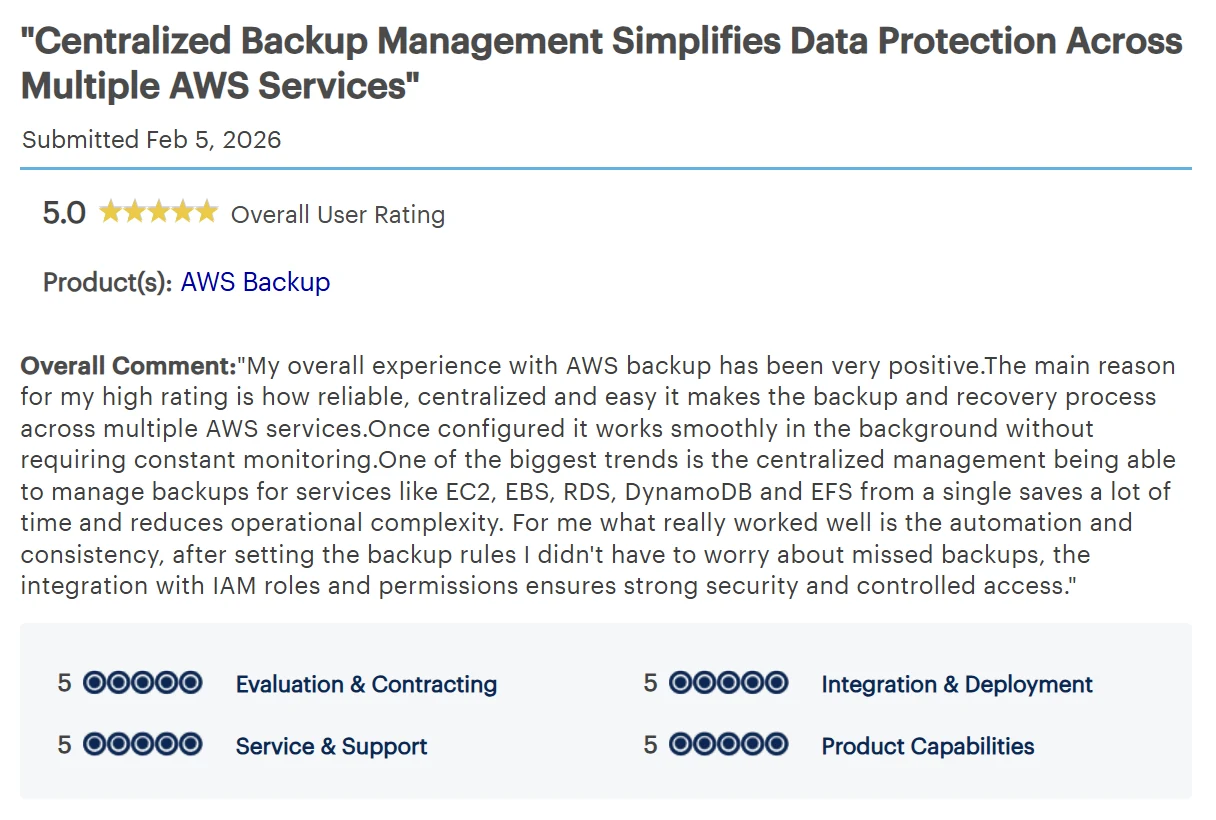
“Being able to manage backups for services like EC2, EBS, RDS, DynamoDB and EFS from a single saves a lot of time and reduces operational complexity.” — IT Trainer via Gartner Peer Insights
“Restore processes can be slow and less flexible” — Collaboration Solutions Analyst via Gartner Peer Insights
Pricing
AWS Backup uses usage-based pricing, with storage charges billed per GB-month of backup storage consumed and restore charges based on the amount of data restored.
Bottom line
The account-level dashboard gives you job status. It won't tell you which resources across which accounts are actually drifting outside policy. At multi-account scale, that's the question that matters.
5. Azure Backup: best for Azure-native backup-driven recovery

Azure Backup is Microsoft's native service for backing up and restoring supported Azure workloads. Recovery points are stored in Azure vaults (either Recovery Services vaults or Backup vaults, depending on the workload) and managed through Microsoft's native backup tooling.
Best for: Azure-centric organizations that want native backup-driven recovery for supported workloads without adding a separate third-party backup platform.
Key features
- Vault-based protection: Azure Backup stores recovery points in Azure vaults and lets teams manage backup policies, retention, and restores from one place inside Azure.
- Azure-native restore workflows: Teams restore protected data and workloads through Microsoft's native backup tooling without needing a separate recovery platform.
- Built-in backup management: Azure Backup is designed for backup management at scale inside Microsoft cloud environments.
Pros
- Strong fit for teams already standardized on Azure.
- Native backup workflows remove the need to manage a separate backup platform for supported workloads.
- Recovery Services vaults give teams a familiar place to manage recovery points and restore activity.
Cons
- Two vault types, Recovery Services and Backup vault, create separate operating models depending on the workload, which adds management overhead as coverage grows.
- No unified operating model across subscriptions; posture, cost attribution, and recovery are managed separately by vault type and workload.
What users say
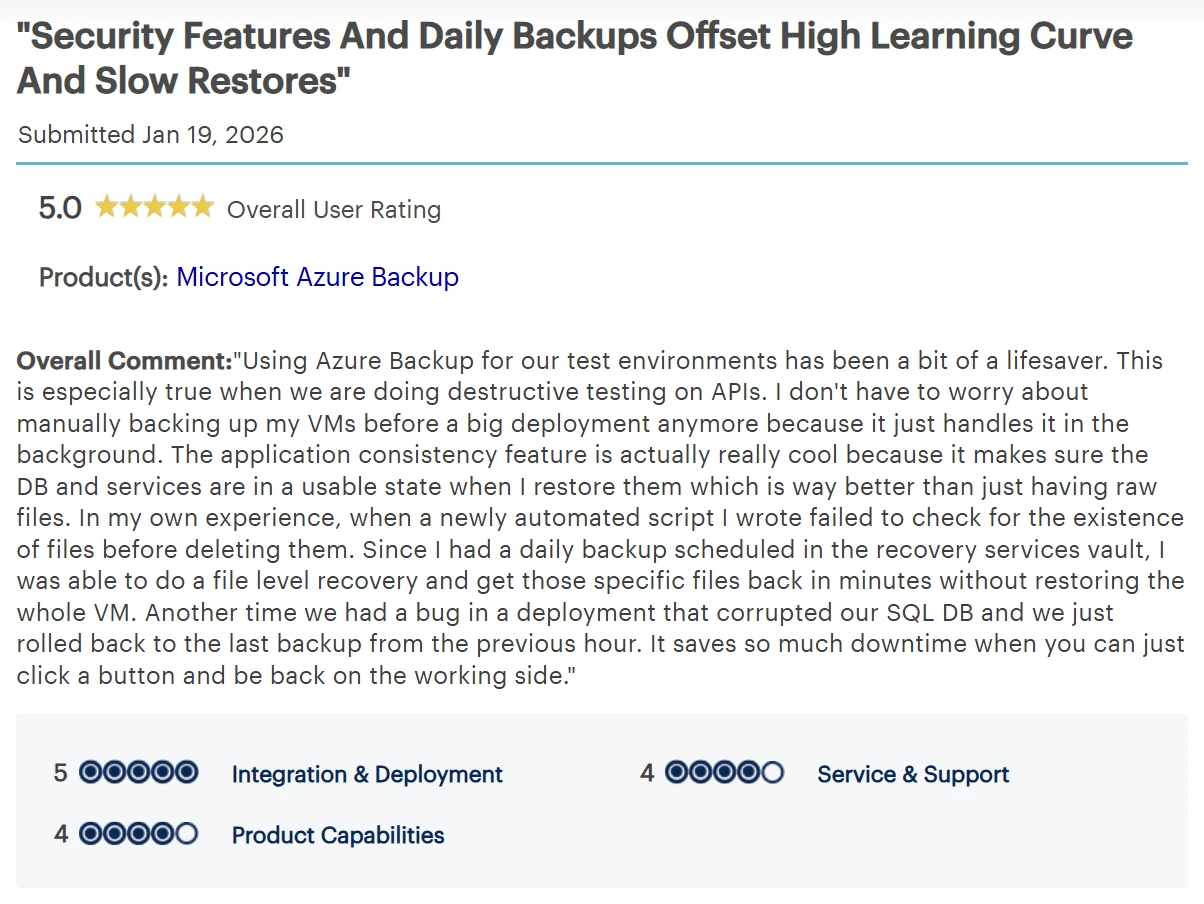
“I was able to do a file level recovery and get those specific files back in minutes without restoring the whole VM.” — Software Engineer via Gartner Peer Insights
“Some limitations exist around flexibility and advanced restore scenarios, but the core backup functionality is solid.” — Project Manager via Gartner Peer Insights
Pricing
Azure Backup costs depend on workload type, protected instance size, storage redundancy, retention, and restore activity. Microsoft publishes pricing per workload type on the Azure Backup pricing page.
Bottom line
Azure Backup covers the workloads it supports well. The operating model fractures when you're managing Recovery Services vaults and Backup vaults side by side across subscriptions at any real scale.
Which cloud disaster recovery solution should you choose?
- Choose AWS Elastic Disaster Recovery if the primary risk is regional infrastructure failure and AWS is already your recovery target.
- Choose Azure Site Recovery if Azure is your recovery target and VM-level failover is the incident you're planning for.
- Choose Google Cloud Backup and DR if Google Cloud is your primary platform and centralized, vault-based backup management is the main requirement, and your workloads don't require customer-deployed appliances.
- Choose AWS Backup if you want centralized, policy-driven backup across AWS services and resource-level restore covers your recovery needs.
- Choose Azure Backup if Azure is your primary environment and native backup-driven recovery for supported workloads is enough.
- If the unresolved problem is backup posture visibility, granular recovery, ransomware-ready restore, or backup data you can search and query without a full restore, evaluate Eon alongside these tools.
Where native cloud DR tools stop
Failover tools solve one problem well: keeping applications running when infrastructure fails. AWS DRS and Azure Site Recovery are built for that. So are Google Cloud Backup and DR, AWS Backup, and Azure Backup, within their platforms.
Most cloud incidents are narrower. A deleted record, a corrupted table, a ransomware-affected dataset, or a workload that drifted outside policy doesn't need a failover. It needs a clean recovery point and a way to restore exactly what changed. Matching the incident to the recovery model is what separates the types of disaster recovery plans.
That's the gap native tools leave. Teams know backups exist, but can't always prove what's covered, find the clean point, or recover below the resource level without spinning up full environments.
Eon is built for that problem. Cloud Backup Posture Management (CBPM) continuously discovers and classifies resources across accounts and regions, enforces policy without manual tagging, and surfaces coverage gaps before they become incidents.
Logically air-gapped, immutable backups ensure clean recovery points are available when ransomware or corruption hits. Granular restore brings recovery down to the file, object, table, or record level, no full environment rebuild required.
And Global Search and Database Explorer let teams search and query backup data directly, so audits and investigations don't start with a full restore.
In practice, SoFi cut recovery time from a full day to minutes across five AWS regions after replacing fragmented native snapshots with Eon's cloud-native, policy-driven platform.
Sigdo Koppers reduced restore time for a critical financial system from two days to a couple of hours, and came in around 38% below projected native GCP snapshot costs. The pattern holds at the infrastructure level too. NETGEAR cut a 10TB SQL Server recovery from 24 hours to under three.
See Eon in action. Request a demo to understand what's covered, where gaps exist, and how quickly you can recover the right data across AWS, Azure, and GCP.
Frequently asked questions
What is the difference between cloud backup and disaster recovery?
The main difference between cloud backup and disaster recovery is scope. Cloud backup creates recoverable copies of data. Disaster recovery is the broader plan for restoring applications and operations after an outage, which can include replication, failover, failback, and backup-and-restore depending on the recovery target. We take that distinction further in disaster recovery vs backup as a service.
What is the difference between RPO and RTO?
RPO and RTO measure different recovery objectives. RPO is how much data loss a business can tolerate; the point in time data must be recovered to after an outage. RTO is how quickly a workload must be back online. AWS and NIST both treat these as the two primary DR objectives teams need to define before choosing a recovery model.
How often should you test a cloud disaster recovery plan?
Most teams test a cloud disaster recovery plan quarterly at minimum; more frequently if the environment changes often or if recovery SLAs are strict. Testing cadence matters less than what you're validating: that recovery completes within your RTO, that the right data is restorable, and that the team can execute without relying on tribal knowledge.
Are native cloud tools enough for cloud backup and recovery?
Native cloud tools are enough for cloud backup and recovery when one cloud, resource-level restore, and platform-native operations cover the recovery target. The gaps show up as environments grow: more accounts, more regions, and incidents that require recovery below the resource level. Once workloads span providers, multi-cloud disaster recovery introduces a different set of tradeoffs again.
What should teams compare first when choosing a cloud backup or recovery tool?
The recovery model is what teams should compare first. Replication tools solve failover. Native backup tools solve platform-aligned backup and restore. If the unresolved problem is posture visibility, granular recovery, or queryable backup data, that points to a different layer entirely. Most cloud DR solutions fall into one of those two camps, so naming the camp first narrows a shortlist faster than comparing feature lists does.