Every platform here can copy your data somewhere safe. The field pulls apart on the restore: how fast data comes back, at what precision, and whether the recovery path survives the event that damaged it.
We ranked nine AWS backup solutions on that, native services first, with notes on where each one stops.
9 best AWS backup solutions: TL;DR
- AWS Backup: Best for single-account AWS environments with disciplined tagging.
- AWS Elastic Disaster Recovery: Best for server-level failover and lift-and-shift DR.
- Eon: Best for multi-account AWS environments (and multi-cloud) that need record-level recovery and automated coverage.
- Veeam Backup for AWS: Best for hybrid environments still anchored on-prem.
- Commvault Cloud: Best for large mixed environments that need cleanroom recovery.
- Rubrik Security Cloud: Best legacy enterprise reference.
- Druva Data Security Cloud: Best fully SaaS option with no infrastructure to run.
- N2WS: Best for AWS-native snapshot automation and fast EC2 recovery.
- Cohesity: Best for consolidating backup, archive, and data services onto one platform.
What AWS's four recovery strategies require of a backup tool
AWS defines four recovery strategies, each with its own recovery objectives, and the one you commit to sets what the backup layer has to do. Match the tool to the target, not the other way around.
| Strategy | RPO and RTO | What the backup layer should deliver |
|---|---|---|
| Backup and restore | RPO hours, RTO up to 24 hours | Point-in-time restore, cross-Region copies, provable coverage |
| Pilot light | RPO minutes, RTO tens of minutes | Continuous replication plus backups in the recovery Region |
| Warm standby | RPO seconds, RTO minutes | Replication for the outage case, backups for the corruption case |
| Multi-site active-active | RPO near zero, RTO near zero | Point-in-time recovery, since replication copies corruption too |
Replication guards against outages but not corruption or deletion, so even an active-active architecture needs a point-in-time backup layer underneath it.
And a recovery path that leans on the control plane is not a recovery path: AWS's own guidance flags control-plane dependency during failover as an anti-pattern, because the console and APIs can go down with the Region, as they did for roughly 15 hours in the October 2025 US-EAST-1 outage.
Backups that production credentials can reach are only as safe as those credentials, which is why isolation sits in the criteria below.
How we evaluated these AWS backup solutions
Every score traces back to primary sources: vendor documentation, official pricing pages, the AWS disaster recovery whitepaper, and verified reviews. Recovery-time figures come from Eon's 2026 Cloud Data Infrastructure Report, a survey of 583 cloud IT leaders in March 2026.
Five criteria decided the ranking:
- Recovery speed: Whether the restore path can realistically hit a stated RTO on production data volumes.
- Restore precision: File, object, table, or record, and whether managed databases get the same precision as virtual machines.
- Blast-radius isolation: Whether backup data lives somewhere production credentials cannot reach.
- Coverage visibility: How unprotected resources and policy drift surface across accounts and Regions.
- Total cost: The fully loaded number, with cross-Region transfer, restore, and API and evaluation charges stacked on top of storage.
Scoring this way pulled the field apart quickly: the platforms that can hand back a single record while production keeps serving separate from those that only copy data wholesale.
9 best AWS backup solutions: Quick comparison
| Tool | Strengths | Best for | Limitation |
|---|---|---|---|
| AWS Backup | Deep AWS service coverage, native IAM, Vault Lock | Single-account AWS workloads | No cross-cloud coverage |
| AWS Elastic Disaster Recovery | Sub-second RPO, minutes-scale RTO, non-disruptive drills | Server failover into AWS | Servers only, no managed databases |
| Eon | Autonomous posture management, record-level restore, queryable backups | Multi-account AWS needing record-level restore | Cloud-only, no failover orchestration |
| Veeam Backup for AWS | Hybrid coverage, flat per-TB pricing | On-prem plus AWS environments | Heavier setup than cloud-native tools |
| Commvault Cloud | Isolated recovery environment, in-place S3 and DynamoDB rollback, immutable off-account copies | Large mixed environments | Complex licensing and deployment |
| Rubrik Security Cloud | Immutable backups, anomaly detection | Existing enterprise deployments | Built on-prem first |
| Druva Data Security Cloud | Fully SaaS, wide workload coverage | SaaS-first organizations | Thin managed-database precision |
| N2WS | 60-second RPO, 1-click DR, snapshot lifecycle control | AWS-native EC2 and RDS fleets | AWS and Azure only |
| Cohesity | Consolidated data services at scale | Sprawling data environments | Legacy-first, specialist skills needed |
The 9 best AWS backup solutions
1. AWS Backup: Best for single-account AWS environments with disciplined tagging
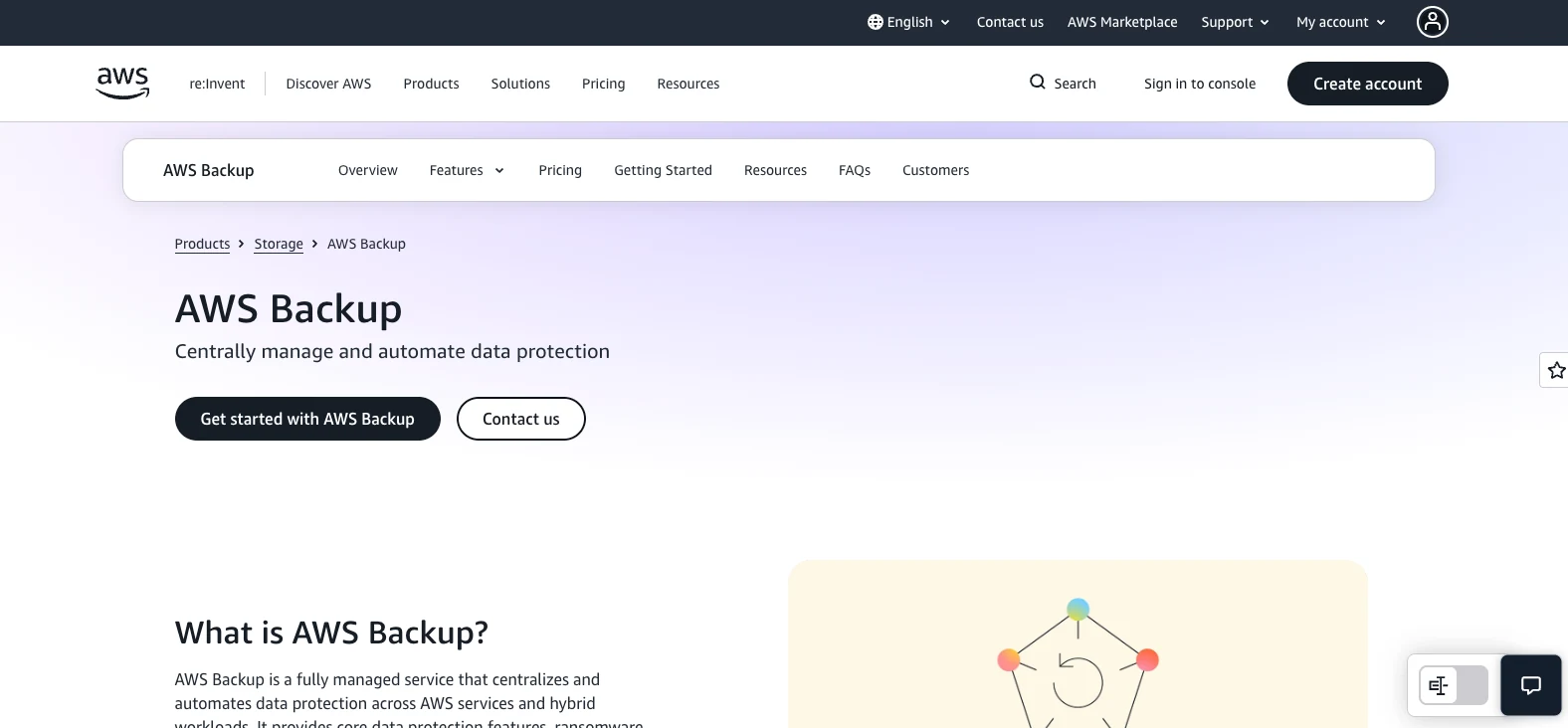
What it does: AWS Backup is Amazon's managed data-protection service: set a policy once and it runs backup and recovery across your AWS services and hybrid workloads from one control point.
Best for: Engineering groups running entirely inside AWS, in one account or a small number of accounts, with strong tagging habits and a culture of testing restores.
No third-party product covers more AWS services, and the IAM, Organizations, and CloudTrail integration is as clean as first-party gets.
The catch sits in how AWS Backup decides what to protect. Policies bind to tags, so an untagged resource is an unprotected resource, and nothing runs a second pass to catch the miss. Closing that tagging gap before it becomes a coverage gap is the first of our best practices for AWS Backup.
Key features
- Centralized backup policies across accounts and Regions through AWS Organizations, so one org-wide rule replaces a pile of per-account scripts.
- Backup Vault Lock and logically air-gapped vaults for write-once retention and isolation from a compromised account.
- Automated restore testing that restores recovery points on a schedule and checks that they complete inside your target window.
- Backup Audit Manager for continuous evaluation of resources against your own data protection policies.
Pros and cons
Pros:
- ✅ Coverage stretches across EC2, EBS, RDS, Aurora, DynamoDB, EFS, FSx, S3, Redshift, and more with no third-party tooling.
- ✅ Native IAM integration keeps access control and audit logging inside the model you already run.
- ✅ Logically air-gapped vaults with Multi-Party Approval survive the loss of the vault-owning account.
Cons:
- ❌ No coverage for Azure, GCP, or SaaS workloads, which is a hard stop for anyone running more than one cloud.
- ❌ Restore precision is uneven. AWS Backup indexes metadata rather than file contents, and EFS item-level restore is capped at 10 items and lands files in a new directory rather than their original paths.
- ❌ The bill has more dimensions than the headline rate suggests, adding cross-Region transfer, restore charges, item-level restore requests, and Audit Manager evaluations on top of storage.
What users say
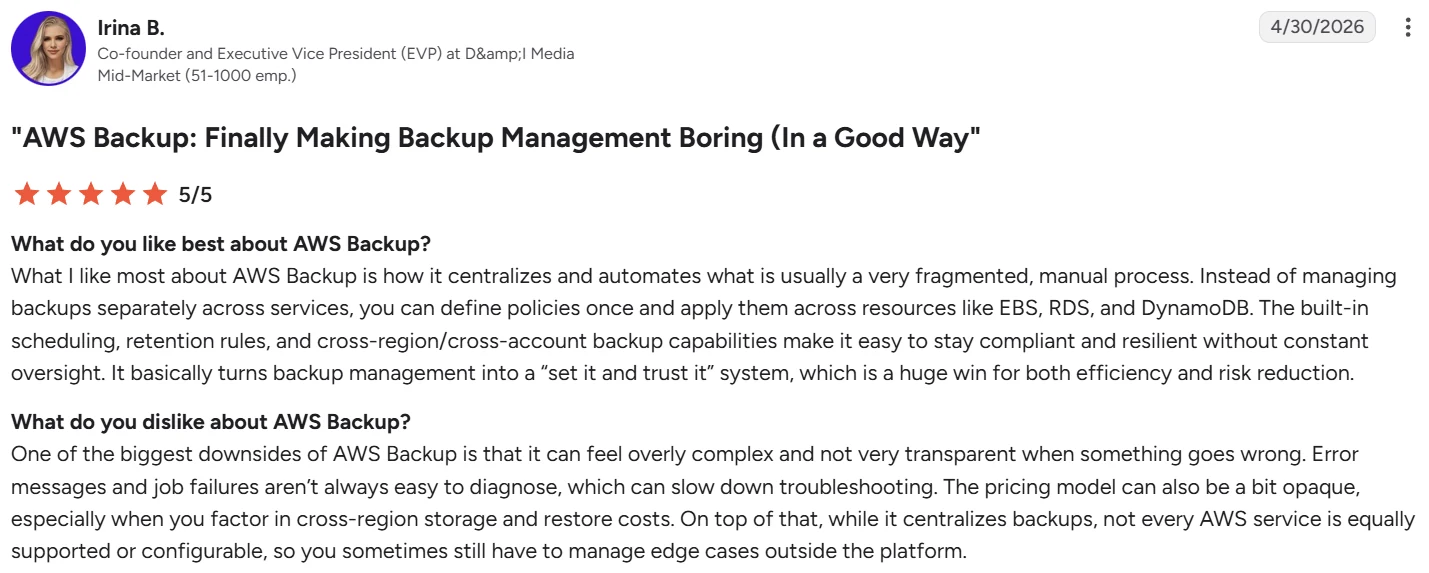
"You can define policies once and apply them across resources like EBS, RDS, and DynamoDB." – Irina B., G2
"Some of the more advanced backup workflows still feel a bit restricted." – Vaishali S., G2
Pricing
Pay-as-you-go, no base subscription. Warm storage runs $0.05 per GB-month for most services. Cold drops to roughly $0.01 with a 90-day minimum retention. Cross-Region transfer, restores, and item-level restore requests bill separately.
Bottom line
If AWS is your whole environment and your tagging discipline is genuinely reliable, AWS Backup is the sensible default and the cheapest start. The ceiling appears the moment a second cloud lands, or the moment someone asks for one customer's records back without a full restore.
2. AWS Elastic Disaster Recovery: Best for server-level failover and lift-and-shift DR
What it does: AWS Elastic Disaster Recovery (DRS) continuously replicates block-level data from source servers into a low-cost staging area in AWS, then launches recovery instances on demand.
Best for: Anyone protecting server-based workloads, whether on-premises, in another cloud, or already on EC2, who needs failover rather than file retrieval.
AWS DRS is the odd one out here: it isn't a backup product, which is why a lot of teams overlook it or aren't sure where it fits. It doesn't hand back a deleted file or a corrupted record. It fails a whole server over to AWS and gets it running again, which is a different job from everything else on this list.
And it does that job fast. AWS documents an RPO in the sub-second range, meaning near-zero data loss, and an RTO measured in minutes, with Windows servers at the slower end because they take longer to boot.
Key features
- Continuous block-level replication from physical servers, VMware, Hyper-V, other clouds, or EC2, using a lightweight agent.
- Non-disruptive drills that launch recovery instances without pausing replication or touching the source application.
- Automated server conversion that rewrites boot volumes so servers launch natively on AWS.
- Point-in-time snapshots for rolling back to a state before corruption rather than to the latest replicated block.
Pros and cons
Pros:
- ✅ Recovery objectives no snapshot-based product can match, at seconds of data loss and minutes of downtime.
- ✅ Drills run as often as you like without an RPO penalty, so you can rehearse monthly without booking a maintenance window. Why rehearsal is what turns a stated RPO into a real one is covered in rpo vs rto.
- ✅ Failback to the primary site is built in, so the recovery is reversible.
Cons:
- ❌ Servers only. Managed databases, S3 buckets, and DynamoDB tables sit entirely outside its scope, so it never replaces a backup platform.
- ❌ Agent-based, which means an install and a lifecycle to manage on every protected source.
- ❌ The hourly per-server fee is the small part of the bill. Staging EBS volumes, snapshots, and replication instances are billed separately and add up quickly.
What users say
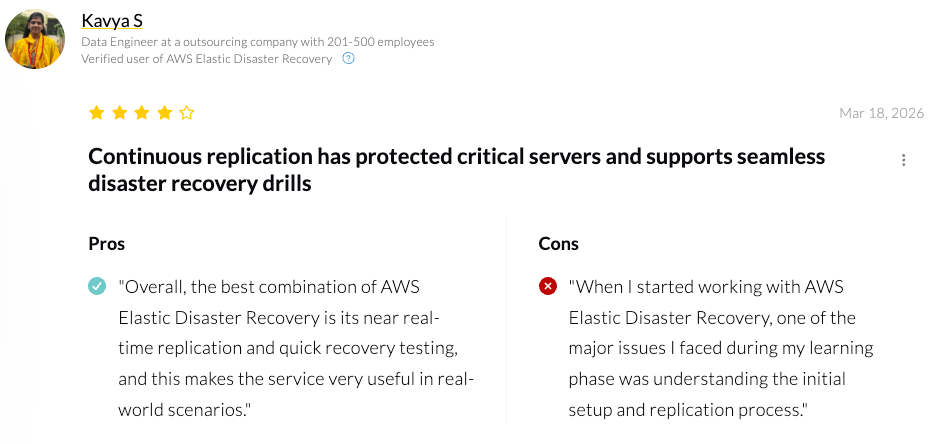
"The best combination of AWS Elastic Disaster Recovery is its near real-time replication and quick recovery testing" – Kavya S, PeerSpot
"It could improve in areas such as more granular cost visibility during staging and test launches." – Verified reviewer, PeerSpot
Pricing
$0.028 per replicating server per hour, no minimum and no commitment, regardless of disk count or Region. Staging EBS volumes, snapshots, and replication instances bill as normal AWS consumption on top. AWS publishes worked examples, including an 8-hour drill for 100 servers at roughly $123.
Bottom line
Pair it with a backup platform. This is not an either/or. AWS DRS answers "the Region is gone, get us serving traffic," and it answers that better than anything else on this list. It has nothing to say when the problem is a corrupted table or a deleted object.
3. Eon: Best for multi-account AWS environments that need record-level recovery
What it does: Eon is a cloud-native data platform that classifies AWS resources automatically and applies backup policies without tagging. Backup data is stored in open formats, so it remains queryable and restorable at the record level.
Best for: Cloud-first organizations running AWS across many accounts and Regions, where the recovery requirement is precision and coverage proof rather than server failover.
The problem Eon addresses is the one tagging creates. Native coverage depends on someone remembering to tag a resource at creation, and 61% of organizations find protection gaps only after an incident, an audit, or a failed restore.
Cloud Backup Posture Management (CBPM) inverts that, classifying resources on creation and attaching policies automatically.
Key features
- CBPM continuously finds and categorizes AWS resources, attaches the right policy to each without tags, and exposes protection holes and drift account by account.
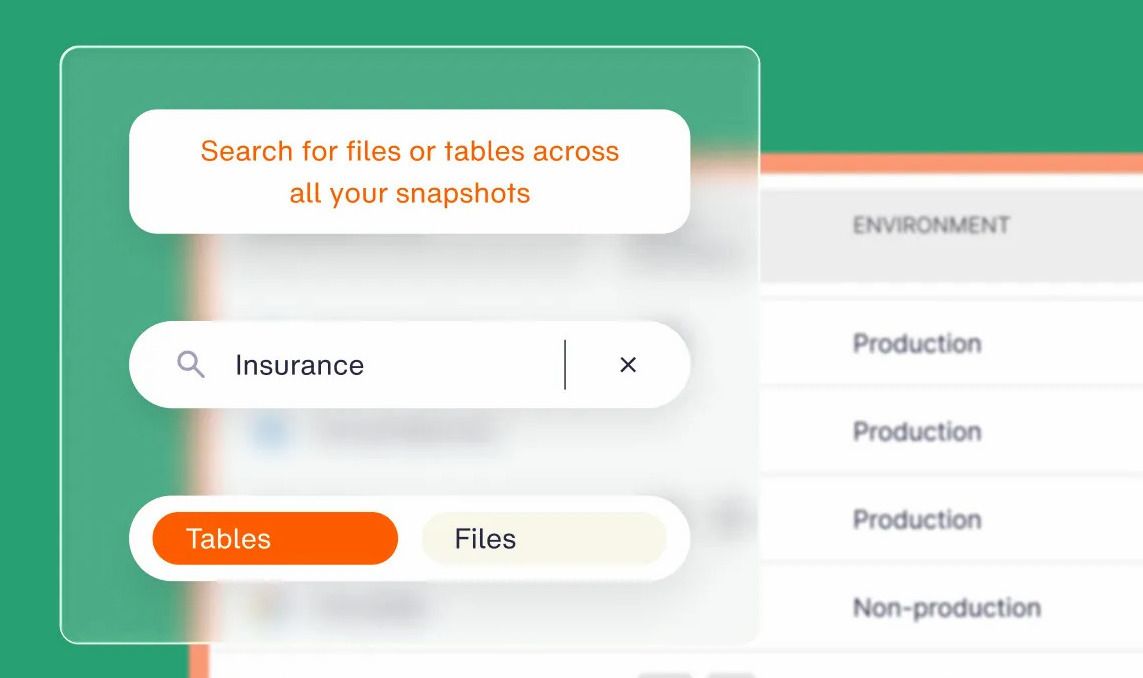
- Granular recovery returns an individual file, object, table, or database record without rehydrating the environment around it.
- Immutable, logically air-gapped vaults paired with anomaly detection that isolates the most recent uncompromised restore point, reaching inside managed-database backups that file-level scanners can't see.
- Open-format storage that keeps backups in Parquet, Iceberg, and Delta Lake, so analytics, compliance, and AI workloads ingest them into BigQuery, Snowflake, Databricks, and Athena with zero ETL.
Pros and cons
Pros:
- ✅ Coverage runs autonomously across multi-account AWS, which removes tagging as a failure mode entirely.
- ✅ Restore precision reaches a single record inside a managed database, a level most of this list stops short of.
- ✅ Cloud-native deduplication and incremental-forever storage cut backup storage cost by 30–50%, with NETGEAR at 35%.
- ✅ Cloud native with a single read-only IAM role and no agents, appliances, or clusters, so nothing to install, patch, or expose in production accounts. Eon can auto-discover an entire AWS Organization through OU structure with no per-account setup.
Cons:
- ❌ Cloud-only, so on-premises servers and endpoint devices need a separate product.
- ❌ No failover orchestration. Eon sits at the data layer, which means a pilot-light or warm-standby architecture still needs AWS DRS or an equivalent alongside it.
- ❌ Newer company than the legacy field, so the partner ecosystem and third-party integration catalog are smaller.
What users say
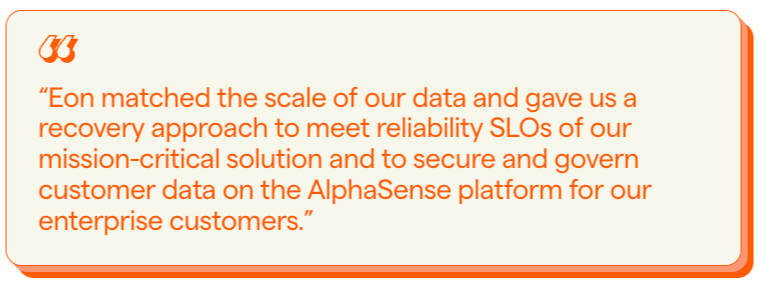
"Eon matched the scale of our data and gave us a recovery approach to meet reliability SLOs of our mission-critical solution." – Joseph Rozenfeld, EVP of Engineering, AlphaSense, Eon case study
Pricing
Usage-based on a per-GB/month basis with flexible spending commitments and no separate charges for restores or API calls. Available through AWS Marketplace with consumption billing. Details sit on the Eon pricing page.
Bottom line
Nobody can answer "what's unprotected right now" from memory, and recovery requests arrive at the granularity of one record. That was SoFi's problem, and recovery went from a day to minutes. Single-account environments with relaxed RTOs will find native tooling cheaper.
4. Veeam Backup for AWS: Best for hybrid environments still anchored on-prem
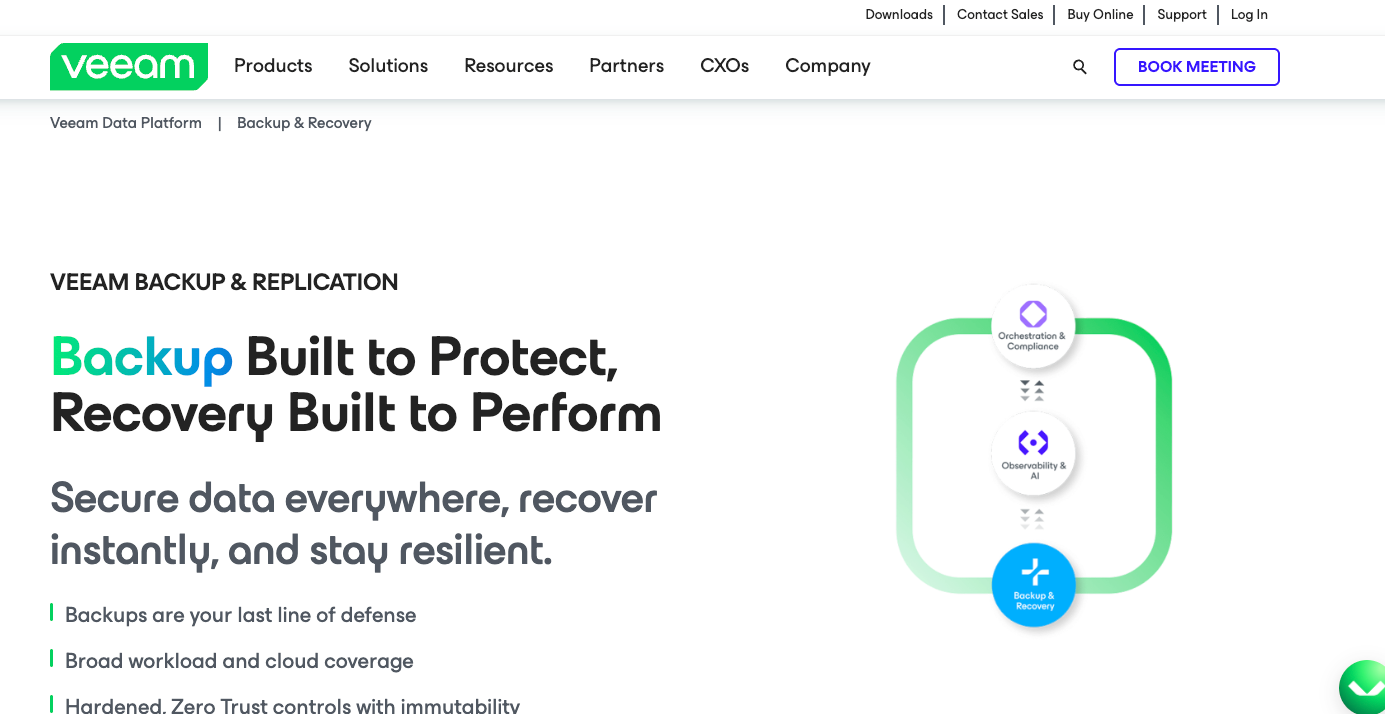
What it does: Veeam Backup for AWS delivers policy-driven, immutable backups for AWS resources, available either as software you run or as a Veeam-hosted SaaS service.
Best for: Organizations with a real data center footprint alongside AWS, where one vendor across both sides carries more weight than cloud-native design.
Two decades of protecting virtual machines shows in this product, for better and for worse. Policy automation and recovery workflows are mature and well documented. The architecture also carries assumptions from the rack, including worker instances Veeam deploys into your account to run backups and restores.
Key features
- Broad AWS service coverage across EC2, EBS, RDS, Aurora, DynamoDB, EFS, FSx, S3, Redshift, VPC, and Outposts from a single policy engine.
- Automatic immutability and encryption applied the moment a backup is written, with no separate hardening step to remember.
- Sub-hourly snapshot scheduling, down to multiple snapshots per hour, for tighter RPOs than a standard cadence allows.
- Unified management with on-premises Veeam deployments, so one console covers the data center and the cloud.
Pros and cons
Pros:
- ✅ Genuine hybrid coverage, which no cloud-native platform on this list offers.
- ✅ Flat per-TB SaaS pricing avoids the unpredictable monthly swings that per-service native billing produces.
- ✅ Large partner and integration ecosystem, with skills already present in most enterprise IT organizations.
Cons:
- ❌ Setup and ongoing management are heavier than agentless cloud-native alternatives.
- ❌ Managed-database recovery precision lags platforms designed around cloud-native workloads.
- ❌ Licensing across the software and SaaS models takes real effort to reason about.
What users say
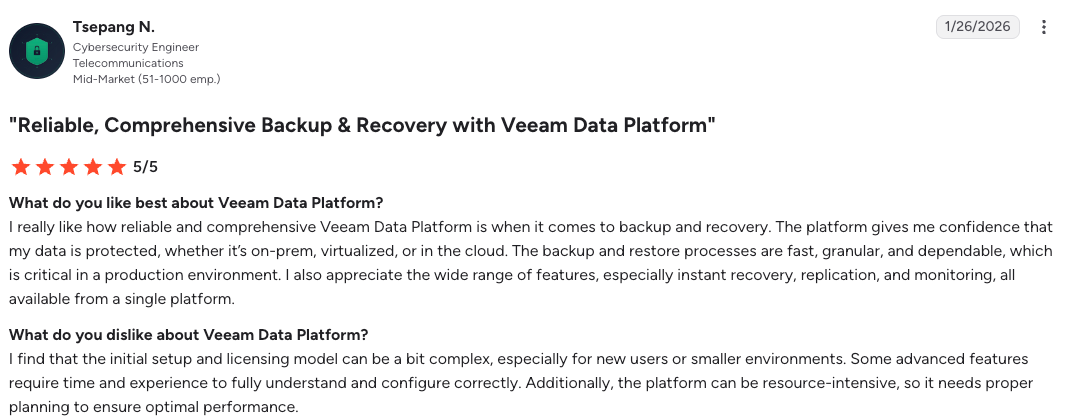
"The platform gives me confidence that my data is protected, whether it's on-prem, virtualized, or in the cloud." – Tsepang N, G2
"It took me a while to understand what it was asking for and how to provide the right information." – Dan R., G2
Pricing
The SaaS offering lists at $42 per TB per month, a single rate that bundles the software, isolated storage, and support. The self-managed software model is quoted separately.
Bottom line
The case for Veeam rests on hardware you still own. If a meaningful share of your workloads lives there, and if consolidating vendors saves you a contract, it's the right call. Purely cloud-native environments will pay for architectural weight they never use. We put that trade-off side by side in AWS Backup vs Veeam.
5. Commvault Cloud: Best for large mixed environments that need cleanroom recovery
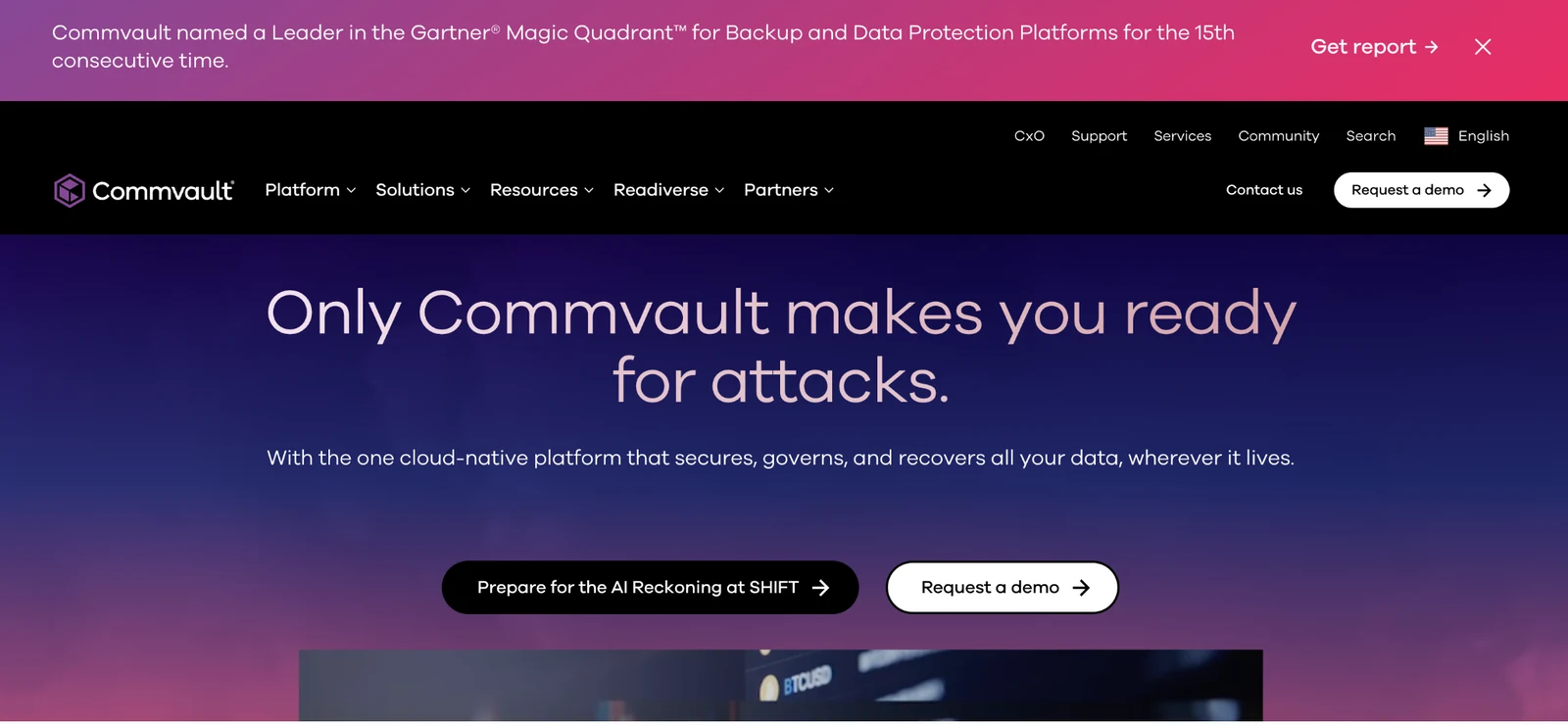
What it does: Commvault Cloud is a data protection and cyber resilience platform spanning on-premises apps, AWS, Azure, Google Cloud, and SaaS, extended on the AWS side by Clumio.
Best for: Large organizations with mixed environments and a procurement preference for one mature vendor across everything.
Commvault bought Clumio in 2024, and the AWS story improved considerably as a result. Clumio is serverless and AWS-native, covering S3, DynamoDB, RDS, Aurora, EC2, EBS, and Apache Iceberg lakehouses.
Backtrack rolls S3 buckets back with object versioning, though it doesn't reach a record inside RDS, Aurora, or DynamoDB. Cleanroom Recovery answers whether the environment you restore into is also compromised, on infrastructure Commvault operates for you.
Key features
- Cleanroom Recovery for testing cyber recovery plans and restoring into an isolated, verified-clean AWS environment.
- Clumio Backtrack for in-place, point-in-time rollback of S3 buckets at billion-object scale.
- Commvault AirGap for immutable, isolated copies held in a Commvault-managed tenant.
- Threat Scan for AI-assisted anomaly detection across protected data.
Pros and cons
Pros:
- ✅ Recovery into a verified-clean environment addresses a failure mode most platforms ignore, though Commvault runs that environment for you.
- ✅ Clumio brings serverless, agentless AWS coverage that Commvault's own architecture lacked.
- ✅ One vendor genuinely covers on-premises, three clouds, and SaaS.
Cons:
- ❌ Backtrack's S3 rollback runs inside your own account and depends on S3 Versioning there, so that recovery path shares the blast radius of the data it protects.
- ❌ Licenses, infrastructure, storage, and consumption-based restore charges make cost attribution difficult.
- ❌ Backups stay inside Clumio's vault with no open-format access, so audits and analytics run through a restore.
What users say
"The best part about Commvault Cloud is the centralized management it offers across hybrid and multi-cloud environments." – Manoj J., G2
"Advanced configurations and troubleshooting often require deeper product knowledge." – Ankush V., G2
Pricing
Subscription licensing, quoted per environment. Clumio bills on consumption and is available through AWS Marketplace with a free trial.
Bottom line
Sprawl is the qualifier here, alongside a procurement function that prizes consolidation over fit. If your footprint is AWS and nothing else, you're buying a platform far wider than your problem.
6. Rubrik Security Cloud: Best legacy enterprise reference
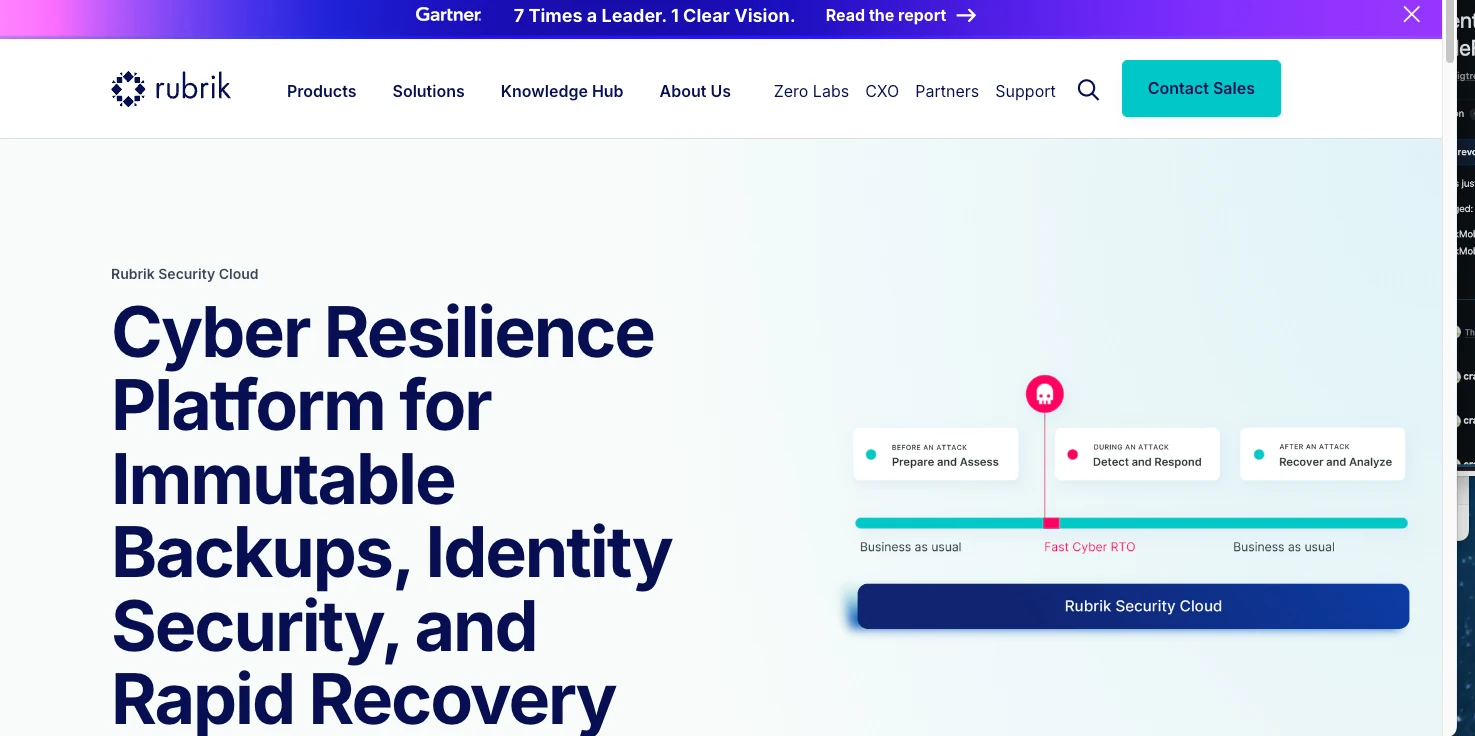
What it does: Rubrik Security Cloud combines backup, ransomware recovery, and data security across on-premises and cloud workloads.
Best for: Enterprises with a significant data center footprint and an existing Rubrik deployment their staff already know.
The ransomware-recovery reputation is earned, and it was built inside large enterprise data centers. Cloud-native coverage improves year over year, and Rubrik now runs its cloud protection serverless, with Rubrik hosting the compute. The architecture and licensing still carry on-premises origins, which surfaces as friction when the workloads are managed services rather than virtual machines.
Key features
- Immutable, logically air-gapped backups built into the core design, which is where Rubrik's reputation came from.
- Anomaly detection and threat hunting performed against backup data itself.
- Unified policy management spanning data centers and cloud accounts.
- Wide workload coverage including VMware, physical servers, and traditional databases.
Pros and cons
Pros:
- ✅ Ransomware recovery and anomaly detection with a long production track record.
- ✅ Policy-based automation that reduces manual scheduling and retention work.
- ✅ Deep reference base across large enterprises, which lowers procurement risk.
Cons:
- ❌ Threat scanning is built around files and VMs, and a managed database like Aurora or RDS never exposes its contents as files to scan, so the highest-value data gets less detection coverage.
- ❌ Higher cost and setup complexity than cloud-native alternatives.
- ❌ Advanced ransomware scanning may sit behind additional licensed components.
What users say
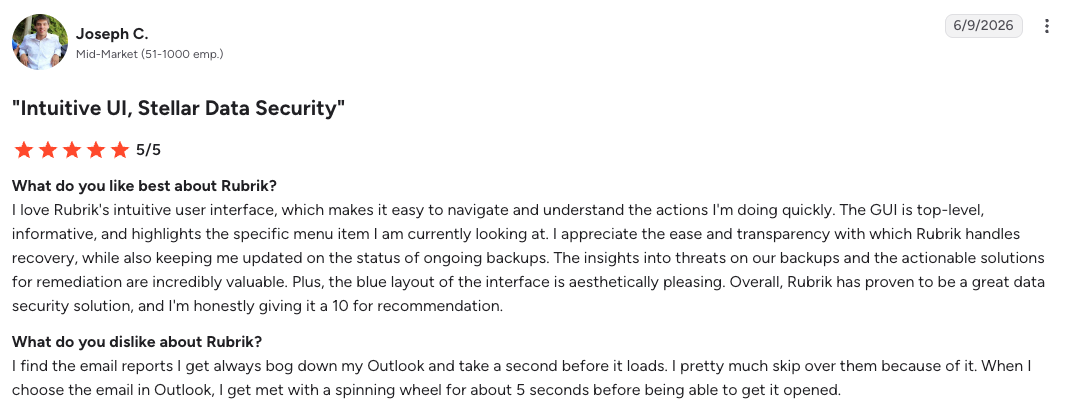
"The insights into threats on our backups and the actionable solutions for remediation are incredibly valuable." – Joseph C., G2
"Rubrik lacks automatic client agent installation as a native feature." – Prem K., G2
Pricing
Subscription-based with custom quotes tied to data volume and workload count. No public rate card.
Bottom line
Already running Rubrik with a real data center? Stay. Building on AWS from scratch? You'd be adopting an architecture designed for a problem you don't have.
7. Druva Data Security Cloud: Best fully SaaS option
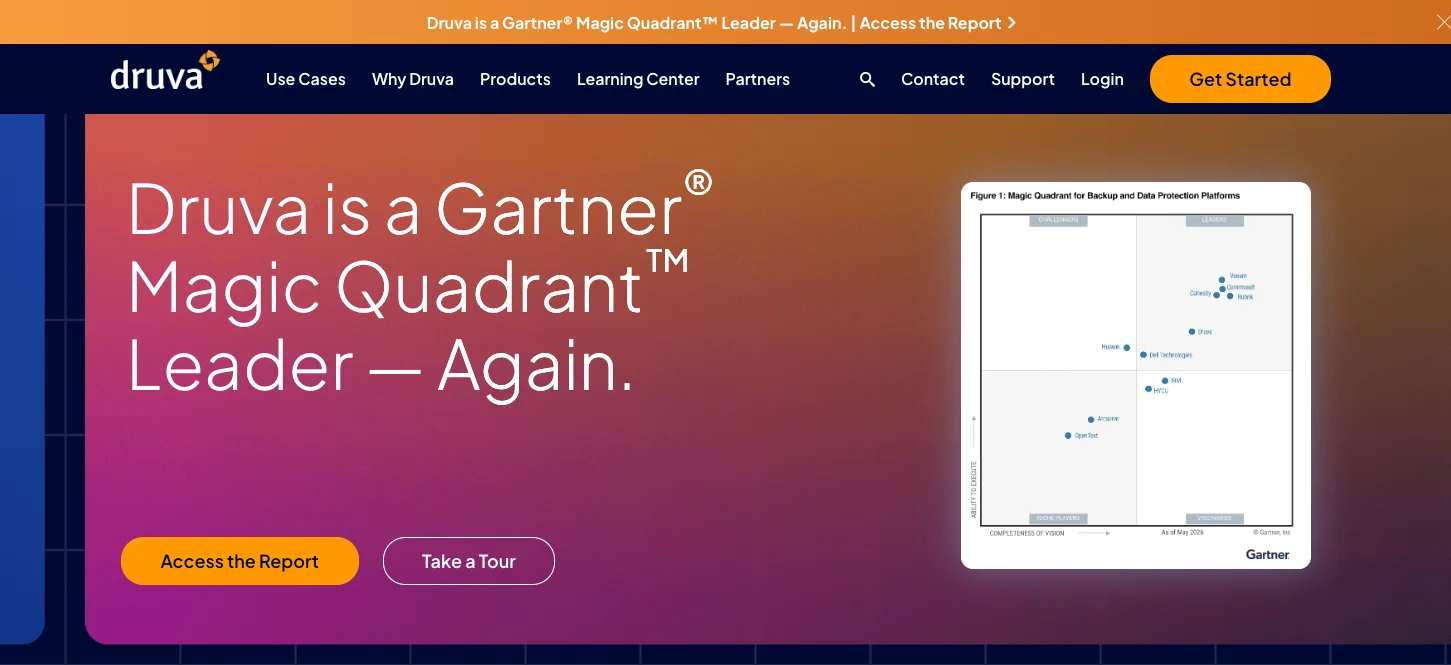
What it does: Druva Data Security Cloud is a fully SaaS data protection platform covering endpoints, SaaS applications, data centers, and AWS workloads with no customer-managed infrastructure.
Best for: Organizations that want backup delivered entirely as a service, with laptops and SaaS apps in scope alongside cloud workloads.
The whole pitch here is operational, and it lands. Nothing needs deploying or patching, and isolated storage plus ransomware detection ship as part of the service. Depth on cloud-native workloads is what you pay for that, with managed-database coverage staying narrower than platforms built specifically for them.
Key features
- Zero customer-managed infrastructure, with the entire control and data plane run by Druva.
- Coverage across endpoints, Microsoft 365, Google Workspace, Salesforce, and AWS in one subscription.
- Isolated cloud storage with built-in ransomware detection and clean-point recovery.
- Long-term retention priced and managed as part of the same service.
Pros and cons
Pros:
- ✅ Nothing to run, which removes an entire category of operational work.
- ✅ Endpoint and SaaS coverage that cloud-native platforms do not attempt.
- ✅ Established customer base with mature support.
Cons:
- ❌ Granular recovery for cloud-native managed databases is limited compared with specialists.
- ❌ Coverage outside AWS is thinner than multi-cloud platforms offer.
- ❌ Pricing climbs at large data volumes.
What users say
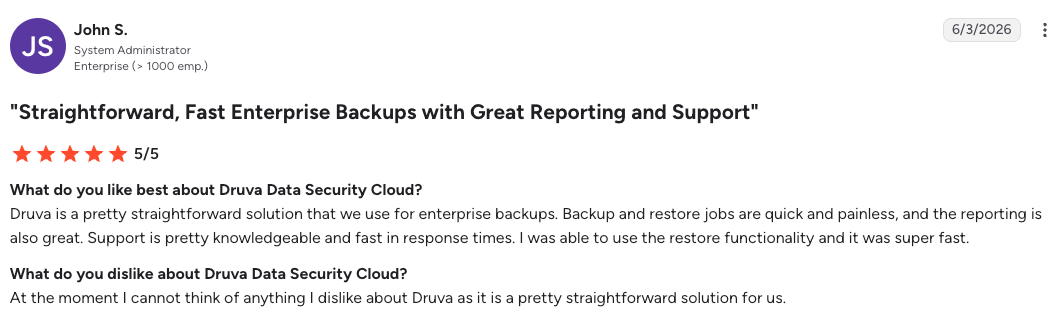
"Backup and restore jobs are quick and painless." – John S., G2
"The interface can always be improved." – Ken A., G2
Pricing
Tiered subscription based on workload type and protected data volume, quoted per customer.
Bottom line
Reach for this when the mandate covers laptops and SaaS apps alongside AWS, and when nobody wants to run backup infrastructure. Concentrated cloud-native database workloads deserve a platform built around them.
8. N2WS: Best for AWS-native snapshot automation and fast EC2 recovery
What it does: N2WS Backup & Recovery automates AWS snapshot lifecycle, scheduling, archiving, and cross-account recovery from a console you deploy into your own AWS account.
Best for: EC2- and RDS-heavy AWS environments spanning many accounts, where snapshot orchestration and fast instance recovery are the job.
This one runs as an AMI inside your own account. Some engineers value that; others treat it as one more thing to patch. It builds on AWS's own snapshot constructs rather than replacing them, so it inherits both their efficiency and their limits. Backup intervals go down to 60 seconds, well below the one-hour floor native snapshot scheduling imposes.
Key features
- Backup intervals down to 60 seconds across supported resources, supporting far tighter RPOs than native scheduling.
- 1-click disaster recovery with scheduled, automated DR drills configured the same way as a backup policy.
- Cross-account and cross-Region orchestration from a single console across dozens of AWS accounts.
- Snapshot lifecycle and archive management, including tiering into S3 and Glacier storage classes. Third-party schedulers handle this differently from the native service, a difference we take apart in AWS Backup vs N2WS.
Pros and cons
Pros:
- ✅ RPO control that native AWS snapshot scheduling cannot reach.
- ✅ Multi-account visibility from one console, which is where the operational savings show.
- ✅ Snapshot cleanup often offsets a portion of the licensing cost on its own.
Cons:
- ❌ You deploy and maintain the console instance, including upgrades.
- ❌ Coverage stops at AWS and Azure, so a third cloud needs another tool.
- ❌ Item-level recovery does not extend to application objects such as Active Directory or SharePoint items.
What users say
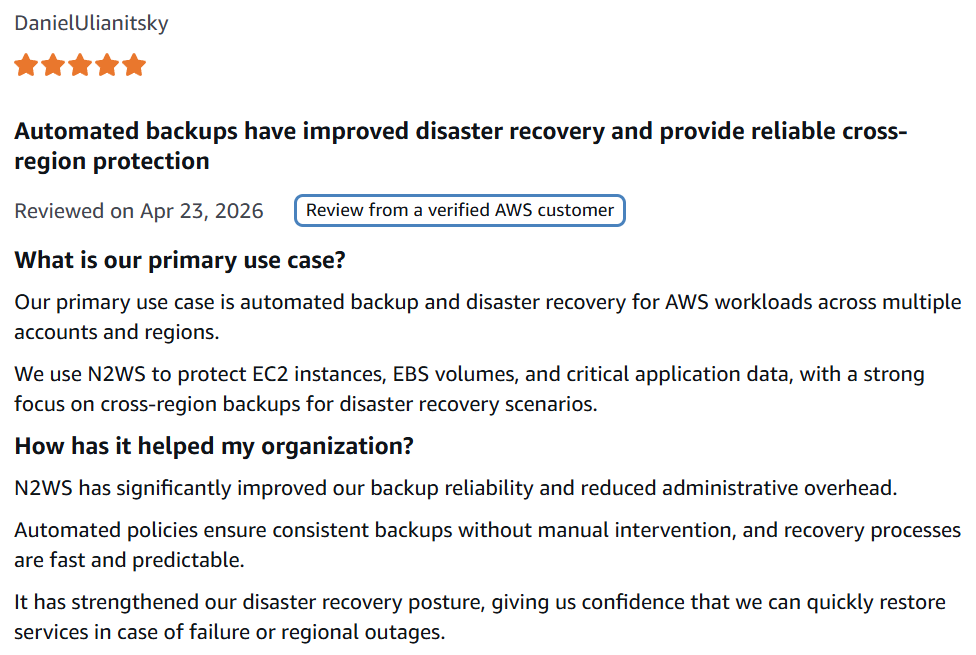
"N2WS has significantly improved our backup reliability and reduced administrative overhead." – Daniel Ulianitsky, AWS Marketplace
"The solution could benefit from a friendlier UI." – Verified user, AWS Marketplace
Pricing
Monthly subscription tiered by edition and instance count, with a 30-day free trial and BYOL or Marketplace purchase options. Storage is billed separately as normal AWS consumption. See the N2WS pricing page.
Bottom line
For an EC2 and RDS fleet spread across a lot of accounts, N2WS does exactly one job and does it tightly. It won't help with a second cloud, and it won't reach a single record inside a managed database. The same record-level limit separates the two native options, which we compare in AWS Backup vs RDS Backup.
9. Cohesity: Best for consolidating backup and data services

What it does: Cohesity consolidates backup, archiving, and data services across on-premises, cloud, and SaaS workloads on a single platform, now including the NetBackup line.
Best for: Large organizations trying to collapse a dozen data protection tools into one.
Consolidation is the entire argument for Cohesity. For organizations carrying a decade of accumulated tooling, it lands, and the ransomware detection and immutable snapshots are mature.
The same design that makes it capable across everything makes it slow to deploy for anyone whose workloads are entirely cloud-native.
Key features
- Backup and recovery across on-premises, cloud, and SaaS on one platform and one policy model.
- Ransomware detection, anomaly scanning, and immutable snapshots built into the data path.
- Application-aware backup for VMware, Hyper-V, SQL Server, Oracle, and SAP HANA.
- Consolidated archiving and data services that replace separate products.
Pros and cons
Pros:
- ✅ Real reduction in tool sprawl for organizations that genuinely have it.
- ✅ Proven ransomware and anomaly detection at enterprise data volumes.
- ✅ Long support history through the NetBackup lineage.
Cons:
- ❌ Legacy-first architecture adds friction in cloud-native environments.
- ❌ Deployment and tuning require specialist skills you may need to hire.
- ❌ Total cost of ownership runs high at scale.
What users say
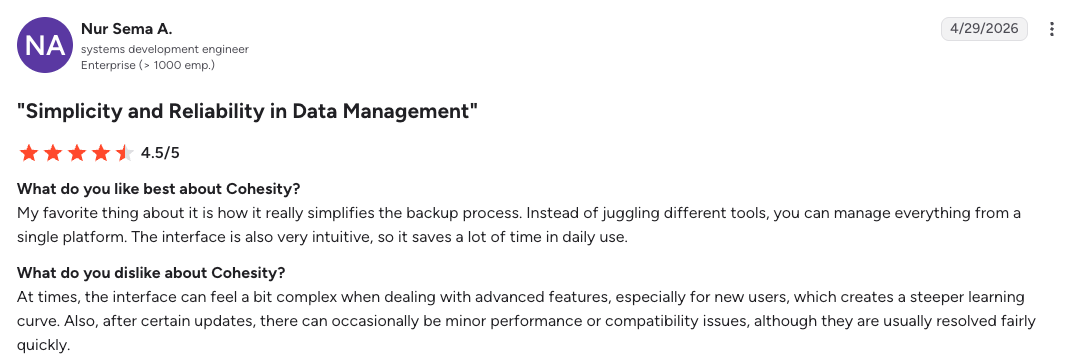
"My favorite thing about it is how it really simplifies the backup process." – Nur Sema A., G2
"The initial setup can be complex and requires careful planning." – Misbahuddin M., G2
Pricing
Subscription and perpetual licensing tied to data volume and workload count, quoted per customer.
Bottom line
If AWS is your environment, a cloud-first platform reaches production faster and costs less to run.
Which AWS backup solution should you choose?
Sort by recovery target. The strategy you committed to already narrowed the field.
Choose AWS Backup if you:
- Run inside a single AWS account, or a small number of accounts, with reliable tagging.
- Accept whole-resource restore and an RTO measured in hours.
- Want IAM, Organizations, and CloudTrail integration above everything else.
Choose AWS Elastic Disaster Recovery if you:
- Need an RTO in minutes and an RPO in seconds for server-based workloads.
- Are implementing a pilot light or warm standby architecture.
- Are recovering on-premises or other-cloud servers into AWS.
Choose Eon if you:
- Run AWS across too many accounts for coverage to be verified by hand. Or if you run AWS alongside other clouds and SaaS, including Azure, Google Cloud, Google Workspace, and Microsoft 365.
- Field recovery requests at the level of a file, table, or single customer record.
- Need backup data to stay queryable for audits, investigations, or analytics without a restore.
Choose Veeam if you:
- Run a real data-center footprint alongside AWS and want one vendor across both.
- Prefer flat, predictable per-TB pricing over per-service native billing.
- Already have Veeam skills on staff from years of VM protection.
Choose Commvault if you:
- Need cleanroom recovery to restore into a verified-clean, isolated environment.
- Want one vendor spanning on-premises, AWS, Azure, Google Cloud, and SaaS.
- Run a large, mixed estate where consolidation outweighs cloud-native fit.
Choose Rubrik if you:
- Already run Rubrik in a significant data-center footprint your staff knows.
- Want a long production track record in ransomware recovery and anomaly detection.
Choose Cohesity if you:
- Are consolidating a sprawl of separate backup, archive, and data services onto one platform.
- Run enterprise data volumes that need proven ransomware and anomaly detection.
- Value the long support history of the NetBackup lineage.
Choose Druva if you:
- Want backup delivered entirely as a service, with nothing to deploy or patch.
- Have laptops and SaaS apps like Microsoft 365, Google Workspace, and Salesforce in scope alongside AWS.
- Prefer a mature, established platform with long-standing support.
Choose N2WS if you:
- Are protecting an EC2 and RDS fleet spread across many AWS accounts.
- Need tighter snapshot RPOs than native AWS scheduling allows.
Skip this category entirely if:
- Your real requirement is traffic routing and failover orchestration, which belongs to Route 53, Global Accelerator, and AWS DRS rather than to a backup platform.
- Your environment is on-premises dominant, in which case start with the data center vendors and treat AWS as the secondary case.
Final verdict
The best AWS backup solution is the one whose restore path hits the recovery target you already committed to. For AWS-only environments with honest tagging discipline, that remains AWS Backup, paired with AWS Elastic Disaster Recovery for the failover half. Native tooling is cheap and sufficient until scale changes the question.
Scale changes it faster than expected. Coverage spans dozens of accounts, someone asks for a single record back while production keeps serving, and the native services stop. Eon closes that gap at the data layer. Veeam, Commvault, Rubrik, and Cohesity close it if your environment still has hardware in it.
Two questions are worth asking before you sign anything: Can you restore one customer record right now without rehydrating the environment around it? Can you prove what's unprotected without checking by hand?
If either answer is uncomfortable, book a demo and see how Eon restores a single record and proves coverage across your own AWS accounts.
Frequently asked questions
What is the best AWS backup solution for disaster recovery?
The best AWS backup solution for disaster recovery depends on your recovery time objective. AWS Backup fits single-account environments with an RTO in hours, AWS Elastic Disaster Recovery fits server failover in minutes, and Eon fits multi-account record-level restore. Match the platform to your documented strategy.
Is AWS Backup enough for disaster recovery?
Yes, AWS Backup is enough for a backup and restore strategy, which AWS defines as an RPO in hours and an RTO of up to 24 hours. It does not orchestrate failover, so pilot light, warm standby, and multi-site architectures need AWS Elastic Disaster Recovery or a replication layer alongside it. Which of those four patterns your workloads actually need is the substance of an AWS disaster recovery plan.
What is the difference between AWS Backup and AWS Elastic Disaster Recovery?
The main difference between AWS Backup and AWS Elastic Disaster Recovery is scope. AWS Backup protects data across AWS services including S3, RDS, and DynamoDB, while AWS Elastic Disaster Recovery replicates whole servers and launches recovery instances with an RPO in seconds. Backup answers data loss; DRS answers downtime.
How much does AWS Backup cost for disaster recovery?
AWS Backup costs $0.05 per GB-month for warm storage on most services, dropping to roughly $0.01 for cold storage with a 90-day minimum retention. Cross-Region copies add transfer charges. Restores, item-level restore requests, and Audit Manager evaluations bill separately, which is why cross-Region DR often carries more than half the total bill. Our AWS Backup pricing breakdown works through each of those charges in detail.
Can AWS Backup protect workloads outside AWS?
Yes. AWS Backup covers hybrid workloads such as VMware and AWS Storage Gateway volumes, but it does not protect Azure or Google Cloud. Organizations running more than one cloud need a separate tool per provider, or a single platform that covers all three.
What RTO can you realistically hit with AWS backups?
Restore scope drives realistic RTOs more than the backup tool does. AWS Elastic Disaster Recovery documents server failover in minutes, while full-environment data restores routinely run into hours. Granular restore paths that return one file or record shorten this dramatically, because the recovery unit is sized to the damage. Size the target to the workload rather than to the environment: our guide to recovery time objectives covers how to set one you can actually hit.