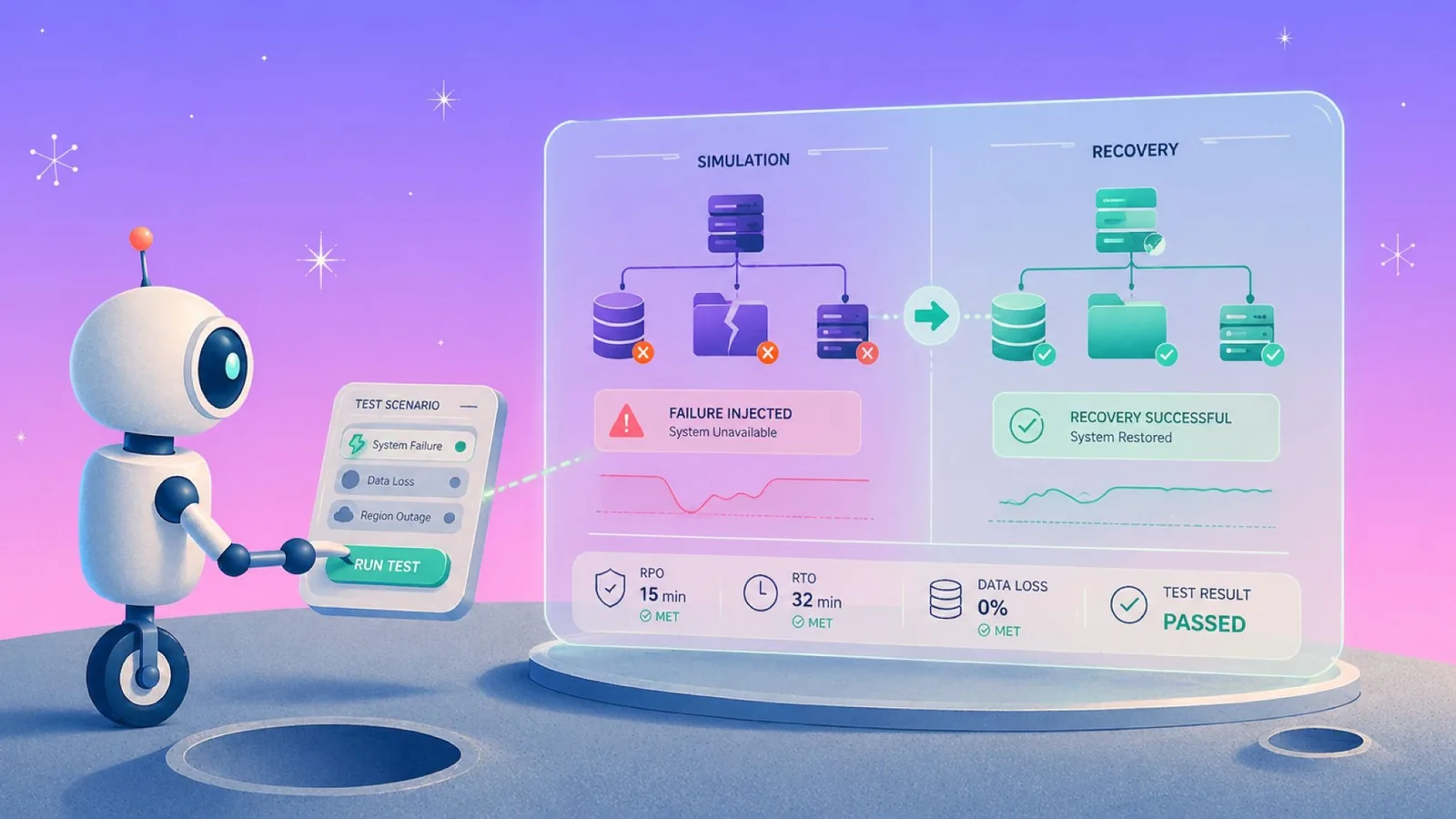
For cloud-first teams, choosing disaster recovery tools usually comes down to one decision: stick with native cloud backup or move to a backup posture platform.
Why disaster recovery tool decisions break for cloud-first teams
Most cloud-first teams start by comparing disaster recovery tools, but that’s usually the wrong starting point. Ownership is fragmented, restores are too blunt, backup costs are rising, and no one can prove what is protected across accounts, regions, and clouds. If a tool comparison is still the right next step, our best cloud disaster recovery solutions roundup is the short version.
The issue isn’t a lack of tools. It’s that the real decision comes earlier. For cloud-first teams, the first question is whether native cloud backup is still enough, or whether backup posture, granular recovery, and usable backup data are now required.
This is where the comparison shifts from a list of tools to a choice between two approaches: native cloud backup vs a backup posture platform like Eon.
How to choose disaster recovery tools for cloud-first teams
These factors make it easier to see where native cloud backup works and where a backup posture platform like Eon becomes necessary.
| What to evaluate | Key question |
|---|---|
| Backup posture | Can the team prove what is protected across accounts, regions, and clouds? |
| Recovery precision | Can it restore a file, object, table, or record without rehydrating the full environment? |
| Recovery speed / RTO fit | Can the team meet recovery-time objectives without turning a selective restore into a full-resource recovery? |
| Management overhead | Does it require extra agents, appliances, consoles, or infrastructure to manage? |
| Problem fit | Is the problem one-cloud backup, cross-cloud backup posture, workload failover, or recovery orchestration? |
The primary disaster recovery tool decision: Eon vs AWS, Azure, and Google Cloud
For most cloud-first teams, this is the first and most important disaster recovery decision: stick with native cloud backup or move to a backup posture platform. For what the second option involves, see our explainer on cloud backup posture management.
| Tool | Best when this breaks first | Cloud scope | Recovery precision | Main limit |
|---|---|---|---|---|
| Eon | Backup posture, cross-cloud visibility, and granular recovery | AWS, Azure, Google Cloud | File, object, table, and record recovery | Not built for full server failover or infrastructure rollback |
| AWS Backup | AWS-native backup and restore are enough | AWS | Resource- and item-level restore (supported services) | AWS-only operating model |
| Azure Backup | Azure-native restore is enough | Azure | Resource-level restore | Azure-only operating model |
| Google Backup and DR Service | Google Cloud is the operating center and native backup is enough | Google Cloud | Workload-specific restore; no unified recovery model across services | Google Cloud-centric operating model |
Disaster recovery tools compared: Eon vs AWS, Azure, and Google Cloud
At a high level, the differences are clear. Here’s how each approach actually works and where native cloud backup starts to break for cloud-first teams.
1. Eon: When backup posture becomes the decision

Eon exists because backup traditionally breaks at the posture layer: coverage visibility, recovery precision, and backup data usability. It’s a backup posture platform designed to fix those gaps across AWS, Azure, and Google Cloud.
CBPM is the mechanism
Cloud Backup Posture Management (CBPM) is the core difference. Instead of managing backups one resource at a time, Eon acts as a control layer across environments, regions, and clouds. It continuously and automatically discovers and classifies cloud resources, implements backup and retention policies without manual tagging, and shows where coverage gaps or policy drift are building.
Native tools can enforce policies inside a single cloud, but they don’t give you a unified place to prove coverage or detect drift across clouds.
Recovery posture has to be enterprise?-grade
Backups only help if teams can trust them after an attack or audit. Eon uses logically air-gapped immutable backups to support ransomware recovery, compliance reviews, and recovery from the last known good point.
Native backup typically focuses on retention and durability instead of verifying whether backups are clean, isolated, or ready for recovery under attack conditions.
Recovery has to be granular
Granular recovery is the main operational difference. Eon restores the specific file, object, table, or record you need without forcing full-environment or snapshot rehydration.
Native recovery is often tied to service-level snapshots, which makes selective recovery slower, inconsistent, or operationally heavy across workloads.
Backup data has to stay useful
Backup data should stay useful after it is protected. Eon makes backup data searchable and queryable, so audits, investigations, and internal data requests do not require a full restore.
In native tools, backup data typically requires full snapshot restores to become accessible, useful for recovery, but hard to inspect or reuse without triggering a restore workflow.
When Eon fits
Choose Eon when you need one backup posture layer across AWS, Azure, and Google Cloud, with granular recovery and usable backup data built in.
It fits teams that want an agentless operating model, no customer-run backup infrastructure, and 30–50% lower backup storage spend versus hyperscalers.
2. AWS Backup: When recovery stays inside AWS
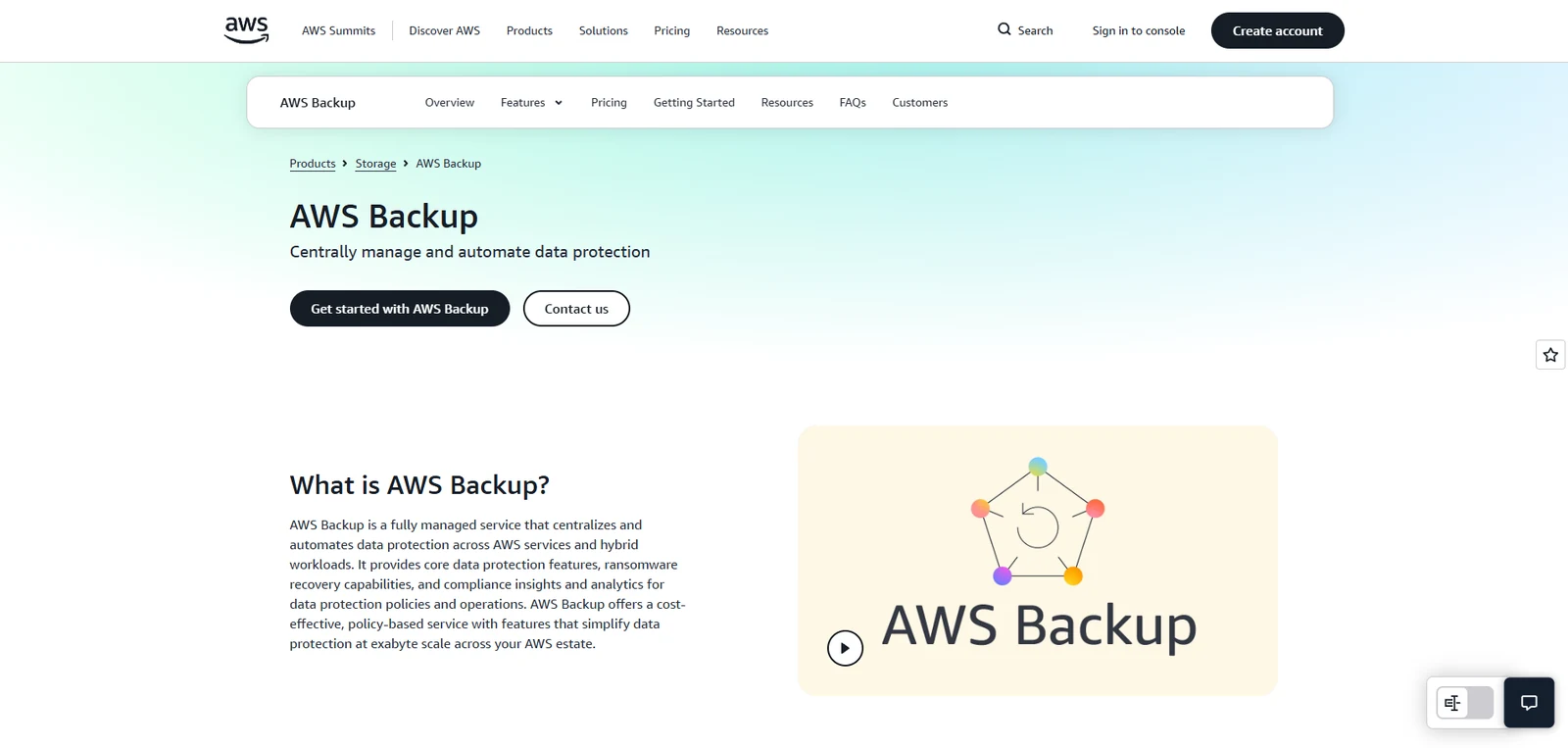
AWS Backup fits when AWS is the recovery boundary and native snapshot orchestration plus resource-level restore are enough for services such as EBS, RDS, EFS, and DynamoDB.
Where it breaks at org scale
AWS Backup can standardize policies within AWS, but the model stays tied to a single cloud. Once teams need one view of coverage across accounts, regions, or clouds, that visibility breaks down.
Recovery is also tied to service-level snapshots, which limits how precisely teams can restore data across workloads. What works for resource-level recovery becomes more operationally heavy when teams need consistent, selective recovery across services.
Why teams move beyond it
Teams typically move beyond AWS Backup when backup posture, cross-cloud visibility, and granular recovery become the main problem. Where AWS is still the whole estate, the question is less about tooling than about what the AWS DR plan actually commits to.
In practice, this shows up when something small breaks (a deleted S3 object, a corrupted DynamoDB record, or an audit request) and the only recovery path is a full resource restore or a service-specific workflow.
As environments grow across accounts and regions, teams also lose a clear view of what’s actually protected, which turns backup from a solved problem into an ongoing operational gap.
Read the full comparison between AWS Backup vs Eon
3. Azure Backup: When Azure is your control plane
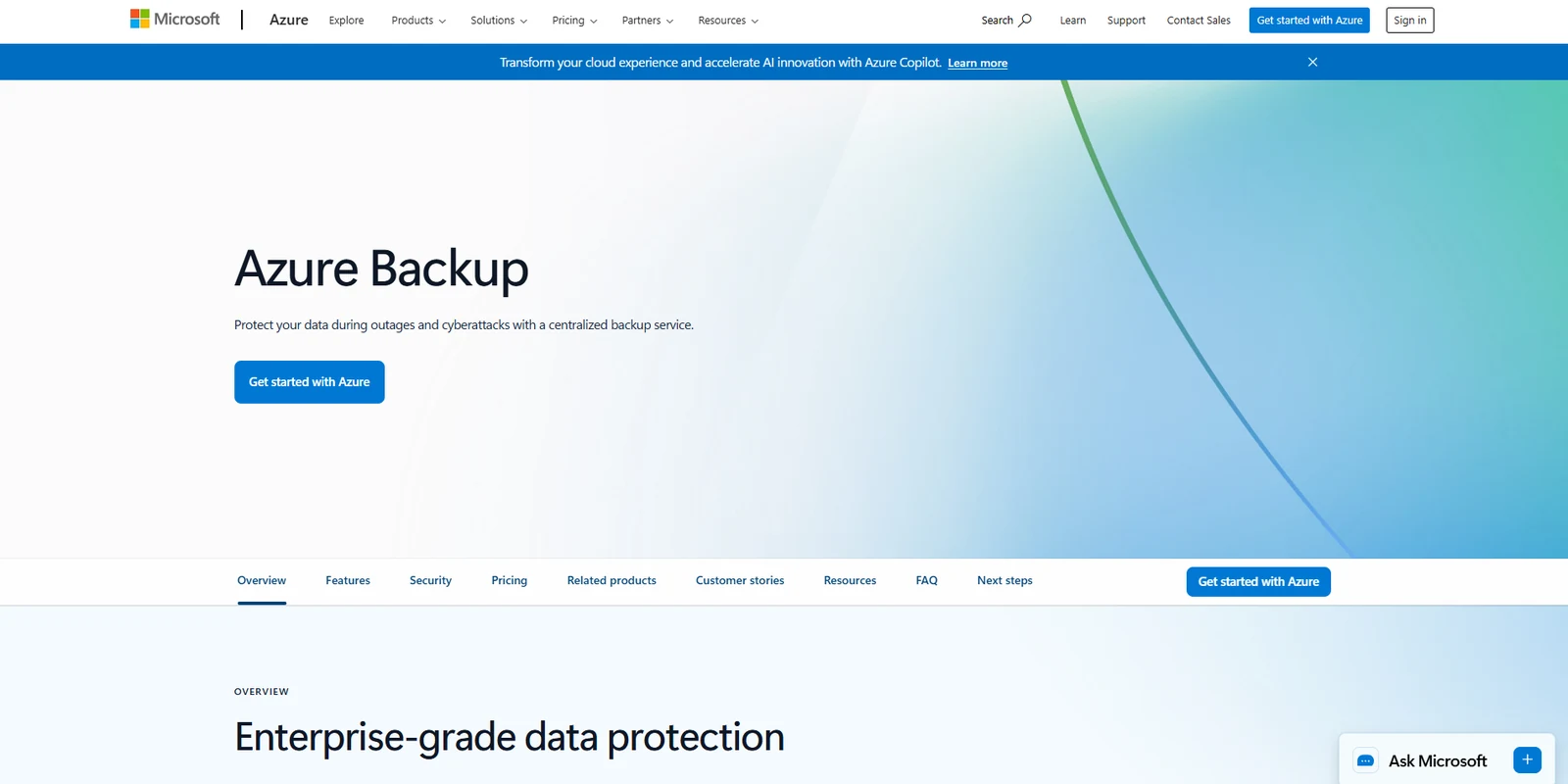
Azure Backup fits when Azure is the primary cloud and native governance plus resource-level restore are enough for day-to-day recovery.
Where it breaks at org scale
Azure Backup creates a centralized experience, as long as Azure remains the center of gravity. The challenge starts when teams assume that model extends beyond Azure.
As soon as workloads spread across accounts, regions, or other clouds, that sense of centralization fades. Backup policies, coverage visibility, and recovery workflows start to diverge, and teams end up managing multiple systems instead of one.
Why teams move beyond it
The shift usually happens gradually because recovery starts to feel heavier than the issue itself.
A simple request, like pulling a single file, investigating a database record, or answering an audit question, turns into a larger restore or a series of service-specific steps. As more workloads span accounts or clouds, that friction compounds, and backup starts to feel fragmented instead of controlled.
Find out how Eon supports Azure cloud backup
4. Google Backup and DR Service: When Google Cloud is the operating center
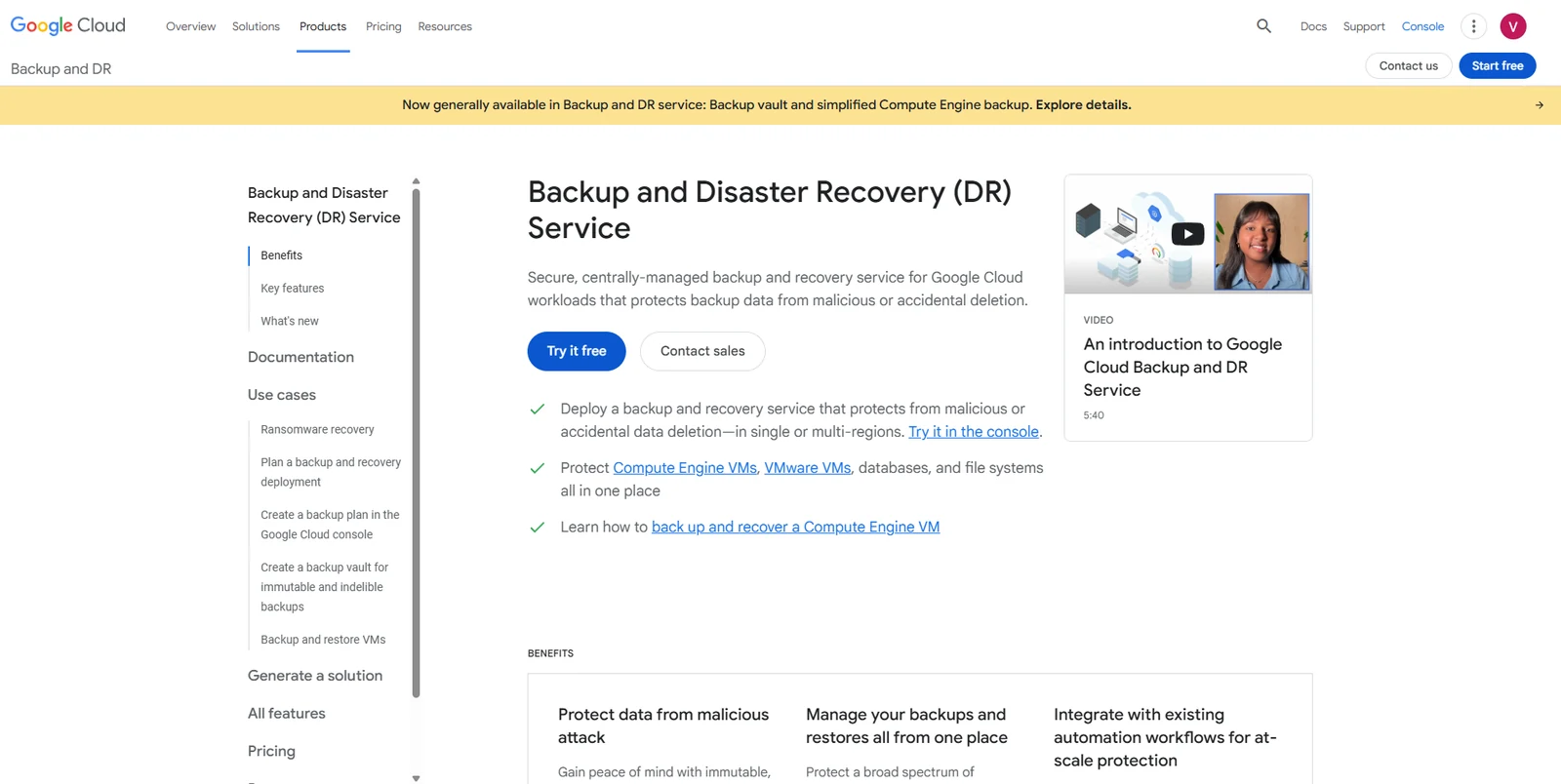
Google Backup and DR Service fits environments where Google Cloud Platform (GCP) runs core workloads and native backup workflows are sufficient for those workloads.
Where it breaks at org scale
Google Backup and DR Service is built around how GCP workloads operate, which makes it effective inside that ecosystem but harder to extend beyond it. We set out what that ecosystem does and does not give you in GCP disaster recovery.
Some recovery paths already require separate workflows. For example, BigQuery relies on time travel, snapshots, or dataset copies rather than a unified backup model. As teams add more services or expand beyond GCP, recovery becomes less consistent and more dependent on how each service handles data protection.
Why teams compare it with Eon
The limitation becomes clear when teams expect backup to behave like a unified system, but it behaves more like a collection of service-specific workflows.
An investigation, audit request, or partial data recovery often means stitching together different tools and processes, rather than working from a single, consistent recovery layer. As environments grow, that inconsistency slows teams down and makes backup harder to operate with confidence.
Learn how Eon supports Google Cloud backup
Which disaster recovery tool should you choose?
For most cloud-first teams, the decision comes down to one question: are you solving for in-cloud recovery, or for backup posture across environments?
Choose Eon if:
- You need one view of backup coverage across AWS, Azure, and Google Cloud
- You’re dealing with policy drift or gaps you can’t easily detect or prove
- Recovery needs to be granular (file, object, table, or record level)
- You want backup data to be searchable and usable without full restores
- Backup is becoming an operational problem, not just a safety net
Choose AWS, Azure, or Google Cloud backup tools if:
- Your workloads and recovery needs stay within a single cloud
- Resource-level restore is enough for your use cases
- You prefer to stay within a native, service-specific operating model
- Cross-cloud visibility and granular recovery are not current blockers
The right disaster recovery approach for cloud-first teams
For cloud-first teams, the real decision is simple: stay with native cloud backup, or move to a platform that handles backup posture across environments. Native tools work when recovery stays inside one cloud. As systems scale, gaps in coverage visibility, recovery precision, and data access start to show.
Eon gives teams one control layer for backup posture across AWS, Azure, and Google Cloud, combining coverage visibility, granular recovery, and usable backup data in a single platform.
See how Eon works in action and what changes when you move beyond native cloud backup.
Frequently asked questions
When does native cloud backup stop being enough?
Native cloud backup stops being enough when teams lose coverage visibility across accounts and regions, restores stay too broad, or backup data stays trapped inside one cloud. At that point, the problem is no longer basic backup coverage.
What problems does backup posture management solve that native backup doesn’t?
Backup posture management solves coverage gaps and policy drift across environments. It gives teams one control layer to enforce policies, prove protection, and maintain consistency across AWS, Azure, and Google Cloud.
Why do teams compare Eon with AWS Backup, Azure Backup, and Google Backup and DR Service?
Teams compare Eon with native cloud backup tools when they need cross-cloud posture, granular recovery, immutable backups, or searchable backup data. The comparison usually starts when native restore inside one cloud is no longer enough. Those four capabilities are the working definition of cloud data protection at enterprise scale.
What should cloud-first teams look for first in a backup platform?
Cloud-first teams should look at backup posture, granular recovery, backup data utility, and operating overhead first. Those four checks separate native backup from backup posture platforms quickly.
Which tools belong on a cloud-first backup shortlist?
For most cloud-first teams, the first shortlist is Eon plus the native backup tool in the cloud they already run. Failover, orchestration, and infrastructure rollback belong on separate shortlists. Whichever shortlist you land on, DR testing is what proves the restore path actually works.