Roll out Claude Enterprise. Know what data goes with it.
Eon integrates with Claude's Compliance API and traces files your team shares with Claude back to the data Eon already backs up and classifies. For each upload you see the file, the user, the source resource and the sensitive data inside it, in the Eon console.
See a file traced from Claude to its source
A user attaches a customer export to a Claude chat and asks for the high-value accounts. In the Eon console, the upload shows up as a high-severity finding. It names the S3 bucket the file came from and lists the Social Security numbers, card number and AWS access key inside it.
















Why the source of a file matters
An upload record is where the questions begin
The Compliance API records who uploaded which file to which chat, and when. Deciding whether the upload matters takes context about the data itself: is it production data, a test file or something personal?
Someone has to trace it back
Without knowing where the file came from, a security analyst opens a ticket, hunts for the source system and asks around for its owner. If Eon backs up that system, it has already classified it, and the finding names the resource and its tags.
Your team uploads files because it works
When people share exports, logs or config files with Claude, they're usually trying to get an answer faster. Seeing what those files contain gives security the context to approve the rollout.
What Eon shows for each upload
About the upload and its data
The file name and path, the Claude Enterprise user who shared it, the chat it went to and the time. It also lists the sensitive data Eon found, such as US Social Security numbers, payment card numbers, email addresses and AWS access keys.
About the source
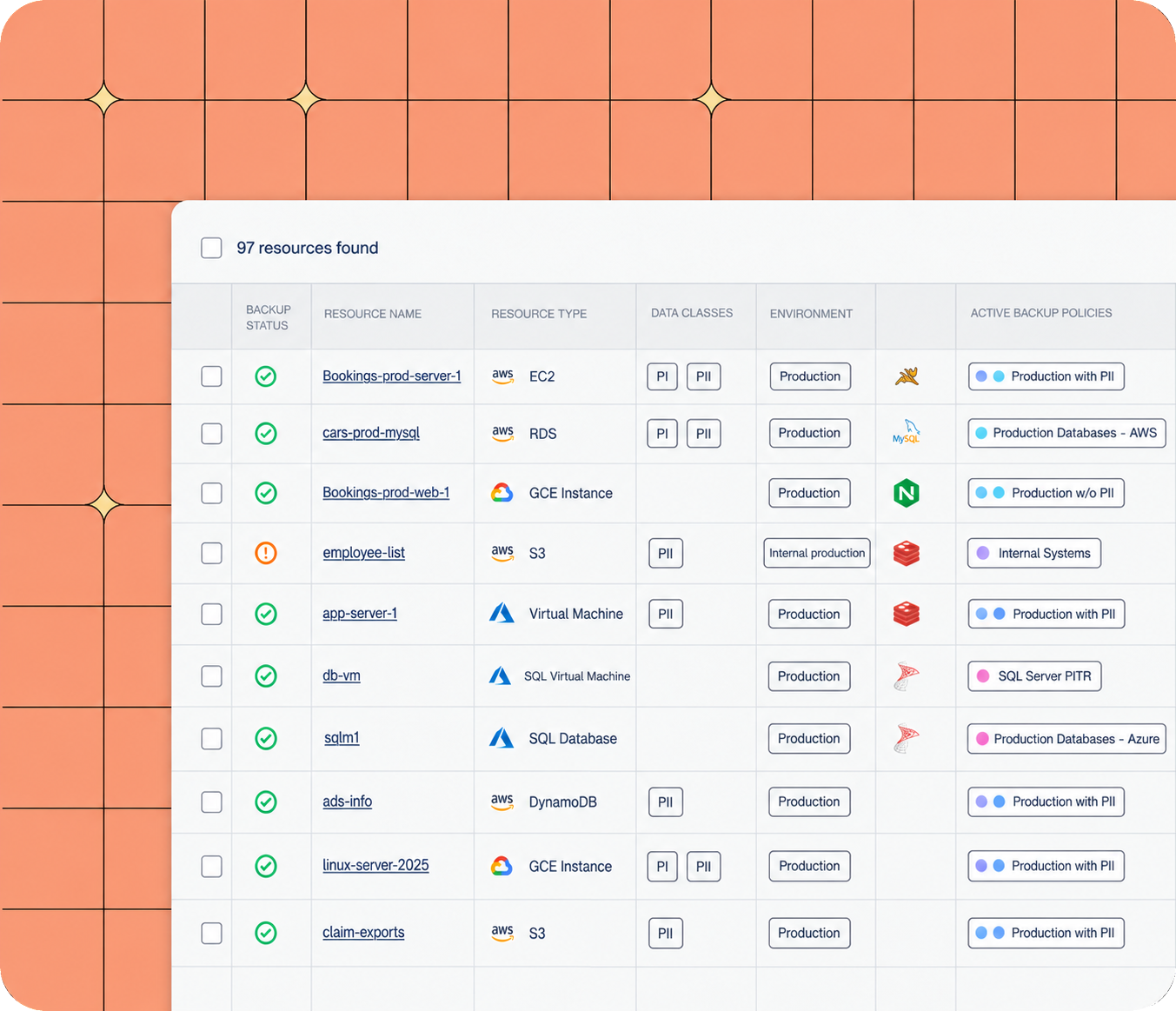
The backed-up resource the file came from, its environment and tags, its data classifications, its backup policy and the snapshots that hold it.
Built into the console you already use
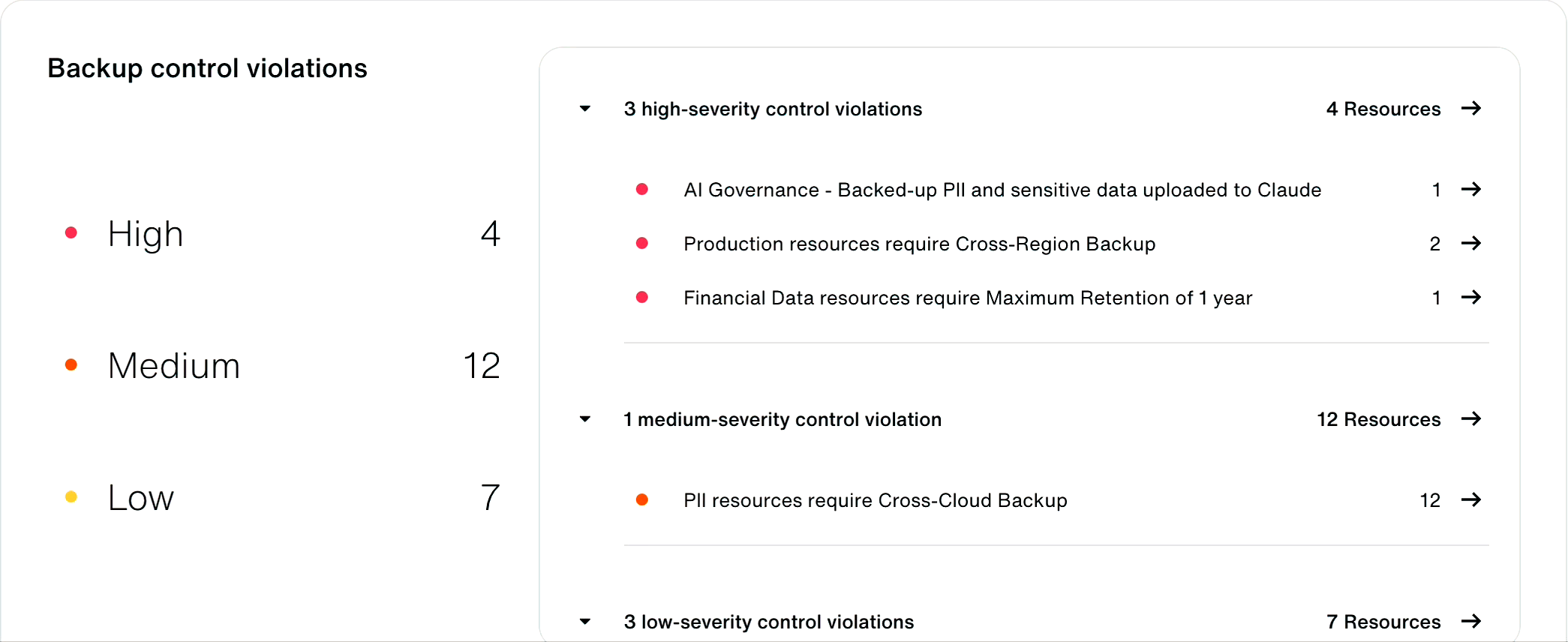
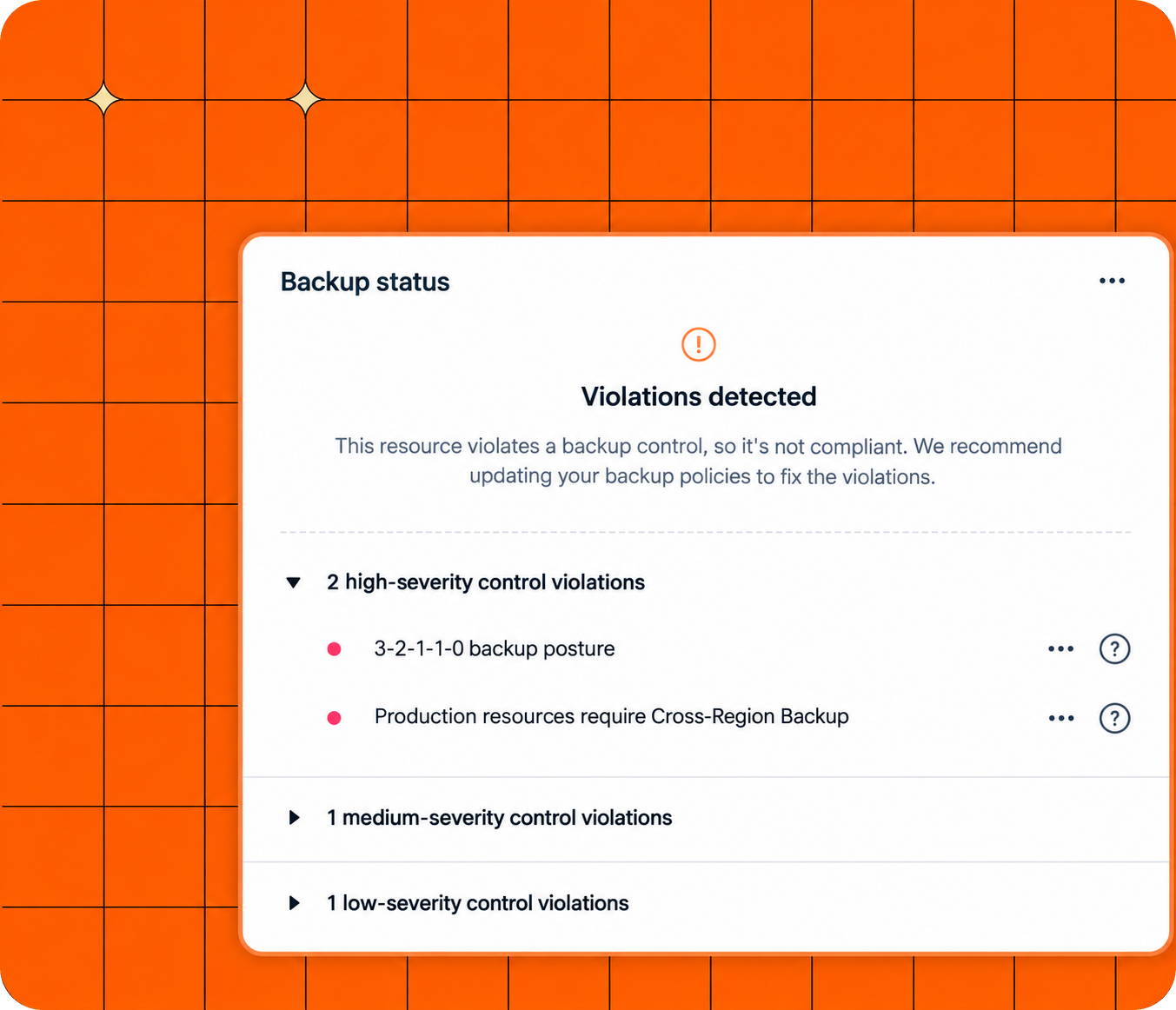
A violation next to your backup rules
Triaged with your other threat findings
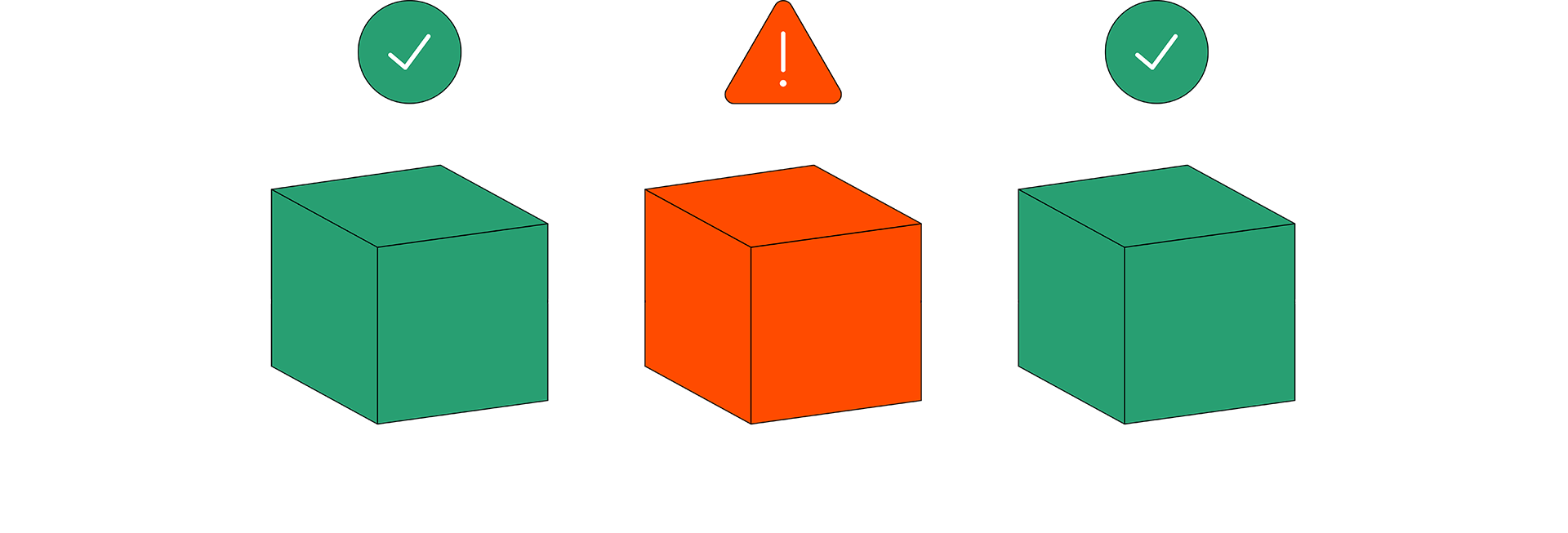
Classified at the source, ready to act on
How the integration works
Claude Enterprise records activity, chats and files. Eon reads them through Claude's Compliance API, matches each uploaded file against the data it backs up and classifies, and raises a finding in the Eon console when sensitive data shows up.
Connect Claude Enterprise to Eon
- Enable. Your Claude Enterprise Primary Owner turns on the Compliance API in organization settings and creates a Compliance Access Key.
- Connect. Add the key in Eon, which then reads activity, chats and files through the Compliance API.
- Review. Findings appear in the Threat center and as control violations on your dashboard.
Works with: Claude Enterprise, for activity, chats, files and projects. Claude Platform organizations share activity logs only, so file-level findings need Claude Enterprise. The Compliance API covers Anthropic-hosted deployments, and it doesn't cover Claude on Amazon Bedrock or Google Vertex AI.
Claude's Compliance API docs ↗ · Claude's integration guide ↗
FAQs
Claude's Compliance API gives Claude Enterprise organizations programmatic access to activity logs, chats, files, projects and users for compliance, audit and governance work. The Primary Owner turns it on and creates an access key, which tools like Eon use to read that activity.
Claude Enterprise, with full file-level findings. Claude Platform organizations can share activity logs, which don't include conversation content. The Compliance API covers Anthropic-hosted deployments, and it doesn't cover Claude on Amazon Bedrock or Google Vertex AI.
No. The integration reads activity through the Compliance API and reports what it finds. Your users keep working in Claude the same way.
Get a demo of the Claude integration
We'll walk through a live upload, from the Claude chat to the finding, the source resource and the snapshots you can restore from.