Most HIPAA-compliant cloud backup audits fail on coverage gaps, since encryption is already standardized across major vendors. This list covers the platforms that protect PHI across the cloud-native workloads healthcare teams run in 2026. HIPAA cloud backup and storage services are easy to compare on paper and hard to separate in practice, so the ranking below weighs coverage and recovery over feature lists. HIPAA is one framework among several, and how it sits alongside SOC 2, ISO 27001 and PCI DSS is mapped out in our guide to cloud security compliance.
9 best HIPAA-compliant cloud backup & storage solutions: Quick comparison
| Tool | Strengths | Best for | Limitation |
|---|---|---|---|
| AWS Backup | Deep AWS service coverage, native IAM integration. | AWS-only healthcare workloads. | No cross-cloud coverage. |
| Azure Backup | Tight Microsoft ecosystem integration. | Microsoft-centric healthcare environments. | Weak cross-cloud support. |
| Eon | Autonomous posture management, granular recovery, queryable backups. | Cloud-native, multi-cloud HIPAA backup. | Cloud-only, no on-prem support. |
| Google Cloud Backup and DR | Native GCP integration. | GCP-native healthcare teams. | Limited outside GCP. |
| Rubrik | Immutable backups, ransomware recovery. | Legacy enterprise healthcare estates. | Built for on-prem first. |
| Druva | SaaS-first, broad workload coverage. | SaaS-first healthcare organizations. | Limited cloud-native database support. |
| Veeam | Hybrid cloud and on-prem coverage. | Hybrid healthcare environments. | Legacy architecture, heavy setup. |
| Cohesity | Consolidated data services at scale. | Large healthcare data estates. | Legacy-first, complex to deploy. |
| HYCU | SaaS and cloud-native workload backup. | Cross-cloud SaaS workloads. | Smaller ecosystem than hyperscalers. |
How we evaluated these platforms
This list is based on vendor documentation, customer conversations, and verified user reviews on G2, Gartner Peer Insights, and Reddit. We weighed each platform against five criteria.
- HIPAA coverage: Whether the vendor signs a BAA and maps controls to the HIPAA Security Rule safeguards that apply to backup.
- Cloud-native workload support: How well the platform protects managed databases, object storage, and multi-account environments where PHI lives today.
- Recovery precision: Whether teams can restore individual files, records, or tables without rehydrating full environments.
- Ransomware posture: Immutable storage, anomaly detection, and the ability to pinpoint a clean recovery point. Those three together are what cloud backup ransomware protection has to deliver before a compliance story means anything.
- Coverage visibility: How the platform surfaces unprotected resources and policy drift across accounts and regions.
This approach separates platforms built for workload-level PHI protection from those that only handle file storage. Vendors market this as HIPAA-compliant backup software, HIPAA-compliant data backup, or HIPAA-compliant online backup; the distinction that matters is whether the product protects workloads or only files.
The 9 best HIPAA-compliant cloud backup solutions
1. AWS Backup: Best for AWS-only healthcare workloads
What it does: AWS Backup is the native backup service for AWS workloads, covering EC2, EBS, RDS, Aurora, DynamoDB, EFS, FSx, S3, Storage Gateway, Redshift, and other HIPAA-eligible AWS services.
Best for: Healthcare teams running entirely on AWS with a single account or a small multi-account footprint.
AWS Backup is on AWS's HIPAA-eligible services list, but the BAA only covers ePHI processed through eligible services, so healthcare teams must verify that every workload AWS Backup protects (RDS, S3, DynamoDB, EBS, etc.) is itself HIPAA-eligible.
Coverage outside AWS is nonexistent, and managed-database restores lack record- or table-level precision.
Key features
- Native integration with HIPAA-eligible AWS services, including RDS, DynamoDB, EBS, and S3.
- Centralized backup policies across AWS accounts using AWS Organizations.
- Backup Vault Lock for immutable, write-once retention.
- Cross-region and cross-account copy for disaster readiness.
Pros
- ✅ Deep AWS service coverage with no third-party tooling.
- ✅ Native IAM integration for access control and audit logging.
- ✅ Covered under the AWS BAA for HIPAA-eligible services.
Cons
- ❌ No coverage for Azure, GCP, or SaaS workloads. For options that do cover Azure, see our roundup of azure backup vendors.
- ❌ Recovery granularity varies by workload; file-level restore is available for VM backups, but managed database recovery lacks record- or table-level precision.
- ❌ Storage costs can grow quickly at scale, since AWS Backup stores snapshots without the deduplication and incremental-forever architecture that cloud-native alternatives use.
What users say
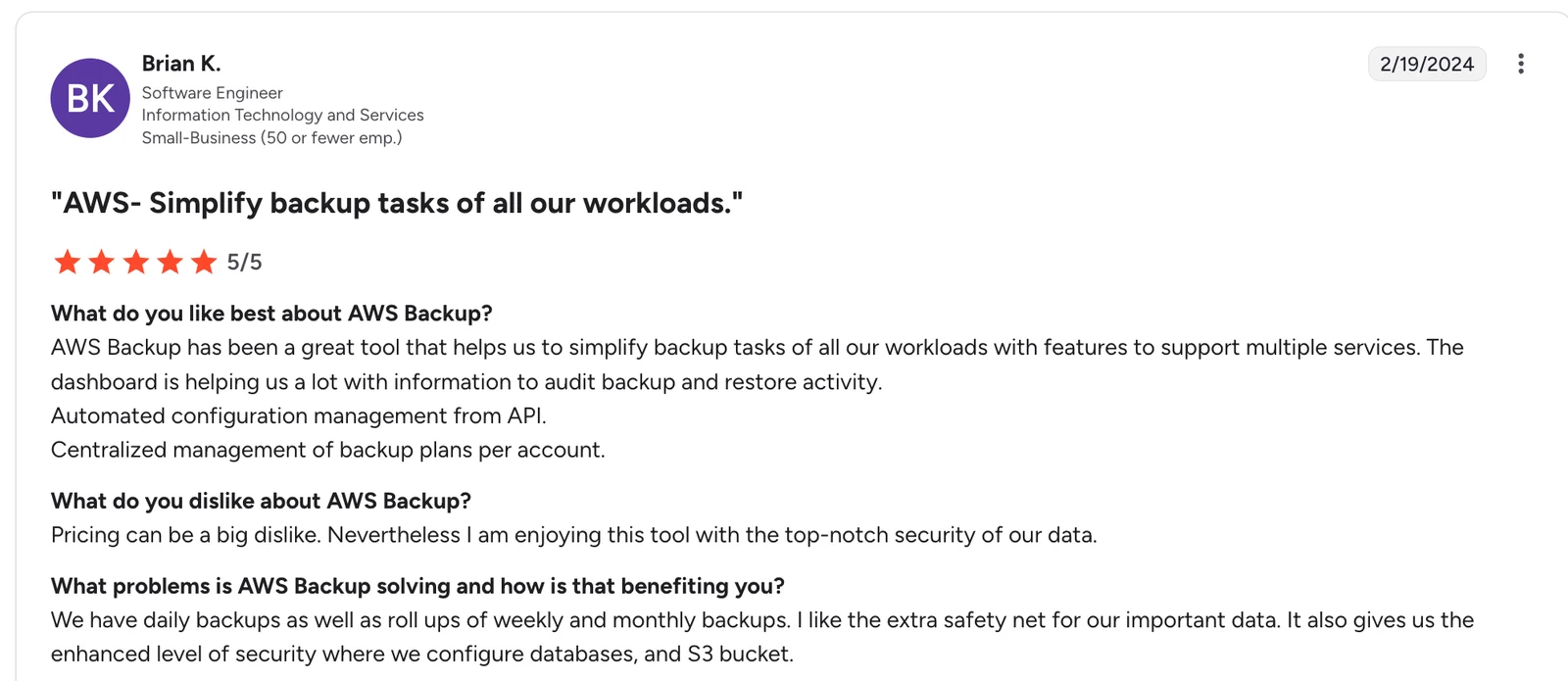
“AWS Backup has been a great tool that helps us to simplify backup tasks of all our workloads with features to support multiple services.” — Brian K, Software Engineer, G2
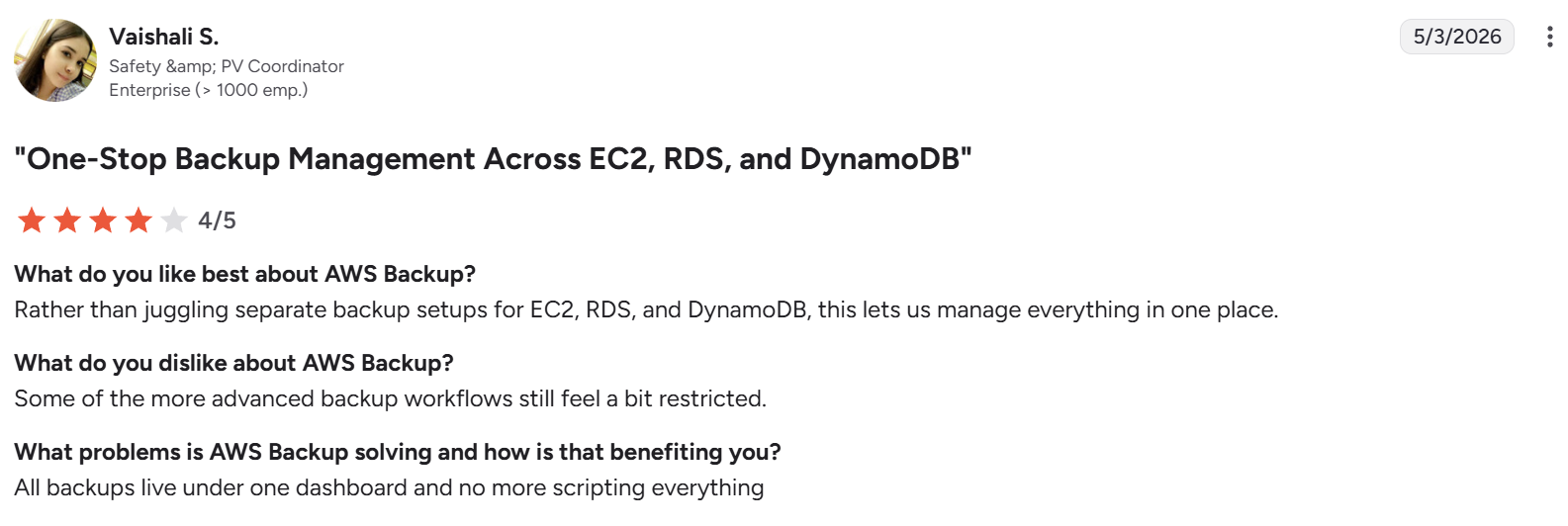
"Some of the more advanced backup workflows still feel a bit restricted." — Vaishali S, G2
Pricing
AWS Backup pricing is pay-as-you-go, based on GB-month of backup storage and restore volume. Costs vary by service and region, with no base subscription.
Bottom line
AWS Backup is a reasonable starting point for AWS-only healthcare workloads. Teams that operate across clouds or need granular recovery outgrow it quickly.
Read how AWS Backup compares with Eon
2. Azure Backup: Best for Microsoft-centric environments
What it does: Azure Backup is Microsoft’s native backup service for Azure VMs, SQL databases, Azure Files, and on-prem Windows workloads.
Best for: Healthcare organizations running primarily on Microsoft Azure and Microsoft 365.
Azure Backup covers Azure workloads and some on-prem Windows environments under a Microsoft BAA. Cross-cloud support is limited, and recovery granularity varies by workload. Azure VM backups support file-level restore, but managed database recovery still tends toward full database or point-in-time restore rather than record-level.
Key features
- Native backup for Azure VMs, Azure SQL, Azure Files, and on-prem Windows Server.
- Soft delete and immutable vaults for ransomware protection.
- Centralized management through Azure Business Continuity Center.
- Integration with Azure Monitor and Azure Policy for compliance reporting.
Pros
- ✅ Deep integration across the Microsoft Azure ecosystem.
- ✅ Built-in immutable vault and soft delete.
- ✅ Covered under the Microsoft BAA for Azure HIPAA-eligible services.
Cons
- ❌ Limited coverage for AWS and GCP workloads.
- ❌ Recovery granularity is mixed: file-level for VM backups, but mostly full-database for managed databases, without record- or table-level precision. That distinction matters more than it sounds, and we set out why in our guide to granular recovery technology.
- ❌ Policy management becomes complex in multi-subscription environments.
What users say
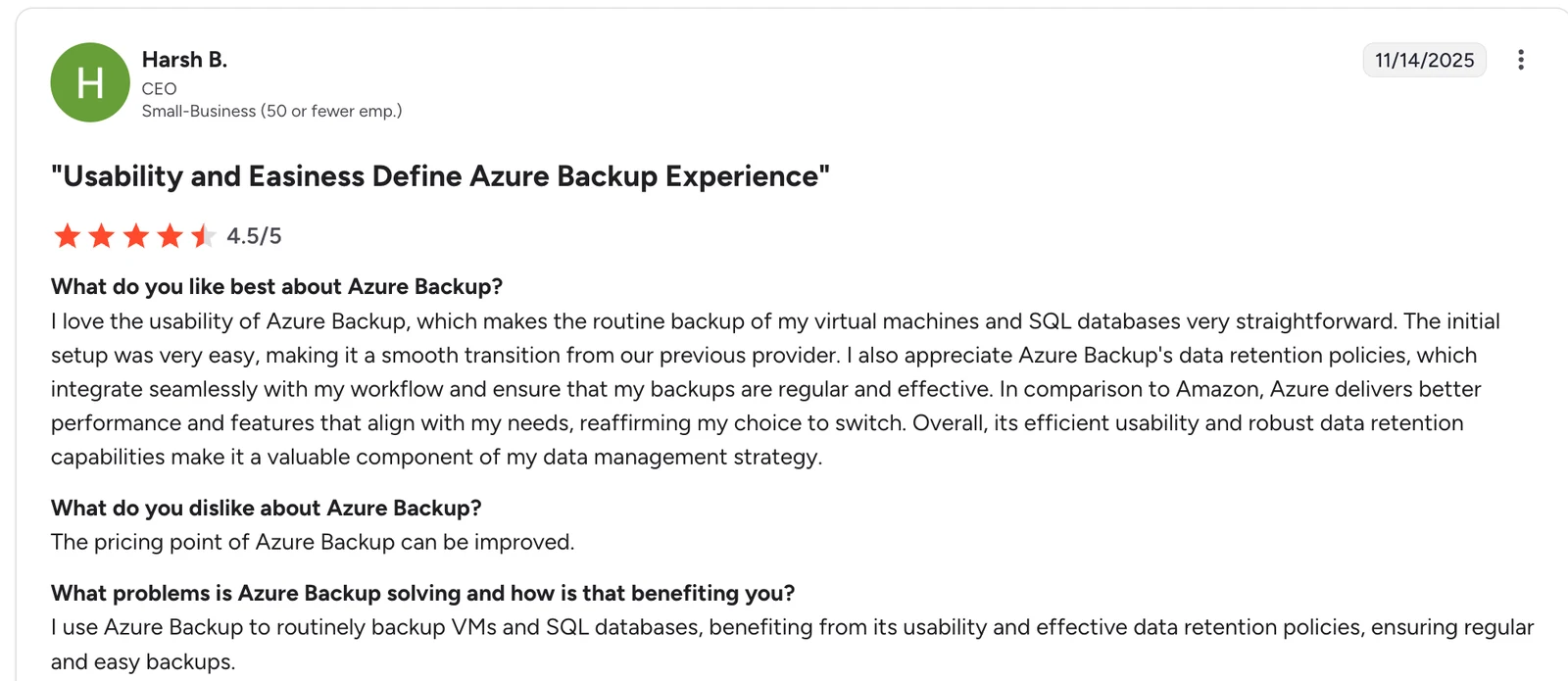
"I love the usability of Azure Backup, which makes the routine backup of my virtual machines and SQL databases very straightforward." — Harsh B, G2
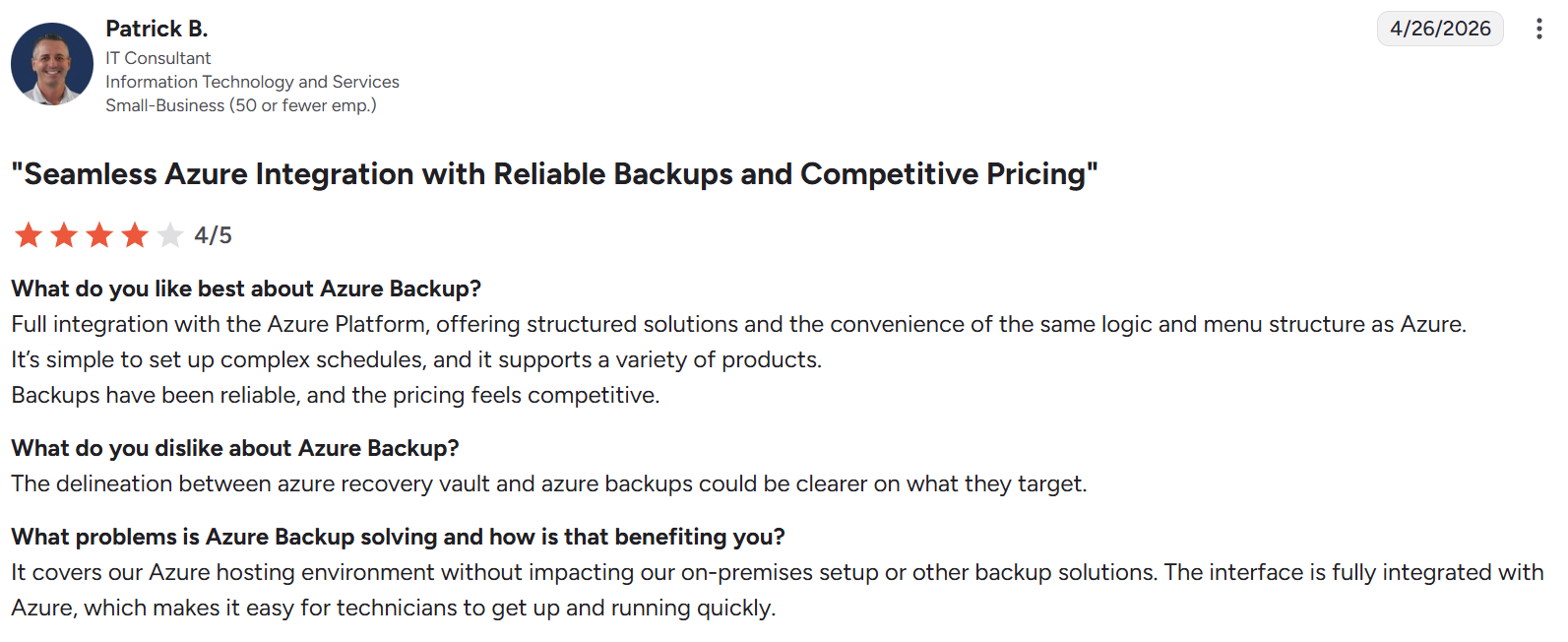
"The delineation between Azure Recovery Vault and Azure Backups could be clearer on what they target." — Patrick B, G2
Pricing
Azure Backup pricing is based on protected instance size and backup storage consumed. Costs scale with data volume and retention duration.
Bottom line
Azure Backup is well-suited for healthcare organizations that run almost entirely on Microsoft infrastructure. Multi-cloud healthcare teams need a platform built for cross-provider coverage.
3. Eon: Best for multi-cloud HIPAA-compliant backup with automated posture management
What it does: Eon is the autonomous data foundation for the AI era. It protects ePHI across AWS, Azure, GCP, Microsoft 365, and Google Workspace and keeps that data queryable, with automated policy enforcement and granular recovery.
Best for: Healthcare and healthtech teams running PHI workloads across multiple cloud accounts or providers.
HIPAA audits fail more often on coverage gaps than on encryption, and native tools leave plenty of them when PHI is spread across multiple cloud accounts. Eon closes those gaps with automated policy enforcement across all workloads, regions, and accounts.
Key features
- Cloud Backup Posture Management (CBPM) auto-discovers and classifies cloud resources, assigns backup policies, and surfaces coverage gaps without manual tagging.
- Granular recovery restores individual files, records, or tables across AWS, Azure, and GCP without spinning up full environments.
- Backup data is stored in open formats (Parquet/Iceberg) for zero-ETL ingestion into Snowflake, Databricks, BigQuery, and Athena; no restore required.
- Anomaly detection pinpoints the last clean recovery point so teams restore only what was compromised.
Pros
- ✅ Autonomous backup coverage across multi-account AWS, Azure, and GCP environments.
- ✅ Granular restore at file, record, and table level without spinning up full servers.
- ✅ 30-50% reduction in storage costs versus hyperscaler-native backup tools.
Cons
- ❌ Cloud-only platform, so on-prem workloads are not supported.
- ❌ Newer company, so the partner ecosystem is smaller than legacy vendors.
- ❌ Cloud-only platform; teams with significant on-prem footprints will need a complementary tool.
What users say
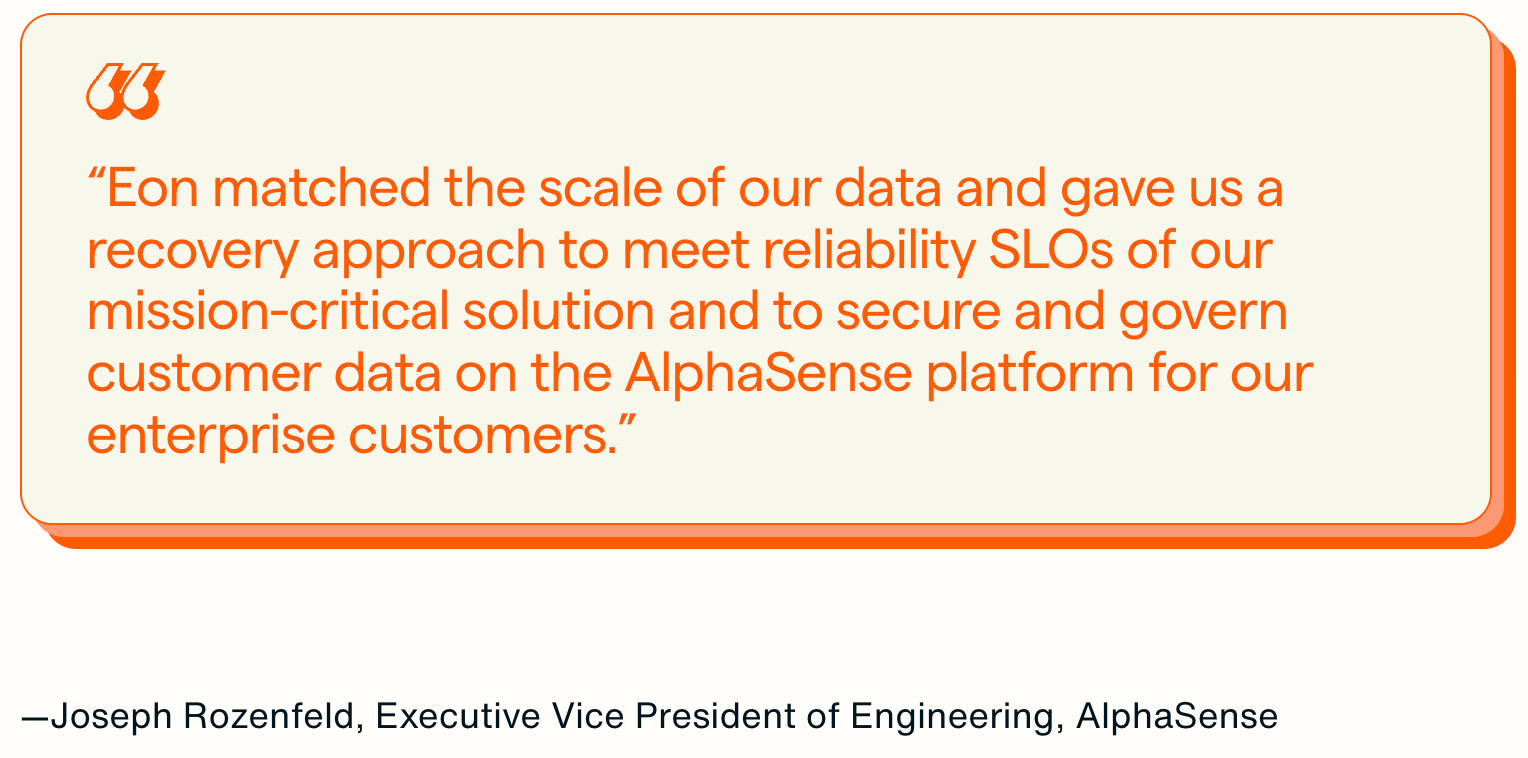
“Eon matched the scale of our data and gave us a recovery approach to meet reliability SLOs of our mission-critical solution and to secure and govern customer data on the AlphaSense platform for our enterprise customers.” — Joseph Rozenfeld, Eon Case Study
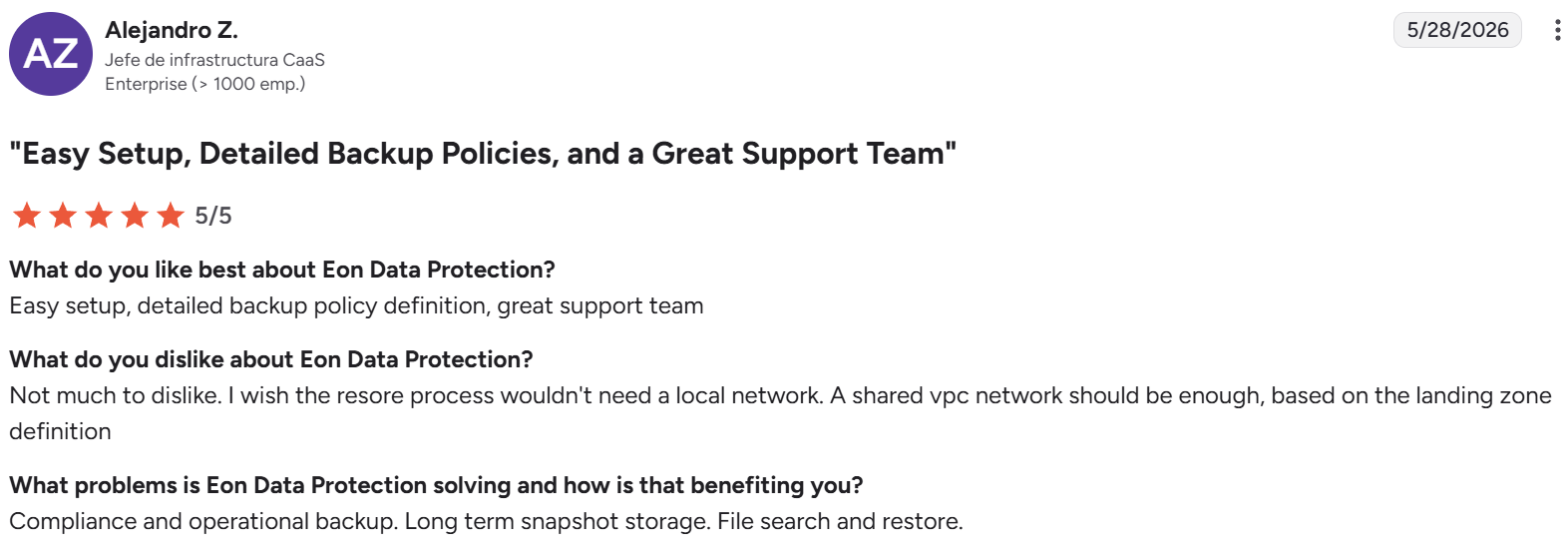
“I wish the restore process wouldn't need a local network.” — Alejandro Z., G2
Pricing
Usage-based pricing on a per-GB/month basis with flexible spending commitments. No complicated pricing, no fine print, no hidden costs. Available via AWS Marketplace.
Bottom line
Eon is the right fit for healthcare teams running PHI across multiple cloud accounts, managed databases, and object storage. Teams running in a single hyperscaler with no multi-cloud plans can start with native tools and move to Eon as their footprint expands.
4. Google Cloud Backup and DR: Best for GCP-native teams
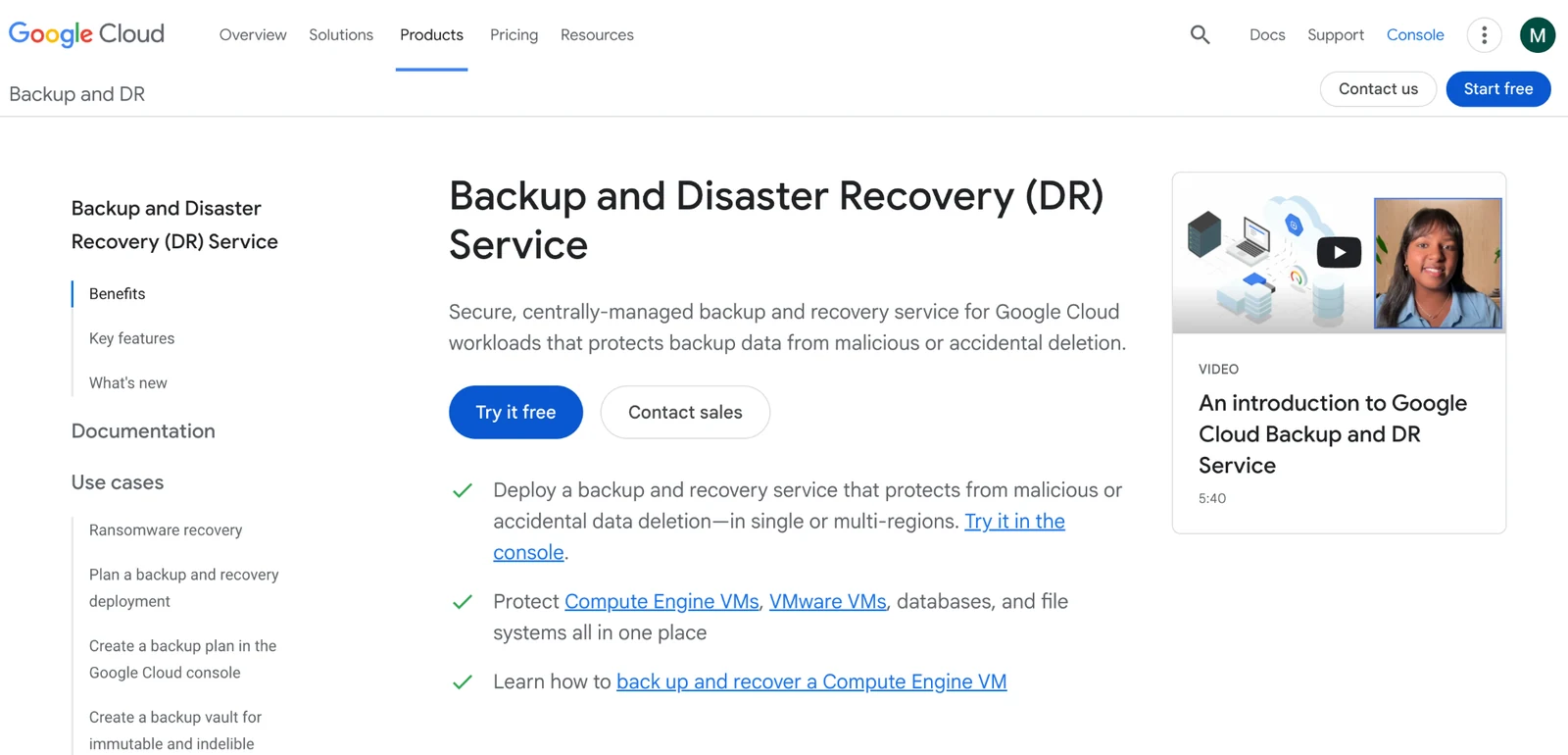
What it does: Google Cloud Backup and DR is Google’s native backup service for Compute Engine VMs, persistent disks, and managed databases on GCP.
Best for: Healthcare teams running primarily on Google Cloud.
Google Cloud signs a BAA for GCP services and covers most core workloads. Cross-cloud support is limited, which matters for healthcare orgs that use Google Cloud alongside AWS or Azure.
Key features
- Native backup for Compute Engine, persistent disks, Cloud SQL, and VMware Engine.
- Application-consistent backups for SAP HANA, SQL Server, and Oracle.
- Incremental-forever architecture reduces backup storage costs.
- Immutable backup storage with customer-managed encryption keys.
Pros
- ✅ Tight integration with GCP identity and access controls.
- ✅ Agentless for core GCP workloads (Compute Engine, Cloud SQL); an appliance is required only for VMware and self-managed databases.
- ✅ Covered under Google Cloud’s BAA for HIPAA-eligible services.
Cons
- ❌ Limited support for AWS or Azure workloads.
- ❌ Granular recovery options are narrower than those offered by third-party platforms.
- ❌ Fewer healthcare-specific customer references than AWS or Azure.
What users say
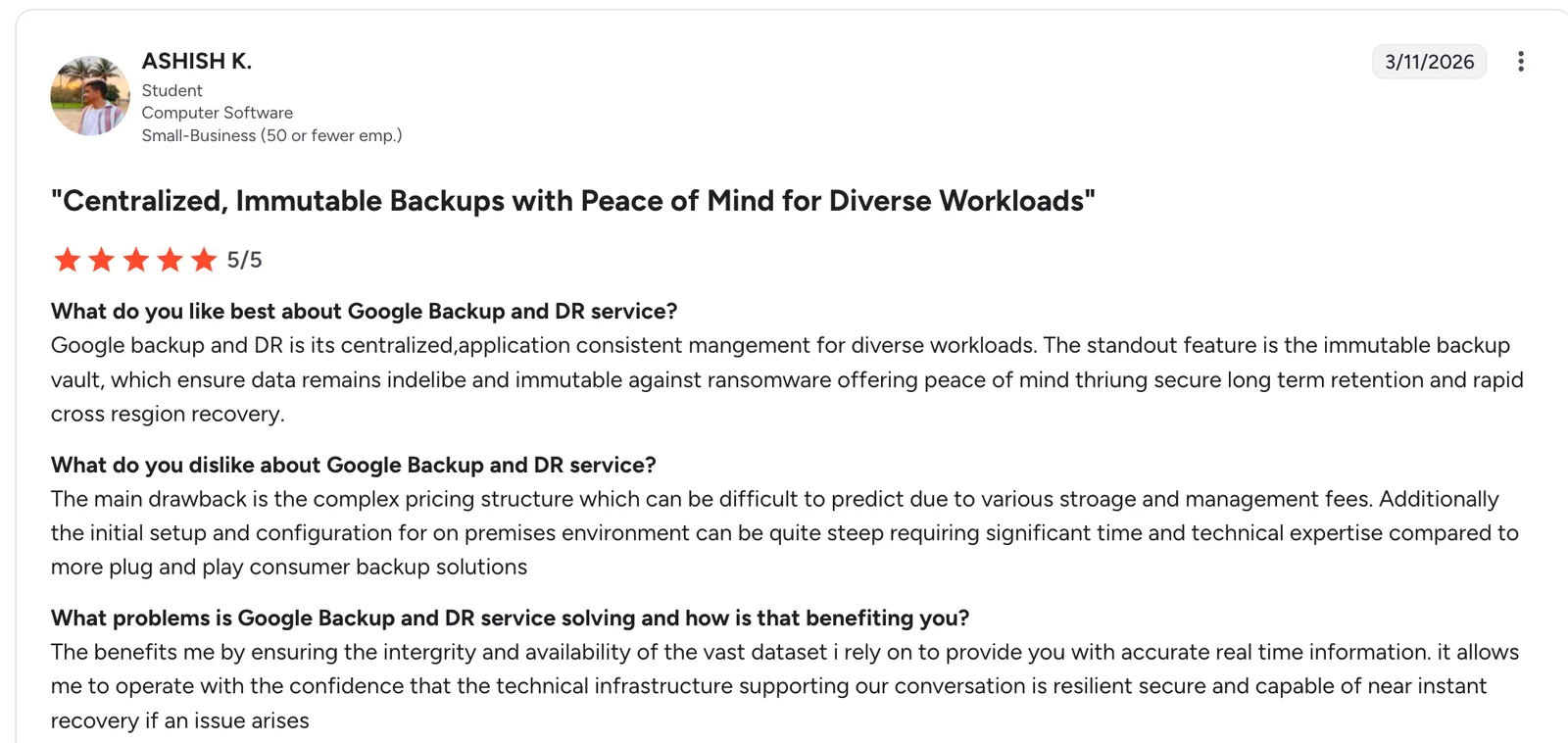
"The standout feature is the immutable backup vault, which ensures data remains indelible and immutable against ransomware." — Ashish K, G2
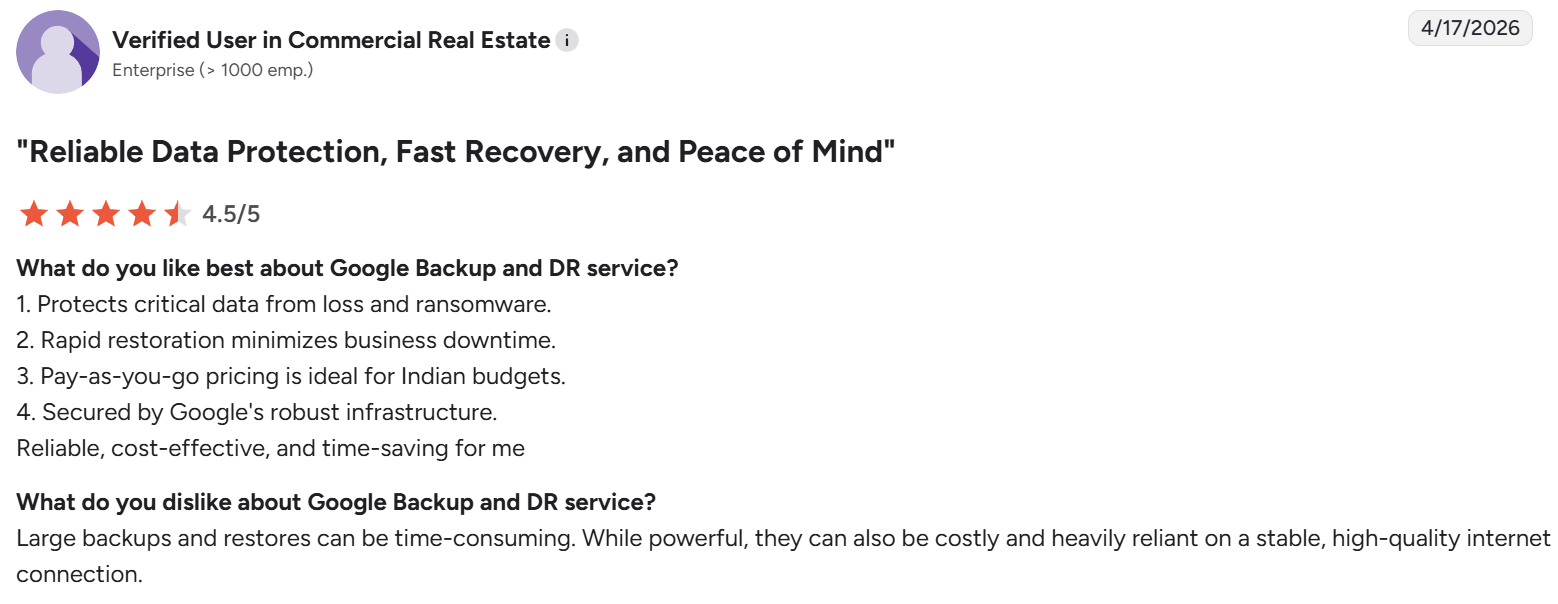
"Large backups and restores can be time-consuming." — Verified user in commercial real estate, G2
Pricing
Google Cloud Backup and DR pricing is based on gigabytes of protected data and backup storage consumed, with standard GCP egress charges for cross-region recovery. Our Google Cloud cost breakdown sets out the underlying storage and egress rates.
Bottom line
Google Cloud Backup and DR is a fit for healthcare teams committed to GCP. Teams with data across multiple clouds need a platform that treats all three hyperscalers equally. Teams in that first group should read our guide to GCP disaster recovery before they rely on it.
5. Rubrik: Best legacy enterprise reference
What it does: Rubrik Security Cloud is an enterprise data security platform combining backup, ransomware recovery, and cloud data protection across on-prem and cloud workloads.
Best for: Large healthcare enterprises with significant on-prem footprints and existing Rubrik deployments.
Rubrik is best known for ransomware recovery and immutable backups in large enterprise estates. The platform signs a BAA and supports HIPAA programs across on-prem and cloud workloads. Cloud-native coverage is improving, but the architecture and licensing carry on-prem origins.
Key features
- Immutable backups with logical air-gapping for ransomware protection.
- Anomaly detection and threat hunting across backup data.
- Unified policy management across data centers and cloud.
- Broad workload coverage, including VMware, physical servers, and databases.
Pros
- ✅ Ransomware recovery and anomaly detection across on-prem and hybrid workloads.
- ✅ Reference customers across large healthcare systems.
- ✅ Signs a BAA and supports HIPAA compliance programs.
Cons
- ❌ On-prem-first architecture limits cloud-native workload coverage.
- ❌ Higher cost and setup complexity than cloud-native alternatives.
- ❌ Advanced ransomware scanning may require additional licensed components.
What users say
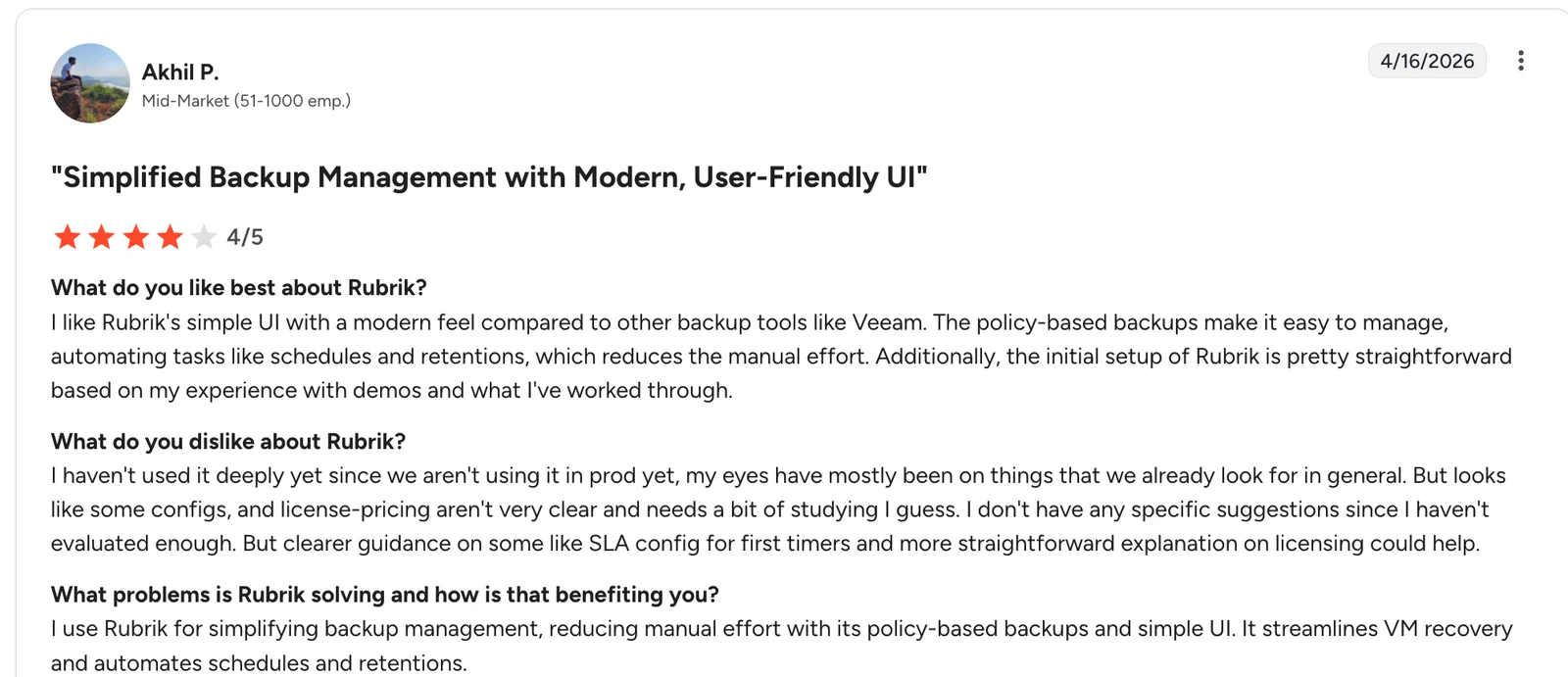
"The policy-based backups make it easy to manage, automating tasks like schedules and retentions, which reduces the manual effort." Akhil P, G2
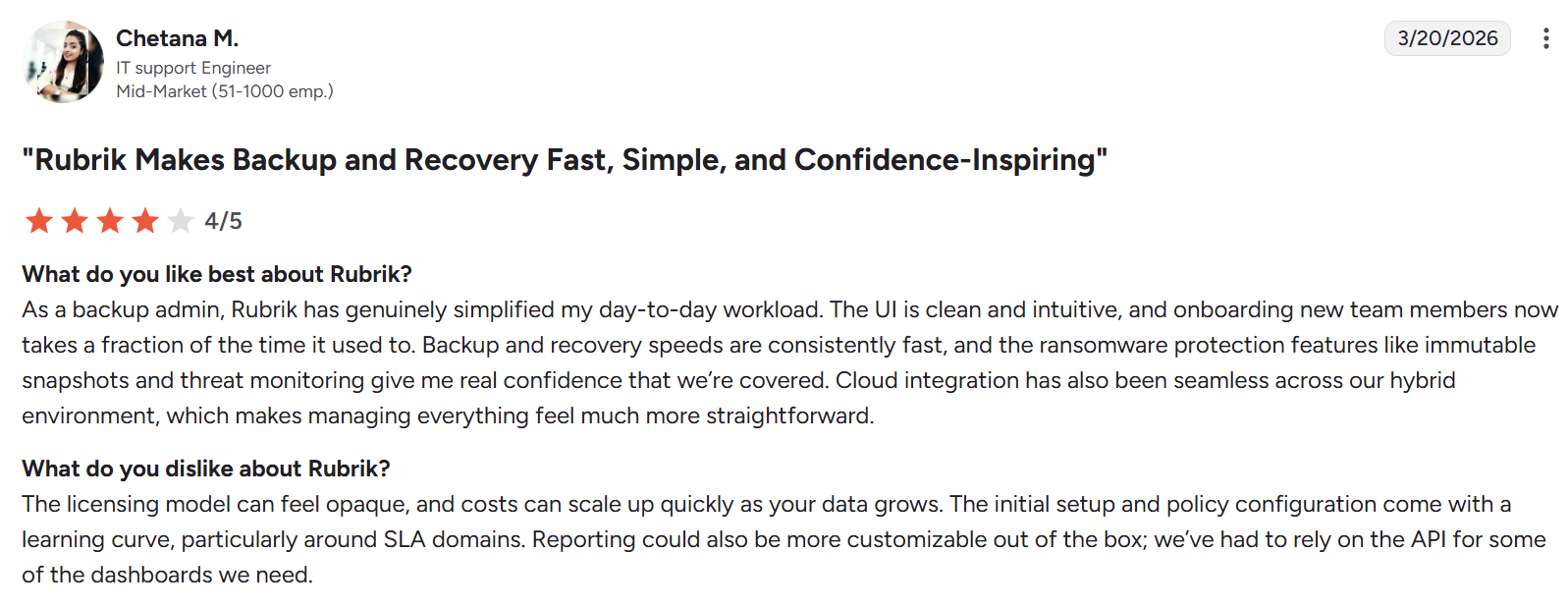
“The licensing model can feel opaque, and costs can scale up quickly as your data grows.” — Chetana M., G2
Pricing
Rubrik pricing is subscription-based, with custom quotes available. Expect enterprise licensing costs tied to data volume and workload count.
Bottom line
Rubrik suits large healthcare enterprises already invested in its platform. Teams building cloud-native workloads from scratch often find that cloud-first alternatives are faster to deploy. For a direct comparison, see Eon vs. Rubrik.
6. Druva: Best SaaS-first option for healthcare
What it does: Druva Data Security Cloud is a SaaS-based data protection platform covering endpoints, SaaS applications, data centers, and cloud workloads.
Best for: Healthcare organizations looking for a fully SaaS backup platform with broad workload coverage.
Druva runs entirely as SaaS, with no customer-managed infrastructure. The platform signs a BAA and covers endpoints, Microsoft 365, Google Workspace, Salesforce, and AWS workloads. Managed database coverage is narrower than multi-cloud specialists.
Key features
- Fully SaaS-delivered backup with no customer-managed infrastructure.
- Coverage spans endpoints, Microsoft 365, Google Workspace, Salesforce, and AWS workloads. Breadth is only half the test; the other half is whether coverage keeps up as resources change, which is where best practices for cloud backup come in.
- Air-gapped storage with built-in ransomware detection and recovery.
- Signed BAA for HIPAA-covered SaaS and endpoint backup.
Pros
- ✅ Zero infrastructure for customers to run.
- ✅ Wide SaaS and endpoint backup coverage.
- ✅ Established healthcare customer base.
Cons
- ❌ Limited granular recovery for cloud-native managed databases.
- ❌ Weaker coverage outside AWS compared to multi-cloud specialists.
- ❌ Pricing can climb at large scale.
What users say
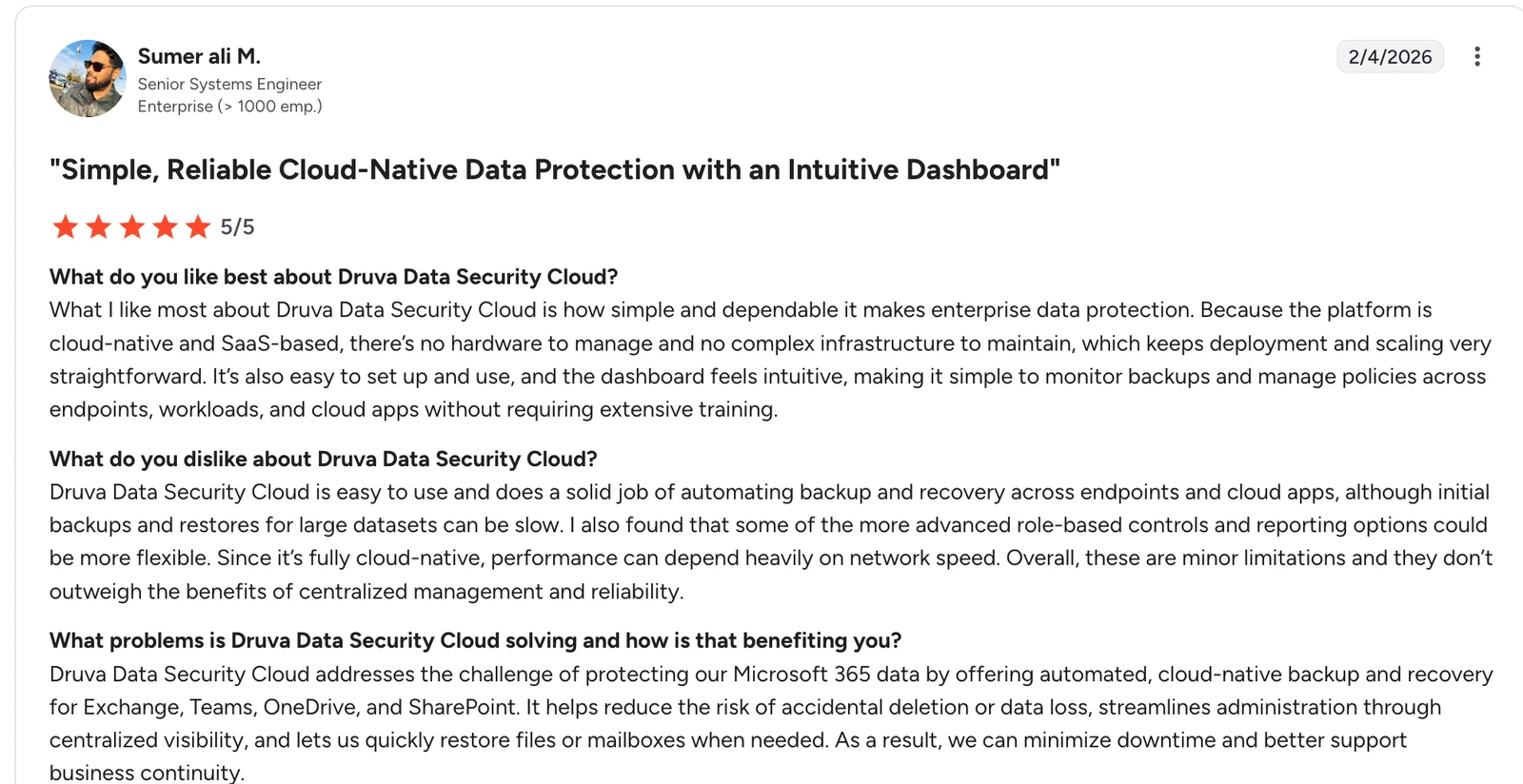
"What I like most about Druva Data Security Cloud is how simple and dependable it makes enterprise data protection.” — Sumer Ali, G2
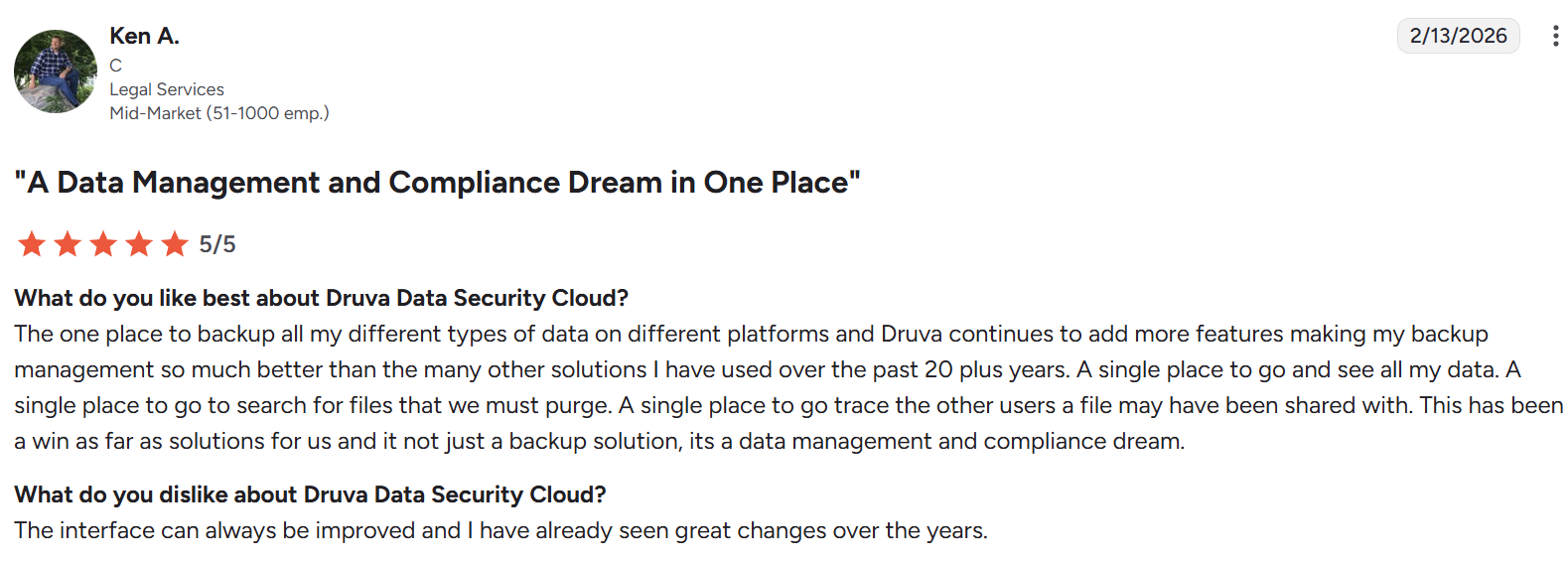
"The interface can always be improved, and I have already seen great changes over the years." — Ken A, G2
Pricing
Druva offers tiered subscription pricing based on workload type and protected data volume. Quotes are custom. We reconstruct what those quotes tend to contain in Druva pricing.
Bottom line
Druva fits healthcare teams prioritizing SaaS and endpoint coverage. Teams centered on cloud-native databases and object storage need a platform with deeper workload-level support.
7. Veeam: Best for hybrid cloud and on-prem healthcare
What it does: Veeam Data Platform is a backup and data management suite covering virtual, physical, cloud, and SaaS workloads.
Best for: Healthcare organizations running significant on-prem and hybrid cloud environments.
Veeam started as a virtualization backup tool and has expanded into cloud and SaaS coverage. Healthcare teams with strong on-prem or hybrid footprints often run it alongside hyperscaler tools. Cloud-native automation and managed database coverage lag behind cloud-first platforms.
Key features
- Backup across VMware, Hyper-V, physical servers, AWS, Azure, GCP, and Microsoft 365.
- Immutable backup support via hardened repositories and object lock.
- Built-in ransomware detection and anomaly scanning across protected workloads.
- Signed BAA for HIPAA workloads when paired with HIPAA-eligible storage.
Pros
- ✅ Deep virtualization and hybrid cloud support.
- ✅ Large partner and integration ecosystem.
- ✅ Capable on-prem-to-cloud migration tooling.
Cons
- ❌ Setup complexity is higher than cloud-native alternatives.
- ❌ Managed database coverage lags newer platforms.
- ❌ Licensing is complex across workload types.
What users say
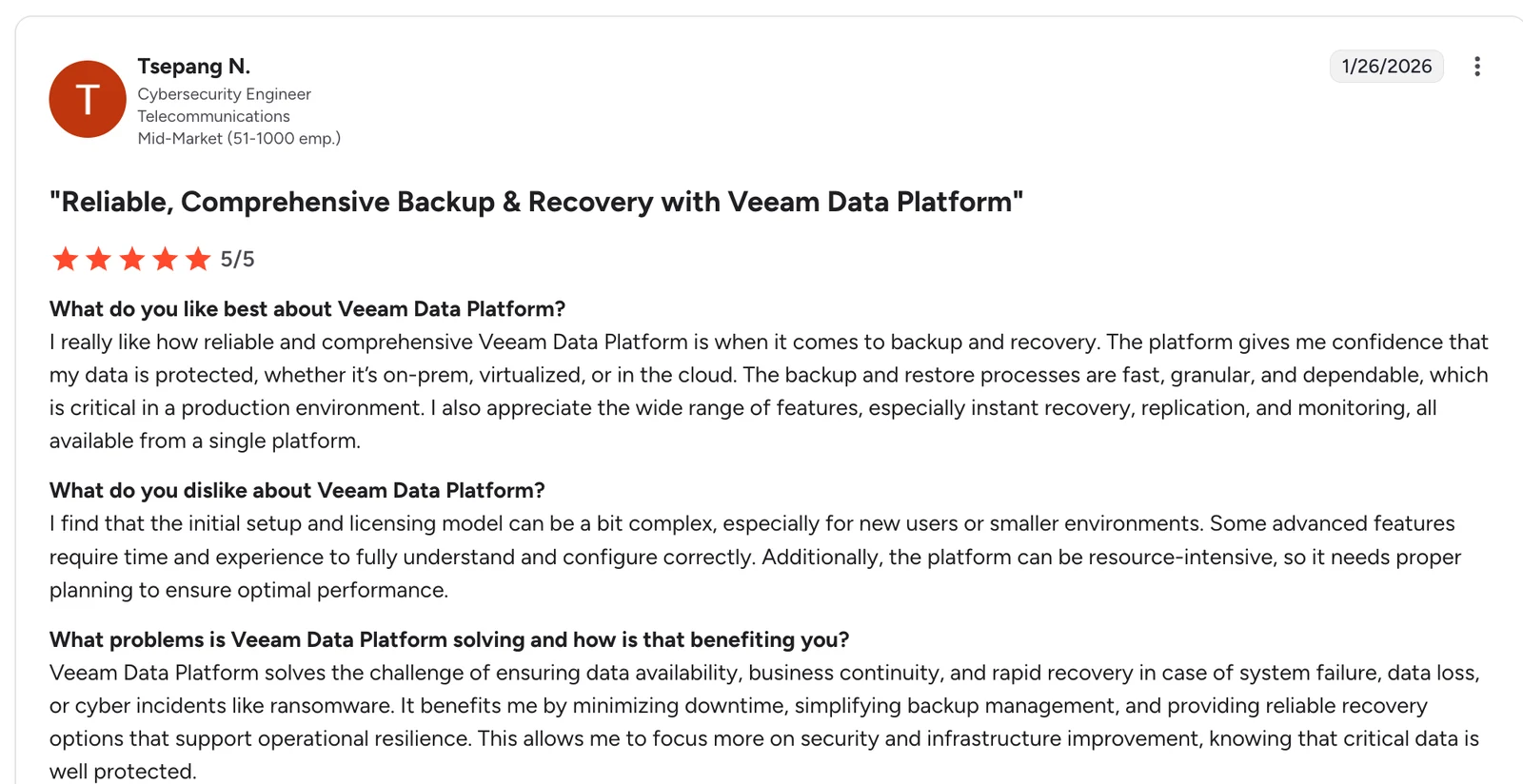
"The platform gives me confidence that my data is protected, whether it's on-prem, virtualized, or in the cloud." Tsepang N, G2
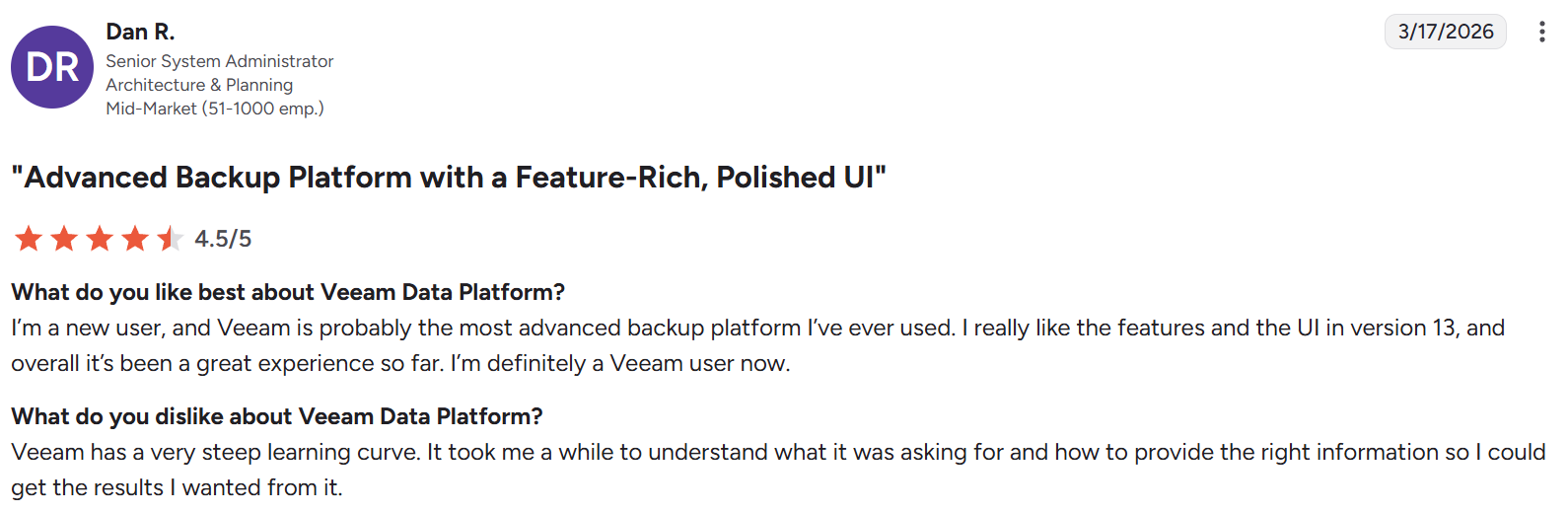
“It took me a while to understand what it was asking for and how to provide the right information so I could get the results I wanted from it.” — Dan R., G2
Pricing
Veeam sells per-workload subscription licenses with tiered editions. Pricing varies by workload type and support level.
Bottom line
Veeam works with healthcare organizations that have meaningful on-prem footprints. Cloud-native healthcare teams will find the architecture heavier than they need. For a direct comparison, see Eon vs. Veeam.
8. Cohesity: Best for large healthcare data estates
What it does: Cohesity is a data platform that consolidates backup, archiving, and data services across on-prem, cloud, and SaaS workloads.
Best for: Large healthcare organizations consolidating backup, archiving, and data services onto a single platform.
Cohesity consolidates backup, archiving, and data services into a single platform across hybrid environments. Healthcare enterprises with sprawling data estates use it to reduce tool sprawl. Cloud-native teams typically find deployment more complex than with purpose-built cloud-first alternatives.
Key features
- Backup and recovery across on-prem, cloud, and SaaS workloads on one platform.
- Built-in ransomware detection, anomaly scanning, and immutable snapshots.
- Application-aware backup for VMware, Hyper-V, SQL Server, Oracle, and SAP HANA.
- Signs a BAA and supports HIPAA controls across multi-tenant deployments.
Pros
- ✅ Consolidated platform reduces tool sprawl.
- ✅ Proven ransomware and anomaly detection.
- ✅ Fits data-intensive enterprise environments.
Cons
- ❌ Legacy-first architecture creates complexity in cloud-native environments.
- ❌ Deployment and tuning require specialist skills.
- ❌ Total cost of ownership is high at scale.
What users say
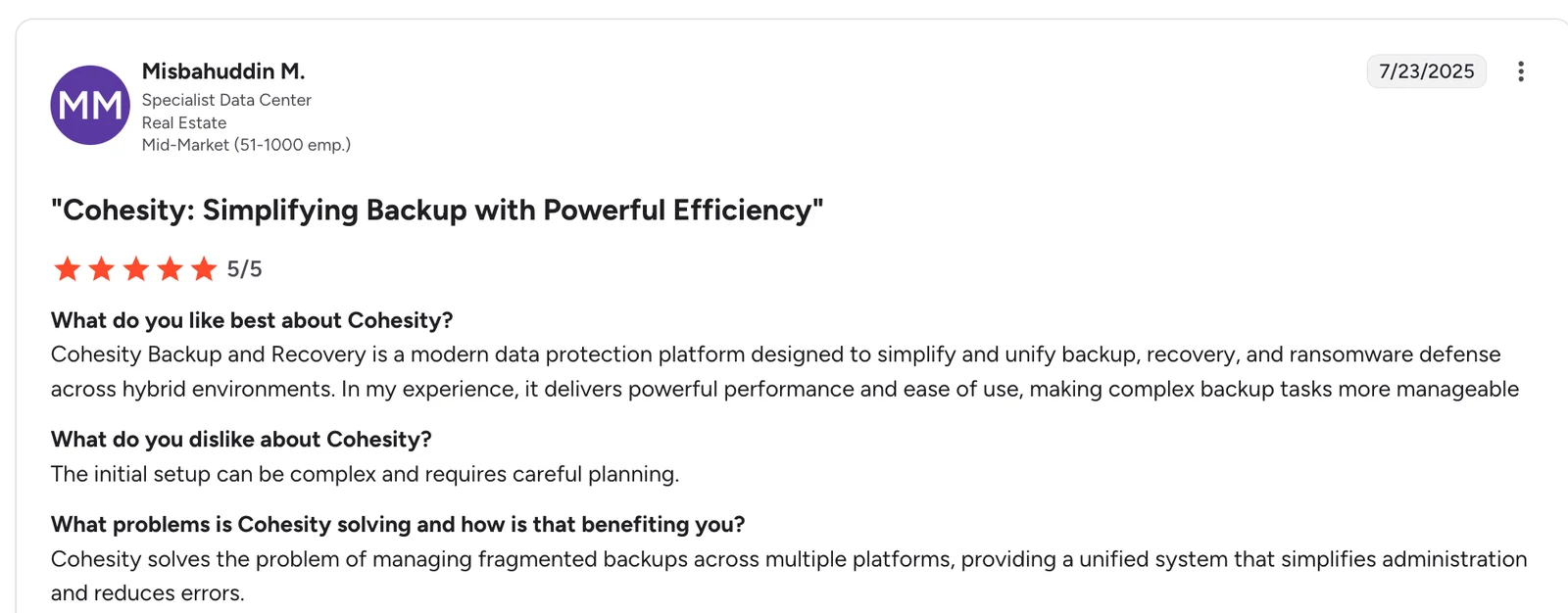
"It delivers powerful performance and ease of use, making complex backup tasks more manageable across hybrid environments." — Misbahuddin M, G2
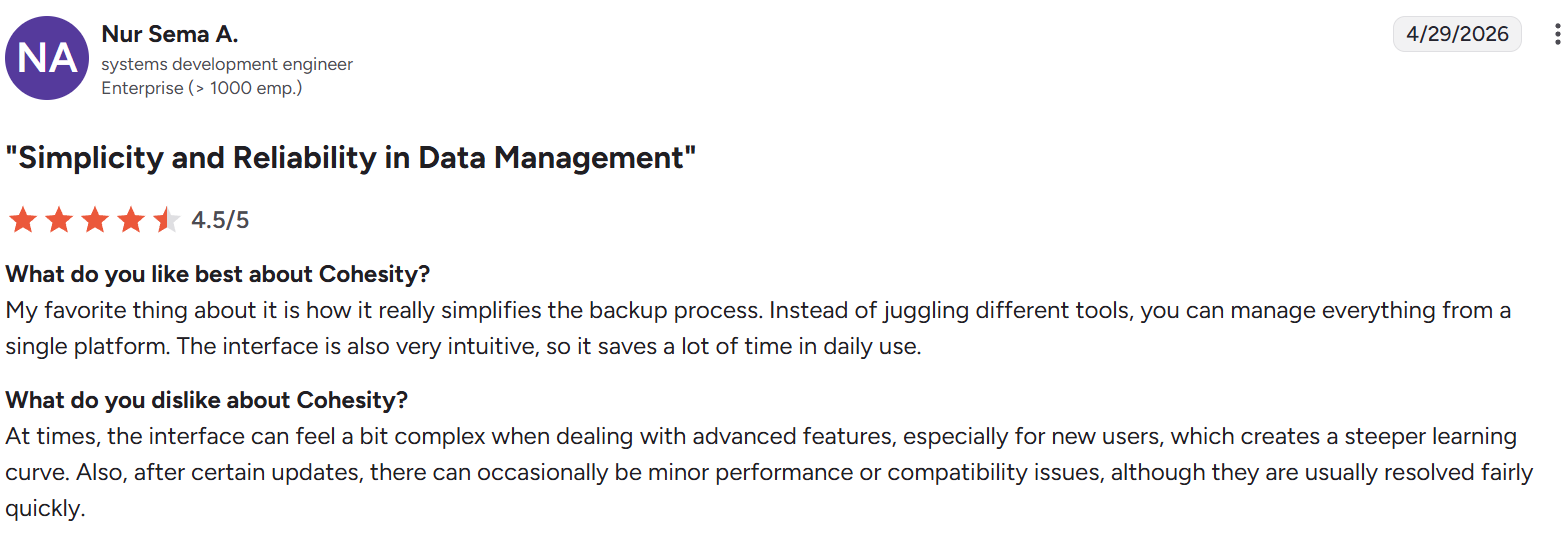
“After certain updates, there can occasionally be minor performance or compatibility issues.” — Nur Sema A., G2
Pricing
Cohesity uses subscription and perpetual licensing tied to data volume and workload count. Pricing is quote-based.
Bottom line
Cohesity suits large healthcare enterprises looking to consolidate data services. Teams running cloud-native workloads usually find simpler, cloud-first platforms faster to deploy. For a direct comparison, see Eon vs. Cohesity.
9. HYCU: Best for SaaS and cross-cloud workload backup
What it does: HYCU R-Cloud is a SaaS-based data protection platform covering cloud-native workloads, SaaS applications, and on-prem environments.
Best for: Healthcare teams with diverse SaaS and cross-cloud workloads.
HYCU R-Cloud operates as a SaaS service with a marketplace model, extending backup support to a wide range of SaaS apps. Healthcare teams that use diverse SaaS tools alongside cloud-native workloads value breadth. Managed database coverage is narrower than specialist multi-cloud platforms.
Key features
- SaaS-delivered backup covering AWS, Azure, GCP, Microsoft 365, and Google Workspace.
- Marketplace model adds backup support for a wide range of SaaS apps.
- Immutable cloud storage with anomaly detection for ransomware protection.
- Signs a BAA for HIPAA-covered SaaS and cloud workloads.
Pros
- ✅ Wide SaaS and cross-cloud coverage.
- ✅ Lighter deployment than legacy platforms.
- ✅ Extensible marketplace for SaaS integrations.
Cons
- ❌ Smaller ecosystem than hyperscaler-native tools.
- ❌ Managed database coverage is narrower than cloud-native specialists.
- ❌ Newer brand recognition in healthcare compared to Veeam or Rubrik.
What users say
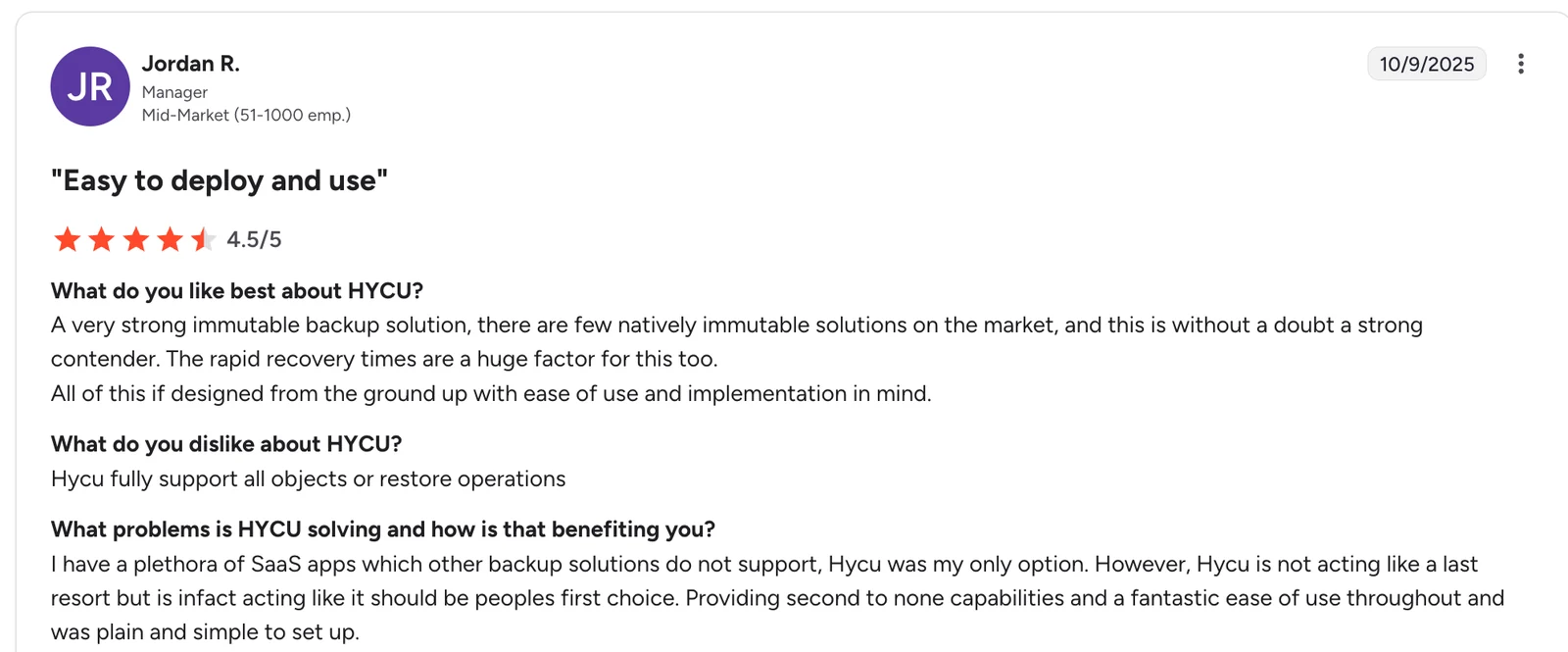
"There are few natively immutable solutions on the market, and this is without a doubt a strong contender." Jordan R, G2
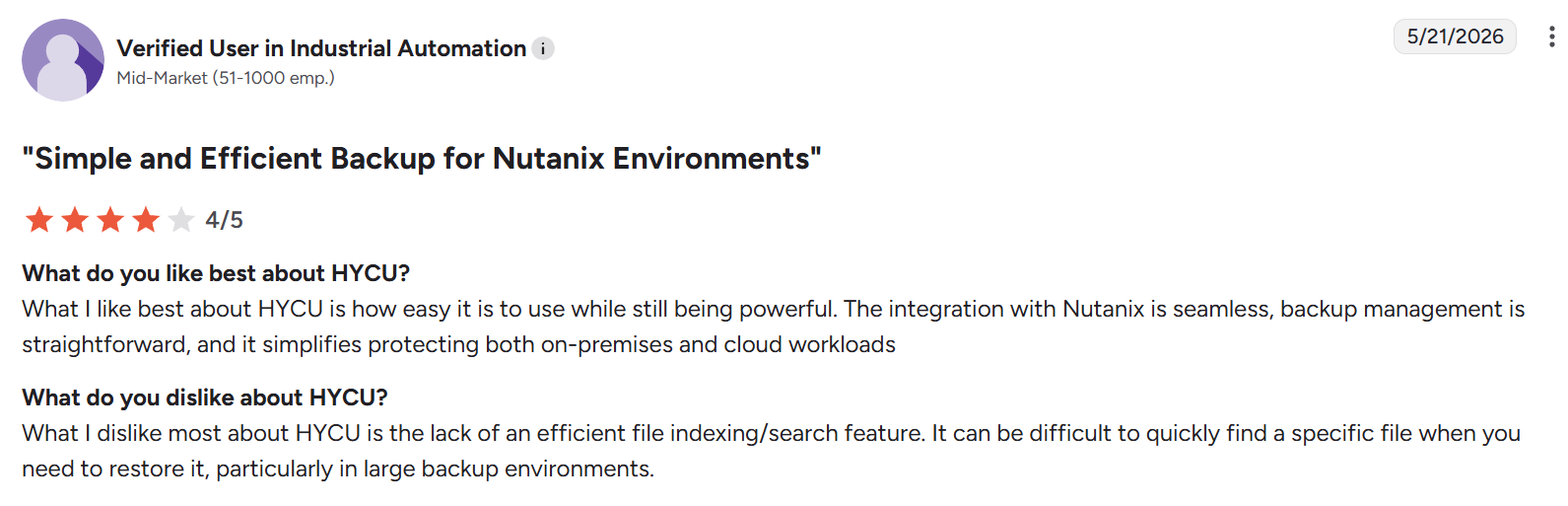
“It can be difficult to quickly find a specific file when you need to restore it, particularly in large backup environments.” — Verified user in industrial automation, G2
Pricing
HYCU uses subscription pricing based on workload type and data volume, with a marketplace model for SaaS integrations.
Bottom line
HYCU fits healthcare teams with diverse SaaS and cross-cloud footprints. Organizations running concentrated PHI workloads inside hyperscaler databases may find deeper coverage elsewhere.
Which HIPAA-compliant cloud backup solution should you choose?
Choose Eon if you:
- Run PHI across AWS, Azure, or GCP and need unified coverage.
- Want automated discovery and policy enforcement for cloud-native workloads.
- Need file, record, or table-level recovery without rehydrating full environments.
Choose AWS Backup, Azure Backup, or Google Cloud Backup and DR if you:
- Operate in a single hyperscaler with no multi-cloud plans.
- Have small-scale PHI workloads and accept resource-level restore.
- Want native IAM and policy integration as the top priority.
Choose Rubrik, Veeam, or Cohesity if you:
- Maintain a significant on-prem or hybrid healthcare infrastructure.
- Are already invested in the platform, and the staff know the tooling.
- Need legacy-grade ransomware recovery across diverse workloads.
Choose Druva or HYCU if you:
- Prioritize SaaS and endpoint workload backup.
- Need cross-cloud coverage without heavy deployment.
- Have limited cloud-native database or object storage workloads.
Final verdict
Healthcare teams running PHI in AWS, Azure, or GCP need backups tailored to those environments. Eon is the platform for teams that want automated coverage, granular recovery, and audit-ready posture without stitching together hyperscaler-native tools.
Teams in a single hyperscaler with no multi-cloud plans can start with AWS Backup, Azure Backup, or Google Cloud Backup and DR. Large healthcare enterprises with meaningful on-prem footprints may be better served by Rubrik, Veeam, or Cohesity.
Protecting PHI across cloud workloads should not depend on tagging discipline or manual policy management. Book a demo to see how Eon protects ePHI across AWS, Azure, and GCP with autonomous posture management and granular recovery.
Frequently asked questions
What is HIPAA-compliant cloud backup?
HIPAA-compliant cloud backup is a cloud backup platform that meets the HIPAA Security Rule safeguards for ePHI, signs a BAA with the covered entity, and maintains encryption, access controls, and audit logs across every protected workload.
Is AWS Backup HIPAA compliant?
Yes, AWS Backup is HIPAA eligible when used with a signed BAA and configured to protect HIPAA-eligible AWS services. Covered entities remain responsible for proper configuration, access control, and audit evidence.
What is the difference between HIPAA-compliant cloud storage and cloud backup?
HIPAA-compliant cloud storage holds active PHI files for users to access and share. HIPAA-compliant cloud backup creates protected, recoverable copies of PHI across workloads, with retention, immutability, and recovery processes designed to restore data after loss, corruption, or ransomware. Our guide to HIPAA-compliant disaster recovery covers how teams prove those recovery processes work.
Do healthcare organizations need both cloud storage and cloud backup?
Yes, healthcare organizations need both. Cloud storage keeps PHI accessible for daily work, and cloud backup keeps it recoverable after ransomware, accidental deletion, or cloud outages, which storage alone cannot guarantee.
What does HIPAA require for cloud backup?
HIPAA requires cloud backup to meet administrative, physical, and technical safeguards under the Security Rule, including encryption at rest and in transit, access controls, audit logs, a signed BAA, and a documented backup and recovery plan. The HHS Guidance on HIPAA and Cloud Computing outlines the full set of obligations.
Is a signed BAA enough to make a cloud backup HIPAA-compliant?
No, a signed BAA is not enough to make a cloud backup HIPAA-compliant. Covered entities must also configure the platform correctly, enforce access controls, maintain audit logs, and document a backup and recovery plan across every workload that stores PHI. Our explainer on HIPAA backup requirements covers what the Security Rule actually asks for.
How long should HIPAA-compliant cloud backups be retained?
HIPAA does not set a single retention period for backup data, but it requires covered entities to retain HIPAA-related documentation for six years. Most healthcare organizations align backup retention with state medical record retention laws and internal compliance policies. Long retention is also the main driver of backup compliance costs, which we cover separately.



.webp)