AWS, Azure, and Google Cloud all assign public cloud data protection to the customer. The provider guarantees the underlying infrastructure. You own whether a deleted record, a corrupted table, or a compromised region is actually recoverable. What owning it looks like in practice is covered in our best practices for cloud data protection.
For the cloud infrastructure, platform, and DevOps teams who inherit that work: here is where native tools stop, what the shared responsibility model quietly hands off, and the practices that hold up when a real incident lands.
What is public cloud data protection?
Public cloud data protection is the practice of securing, backing up, retaining, and recovering data that lives on multi-tenant infrastructure operated by a provider such as AWS, Microsoft Azure, or Google Cloud.
The provider runs the hardware, the hypervisor, and the durability guarantees underneath your data. You decide what gets protected, how long each copy survives, which jurisdiction holds it, and how precisely you can bring data back. Moving more of that boundary onto a provider is exactly what backup as a service and DRaaS do, in different amounts.
Public cloud vs. private cloud data protection
The difference from private cloud comes down to which control points you can reach when something goes wrong. In a private cloud, you own the control plane and can restore without the provider in the path; in public cloud, that path runs through the provider's API.
| Control point | Public cloud | Private cloud |
|---|---|---|
| Physical infrastructure | The provider operates it, with no customer visibility into the hardware layer | Your organization operates it and can inspect every layer |
| Control plane | The provider's API is the only path to create or restore resources | You own the orchestration layer and can work around it |
| Tenancy | Shared, with isolation enforced by the provider | Single tenant by design |
| Recovery copy | Sits in your account by default | Can sit on separate hardware you own outright |
| Jurisdiction | Set by region selection and the provider contract | Set by where your facility sits |
What the shared responsibility model leaves to you
Every major provider draws the line in the same place. They protect the infrastructure. You protect the data sitting on it.
Encryption, access management, and the rest of the cloud data protection stack apply unchanged in public cloud. The public model changes the layer underneath them, which is where the risk concentrates.
What each provider puts on the customer
What gets skipped is how explicitly each provider assigns backup to the customer, in writing.
- AWS: You own the resiliency of your data, including backup, versioning, and replication.
- Microsoft Azure: You own data in every deployment model, including classification, protection, and encryption decisions.
- Google Cloud: You own security controls for your workloads under shared fate, with the provider supplying secured defaults and guidance.
None of the three offers to bring back a customer record that your application overwrote last Tuesday. That job sits on your side of the line in all three clouds.
Redundancy is not backup
Azure redundancy protects against hardware failure, not against data-modifying operations. A deletion replicates to every replica and removes the data everywhere.
Eleven nines of durability describes how well a copy survives a disk. It says nothing about surviving a DELETE statement.
Managed services don't manage retention
A managed database runs patching, failover, and storage scaling for you. The recovery window it offers is still a value you configured, not protection the service adds.
The same holds for managed object storage, file services, and queues: the provider runs the plumbing, retention stays a setting on your side. Defaults are short (RDS automated backups run 7 days out of the box, up to 35) and a setting nobody changed is still a decision the customer made.
4 recovery risks the provider controls
Each one is a place where your recovery depends on a decision the provider made. Designing around them is most of the work.
Recovery shares production's control plane
On October 19, 2025, a race condition in the DNS automation behind Amazon DynamoDB emptied the endpoint records for a single service in a single region. The resulting event ran from 11:48 PM PDT that night to 2:20 PM PDT the following day, cascading through EC2 instance launches and Network Load Balancer health checks.
If the API you would call to list snapshots and start a restore lives in the region having the incident, your recovery time becomes the provider's recovery time.
Speed is already the weak point. Among the 583 cloud IT leaders surveyed for Eon's 2026 Cloud Data Infrastructure Report, 60% said a full restore takes them six hours or more.
Separation is the fix, and it has to be architectural. Eon writes every backup into a logically air-gapped, immutable vault in a dedicated account with no console access, so the recovery copy does not share a blast radius with the workload it protects. That separation is what let SoFi cut recovery from a day to minutes across five AWS regions.
Credential scope defines the blast radius
A credential that can write to production storage can usually delete the snapshots sitting next to it. That is a permissions design question, and it decides how much of your recovery layer a single compromised role can remove.
Automation raises the stakes. In late April 2026, a Cursor coding agent deleted PocketOS's production database and its volume-level backups in nine seconds.
The agent hit a staging credential mismatch, found an unrelated token on its own, and issued a single delete against the Railway volume that held both production data and its backups. Its credentials were valid the whole time.
The account holding your recovery copy should be unreachable from the credentials your applications and agents use. Native cross-account recovery paths look clean on an architecture diagram and get complicated during a live incident.
Native retention falls short of compliance windows
Managed database recovery windows are measured in weeks. DynamoDB point-in-time recovery tops out at 35 days and always restores into a new table, which means the application has to be repointed before anyone can use the recovered data.
Financial services retention obligations run to seven years. Healthcare records run longer. Anything beyond about a month needs a second retention layer that outlives the service default, and it needs to be governed somewhere you can produce evidence from during an audit.
Region selection as a legal decision
Where a copy lands determines which law governs it. Under Chapter 5 of the GDPR, moving personal data outside the EEA requires an adequacy decision or an approved safeguard such as standard contractual clauses, and the European Commission maintains the rules on international data transfers that govern which mechanism applies.
Backup configuration crosses that boundary without announcing it. A cross-region copy rule written for durability will replicate a compliant workload's data into a region the workload itself was never allowed to touch.
Regulators and buyers are both moving on this. Gartner forecasts worldwide sovereign cloud IaaS spending of $80 billion in 2026, up more than a third from 2025.
7 public cloud data protection best practices
They run in order of how much recovery outcome each one changes.
1. Isolate recovery copies from production credentials
Put the backup destination in a separate account or subscription, with write access granted only to the backup platform's own role. Human console access to that account should be zero.
Then add immutability at the storage layer so a valid credential cannot shorten retention or delete a lock. S3 Object Lock, Azure immutable blob storage, and GCS bucket lock are the equivalents in each cloud.
2. Protect new resources at creation time
Tag-driven policy assignment decays. A database spun up on Thursday without the production tag stays unprotected until someone notices, and the person who would notice is looking at a different account.
Classification has to run continuously and assign policy from what the resource contains. Cloud Backup Posture Management (CBPM) closes this gap by discovering resources at creation, classifying them from their contents, and attaching the matching retention rule without a ticket.
3. Set retention by regulation, not by service default
Start from the obligation. Write down the retention each data class carries under GDPR, HIPAA, SOC 2, or your own contractual commitments, per workload.
Now compare that number against what the service gives you today. Where the service window is shorter, you have a gap with a date on it, and the gap is invisible until the day someone asks for a record older than the window.
4. Match recovery granularity to the failure
When one customer's table is corrupted in a database serving hundreds of them, restoring the full instance to extract one table costs hours and introduces risk to every other tenant on it.
Granular recovery scopes the restore to the damage, whether that is a file, an object, a table, or a set of rows returned by a query. Restoring less also means restoring faster, which is how NETGEAR moved a 10TB recovery from 24 hours to under three.
5. Verify restore points before committing
Most ransomware recovery time gets spent restoring a compromised backup, discovering the corruption came with it, and rolling back further. The clock runs the whole time.
File-level scanning misses encryption inside managed databases, where the file system looks untouched, and the damage sits in the rows. Detection has to read the data itself, watching row counts, schema structure, and cardinality patterns, and it has to name the last clean version of each affected resource before the restore starts.
6. Write data residency into the backup policy
Residency controls are usually applied to the production workload and then assumed to cover everything downstream. Backup copies, cross-region replicas, and archive tiers each need the constraint written into them directly.
Document the region for every copy of every regulated data class, including archive. If an auditor asks where the 2023 copies of your EU customer records live, that answer should come from a report rather than a search.
7. Attribute backup spend before cutting retention
Cost pressure is pushing protection decisions in the wrong direction. 63% of cloud IT leaders say high storage costs force them to retain or protect less data than they should.
Resource-level attribution changes what gets cut. Once you can see which workloads drive backup spend, the reduction comes from deduplication, compression, and retiring genuinely dead data rather than from shortening retention on regulated records.
Together, those levers cut 30% to 50% against native snapshot costs, which is usually enough to end the retention conversation.
How to measure public cloud data protection
Most gaps are found the hard way. 61% of cloud leaders discover protection gaps only after an incident, an audit, or a restore that did not work, per Eon's 2026 report.
These five checks surface the same gaps earlier:
- Can you restore a single row, object, or customer record without rebuilding the environment around it? If the answer requires a full-instance restore, your recovery time is set by the size of the resource rather than the size of the problem.
- Can you produce backup coverage for every account and region in one report? Assembling that from three consoles and a spreadsheet is the same as not having it when an auditor is waiting.
- When a resource is created, does it get classified and protected automatically? Anything that depends on a person remembering to tag it will drift within weeks.
- Do you know which backup version is clean? Immutability preserves the copy. Detection tells you which copy to trust.
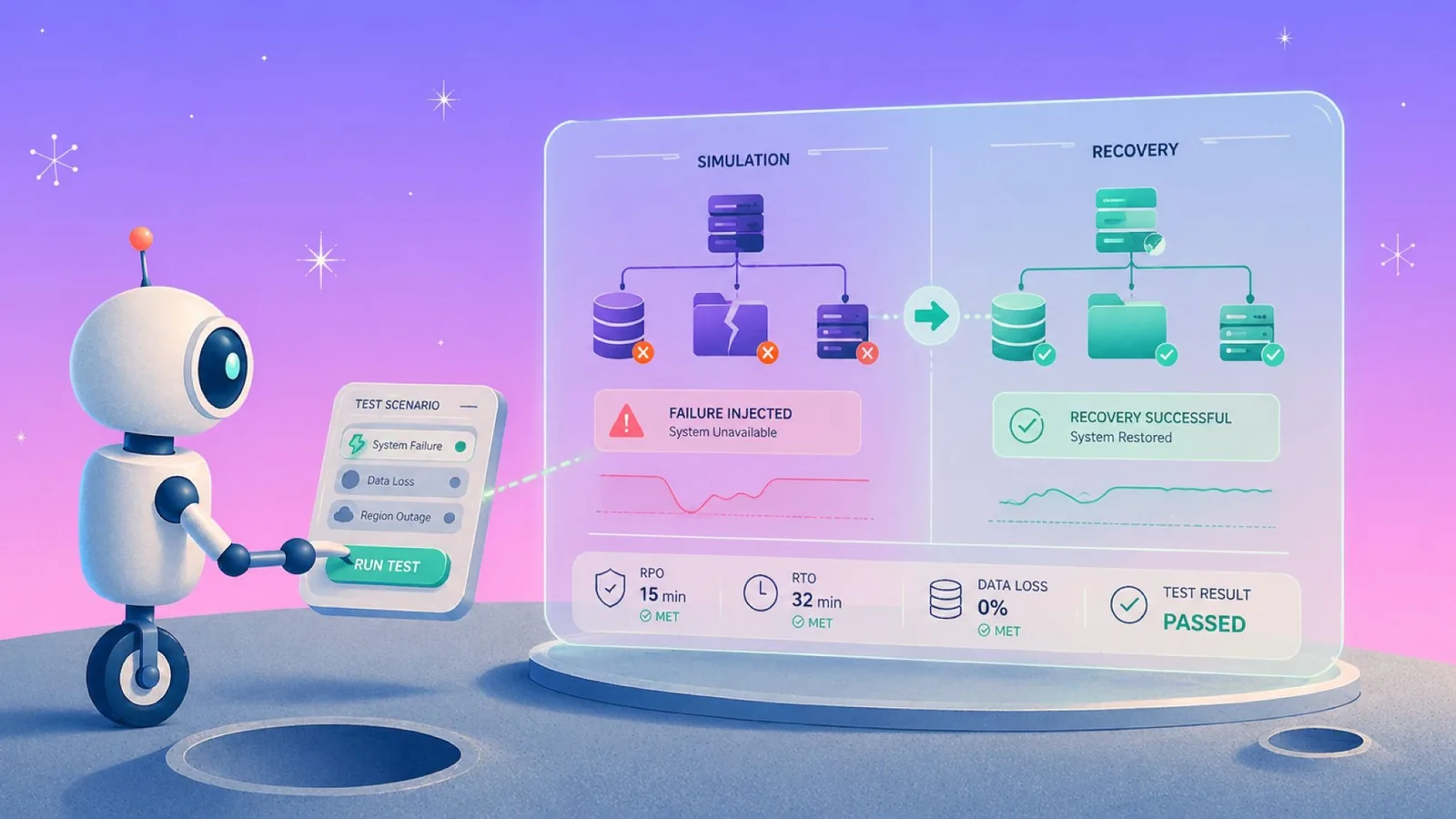
- Have you rehearsed a restore with the primary region's control plane assumed unavailable? That is the scenario that turns a documented RTO into a real one, and a structured outage recovery drill is the only way to time it honestly.
Run these against one critical workload this quarter rather than all of them. The first pass usually finds enough to keep you busy.
How Eon handles public cloud data protection
Eon is a cloud data protection and recovery platform built by the team behind AWS's CloudEndure, designed for exactly the boundary this article describes. It runs cloud-natively across AWS, Azure, and Google Cloud from one view, with no agents, appliances, or clusters deployed in your accounts.
Every backup lands in a logically air-gapped, immutable vault in a dedicated account that production credentials cannot reach, so an outage, a compromised role, or an agent loose in production cannot take the recovery copy with it.
CBPM discovers each new resource as it is created, classifies it by what it holds, and attaches the matching retention policy without a ticket. When something breaks, recovery is granular: a file, an object, a table, or a set of rows, restored without rebuilding the environment around it.
For managed databases, Eon detects ransomware at the logical layer (row-count anomalies, cardinality shifts, and schema changes) so recovery starts from a verified clean point rather than the last snapshot that happens to exist.
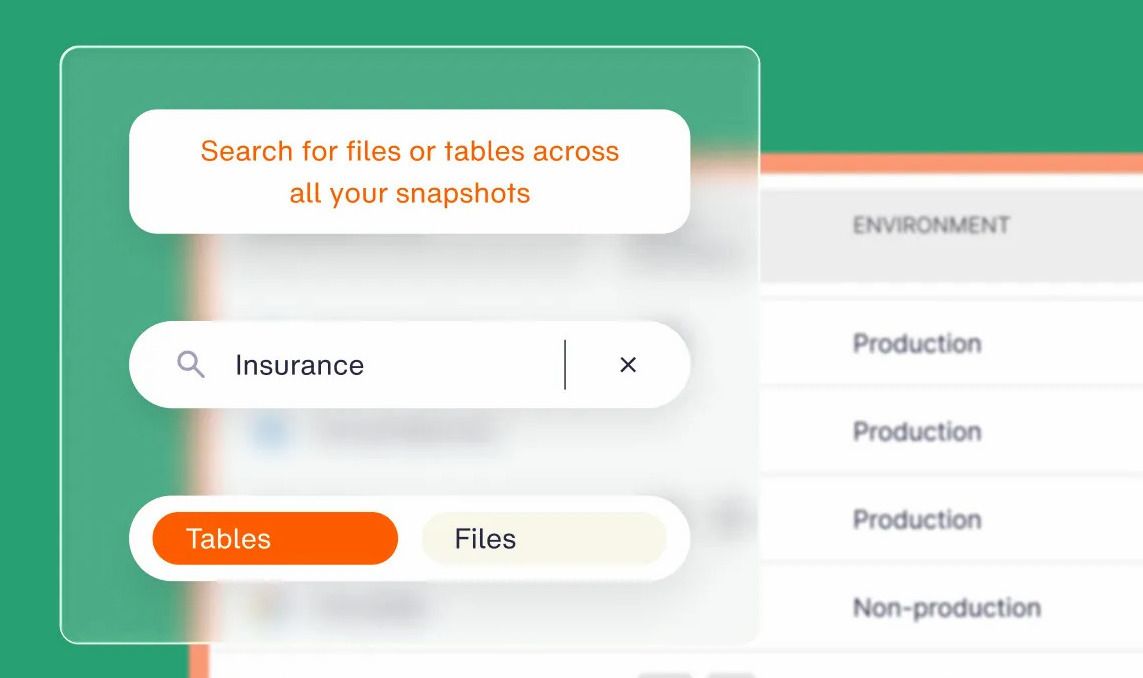
Because Eon stores backups in open formats, teams can search and query that data directly for audits, investigations, and analytics without a full restore.
Storage runs 30% to 50% below native snapshots through global deduplication, with no retrieval or egress fees on recovery. Cost Explorer attributes spend down to the resource, so retention decisions rest on evidence.
What happens to your recovery if the region holding both production and its snapshots goes dark? Book a demo and see how Eon keeps a recovery copy outside the blast radius, and restores exactly the data you lost.
Frequently asked questions
What is the difference between public cloud and private cloud data protection?
The main difference is control. In public cloud data protection, the provider owns the infrastructure, the control plane, and the tenancy model, so your recovery depends on their availability and their API. In private cloud, you own those layers and can restore without a third party in the path.
Who is responsible for backing up data in the public cloud?
You are responsible for backing up data in the public cloud. AWS, Microsoft Azure, and Google Cloud all assign data protection to the customer in their shared responsibility models. The provider guarantees infrastructure durability and availability, and recovering deleted, corrupted, or encrypted data remains your obligation.
Does cross-region replication count as a backup?
No, cross-region replication is not a backup. Replication keeps replicas synchronized with the source, so a deletion or an encryption event propagates to every copy. A backup preserves an earlier version that survives changes made to the original.
How long is public cloud data recoverable by default?
For most resources, the default is zero. Native protection is opt-in: S3 versioning is off until you enable it, and point-in-time recovery has to be switched on per resource. Even where a window exists, it caps at 35 days, so any durable copy depends on a separately governed backup you set up yourself.
Can public cloud data protection satisfy GDPR and HIPAA?
Yes, public cloud data protection can satisfy GDPR and HIPAA when coverage, retention, access control, and residency are all documented and enforced continuously. Both frameworks require evidence rather than intent, which means showing which resources are protected right now, how long copies are kept, who can reach them, and which region holds each one.
Should backups live in the same cloud account as production?
No. A recovery copy in the production account inherits the same credentials, the same permissions model, and the same blast radius. Storing backups in a dedicated account with immutability enabled keeps the copy reachable when the production account is compromised.