Picking the best cloud security for data protection got harder this year. Wiz now belongs to Google, Prisma Cloud became Cortex Cloud, and ransomware crews started going after backups before production.
The 10 platforms below are measured across six criteria, from finding sensitive data to restoring a single lost record. Each entry names the environment it fits and what choosing it trades away.
What is cloud security for data protection?
Cloud security for data protection is the combined discipline of preventing unauthorized access to cloud data and preserving its recoverability after loss. The two sides overlap in tooling but answer different questions: security asks who can reach the data, and protection asks what you get back when something goes wrong.
Cloud data security vs. cloud data protection
Cloud data security and cloud data protection differ in scope. Cloud data security prevents unauthorized access through encryption, identity controls, and threat detection at the perimeter of the data.
Cloud data protection covers those and adds recoverability: backup, immutability, tested restores, and the operational discipline that gets the business running again after a loss.
Most enterprises need both. A tool that finds an exposed bucket does nothing about the ransomware attack that encrypts it two weeks later, and a tool that restores an encrypted database does nothing about the identity compromise that let the attacker in.
5 layers of cloud data protection
A working cloud data protection stack covers five layers:
- Discovery: finds and classifies regulated data across every account, region, and cloud, without waiting for manual tagging.
- Posture: keeps configurations correct as environments change, and catches drift before it becomes exposure.
- Threat detection: spots active attacks against workloads, identities, and storage in real time.
- Encryption and key control: keeps data unreadable without the key, including when a credential is compromised.
- Recovery: restores the specific file, record, or table lost to an incident, from a copy that sits outside production's reach.
10 Best Cloud Security Solutions for Data Protection: TL;DR
- Eon: Best for cloud infrastructure leads who need provable coverage and granular recovery across AWS, Azure, and Google Cloud.
- Wiz: Best for security leads who need one prioritized view of risk across posture, identity, and data.
- Microsoft Defender for Cloud: Best for organizations standardized on Azure and Microsoft 365 that want native multicloud posture.
- Palo Alto Cortex Cloud: Best for SOC leaders consolidating cloud security into an existing Palo Alto operations stack.
- SentinelOne Singularity Cloud Security: Best for security engineers who want AI-driven runtime and object storage threat detection.
- CrowdStrike Falcon Cloud Security: Best for security organizations extending an existing CrowdStrike endpoint footprint into cloud posture and runtime.
- Cyera: Best for data security leads who need to find and classify sensitive data before anything else.
- Varonis: Best for compliance owners governing who can access sensitive data across SaaS and cloud stores.
- Rubrik Security Cloud: Best for enterprises whose on-prem footprint needs cyber recovery alongside cloud.
- AWS native stack: Best for engineering leads running a single-cloud AWS footprint on native tooling.
How we evaluated these cloud security solutions
This list draws on vendor documentation, primary cloud provider documentation, and verified user reviews. We also cut platforms that scored well in a single layer but duplicated a stronger entry.
Each platform was weighed against six criteria:
- Sensitive data discovery: Whether the platform finds and classifies regulated data across accounts without manual tagging.
- Posture coverage: How consistently policy holds across accounts, regions, and providers as environments change.
- Threat detection: Runtime, identity, and object storage detection, since AI-driven attacks rose 56% in the past year.
- Encryption and key control: Who holds the keys, and whether key management survives a credential compromise.
- Recovery precision: Whether a single file, object, record, or table restores without rehydrating the environment around it.
- Recovery-plane isolation: Whether backup copies sit outside the reach of production credentials.
Recovery precision and recovery-plane isolation carry the most weight in this ranking, since the record cost of a data breach hinges on how fast a lost record comes back and how far attackers can reach into backup copies from production credentials.
10 best cloud security solutions for data protection: Quick comparison
1. Eon: Best for cloud data protection where recovery decides the outcome
What it does: Eon is a cloud-native data protection platform that automates backup posture across AWS, Azure, and Google Cloud, stores data in an isolated immutable vault, and restores individual files, objects, records, or tables without rehydrating full environments.
Best for: Cloud infrastructure and platform engineering leads who need demonstrable backup coverage and fast, precise restores across AWS, Azure, and Google Cloud.
Every other platform on this list works to stop an incident. Eon covers what happens after one, and that layer is slow today, with 60% of cloud IT leaders in Eon's 2026 Cloud Data Infrastructure Report needing six hours or more for a full restore.
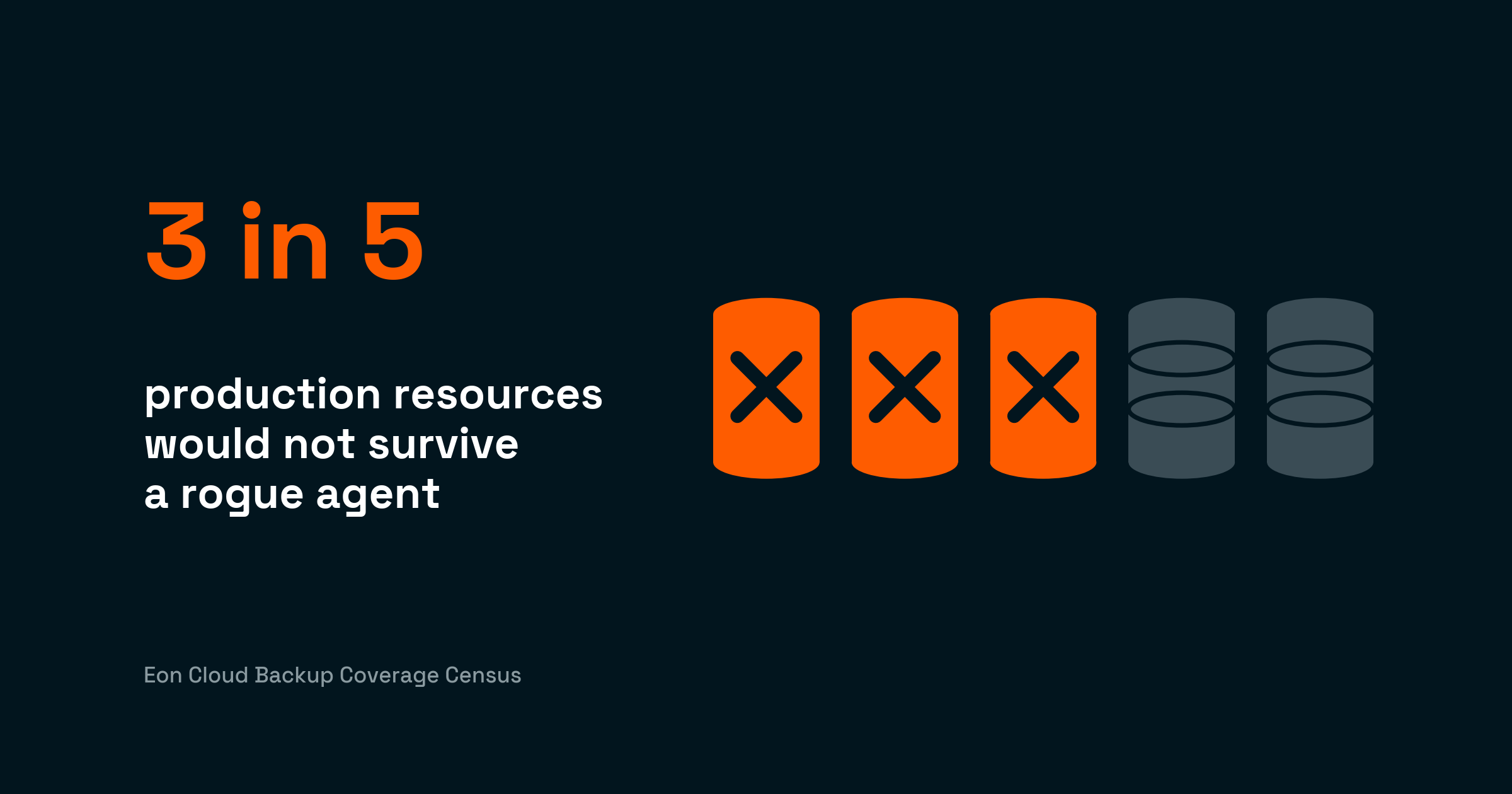
Ransomware is one failure mode among several. An AI coding agent holding valid production credentials can drop a table or corrupt a schema in seconds, and every copy those same credentials can reach goes with it.
Key features
- Cloud Backup Posture Management (CBPM): Continuous discovery, classification, and policy enforcement across accounts, regions, and clouds, with drift surfaced as it happens.
- Granular recovery: Restore the exact file, object, record, or table you need instead of defaulting to a full-resource rollback.
- Logically air-gapped immutable vault: Recovery copies sit outside the production blast radius and cannot be altered during retention.
- Queryable backup data: Zero-ETL access from Snowflake, Databricks, BigQuery, and Athena turns retained data into an asset for audits, analytics, and AI.
Pros and cons
Pros:
- ✅ 30-50% lower backup storage costs versus native hyperscaler tooling, through global deduplication and incremental storage.
- ✅ Cloud-native deployment with read-only access, so production stays untouched.
- ✅ Retained backups double as a governed data layer for audits and analytics, queryable directly from Snowflake, Databricks, BigQuery, and Athena.
Cons:
- ❌ Cloud-only, so on-prem workloads need a complementary tool.
- ❌ Newer vendor with a smaller partner ecosystem than the legacy platforms on this list.
- ❌ Some workloads require specific permissions or configuration before high-frequency protection runs.
What users say
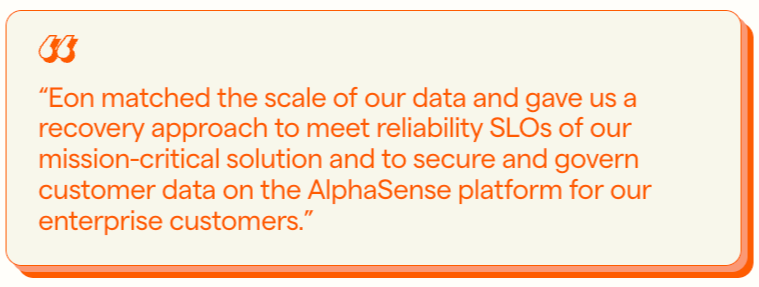
"Eon matched the scale of our data and gave us a recovery approach to meet reliability SLOs of our mission-critical solution." - Joseph Rozenfeld, AlphaSense EVP of Engineering, Eon case study
"I wish the restore process wouldn't need a local network." - Alejandro Z., G2
Pricing
Usage-based, per GB per month, with flexible spending commitments and no hidden fees. Available via AWS Marketplace with consumption billing.
Bottom line
Eon is the platform for organizations that need coverage they can demonstrate and restores measured in minutes rather than days. NETGEAR proves the pattern, cutting a 10TB SQL recovery from 24 hours to under three while reducing backup storage costs by 35%.
Cloud-first buyers weighing Eon against AWS's native trio can go deeper at Eon vs. AWS Backup.
2. Wiz: Best for unified cloud risk context
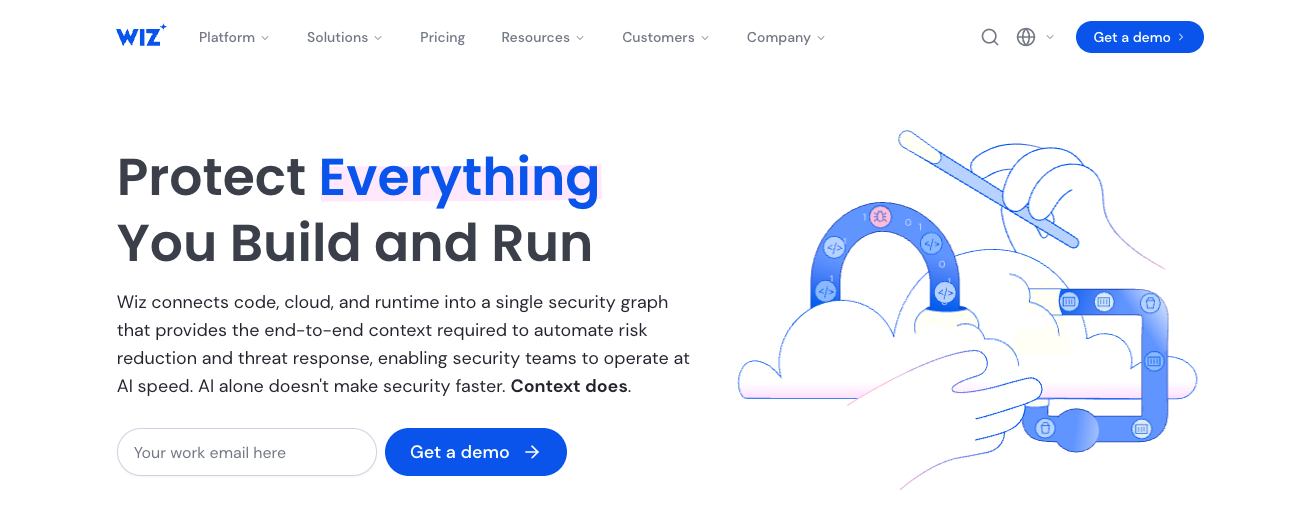
What it does: Wiz is an agentless cloud-native application protection platform (CNAPP) that maps misconfigurations, vulnerabilities, identities, and sensitive data into one risk graph.
Best for: Security leads at multi-cloud organizations who need a single prioritized view of what could go wrong and which issue to fix first.
Wiz connects to AWS, Azure, Google Cloud, and Oracle Cloud without agents and builds context across layers, so an exposed bucket containing PII with an attack path from the internet outranks a thousand isolated findings.
Google closed its $32 billion acquisition of Wiz in March 2026, and Wiz keeps its brand and its multicloud support.
Key features
- Security graph: Connects misconfigurations, identities, vulnerabilities, and data exposure into attack paths, so engineers fix the combination that creates real risk.
- DSPM module: Finds and classifies sensitive data across object storage and databases, then ties exposure back to the same graph.
- Agentless scanning: Full visibility lands within hours of connecting an account, with no rollout project.
Pros and cons
Pros:
- ✅ A new account is fully assessed the same day it's connected, with no rollout project to staff.
- ✅ Contextual scoring collapses thousands of findings into a queue engineers can clear in a day.
- ✅ An exposed bucket and the over-permissioned identity that can reach it land as a single incident.
Cons:
- ❌ No backup, immutability, or restore capability, so recovery needs a separate platform.
- ❌ Pricing is custom and lands at the premium end of the market.
What users say
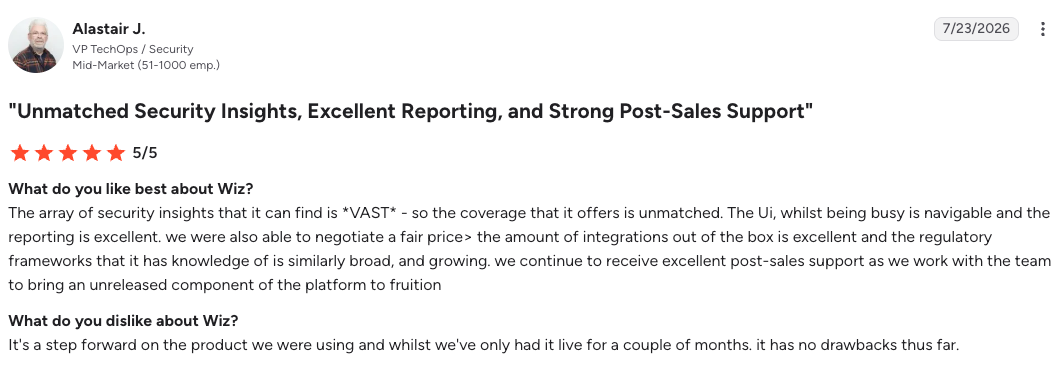
"The array of security insights that it can find is vast.” — Alastair J., G2
"The biggest challenge is that Wiz provides so much information that it can feel overwhelming." — Jason I., G2
Pricing
Wiz publishes no list prices. Pricing is quoted per environment based on workload count and modules.
Bottom line
Wiz is the strongest answer to the question of where your cloud risk sits right now. Pair it with a recovery platform, because knowing about an exposure and surviving one are different problems.
3. Microsoft Defender for Cloud: Best for Microsoft-centric multicloud environments
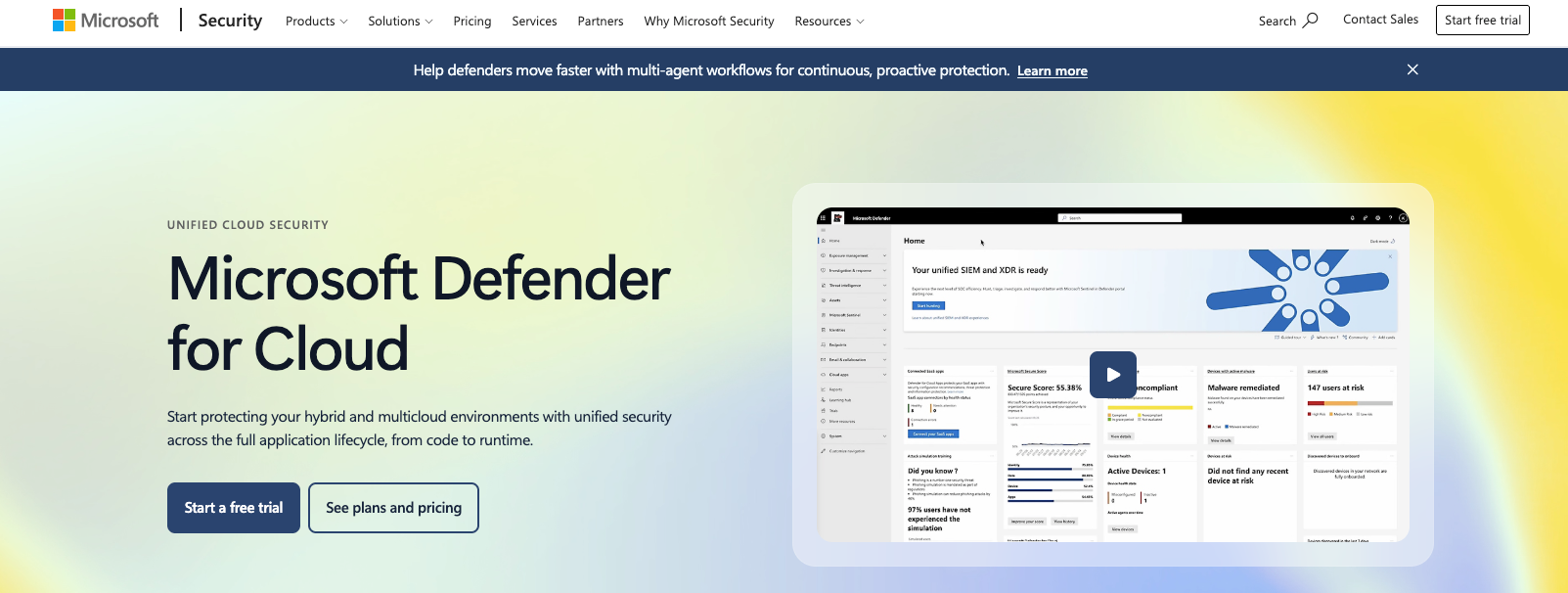
What it does: Microsoft Defender for Cloud is Microsoft's CNAPP, combining posture management, workload protection, and DevOps security across Azure, AWS, and Google Cloud.
Best for: Organizations standardized on Azure and Microsoft 365 that want posture and threat protection inside the ecosystem they already run.
Defender for Cloud is at its best inside Azure, where secure score, regulatory compliance dashboards, and one-click remediation sit next to the workloads they protect. AWS and Google Cloud connectors extend posture checks across clouds, though depth drops outside Microsoft's own services.
Key features
- Secure score: A single percentage that tracks posture over time, with prioritized recommendations mapped to each gap.
- Defender CSPM: Agentless scanning, attack path analysis, and data-aware posture across Azure, AWS, and GCP.
- Workload protection plans: Per-resource threat detection for servers, databases, storage, containers, and key vaults.
Pros and cons
Pros:
- ✅ An Azure alert reaches the SOC and triggers remediation without a connector project or a second console.
- ✅ Audit evidence for SOC 2, HIPAA, and ISO 27001 comes straight out of the console, which shortens every pre-audit scramble.
- ✅ Azure customers get posture management without a purchase order, since the foundational tier costs nothing.
Cons:
- ❌ Multicloud coverage is thinner than Azure coverage, and some plans only apply to Azure resources.
- ❌ Configuration is complex across large multi-subscription environments.
What users say
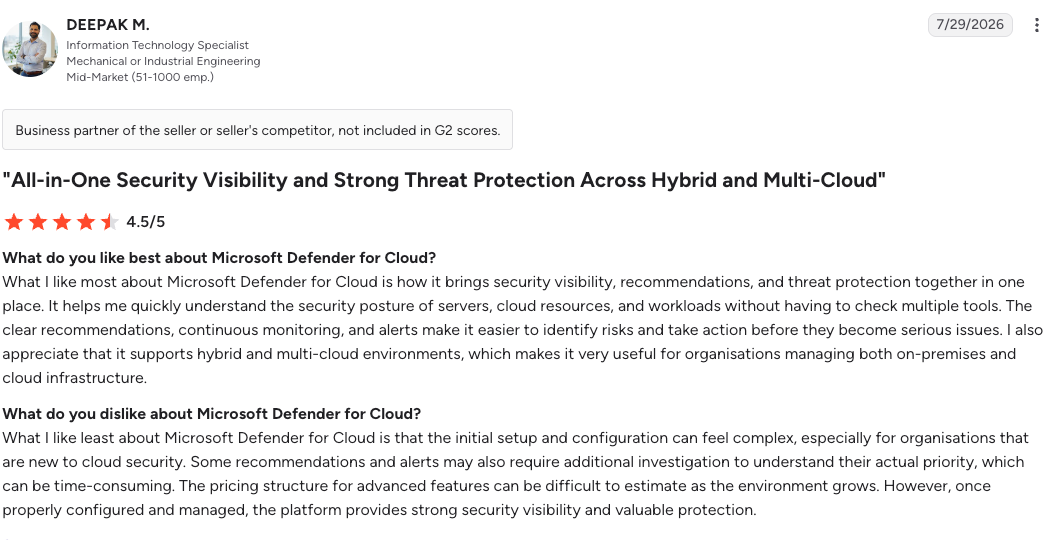
"It brings security visibility, recommendations, and threat protection together in one place." — Deepak M., G2
"Setting up connectors can sometimes be clunky." — Ahyar R., G2
Pricing
Defender for Cloud pricing is per resource per month, with separate meters for each protection plan. Foundational CSPM is free; Defender CSPM and workload plans are billed per resource.
Bottom line
Choose Defender for Cloud when Azure is the center of gravity and you want posture, detection, and remediation in one console. Multicloud organizations with equal weight across providers will feel the Azure bias within a quarter.
4. Palo Alto Cortex Cloud: Best for folding cloud security into SOC operations
What it does: Cortex Cloud is the successor to Prisma Cloud, merging Palo Alto's CNAPP with cloud detection and response on the Cortex SecOps platform.
Best for: SOC leaders already running Cortex XSIAM or other Palo Alto products who want cloud risk and cloud attacks handled inside the same operations workflow.
Cortex Cloud runs cloud security inside the same data model as Palo Alto's endpoint and identity telemetry, so a misconfiguration and the runtime attack that exploits it are scored against each other as one event. That correlation is the product, and it pays off for organizations already sending Palo Alto data into Cortex XSIAM.
The Prisma Cloud lineage still matters to buyers mid-migration. Palo Alto folded Prisma into Cortex Cloud through late 2025 and is moving existing customers across with capabilities preserved.
Key features
- Code-to-cloud coverage: IaC scanning, CSPM, CIEM, DSPM, and workload protection under one license model.
- Cloud detection and response: Runtime attacks investigated in the same console the SOC already uses for endpoints.
- Automated remediation: Playbooks fix misconfigurations and contain incidents without manual handoffs between tools.
Pros and cons
Pros:
- ✅ One license covers pipeline through runtime, so a second CNAPP purchase never reaches the budget.
- ✅ Cloud and endpoint alerts land in one queue, so an analyst chases a single incident through a single console.
- ✅ Reporting against a new compliance framework takes a filter change and an afternoon.
Cons:
- ❌ Credit-based licensing makes cost forecasting difficult, and totals climb fast.
- ❌ The platform combines several acquired products, and the seams still show in day-to-day use.
What users say
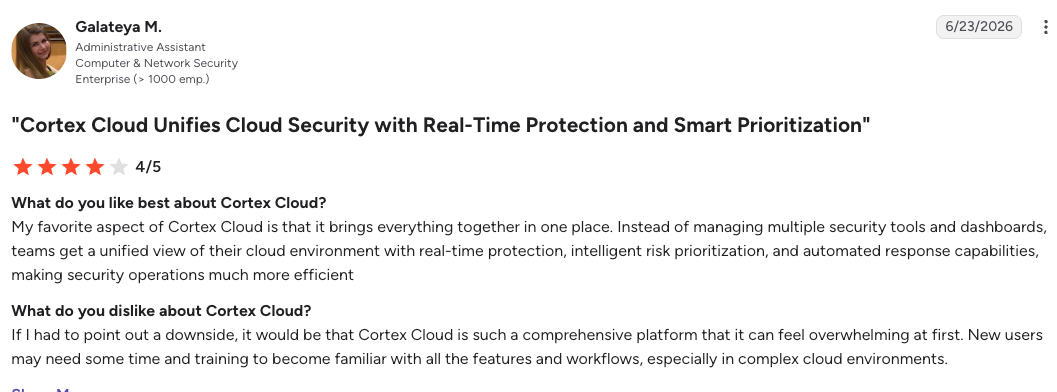
"It brings everything together in one place." — Galateya M., G2
"The main point of frustration is the punishing learning curve." — Murtuza M., G2
Pricing
Quote-based, sold in credits consumed per module and workload. Budget for an account team conversation before you can forecast a year of spend.
Bottom line
Cortex Cloud wins where the SOC already lives in Palo Alto tooling and wants cloud attacks in the same queue. Buyers outside that ecosystem pay a complexity tax that faster platforms avoid.
5. SentinelOne Singularity Cloud Security: Best for runtime and storage threat detection
What it does: SentinelOne Singularity Cloud Security is a CNAPP centered on AI-driven runtime protection, with agentless posture management and threat detection for cloud object storage.
Best for: Security engineers who care most about stopping active attacks on workloads, containers, and S3 buckets in real time.
SentinelOne's differentiator is its offensive angle. The Offensive Security Engine probes findings as an attacker would and presents evidence of exploitability, thereby trimming false positives before they reach the queue.
Singularity Cloud Data Security scans objects directly in S3 and quarantines malicious files at machine speed.
Key features
- AI-powered runtime protection: Real-time defense for VMs, containers, and serverless against ransomware, zero-days, and fileless attacks.
- Verified Exploit Paths: Findings come with proof of exploitability instead of severity guesswork.
- Cloud storage scanning: Malware detection inside S3 and NetApp without objects leaving your environment.
Pros and cons
Pros:
- ✅ Investigators reconstruct what a process did without pulling the host, cutting hours off containment.
- ✅ Malicious objects are quarantined inside the bucket before an application ever reads them.
- ✅ Coverage starts agentless on day one and deepens only on the workloads that justify an agent.
Cons:
- ❌ Initial setup and alert tuning demand real effort in large environments.
- ❌ Posture management depth trails Wiz and Cortex Cloud for complex multicloud footprints.
What users say
"It includes intelligence capabilities that provide useful content, which helps make investigations faster and easier." — Adaku O., G2
"New users may need time and training to fully utilize all its functionalities." — Sanjo J., G2
Pricing
Package-based, with cloud security quoted per workload and module. Custom quotes apply at enterprise scale.
Bottom line
Pick Singularity Cloud Security when active threats against workloads and storage keep you up at night. Pair it with a dedicated posture or recovery layer, since detection alone leaves both flanks open.
6. CrowdStrike Falcon Cloud Security: Best for endpoint-centric shops extending EDR into cloud
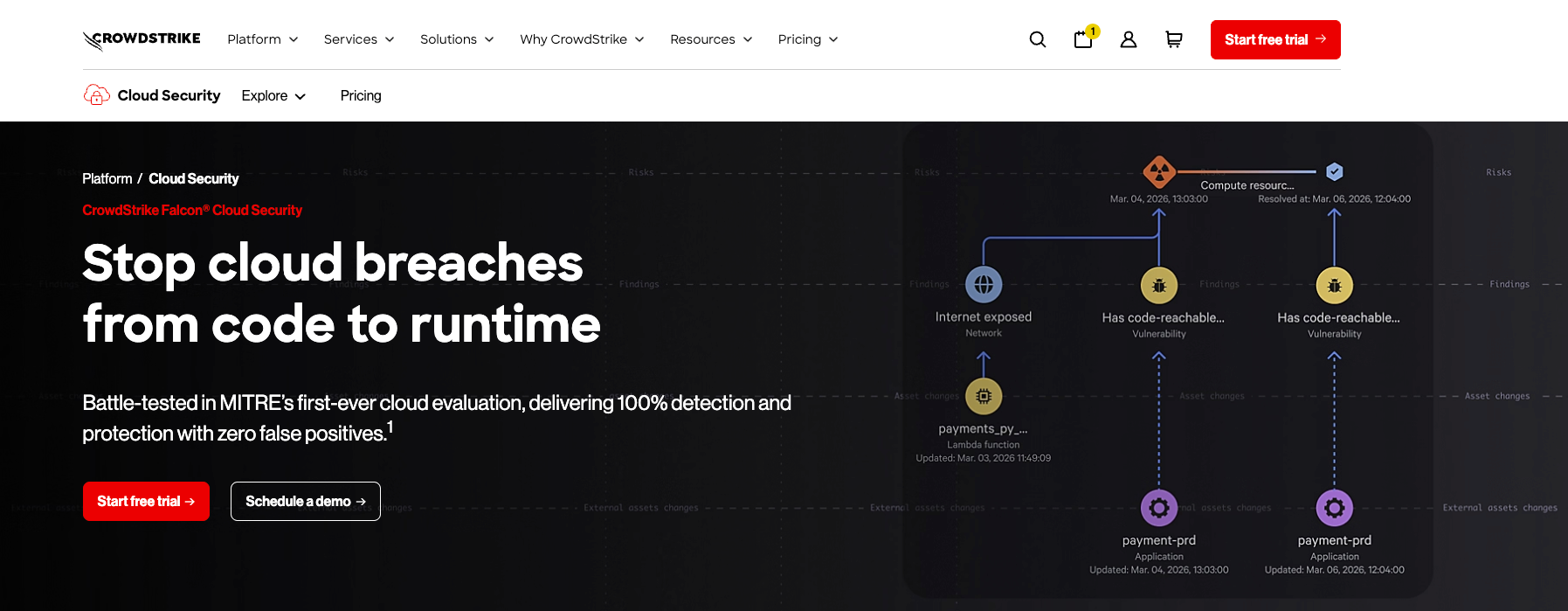
What it does: Falcon Cloud Security is CrowdStrike's CNAPP, covering posture management, workload protection, entitlements, and cloud detection and response inside the same Falcon console used for endpoint and identity.
Best for: Security organizations already standardized on CrowdStrike for endpoint who want cloud posture and runtime handled in the workflow their analysts already know.
Cloud control plane activity is captured as Real-Time Cloud IOAs and correlated against endpoint and identity indicators in one data model, giving the SOC a single graph of adversary behavior across cloud, endpoint, and identity.
Coverage runs agentless for visibility and agent-based for runtime enforcement, and the module list has widened into ASPM, AI-SPM, and DSPM alongside the core CNAPP functions.
Key features
- Cloud detection and response: Real-Time Cloud IOAs surface control plane activity and correlate it with endpoint and identity signals for cross-domain investigation.
- Dual deployment model: Agentless scanning for fast posture coverage, with agent-based runtime protection on the workloads that warrant it.
- AI-SPM: Discovery of AI services, models, and packages across the environment, with misconfigurations and unmanaged AI exposure surfaced against the same risk model.
Pros and cons
Pros:
- ✅ A cloud alert reaches an analyst inside the console they already live in, so no new investigation workflow gets stood up.
- ✅ Adversary intelligence narrows the queue to exploitation paths observed in the wild, which cuts triage of theoretical risk.
- ✅ AI workload coverage lands under the same posture model, so shadow AI services surface without a separate purchase.
Cons:
- ❌ The cross-domain correlation that justifies the platform depends on running CrowdStrike for endpoint and identity too, which narrows the fit for organizations standardized elsewhere.
- ❌ Runtime enforcement requires agents on workloads, adding a rollout step that fully agentless platforms avoid.
- ❌ No backup, immutability, or restore capability, so recovery needs a separate platform.
What users say
"Falcon Cloud Security provides us with actionable AI-driven intelligence." — Krish G., G2
"It can feel complex at first, especially for teams that are new to the Falcon platform." — Kanga Y., G2
Pricing
Modular subscription quoted per workload, with a 15-day free trial. Falcon Flex licensing lets committed spend move between Falcon modules as coverage needs change.
Bottom line
Falcon Cloud Security is the rational pick when CrowdStrike already owns endpoint and the goal is one queue for every intrusion. Organizations without that footprint pay for correlation they cannot fully use, and every recovery scenario still routes to a separate platform.
7. Cyera: Best standalone data security posture management
What it does: Cyera is an AI-native data security posture management (DSPM) platform that discovers, classifies, and risk-ranks sensitive data across cloud, SaaS, and on-prem stores.
Best for: Data security leads who need an accurate answer to where sensitive data lives before investing anywhere else in the stack.
Cyera's classification accuracy is its calling card. Classification reads context, which is where regex-driven DLP tools generate the false positive volume that buries a remediation queue. Agentless connectors map shadow data in forgotten buckets and unmanaged databases within days of deployment.
Key features
- AI-native classification: Identifies PII, PCI, PHI, and secrets with context, cutting the false positive rate that sank legacy DLP.
- Shadow data discovery: Finds sensitive data that drifted into unmanaged stores nobody was watching.
- Access and risk context: Shows who can reach each data class and which exposures need remediation first.
Pros and cons
Pros:
- ✅ A usable map of where regulated data sits arrives in days, so the first remediation sprint starts the same month.
- ✅ Classification lands accurately enough that findings get worked the week they appear.
- ✅ Findings arrive assigned to the business unit that owns the data, so remediation has a name on it.
Cons:
- ❌ Cyera assesses risk but does not back up, encrypt, or restore anything, so it is one layer of a stack rather than a stack.
- ❌ Reporting customization is limited, and some workflows still route through the Cyera team.
What users say
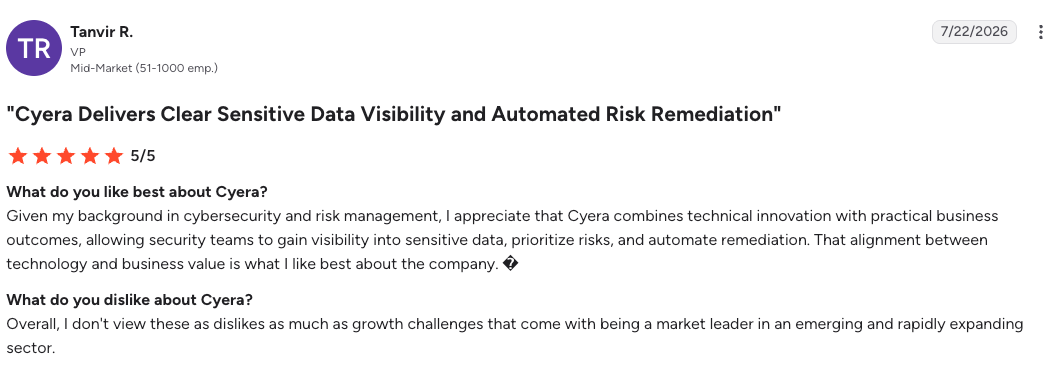
"Cyera combines technical innovation with practical business outcomes." — Tanvir R., G2
"AI is evolving very fast and Cyera has to keep up with the demands such as Hugging Face breaches." — Chris M., G2
Pricing
No published pricing. Quotes are scoped to data volume and connected stores.
Bottom line
Cyera is the right first purchase when nobody in the building can say where the sensitive data sits. Treat it as the map, then buy the layers that act on what it finds.
8. Varonis: Best for data access governance
What it does: Varonis is a data security platform that maps permissions, monitors data activity, and automates least-privilege remediation across cloud, SaaS, and on-prem stores.
Best for: Compliance owners and security engineers governing who can access sensitive data, and detecting the insider or compromised account that abuses it.
Where DSPM tools tell you what data exists, Varonis tells you who touches it. Its behavioral models flag anomalous access in real time, and automated remediation strips excessive permissions at a scale manual reviews never reach.
Key features
- Permission mapping: A complete graph of who can access what, across Microsoft 365, file shares, and cloud databases.
- Behavioral threat detection: Real-time alerts when an account touches data outside its normal pattern.
- Automated remediation: Removes stale and excessive access continuously instead of once a year.
Pros and cons
Pros:
- ✅ An auditor's question about who can reach a file gets answered from the console the same day it's asked.
- ✅ The annual permissions cleanup stops being a project, because stale access is removed as it appears.
- ✅ File shares left behind by a migration stay governed under the same policy as cloud data.
Cons:
- ❌ Deployment is resource-heavy, and the platform takes tuning before alerts settle.
- ❌ Cost runs high for mid-market environments.
What users say
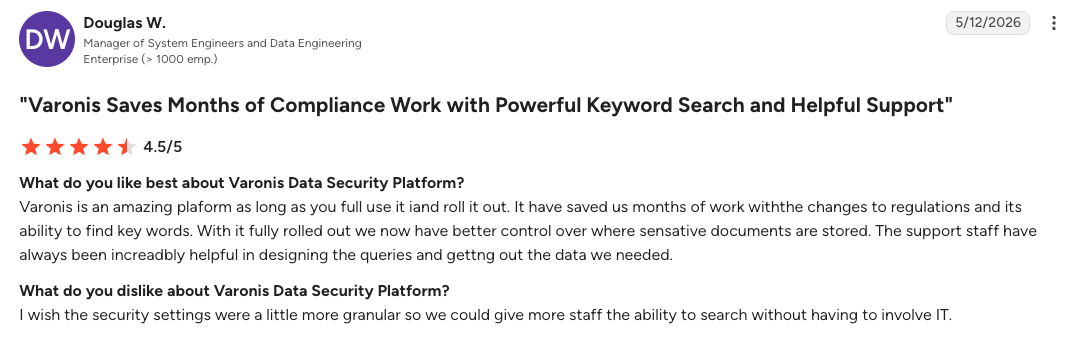
"It [has] saved us months of work with the changes to regulations and its ability to find key words." — Douglas W., G2
"Sometimes the cost of the platform can be a concern." — Jason W., G2
Pricing
Quote-based, scoped by platform coverage and monitored users.
Bottom line
Varonis earns its place wherever access sprawl is the biggest data risk, especially in Microsoft-heavy environments with regulated data. Cloud-native startups with clean IAM will find lighter options sufficient.
9. Rubrik Security Cloud: Best for hybrid environments with on-prem weight
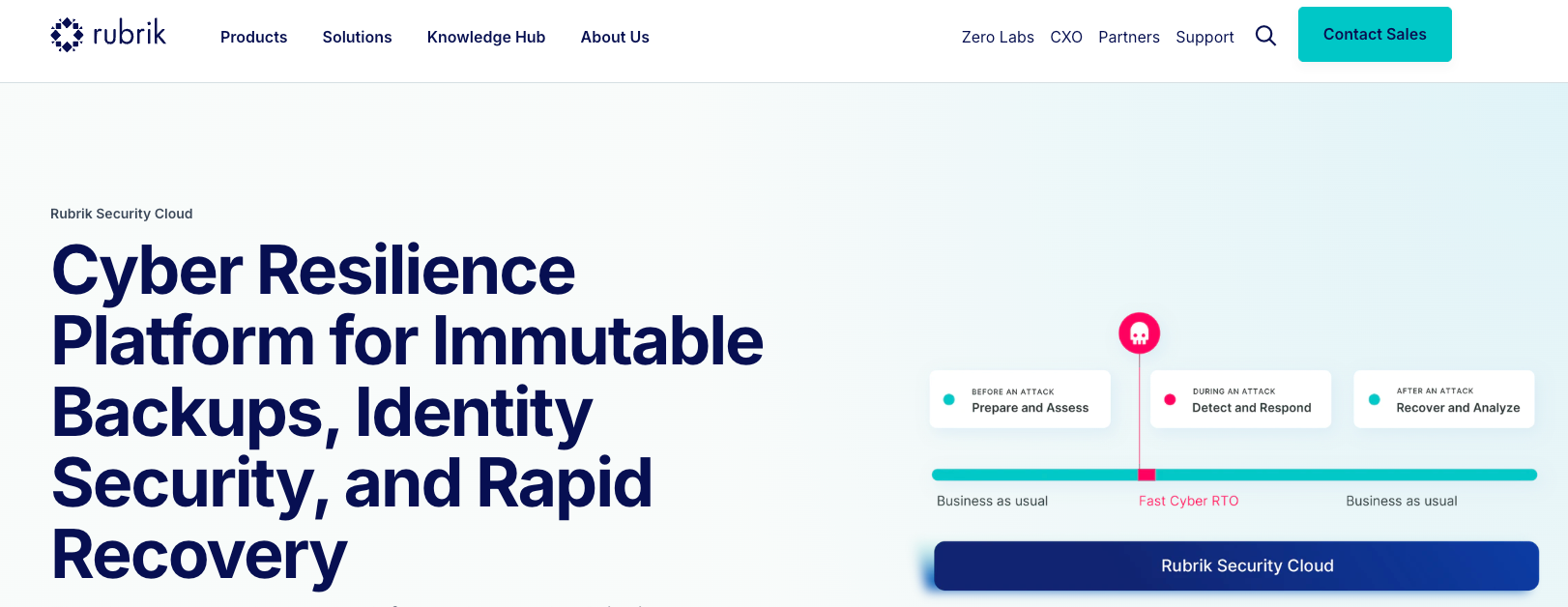
What it does: Rubrik Security Cloud combines backup, ransomware recovery, and data threat analytics across data centers, SaaS, and cloud workloads.
Best for: Enterprises carrying a significant on-prem footprint alongside cloud, where one recovery platform has to span both.
Rubrik built its reputation on cyber recovery for large enterprises, with immutable backups, anomaly detection, and threat hunting across protected data. Cloud coverage keeps improving, though architecture and licensing carry the platform's on-prem origins.
Key features
- Immutable backups: Append-only storage designed so ransomware cannot alter recovery points.
- Anomaly detection and threat hunting: Scans backup data for encryption events and indicators of compromise.
- Unified policy management: One SLA framework across VMware, physical servers, databases, SaaS, and cloud.
Pros and cons
Pros:
- ✅ Recovery at petabyte scale is a solved problem here, with reference customers who have run it under attack.
- ✅ One policy framework covers VMware and cloud, so hybrid environments run a single recovery runbook.
- ✅ The clean restore point is identified before the restore starts, so recovery doesn't reintroduce the attacker.
Cons:
- ❌ On-prem-first architecture adds weight cloud-native alternatives avoid.
- ❌ Licensing is hard to predict, and costs scale steeply with data growth.
What users say
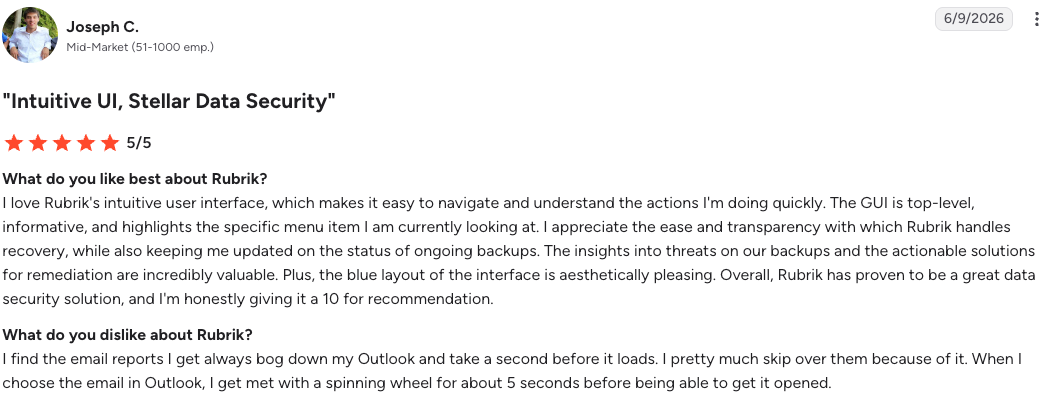
"I love Rubrik's intuitive user interface, which makes it easy to navigate and understand the actions I'm doing." — Joseph C., G2
"Rubrik lacks automatic client agent installation as a native feature." — Prem K., G2
Pricing
Subscription licensing tied to data volume and workload count, quoted per deal.
Bottom line
Rubrik is the reference choice when the data center still holds half your data and cyber recovery has to cover all of it.
Cloud-first buyers get faster deployment and lower cost from platforms built for the cloud. Eon vs. Rubrik is the head-to-head.
10. AWS native stack (Macie, KMS, and AWS Backup): Best for single-cloud AWS environments
What it does: Amazon's native trio covers the data protection lifecycle inside AWS, with Macie for sensitive data discovery, KMS for key management, and AWS Backup for centralized backup across AWS services.
Best for: Engineering leads running everything on AWS who want protection under the IAM model and billing account they already operate.
The native stack's advantage is zero integration distance. Macie findings, KMS key policies, and Backup Vault Lock immutability all speak IAM, deploy through the same Terraform, and appear on one bill.
Key features
- Macie: Machine learning discovery of PII and secrets across S3, with findings routed to Security Hub.
- KMS: Centralized key creation, rotation, and policy control, including customer-managed keys.
- AWS Backup with Vault Lock: Policy-based backup across EC2, EBS, RDS, DynamoDB, S3, and more, with write-once retention.
Pros and cons
Pros:
- ✅ Protection ships through the Terraform and IAM model the environment already runs, with no procurement cycle.
- ✅ Retention holds even against an administrator, which is the evidence a compliance auditor asks for.
- ✅ Spend tracks usage, so a small footprint costs small money with no license minimum to clear.
Cons:
- ❌ Everything stops at the AWS boundary, so Azure, GCP, and SaaS data need separate tooling.
- ❌ Managed database restores lack record- and table-level precision, forcing full-resource recovery.
- ❌ Snapshot-based storage costs climb at scale without deduplication.
What users say
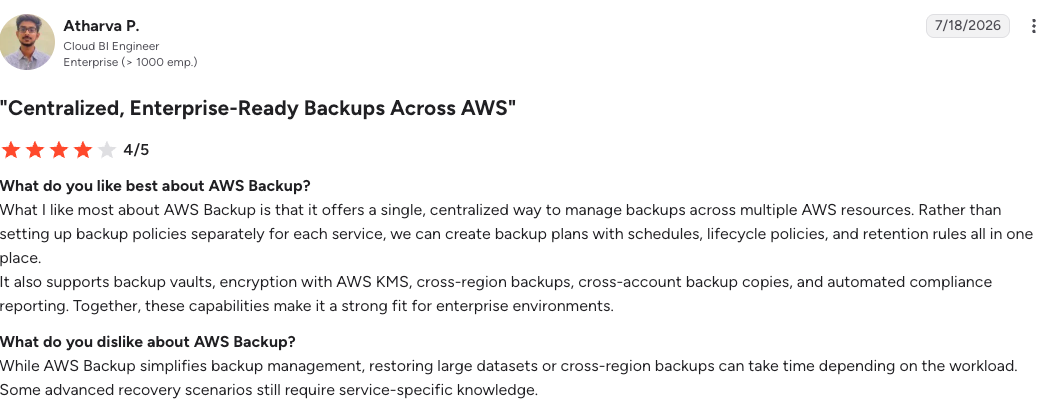
"It offers a single, centralized way to manage backups across multiple AWS resources." — Atharva P., G2
"It can feel overly complex and not very transparent when something goes wrong." — Irina B., G2
Pricing
Pay-as-you-go across all three services. Macie bills per bucket and per GB scanned, KMS per key and per request, and AWS Backup per GB-month stored and restored.
Bottom line
The native stack is the rational default for a single-cloud AWS footprint at moderate scale. Multi-account sprawl, multicloud growth, or granular recovery needs are the three signals it's time to add a layer above it.
Which cloud security solution should you choose?
No single platform covers all five layers, so the decision comes down to which layer your environment is missing.
Choose Eon if you:
- Run hundreds of terabytes or more across AWS, Azure, or Google Cloud and need coverage you can show an auditor.
- Need restores scoped to a file, record, or table, with backup data isolated from production credentials.
- Want retained backup data to double as a governed layer for analytics and AI, queryable from Snowflake, Databricks, BigQuery, or Athena.
Choose Wiz if you:
- Need one prioritized view of risk across posture, identity, and data in a multi-cloud footprint.
- Want full coverage within hours of connecting an account, with no rollout to staff.
- Want a DSPM module that ties sensitive-data findings back to the same identity and network graph, without a second vendor.
Choose Microsoft Defender for Cloud if you:
- Run Azure and Microsoft 365 as the center of gravity and want posture inside that ecosystem.
- Accept thinner depth on AWS and Google Cloud in exchange for native Azure remediation.
Choose Palo Alto Cortex Cloud if you:
- Already run Cortex XSIAM and want cloud attacks handled in the same SOC workflow.
- Have the budget tolerance for credit-based licensing that resists forecasting.
Choose SentinelOne Singularity Cloud Security if you:
- Rank active runtime attacks on workloads and object storage above posture coverage.
- Have the engineering time to tune detection at scale.
Choose CrowdStrike Falcon Cloud Security if you:
- Already run CrowdStrike for endpoint and identity and want cloud intrusions in the same queue.
- Need runtime enforcement on workloads and accept an agent to get it.
- Want AI-SPM coverage folded into the same posture model instead of stood up separately.
Choose Cyera if you:
- Cannot yet say where regulated data lives across cloud, SaaS, and on-prem stores.
- Want an accurate data map before committing budget to any other layer.
Choose Varonis if you:
- Face access sprawl as the biggest data risk, especially across Microsoft-heavy environments.
- Need audit trails showing who reached which data and when.
Choose Rubrik Security Cloud if you:
- Carry a meaningful on-prem footprint that one recovery platform has to span.
- Value hybrid coverage above cloud-native deployment speed and cost.
- Want ransomware-recovery reference customers who have run recovery under active attack.
Choose the AWS native stack if you:
- Run a single-cloud AWS footprint at moderate scale and want protection under the IAM model you already operate.
- Accept that coverage stops at the AWS boundary the moment a second cloud appears.
Skip this category entirely if:
- You run a single small workload with no regulated data, where provider defaults and versioning cover the risk.
- Your footprint is on-prem dominant with no cloud migration underway, since every platform here assumes cloud-resident data.
Final verdict
The best cloud security for data protection in 2026 is a stack, and the order of purchase depends on your gap. Wiz is the strongest single pane for risk, Cyera is the strongest map of sensitive data, and the hyperscaler-native options are the rational starting point inside one cloud.
The layer most stacks still miss is recovery, and it's the layer with the highest cost of being wrong now that the global average cost of a data breach has reached a record $4.99 million per IBM's Cost of a Data Breach Report 2026.
Eon is the platform built for that layer, with autonomous coverage, logically air-gapped immutable backups, and restores scoped to exactly what was lost.
Curious which of your resources are sitting unprotected right now? Book a demo and see how Eon scores your backup posture across every account and cloud, flags policy drift, and restores a single record from an isolated vault.
Frequently asked questions
Does a CNAPP replace cloud backup?
No, a CNAPP does not replace cloud backup. CNAPP platforms find misconfigurations, vulnerabilities, and active threats, but none of them stores a recoverable copy of your data. Ransomware, deletion, and corruption still require an isolated backup with granular restore.
How can I protect my data in the cloud?
Protecting data in the cloud takes coverage across five layers: discovery to know what data you have, posture management to keep configurations correct, threat detection for active attacks, encryption with customer-controlled keys, and backup with isolated recovery. Most enterprises combine two or three platforms to cover the layers their environment weighs most heavily.
What are the top cloud security risks?
The top cloud security risks are misconfiguration, identity and credential compromise, and data exposure through unmanaged or unrecoverable copies. Misconfiguration remains the leading cause of cloud data breaches, credential compromise turns into cloud incidents fastest, and unrecoverable data is what turns any of the above into a business event.
Can cloud data be hacked or ransomed?
Yes, cloud data can be hacked or ransomed, most often when backup copies share accounts, credentials, or control planes with production. Immutability and logical separation close that path, which is why backups belong in a vault that production credentials cannot access.
Which cloud provider is the most secure?
No cloud provider is inherently more secure than another. The shared-responsibility model means most cloud data breaches trace to customer-side misconfiguration or credential exposure, not to provider infrastructure. Tool choice is what closes the customer-side gap, and the right tool depends on which layer of the stack the environment leaves thin.
How do you show auditors that cloud data is protected?
You show auditors cloud data is protected with a current inventory of covered resources, enforced retention, immutability evidence, access logs, and documented restore tests. Continuous posture tooling replaces the point-in-time spreadsheet, since 61% of cloud IT leaders in Eon's 2026 report discover protection gaps only after an incident or audit.