A cloud data migration can hit its deadline and still leave damage behind. A value arrives altered, or a new database is created with no backup policy, and the problem remains invisible until much later, when a restore comes back empty.
Eon protects data across AWS, Azure, and Google Cloud as customers move workloads in. The five phases below put validation before cutover, so bad data surfaces while the source is still live.
What is cloud data migration?
Cloud data migration is the process of moving stored data into cloud storage or cloud databases and making the cloud copy the system of record. The source can be an on-premises data center, another cloud provider, or a different account or region inside the same cloud.
Typical targets span object storage (Amazon S3), managed databases (Cloud SQL), analytics warehouses (BigQuery), and file services (Azure Files). The job ends when applications read and write the new copy and the old one can be retired on schedule.
The 7 Rs of cloud migration applied to data
The 7 Rs are seven strategies for deciding how each workload moves to the cloud. Each one changes what happens to the data, so assign an R to every dataset before you size the transfer.
Retire cuts cost fastest of the seven. Every terabyte you retire is a terabyte you never pay to transfer, validate, or protect in the cloud.
Refactor carries the highest data risk, because type conversion is where values can change without raising an error. On large programs, moving first and modernizing after keeps that risk contained, and the same order holds for data-heavy workloads.
How to migrate data to the cloud in 5 phases
Run these five phases in order, and close each one before the next starts. What you miss in assessment tends to resurface during cutover, when fixes are slowest and priciest.
1. Assess and inventory your data
List every dataset in scope with its size, daily change rate, owner, and sensitivity class. Change rate sets your sync strategy, because a 5 TB table that rewrites a fifth of its rows each day needs continuous replication from day one.
Map dependencies next. A reporting job that reads three databases can't move until all three are ready to move with it.
Capture a baseline before anything moves. Record row counts per table, object counts and total bytes per bucket or share, and checksums for a sample of files.
Phase 4 compares against these numbers, and you can't rebuild them once the source changes. Assign an R to each dataset here, and set the downtime each one can tolerate.
2. Prepare and clean the data
Delete what the business no longer needs, and move what it must keep but rarely reads under a data archiving strategy.
For heterogeneous moves, convert schemas before you copy rows. Check how each source type maps to the target, with extra care on timestamps, time zones, numeric precision, and character sets.
Then map identities. Source users and groups, such as Active Directory accounts or POSIX user IDs, need matching principals in the target, or permissions will copy over pointing at nobody.
Finish by taking a verified backup of the source. It is your rollback point if a later phase goes wrong.
3. Transfer the data
Start with a full seed copy, then run incremental syncs until the delta between source and target fits inside your downtime window. Database services close that delta with change data capture, which streams inserts, updates, and deletes after the initial load.
Throttle bandwidth during business hours so the copy doesn't starve production traffic. Check throughput daily, because a transfer that stalls on day 9 of 12 moves your cutover date.
4. Validate the migrated data
Compare the target against the phase 1 baseline, and treat any unexplained difference as a blocker. Counts and byte totals catch missing files and rows, and file checksums catch corrupted copies.
Run a report or export the business already uses every week, and compare its output from both systems. Then have each data owner sign off on their own datasets, since they spot wrong-looking numbers faster than anyone on the migration crew.
5. Cut over and decommission
Freeze writes on the source, run a final sync, and re-check counts. Then point connection strings and DNS at the target, and keep the source read-only for a defined rollback window, such as two weeks.
Before go-live, run one test restore from the target's backups and time it against your recovery objective.
Decommission last. Delete source data only after its retention obligations are met in the target, and record the date for your auditors.
Cloud data transfer methods by data size and bandwidth
Divide total bytes by usable throughput, and you know whether the network can finish before your deadline. These estimates apply the AWS transfer-time formula at 80% link utilization.
Plan for a physical transfer or a faster link whenever the online copy would run longer than two to three weeks, or longer than you can hold a change freeze.
Online transfer services
Managed online services handle retries, encryption in transit, and integrity checks that scripted copies leave to you.
AWS DataSync copies files and objects into S3, EFS, and FSx from your own storage or another cloud, and checks each copy against its source. On Google Cloud, Storage Transfer Service runs agents on your side of the network and writes every transfer error to a log you can query in BigQuery.
Azure Storage Mover pulls on-premises file shares and Amazon S3 buckets into Azure Storage, with one resource tracking progress across every share.
Dedicated links such as AWS Direct Connect, Azure ExpressRoute, and Google Cloud Interconnect raise and steady throughput, which shortens every estimate in the table above.
Physical transfer appliances
Appliances win when bandwidth is the bottleneck and the deadline is fixed. You load encrypted devices on site, ship them back, and the provider uploads the data inside its own network.
A 100 Mbps link needs roughly nine months to upload 300 TB. Google's Transfer Appliance loads that volume on site in less than 25 days.
As of October 2026, Azure Data Box ships in 120 TB and 525 TB models, Microsoft has retired Data Box Heavy, and AWS has closed Snowball Edge to new customers.
New AWS customers pick between DataSync and AWS Data Transfer Terminal, where you book a time slot, bring your own drives, and upload over AWS's network on-site.
Replication tools for databases and servers
Live databases need replication, because a one-time copy is stale by the time it lands. AWS Database Migration Service, Azure Database Migration Service, and Google Cloud's Database Migration Service load a full copy, then stream ongoing changes until cutover.
Azure's offline mode keeps the application down for the whole copy. Its online mode keeps the source live and confines downtime to the final switch. Google's service doesn't support writing to source and destination at the same time, so applications write to one side only.
For whole servers, AWS Transform MGN keeps a live replica of each source server in AWS, so you can boot test instances before the real switch.
Cloud data migration risks specific to data
Applications announce their problems with errors. Data problems stay silent until someone runs a report and gets the wrong number.
Integrity loss in transit and type conversion
Transfer checksums confirm that bytes arrived unchanged. Current AWS SDKs attach a CRC checksum to every S3 upload by default. S3 checks it on arrival and keeps it, so you can re-verify any object later.
Checksums can't catch a value that changed during conversion. A timestamp stored without its time zone, or a high-precision number cast to a smaller type, arrives intact at the byte level and still holds the wrong value.
AWS DMS data validation catches what checksums miss by querying both databases and flagging any row whose values differ. It ships switched off, and tables without a primary key can't be validated. Plan for both before the full load starts.
Permissions and ACLs lost in transfer
File permissions survive only when the target knows how to store them. When DataSync copies from NFS into S3, POSIX ownership and permissions land as S3 user metadata.
S3 doesn't enforce that metadata, so bucket policies and IAM decide who can read those files. Object ACLs are a separate exposure, since DataSync skips object ACLs when copying between S3 buckets.
Azure file shares store NTFS ACLs natively, which is why SMB shares usually land there. After the copy, audit effective access for groups that lost it and for anything newly public.
Orphaned, duplicate, and stale data
Repeated seed copies, abandoned test buckets, and snapshots left on the source all keep billing after cutover.
Rushed cleanup in archive tiers adds its own charge, since S3 Glacier Flexible Retrieval bills objects deleted before 90 days for the rest of that period, and Deep Archive holds you to 180 days.
Tag every migrated resource with a wave ID and an owner, then run a cleanup pass after each wave. Anything still untagged after 30 days is a deletion candidate.
Backup coverage gaps in the new environment
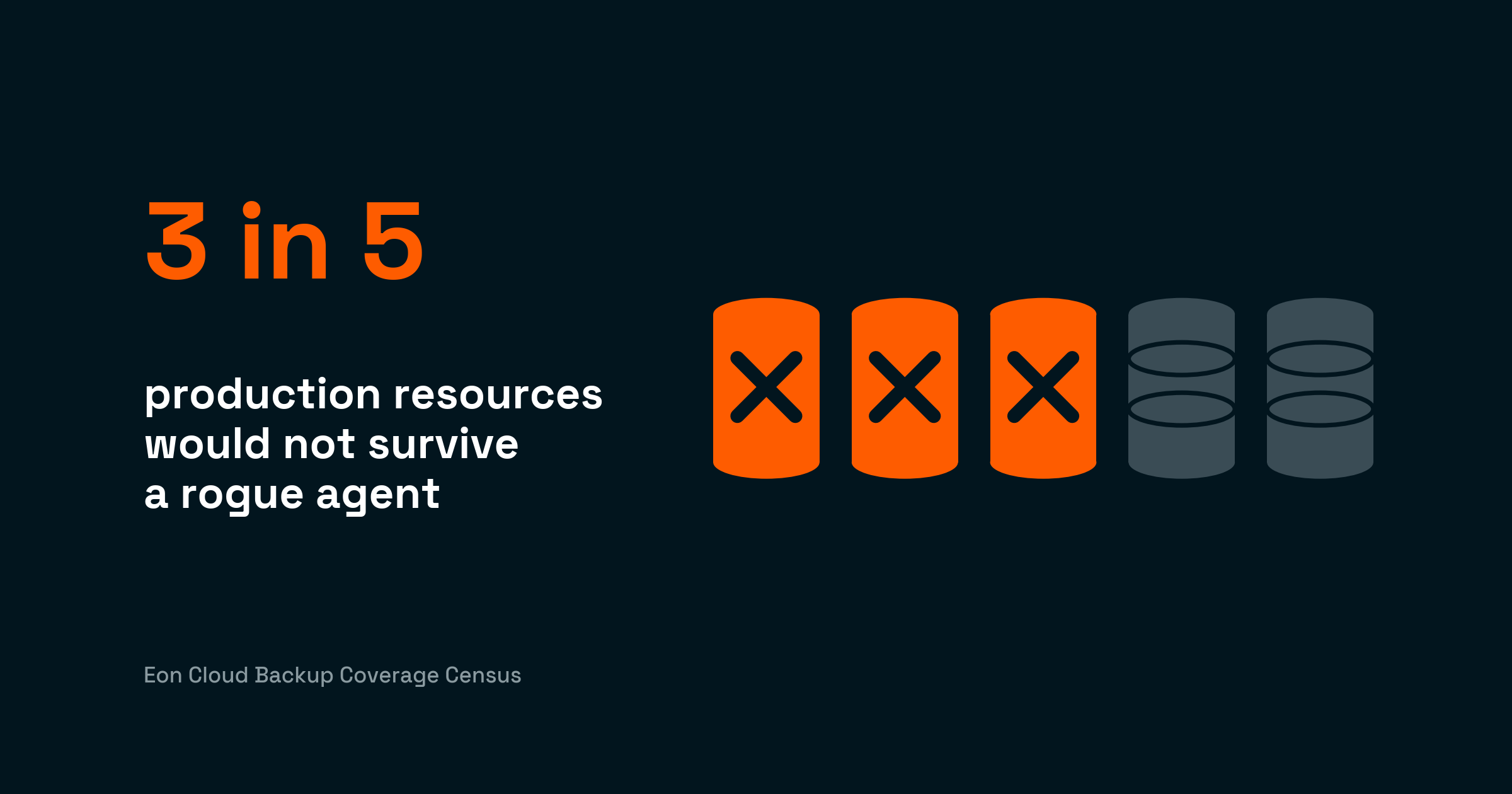
New cloud resources can land unprotected unless a policy covers them. In Eon's 2026 Cloud Data Infrastructure Report, 72% of respondents say migration or modernization frequently or sometimes exposes protection or governance gaps.
Gartner's 2026 Hype Cycle for Backup and Data Protection Technologies says fast cloud adoption tends to outrun backup policy, which leaves newly provisioned instances unprotected unless a policy governs them. Gartner also notes that PaaS protection is often an afterthought, because the original business case for a migration leaves it out.
Cloud Backup Posture Management (CBPM) closes that lag. As migrated databases and buckets appear in AWS, Azure, or Google Cloud, Eon discovers and classifies them without manual tagging, identifies data such as PII or financial records inside them, and applies the backup policy that data class calls for.
For cloud-to-cloud moves, supported databases can back up into a vault in another cloud, so coverage spans providers instead of fragmenting per platform.
PDI Technologies hit the same pressure from the recovery-point side. Migrating from on-premises data centers into AWS, it needed a contractual 15-minute recovery point for hosted customers, which AWS Backup can’t meet natively. The team wrote custom Lambda code to trigger EBS snapshots every 15 minutes, an added layer while the on-premises data stayed in place. Success on those jobs ran near 80%.
Eon’s engineers then built a 15-minute recovery point for PDI. Policies now apply across nearly 600 AWS accounts, coverage kept pace as workloads moved, and success on those jobs runs around 99.95%.
Cloud data migration costs
A cloud data migration bill has seven parts, and the transfer fee is often the smallest of them.
A one-time 50 TB DataSync copy into S3 in US East (Ohio) costs about $656, request charges included. Storage keeps billing while both environments run, so dual-running and validation hours usually pass that one-time fee within weeks.
Once data lands, the monthly bill outlasts the one-time move. Fold the new storage into your cloud cost optimization reviews from week one. Backup is part of that monthly bill, and it is where global deduplication pulls storage down, typically 30% to 50% below legacy or native-snapshot backup.
Egress fee waivers for cloud-to-cloud migration
All three hyperscalers waive internet egress for customers leaving, with conditions. AWS reviews each request, credits the migrated data once approved, and lets you keep the account open.
Google Cloud's waiver applies to customers who stop using Google Cloud. Azure pays out its credit once your data is out and every subscription tied to the account is closed.
Partial moves need a separate conversation with the provider. Budget standard egress rates until you hold a written waiver.
Migration funding programs
Ask your cloud account team about migration funding before you start, since most large providers offset early spend for committed migrations.
AWS's Migration Acceleration Program is one example, pairing an assess, mobilize, and migrate method with funding toward early migration costs; because it kicks in at the assessment phase, raise it early.
Cloud data migration best practices
Run a pilot first, then work the rest in order:
- Run a pilot first. Pick a dataset with production's real volume and permission tangle, plus at least one schema quirk; clean sample data tells you nothing about the real thing. Time every phase and plan the later waves off those numbers.
- Group waves by dependency. Datasets that feed the same report, pipeline, or application have to move together.
- Create customer-managed keys in the target before any data lands, and write down which key protects which dataset. A key nobody can reach after cutover turns a finished migration into unreadable data.
- Keep a restorable copy off the migration path. A bad sync or a mistaken delete at cutover can reach every copy that shares its credentials. Park a logically air-gapped, immutable backup in a separate account the migration tooling can't touch.
- Get recovery down to the record. Eon's cloud-native backup gives you granular recovery that pulls back one file or one database record without rebuilding the dataset around it, and there are no agents to install.
- Write each dataset straight into the tier it belongs in; cold data parked in a hot tier means paying twice to move it later. Day-one lifecycle rules then age data into cheaper tiers on their own.
- After the move, auditors will ask where personal and financial data lives, so map each regulated dataset's region, encryption key, and retention policy. That map is what every residency and retention rule in your cloud data protection program reads from.
Cloud data migration and recovery planning
A cloud data migration is finished when the data sits in the target, matches the baseline, and can be restored from a copy the migration never touched. Schedule that protection work alongside the transfer so cutover never waits on it.
Sigdo Koppers shows the payoff. As the industrial group migrated into Google Cloud, it protected new Google Compute Engine workloads as they moved, bringing each VM under policy as it migrated so coverage kept pace.
Before Eon, backup risk was an unspoken dependency of the migration: if protection lagged, teams either slowed down or accepted avoidable risk. Restore time on a critical financial system fell from about two days to a couple of hours.
“Alejandro Zuniga, IT & Security Architect, said Eon “made it easy to get everything protected and keep us in compliance while we migrated.” Sigdo Koppers’ own internal modeling projected Eon at about 38% lower backup cost than native GCP snapshots.
Can you see which migrated resources have a backup policy, and restore one table without rolling back the database? Book a demo and see how Eon backs up migrated resources, then restores a single table from a logically air-gapped copy.
Frequently asked questions
How long does a cloud data migration take?
A cloud data migration takes anywhere from a few days to several months, depending on data volume, bandwidth, and validation effort. At 1 Gbps and 80% utilization, 100 TB needs about 13 days of continuous transfer before validation and cutover begin.
How much does a cloud migration cost?
Cloud migration cost depends on data volume, transfer method, how long both environments run, and engineering time. Managed transfer fees are usually modest, and dual-running storage plus validation labor tend to drive the total.
What is the biggest risk in cloud data migration?
The biggest risk in cloud data migration is data that arrives altered or unprotected without anyone noticing. Baseline counts, checksums, and row-level validation catch altered data, and automated resource discovery catches new resources nobody protected.
Can you migrate data between cloud providers?
Yes, you can migrate data between cloud providers with services such as AWS DataSync or Azure Storage Mover, both of which read from other clouds. AWS, Azure, and Google Cloud also waive egress fees for departing customers, though Azure and Google require a full exit.
Should you back up data before migrating to the cloud?
Yes, back up data before migrating to the cloud, and keep that copy until the target passes validation. That source copy is your rollback point if validation or cutover goes wrong.
What tools are used for cloud data migration?
Common cloud data migration tools include AWS DataSync, Google Cloud Storage Transfer Service, and Azure Storage Mover for files and objects, plus each provider's database migration service for live databases. Physical appliances such as Azure Data Box and Google Cloud Transfer Appliance handle datasets too large for the network.