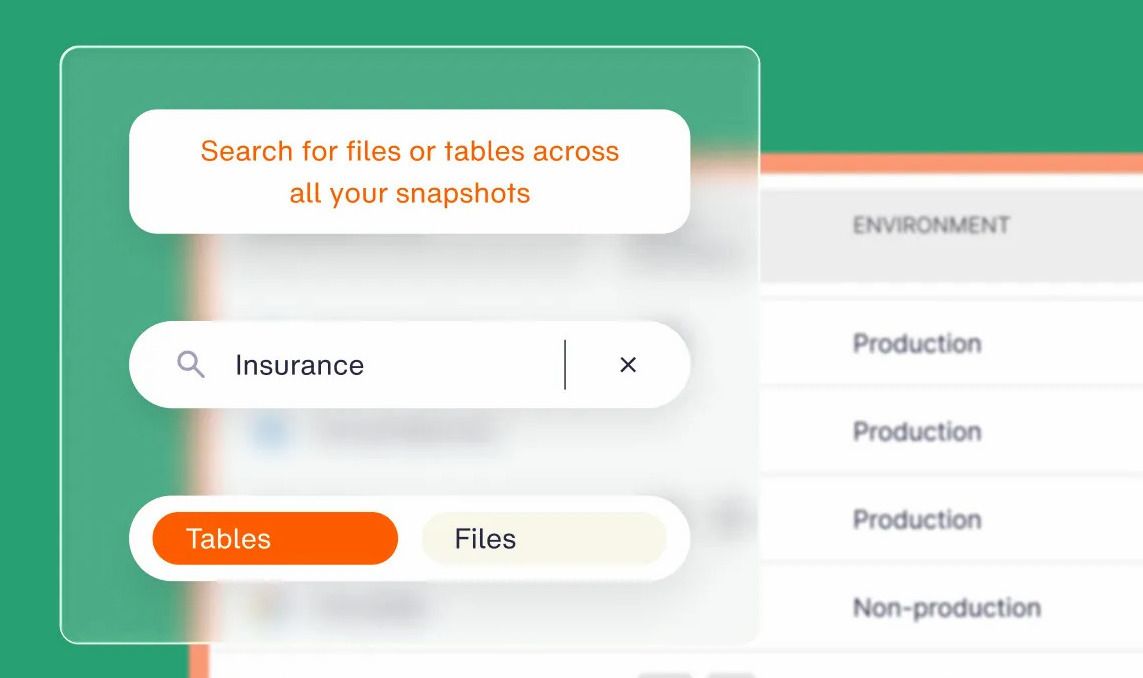
Druva reviews divide along architecture: strong on endpoints and Microsoft 365, slower and costlier once large cloud data sets need to come back, with every claim below tested against Druva's support matrix.
Quick verdict
Druva does the SaaS operating model well, with fast setup and support that answers. It falls short on restore duration for large data sets and on pricing that resists forecasting. It's best for organizations centered on laptops and endpoint backup, with cloud infrastructure as a secondary concern.
What is Druva?
Druva Resilience Cloud is a fully managed SaaS data protection platform built on AWS, with no customer-managed backup servers, appliances, or storage. Coverage spans endpoints, Microsoft 365, Google Workspace, Salesforce, data center workloads, and public cloud across AWS and Azure.
It solves infrastructure ownership. Organizations that would rather not run backup hardware or plan storage capacity hand the layer to a vendor and pay for protected data instead. Enterprise Workloads folds data center and cloud-native protection into one console.
Druva features and limitations
Druva's coverage is broad across SaaS apps and endpoints but thins out in AWS infrastructure, where several capabilities run into hard limits.
- Agentless SaaS delivery: No appliances or clusters to run. Backups land in Druva's cloud, not the customer's account.
- Global source deduplication: Cuts bandwidth and stored volume. Billing tracks deduplicated data, so weak dedupe raises cost fast.
- Immutable, logically air-gapped storage: Backup data and credentials sit apart from the primary network. Some cyber-recovery capabilities are add-ons.
- AWS coverage: EC2, EBS, RDS, Aurora, DynamoDB, Redshift, DocumentDB, Neptune, and S3. Per Druva's support matrix, RDS clusters fall outside backup and restore.
- Microsoft 365, Google Workspace, Salesforce, and Entra ID. The strongest area of the portfolio by review volume.
- Credit-based consumption. One credit covers 1 TB of compressed and deduplicated data for a month, metered daily.
Druva reviews: What real users are saying
The praise comes mostly from endpoint and Microsoft 365 users, while the sharpest complaints come from teams running large cloud data sets.
Pros
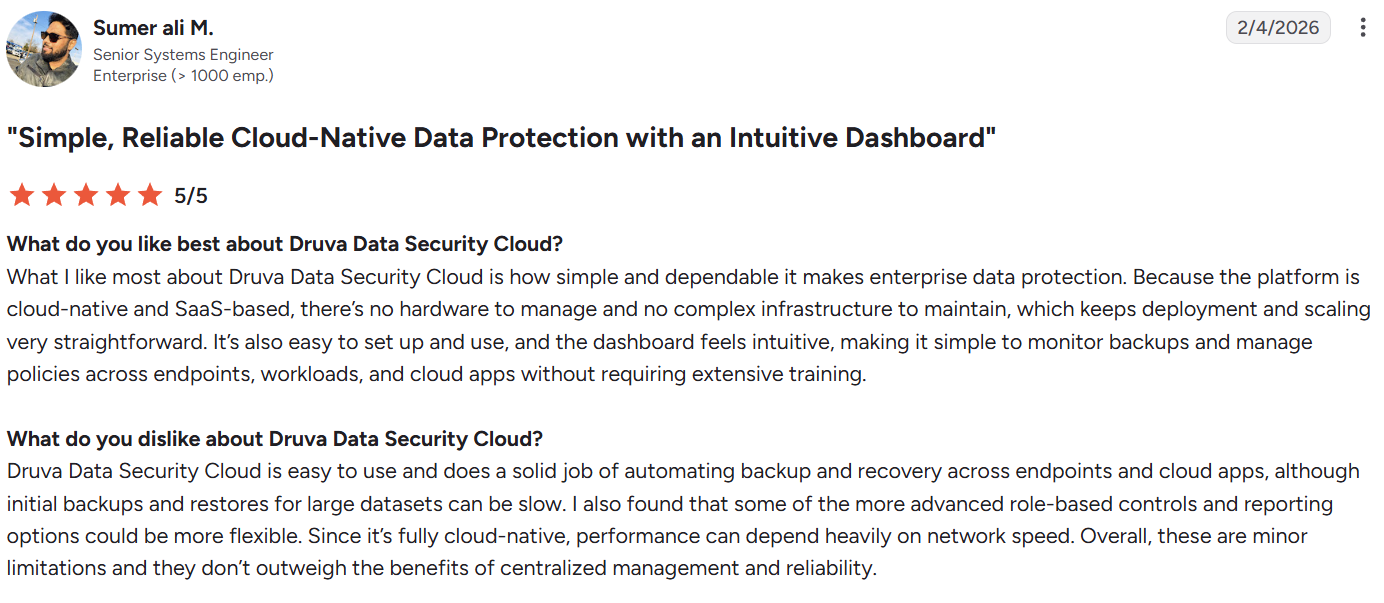
- ✅ SaaS delivery removes backup infrastructure. Sumer Ali M. shares on G2 that he likes "how simple and dependable it makes enterprise data protection."
- ✅ Administration stays light. Ken A. says, "Druva continues to add more features, making my backup management so much better."
- ✅ Self-service recovery removes the help desk. Sanjay Mishra notes users "do not need to contact IT administrators to recover lost or deleted files."
- ✅ Support is responsive. John S. says, "Support is pretty knowledgeable and fast in response times."
- ✅ Immutability holds under credential compromise. With Data Lock enabled, locked recovery points resist deletion by a super admin. Alan Barrett, head of IT at TWM Solicitors, says data "can't be tampered with during a cyber attack."
Cons

- ❌ Restore speed on large data sets. Large restores drag, and it is Druva's single biggest weakness. A verified user on G2 shares one of the downsides they’ve encountered is "amount of time it takes to restore a VM especially if it is a big one."
- ❌ Cloud coverage outside AWS thins out. Simon Clark, a director at Fort Net UK, has found that Druva "has very good cloud support for AWS but not with others."
- ❌ Pricing runs high and can move mid-term. Customers have reported mid-contract price increases with no renegotiation trigger, so a credit-based bill can grow without an obvious point to push back. Nakul Chopra puts it plainly, "the one area that needs to improve is the pricing."
- ❌ Backup proxy failures. Brian S. says, "We ran into… backup proxy failures early on."
Our take on Druva
Most of the teams we talk to who run Druva get what they expect from the SaaS model, and it holds up against Druva's own documentation. File-level restore is documented for EC2, so pulling back individual files without rebuilding a machine works as advertised. Credits meter compressed and deduplicated data rather than raw source size, so the dedupe economics hold up.
Where those teams run into trouble, the cause is architectural, not configuration. Druva's own AWS support matrix spells out three limits: RDS clusters can't be backed up or restored, S3 buckets inside a private VPC stay invisible to the platform, and EBS volumes can't be restored to another region.
Changing settings won't fix any of them.
The slow-restore problem is the one we hear most, and it's a real design trade-off. Because those backups live outside the customer's account, recovering at volume moves data across a boundary. That isolation is what slows large recoveries down.
Is Druva right for you?
Who will love it:
- Organizations centered on endpoint and laptop backup.
- IT groups that want backup infrastructure to stop being their problem.
- Buyers who need one vendor across hybrid, SaaS, and endpoints, and can model dedupe well enough to forecast a credit bill.
Who should avoid it:
- Cloud-native organizations running hundreds of TB across many accounts, where slow recovery carries a real cost.
- Anyone protecting RDS clusters or S3 buckets inside private VPCs, both documented gaps in what Druva supports.
- Engineers who need record- or table-level recovery instead of file- or image-level restores.
- Finance owners who need backup spend attributed to the individual resource.
- Security owners who need to search backup contents without running a restore first.
The best Druva alternative: Eon
Druva owns the endpoint category, and both platforms cover Microsoft 365 and Google Workspace. The real comparison sits in cloud infrastructure: databases, file systems, and object storage across AWS, Azure, and Google Cloud. There, the difference between Eon and Druva comes down to posture, isolation, recovery, data access, and cost.
Druva enforces coverage through policy configuration, which gets harder to normalize as accounts and regions multiply. Eon's Cloud Backup Posture Management (CBPM) discovers and classifies new resources across accounts and regions without manual tags, then flags what's under-protected.
Isolation is the sharper split. A compromised Druva admin, human or automated, can delete Druva backups alongside the primary data. Eon connects through a read-only IAM role and writes to a separate immutable, logically air-gapped vault, so no identity in the production account can reach the recovery copies.
Backup data in Druva lives in the vendor's cloud, so any look inside it starts with a restore job. Eon returns one file, object, or record through granular recovery and global search, which is how NETGEAR cut a 10TB SQL Server recovery from 24 hours to three.
Those same backups sit in open formats like Parquet, Iceberg, and Delta Lake, so analytics, compliance, and AI workloads ingest them into BigQuery, Snowflake, Databricks, and Athena with zero ETL.
The credit model is where Druva's cost story gets slippery. Eon prices on protected cloud data and cuts backup storage costs by 30 to 50% against native hyperscaler tooling, with no agents to deploy. That lower cost base is how SoFi cleared over 100% ROI in its first year, with Cost Explorer mapping spend to account, service, and resource.
Curious how long a restore would really take in your environment? Book a demo and see how Eon surfaces coverage gaps across your accounts and clouds, then restores a single file, object, or record without rebuilding the environment around it.
Frequently asked questions
Is Druva worth it in 2026?
Yes, Druva is worth it for organizations centered on endpoint and SaaS application backup, where the platform is mature and widely deployed. It's a weaker fit for cloud-native infrastructure, where documented AWS coverage gaps apply.
Why do Druva reviews rate it so highly?
Druva reviews rate it highly because the SaaS model removes backup infrastructure work. Once policies are set, it runs without daily attention, the quality that users praise most.
What do users complain about most with Druva?
Users complain most about restore speed on large data sets and pricing. Large restores drag because backup data sits in Druva's cloud, and the credit model makes cost hard to forecast.
How much does Druva cost?
Druva prices on a credit model rather than a public per-seat or per-TB rate, so there is no single sticker price. One credit covers 1 TB of compressed and deduplicated data per month, metered daily, so total spend depends on how well your data deduplicates. Since pricing is quote-based and tied to deduplicated volume, cost is the platform's hardest thing to forecast.
Is Druva good for AWS backup?
Yes, Druva is good for AWS backup at the instance and file level, covering EC2, EBS, RDS, DynamoDB, Redshift, and S3. RDS clusters aren't covered for backup or restore, and S3 buckets inside a private VPC aren't discovered.
What is the best Druva alternative for cloud infrastructure?
Eon is the strongest Druva alternative for cloud infrastructure, covering databases, file systems, and object storage across AWS, Azure, and Google Cloud, plus Microsoft 365 and Google Workspace. It adds posture management, record-level recovery, and resource-level cost attribution.