Hybrid cloud security means keeping one set of controls consistent across two environments that enforce them differently, one in the data center and one inside the cloud account.
Below, we break that into five control layers and a way to evaluate coverage, then rank nine platforms by how much of the combined surface each reaches, with every coverage limit and licensing model taken from the vendor’s own documentation.
9 best hybrid cloud security solutions: TL;DR
- Eon: Best for granular recovery of cloud data across AWS, Azure, and Google Cloud.
- Wiz Security Platform: Best for agentless posture and attack-path context across several clouds.
- Microsoft Defender for Cloud: Best for Azure-weighted environments that need on-premises servers in the same policy model.
- Cortex Cloud: Best for pairing cloud detection and response with an existing SOC platform.
- CrowdStrike Falcon Cloud Security: Best for one runtime sensor across servers, containers, and cloud instances.
- Lacework FortiCNAPP: Best for organizations already standardized on Fortinet network controls.
- Rubrik Security Cloud: Best for data resilience when a large share of production still runs on-premises.
- TrendAI Vision One Cloud Security: Best for regulated environments that need the platform hosted privately.
- Tenable One Cloud Exposure: Best for vulnerability and exposure management across mixed asset types.
What is hybrid cloud security?
Hybrid cloud security is the set of controls that protects data, workloads, identities, and network paths across an environment running partly in a private data center and partly in one or more public clouds.
Each side runs its own identity provider, network perimeter, logging pipeline, and definition of a protected resource. A control that works well on one side arrives at the other with less depth, and often with a different owner.
That asymmetry is now the default operating condition. Fortinet's 2026 survey of 1,163 security professionals finds that 88% of organizations use some mix of on-premises and public cloud, and two-thirds of those professionals doubt their own real-time detection capabilities within it.
The cost of getting it wrong keeps climbing. IBM puts the global average breach at $4.99 million in 2026, and AI-enabled breaches climbed 56% year over year, now one in four of all malicious breaches.
5 control layers a hybrid environment needs covered
Each layer below has a different weak point at the boundary, and vendor coverage claims usually describe the cloud side of it.
Network and perimeter controls across both environments
The data center side enforces traffic policy at a firewall you own. The cloud side enforces it through security groups, service perimeters, and provider-native gateways your firewall vendor does not manage.
Segmentation policy written once compiles down to two enforcement models, and the drift between them is what lateral movement uses.
Identity and access across on-premises directories and cloud IAM
A directory account and a cloud role are different objects with different lifecycles. Federation links them, and over-permissioned access accumulates at that link, especially on service accounts nobody reviews.
Entitlement analysis covering one side and not the other leaves the shorter path open.
Configuration posture and misconfiguration detection
Posture scanning reads cloud APIs to find public buckets, unencrypted volumes, and permissive roles. On-premises assets have no equivalent API, so they enter posture tooling through an agent or connector, at reduced fidelity.
A benchmark covering 90% of cloud resources and 40% of data center hosts still reports as one number, and that number looks better than the environment is.
Workload runtime protection for VMs, containers, and serverless
Runtime protection needs an agent on the host. A virtual machine in a rack and an instance in a VPC can share one sensor, while serverless functions and managed database services cannot host a sensor at all. Read coverage claims per workload here, more closely than anywhere else in an evaluation.
Sensitive data discovery, classification, and recovery
Discovery finds where regulated data lives. Recovery brings it back once something reaches it. Different vendors sell the two, and the second one decides the outcome, because an attacker holding valid credentials can encrypt data every preventive control allowed.
How we evaluated the best hybrid cloud security solutions
Six criteria decide fit in a hybrid environment, and every platform below is measured against all six. Cloud-only platforms with no documented path to on-premises assets are out of scope.
- Environment coverage: Which side of the boundary the product reaches, and at what fidelity on the weaker side.
- Deployment model: Agentless API connection, agent, appliance, or a customer-hosted console.
- Identity reach: Whether entitlement analysis spans directory accounts and cloud roles together.
- Detection depth: Whether the product inspects behavior at runtime or reports configuration state.
- Recovery precision: The smallest unit the product can bring back, and whether that requires a full environment rebuild.
- Licensing predictability: What the meter counts, and how the bill moves as the environment grows.
A platform passes on the first criterion only when its data center coverage does the same job as its cloud coverage, at the same depth, under the same policy.
Best hybrid cloud security solutions: Quick comparison
The 9 best hybrid cloud security solutions in 2026
1. Eon: Best for granular recovery of cloud data

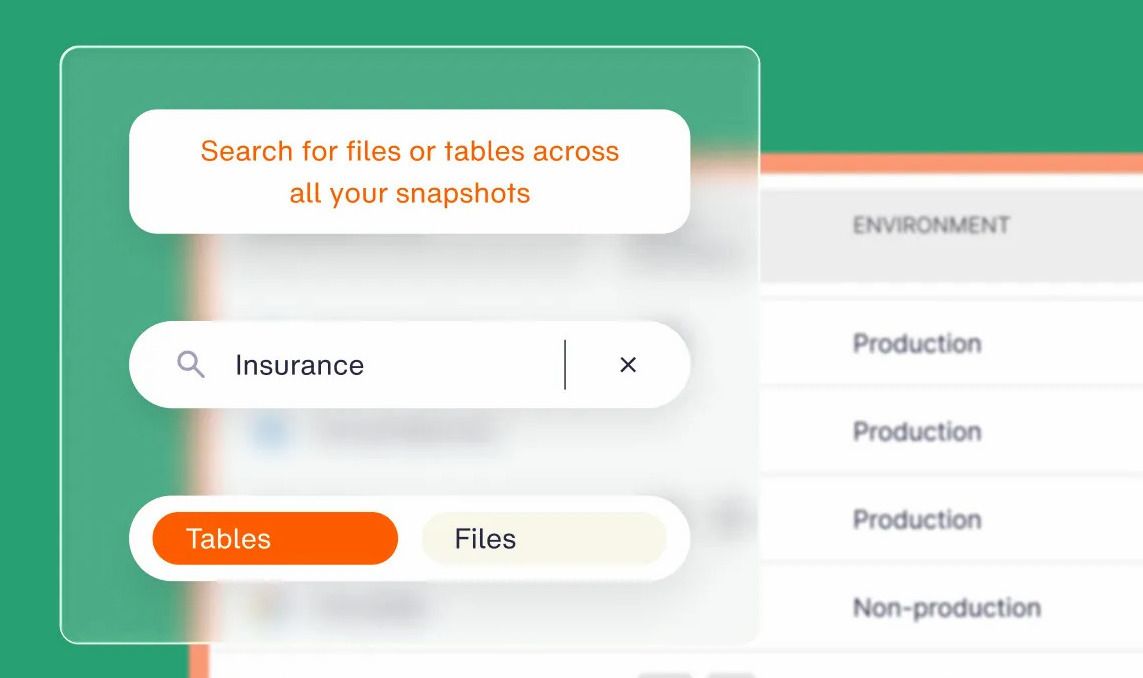
What it does: Eon is a cloud data protection platform that classifies cloud resources automatically, applies retention policy without tagging, and restores individual files, objects, tables, and records from an immutable, logically air-gapped vault.
Best for: Cloud-first organizations with hundreds of terabytes to petabytes on AWS, Azure, or Google Cloud, where recovery precision outweighs on-premises parity.
Eon connects through a read-only IAM role and runs as SaaS with no agents or appliances, and it also protects Microsoft 365, Microsoft Entra ID, and Google Workspace. Recovery copies live in a vault the production credential set cannot reach, so a stolen credential cannot delete them.
Key features
- Cloud backup posture management (CBPM): Continuously discovers and classifies new resources as the environment changes and auto-applies policy, with no tagging required, closing coverage drift.
- Granular recovery: Returns one record, file, object, or table without rebuilding the surrounding environment.
- Ransomware detection in backups (add-on): Reads row-count, schema, and cardinality anomalies inside database backups to identify clean recovery points.
- Queryable backup data: Keeps protected data in open formats, Apache Parquet and Apache Iceberg, for zero-ETL querying from Snowflake, Databricks, BigQuery, and Athena with no restore.
- Cost Explorer: Reports protected-storage spend by account, service, and resource.
Pros and cons
Pros
- ✅ An incident stays an incident, because recovery returns the exact records affected without rebuilding the surrounding environment.
- ✅ Global, vault-side deduplication lowers protected-storage cost up to 50% without shortening retention, so a tighter budget keeps full compliance history.
- ✅ The quarterly audit-evidence exercise stops being a project, since coverage reporting is continuous.
- ✅ Cloud sprawl stops creating unprotected workloads, because new accounts arrive already covered.
Cons
- ❌ No on-premises coverage, so data center workloads need separate protection.
- ❌ No CSPM, network, or runtime controls, so it runs alongside a prevention platform.
- ❌ Compliance scope covers SOC 2 Type II, ISO 27001, HIPAA, and GDPR.
- ❌ Newer platform with a smaller partner ecosystem than the incumbents.
What users say
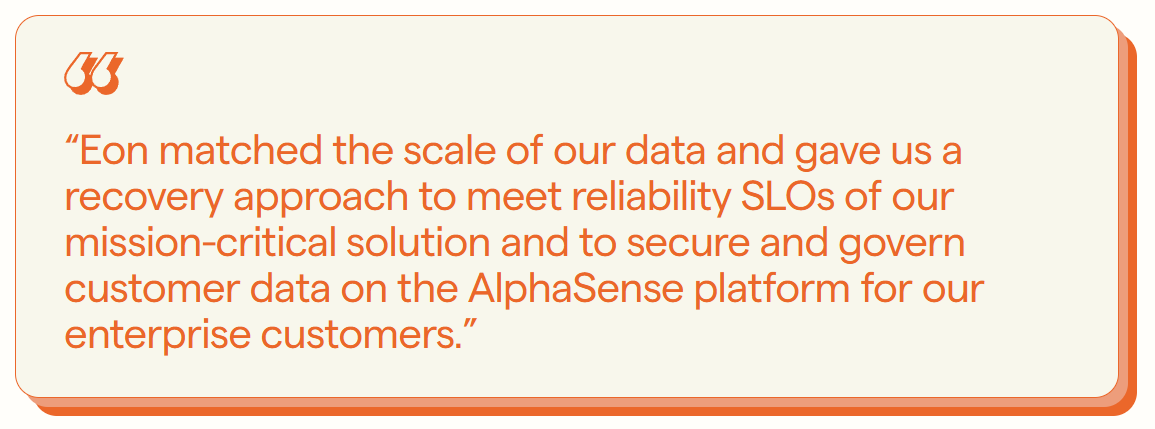
“Eon matched the scale of our data and gave us a recovery approach to meet reliability SLOs of our mission-critical solution.” – Joseph Rozenfeld, AlphaSense EVP of Engineering, Eon case study
“The job lists and tables are information-dense when you have a lot of stuff to back up.” – Guðmundur Örn A., head of security at a mid-market company, G2
Pricing
Usage-based per GB per month for protected storage, with no per-agent, per-appliance, or per-API charges, and no retrieval, restore, or egress fees. Certifications can be found on the Eon Trust Center.
Bottom line
If production data lives in AWS, Azure, or Google Cloud and your answer to a ransomware event is a multi-hour full restore, Eon changes the outcome. Data center workloads still need a second tool.
2. Wiz Security Platform: Best for agentless posture and attack-path context
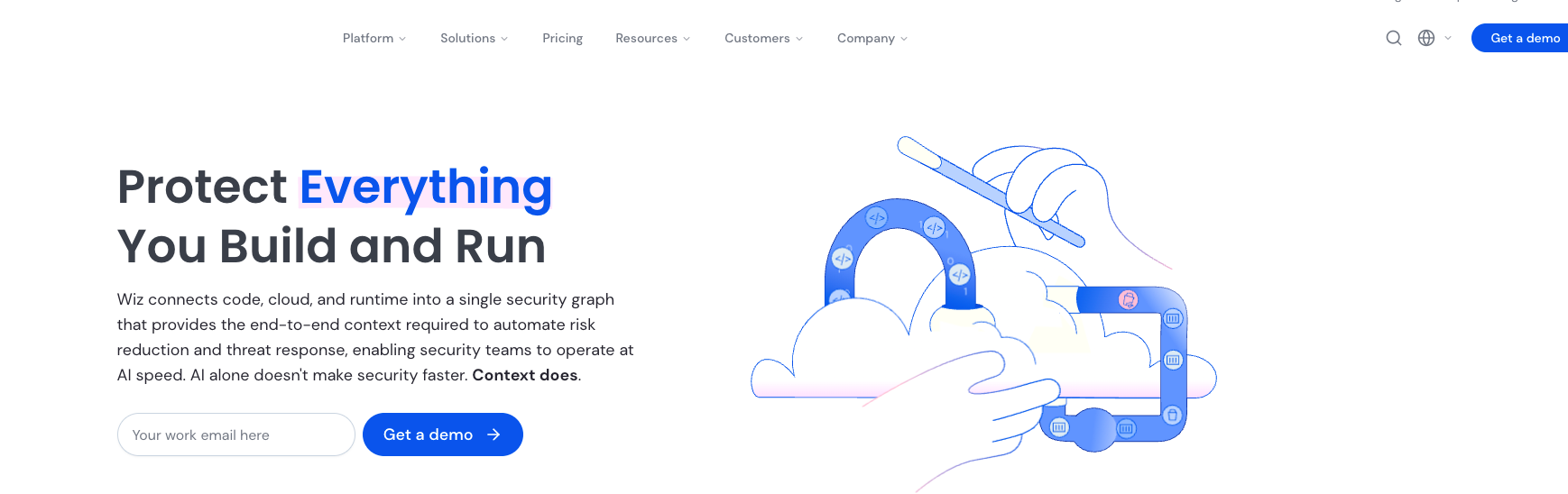
What it does: Wiz is a cloud-native application protection platform that connects through cloud APIs, side-scans workload snapshots, and correlates findings in a graph that surfaces exploitable attack paths.
Best for: Security groups running several public clouds that want risk context without deploying and maintaining agents across thousands of workloads.
Google completed its acquisition of Wiz in March 2026 and retained the brand and multicloud support. The platform ships as three modules, Wiz Code, Wiz Cloud, and Wiz Defend, all reading from the same graph.
Key features
- Agentless snapshot scanning: Finds vulnerabilities and misconfigurations by reading disk snapshots out of band.
- Security Graph: Correlates misconfiguration, identity, exposure, secrets, and data signals into ranked paths.
- CIEM: Analyzes entitlements and generates least-privilege policy recommendations.
- IaC scanning: Validates Terraform, CloudFormation, ARM, Kubernetes, and Docker against 1,000-plus rules with drift detection.
- Wiz Sensor: An eBPF component that carries runtime detection onto hosts the API scan cannot reach, including data center and edge machines.
Pros and cons
Pros
- ✅ Time to first finding is measured in hours, with no agent rollout to schedule before coverage starts.
- ✅ A short list replaces the alert queue, so a small staff can clear real risk in a week.
- ✅ Fixes land with the engineer who owns the file, so security stops chasing tickets.
- ✅ The annual agent upgrade exercise disappears, freeing the staff time it used to consume.
Cons
- ❌ On-premises and bare-metal coverage depends on the agent-based Sensor, so agentless reach ends at the cloud API.
- ❌ Runtime response is thinner than a dedicated endpoint platform.
- ❌ Google ownership raises a neutrality question for organizations weighted toward AWS or Azure.
- ❌ No recovery capability, so an incident it detects still needs a separate restore path.
What users say
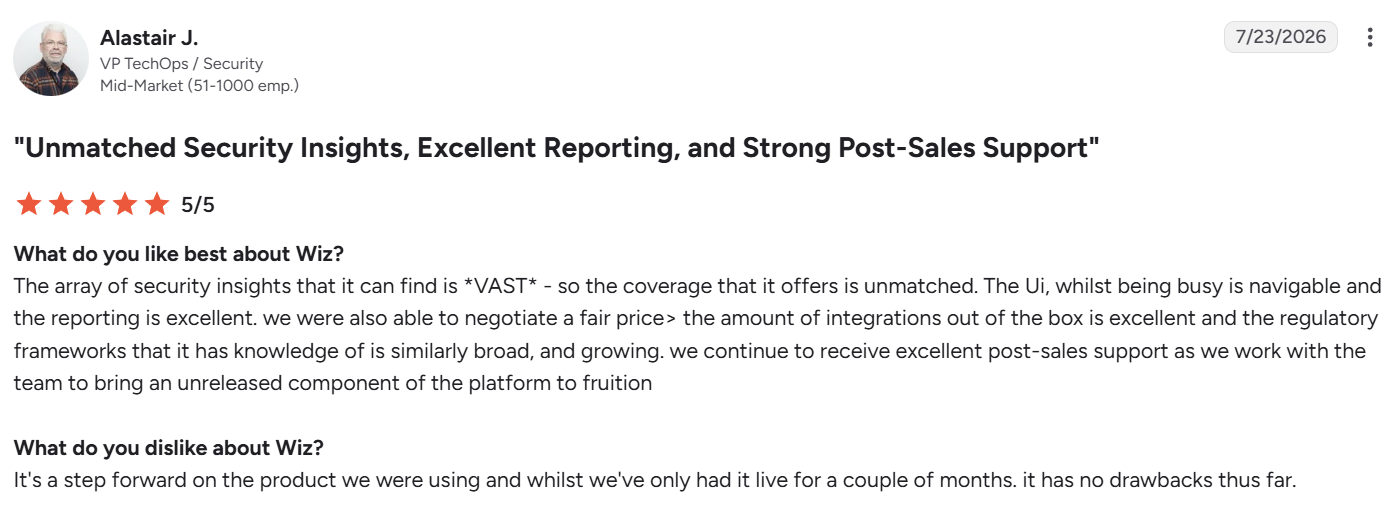
“The regulatory frameworks that it has knowledge of [are] similarly broad, and growing.” – Alastair J., VP TechOps/Security at a mid-market company, G2
“It takes some time to learn how to best navigate the platform and prioritize findings.” – Jason I., IT operations manager, G2
Pricing
Quoted per billable cloud resource, annually, with a 14-day trial. Wiz publishes no list rates.
Bottom line
Wiz answers what is exposed right now better than anything else in this group. Its hybrid coverage depends on the Sensor, so budget the agent work you thought you had avoided.
3. Microsoft Defender for Cloud: Best for Azure-weighted hybrid environments
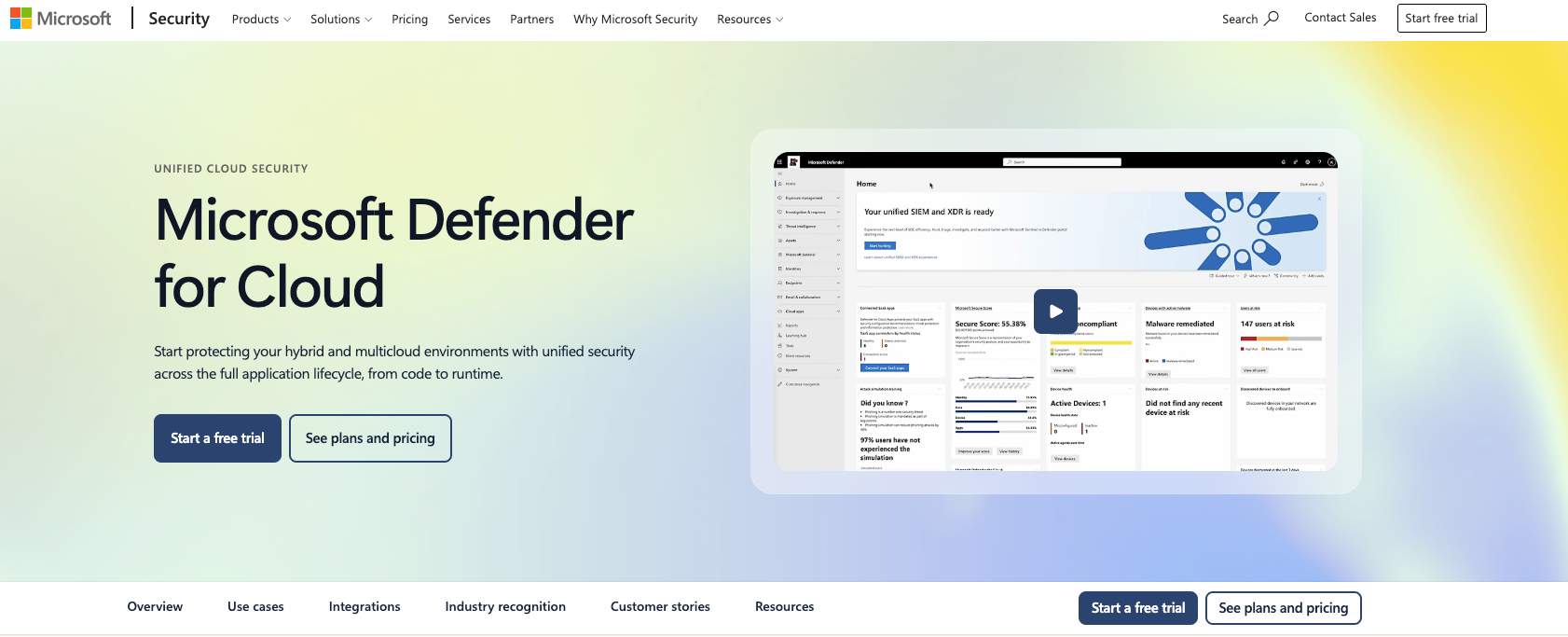
What it does: Defender for Cloud is Microsoft's CNAPP, combining posture management, DevOps security, and workload protection plans across Azure, AWS, Google Cloud, and Arc-connected machines.
Best for: Organizations already invested in Azure and Microsoft Entra that want data center servers and databases governed under the same policy and billing model.
Azure Arc extends Defender past the cloud account. An Arc-enabled server in your own data center becomes an Azure resource, entering the same recommendations, plans, and meters as a cloud VM.
Foundational CSPM is free across Azure, AWS, and GCP, and the paid Defender CSPM tier adds the deeper capabilities.
Key features
- Foundational CSPM: Asset inventory, secure score, and benchmark assessment at no cost across three clouds.
- Defender CSPM: Agentless vulnerability scanning, attack path analysis, data-aware posture, and a cloud security graph.
- Workload protection plans: Separate plans for servers, containers, databases, storage, APIs, and AI services.
- Arc-enabled coverage: Extends server and SQL protection to machines outside Azure.
- Sentinel integration: Feeds alerts into Microsoft's SIEM without a connector project.
Pros and cons
Pros
- ✅ Posture coverage starts this week at no cost, skipping the usual procurement cycle.
- ✅ One policy review covers data center and cloud servers together, so compliance work halves.
- ✅ Next year's bill can be forecast from an inventory you already maintain, with no sizing exercise.
- ✅ Predictable consumption earns a pre-purchase discount that scales with volume, up to 18% off retail at the top published tier.
Cons
- ❌ Billing spans many separate plans across CSPM, servers, containers, databases, storage, and APIs, which makes total cost hard to model.
- ❌ SQL Servers outside Azure and not Arc-enabled fall under a different, less favorable meter.
- ❌ Depth on AWS and GCP trails Azure, particularly for runtime.
- ❌ Multiple portals remain in play for full coverage.
What users say

“It brings security visibility, recommendations, and threat protection together in one place.” – Deepak M., IT specialist, G2
“Setting up connectors can sometimes be clunky.” – Ahyar R., G2
Pricing
Foundational CSPM is free. Defender CSPM bills per billable resource, counting servers, storage accounts, databases, and serverless resources. Workload plans price per server, per vCore, per instance, or per GB scanned, with a 30-day trial and a one-year pre-purchase option.
Bottom line
For an Azure-majority environment with a real data center footprint, this is the cheapest starting point in the group. Model the plan stack before committing, because the free tier is not where coverage ends.
4. Cortex Cloud: Best for joining cloud detection to an existing SOC
What it does: Cortex Cloud is Palo Alto Networks' cloud security platform, merging the CNAPP capabilities of Prisma Cloud with cloud detection and response on the Cortex platform.
Best for: Enterprises standardized on Palo Alto for network security or running Cortex XSIAM, where cloud signal belongs in the same operations workflow as everything else.
The naming changed in February 2025, when Palo Alto introduced Cortex Cloud as the next version of Prisma Cloud combined with Cortex CDR, and Cortex Cloud 2.0 followed that October. Older documentation still carries the Prisma Cloud name, so expect both during an evaluation.
Key features
- Cloud posture: Multicloud risk management with AI-assisted prioritization and single-action remediation across grouped findings.
- Cloud runtime security: Real-time detection and response on live cloud workloads.
- Application security: Code and pipeline scanning, licensed separately per developer.
- Attack surface management: External exposure discovery that feeds the same workload count.
- XSIAM availability: The same cloud data operating inside Palo Alto's SOC platform.
Pros and cons
Pros
- ✅ Cloud incidents get triaged as a single case, because network, endpoint, and cloud signal share one queue.
- ✅ A cluster of related risks closes in one action, which turns a sprint of tickets into an afternoon.
- ✅ Buyers with a Palo Alto agreement in place usually land a better rate than a standalone purchase.
- ✅ An investigation runs start to finish without anyone reconciling two consoles mid-incident.
Cons
- ❌ Metering combines workload counts and package tiers, with overage charges when average usage passes purchased capacity.
- ❌ The platform's history of acquisitions still surfaces as uneven console experience.
- ❌ Value concentrates for existing Palo Alto customers and thins outside that base.
- ❌ Rollout is heavier than an agentless-only platform.
What users say
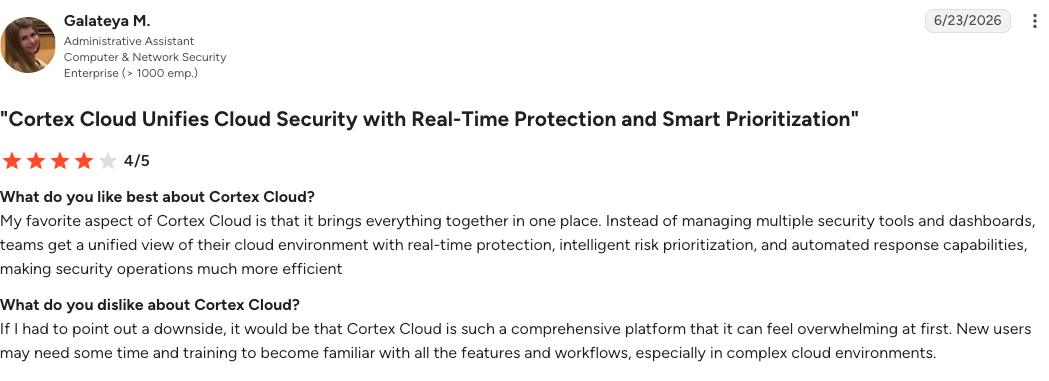
“My favorite aspect of Cortex Cloud is that it brings everything together in one place.” – Galateya M., administrative assistant, G2
“The lagging is the only issue which we faced during loading multiple data.” – Jenny L., senior analyst, G2
Pricing
Quoted, with metering documented per workload for Cloud Posture and Runtime, per developer for Application Security, and ASM contributing to total workload count.
Bottom line
Worth shortlisting when Palo Alto already runs your perimeter or your SOC. Outside that, the same money buys faster time to value elsewhere.
5. CrowdStrike Falcon Cloud Security: Best for one runtime sensor across servers and cloud
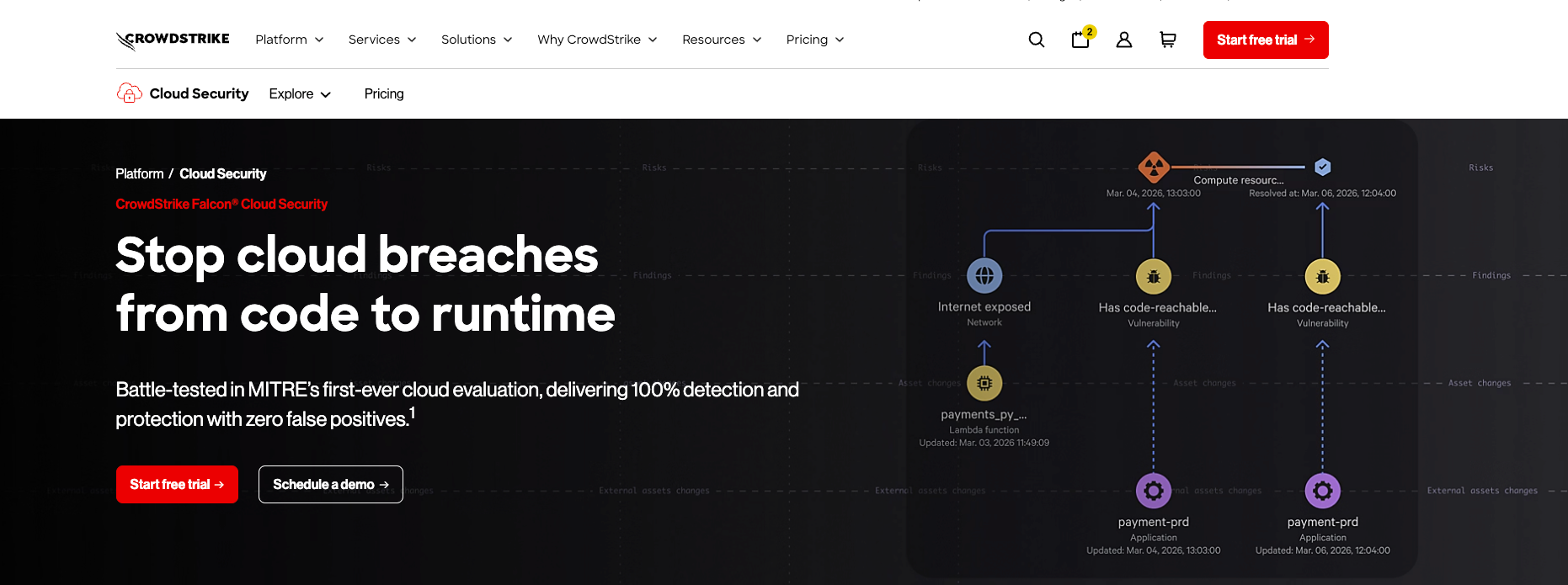
What it does: CrowdStrike Falcon Cloud Security delivers cloud posture management and runtime protection on the Falcon platform, using the same sensor architecture CrowdStrike runs on endpoints and servers.
Best for: Environments where the data center still holds significant compute and one detection and response model across every host is the operational priority.
Tiering runs from Proactive Security through Cloud Detection and Response to CNAPP, with container and Kubernetes protection layered on top. The upper tiers are documented as deployable on hardware you own as well as in cloud accounts, so the same detection logic runs on both sides without a connector in between.
Key features
- Unified sensor: One agent covers physical servers, VMs, cloud instances, and containers.
- Cloud detection and response: Behavioral detection on running cloud workloads with managed threat hunting available.
- Agentless posture: Configuration and identity risk assessment without deployment.
- Container and Kubernetes protection: Image scanning plus runtime enforcement for managed clusters.
- Identity threat protection: Directory and identity provider monitoring, counting hybrid identities once.
Pros and cons
Pros
- ✅ One incident playbook works everywhere, so responders do not learn two procedures.
- ✅ Adding cloud coverage takes a contract amendment with a vendor already deployed, skipping a fresh rollout.
- ✅ Overnight coverage arrives without hiring for it, which is often cheaper than two analysts.
- ✅ Short-lived workloads bill by the hour, so a burst of capacity does not become an annual commitment.
Cons
- ❌ Modules are licensed separately, so cloud security, identity protection, and exposure management each need their own quote.
- ❌ Every server, VDI session, container, and cloud workload counts toward licensed volume.
- ❌ Sensor-first architecture carries more rollout work than snapshot scanning.
- ❌ Posture depth trails the agentless specialists on pure configuration analysis.
What users say
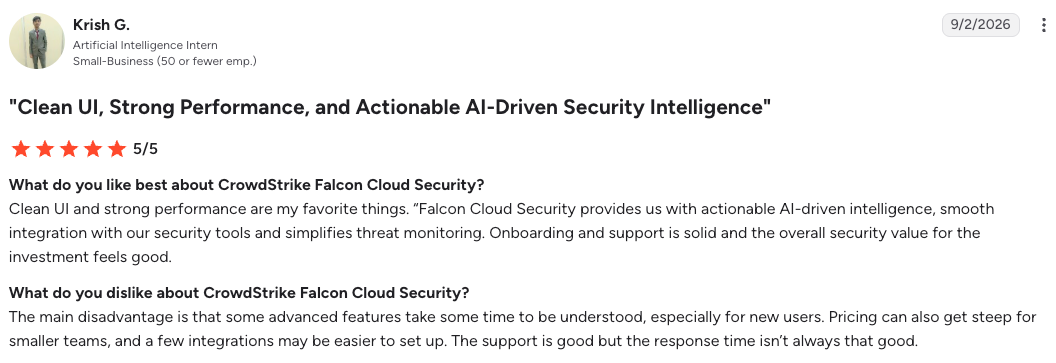
“Falcon Cloud Security provides us with actionable AI-driven intelligence.” – Krish G., AI intern, G2
“It can feel complex at first, especially for teams that are new to the Falcon platform.” – Kanga Y., system engineer, G2
Pricing
Quoted across four cloud security tiers, with pay-as-you-go available through AWS Marketplace for cloud runtime workloads.
Bottom line
The clearest fit when a large share of production still runs on hardware you own. Count every workload before asking for a number.
6. Lacework FortiCNAPP: Best for Fortinet-standardized networks
What it does: Lacework FortiCNAPP is Fortinet's cloud-native application protection platform, combining CSPM, workload protection, CIEM, cloud detection and response, code security, and DSPM behind behavioral analytics.
Best for: Organizations already running FortiGate on the network edge that want cloud posture and runtime signal inside the same Security Fabric.
Fortinet acquired Lacework in 2024 and the product now carries the FortiCNAPP name, with documentation hosted on Fortinet's docs site. FortiGate VM firewalls and FortiCNAPP cover the network layer and the workload layer under one vendor, which is the whole argument for buying them together.
Key features
- Composite alerts: Correlates weak signals from host telemetry and cloud audit logs into one high-confidence alert.
- Behavioral baselining: Flags deviation from learned normal behavior, catching activity no signature describes.
- Security Fabric integration: Shares context with FortiGate, FortiWeb, and FortiSOAR.
- Multicloud coverage: AWS, Azure, Google Cloud, OCI, and Kubernetes clusters across providers.
- Compliance reporting: Continuous checks with exportable evidence.
Pros and cons
Pros
- ✅ Analysts open fewer, higher-confidence cases, cutting the time spent stitching signals together.
- ✅ Attacks with no published signature still get caught, so you are not waiting on a content update.
- ✅ Network and cloud controls share context out of the box, removing an integration project.
- ✅ Capacity shifts between products mid-term, so a changed priority does not mean shelfware.
Cons
- ❌ Value depends heavily on already owning Fortinet infrastructure.
- ❌ Post-acquisition naming and documentation remain inconsistent across the portfolio.
- ❌ Behavioral baselining needs a learning period before detections settle.
- ❌ Console experience is less refined than the newer agentless platforms.
What users say
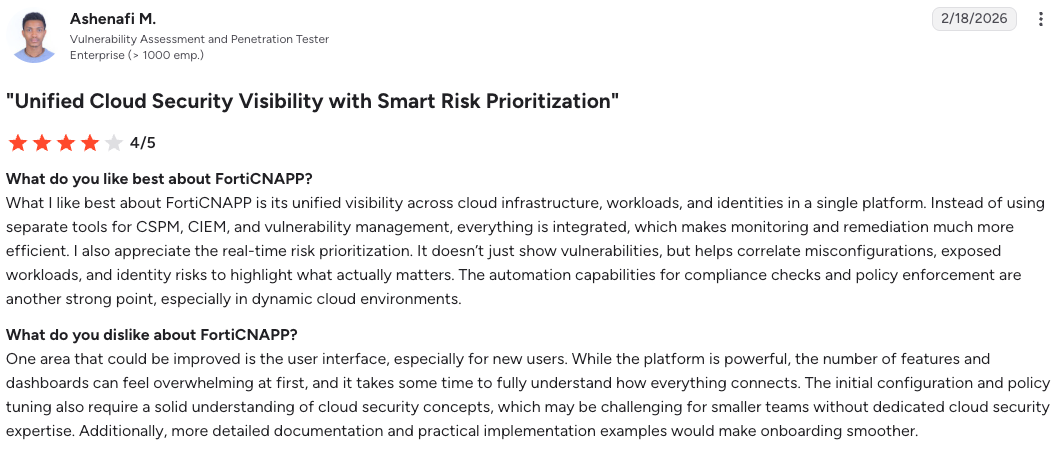
“What I like best about FortiCNAPP is its unified visibility across cloud infrastructure.” – Ashenafi M., vulnerability assessment and penetration tester, G2
“The initial setup can be a bit complex for new users.” – Omar S., SRE, G2
Pricing
Quoted per workload, available through FortiFlex points and cloud marketplaces. Fortinet publishes capability detail and no rate card.
Bottom line
A rational consolidation play for a Fortinet shop. Outside that installed base, competing platforms deliver posture depth faster.
7. Rubrik Security Cloud: Best for data resilience with a large on-premises footprint
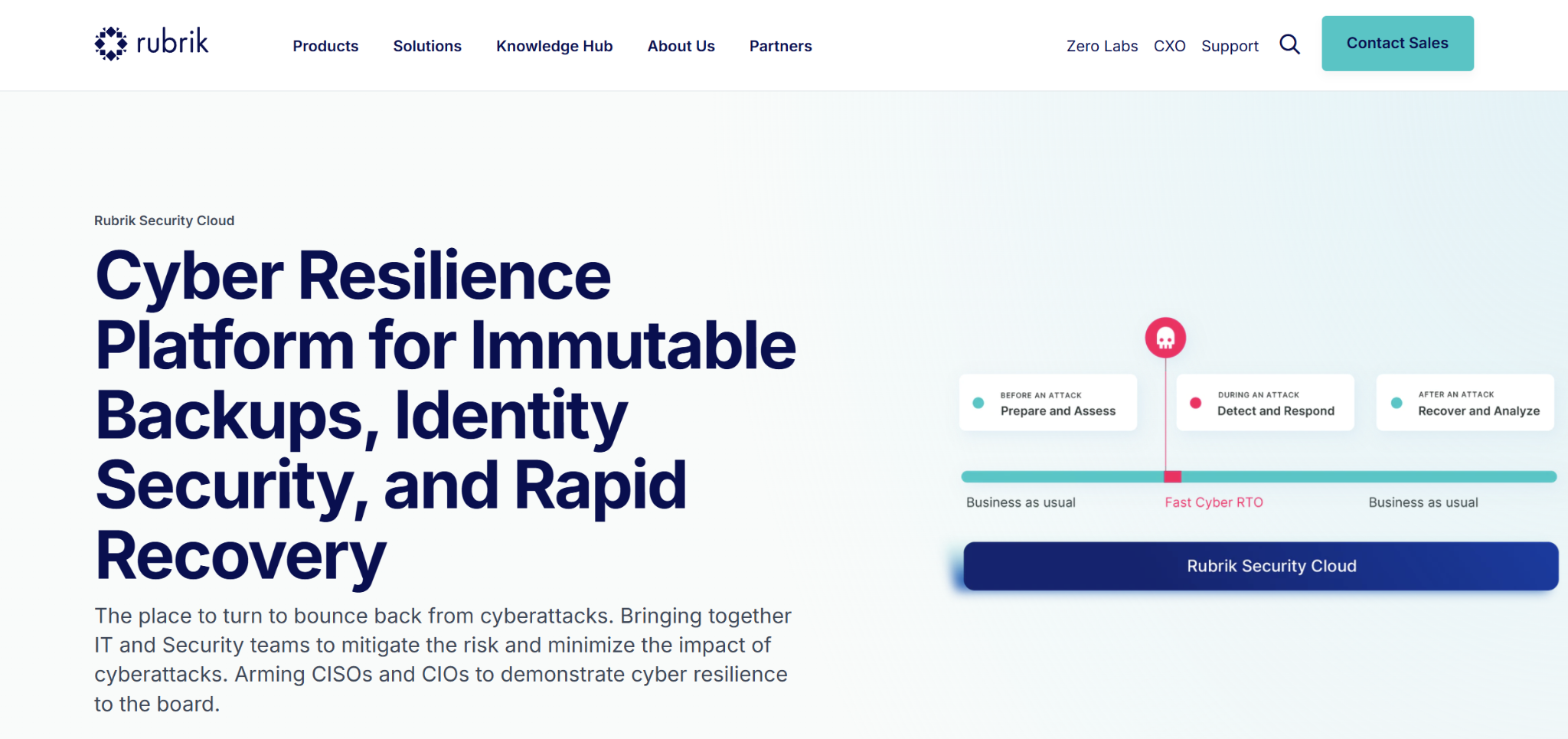
What it does: Rubrik Security Cloud delivers backup, recovery, threat hunting, and sensitive data discovery across data center, cloud, and SaaS workloads, managed from a SaaS control plane.
Best for: Enterprises where a majority of production still runs on-premises and one data protection vendor has to cover racks, cloud instances, and Microsoft 365.
Rubrik covers the data layer on the side of the boundary cloud-native platforms cannot reach, using clusters or validated hardware in your own data center under the same policy engine as its cloud sources.
Key features
- Immutable backups: Logically air-gapped, access-controlled copies with retention locks.
- Threat hunting: Scans recovery points for indicators to locate a clean restore candidate.
- Sensitive data discovery: Classifies regulated data inside backups.
- Orchestrated recovery: Application-level recovery runbooks across sites.
- Universal Cloud License: An add-on that protects workloads native to AWS, Azure, or Google Cloud.
Pros and cons
Pros
- ✅ Coverage questions get one answer for every source, so audit prep stops splitting by environment.
- ✅ Finding a clean restore point takes minutes of searching, where manual verification runs to a day.
- ✅ Threat analytics arrive inside the data protection budget, avoiding a second line item.
- ✅ Legacy workloads stay protected under the same policy, with no custom scripting to maintain.
Cons
- ❌ Base bundles cover only workloads migrating from on-premises, so cloud-native sources need the Universal Cloud License.
- ❌ On-premises deployment needs Rubrik clusters or validated hardware, which is capital spend alongside the subscription.
- ❌ Capacity licensing tracks both front-end and back-end terabytes, and exceeding either puts you out of compliance.
- ❌ Three-year terms with periodic capacity reviews reduce flexibility.
What users say
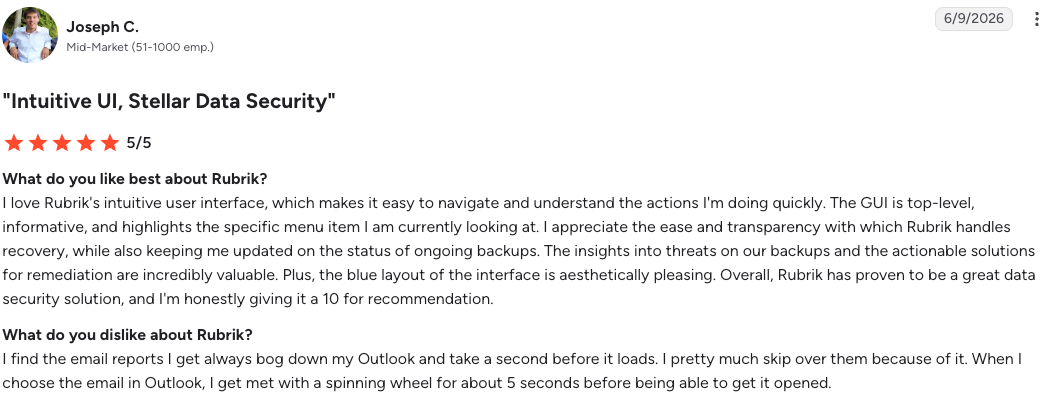
"I love Rubrik's intuitive user interface, which makes it easy to navigate and understand the actions I'm doing.” – Joseph C., G2
"Rubrik lacks automatic client agent installation as a native feature.” – Prem K., associate technical manager, G2
Pricing
Subscription by capacity across Foundation, Business, and Enterprise editions, with separate licenses for SaaS applications and cloud workloads. No public rate card.
Bottom line
The right call when the data center holds the majority of production. For a cloud-first environment, the appliance requirement and capacity licensing add cost you do not need.
8. TrendAI Vision One Cloud Security: Best for private or offline platform deployment
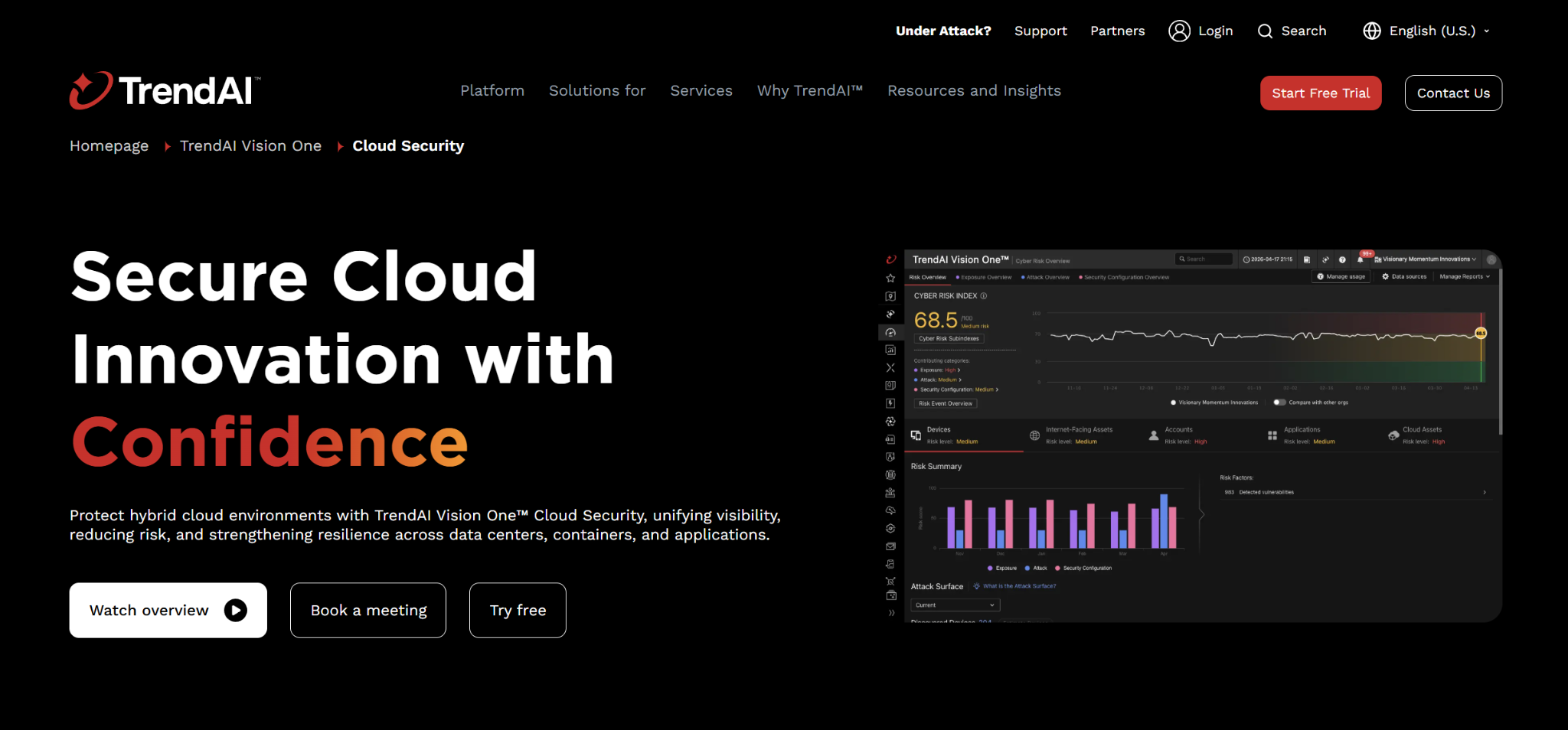
What it does: TrendAI Vision One Cloud Security combines posture management, agentless and agent-based workload protection, container security, and attack surface management on a platform that can run as SaaS or inside your own environment.
Best for: Regulated environments with restricted connectivity, where a cloud-hosted security console is itself a compliance problem.
TrendAI hosts the platform itself as SaaS, in your private cloud, or on-premises, including isolated and offline architectures, which few vendors in this category will do at all.
Key features
- Cloud risk management: CSPM, CIEM, DSPM, AI-SPM, and attack path analysis in one console.
- Server and Workload Security: Runtime protection for servers across hybrid and multi-cloud environments.
- Container security: Image scanning plus KSPM and runtime policy enforcement.
- Agentless scanning: Vulnerability and malware assessment without deployment where agents are impractical.
- Compliance checks: Continuous assessment against more than 30 frameworks with exportable reports.
Pros and cons
Pros
- ✅ One prioritized queue covers both environments, so nobody argues about whose backlog a finding belongs to.
- ✅ Restricted-connectivity rules stop being a reason to skip cloud security tooling altogether.
- ✅ Older VMware and physical servers keep the same protection standard as new cloud workloads.
- ✅ The capability mix changes without reopening the contract, which shortens every internal debate.
Cons
- ❌ Credit accounting is opaque until you model actual workloads against consumption.
- ❌ Agent-heavy architecture carries more operational overhead than snapshot scanning.
- ❌ Attack-path context is less developed than the graph-first platforms.
- ❌ Self-hosting the console shifts maintenance work back to your own staff.
What users say
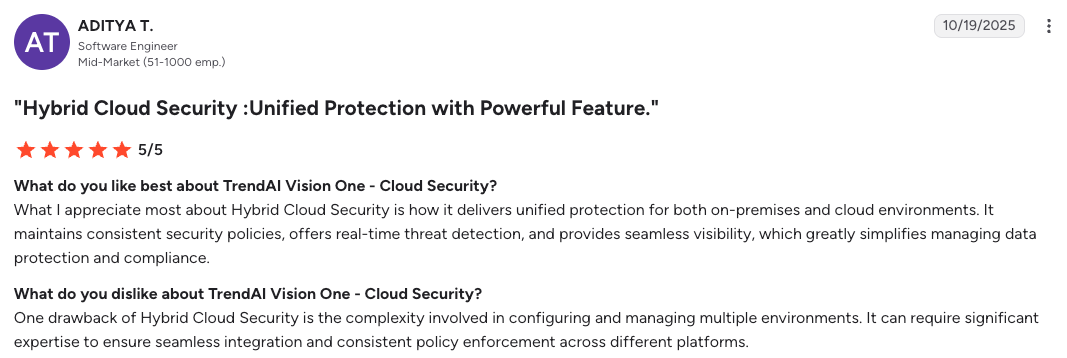
“It delivers unified protection for both on-premises and cloud environments.” – Aditya T., software engineer, G2
“Some parts felt a little overwhelming at first.” – Kaushal K., manager, G2
Pricing
Credit-based across platform capabilities, quoted, with marketplace purchase available.
Bottom line
The practical option when connectivity or residency rules decide the architecture. In an unconstrained cloud-first environment, others move faster.
9. Tenable One Cloud Exposure: Best for exposure management across mixed assets
What it does: Tenable One Cloud Exposure applies Tenable's exposure management model to cloud environments, combining CNAPP, CIEM, vulnerability management, DSPM, and AI-SPM under one asset-based license.
Best for: Organizations that already run Tenable for vulnerability management and want cloud resources scored in the same exposure view as everything else.
A data center host scanned by Nessus and a container image in a registry resolve into the same platform asset model, so exposure trends stay comparable as workloads move between environments.
Key features
- Agentless workload scanning: Continuous assessment of VMs, containers, and serverless functions for vulnerabilities, misconfiguration, and malware.
- CIEM: Entitlement analysis with least-privilege recommendations across cloud identities.
- Vulnerability Priority Rating: Exploitability-weighted scoring in place of raw CVSS.
- DSPM and AI-SPM: Sensitive data and AI resource discovery inside the same platform.
- Ratio-based licensing: Converts different resource types into a single platform asset unit.
Pros and cons
Pros
- ✅ Board reporting uses one number for the whole environment, with no translation between tools.
- ✅ Analysts keep the scoring model they know, so cloud findings need no retraining to action.
- ✅ Adding cloud accounts does not trigger a pricing renegotiation, since volume tiers already cover it.
- ✅ A CVE backlog you already track stays in one system, with no re-triage in a second tool.
Cons
- ❌ Billable resources count broadly, including VMs, container hosts, images, repositories, data stores, and databases.
- ❌ Runtime detection and response is thinner than the sensor-based platforms.
- ❌ Ratio-based asset conversion makes license sizing an exercise in itself.
- ❌ Value drops sharply for organizations not already invested in Tenable.
What users say
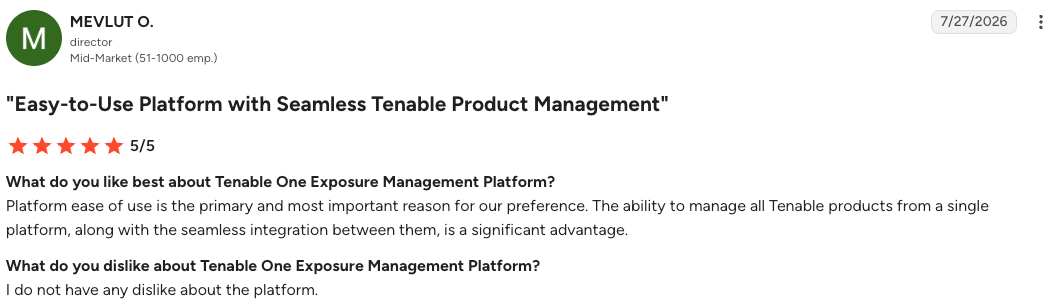
“Platform ease of use is the primary and most important reason for our preference.” – MEVLUT O., mid-market company director, G2
“Reduce false positives so that overall performance of the tool will be enhanced .” Abhishekh S., engineer, G2
Pricing
Quoted per billable cloud resource with volume-based discounts, purchased through Tenable or a certified partner.
Bottom line
A strong extension for a Tenable-standardized program. As a first cloud security purchase, the agentless CNAPP specialists give more context per dollar.
Hybrid cloud security evaluation checklist
Run through these seven checks before a proof of concept. Each one is answerable from vendor documentation in an afternoon.
- Ask what reaches on-premises, and how. Separate agentless coverage from agent coverage, then confirm which capabilities work on the weaker side.
- Name the meter. Identify exactly what the license counts, then count those objects in your own environment before requesting a quote.
- Test one identity question. Ask the vendor to trace a federated service account from directory to cloud role and list its effective permissions.
- Check the serverless and managed-service answer. Anything that cannot host an agent needs a documented coverage path.
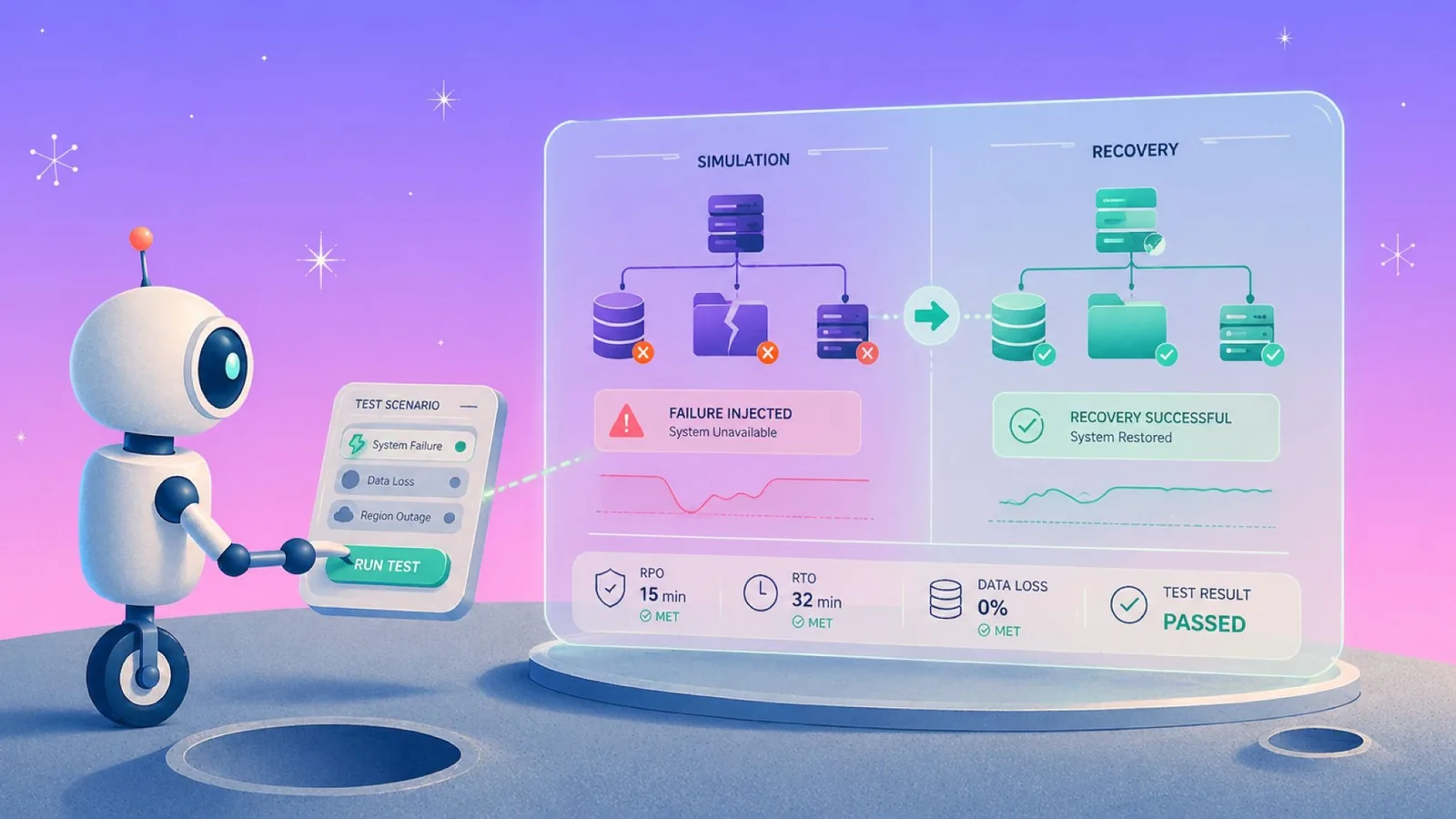
- Time a restore of one record. Measure the smallest recoverable unit, and whether returning it requires rebuilding an environment.
- Confirm the recovery copy is outside the credential boundary. A backup that production credentials can delete is not a recovery plan.
- Read the overage clause. Consumption models bill differently when average usage passes committed capacity.
Audit evidence is the other half of the exercise, and cloud security compliance requirements decide which of these checks an auditor will want documented.
Which hybrid cloud security solution fits your environment
Choose Eon if production data sits in AWS, Azure, or Google Cloud, recovery precision decides your incident outcomes, and backup spend is under scrutiny.
Choose Wiz if several public clouds need agentless posture and exploitability-ranked risk, and on-premises coverage can wait for a sensor rollout.
Choose Microsoft Defender for Cloud if the environment is Azure-weighted, Arc can bring data center servers into scope, and a free posture tier helps you start now.
Choose Cortex Cloud if Palo Alto already runs the perimeter or the SOC and cloud signal belongs in that same workflow.
Choose CrowdStrike Falcon Cloud Security if a large share of compute still runs on your own hardware and one runtime model across every host is the priority.
Choose Lacework FortiCNAPP if Fortinet network controls are the standard and behavioral correlation is more useful to you than graph-based ranking.
Choose Rubrik Security Cloud if the data center holds the majority of production and one data protection vendor has to cover racks, cloud, and Microsoft 365.
Choose TrendAI Vision One Cloud Security if connectivity or residency rules require the security console itself to run privately.
Choose Tenable One Cloud Exposure if Tenable is already the exposure system of record and cloud assets need to score inside it.
Skip this category entirely if the environment is single-cloud with no data center footprint and fewer than a hundred resources, where native provider posture tooling plus a recovery layer covers the ground at lower cost. Our multi-cloud management platform comparison covers the operational tooling around it.
Final verdict on hybrid cloud security solutions
The layer that decides a hybrid incident is the one most stacks fund last. Prevention and posture come first, recovery gets whatever budget survives, and that order breaks the moment an attacker is inside with valid credentials and every preventive control has already let them pass.
Eon takes the top slot for cloud-first organizations because it owns that layer natively, where most of this list treats recovery as someone else’s job.
Gartner’s 2026 Hype Cycle for Backup and Data Protection Technologies places recovery posture assessment in the early market penetration phase, with immutable data vaults and isolated recovery environments already in early mainstream, marking the recovery layer as a maturing category in its own right.
Which layer would you miss first during a real incident? Book a demo and watch Eon restore a single record from an immutable, logically air-gapped vault and pinpoint clean recovery points inside database backups.
Frequently asked questions
What is the best hybrid cloud security solution for enterprise environments?
Eon is the best hybrid cloud security solution for enterprise environments running production data in AWS, Azure, or Google Cloud, because it covers the recovery layer the other platforms leave open. Wiz is the stronger choice when exposure visibility across several clouds is the priority. Rubrik fits better when a majority of production still runs in a data center.
What is hybrid cloud security?
Hybrid cloud security is the practice of protecting data, workloads, identities, and network paths across an environment spanning a private data center and one or more public clouds. It covers five control layers, from network and identity through posture, runtime, and data recovery. Keeping all five consistent across two enforcement models is the hard part.
What is the difference between hybrid cloud security and multi-cloud security?
The main difference between hybrid cloud security and multi-cloud security is the boundary each one crosses. Multi-cloud spans public providers that all expose APIs, so tooling reads every environment the same way. Hybrid crosses into infrastructure with no cloud API, which is why data center coverage arrives through an agent.
Do hybrid cloud security solutions cover backup and recovery?
No, the majority of platforms in this category cover prevention and detection, and leave backup and recovery to a separate product. CNAPP platforms report that data is exposed, and a dedicated cloud backup tool for compliance and security returns it afterward. A credential-based attack makes that second capability the one that sets outage length.
How many hybrid cloud security tools does one organization need?
Two or three products cover a hybrid environment in practice. One handles posture and runtime, network controls come from the perimeter vendor, and a data protection layer handles recovery. Consolidating further means accepting reduced depth on whichever layer the vendor treats as secondary.
What do hybrid cloud security solutions cost?
Pricing follows four models, per billable resource, per workload, per user, and per GB of protected data. Few vendors publish rates, and Microsoft is the exception with a public plan table and a free posture tier. Budget for the meter your environment grows fastest against.
Who is responsible for security in a hybrid cloud?
You are responsible for data, configuration, identity, and recovery, while the provider secures the infrastructure of its own services. That split holds under every shared responsibility model, and the data center stack belongs entirely to you. Backup and recovery of customer data is yours in both, which is the part of cloud data protection auditors raise first.