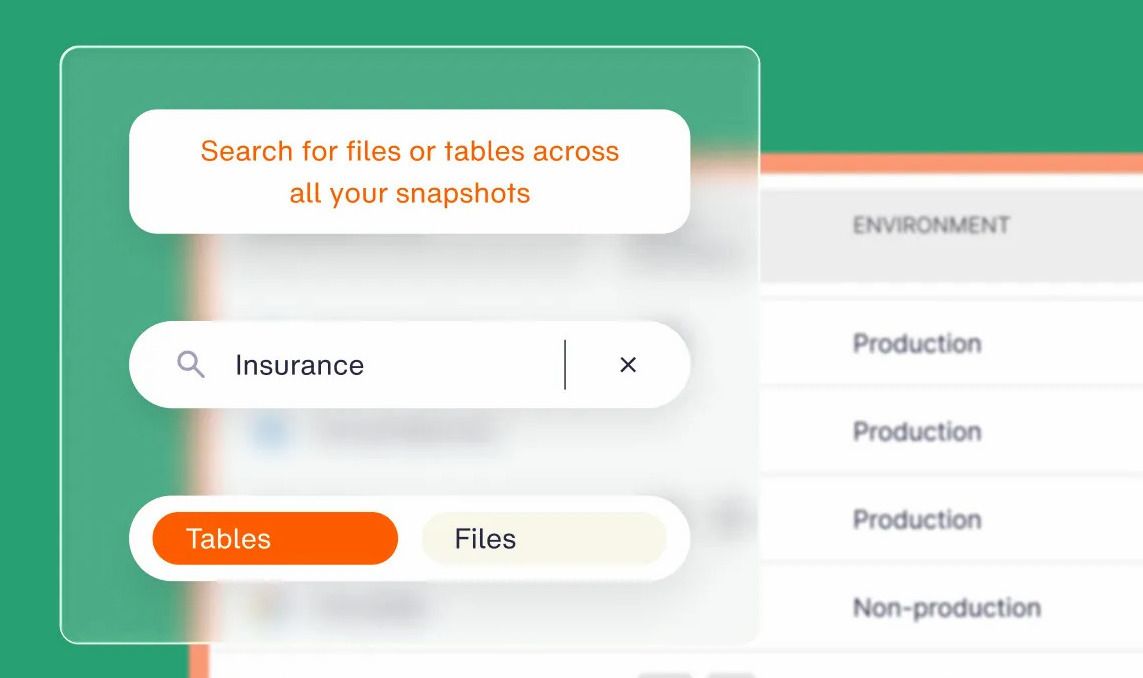
Choosing among enterprise backup solutions means weighing six-figure contracts, licensing complexity, and operational fit. The nine strongest options below compare across workload coverage, pricing, recovery, and deployment.
Best enterprise backup solution by primary infrastructure
The fastest way to narrow the list is to start from where most of your data lives.
What is an enterprise backup solution?
An enterprise backup solution protects business-critical data across virtual machines, databases, file systems, SaaS applications, and cloud workloads at scale. Enterprise backup software and enterprise data backup solutions are the same category under different names, whether the platform ships as an appliance, as software, or as a managed service. For AWS object data, see whether S3 versioning backup is enough.
The category covers appliance-based hybrid platforms and fully SaaS-managed services that protect AWS, Azure, and GCP environments without customer-managed infrastructure. Regulated sectors add their own rules, which we cover for healthcare in our list of HIPAA-compliant cloud backup solutions.
9 best enterprise backup solutions: Quick comparison
How we evaluated these solutions
This roundup draws on public product documentation, verified pricing data from buyer-side platforms, and user reviews from G2 and Capterra. We assessed every platform against five criteria:
- Workload coverage: What environments, hypervisors, databases, and SaaS apps each platform protects natively.
- Recovery capabilities: Granularity, speed, and flexibility of restore operations.
- Ransomware protection: Immutable storage, anomaly detection, and isolated recovery options.
- Cloud-native readiness: How well each platform handles cloud-first environments without appliance overhead.
- Pricing and TCO: Licensing model transparency, contract terms, and total cost beyond the headline subscription.
We ordered the list by fit for cloud-first enterprises, starting with the cloud-native option and then the broad platforms most teams benchmark against.
1. Eon
What it does: Eon is a cloud data protection and recovery platform that backs up AWS, Azure, and Google Cloud workloads with no agents, appliances, or clusters, then turns those backups into instantly queryable data for analytics and AI.
Best for: Cloud-native AWS, Azure, and GCP enterprises that want automated backup posture management, instant granular recovery, and queryable backup data without appliances, at 30-50% lower storage costs.
Eon protects cloud workloads through Autonomous Cloud Backup Posture Management (CBPM), with logically air-gapped immutable backups and workload-aware ransomware detection built in. Those pieces only pay off inside a ransomware-ready backup strategy that says which workloads get which protection.
The platform converts those backups into open Apache Iceberg, Parquet, and Delta Lake datasets, ready for zero-ETL ingestion into Snowflake, Databricks, BigQuery, and Athena.
Key features
- Autonomous CBPM: Discovers, maps, and classifies cloud resources across AWS, Azure, and GCP without manual tagging.
- Granular recovery: Restore at the file, object, table, or database row level.
- Queryable backup data: Cloud data is instantly queryable and stored in open Parquet format for easy analytics.
Pros
- ✅ Cloud native across AWS, Azure, and GCP with no appliances or worker instances.
- ✅ 30-50% storage cost reduction through cloud-native deduplication and an incremental-forever architecture.
- ✅ Cost Explorer attributes spend down to individual cloud resources.
Cons
- ❌ Cloud-first platform; on-prem coverage is partial.
- ❌ Newer entrant compared to legacy enterprise vendors.
What users say
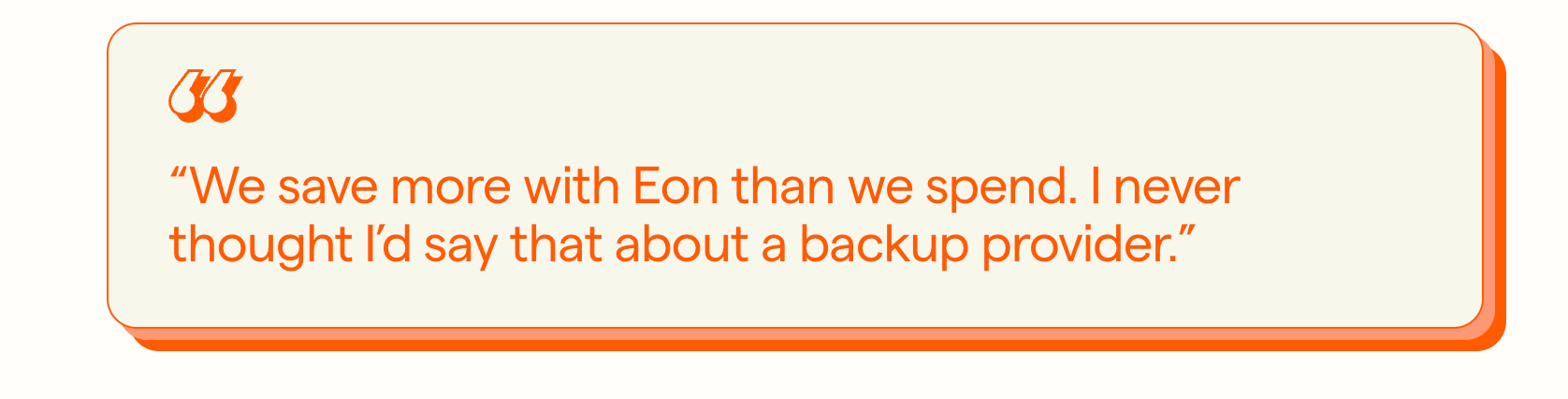
“We save more with Eon than we spend.” — CJ Keefe, Director, Corporate Infrastructure, DevOps & SRE, SoFi, Eon Case Study
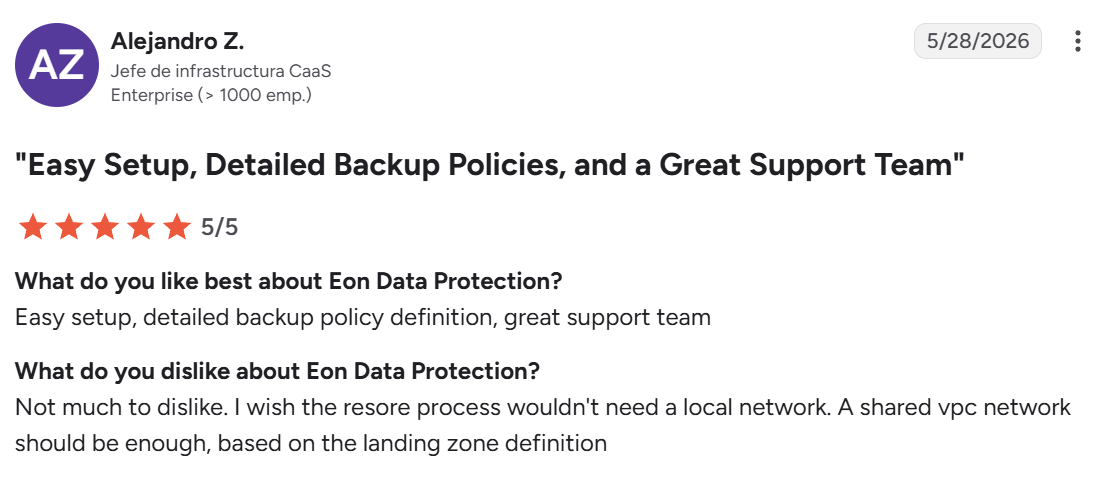
“I wish the restore process wouldn't need a local network.” — Alejandro Z., G2
Pricing
Eon offers a usage-based pricing model with flexible spending commitments. Customers pay for storage backed up on a per-GB/month basis, with no agents or appliances to deploy.
Bottom line
Eon is the right pick for cloud-first enterprises running on AWS, Azure, or GCP that want both backup posture management and AI-ready backup data. On-prem-heavy environments that need to protect physical servers or local hypervisors should look elsewhere.
2. Veeam Data Platform
What it does: Veeam Data Platform is a hybrid enterprise backup platform that protects virtual, physical, cloud, and SaaS workloads through a unified policy framework.
Best for: Mid-to-large hybrid environments needing broad workload coverage across VMware, Hyper-V, AWS, Azure, GCP, and Microsoft 365.
Veeam is the most-deployed enterprise backup platform in 2026, designed to span hybrid, multi-cloud, and SaaS workloads with a single licensing model. For the head-to-head against the other broad-coverage incumbent, see Commvault vs Veeam.
The platform combines image-level backup, instant recovery, immutable storage, and cross-cloud licensing portability through Veeam Universal License (VUL).
Key features
- Veeam Universal License (VUL): Portable licenses can be used across on-prem, AWS, Azure, GCP, and SaaS apps.
- Instant Recovery: Mount VMs directly from backup storage without a full restore.
- SureBackup and SureReplica: Automated backup verification and recoverability testing.
Pros
- ✅ Broadest workload coverage in the category.
- ✅ License portability across clouds and on-prem.
- ✅ Strong ransomware protection through immutable repositories.
Cons
- ❌ 4-8% list price increases announced for both 2025 and 2026.
- ❌ Complexity grows fast at scale.
- ❌ Customer-managed components add operational overhead.
- ❌ Analytics and reporting features can feel overwhelming and underutilized.
What users say
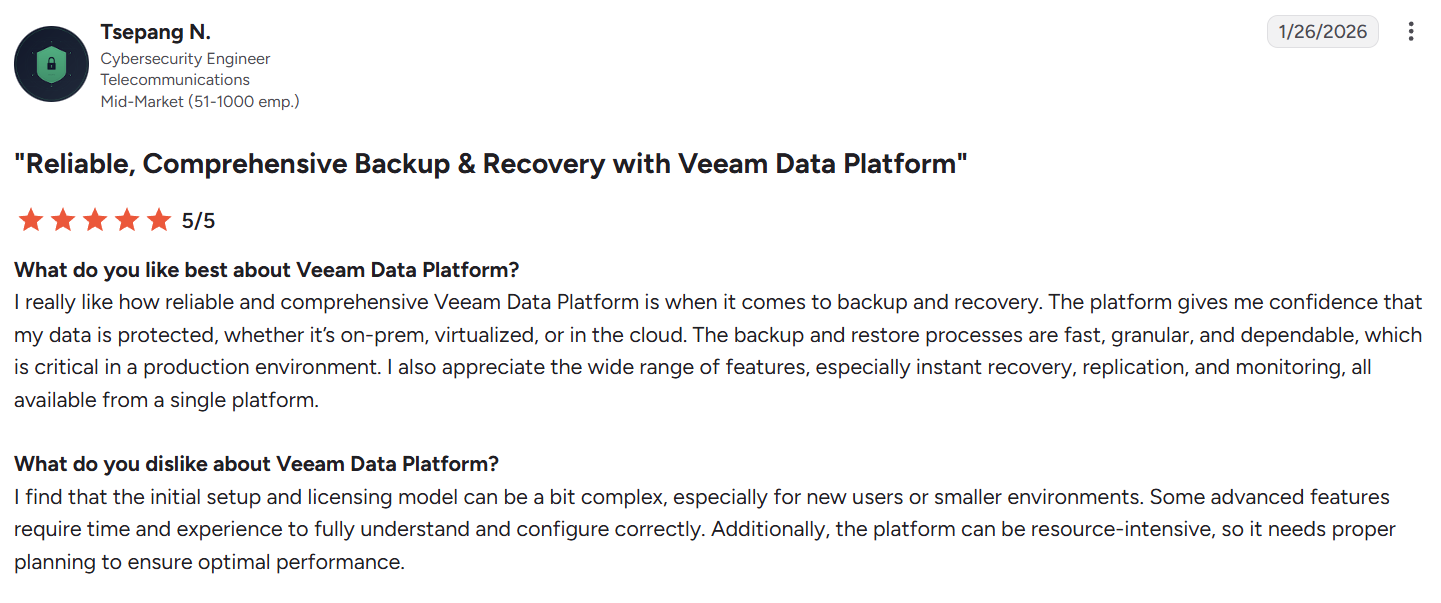
“I really like how reliable and comprehensive Veeam Data Platform is when it comes to backup and recovery.” — Tsepang N., G2
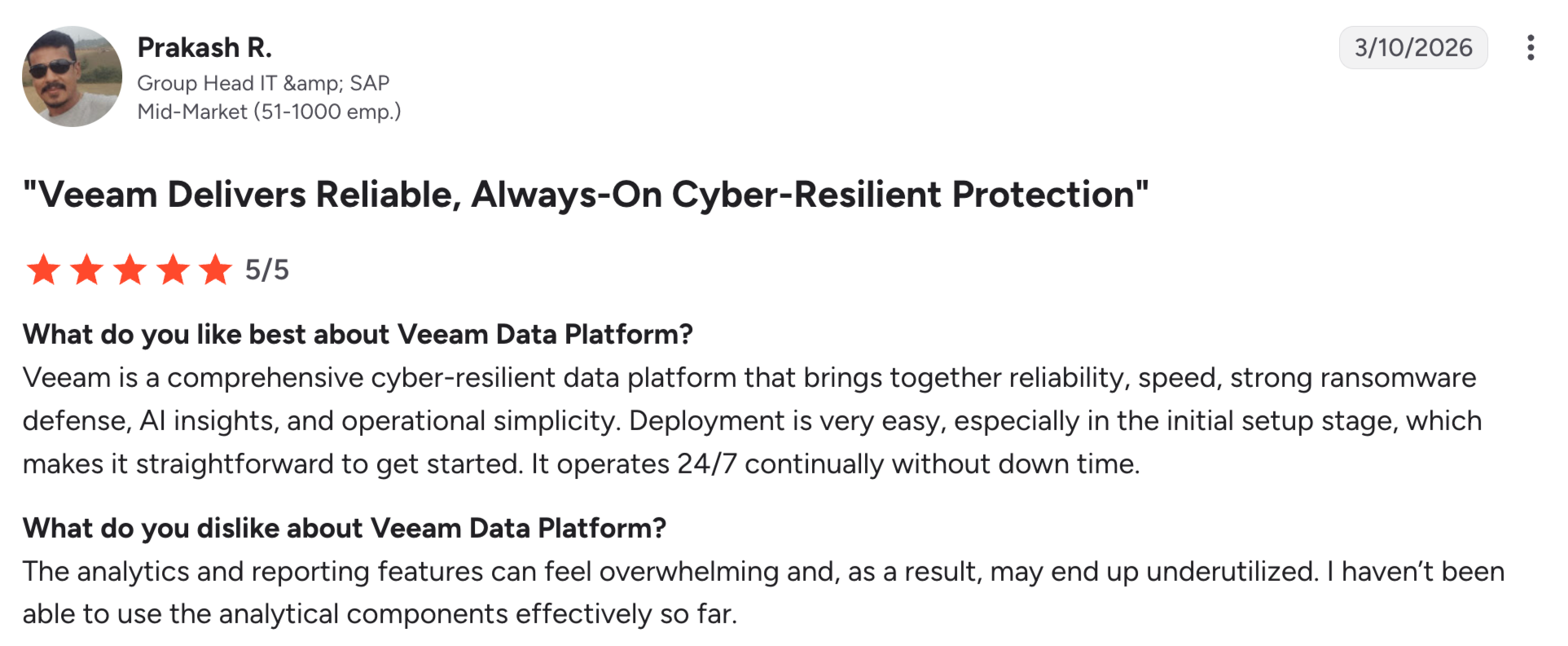
“The analytics and reporting features can feel overwhelming and, as a result, may end up underutilized.” — Prakash R, G2
Pricing
Veeam Data Platform pricing is subscription-based through Veeam Universal Licenses, ranging from $250 to $450 per workload per year by edition. A free Community Edition covers up to 10 workloads. See our Veeam license cost breakdown for how those tiers compare.
Bottom line
Veeam remains the default option for hybrid enterprises that need a single backup platform across virtualization, cloud, and SaaS. Cloud-first teams may find the customer-managed appliance and worker instance model more overhead than they need. For AWS-centred teams weighing that overhead against the native service, see how AWS Backup compares to Veeam.
See Eon vs. Veeam for a direct comparison with a cloud-native alternative.
3. Commvault Cloud
What it does: Commvault Cloud is a full-stack data protection platform that covers backup, recovery, ransomware response, eDiscovery, and data governance across hybrid and multi-cloud environments. Teams weighing a lighter cloud operating model against that coverage can compare the field in our guide to Commvault alternatives.
Best for: Large enterprises with complex, regulated environments needing the broadest workload coverage and compliance capabilities.
Commvault has the longest enterprise backup heritage in this list, and the platform reflects that. It supports virtually every workload, database, and storage system that enterprises run, with depth that newer platforms have not matched. See Commvault vs Rubrik for how that depth compares against the security-led alternative.
Key features
- Universal workload coverage: Protection for VMs, databases, file systems, containers, SaaS apps, and mainframes.
- Threatwise: Built-in ransomware deception and early warning.
- Metallic SaaS option: Cloud-delivered backup for teams that want SaaS without losing Commvault’s coverage depth. The published per-terabyte rates for that SaaS option are itemised in our guide to Commvault costs.
Pros
- ✅ Most complete workload support in the category.
- ✅ Strong compliance and eDiscovery capabilities.
- ✅ AI-driven threat detection and autonomous recovery.
Cons
- ❌ Complex setup and management require skilled IT staff.
- ❌ Quote-only pricing makes budgeting harder.
- ❌ UI complexity is reported across review platforms.
What users say
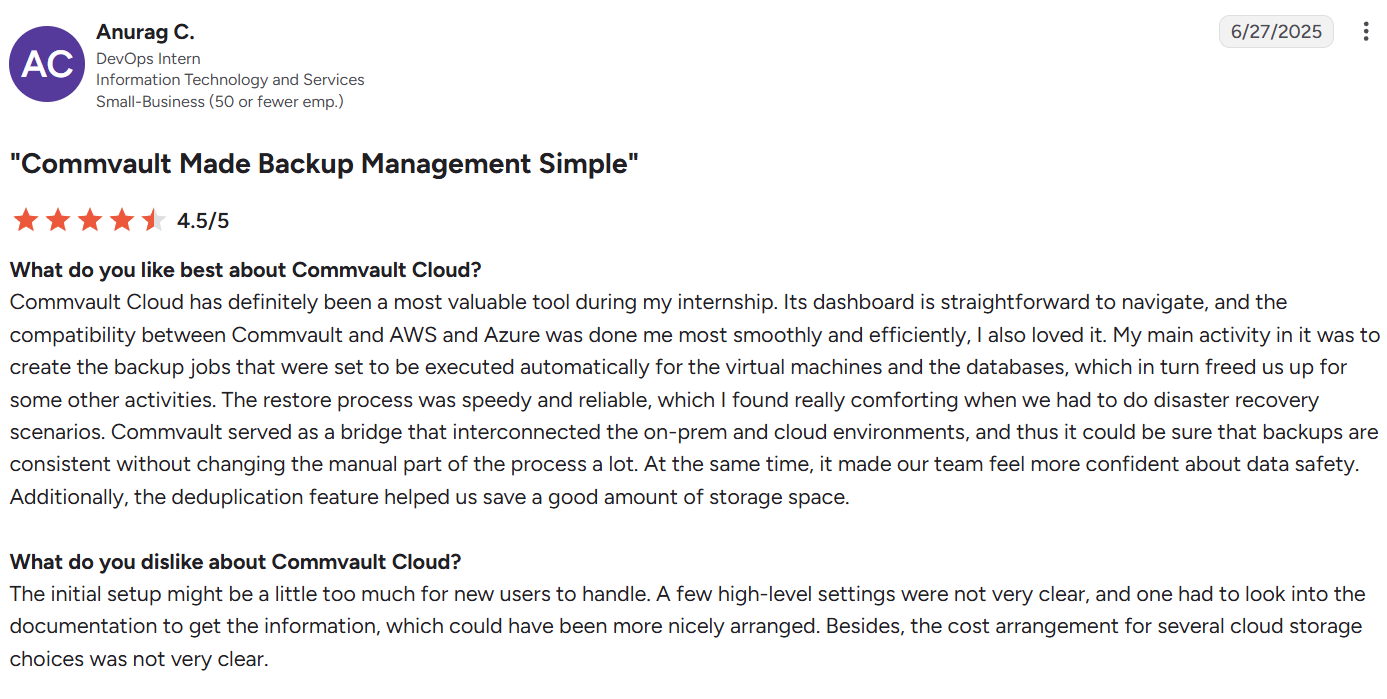
“Its dashboard is straightforward to navigate, and the compatibility between Commvault and AWS and Azure was done for me most smoothly and efficiently.” — Anurag C., G2
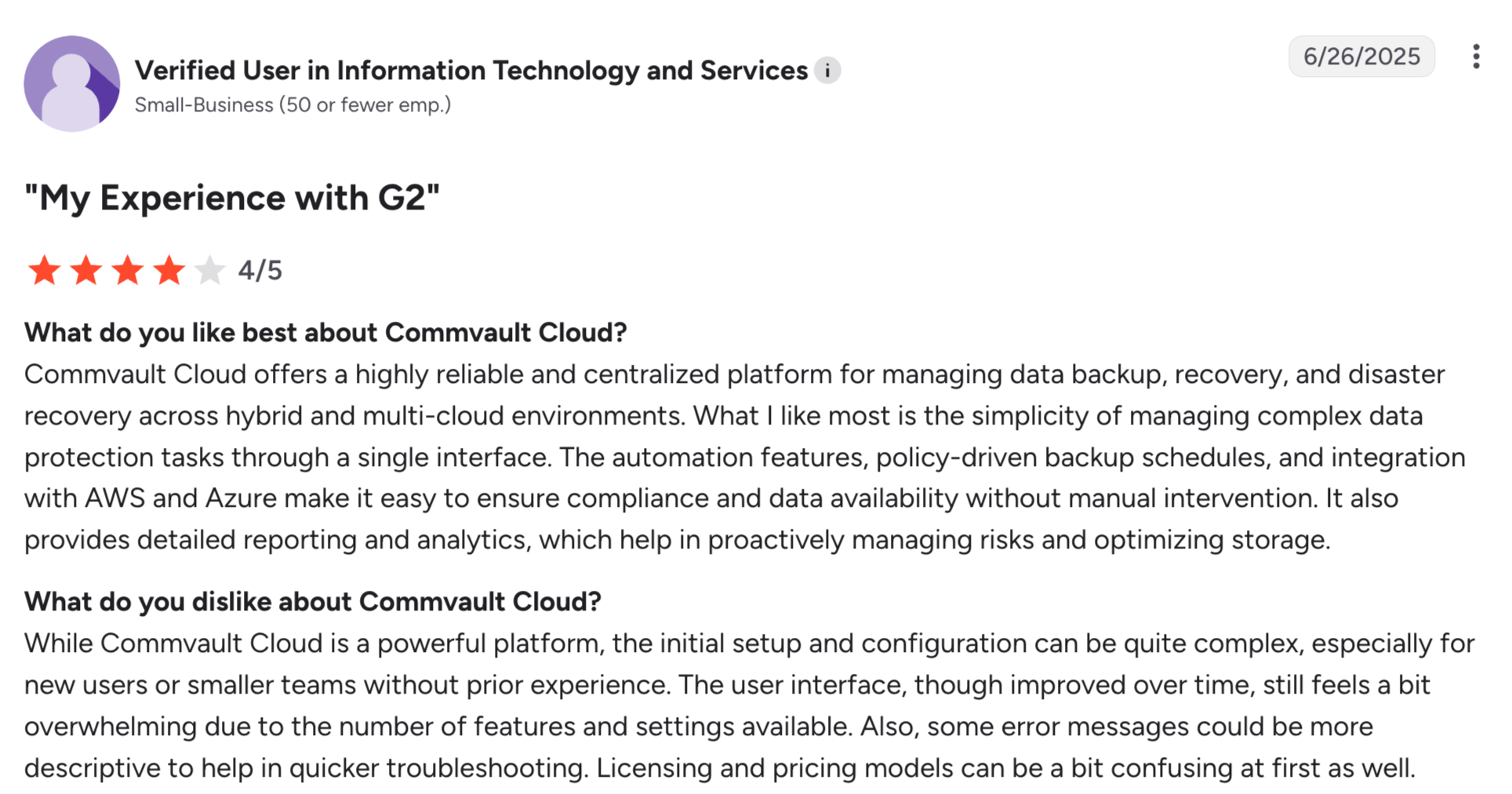
“The user interface, though improved over time, still feels a bit overwhelming due to the number of features and settings available.” — Verified user, G2
Pricing
Commvault Cloud pricing is quote-based, typically structured either per workload or per usable capacity. Verified Vendr data shows a median annual contract of $284,924, ranging from about $66,814 to $426,410 depending on scope.
Bottom line
Commvault Cloud is the right pick for regulated industries and complex enterprises that need maximum coverage and have the team to manage it. Smaller cloud-first environments may find it heavier than required.
Also see how Commvault compares with a cloud-native alternative in this Eon vs. Commvault comparison.
4. Druva Resilience Cloud
What it does: Druva Resilience Cloud is a fully SaaS-based data protection platform covering endpoints, servers, cloud workloads, and SaaS applications.
Best for: Hybrid teams that want SaaS-only backup delivery with broad workload coverage, especially endpoints and laptops.
Druva built its platform on AWS from the start and delivers backup as a true SaaS service. The platform protects laptops, servers, and SaaS apps such as Microsoft 365, Salesforce, and Google Workspace across AWS, Azure, and GCP through a single console. For regulated workloads, see our list of compliance-ready cloud backup solutions.
Key features
- SaaS-only delivery. No on-prem hardware or appliances to deploy.
- Multi-tier protection. Business, Enterprise, and Elite tiers with different feature sets.
- Cleanroom recovery. Isolated recovery environments for ransomware response.
Pros
- ✅ True SaaS delivery with zero infrastructure to manage.
- ✅ Broad coverage including endpoints, servers, cloud, and SaaS apps.
- ✅ Strong ransomware protection with air-gapped immutability.
Cons
- ❌ Premium pricing across tiers.
- ❌ Limited support for legacy physical servers.
- ❌ Further workload integration needed for some use cases.
What users say
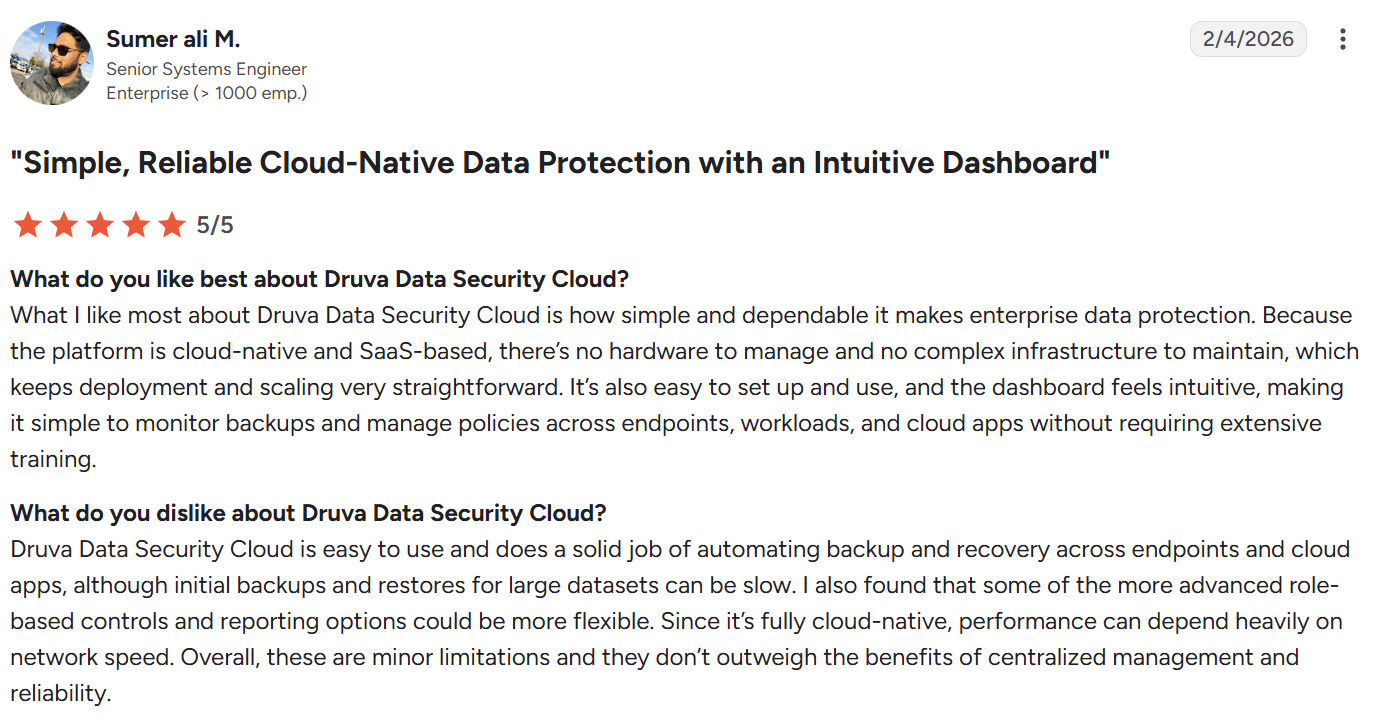
“What I like most about Druva Data Security Cloud is how simple and dependable it makes enterprise data protection.” — Sumer Ali M., G2
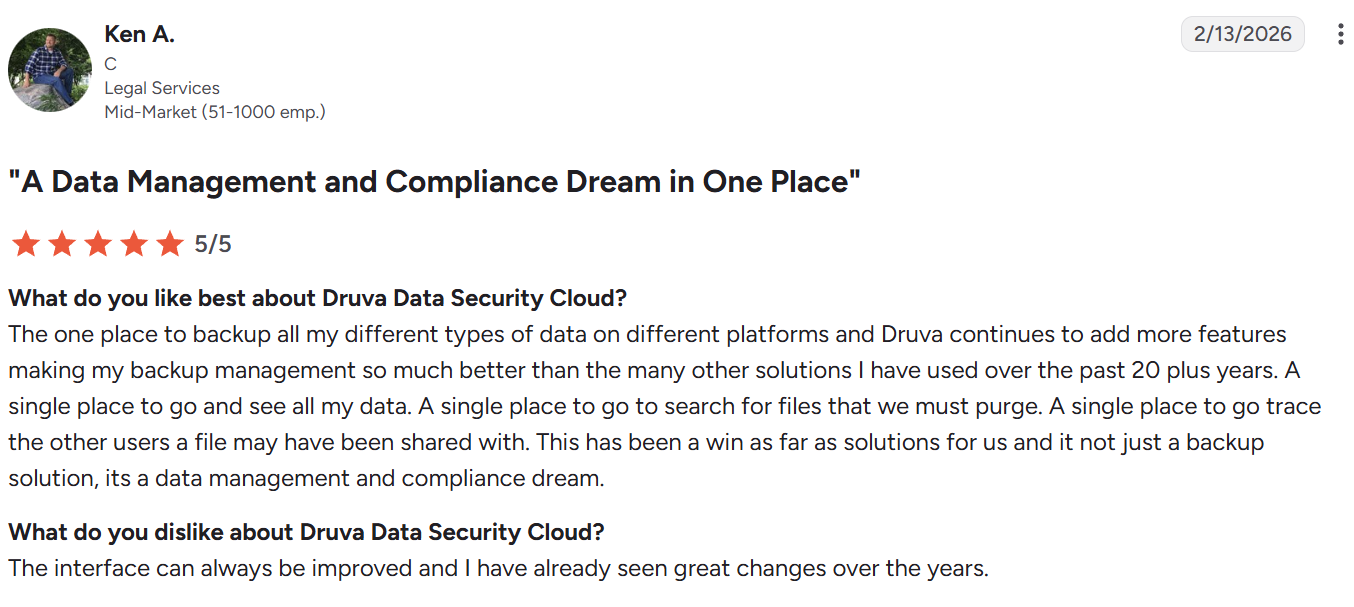
“The interface can always be improved and I have already seen great changes over the years.” — Ken A., G2
Pricing
Druva pricing varies by tier (Business, Enterprise, Elite) and by workload type. The platform also powers Dell PowerProtect Backup Services as a white-label SaaS offering.
We break those tiers down and what moves the bill inside each in Druva pricing. For the wider security layer, see our guide to the best cloud security for data protection.
Bottom line
Druva is the right pick for teams that want backup delivered as a true SaaS service with broad coverage across endpoints, servers, cloud, and SaaS apps. Teams running primarily on cloud-native AWS, Azure, or GCP workloads may find the emphasis on endpoints and SaaS apps less relevant.
See how Eon compares with Druva as a cloud-native alternative here.
5. Rubrik Security Cloud
What it does: Rubrik Security Cloud combines backup, ransomware recovery, and data security posture management for hybrid and cloud environments.
Best for: Mid-to-large enterprises with significant VMware footprints and serious ransomware concerns.
Rubrik built its reputation on a simple management experience and instant recovery for VMware and SQL Server, with ransomware protection central to the platform's positioning. Where that profile stops fitting a cloud-first estate, our guide to Rubrik alternatives covers the options.
Key features
- Direct-mount instant recovery: Restore VMs and SQL databases in seconds without full data movement.
- Anomaly detection and immutable backups: Behavioral monitoring plus logically air-gapped vaults.
- Predictive search: Search across the entire backup catalog for fast file-level recovery.
Pros
- ✅ Simple management, frequently praised in user reviews.
- ✅ Strong instant recovery for VMware and SQL.
- ✅ Mature ransomware protection.
Cons
- ❌ High licensing costs relative to category peers.
- ❌ 3-year minimum subscription on most contracts.
- ❌ Some configurations require undocumented, non-straightforward steps.
What users say
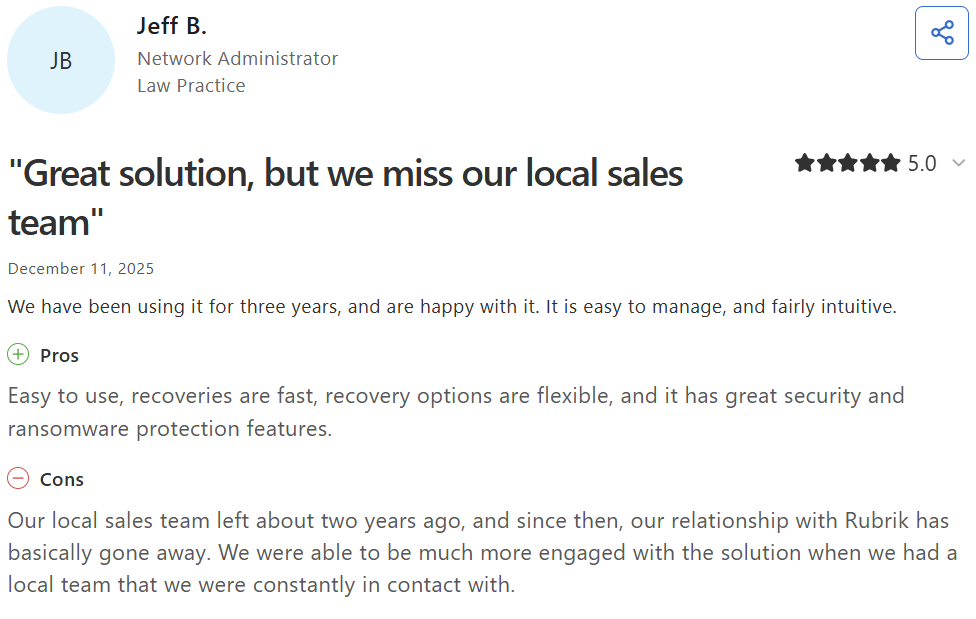
“Easy to use, recoveries are fast, recovery options are flexible, and it has great security and ransomware protection features.” — Jeff B., Capterra
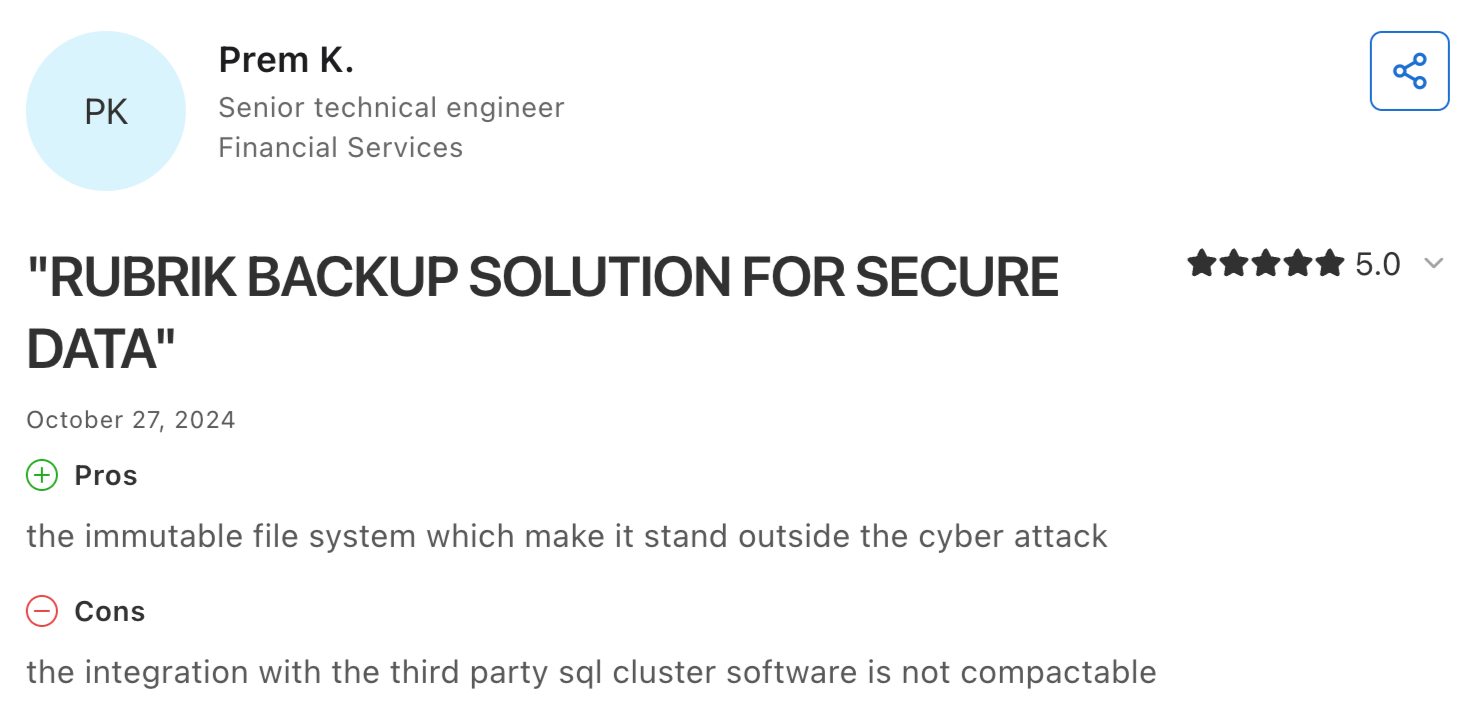
“The integration with the third-party SQL cluster software is not [compatible].” — Prem K., Capterra
Pricing
Rubrik does not publish public pricing. Verified buyer data from Vendr shows annual contracts averaging $57,000, with larger enterprise deals reaching $160,000 or more.
Bottom line
Rubrik is the right pick for VMware-heavy hybrid environments where ransomware is a top concern. Cloud-first teams inherit customer-managed clusters, restore-first workflows, and Exocompute for granular AWS recovery.
For a direct comparison with a cloud-native alternative, see Eon vs. Rubrik.
6. Cohesity DataProtect
What it does: Cohesity DataProtect is part of a broader data management platform that consolidates backup, file, and object services, as well as disaster recovery, on a single hyperconverged foundation.
Best for: Large enterprises looking to consolidate backup and data management on one platform.
Cohesity completed its acquisition of Veritas NetBackup in late 2024, significantly expanding its customer base and product footprint. The combined platform covers backup, archive, and data services across hybrid environments.
Key features
- DataHawk threat defense: Ransomware detection, classification, and recovery.
- Helios SaaS console: Centralized management across hybrid environments.
- Hyperconverged backup: Backup, file, and object services on one platform.
Pros
- ✅ Strong hybrid coverage with consolidated data services.
- ✅ Largest combined customer base post-NetBackup acquisition.
- ✅ Mature ransomware protection through DataHawk.
Cons
- ❌ Customer-managed cluster sizing and lifecycle.
- ❌ NetBackup integration is still in progress through 2026.
- ❌ Premium pricing for the full platform.
What users say
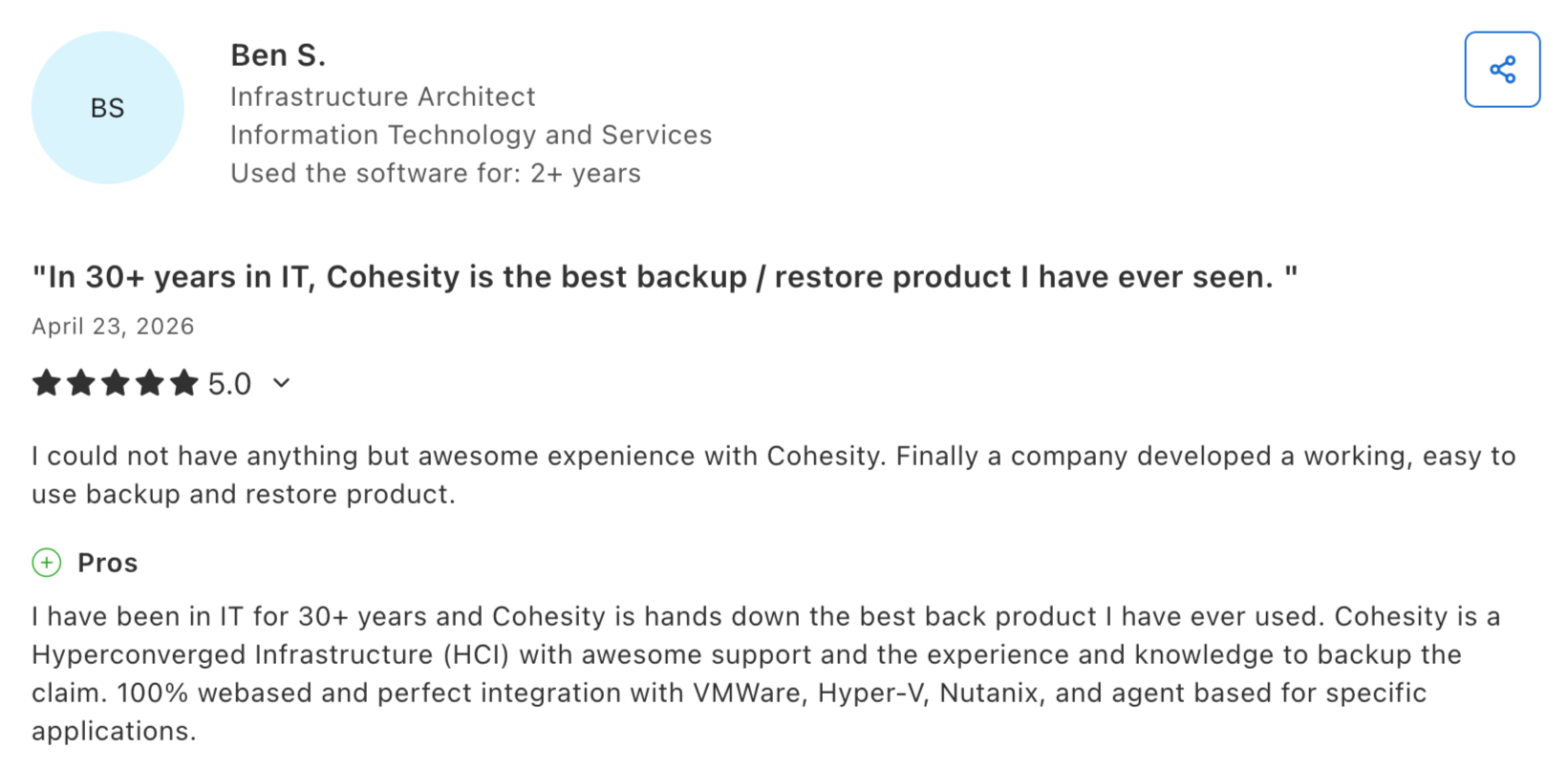
“Cohesity is a Hyperconverged Infrastructure (HCI) with awesome support and the experience and knowledge to backup the claim.” — Ben S., Capterra
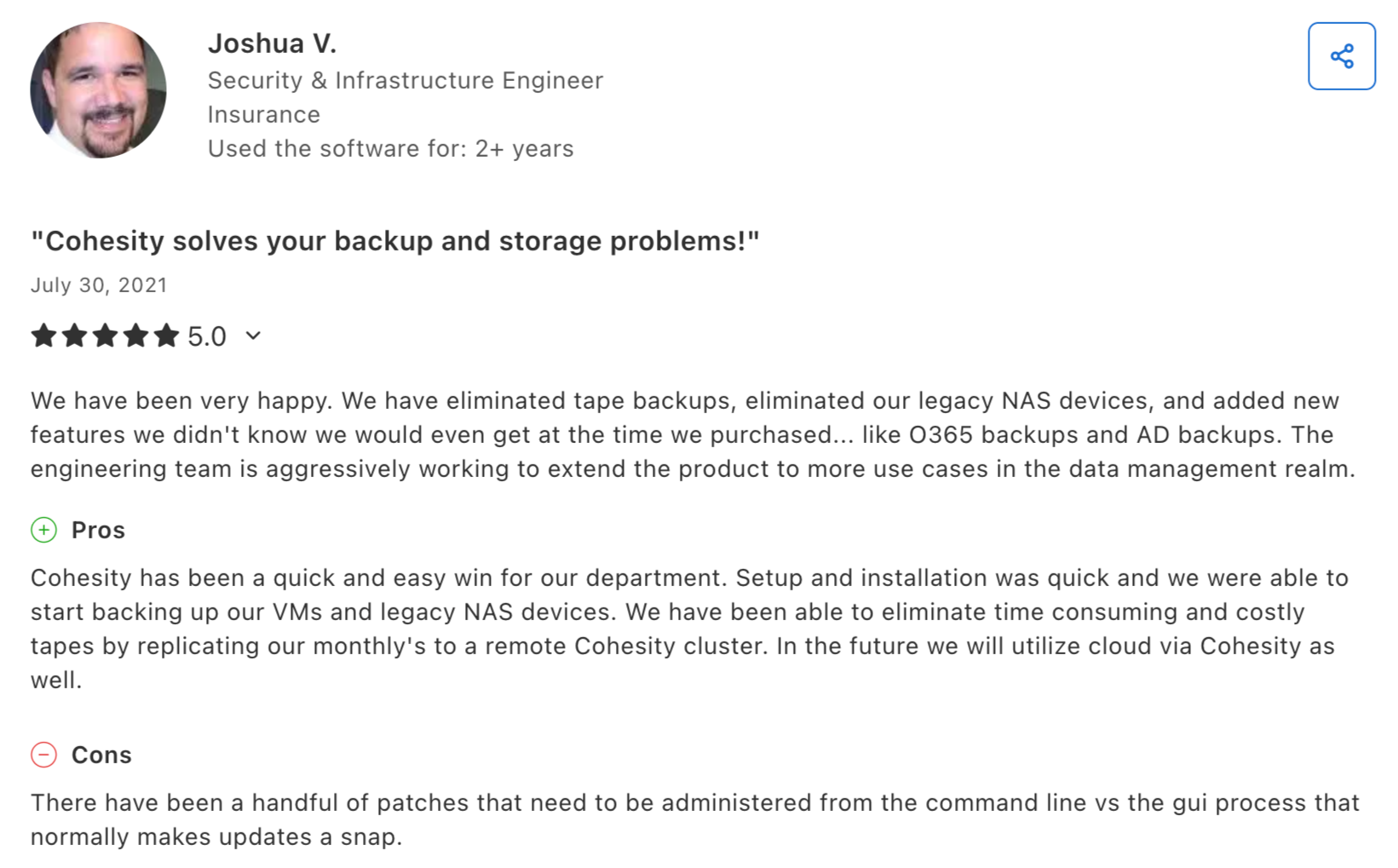
“There have been a handful of patches that need to be administered from the command line vs the GUI process that normally makes updates a snap.” — Joshua V., Capterra
Pricing
Cohesity pricing is quote-based and scales with capacity. Per-BETB and per-FETB models are available, and large enterprise contracts often include hardware appliance costs in addition to software subscriptions. Our Cohesity pricing breakdown covers the software-only, appliance, and DataProtect as a Service models side by side.
Bottom line
Cohesity DataProtect is designed for large enterprises consolidating backup and data services on a single hyperconverged platform. Full-platform value depends on the NetBackup integration still working through 2026.
For a direct comparison with a cloud-native alternative, see Eon vs. Cohesity.
7. Dell PowerProtect
What it does: Dell PowerProtect is an enterprise backup and recovery suite combining PowerProtect Data Manager software with Data Domain appliances and Cyber Recovery vaults.
Best for: Large enterprises with significant VMware footprints and existing Dell hardware investments.
PowerProtect is the most-deployed backup target appliance in the market, with Dell reporting up to 65:1 deduplication ratios on Data Domain. The Data Manager software adds policy-driven backup orchestration, and Cyber Recovery delivers isolated ransomware recovery vaults. Ratios like that are quoted more often than they are explained, so it is worth knowing what backup deduplication does and does not reduce.
Key features
- PowerProtect Data Manager: Automatic discovery and protection for VMs, databases, and containers.
- Data Domain deduplication: Up to 65:1 reduction ratios on enterprise-scale data.
- Cyber Recovery vaults: Isolated, air-gapped recovery environments.
Pros
- ✅ High deduplication ratios on Data Domain.
- ✅ Strong integration with Dell hardware and VMware.
- ✅ Mature cyber recovery with isolated vaults.
Cons
- ❌ Complex setup and management.
- ❌ Premium pricing on the appliance plus software.
- ❌ Some integrations (such as LDAP) have documentation gaps that require workarounds.
What users say
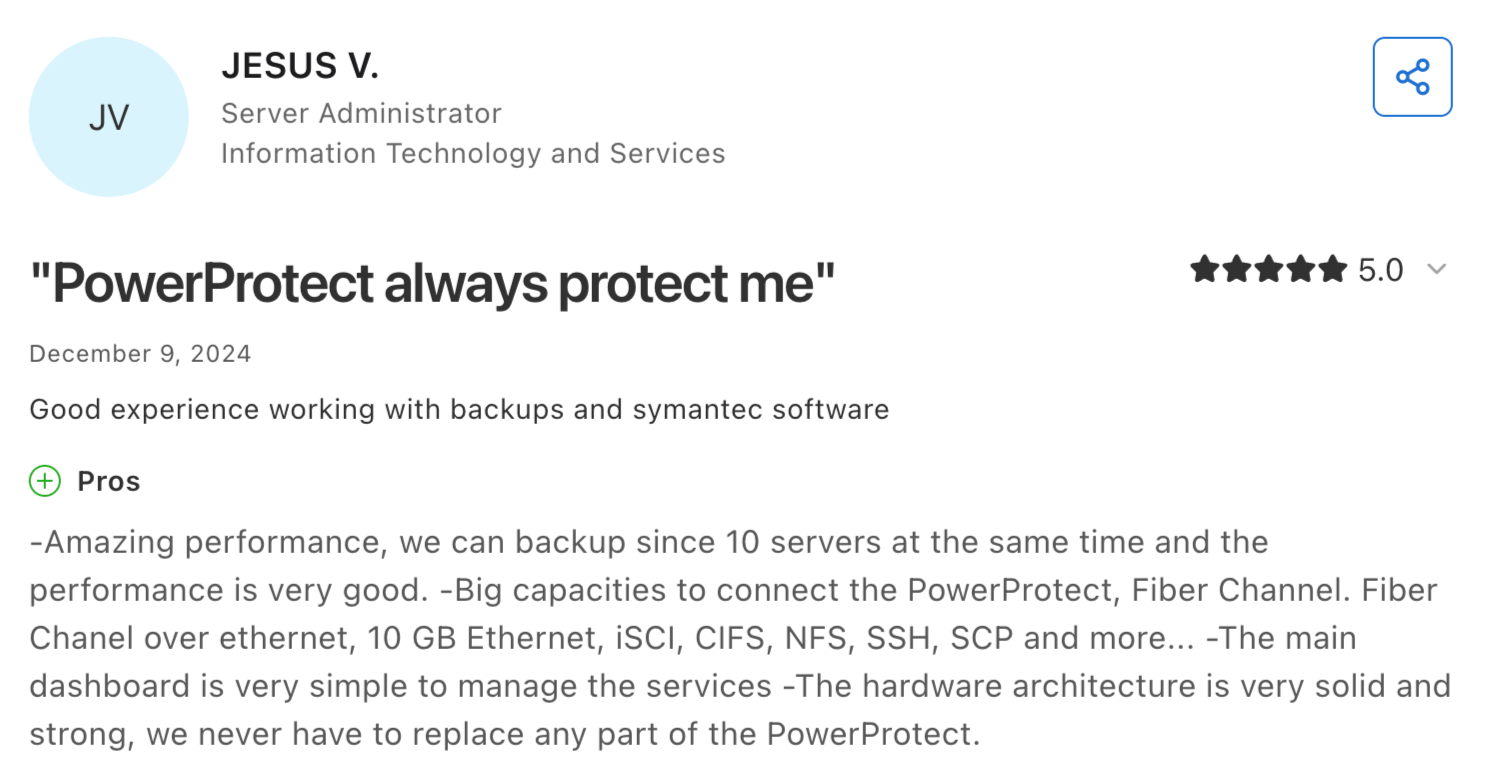
“Amazing performance; we can back up 10 servers at the same time, and the performance is very good.” — Jesus V., Capterra
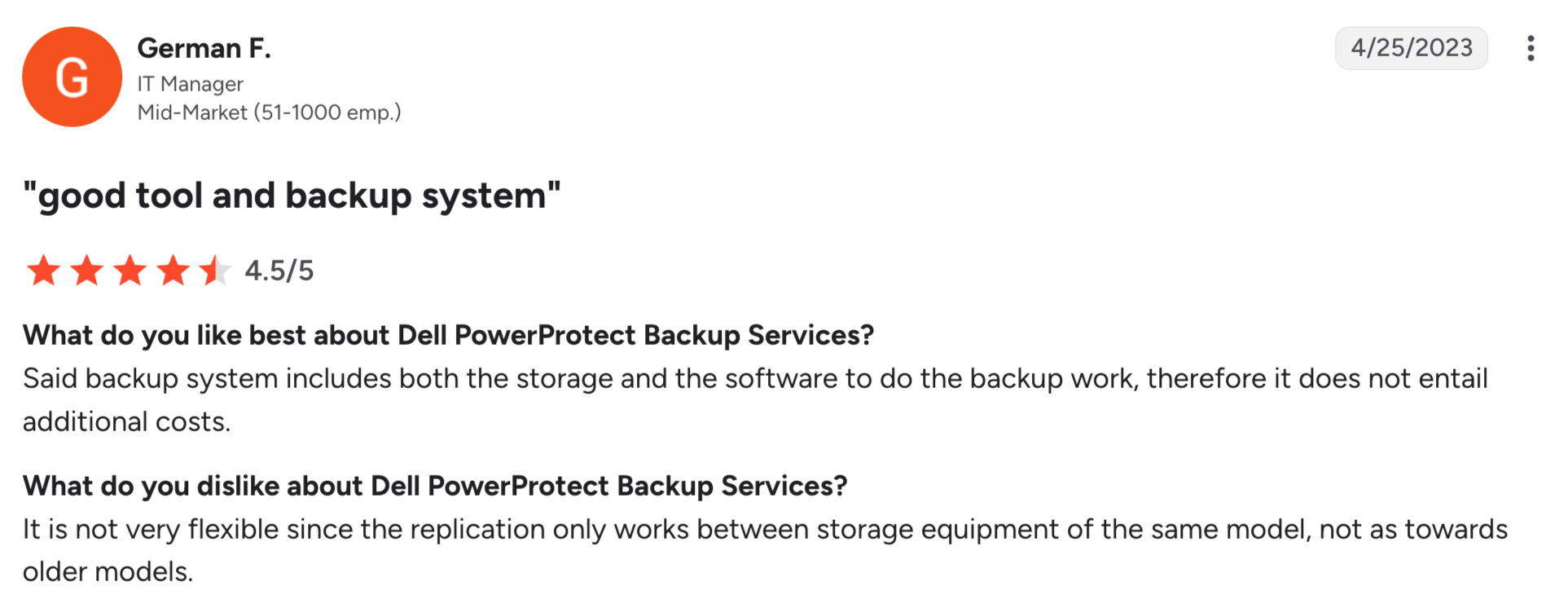
“It is not very flexible since the replication only works between storage equipment of the same model, not as towards older models.” — German F., G2
Pricing
Dell PowerProtect pricing is quote-based and varies by appliance, software, and services bundled. Hardware appliances start at the entry-level Data Domain DD3410, with software licensed separately through PowerProtect Data Manager.
Bottom line
Dell PowerProtect is the right pick for large enterprises already invested in Dell hardware and VMware. The dual hardware-plus-software licensing structure and Dell-specific integration patterns lock teams into the Dell ecosystem over the long term.
8. HYCU R-Cloud
What it does: HYCU R-Cloud is a SaaS data protection platform that protects on-prem, cloud, and SaaS workloads through application-specific integrations.
Best for: Organizations with Nutanix footprints and teams needing wide SaaS application coverage.
HYCU specializes in application-aware backup with deep native integrations for Nutanix, Microsoft 365, Google Workspace, Atlassian, and Okta. The platform reports an NPS of 91, one of the highest in the category.
Key features
- Application-aware modules: Purpose-built integrations for Nutanix, M365, Atlassian, Okta, and others.
- R-Score: Operational scoring of backup posture and recovery readiness.
- Bring-your-own-storage: Customer-managed cloud storage targets.
Pros
- ✅ Strong Nutanix integration with agentless protection.
- ✅ Broad SaaS application coverage (100+ apps).
- ✅ High customer satisfaction (NPS 91).
Cons
- ❌ Newer vendor with a smaller install base than legacy leaders.
- ❌ Learning curve flagged by some reviewers.
- ❌ Personalization and customization options are limited.
What users say
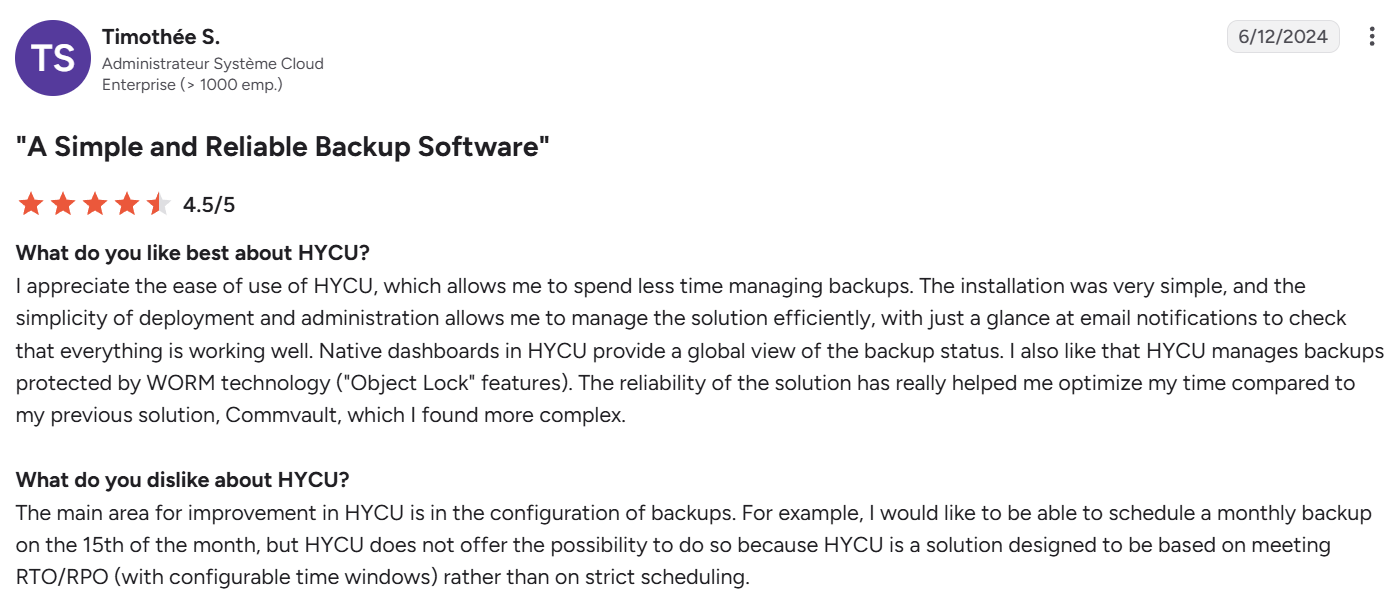
“I appreciate the ease of use of HYCU, which allows me to spend less time managing backups.” — Timothée S., G2
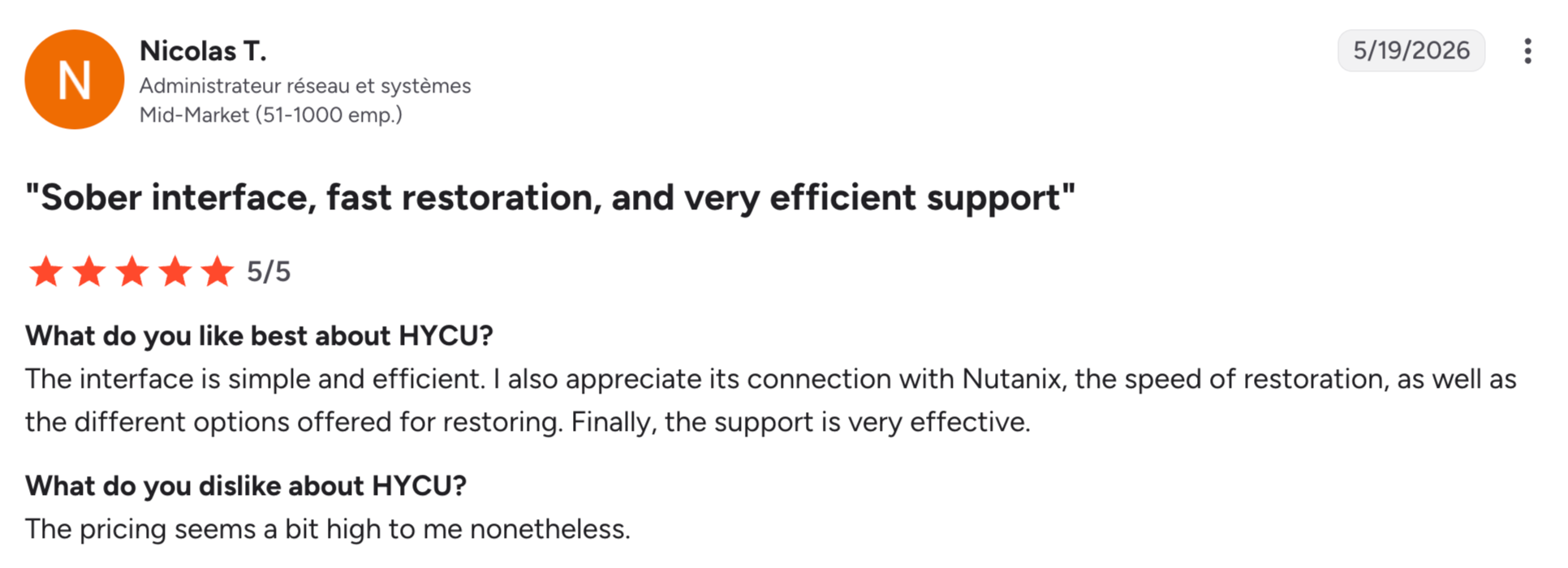
“The pricing seems a bit high to me.” — Nicolas T., G2
Pricing
HYCU R-Cloud uses consumption-based pricing tied to data protected and recovered. Per-user pricing applies to SaaS app coverage with a slider-based estimator on HYCU’s pricing page.
Bottom line
HYCU R-Cloud is the right choice for Nutanix-heavy environments and teams that need broad SaaS application backup. Large enterprises with mixed legacy and modern workloads may prefer the broader coverage offered by Veeam or Commvault.
9. AWS Backup
What it does: AWS Backup is Amazon’s native data protection service for AWS resources, providing policy-driven backup, recovery, and compliance reporting through the AWS console.
Best for: AWS-only environments that want native backup without adding a third-party vendor.
AWS Backup centralizes protection for EBS, EC2, RDS, DynamoDB, EFS, S3, Aurora, FSx, Storage Gateway, EKS, and other AWS services. The service launched in 2019 and has expanded to cover most major AWS workloads.
Key features
- Centralized AWS backup management: Single console for policy, lifecycle, and audit across AWS services.
- AWS Backup Vault Lock: Compliance-mode immutability for ransomware protection.
- AWS Backup Audit Manager: Compliance reporting and policy enforcement.
Pros
- ✅ Zero infrastructure to deploy.
- ✅ Native integration with AWS services.
- ✅ Predictable per-GB pricing.
Cons
- ❌ AWS-only with no multi-cloud coverage.
- ❌ Eight separate billing dimensions create complexity.
- ❌ Recovery granularity varies by service.
What users say
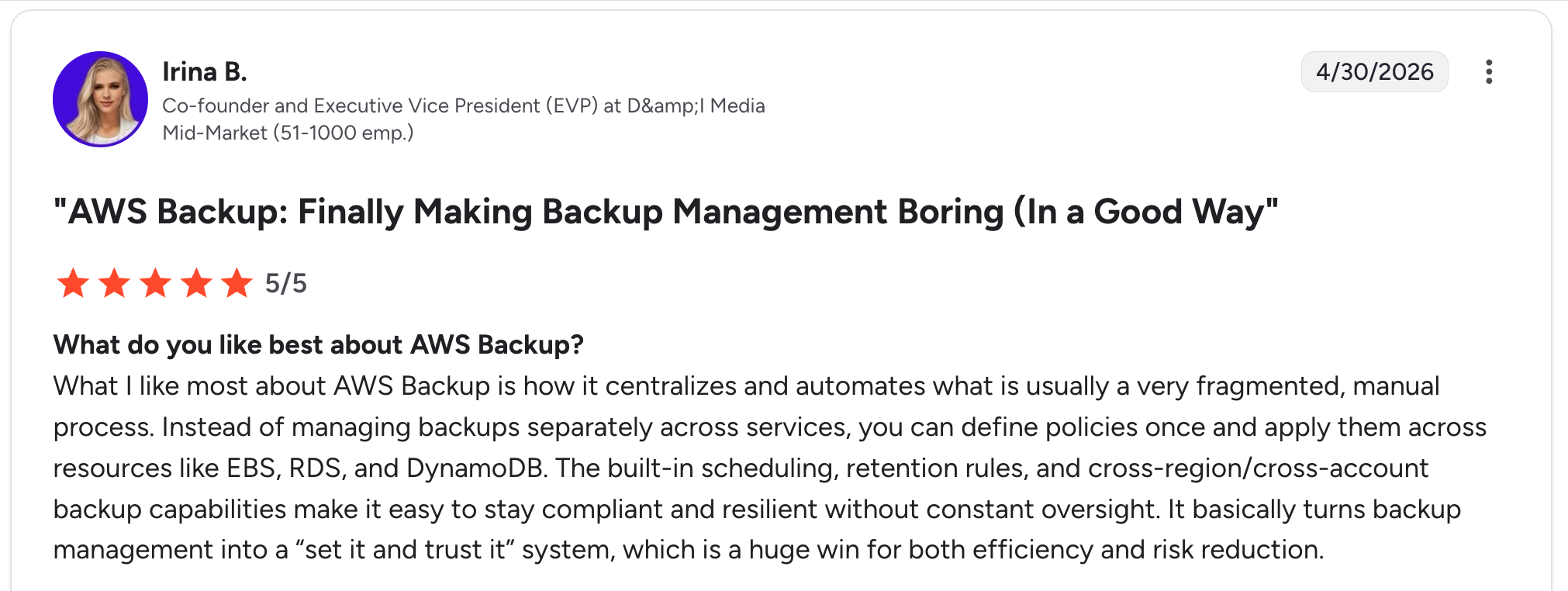
“What I like most about AWS Backup is how it centralizes and automates what is usually a very fragmented, manual process.” Irina B., G2
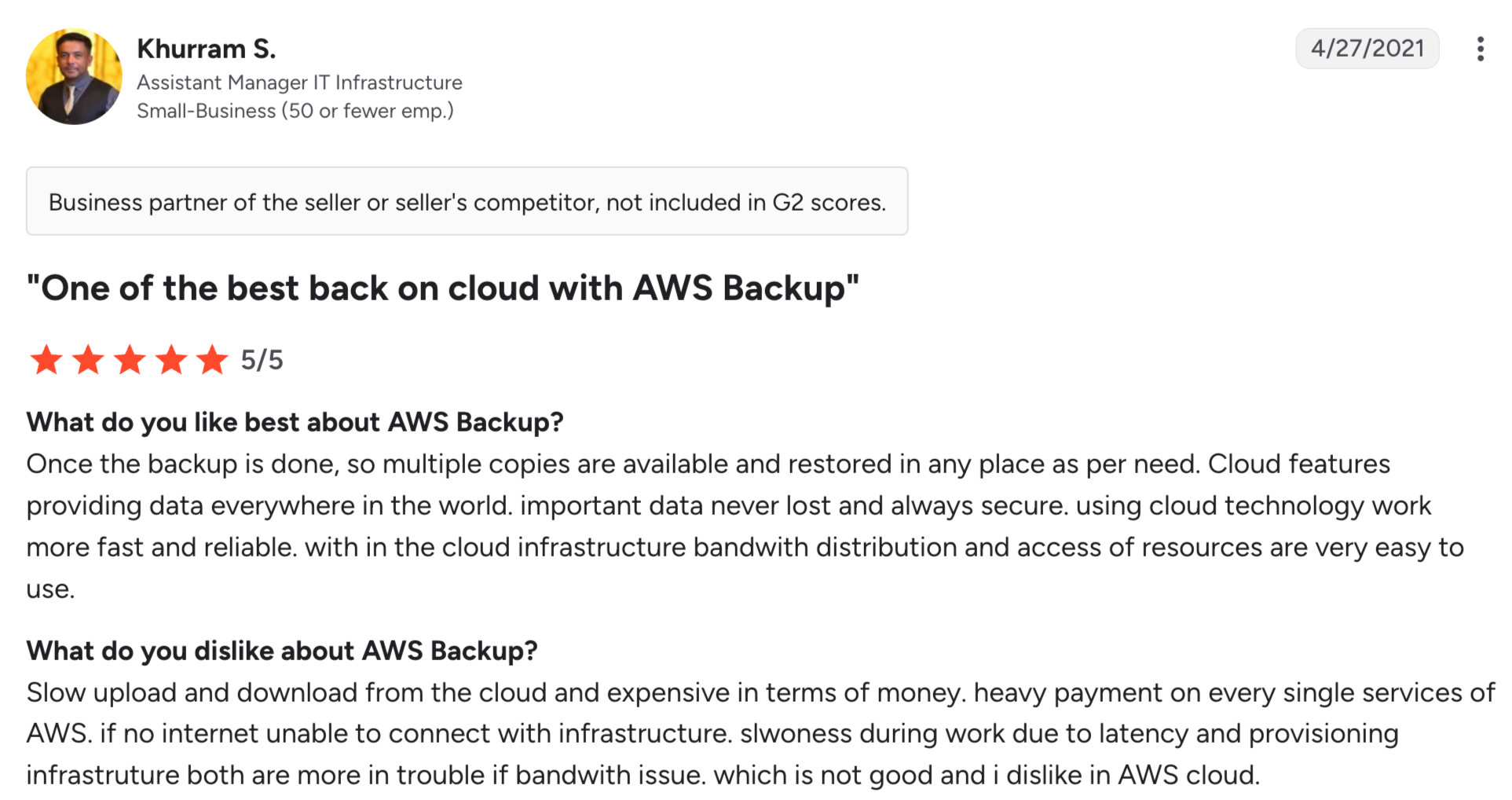
“Slow upload and download from the cloud and expensive in terms of money. Heavy payment on every single service of AWS.” — Khurram S., G2
Pricing
AWS Backup pricing starts at $0.05/GB-month for warm storage of EBS and EFS in us-east-1. The total cost spans eight billing dimensions: storage, restores, cross-region transfers, restore testing, search, audit, malware protection, and S3 access points.
Bottom line
AWS Backup is the right pick for teams running entirely on AWS that want native simplicity. Multi-cloud environments and teams that need granular recovery or queryable backup data are looking at cloud-native alternatives.
Which enterprise backup solution should you choose?
The right enterprise backup solution depends on the workload mix, the environment's complexity, and the preferred operational model.
Choose Eon if you:
- Run primarily on AWS, Azure, or GCP and want cloud-native, multi-cloud backup with no agents, appliances, or clusters.
- Need backup posture management, granular record-level recovery, and queryable backup data for analytics and AI.
- Want to cut storage costs by 30-50% through cloud-native deduplication.
Choose Veeam or Commvault if you:
- Run significant on-prem or hybrid workloads needing broad coverage across virtual, physical, cloud, and SaaS.
- Operate complex or regulated environments that need maximum workload depth.
- Have the budget for multi-year commitments and dedicated backup engineering.
Choose Druva if you:
- Want backup delivered as a true SaaS service across endpoints, laptops, and servers.
- Need coverage that spans laptops and hybrid environments, not just cloud infrastructure.
- Prefer one console for endpoint protection.
Choose Rubrik or Cohesity if you:
- Run VMware-heavy environments where ransomware recovery is a top concern.
- Want fast instant recovery (Rubrik) or to consolidate backup and data services on one platform (Cohesity).
- Can manage customer-owned clusters and multi-year contracts.
Choose Dell PowerProtect or HYCU if you:
- Already run Dell hardware and VMware (PowerProtect) or Nutanix (HYCU).
- Need application-specific integrations or appliance-based deduplication.
- Have hybrid environments tied to specific vendor ecosystems.
Choose AWS Backup if you:
- Run entirely on AWS and want native simplicity.
- Have predictable workloads in which storage costs dominate.
- Don't need multi-cloud coverage or queryable backup data.
Final verdict
For cloud-native AWS, Azure, or GCP environments, Eon is the strongest choice in 2026. It runs as a fully SaaS-managed service with no appliances, and queryable backup data is a structural differentiator.
For hybrid enterprise environments with broad workload coverage needs, Veeam and Commvault remain the most defensible choices.
For VMware-heavy, ransomware-focused shops, Rubrik is the strongest pick, while Cohesity fits teams consolidating backup and data services on one platform. If those two are your shortlist, our Rubrik vs Cohesity comparison works through where each one fits.
For endpoint-heavy teams that want backup delivered as a pure SaaS service, Druva is the natural fit.
Try Eon for cloud-native enterprise backup
Eon delivers backup posture management, granular recovery, and queryable backup data for AWS, Azure, and GCP as a fully managed SaaS service. No appliances, no worker instances to manage, no 3-year hardware commitments.
Book a demo and see how Eon protects your cloud workloads with automated CBPM and granular recovery.
Frequently asked questions
What is the best enterprise backup solution?
The best enterprise backup solution depends on the workload mix. Eon leads for cloud-native AWS, Azure, and GCP environments; Veeam and Commvault for hybrid environments; Rubrik for VMware-heavy, ransomware-focused shops; and Druva for endpoint-heavy teams.
How much do enterprise backup solutions cost?
Enterprise backup solutions in 2026 range from roughly $57,000 to $425,000+ annually, depending on data volume and scope. Rubrik averages around $57,000 per year, and Commvault has a median annual contract of $284,924. Our Rubrik cost breakdown splits that average into editions, per-BETB list rates, and the recurring items that push total spend higher.
What is the difference between backup and disaster recovery?
The difference between backup and disaster recovery is scope. Backup is the act of copying data to a recoverable location. Disaster recovery is the broader process of restoring operations after an outage. Many enterprise backup solutions include disaster recovery features such as cross-region replication, instant recovery, and cleanroom recovery environments.
Do enterprise backup solutions protect against ransomware?
Yes. Most enterprise backup solutions in 2026 protect against ransomware through immutable storage, anomaly detection, and isolated recovery vaults. Rubrik, Cohesity, Dell PowerProtect, Commvault, Druva, and Eon all offer dedicated ransomware features.
What is the best enterprise backup solution for AWS?
The best enterprise backup solution for AWS depends on whether the environment is AWS-only or multi-cloud. AWS Backup is the simplest native option, while Eon offers a SaaS-managed alternative with cloud-native deduplication that reduces storage costs by 30-50%.
Is Veeam better than Rubrik?
Whether Veeam is better than Rubrik depends on the workload mix. Veeam offers broader workload coverage and license portability across clouds and on-prem. Rubrik delivers tighter ransomware protection and faster instant recovery for VMware and SQL. Our Veeam review breaks down that workload coverage in detail.
What is a cloud-native enterprise backup solution?
A cloud-native enterprise backup solution protects cloud workloads without agents, appliances, customer-managed clusters, or worker instances. Eon, Druva, and AWS Backup are cloud-native by design. Veeam, Rubrik, Cohesity, and Commvault extend hybrid platforms to cloud workloads through cloud-deployed components. Our Cohesity vs Veeam comparison covers how two of those hybrid platforms differ once the estate is cloud-first.