Our Veeam review comes down to one split: Veeam is a dependable backup platform where it was built to run: the data center. It strains once your infrastructure goes cloud-first.
Quick verdict
Veeam's strength is fast, reliable recovery across virtual, physical, and hybrid environments. Its weaknesses are cost and complexity: per-workload licensing plus a self-managed, multi-console stack. It’s best for VMware and hybrid shops with a backup team, which can be a strain for cloud-first teams. Set against the other enterprise default, Veeam vs Rubrik shows how differently those two trade-offs land.
What is Veeam?
Veeam is an enterprise backup and recovery platform for virtual, physical, cloud, and SaaS workloads, sold as the Veeam Data Platform.
It protects VMware vSphere, Microsoft Hyper-V, Nutanix AHV, physical Windows and Linux servers, and public cloud instances from one console, with Microsoft 365 protected through a companion Veeam module, and it now serves more than 550,000 customers worldwide.
The platform sells in three per-workload editions: Foundation, Advanced, and Premium, licensed through the Veeam Universal License. Veeam is built for teams that run their own backup infrastructure and want granular control over how backups are stored, copied, and recovered. The backup engine underneath those editions is Veeam Backup & Replication, which Veeam has long sold alongside Veeam ONE as the Veeam Availability Suite.
See our dedicated Veeam pricing guide for a full cost breakdown.
Key Veeam features
Instant Recovery and CDP
Veeam can boot a failed VM directly from its backup file in minutes while the full restore runs in the background, and Continuous Data Protection narrows recovery points to seconds for critical machines. The limitation shows up with very large VMs, where live restore struggles past multi-terabyte sizes. That feature is one implementation of continuous data protection, a category worth understanding before comparing vendors on it.
Multi-hypervisor and workload breadth
Coverage spans VMware, Hyper-V, and Nutanix AHV, with v13.1 in summer 2026 adding Red Hat OpenShift Virtualization, XCP-ng, XenServer, and Sangfor aSV. Feature parity across newer hypervisors lags VMware, so mixed environments should confirm which capabilities apply to each platform.
Immutability and malware detection
Hardened Linux repositories, object lock, and air-gapped tape give defensible recovery points, and Secure Restore adds YARA and IOC scanning to catch threats before a restore. These controls protect the data, though configuring them correctly sits with the customer rather than the vendor.
Universal License and the self-managed model
One portable VUL instance covers a VM, a physical server, or a cloud instance, which simplifies license management across hybrid setups. The trade-off is that cloud object storage is billed separately by the provider and the backup infrastructure is yours to run.
Veeam ONE monitoring
Veeam ONE handles reporting, alerting, and capacity planning across the backup environment. Its reporting falls short for security operations use cases.
Veeam reviews: What real users are saying
We read more than 500 verified Veeam ratings across G2 and PeerSpot, and the pattern is steady: restores are dependable, and cost is the sticking point.
Pros
Reliable, fast recovery that holds up in production
Instant Recovery earns trust across every platform, and it's the first thing teams reach for when something breaks. It brings downed servers back in minutes rather than hours, which is the whole point of a backup tool.
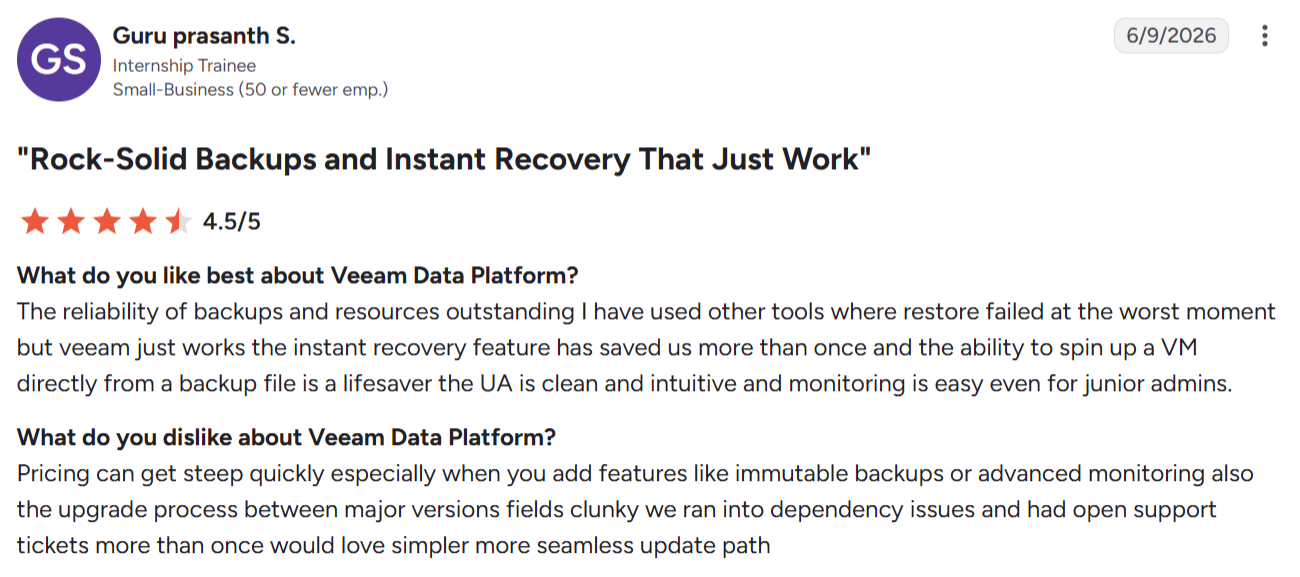
"The instant recovery feature has saved us more than once." — Guru Prasanth S., G2
Broad workload coverage from a single console
Teams running mixed infrastructure value managing VMware, Hyper-V, physical servers, and cloud in one place. The hardware-agnostic model lets shops keep their existing stack while consolidating backup operations.
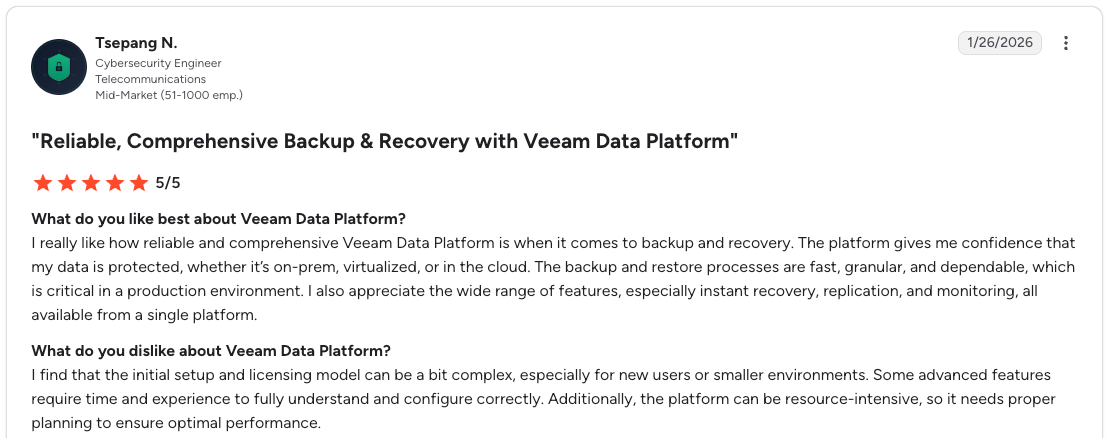
"Instant recovery, replication, and monitoring, all available from a single platform." — Tsepang N., G2
Strong immutability and ransomware recovery
Immutable repositories and malware scanning are standout strengths, especially for mission-critical environments, working alongside the anomaly detection Veeam added from version 12 onward.
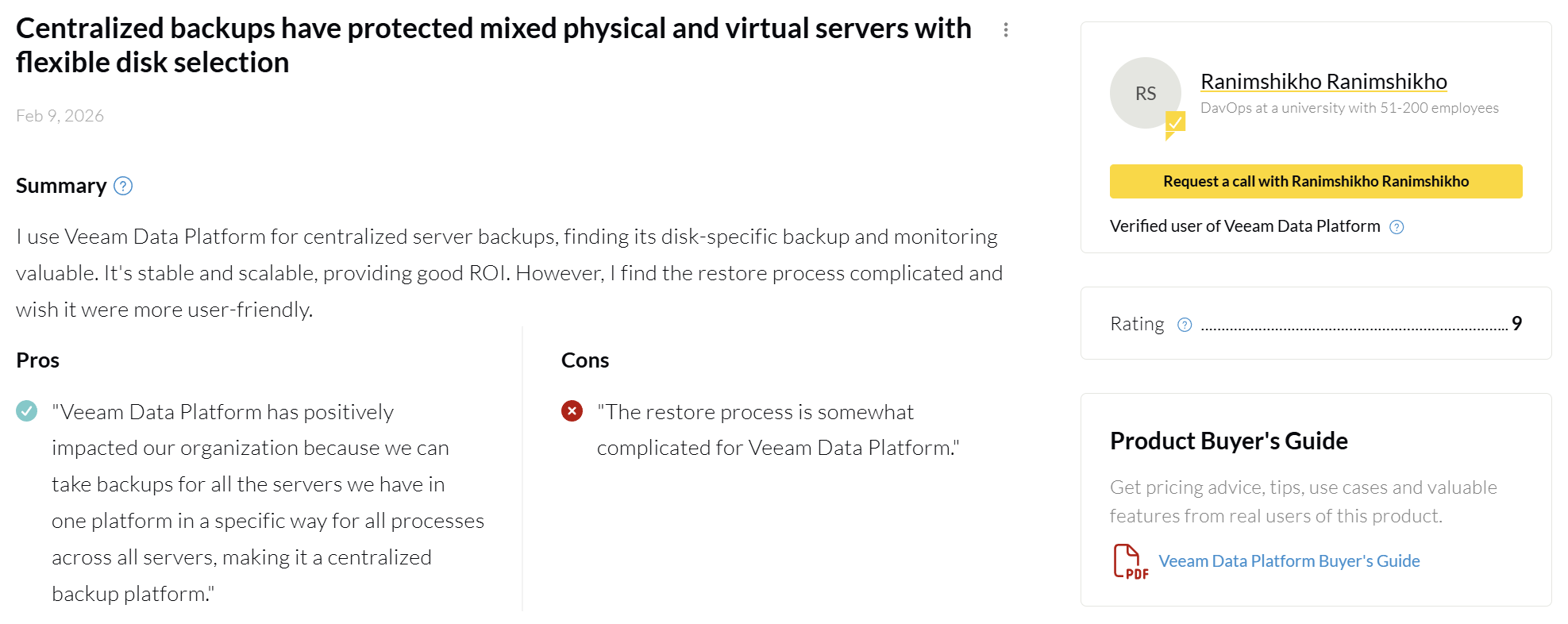
"We can take backups for all the servers we have in one platform in a specific way for all processes across all servers." — Ranimshikho Ranimshikho, PeerSpot
These controls are only as strong as the configuration behind them since the setup sits with the customer, not the vendor.
Cons
Licensing complexity and rising cost
Cost is Veeam's biggest weakness, especially for large VM fleets and cloud-heavy setups. The shift from per-socket to per-workload licensing pushed spend up for many teams.
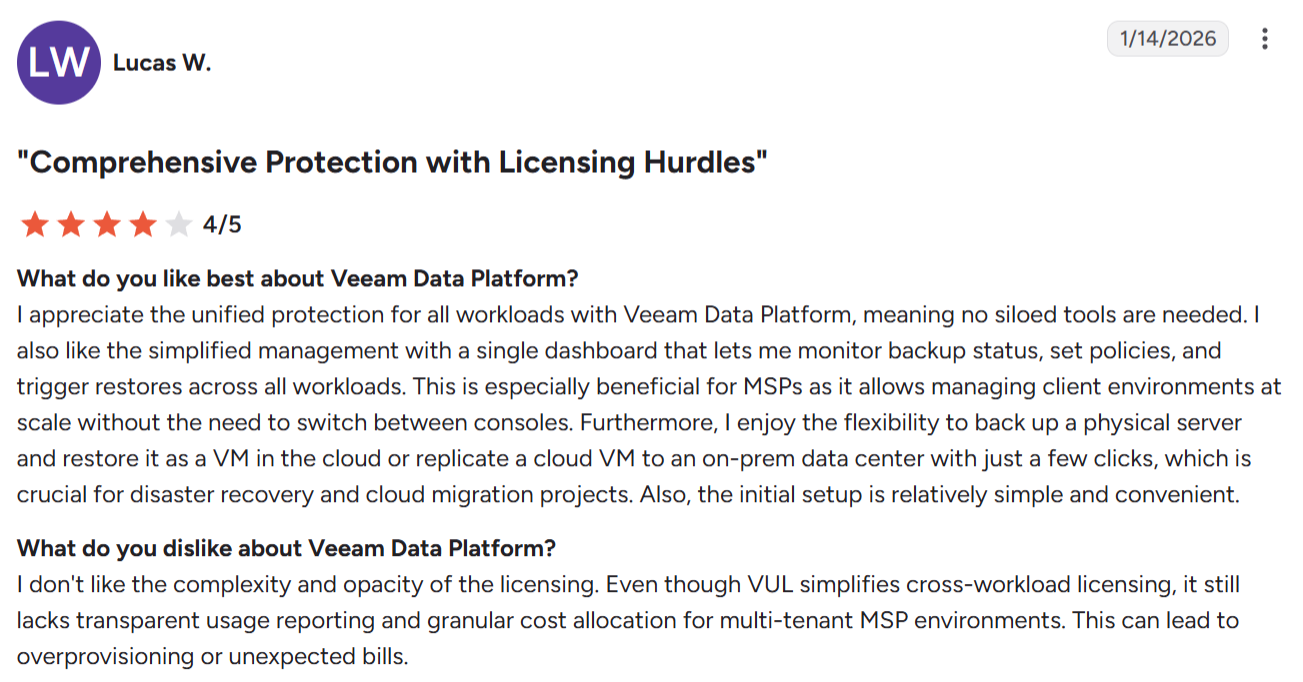
"It still lacks transparent usage reporting and granular cost allocation for multi-tenant MSP environments." — Lucas W., G2
Console sprawl and upgrade friction
Running Veeam well means standing up the backup server, Veeam ONE, and often the Service Provider Console, a stack that is heavy to manage. Major-version upgrades bring recurring dependency issues and support tickets.
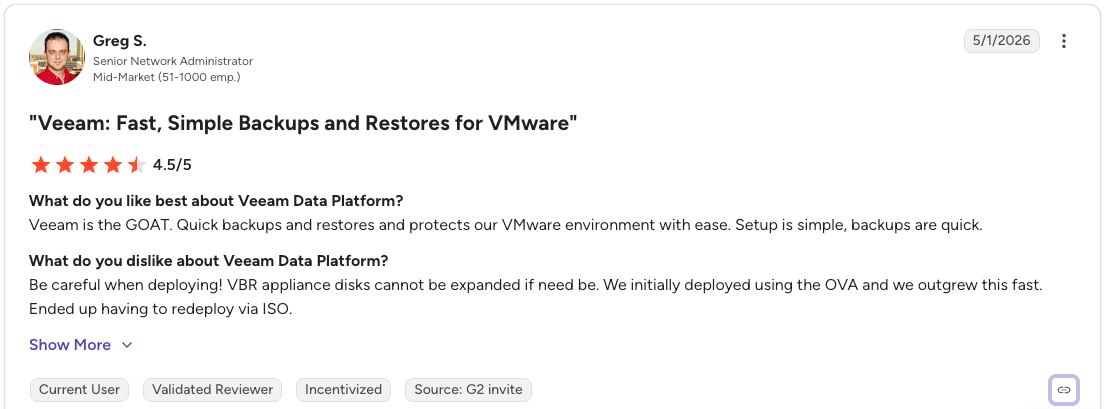
"VBR appliance disks cannot be expanded if need be.” — Greg S., G2
Granular restore slows down at scale
File and record-level recovery gets harder as backups grow. Locating individual files in large backups takes extra effort, and table-level restores time out on very large databases.
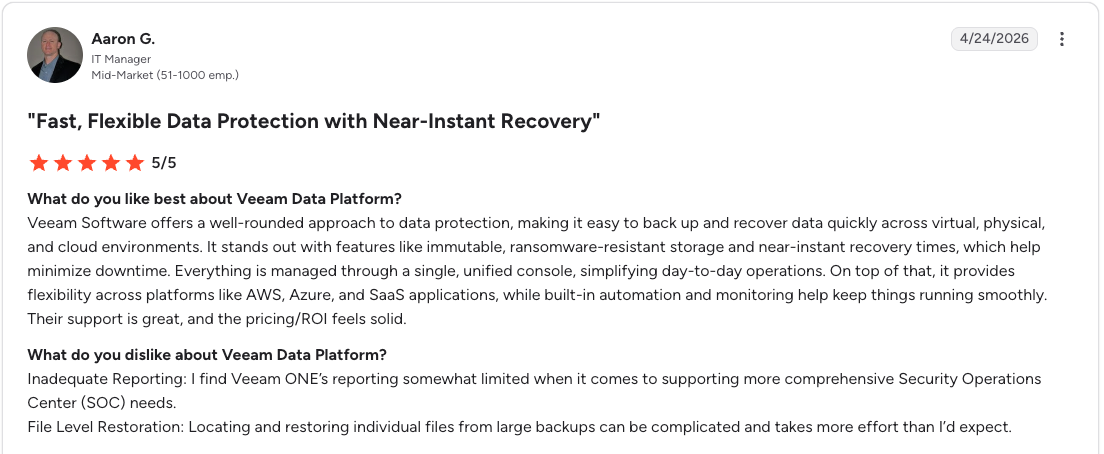
"Locating and restoring individual files from large backups can be complicated." — Aaron G., G2
Is Veeam right for you?
Who will get the most value:
- Teams with VMware, Hyper-V, or Nutanix at the core of a hybrid or on-premises setup.
- VM-heavy environments with a fairly stable workload count and predictable growth.
- Organizations replacing legacy or socket-licensed tools that want portable per-workload licensing.
- Teams with dedicated backup administrators who can run and tune the console stack.
Who should look elsewhere:
- Cloud-first companies running multi-account, multi-region AWS, Azure, or Google Cloud.
- Teams that need record or table-level restore without rehydrating a full environment. In the cloud, Veeam's item-level recovery runs through worker-node compute and proprietary format reads, which is why it degrades on large databases.
- Organizations where backup storage cost is already under scrutiny.
- Environments where new resources appear constantly and need automatic discovery and policy assignment.
The best Veeam alternative for cloud-first teams: Eon
Veeam was built for the data center first and extended to the cloud, so cloud-first teams inherit a self-managed model that fights the way their environment actually works.
That is the gap we built Eon to close.
Unlike Veeam's self-managed approach, Eon runs as a fully SaaS-managed platform that connects to cloud accounts through read-only APIs, with no agents, appliances, or clusters to deploy or patch.
Eon also prices primarily on protected storage, so spend tracks the data under protection and per-workload license counts drop off the bill. That model closes the specific gaps Veeam leaves behind at scale:
- Automated posture management: Cloud Backup Posture Management continuously discovers new resources as environments change and applies the right policy without relying on tags or one-off selection rules, answering the churn that per-workload licensing struggles with.
- Granular recovery: Eon restores files, database records, or tables without spinning up a full environment, the exact scenario where Veeam slows down at scale.
- Backup data you can query: Backups land in open formats and work as a governed data layer, so teams query them directly for audits, investigations, analytics, and AI without full restores or ETL pipelines.
- Immutable, logically air-gapped vaults: Recovery points sit in an immutable, logically air-gapped vault by default, isolated from production credentials for ransomware resilience.
- Ransomware resilience built in: Protection runs inside the backup workflow itself, with no add-on modules or customer-run compute, and extends to recovery from AI-driven threats like a rogue agent dropping production tables.
- No retrieval or restore fees: Recovery and data access are built into the platform, with no worker-node compute or transfer charges passed back to you.
The cost side shows up in results. NETGEAR cut backup storage costs 35% and took recovery of a 10TB SQL Server database from 24 hours to under three after moving off a legacy provider. Innago saved 40% and brought common restores down to 10 to 15 minutes on a cloud-native setup across EKS.
This Veeam vs Eon comparison breaks down the differences side by side.
Veeam vs native cloud tools vs Eon
The three approaches differ most on setup, cost, recovery precision, and cross-cloud visibility:
| | Veeam | Native cloud tools | Eon |
|---|---|---|---|
| Setup model | Self-managed infrastructure | Per-service, in-console | Fully managed, cloud-native APIs |
| Cost at scale | Per-workload licensing plus separate storage | Snapshot sprawl gets expensive | Tied to protected storage |
| Recovery precision | Strong for VMs, harder for files at scale | Mostly full-snapshot restore | File, record, and table level |
| Cross-cloud visibility | Console stack per environment | Limited across accounts and regions | Unified across accounts and clouds |
| Posture management | Manual policy and tagging | Little automated coverage detection | Automated discovery and classification |
| Backup data reuse | Restore-first | Not designed for reuse | Queryable without full restore |
| Backup data as a data lake | Not supported | Not supported | Backups double as a queryable data lake for analytics and AI |
Final verdict
The decision comes down to where your workloads live. Veeam is a dependable choice for VMware and hybrid data centers with a dedicated team to run and maintain it.
If your infrastructure is cloud-first and you want granular recovery, automated posture, and backup data you can actually use, a platform built for the cloud will fit better.
Losing track of what's protected as new cloud resources spin up, and watching restores drag at scale? Book a demo and see how Eon's posture management and granular recovery handle it on your own footprint.
Frequently asked questions
Is Veeam a good backup solution?
Yes, Veeam is a strong backup solution for virtual, physical, and hybrid environments. Reliable Instant Recovery, immutability, and broad workload coverage are its core strengths, and it consistently earns high marks from enterprise users. Its weak points are licensing cost and operational overhead at scale.
What are Veeam's main disadvantages?
Veeam's main disadvantages are licensing complexity, rising cost, and a multi-component console stack that adds management overhead. Granular file and table-level restores also get slower as backups grow, and cloud object storage is billed separately from the license.
Is Veeam expensive?
Veeam can get expensive, especially for large VM fleets and cloud-heavy environments. Pricing is quote-based per workload, cloud storage is a separate cost, and Veeam raised list prices roughly 4 to 8 percent in both January 2025 and January 2026. Multi-year projections should account for compounding increases.
How does Veeam compare to AWS Backup?
Veeam offers deeper recovery features and cross-platform coverage, while AWS Backup is simpler inside one cloud but limited across accounts and regions. Native tools rely on full-snapshot restores and offer little automated coverage detection, which is where dedicated cloud backup platforms add value. That trade-off is the subject of our full AWS Backup vs Veeam comparison.
Does Veeam work well for cloud-native environments?
Veeam works in the cloud, though it was designed data-center-first, so cloud-native teams inherit a self-managed model. Cloud-first companies running many accounts and regions often find per-workload licensing and separate storage management a poor match for constantly changing infrastructure.
Does Veeam offer record-level restore?
Veeam supports application-item recovery through its Explorers, but record and table-level restores can time out on very large databases.
In cloud environments, file-level recovery can also require temporary worker instances and security group changes that loosen network controls. Teams that need frequent record-level recovery should test this against their own data sizes.
What is a good Veeam alternative for cloud-first teams?
For cloud-first teams, Eon is a strong alternative because it runs without any appliances across cloud accounts, automates backup posture, and restores at the file, record, and table level. It also keeps backup data queryable, so the same data supports recovery and analytics without full restores. We line Eon up against the rest of the field in our roundup of Veeam alternatives.