

Most VMware teams don’t think hard about their backup tool until the Broadcom renewal quote lands. Then two questions show up at once: what does it cost to protect this estate now, and will it still run on vSphere in three years?
That second question is one we know well. Eon was built by the team behind CloudEndure, the migration and disaster recovery technology AWS acquired. For this guide, we reviewed nine VMware backup solutions against their documentation, compatibility matrices, official pricing pages, and recent user reviews.
What is a VMware backup solution?
A VMware backup solution is software that copies vSphere virtual machines (their disks, configuration, and application data) to separate storage, so you can restore a whole VM, a single disk, a file, or an application item after deletion, corruption, or ransomware.
A VM snapshot on its own doesn’t qualify. It lives on the same datastore as the VM, depends on the original disk, and goes down with it. That dependency is the whole distinction between snapshots and backups.
How VADP, CBT, and quiescing work together
Most tools in this space back up at the hypervisor level. They talk to vCenter and copy each VM from outside the guest operating system, so there’s no backup agent to install and patch inside every VM. A few add a small in-guest component for application processing.
Three pieces of vSphere plumbing sit under almost every tool below:
- VADP: vSphere Storage APIs for Data Protection is the framework that lets backup products run centralized, off-host, LAN-free backups of vSphere VMs. The tool takes a snapshot, reads the frozen disk, then deletes the snapshot, so the VM keeps running.
- Changed Block Tracking (CBT): CBT records which disk blocks changed since the last backup, so each incremental backup copies only those blocks. With CBT off, every run has to scan the whole disk.
- Quiescing: Before the snapshot, VMware Tools asks Windows VSS and the application writers to flush pending writes. That gives you an application-consistent backup. disk.EnableUUID has to be set to true for application-level quiescing to work. Skip it, and you get a crash-consistent copy, the same state as pulling the power cord.
The data then moves to the backup repository over the network (NBD), through a proxy VM that mounts the disks (HotAdd), or straight off the storage fabric (SAN). Which modes a tool supports decides a lot about speed on large VMs.
Why teams are re-evaluating VMware backup after Broadcom
Broadcom closed its VMware acquisition on November 22, 2023. Within weeks, it ended perpetual licenses and moved customers to two subscription bundles, VMware Cloud Foundation (VCF) and VMware vSphere Foundation (VVF), with a 16-core minimum per CPU.
The changes kept coming. Broadcom dropped the free ESXi hypervisor in February 2024, then brought it back in April 2025 with VADP-based backups switched off.
In late 2025, VVF stopped being sold in some EMEA countries. Gartner now expects more than a third of VMware workloads to run on another platform by 2028.
For backup, that changes the buying criteria. A tool that restores into Hyper-V, Nutanix, Proxmox, or a public cloud keeps your exit options open, and a license that follows the workload saves you from paying twice during a migration.
TL;DR: Best VMware backup solutions at a glance
- Veeam Backup & Replication: Best for large vSphere estates that also run other hypervisors or clouds.
- NAKIVO Backup & Replication: Best for cost-capped estates and edge sites, including free ESXi hosts.
- Cohesity DataProtect: Best for consolidating backup onto capacity-licensed infrastructure with a managed cyber vault.
- Rubrik Security Cloud: Best for security-led teams that want immutable backups and threat hunting from one vendor.
- Commvault Cloud: Best for enterprises protecting VMware alongside many other workloads, as SaaS or self-managed.
- HYCU R-Cloud: Best for teams moving from vSphere to Nutanix or another hypervisor.
- Druva: Best for teams that want VMware backups stored in a SaaS service with no backup storage to run.
- Vinchin Backup & Recovery: Best for mixed-hypervisor estates that need a low-cost path off VMware.
- Hornetsecurity VM Backup: Best for small clusters and remote offices that want per-host licensing.
How we evaluated these VMware backup solutions
We assessed each tool from its official documentation, compatibility matrix, pricing page, and recent reviews from real users, then looked at each across the dimensions a VMware backup has to cover in 2026:
- vSphere integration: VADP and CBT for incrementals, application-consistent processing, and support for vSphere 9 (VCF 9.0 became generally available on June 17, 2025).
- Immutability: A hardened repository, S3 Object Lock, WORM storage, or a managed vault that an attacker with admin credentials can’t wipe. Not every immutable backup approach survives a credentialed attacker equally.
- Recovery: Instant VM recovery for big outages, plus file-level and application-item restores for the everyday tickets.
- Cloud fit: Cloud object storage targets and documented support for VMware Cloud on AWS, Google Cloud VMware Engine (GCVE), and Azure VMware Solution (AVS).
- Licensing: Per workload, per socket, per host, or per TB, and what happens to that license if you change hypervisors.
- Exit options: Restores into another hypervisor or a public cloud.
We also checked which tiers include ransomware detection, since several vendors sell it as an add-on. VMware is only one slice of a broader enterprise backup decision.
VMware backup tools compared
1. Veeam Backup & Replication: Best for large vSphere estates that span other platforms
What it does: Veeam Backup & Replication backs up vSphere VMs agentlessly through VADP and CBT, and protects Hyper-V, Proxmox, physical servers, and cloud workloads from the same console.
Best for: Enterprises with large vSphere estates that also run other hypervisors or clouds and want one license that moves between them.
Veeam covers the widest spread of platforms in this roundup. Version 13 added a Linux-based Software Appliance and a web UI, and the Veeam Universal License is portable across virtual, physical, and cloud workloads.
Plan your upgrade path before VCF 9. vSphere 9.0 needs Veeam 12.3.1 or later, and vSphere 9.1 needs version 13.1 or later.
Key features
- Instant VM Recovery: Boots a VM straight from the backup file, so users are back online while the full restore runs in the background.
- Hardened Repository: A Linux repository where backup files can’t be modified or deleted until the immutability period ends.
- Granular restores: Pulls single emails, database tables, or Active Directory objects out of image-level backups, with a malware scan before restore.
- Restore to cloud: Recovers VMware backups into AWS, Azure, or Google Cloud.
Pros and cons
Pros:
- Backups that test themselves catch an unbootable restore point before an outage does.
- It works with the storage you already own, from storage appliances to S3-compatible cloud tiers, so adopting it rarely means a new storage purchase.
- The free Community Edition gives labs and small sites a no-cost starting point.
Cons:
- Large environments need ongoing manual tuning of proxies and repository gateways as they grow.
- Major upgrades need a test window, since some backup types can take weeks to settle afterward.
- On VMware Cloud on AWS, Instant VM Recovery, SureBackup, and CDP aren’t available.
What users say
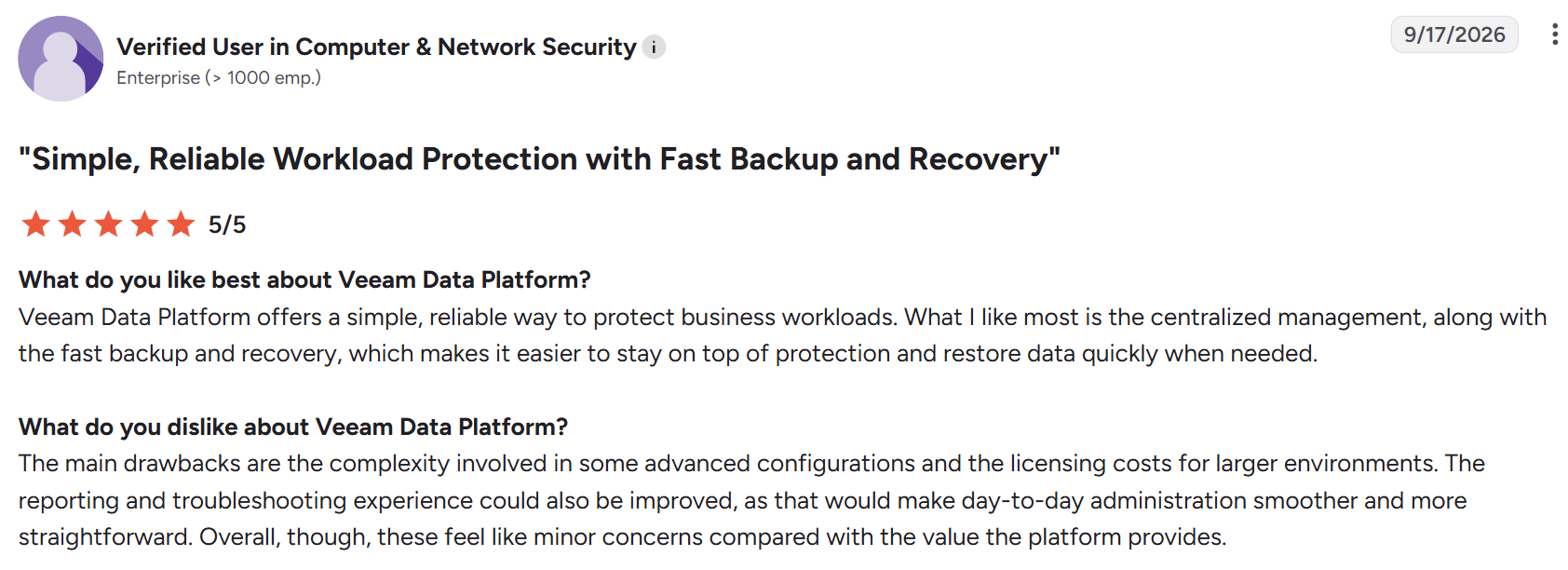
"Veeam Data Platform offers a simple, reliable way to protect business workloads." – Verified User, computer and network security, G2
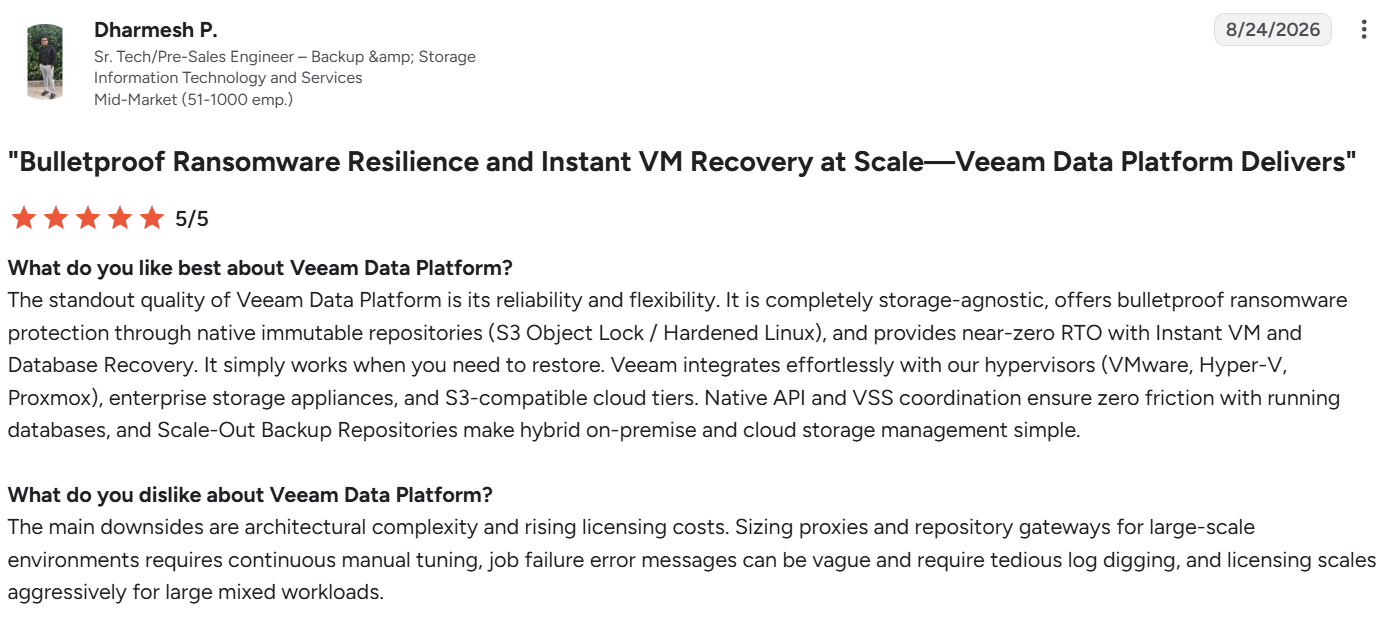
"The main downsides are architectural complexity and rising licensing costs." – Dharmesh P., senior tech/pre-sales engineer, G2
Pricing
Veeam Data Platform is licensed per workload, and the Foundation, Advanced, and Premium editions are quote-based. Veeam Data Platform Essentials, for companies under 250 employees, lists at $95 per license per year, sold in five-packs up to 50 workloads.
Beyond the license, actual Veeam pricing also carries storage, compute, and support costs.
Bottom line
If you want one tool across vSphere and whatever replaces part of it, Veeam is the safest default.
For cloud-native workloads, Veeam runs three separate per-cloud products where a cloud-native platform runs one. Teams facing a renewal quote often price Veeam alternatives in the same exercise.
2. NAKIVO Backup & Replication: Best for cost-capped estates and edge sites
What it does: NAKIVO Backup & Replication runs agentless, host-level VMware backups using native CBT, with instant VM boot and immutable storage on-premises or in the cloud.
Best for: Teams with tight budgets, branch sites, or free ESXi hosts that other tools won’t touch.
NAKIVO publishes its per-workload and per-socket prices, which makes it easy to model against a Veeam or Cohesity quote. It supports vSphere 5.5 through 9.1.
It’s also the only tool in this roundup that documents backups of free ESXi hosts. There are trade-offs: SSH has to be enabled on the host, CBT has to be turned on per VM by hand, and a free host can’t be a replication target.
Key features
- Flash VM Boot: Boots full VMs directly from backups, and restores individual files with their permissions intact.
- Immutable repositories: Local Linux repositories plus Object Lock on Amazon S3, Wasabi, Azure Blob, and Backblaze B2.
- App-aware backups: Application-consistent backups of SQL Server, Exchange, and Active Directory, with item-level recovery.
- Air-gapped copies: Tape and other detachable media for a copy that sits offline.
Pros and cons
Pros:
- Small teams can run it, since deployment doesn’t need heavy infrastructure or extra VMs to run the backup software.
- Backups can be scanned for malware before a restore, so you don’t put an infected copy back into production.
Cons:
- Restoring a single file from a backup several weeks old can take a long time.
- Perpetual licenses are sold in minimum bundles, so a single small site can pay for more capacity than it uses.
- No documented support for VMware Cloud on AWS, GCVE, or AVS.
What users say
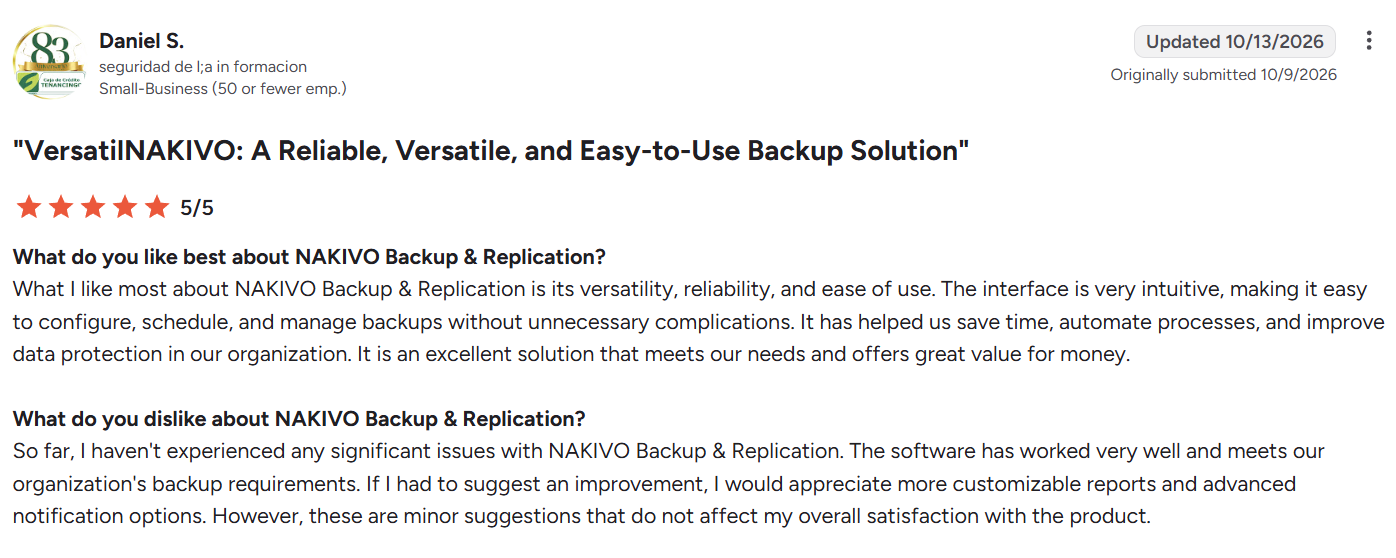
"The interface is very intuitive, making it easy to configure, schedule, and manage backups..." – Daniel S., G2
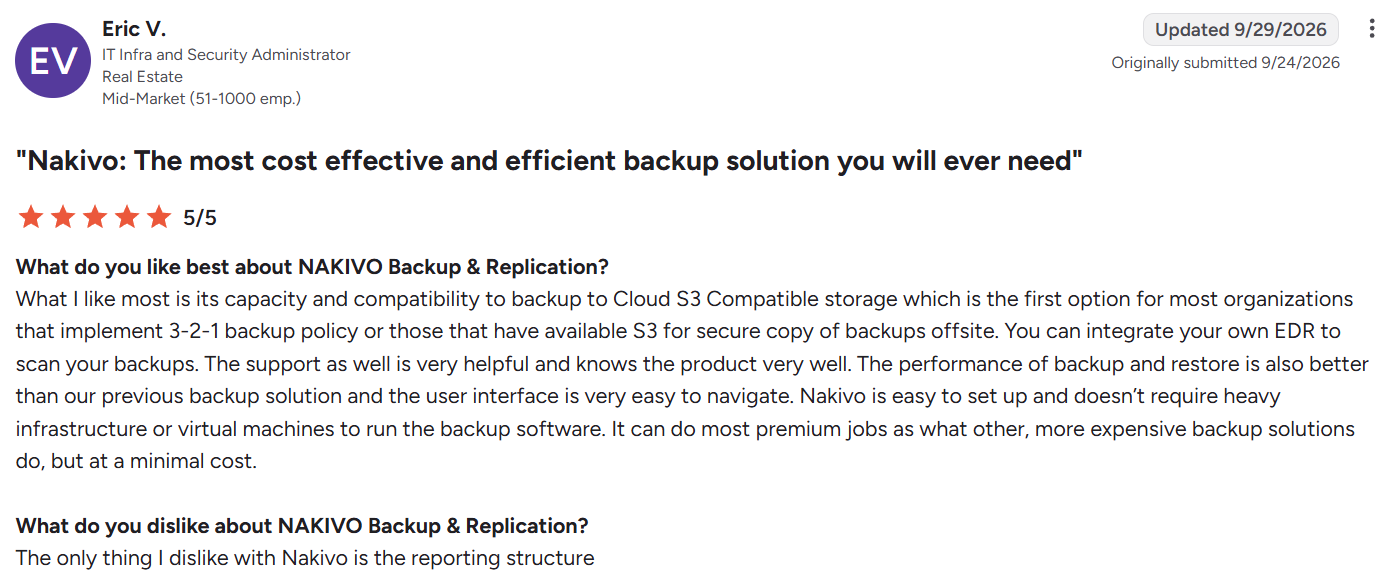
"The only thing I dislike with Nakivo is the reporting structure." – Eric V., IT infra and security administrator, G2
Pricing
Subscriptions start at $1.95 per workload per month for a 3-year subscription, and perpetual licenses start at $229 per CPU socket. The Free Edition covers up to 10 workloads for one year, and a 15-day trial is available.
Bottom line
NAKIVO gives remote sites and smaller clusters a low, predictable price per workload. Pick something else if VMware Cloud on AWS or AVS is part of your plan.
3. Cohesity DataProtect: Best for consolidating backup onto capacity-licensed infrastructure
What it does: Cohesity DataProtect protects vSphere VMs agentlessly through VADP, with instant mass restore and an optional managed cyber vault.
Best for: Large enterprises consolidating several backup products onto one scale-out platform.
Cohesity combined with Veritas’ enterprise data protection business in December 2024, so NetBackup now sits under the same company. DataProtect runs as self-managed software or as a service. The service version still needs a SaaS Connector deployed next to your vSphere environment.
DataProtect 7.2.2 added vSphere 9.0 support in August 2025, along with a managed service that backs VMware up to Azure.
Key features
- Incremental-forever backups: Agentless, application-consistent backups with RPOs as short as 15 minutes.
- Instant mass restore: Brings back dozens to thousands of VMs at once after a large-scale incident.
- FortKnox: A fully managed, immutable, air-gapped cyber vault hosted on AWS, Azure, or Google Cloud.
- Ransomware anomaly detection: Watches backup data for signs of an attack.
Pros and cons
Pros:
- One console covers VMware, Hyper-V, Nutanix, and agent-based applications, so a mixed estate doesn’t need a second backup product.
- The same per-TB license covers DataProtect or NetBackup, which gives NetBackup customers a path onto the newer platform.
Cons:
- Initial deployment gets complex for small teams without vendor help.
- Self-managed clusters leave your team to run the hardware, upgrades, and capacity planning.
What users say
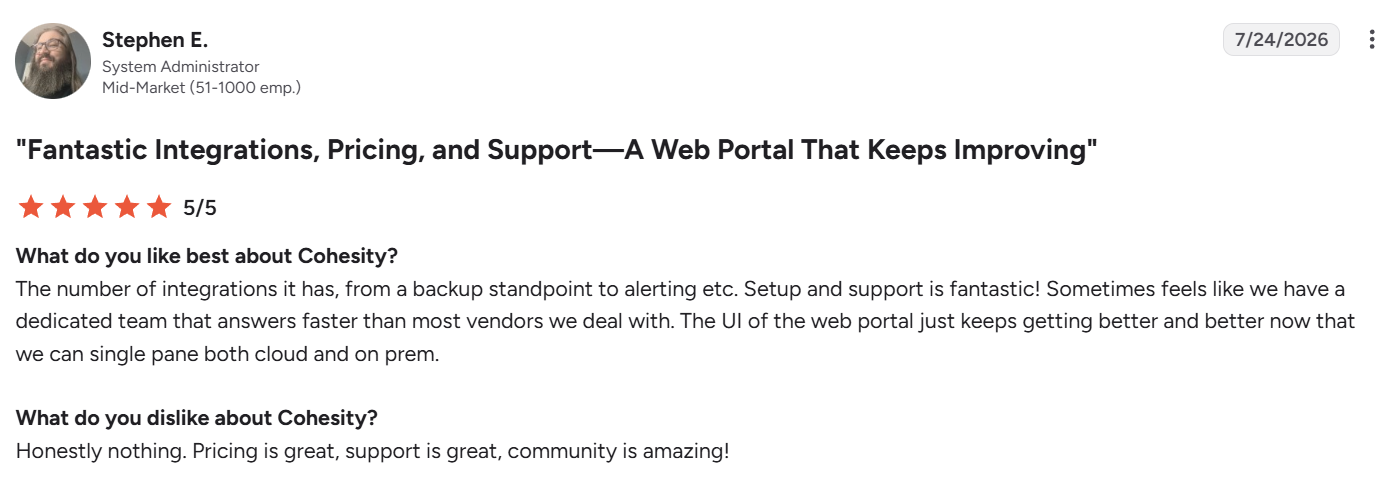
"The UI of the web portal just keeps getting better and better..." – Stephen E., system administrator, G2
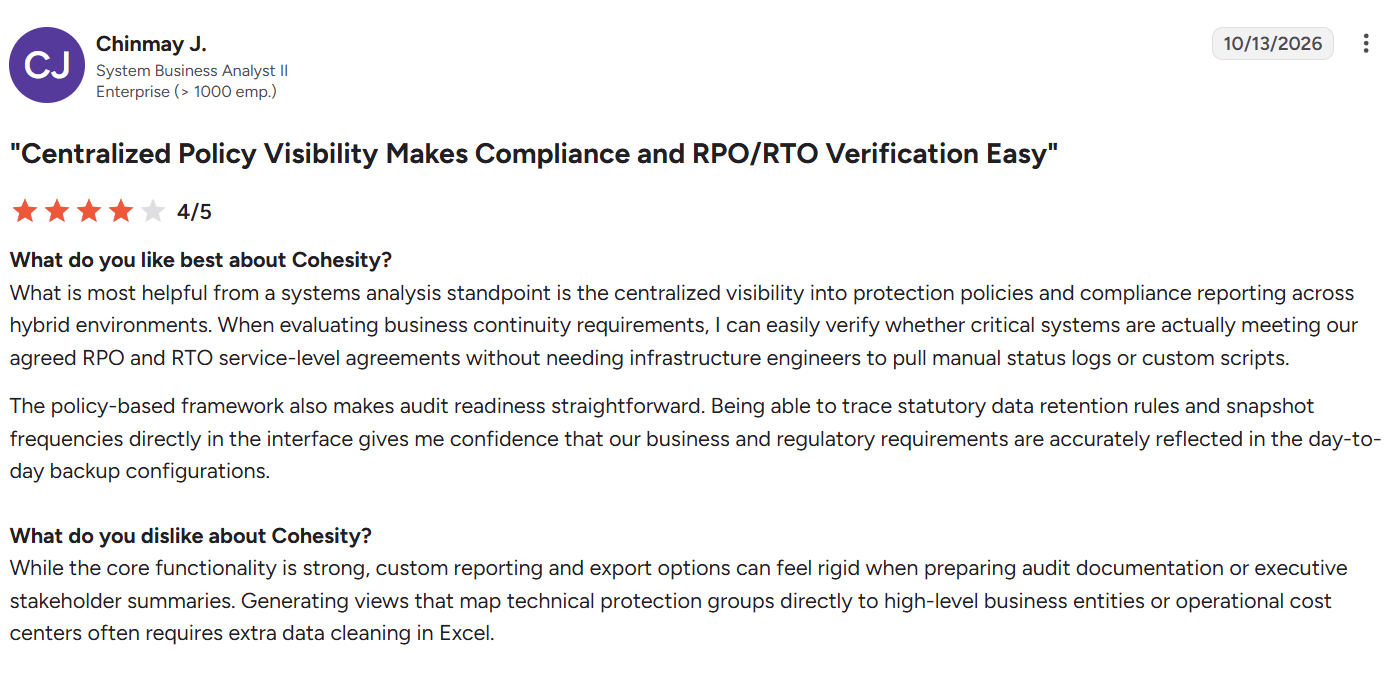
"Custom reporting and export options can feel rigid when preparing audit documentation." – Chinmay J., system business analyst II, G2
Pricing
Cohesity licenses by back-end capacity, per TB, and the same capacity can cover DataProtect or NetBackup. Pricing is quote-based.
Bottom line
Cohesity makes the most sense when you’re folding several backup tools into one platform. On consolidation, Cohesity and Veeam split mainly on who runs the storage.
4. Rubrik Security Cloud: Best for security-led teams that want threat hunting in their backups
What it does: Rubrik Security Cloud backs up vSphere VMs through VADP and CBT onto an immutable file system, and scans those backups for threats.
Best for: Enterprises where the security team has a say in backup decisions and wants detection and recovery from one vendor.
Rubrik ingests VM data over NBDSSL, SAN, or HotAdd and uses adaptive VSS for application consistency, with an optional Rubrik Backup Service for tighter control. Backups land on Rubrik clusters on-premises, edge virtual appliances, or Cloud Cluster, all managed from a SaaS control plane.
Key features
- Live Mount: Brings full VMs back online in minutes by running them from the backup.
- Immutable file system: Backups that can’t be modified, deleted, or encrypted once written.
- Turbo Threat Hunting: Scans 75,000 backups in under 60 seconds to find the last clean copy before a restore.
- Anomaly detection and threat monitoring: Flag suspicious changes in backup data and track known indicators of compromise.
Pros and cons
Pros:
- Enterprise and Enterprise Proactive editions carry a Ransomware Recovery Warranty, which puts vendor money behind a failed recovery.
- It’s one of two tools here that support Oracle Cloud VMware Solution alongside VMC, GCVE, and AVS.
Cons:
- Renewals and capacity growth can push costs up quickly as the data footprint grows.
- Reporting and analytics are limited for teams that need custom compliance views.
- The three-year subscription bundles software, hardware, and support, which makes it harder to change course mid-term.
What users say
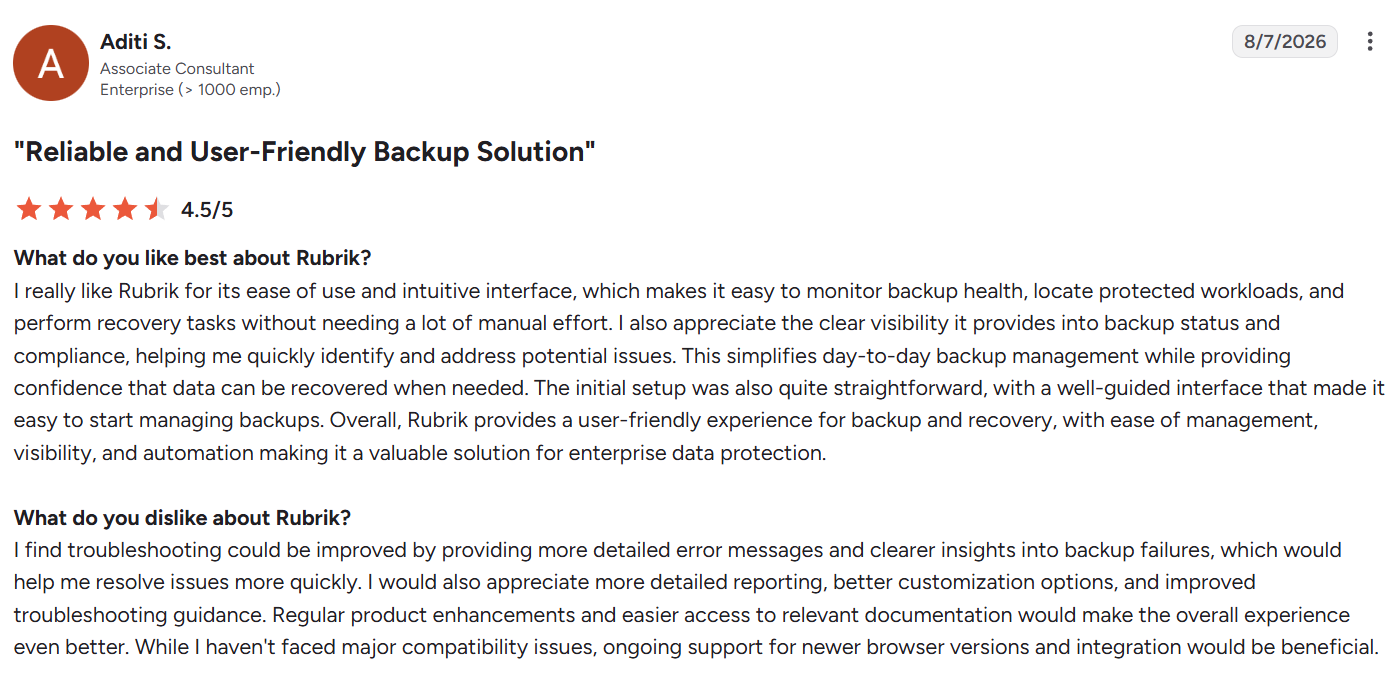
"The initial setup was also quite straightforward, with a well-guided interface..." – Aditi S., Associate Consultant, G2
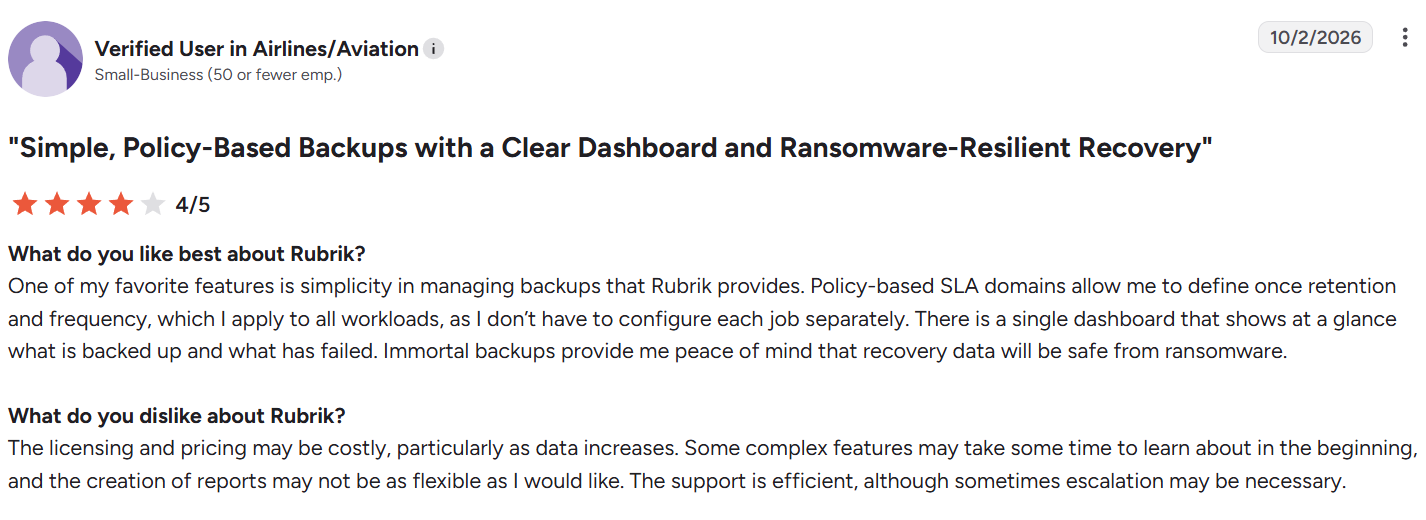
"The licensing and pricing may be costly, particularly as data increases." – Verified user in airlines/aviation, G2
Pricing
Rubrik sells a three-year subscription that includes software, your choice of hardware, and support. Pricing is quote-based.
Bottom line
Rubrik suits teams that judge backup by how fast they can prove a clean restore point. On cloud workloads, Rubrik, Veeam, and Eon take three different architectural paths.
5. Commvault Cloud: Best for enterprises protecting VMware alongside many other workloads
What it does: Commvault Cloud backs up vSphere VMs through VADP and CBT from an access node, as SaaS or customer-managed software.
Best for: Enterprises that want VMware, databases, SaaS apps, and cloud workloads under one policy engine.
Metallic, Commvault’s SaaS line, became part of Commvault Cloud in late 2023. For VMware, the SaaS version needs an access node on a Windows or Linux machine with at least 100 GB free. That node runs the Virtual Server Agent and does the data movement.
Key features
- Live recovery and Live Mount: Runs VMs from backup while they move back to production storage.
- Air Gap Protect: Commvault-managed, air-gapped, immutable cloud storage, sold as its own subscription.
- Threat Scan: Added Hyper Threat Hunting and Deep Inspection in March 2026 to find malware in backup data before restore.
- Cloud VMware coverage: Supports VMware Cloud on AWS, AVS, Oracle Cloud VMware Solution, and GCVE.
Pros and cons
Pros:
- You can start in SaaS and keep sensitive sites on customer-managed software, with both models covering VMware.
- Software can be licensed per 10 VMs, per socket, or by capacity, so the model can follow how your estate grows.
Cons:
- Threat Scan only comes in the Gold and Platinum bundles.
- Live Mount isn’t supported on AVS or GCVE, where only HotAdd transport works.
What users say
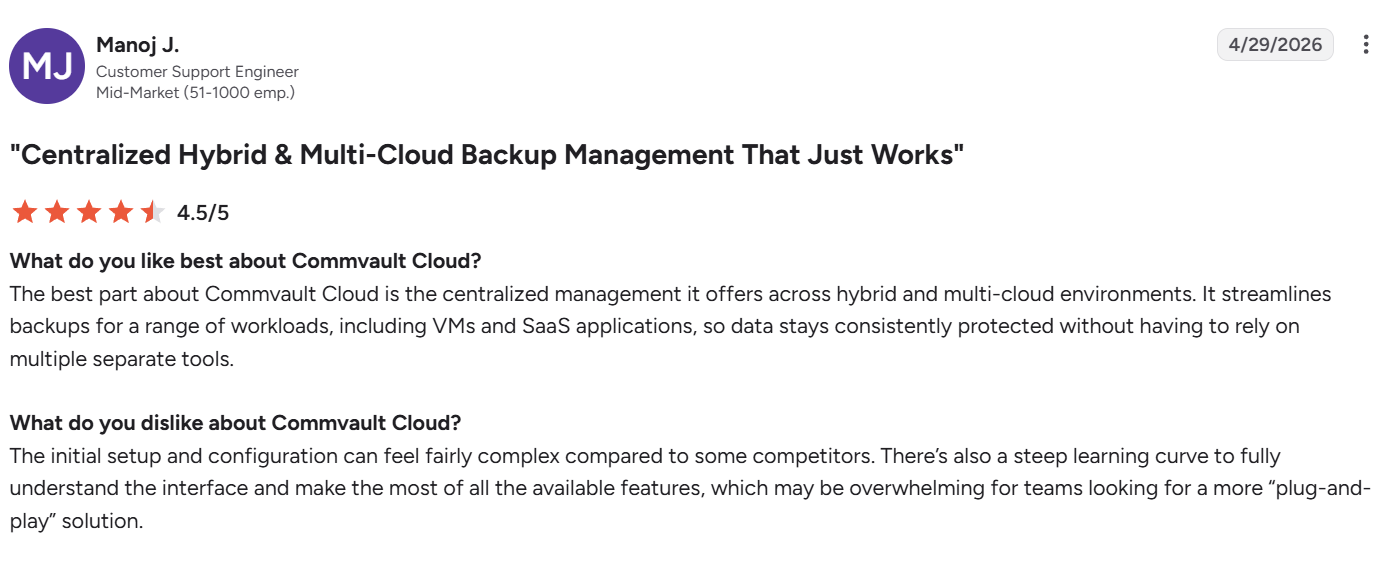
"The centralized management … offers across hybrid and multi-cloud environments." – Manoj J., customer support engineer, G2
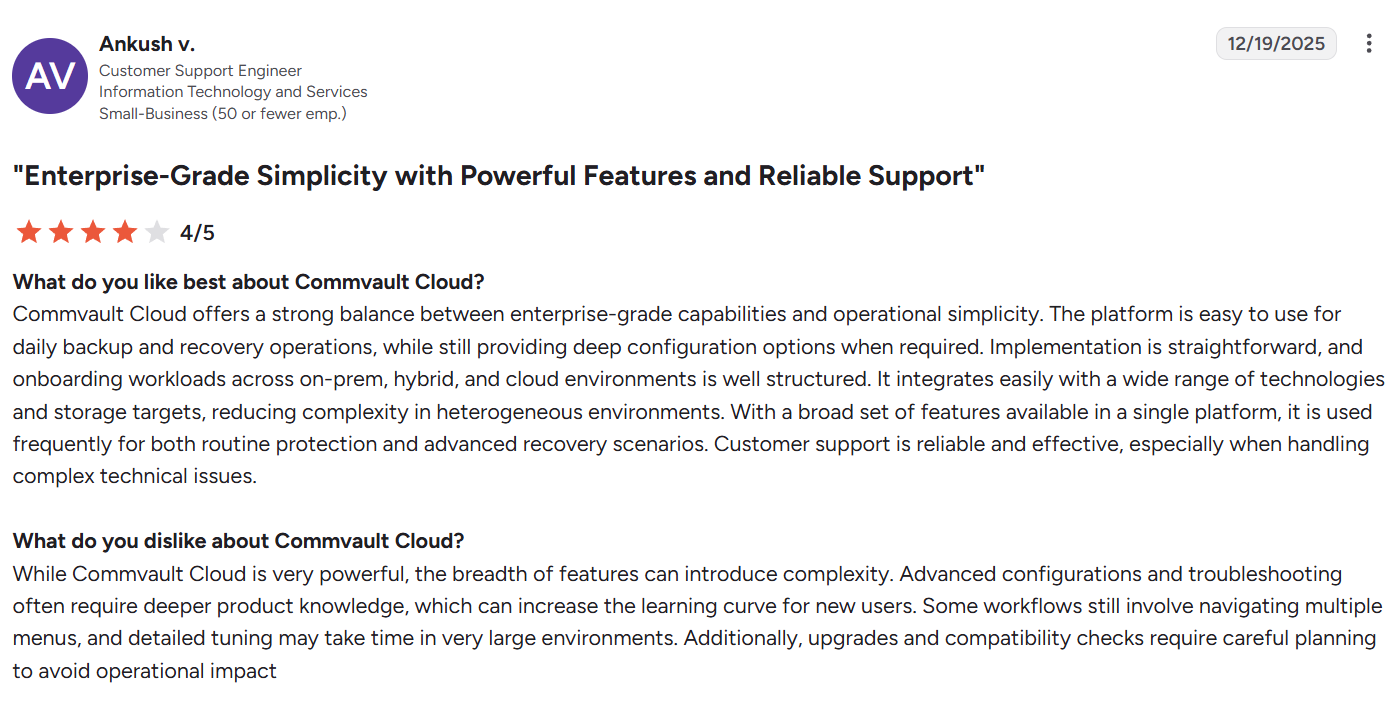
"Upgrades and compatibility checks require careful planning to avoid operational impact." – Ankush V., customer support engineer, G2
Pricing
SaaS VM backup costs $102.49 per 10-pack of VMs per month, with volume discounts above 50 VMs. Customer-managed software is licensed per 10 VMs, per socket, or by capacity, and is quote-based.
Bottom line
Commvault fits when VMware is one of many workloads you need to govern together, where Commvault and Veeam differ most on how many workload types each one governs.
6. HYCU R-Cloud: Best for teams moving from vSphere to another hypervisor
What it does: HYCU R-Cloud backs up vSphere VMs with no agents or plugins, from a virtual appliance that deploys in minutes.
Best for: Teams planning a move from vSphere to Nutanix AHV or another platform that want one backup tool on both sides.
HYCU positions itself as hypervisor-agnostic, which is the main reason it shows up on post-Broadcom shortlists. It runs as a backup controller VM inside your environment, so there’s no separate proxy fleet to size. The current Hybrid Cloud Edition is version 5.2.1, released in January 2026.
Key features
- CBT-based incrementals: Application-consistent backups with automatic application discovery inside each VM.
- Immutable targets: Writes to WORM-enabled object storage on S3, Google Cloud Storage, or Azure Blob.
- Cloud VMware support: Covers VMware Cloud on AWS, GCVE, and AVS.
Pros and cons
Pros:
- HYCU protects more than 100 workloads, including SaaS apps, so VMware, Nutanix, and SaaS protection can sit with one vendor.
- Dashboards show protection status and job metrics at a glance, which suits small infrastructure teams.
Cons:
- It doesn’t offer VMware-based VM replication, so DR replication needs another tool.
- Reporting is thin and split across interfaces, which slows audit prep.
- HYCU doesn’t document instant VM recovery for vSphere, so recovering a large VM can mean waiting on a full restore.
What users say
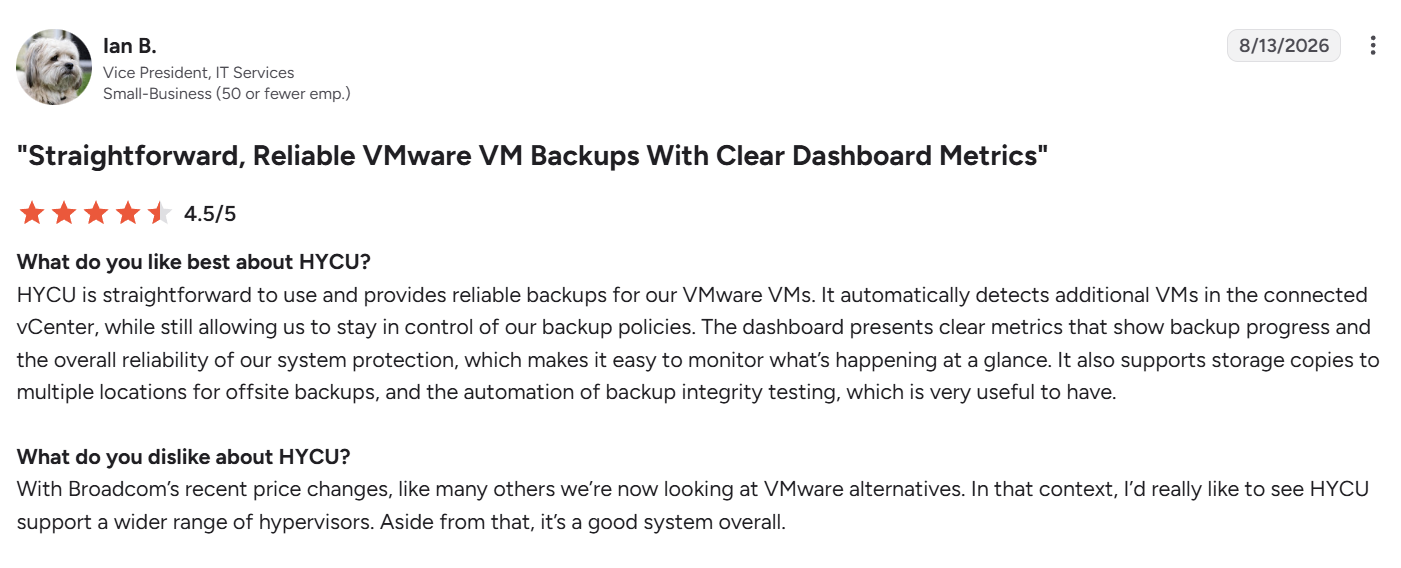
"HYCU is straightforward to use and provides reliable backups for our VMware VMs." – Ian B., vice president, IT services, G2
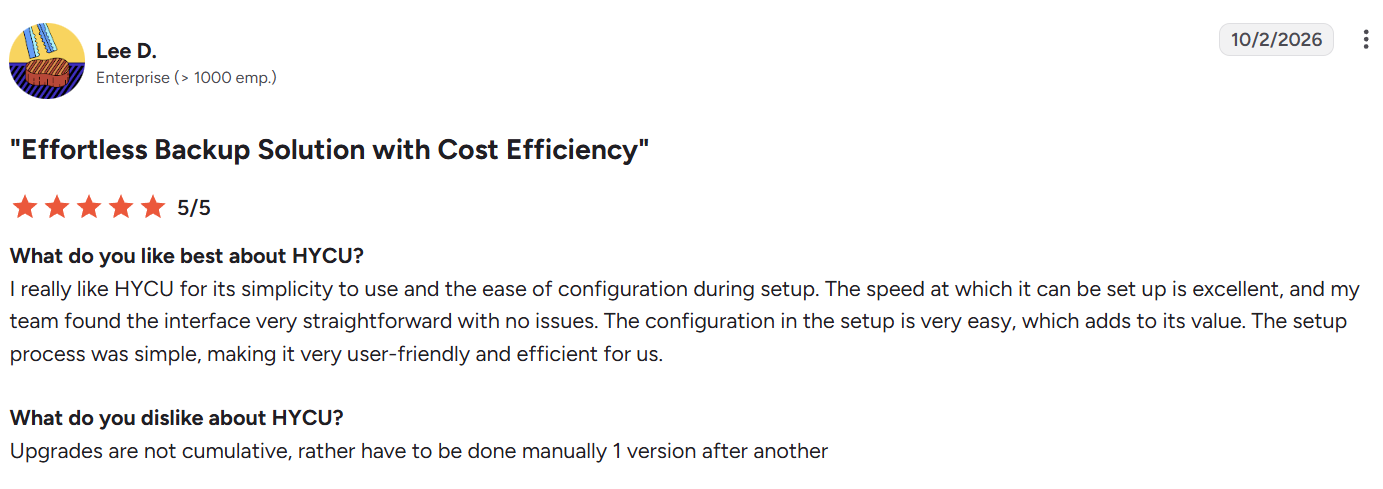
"Upgrades are not cumulative, rather [they] have to be done manually 1 version after another" – Lee D., G2
Pricing
The Starter Bundle starts at $5,000 per year for organizations under 100 employees and $7,500 per year for 100 to 200 employees. It covers up to 50 VMs and 10 TB on a 12-month minimum. Larger deployments are quote-based.
Bottom line
Shortlist HYCU if you already have a date for leaving vSphere. Ask for a restore-time test on your largest VM before you sign.
7. Druva: Best for VMware backups stored in SaaS
What it does: Druva backs up vSphere VMs through a backup proxy and stores the data in its SaaS service, so you don’t run backup servers or storage.
Best for: Teams that want off-site, air-gapped VMware backups with only a proxy VM to maintain.
Druva performs agentless backup through a backup proxy that uses vStorage APIs and CBT. It supports VMware Cloud on AWS through a proxy and AWS PrivateLink, and AVS with HotAdd only. We found no GCVE documentation.
Key features
- SaaS storage: Backups land in Druva’s cloud as air-gapped, immutable copies, with no hardware on your side.
- Instant restore: Available from a local Linux cache tier with an Enterprise license.
- ML ransomware detection: Added for VMware VMs in September 2026, with availability depending on license and region.
Pros and cons
Pros:
- Single files come back from a VM backup with no need to restore the whole VM.
- Off-site copies exist from the first backup, which covers the "one copy off-site" part of the 3-2-1 rule.
Cons:
- Large restores from the cloud depend on network speed and can be slow.
- Application-aware backup covers SQL Server only, and isn’t supported on VMware Cloud on AWS.
What users say
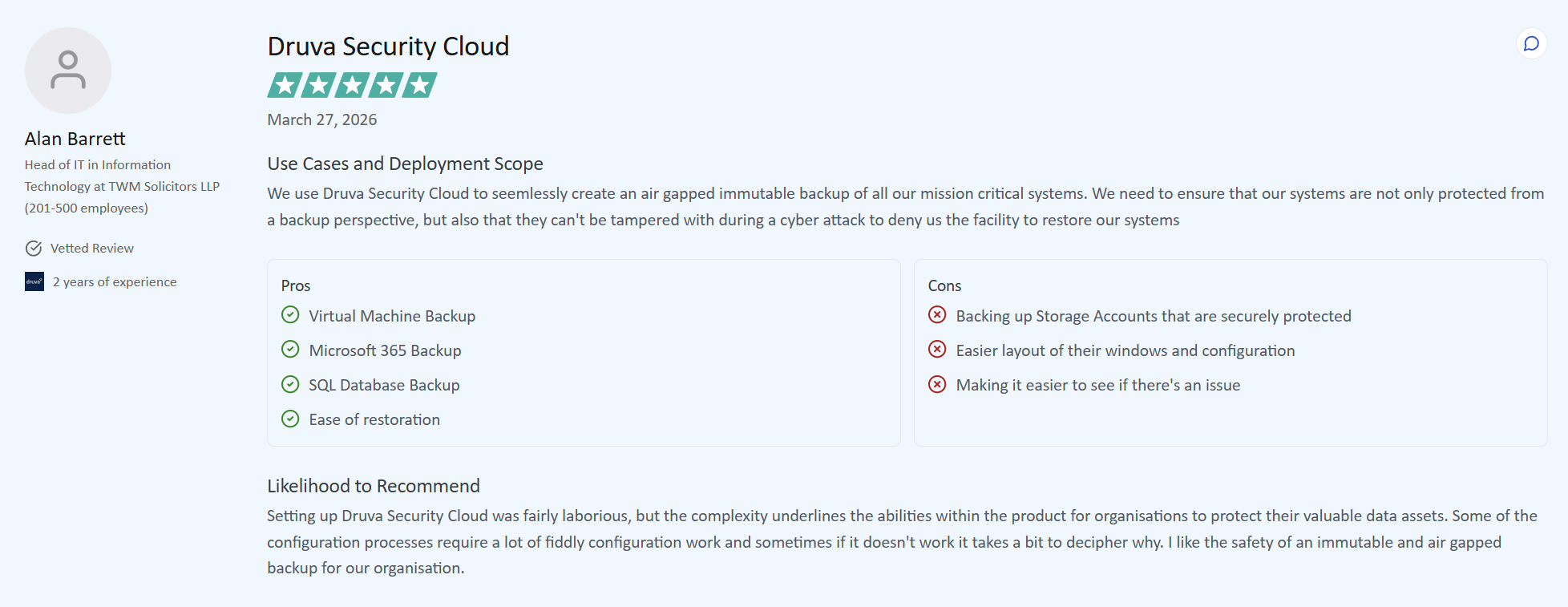
"I like the safety of an immutable and air gapped backup for our organization." – Alan Barrett, Head of IT, TrustRadius
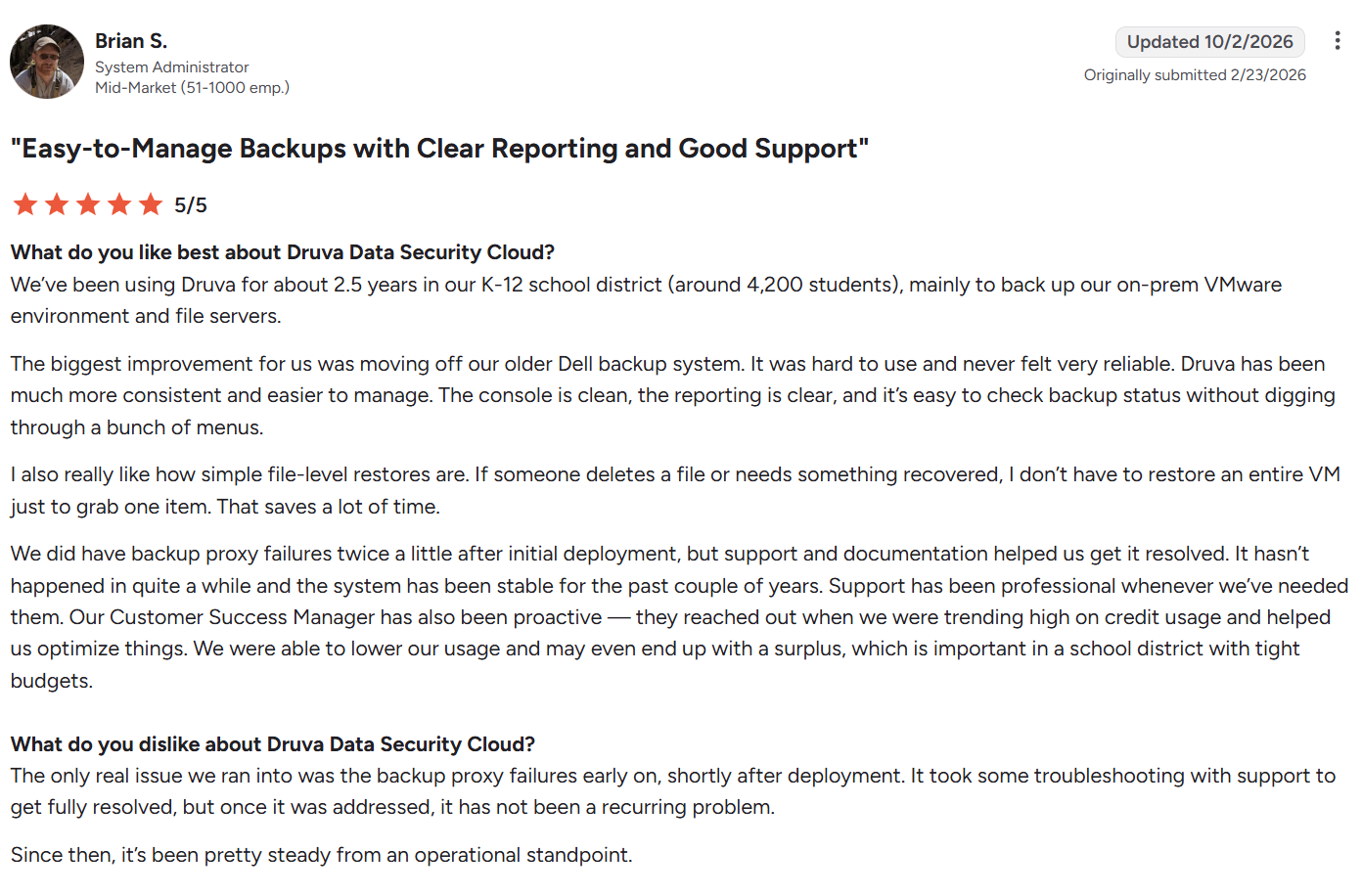
"The only real issue we ran into was the backup proxy failures early on, shortly after deployment." – Brian S., system administrator, G2
Pricing
Druva doesn’t publish VMware pricing. Usage is billed through Druva Credits, and pricing is quote-based.
Bottom line
Druva fits teams that would rather not own backup infrastructure at all. Budget for the ransomware add-ons up front, and check the Druva reviews for the support and restore-speed complaints before you shortlist it.
8. Vinchin Backup & Recovery: Best for mixed-hypervisor estates on a budget
What it does: Vinchin Backup & Recovery backs up VMware VMs agentlessly and restores them across VMware, Hyper-V, Proxmox, XenServer, XCP-ng, and oVirt.
Best for: Mixed-hypervisor estates that want a low-cost way to move VMs off VMware.
Vinchin moves data over LAN, SAN, or HotAdd, turns CBT on by default, and quiesces VMs through VMware Tools. Version 9.0 shipped in April 2026, with SP3 following in June.
Key features
- Instant VM recovery: Mounts the backup over NFS to bring a VM up quickly while the full restore runs.
- Cross-hypervisor restore: Restores a VMware backup onto another hypervisor, which doubles as a migration path.
- WORM protection: Locks backup data against changes, including WORM for cloud storage and copy jobs.
- Cloud archive: Sends copies to Amazon S3 or Azure Blob for off-site retention.
Pros and cons
Pros:
- VM migrations are licensed per restoration, so you pay for a move off VMware only when you run it.
- The free edition protects three VMs with no time limit.
Cons:
- Logs and reporting are shallow, which slows troubleshooting when a job fails.
- Documentation is thin for advanced configuration.
- vSphere 9 isn’t on the compatibility matrix, which tops out at vSphere 8.0 U3.
What users say
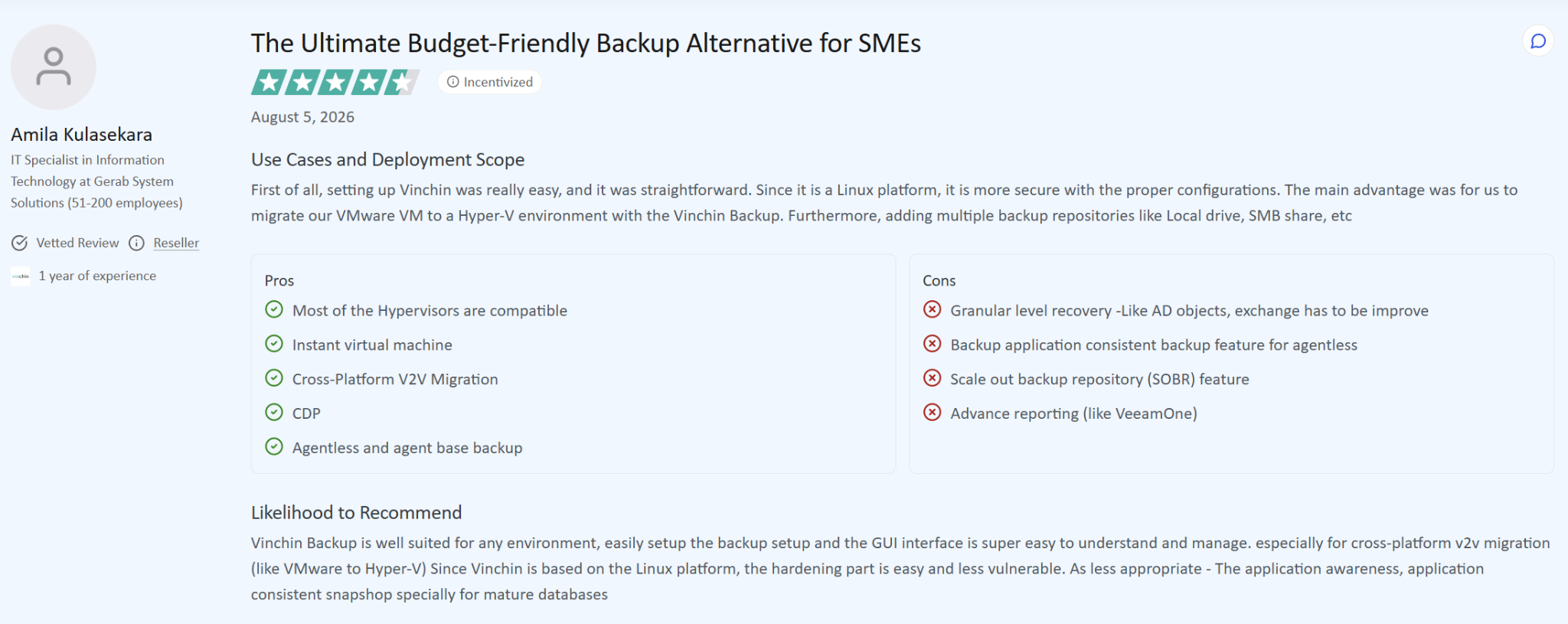
"The main advantage was for us to migrate our VMware VM to a Hyper-V environment with the Vinchin Backup." – Amila Kulasekara, IT specialist, TrustRadius
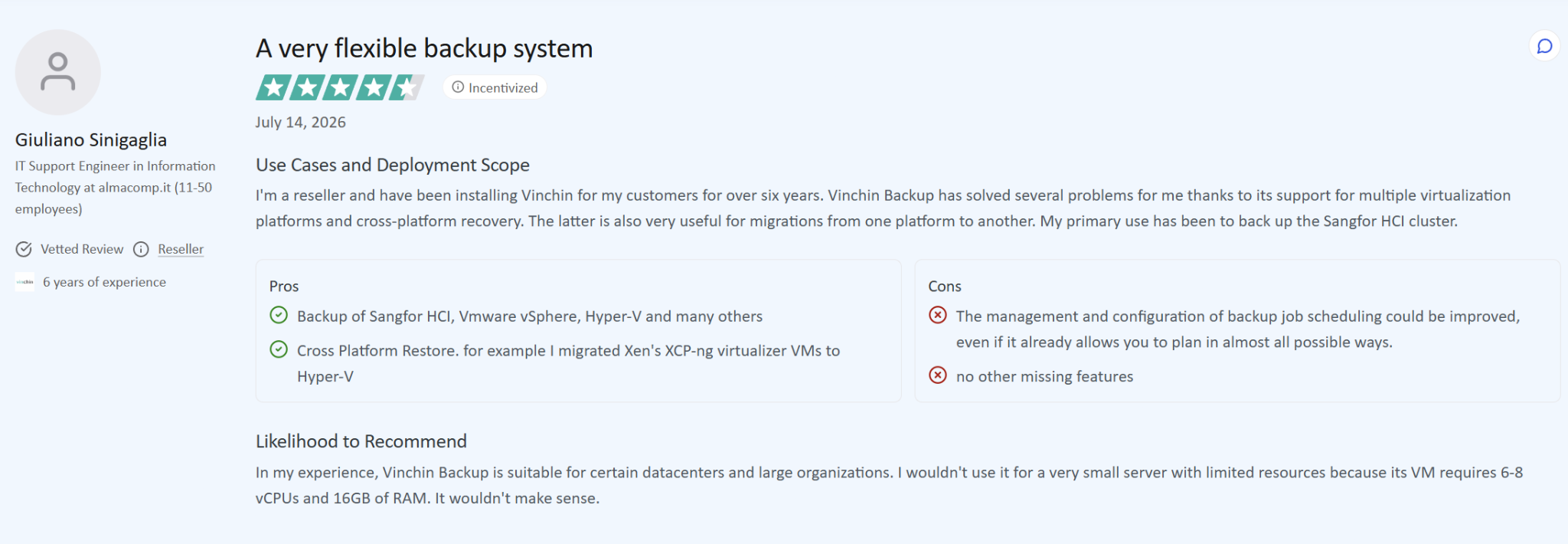
"The management and configuration of backup job scheduling could be improved." – Giuliano Sinigaglia, IT Support Engineer, TrustRadius
Pricing
Vinchin doesn’t publish prices. VMs are licensed per socket or per VM, as a perpetual license or a one- to three-year subscription, and the Enterprise trial runs 60 days.
Bottom line
Vinchin is a budget pick for estates already running more than one hypervisor. Hold off if a vSphere 9 upgrade is on this year’s roadmap.
9. Hornetsecurity VM Backup: Best for small clusters and remote offices
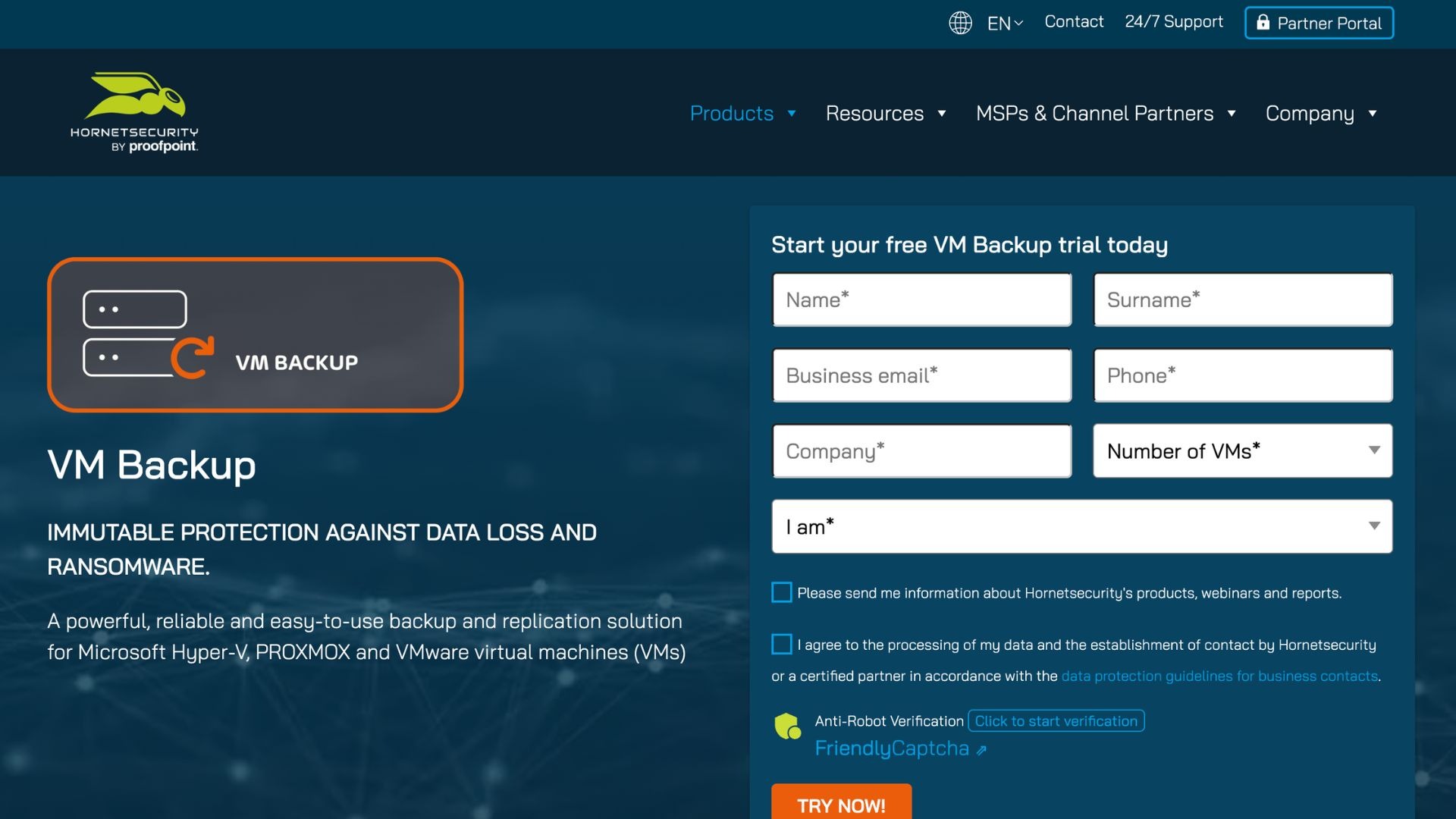
What it does: Hornetsecurity VM Backup, formerly Altaro VM Backup, backs up VMware, Hyper-V, and Proxmox VMs with instant boot and immutable cloud copies.
Best for: Smaller VMware clusters and remote offices that want simple per-host licensing.
Proofpoint completed its acquisition of Hornetsecurity in December 2025. VM Backup supports ESXi 5.5 through 9.0, and ESXi 9 support arrived in version 9.19.5.0 in March 2026.
Key features
- Instant boot: Starts a VM straight from its backup to cut downtime.
- Immutable cloud backups: Tamper-proof copies on Azure, Backblaze B2, Amazon S3, Impossible Cloud, or Wasabi.
- Continuous data protection: Short recovery points for VMs that change often.
- Cross-platform restore: Restores VMware backups to Hyper-V and back again.
Pros and cons
Pros:
- A perpetual license covers a host with unlimited sockets and VMs, so adding VMs to an existing host costs nothing extra.
- Paid editions add inline deduplication and WAN-optimized replication, which cut the bandwidth an off-site copy needs.
Cons:
- Linux VMs only get crash-consistent backups, since application-consistent processing needs Windows Server.
- It protects VMs only, so physical servers need a second tool.
- Free ESXi hosts aren’t supported.
What users say
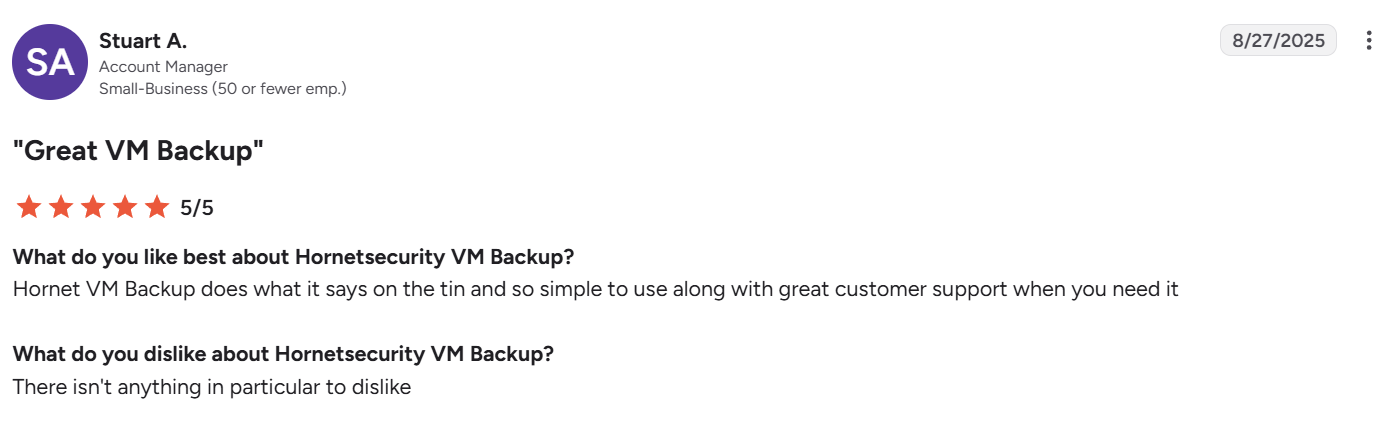
"Hornet VM Backup does what it says on the tin and so simple to use..." – Stuart A., Account Manager, G2
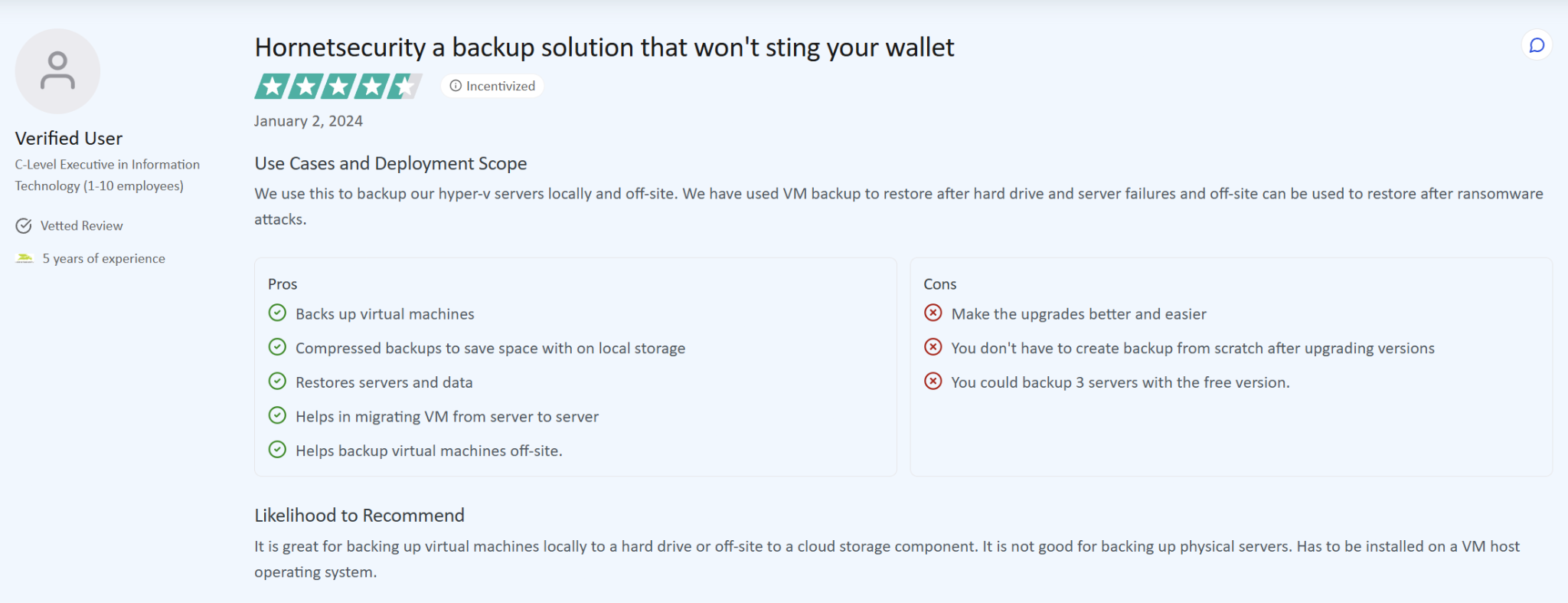
"Make the upgrades better and easier" – Verified User, C-Level Executive in Information Technology, TrustRadius
Pricing
Hornetsecurity doesn’t publish list prices. Perpetual licenses are per host in Standard, Unlimited, and Unlimited Plus editions, and Unlimited Plus is also sold as a monthly per-VM subscription. Estates over 75 VMs or 10 hosts go to sales.
Bottom line
Hornetsecurity VM Backup suits small clusters, and per-host pricing gets better value the more VMs you pack onto each host.
Free VMware backup options (and the free ESXi catch)
Four vendors in this roundup offer a free edition as of October 2026:
- Veeam Backup & Replication Community Edition: Free forever for up to 10 workloads across VMware, Hyper-V, Proxmox, Windows, Linux, and NAS.
- NAKIVO Free Edition: Up to 10 workloads and five Microsoft 365 users for one year, with backups limited to a local folder or CIFS/NFS share.
- Vinchin Free Edition: Three VMs, free forever, across six hypervisors.
- Hornetsecurity VM Backup Free Edition: Two VMs per host on unlimited hosts, with no cloud backup, CDP, or deduplication.
The catch is the hypervisor. Broadcom’s free ESXi 8.0 Update 3e has no access to VADP-based backups, its APIs are read-only, and it can’t be managed by vCenter. Veeam doesn’t support free ESXi and points users to an in-guest agent instead. Hornetsecurity doesn’t support it either.
NAKIVO is the exception, though only with SSH enabled on the host and CBT turned on per VM. For anything you’d call production, a licensed vSphere host paired with one of the paid editions above is the setup vendors test and support.
VMware backup on AWS, Google Cloud, and Azure
VMware running in a hyperscaler sits on hosts the provider manages. You get a restricted admin role, so a VMware cloud backup solution has to be validated for that platform, and some features you rely on at home won’t be available.
Among the nine tools above, Veeam, Cohesity, Rubrik, Commvault, and HYCU document support for VMware Cloud on AWS, Google Cloud VMware Engine, and Azure VMware Solution. Druva documents VMC and AVS only, and NAKIVO, Vinchin, and Hornetsecurity don’t document any of the three.
VMware Cloud on AWS
AWS stopped reselling VMware Cloud on AWS on April 30, 2024, so new purchases and renewals go through Broadcom or its resellers. Broadcom lists third-party backup vendors with documented VMC setups, including Veeam, Dell, Druva, Rubrik, Cohesity, IBM, and Commvault’s Metallic, and all of them run through the [email protected] account.
AWS Backup can also protect VMC and on-premises VMs through Backup gateway. Expect some features to drop away: Veeam, for example, has no Instant VM Recovery on VMC.
Google Cloud VMware Engine
Google’s own option is the Backup and DR Service, which uses VADP for incremental backups and can store copies in Cloud Storage. Its backup vaults are immutable and indelible, with a minimum enforced retention period.
For third-party tools, Google validates Cohesity, Dell, Veeam, Commvault, and Rubrik. Each has to comply with VADP and be certified by VMware for vSAN.
Azure VMware Solution
Microsoft’s backup partner list for AVS names Cohesity, Commvault, Dell, Rubrik, Veeam, and Veritas. Its first-party option is Azure Backup Server.
AVS limits host access, which hits some features. Commvault doesn’t support Live Mount there, and Druva doesn’t support instant restore, with both limited to HotAdd transport.
Leaving VMware? How Eon protects workloads after the move
For plenty of teams, the VMware backup tool they pick now only has to last two or three years, while they rehost onto native cloud instances. Each hyperscaler has a path for that: AWS Transform for VMware and AWS Transform MGN into EC2, Azure Migrate into Azure VMs, and Migrate to Virtual Machines into Compute Engine.
After cutover, VADP and CBT stop applying. Each VM becomes an EC2, Azure, or Compute Engine instance in some account, project, or region, and protection becomes a question of which snapshots and policies cover it.
In our 2026 Cloud Data Infrastructure Report, 72% of respondents said migration or modernization frequently or sometimes exposes unexpected protection or governance blind spots.
Eon isn’t a vSphere backup tool, and it won’t replace the products above while your VMs still run on ESXi. It picks up where they stop.
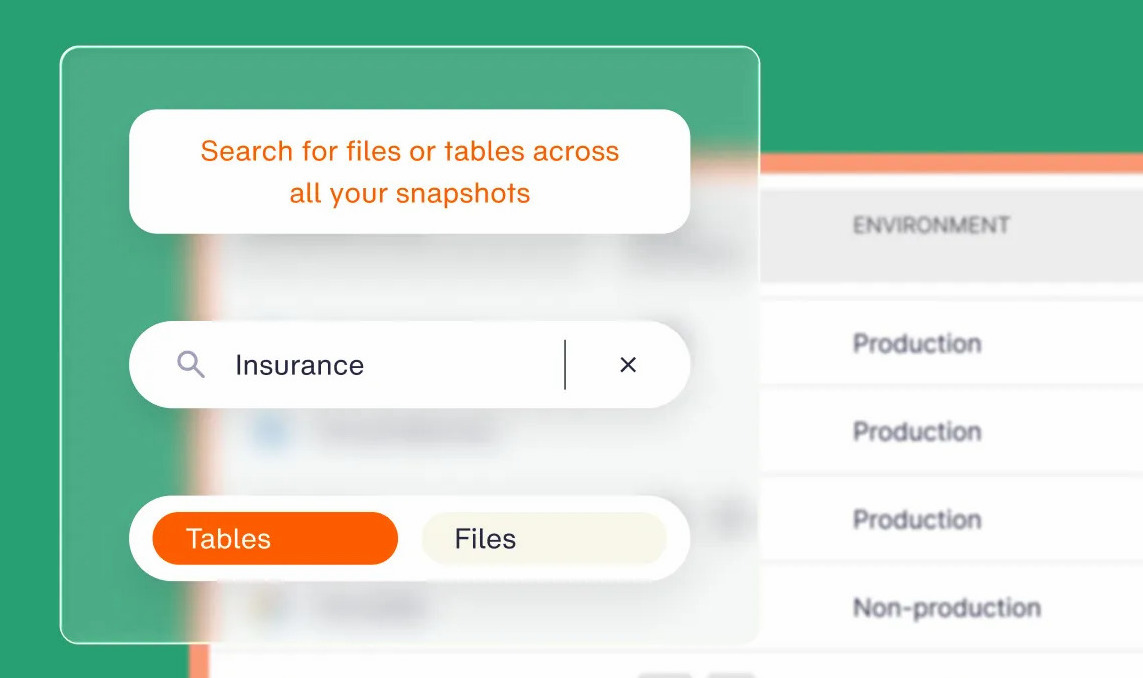
We created the cloud backup posture management (CBPM) category for this problem. CBPM discovers new instances as each migration wave lands, classifies them by environment and data type (production, PII, financial), and applies the matching backup policy with no manual tagging.
Posture controls then check the result: a minimum number of copies, a copy in another region or account, and retention limits. Violations show up on the dashboard before an auditor finds them. If you can’t prove coverage, you don’t have coverage.
Backups go to logically air-gapped, immutable vaults with ransomware detection (add-on). Granular recovery restores a single file or folder from a VM backup, or individual records from databases hosted on EC2 or Compute Engine, with no full-environment rehydration. Global deduplication typically cuts backup storage costs by 30 to 50%.
Sigdo Koppers used Eon while moving legacy SAP and other workloads from on premises into Compute Engine. The team kept systems under compliance across projects and regions throughout the waves, and projected about 38% lower backup costs than native GCP snapshots.
Once workloads are cloud-native, the on-prem backup tools that protected them on vSphere stop fitting the environment.
Which VMware backup solution should you choose?
Start with the size of the estate and where it’s headed:
- Large vSphere estate that also runs other platforms: Veeam
- Remote sites, tight budgets, or free ESXi hosts: NAKIVO
- Several backup products to consolidate onto one platform: Cohesity
- Security team owns the recovery plan: Rubrik
- VMware is one workload among dozens: Commvault
- Moving from vSphere to Nutanix or another hypervisor: HYCU
- No appetite for owning backup infrastructure: Druva
- Mixed hypervisors and a small budget: Vinchin
- Small clusters licensed per host: Hornetsecurity VM Backup
- VMs already rehosted onto EC2, Azure VMs, or Compute Engine: A cloud-native platform such as Eon
If your VMs leave vSphere within a year, sign the shortest license term your current vendor offers and put the effort into a backup plan for the target cloud.
Final verdict
Most enterprises will land on Veeam, Cohesity, Rubrik, or Commvault for production vSphere, with NAKIVO, Vinchin, or Hornetsecurity covering smaller sites. The best VMware backup solutions for 2026 also restore cleanly into another hypervisor or cloud, because Broadcom’s licensing has made that exit a live option for a lot of teams.
So weigh a tool’s exit options as heavily as its day-one features, because the workload you protect on vSphere today is the one you’ll still be protecting after it moves.
Is your backup posture ready for life after VMware?
Every migration wave creates instances your backup policies have never seen. Eon discovers each one as it lands, applies the right policy automatically, and flags unprotected instances before the next wave starts, so protection keeps pace with the move.
Wondering which of your migrated instances are sitting unprotected right now? Book a demo and see how Eon maps backup coverage and policy drift across every account, project, and region, and restores a single file from an isolated vault.
Frequently asked questions
What are the best VMware backup solutions?
Veeam, Cohesity, Rubrik, and Commvault are the strongest options for enterprise vSphere estates, while NAKIVO, Vinchin, and Hornetsecurity VM Backup suit smaller clusters and remote sites. HYCU fits teams moving to another hypervisor, and Druva fits teams that want backups stored in SaaS.
Is Veeam still free?
Yes. Veeam Backup & Replication Community Edition is free forever for up to 10 workloads, including VMware, Hyper-V, and Proxmox VMs. Paid editions are licensed per workload; actual Veeam pricing depends on the edition and workload count.
What is the best free VMware backup software?
Veeam Community Edition is the best free option for most teams because it covers 10 workloads with no time limit. NAKIVO’s Free Edition is the pick if you run free ESXi hosts, since it’s the only major tool that documents support for them.
Can you back up free ESXi?
No, not with most backup tools. Broadcom’s free ESXi has no access to VADP-based backups and only read-only APIs, so Veeam and Hornetsecurity don’t support it. NAKIVO can back it up with limits, such as enabling SSH and turning on CBT per VM.
What’s the difference between VADP and Changed Block Tracking?
The main difference is that VADP is the vSphere framework that lets backup software snapshot and read VM disks from outside the guest. Changed Block Tracking does something narrower: it records which blocks changed so each incremental copies only those.
Are VMware snapshots backups?
No. A VMware snapshot lives on the same datastore as the VM and depends on the original disk, so it’s lost if that storage fails or gets encrypted. Backup tools use snapshots briefly to copy data to separate, ideally immutable, storage.