Veeam pricing starts around $155 per workload for Foundation, but cloud storage, support contracts, and 4-8% annual price increases are not included in the license quote and can significantly raise the real cost. This guide breaks down all of the Data Platform editions.
Veeam pricing at a glance
Veeam sells through channel partners, so final quotes vary by region, reseller, and deal size. For a personalized estimate, use Veeam's pricing calculator to populate your environment details (VMs, servers, workstations, M365 users, NAS/file shares) and see MSRP pricing.
The figures above reflect AWS Marketplace list pricing for 10-instance packs as of early 2026, before volume discounts, and are consistent with the calculator's results for typical small-to-mid-size deployments.
How Veeam counts workloads (VUL)
Veeam licensing runs on one portable unit, the workload, which is what makes the tier comparison below readable.
VUL licenses are sold in packs of 5 for Essentials and 10 for Foundation, Advanced, and Premium, and a single license covers any workload type, including VMs, physical servers, cloud instances, or NAS shares. Cloud storage costs are separate.
Veeam counts licenses by instance, and the conversion is not one-to-one for every workload type:
The ratios matter for budgeting. 30 workstations consume 10 instances rather than 30, and a 5 TB file share consumes 10 instances.
Veeam pricing plans breakdown
Community Edition (free)
Veeam Community Edition includes the same backup and replication features as the paid Foundation tier, limited to 10 workloads. It covers VMs, physical servers, and cloud instances. In a Veeam Community Edition vs paid version comparison, the dividing line is workload count and support, not capability: the free tier restores exactly what the paid tiers do, up to its 10-workload ceiling. If you're weighing Veeam against native tools on Azure, see our breakdown of Azure online backup pricing.
What’s included: Full backup and replication for up to 10 workloads, VeeamZIP for ad-hoc backups, and support for VMware, Hyper-V, and cloud platforms.
Best for: Home labs, small businesses with fewer than 10 servers or VMs, and teams evaluating Veeam before committing to a paid license.
Pros:
- ✅ Full feature set with no time limit.
- ✅ Same restore capabilities as the paid Foundation tier.
Cons:
- ❌ Hard limit at 10 workloads, so scaling requires a paid upgrade.
- ❌ No access to Veeam support (community forums only).
Foundation (VUL): Around $155/workload/year
The Foundation tier covers core backup and recovery for virtual, physical, and cloud workloads. It includes Veeam Backup and Replication for backup, restore, and replication, without the Veeam ONE monitoring that begins at the Advanced edition. For a usage-based comparison, see our breakdown of Clumio pricing.
What’s included: Backup and recovery for VMs, physical servers, and cloud instances. Instant Recovery, file-level recovery, and application-item recovery.
Best for: Organizations with straightforward backup needs and no requirement for DR orchestration or advanced threat detection.
Pros:
- ✅ License portability across workload types (VMs, physical, cloud) without additional fees.
- ✅ Incremental backup with built-in deduplication and compression.
Cons:
- ❌ No DR orchestration or automated recovery testing.
- ❌ No ransomware warranty or AI-powered threat detection.
Advanced (VUL): Around $189/workload/year
The Advanced tier adds Veeam ONE for comprehensive monitoring and analytics, as well as enhanced security features.
What’s included: Everything in Foundation, plus advanced monitoring dashboards, capacity planning, compliance reporting, and storage snapshot integration.
Best for: Mid-market organizations that need proactive monitoring and reporting across their backup environment.
Pros:
- ✅ Veeam ONE provides visibility into the health and capacity of backup infrastructure.
- ✅ Storage snapshot orchestration for faster backups on supported arrays.
Cons:
- ❌ Roughly $34/workload premium over Foundation, which adds up across large environments.
- ❌ DR orchestration still requires a separate upgrade to Premium or an add-on purchase.
Premium (VUL): Around $227.50/workload/year
The Premium tier is Veeam’s most complete offering. It bundles Recovery Orchestrator, AI-powered threat detection, 24/7 incident response, and a $5 million ransomware warranty.
What’s included: Everything in Advanced, plus automated DR orchestration, compliance documentation, AI-based malware detection in backups, and the Veeam Cyber Secure warranty program.
Best for: Enterprises with strict RTO/RPO requirements, regulatory compliance obligations, or significant ransomware exposure.
Pros:
- ✅ Recovery Orchestrator bundled at no extra cost (buying it separately can approach Premium pricing anyway).
- ✅ $5 million ransomware warranty provides a financial backstop.
Cons:
- ❌ Around $227.50/workload/year is the highest per-workload cost in the Veeam lineup.
- ❌ The ransomware warranty has conditions and requirements that must be met to qualify for a claim.
Veeam Data Cloud (managed SaaS)
Beyond the self-managed Data Platform, Veeam sells a fully managed SaaS option, Veeam Data Cloud, with transparent published pricing.
Microsoft 365 protection runs about $2.63 to $7 per user per month depending on tier and volume, and Cloud Vault managed backup storage runs about $14 to $24 per TB per month with egress and API fees included. All tiers bundle managed infrastructure, 24/7 support, and immutable, air-gapped Azure storage.
Source: Veeam Data Cloud purchasing pages; figures current early 2026.
Which Veeam plan should you choose?
Choose Community Edition if you have 10 or fewer workloads and want full Veeam features without paying for a license. It’s also a good way to test Veeam in a lab environment before purchasing.
Choose Foundation if you need reliable backup and recovery without monitoring, DR orchestration, or advanced security features. For environments under 50 workloads, Essentials offers a lower-cost entry point, sold in 5-license packs.
Choose Advanced if you need visibility into backup health, capacity trends, and compliance reporting. The Veeam ONE monitoring tools included in Advanced are frequently the reason teams upgrade from Foundation.
Choose Premium if you need automated DR testing, compliance documentation for audits, or the ransomware warranty. Compare the all-in cost against Advanced plus add-ons, because the price gap narrows once you factor in Recovery Orchestrator as a separate purchase.
Veeam’s hidden costs and pricing details most teams miss
Cloud storage is not included
This is the cost that catches most new Veeam buyers. Veeam licenses cover the backup software. Cloud object storage (AWS S3, Azure Blob, Wasabi, Backblaze B2, or any S3-compatible target) is billed separately by the storage provider. If your backups span several providers, see our roundup of multi cloud management platforms.
For a 10 TB backup repository using AWS S3 Standard, storage alone adds roughly $230/month ($2,760/year) to Veeam license costs. Choosing a lower-cost provider like Wasabi or Backblaze B2 can reduce that significantly. Tracking these charges per workload is easier with consistent cloud resource tagging.
Storage is the hidden giant in Veeam TCO: it typically accounts for 30 to 50% of total backup cost and is billed separately from licensing. Deduplication and compression can cut storage needs by 30 to 60%, and trimming retention from 90 to 30 days can lower storage cost by more than 60%. This is where a consumption-based platform changes the math, since you pay for the storage you actually back up and can trim over-backups caused by policy drift.
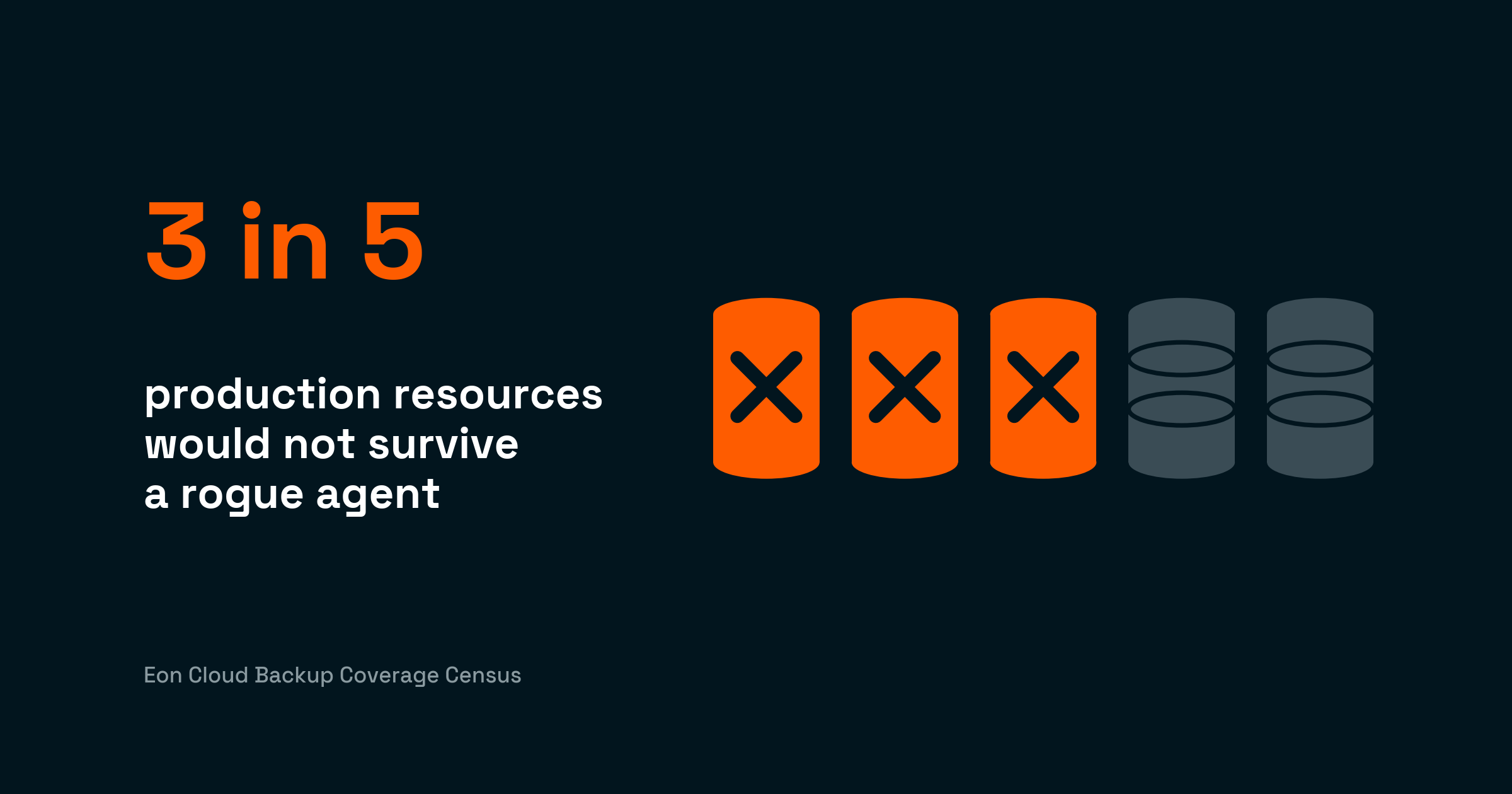
Separate storage bills also shape what teams choose to protect. In Eon's 2026 cloud data infrastructure report, 63% of teams said high storage costs push them to retain or protect less data than they should.
How Veeam support is priced
With a VUL subscription, Production Support (24/7) is included in the license price, so it is not a separate line item. The 22% (Basic) and 27% (Production) of MSRP support figures apply to perpetual-license renewals, not to subscriptions. Subscription buyers pay extra only if they add the optional Premier support tier.
Annual price increases
Veeam raised prices 4-8% in both January 2025 and January 2026. These increases apply to new purchases and renewals. Over a 3-year term, compounding 6% annual increases adds roughly 19% to the original price.
Multi-year subscriptions purchased before a price increase lock in the current rate for the duration of the contract. If renewal timing matters to your budget, buying or renewing before January each year can avoid the increase.
Perpetual license maintenance (22%)
Veeam stopped selling new perpetual per-socket licenses on December 31, 2022. Socket-based renewals returned for existing Foundation and Advanced customers, but once you move to the Universal License you cannot revert, and perpetual licenses still carry annual maintenance at roughly 22% of the license price.
Over 3-5 years, the total cost of perpetual plus maintenance often exceeds VUL subscription pricing.
Here's how the math typically plays out:
Take a 4-socket environment running 8 VMs per socket (32 VMs total). Socket licensing runs roughly $1,200-$1,800 per socket, so the first-year cost lands around $5,400-$7,200, plus 22% annual maintenance.
The same 32 VMs on VUL Foundation would cost about $4,960/year (32 x $155) with no separate maintenance fee.
VUL migration cost shock
Organizations moving from socket licensing to VUL sometimes see significant cost increases, particularly if their VM-to-socket density was high. A server with 20+ VMs per socket was very cost-efficient under socket licensing. Under VUL, each VM counts as a separate workload.
Before migrating to VUL, calculate your per-workload cost under both models. Veeam partners can provide a migration quote that accounts for your specific environment.
Implementation and training
Implementation costs for mid-size environments typically run 15-20% of the license cost. Enterprise deployments with complex storage arrays, multiple sites, or integration requirements can be higher.
Training is separate. Veeam offers paid training courses and certifications, though documentation and community resources are extensive for self-service learning.
Veeam cost examples
Multi-year and volume discounts (roughly 15 to 40% at larger scale) reduce these. Storage and support are extra.
Small environment (10 VMs)
10 VMs on VUL Foundation: around $1,550/year (10 x $155). Cloud storage (2 TB on Wasabi): around $168/year. Total estimated annual cost: around $1,718.
Alternatively, Community Edition covers this for free if you don’t need vendor support.
Mid-size environment (50 VMs, 10 TB)
50 VMs on VUL Foundation: around $7,750/year (50 x $155). Cloud storage (10 TB on AWS S3 Standard): around $2,760/year. Implementation (15% estimate): around $1,163 first year. Total estimated first-year cost: around $11,673. Ongoing annual cost: around $10,510 (license + storage).
Enterprise environment (200-500 VMs)
Using AWS Marketplace list pricing, 200 to 500 VMs on Foundation runs roughly $31,000 to $77,500 per year in licensing alone, and a five-year total that adds storage, support, and implementation typically reaches the low-to-mid six figures.
Model your own figure against actual storage and restore patterns rather than relying on a single vendor TCO estimate.
At this scale, volume discounts of 15-30% off list pricing are common during competitive evaluations. Multi-year commitments and end-of-quarter purchasing timing tend to yield the deepest discounts.
How to save on Veeam pricing
Start with the Community Edition to evaluate before buying. The 10-workload limit covers many small environments entirely, and upgrades preserve all existing configurations and backup data.
Negotiate at quarter-end. Veeam partners and resellers report that discounts of 15-30% off list are common, especially during Q4 (October-December) when sales teams are working toward annual targets.
Choose lower-cost cloud storage targets. Veeam supports any S3-compatible storage. Wasabi ($6.99/TB/month, rising to $7.99 on July 1, 2026; no egress fees) and Backblaze B2 ($6/TB/month) are significantly cheaper than AWS S3 Standard ($23/TB/month) for backup repositories.
Lock in multi-year terms before January price increases. A 3-year or 5-year subscription purchased before the annual price adjustment avoids compounding increases for the duration of the contract.
Compare Advanced plus add-ons against Premium before choosing a tier. If you need Recovery Orchestrator, the standalone cost often brings the total close to Premium pricing. Buying Premium upfront can be cheaper and includes additional features.
Audit workload counts regularly. VUL charges per workload, so decommissioned VMs or test environments that are still licensed waste budget. Quarterly license reviews can identify unused capacity.
Is Veeam worth the cost?
Veeam delivers strong value to organizations with VMware, Hyper-V, or mixed virtual/physical environments that need reliable backup and recovery with fast restore speeds. Its license portability across workload types is a genuine advantage for hybrid environments.
Independent review data supports this. Veeam holds strong satisfaction scores on Capterra and TrustRadius, and a Forrester Total Economic Impact study of Veeam with AWS reported $2.10 million in net present value and 185% ROI over three years, driven largely by cloud storage optimization rather than licensing savings.
Veeam is worth it if:
- The environment includes significant on-premises or hybrid infrastructure (VMware, Hyper-V, physical servers).
- The team needs a single tool that covers virtual, physical, and cloud workloads under one license model.
- DR orchestration and automated recovery testing are requirements (Premium tier).
- The organization has the infrastructure and team to manage Veeam servers, repositories, and proxy components.
Skip Veeam if:
- The environment is fully cloud-native with no on-premises workloads. Veeam’s architecture requires customer-managed infrastructure that adds operational overhead in cloud-only environments.
- You need native multi-cloud backup across AWS, Azure, and GCP from a single platform. Veeam sells separate products for each cloud, each with its own license and management console.
- Cloud-native workloads (managed databases, object storage, Kubernetes) are the primary focus. Veeam’s strength is VMs and physical servers.
Veeam alternatives and pricing comparison
Rubrik, Cohesity, and Commvault compete most directly with Veeam in hybrid and on-premises environments, each with its own licensing and deployment trade-offs.
For cloud-first organizations, the main alternatives are native backup tools from AWS, Azure, and Google Cloud.
Each works well inside its own ecosystem but gets expensive at scale, breaks down across accounts and regions, and leaves gaps in granular recovery and backup posture visibility as estates grow.
No customer-managed backup infrastructure, no per-workload licensing, and pricing that scales with actual storage consumption rather than instance counts.
Eon vs. Veeam: which makes sense for your environment?
Veeam and Eon serve different buyer profiles. The choice depends on where workloads run and how much backup infrastructure the team wants to manage.
Veeam fits better in environments that are primarily on-premises or hybrid, with VMware, Hyper-V, or physical servers as the core workloads.
Veeam’s license portability, broad platform support, and mature DR orchestration (Premium tier) make it a strong fit for traditional data center operations.
Eon fits better in a cloud-first or cloud-native environment, with production workloads running across AWS, Azure, and Google Cloud. Eon is fully SaaS-managed and agentless, with no backup servers, proxies, or repositories to deploy and maintain.
Key differences for cloud-first buyers:
- Backup infrastructure: Veeam requires customer-managed backup servers, proxy components, and storage repositories in every environment. Eon runs as a SaaS platform with no infrastructure for the buyer to manage.
- Multi-cloud coverage: Veeam sells separate products for AWS, Azure, and GCP, each with its own license, management console, and pricing.
Eon covers all three clouds from a single platform with unified policy management and cost visibility.
- Backup posture management: Veeam relies on manual job configuration and monitoring. New workloads must be added to backup jobs manually.
Eon runs Cloud Backup Posture Management (CBPM) that automatically discovers resources, classifies data, and enforces policies across accounts and regions.
- Granular recovery: Both platforms support file-level and VM-level recovery. Eon extends this to database record-level recovery and global search across all backup data, without spinning up full environments.
- Cloud-native workload coverage: Veeam’s core strength is VMs and physical servers. Cloud-native services have varying support across Veeam’s separate cloud products.
Eon is built specifically for cloud-native workloads, including RDS, DynamoDB, S3, EBS, EFS, and Azure VMs.
See how Eon compares to legacy backup tools.
If your team has moved most workloads to the cloud and you’re still paying for Veeam infrastructure you have to manage, it may be time to evaluate a cloud-native approach.
Try Eon free or request a demo to see how Eon handles backup posture, granular recovery, and cost visibility across AWS, Azure, and Google Cloud.
The bottom line on Veeam pricing
Veeam is a proven platform for hybrid and on-premises backup. The VUL licensing model is flexible, the restore performance is consistently fast, and the breadth of workload coverage is hard to match in traditional environments.
For teams managing VMware, Hyper-V, and physical servers alongside some cloud workloads, Veeam remains a strong choice.
Pricing becomes harder to justify as environments shift to cloud-native. The customer-managed infrastructure, separate cloud products with separate licenses, and per-workload pricing model all add cost and complexity that cloud-native platforms avoid by design.
How you cut backup spend matters as much as how much. In Eon's 2026 cloud data infrastructure report, teams under cost pressure were more than four times as likely to report three or more recovery failures in a year as teams that weren't, 54% versus 12%.
Factor in the annual 4-8% price increases and the separate cloud storage bill, and the 3-year TCO can be meaningfully higher than it appears at initial purchase.
For teams in the middle of a cloud migration, Veeam can bridge the gap. For teams that are already cloud-first, the operational overhead and fragmented cost structure may not be the best long-term fit.
Frequently asked questions
How much does Veeam cost per year?
Veeam costs roughly $155 to $227.50 per workload per year under VUL licensing, depending on the edition, with the Essentials tier sold in five-license bundles by quote for environments under 50 workloads.
A 50-VM environment on Foundation costs about $7,750/year before cloud storage, support, and implementation.
Is there a free version of Veeam?
Veeam offers a free Community Edition that includes full backup and replication for up to 10 workloads. It has the same core backup and replication functionality as the paid Foundation tier, with no time limit.
The main limitation is the lack of access to Veeam technical support.
What is Veeam Universal License (VUL)?
Veeam Universal License (VUL) is a per-workload subscription model that covers VMs, physical servers, cloud instances, and NAS shares under a single portable license. It is sold in packs of 5 or 10 at roughly $155 to $227.50/workload/year and replaces the legacy per-socket model.
Does Veeam include cloud storage?
Veeam does not include cloud storage in its licensing. You must separately purchase cloud object storage (AWS S3, Azure Blob, Wasabi, or other S3-compatible targets) as your backup repository.
How much did Veeam prices increase in 2026?
Veeam prices increased by approximately 4-8% effective January 1, 2026, following a similar increase in January 2025. The increases apply to new purchases and renewals globally. Multi-year contracts purchased before the increase lock in the prior rates.
Is Veeam more expensive than Rubrik or Cohesity?
Veeam pricing is competitive with Rubrik and Cohesity for mid-market environments. Community-reported all-in 5-year TCO for 200-500 VMs (licensing plus storage, support, and implementation) ranges from $420,000 to $655,000 across all three. The biggest cost differences come from infrastructure and cloud storage choices. Our Cohesity vs Veeam comparison works through those differences side by side.
Can I negotiate Veeam pricing?
Veeam pricing is negotiable through authorized partners and resellers. Discounts of 15-30% off list are commonly reported for larger deployments and multi-year commitments. Quarter-end purchasing (especially Q4) tends to yield the best pricing outcomes.
What is Veeam Backup Essentials?
Veeam Backup Essentials is Veeam's SMB product for environments up to 50 workloads. It covers backup, replication, and light monitoring at a lower per-workload price than the full Data Platform suite. Advanced monitoring, DR orchestration, and cyber resilience tools from higher tiers aren't all included.