Backup posture management
Your backup coverage across every cloud account, on one screen from day one.
Your cloud changes by the hour, and pipelines and AI agents create resources faster than anyone can tag them. Eon connects with one read-only role, maps every account and region, applies the right backup policy automatically and flags anything that drifts.
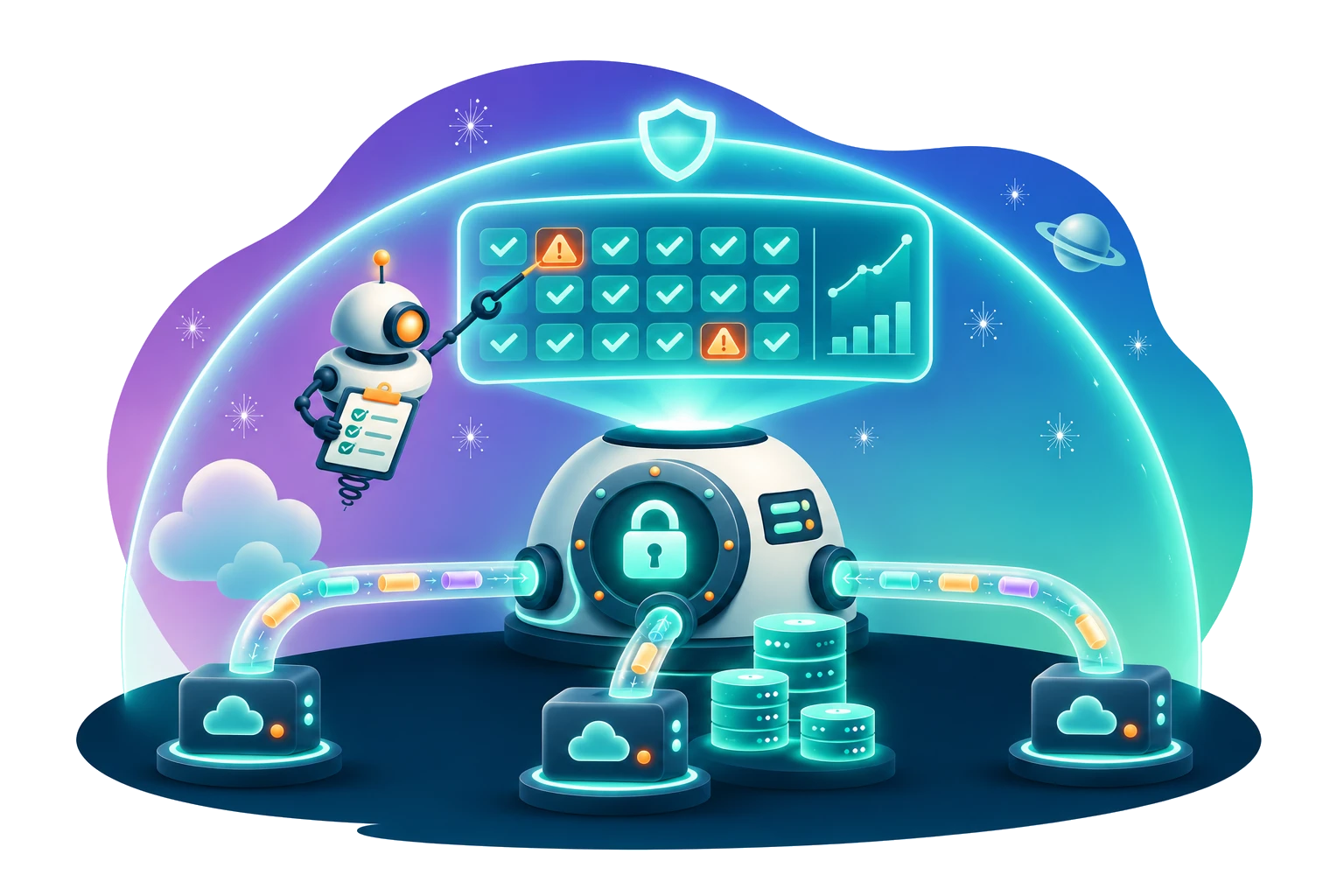
Autonomous posture management
Set your rules once. Eon discovers, classifies, assigns policy and checks every resource's backup settings against those rules, so your team only looks at the exceptions.
One view of everything you run
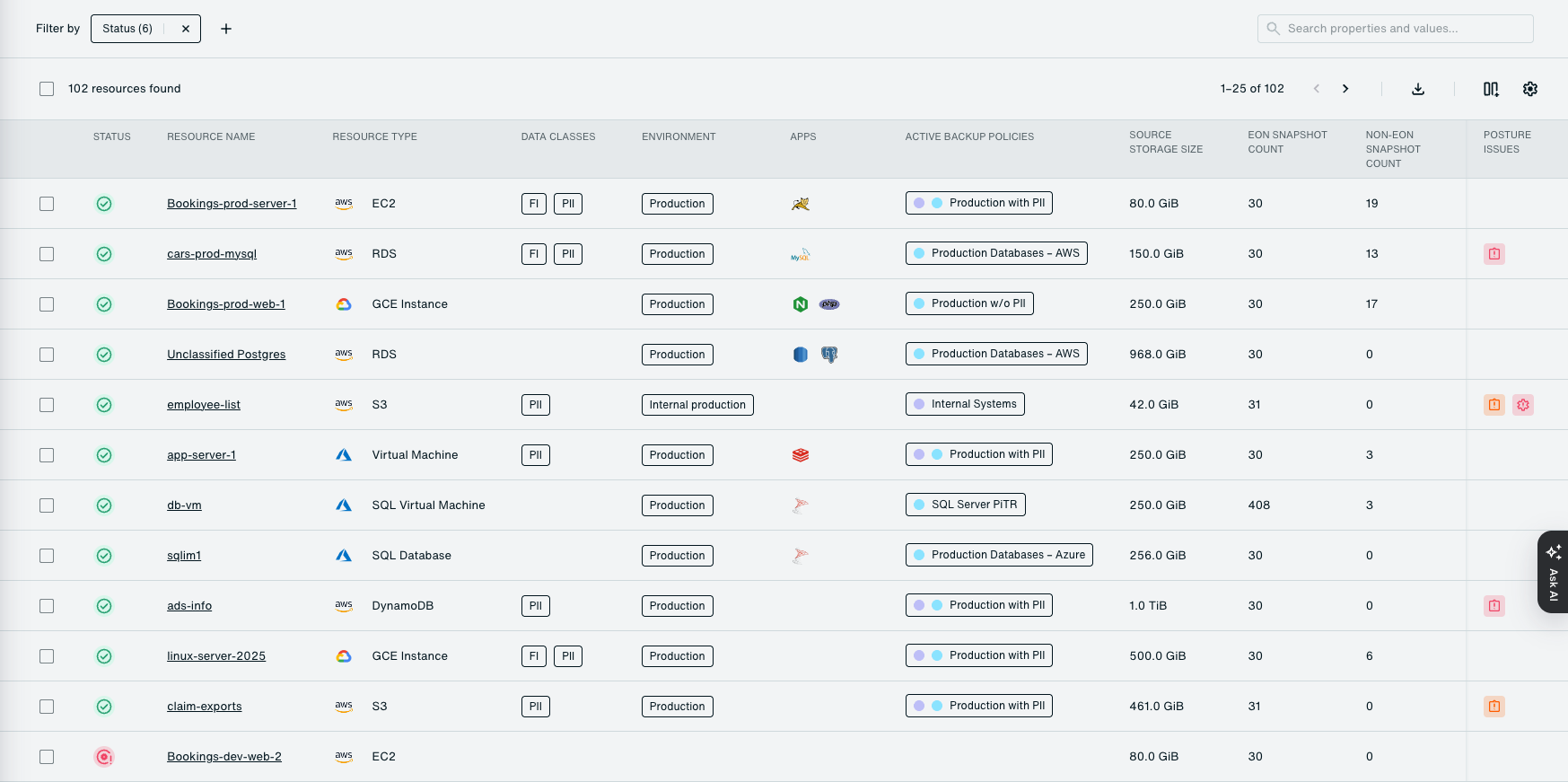
Every account, region and supported resource across AWS, Azure and Google Cloud lands in one inventory, with its backup policy and status next to it. New accounts show up on their own.
Policy that matches the data
Classification reads what's inside each resource, like PII and financial data, and whether it's production, then attaches the matching policy. Nobody files a ticket to get a new database covered.

Drift, caught early
Set rules for retention, copy count and cross-region, cross-account or cross-cloud copies. When a resource slips, Eon shows exactly what's wrong, expected value next to actual, and sends it to Slack, ServiceNow or Datadog.

Audit answers in a click
A live compliance dashboard tracks every resource and every control over time. When the auditor asks, export the report.
Up and running in hours
There are no appliances or software to install, and no tagging project to finish first.
Point Eon at your AWS Organization, Azure subscriptions or Google Cloud projects. It maps every account and region automatically.
Start from built-in controls or write your own, like "every production resource with PII keeps a cross-region copy for a year."
Eon checks each resource against your rules and sends violations to Slack, email, ServiceNow, Datadog or a webhook, with expected and actual values side by side.
Where teams put it to work
01
Pass the audit without the fire drill
Export per-resource evidence of what's backed up and which controls it meets, ready for the reviewer. It helps you meet requirements like SOC 2, HIPAA and PCI DSS without a week of screenshots.
02
Find the gaps nobody knew about
In Eon's Coverage Census, 61% of 53,709 production resources across 78 cloud environments had no recovery copy. Eon surfaces every resource with no policy or weaker settings than your rules allow. Chris Anderson at Innago says Eon "even flags things our old setup couldn't detect."
03
Scale without losing track
SoFi rolled Eon out across five AWS regions in under four weeks, with no scripts, tagging or per-region configuration. New accounts and regions pick up policy automatically once Eon discovers them.
04
Stop paying to keep what you don't need
Maximum retention controls flag policies that hold backups longer than your rules allow, so you can trim storage you were paying for by default.
How covered are you, really?
Connect one account and get a live view of what's covered, what isn't and what's drifting.