Data classification
Sensitive data gets the right backup policy, without manual tags.
Eon Data Protection uses AI to identify PII and financial data inside your cloud resources, plus PHI and secrets when you turn them on, then sets each resource's backup policy to match.
Protect data by what it contains
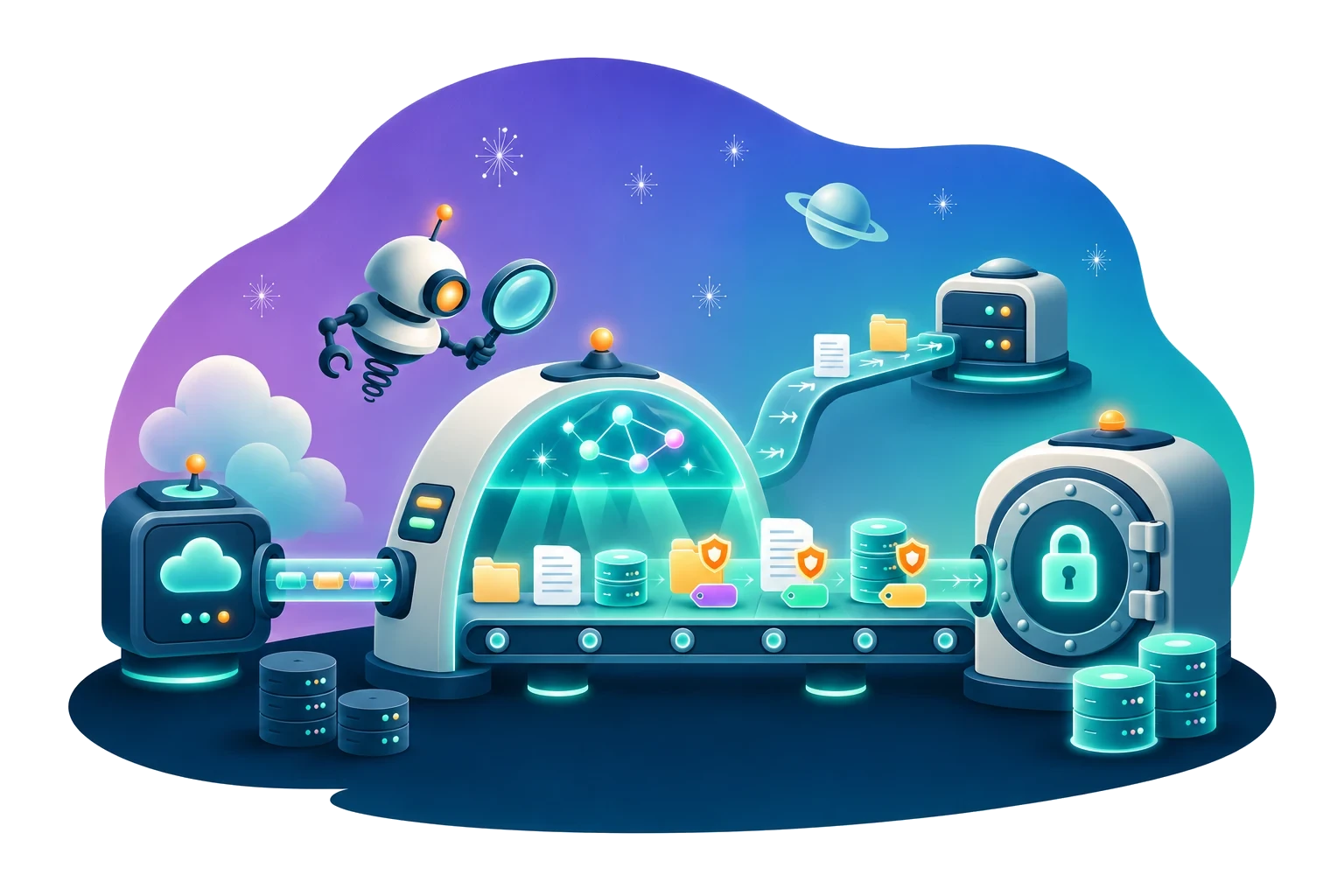
Eon autonomously discovers and classifies every resource across your accounts and regions, and sets protection to match the data inside it.
Find sensitive data across your cloud
Eon uses AI models to scan file contents and database records in AWS, Azure, Google Cloud and MongoDB Atlas. Each resource in your inventory shows its data classes (PII, financial data, PHI or secrets) and a sensitivity level.
Set backup policy by what the data is
Policies attach by data class and environment. A production database holding PHI can get daily backups and long retention, while a dev bucket gets a lighter policy that costs less to keep.
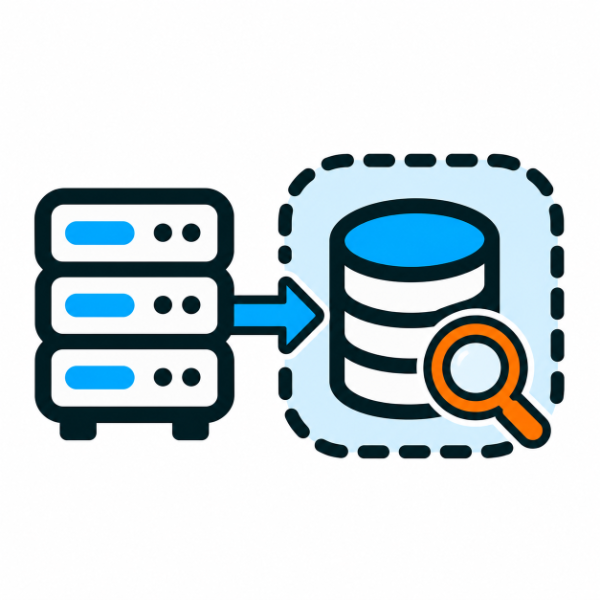
Keep production out of it
Classification runs on backup copies in an isolated Eon environment, so it adds no load to production. There are no agents to install.
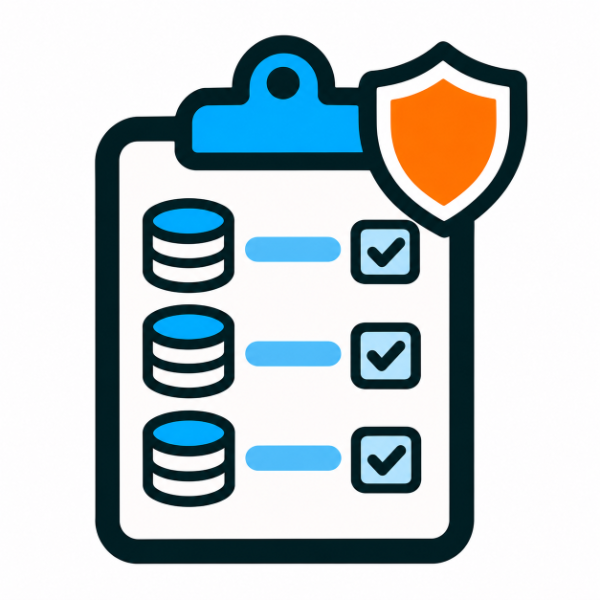
Answer the auditor's question
An auditor asks which systems hold PII or payment data and how they're protected. Instead of rebuilding the answer from spreadsheets and tagging reports, you filter the inventory by data class and show the policy applied to each resource. Posture controls, the rules Eon enforces on backup settings, can require something specific for each class, such as a cross-region copy for every resource with PII.
From read-only access to classified, protected resources
Connect your cloud accounts once. Eon discovers new resources as they appear, classifies them during backup and applies the policy that fits.
Grant Eon read-only access to your AWS, Azure, Google Cloud and MongoDB Atlas environments. Eon discovers resources across every account and region, with nothing to install.
As Eon backs up each resource, its AI classification scans the copy for PII and financial data. You can turn on PHI and secrets detection per account. Eon keeps the results, the data types found and how many, as metadata.
Backup policies and posture controls target resources by data class. Once a resource is classified, its sensitive data gets the retention and copies its class calls for.
Put data classification to work
01
Retire the tagging project
Tagging standards drift as teams and accounts multiply, and one missing tag can leave a sensitive database on a dev policy for months before anyone notices. With policies driven by classification, coverage follows the data. StructuredWeb cut the IT time it spent on classification and tagging by 20%.
02
Show where regulated data lives
Give compliance and security teams a current list of the resources that hold PII, payment data or PHI, with the protection applied to each one. Use it as evidence for HIPAA, PCI DSS and GDPR audits, and pair it with Backup posture management to enforce rules on those resources.
03
Keep long retention for the data that needs it
Dev, test and scratch data rarely needs years of history. Keep long retention for the resources that hold regulated data and give everything else a shorter policy.
04
Find sensitive data without customer-managed encryption
Classification shows which resources hold sensitive data, so security teams can see where PII or secrets sit in storage that isn't encrypted with their own keys, and fix the riskiest ones first.
See what's inside your cloud estate
Bring one cloud account and see which resources hold sensitive data, and the backup policy each one would get.