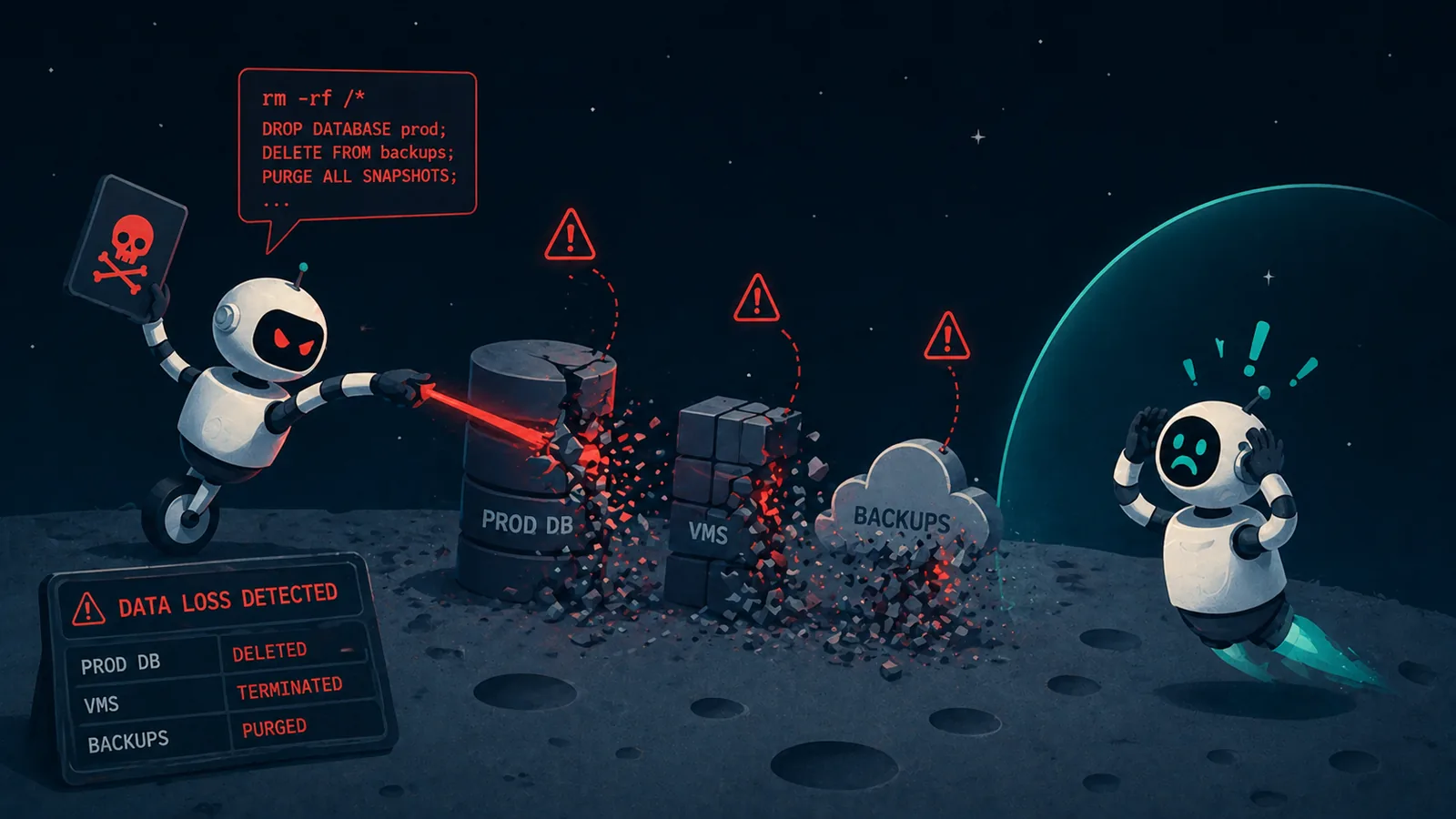




Eon now integrates directly with Microsoft 365 Copilot, allowing teams to query and recover their cloud and SaaS backups in natural language. There’s no need to open a backup console or file a ticket.
Instead of browsing snapshots or restoring a whole mailbox to find one email, users can ask Copilot to find what they need in Eon’s point-in-time backups. They can then review the recovery plan and confirm before restoring exactly what they need.
With Eon in Microsoft 365 Copilot, teams can:
- Query Microsoft 365 backups for a lost email, file, site or Teams channel at any point in time
- Restore it to the same mailbox, OneDrive, site or team after confirming the plan
- Find backups with ransomware findings and recover from the last clean snapshot
- Monitor backup and restore jobs and protection status across SaaS and cloud
- Take an on-demand snapshot of an AWS, Azure or Google Cloud resource before a risky change
Integrated with Microsoft 365 Copilot’s agent ecosystem
Eon runs as an agent inside Microsoft 365 Copilot and fits your organization’s existing Copilot governance:
- Deployed and managed from the Microsoft 365 admin center
- Every action runs with the person’s own Eon role, authenticated through Eon login or single sign-on
- Confirmation required before every restore or on-demand snapshot
- Answers drawn from Eon’s point-in-time backups, with a ransomware verdict on every snapshot
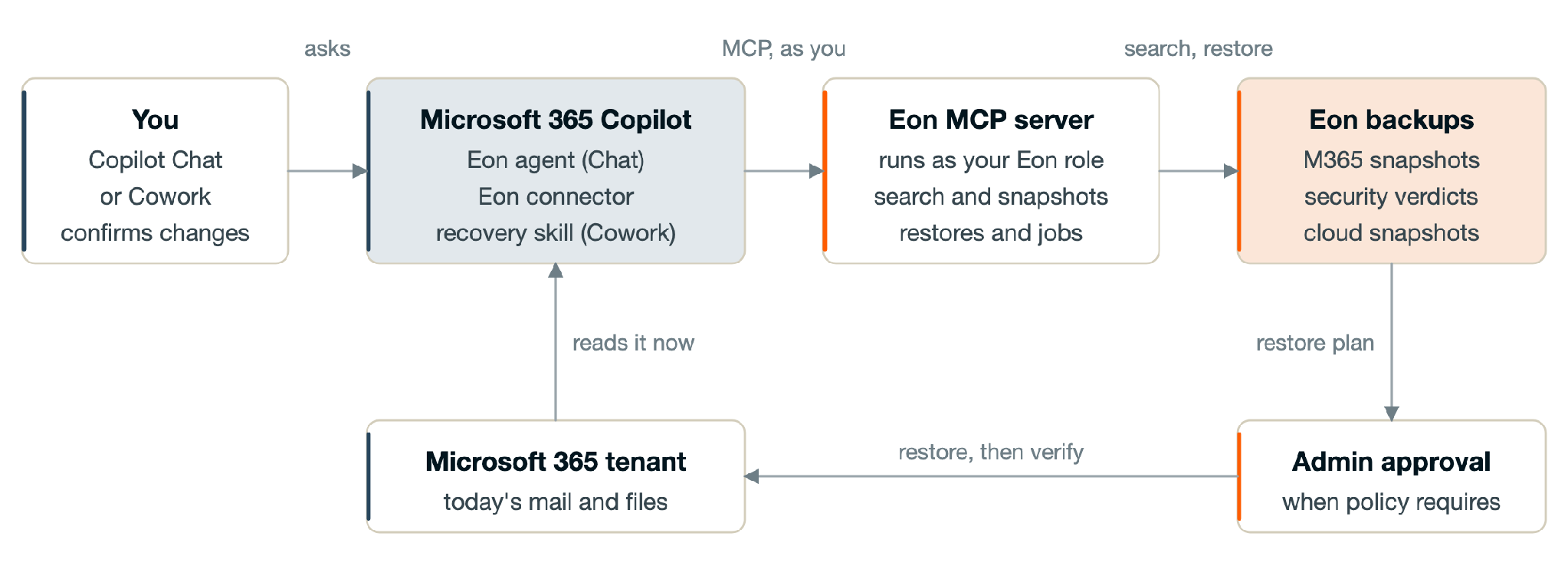
Copilot handles the conversation, while Eon supplies the backup history and runs the restore after the user confirms and, where required by policy, an administrator approves.
See it in action
In this demo video, ransomware encrypts the HR team’s meeting notes in SharePoint, and Eon flags the infected backups in the Eon console and Threat Center. An IT administrator asks Eon in Microsoft 365 Copilot which backups have ransomware findings, confirms the restore plan, and Eon restores the files from the last clean backup into a new SharePoint folder.
Get started today
This integration extends Eon’s Microsoft protection into Copilot. It works on the backups Eon already takes for Microsoft 365, including Exchange Online, OneDrive, SharePoint and Teams, and for Azure virtual machines, disks and storage. Teams already protecting Microsoft with Eon can start asking Copilot about their backups right away, with nothing new to back up. A lost email, an encrypted SharePoint site, or a failed backup job becomes a question in Copilot instead of a ticket.
To get started, you need Microsoft 365 Copilot or Microsoft 365 Copilot Chat, and an Eon subscription. A Microsoft 365 administrator can get Eon today from Microsoft Marketplace and deploy it to users from the Microsoft 365 admin center following the setup guide.