Commvault reviews are strong, but they split by who's writing them. Teams running large hybrid or on-premises setups rate it among the best backup platforms they've used. Cloud-first teams run into friction on setup, cost, and everyday recovery.
That divide only widens once you weigh pricing, feature depth, and a 2025 security incident many buyers never hear about.
Quick verdict
Commvault is a capable backup platform, strong on reliability and centralized management across mixed workloads. It falls short on a steep learning curve, heavy administration, and premium pricing.
It fits large hybrid or on-premises teams with dedicated backup staff, while cloud-first teams tend to look at cloud-native platforms. Our roundup of Commvault alternatives covers where those teams usually land.
What is Commvault?
Commvault is an enterprise data protection platform for mixed environments, covering backup, recovery, and ongoing data management from one place. It supports virtual machines, databases, file servers, SaaS apps like Microsoft 365, and cloud workloads across AWS, Azure, and Google Cloud.
The current flagship is Commvault Cloud, now delivered through the Commvault Cloud Unity platform and powered by Metallic AI. It folds in the earlier Metallic brand and runs alongside the on-premises Command Center. Teams adopt it to replace fragmented backup setups and manage protection from one place.
It is most commonly used by mid-size and large organizations with significant on-prem or hybrid infrastructure and dedicated IT teams managing complex backup operations.
Key Commvault features
Commvault's feature set is built around wide workload coverage and centralized management across mixed environments.
Centralized management
One console handles backup and recovery across on-prem, cloud, and SaaS. It replaces several point tools, which is the main reason teams adopt it. The trade-off is a dense interface that takes time to learn, so daily ease of use depends on how much time a team invests up front.
Deep workload coverage
Support spans VMs, databases, file servers, Active Directory, Microsoft 365, and Salesforce. That coverage helps in mixed environments, where one tool rarely reaches every system. It also adds configuration overhead, since each workload class brings its own settings and restore path.
Deduplication and compression
Global deduplication reduces redundant data across backup jobs, a storage-efficiency win in large environments. For cloud teams, the question is whether that saving offsets the cost of running and administering Commvault in cloud infrastructure.
Ransomware and cyber resilience
Anomaly detection, immutable copies, honeypot-style change alerts, and Cleanroom Recovery target cyberattack scenarios. Commvault invests heavily here, and it shows for mission-critical environments that need a clean recovery point before bringing systems back online.
Recovery and policy management
Commvault automates failover, recovery testing, and policy assignment across protection groups. It handles full-environment restores well and also supports granular database restore: SQL Server, Oracle, PostgreSQL, and Informix all offer table-level or point-in-time recovery.
Each database has its own workflow, and table-level SQL restores route through a recovery point mounted on a separate SQL instance, which adds steps for compliance requests and targeted incidents.
Policy also has to be assigned by hand as environments change, and that manual step is where cloud coverage drifts.
Commvault reviews: What real users are saying
Hybrid and on-prem teams rate Commvault well on G2, Capterra, Gartner Peer Insights, and PeerSpot for reliability and coverage. Cloud teams hit the same three walls: complexity, cost, and admin overhead.
Pros
Centralized management across hybrid and multi-cloud
Teams run backup and recovery from one place instead of stitching separate tools together, which is what makes the platform worth the setup effort.
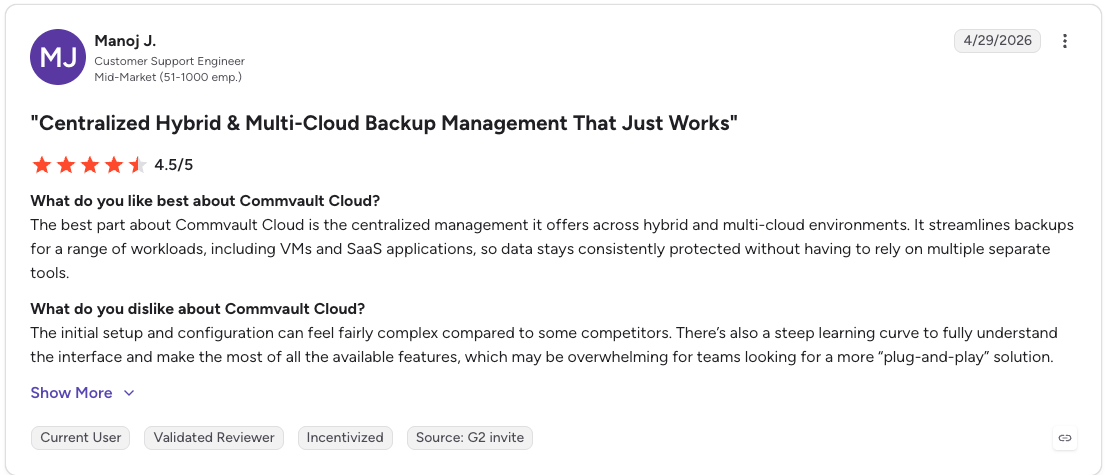
"The best part about Commvault Cloud is the centralized management it offers across hybrid and multi-cloud environments." — Manoj J., G2
Deep workload coverage and reliability
Commvault reliably protects VMs, databases, and file systems across mixed environments, with wide, dependable coverage as the workload mix grows.
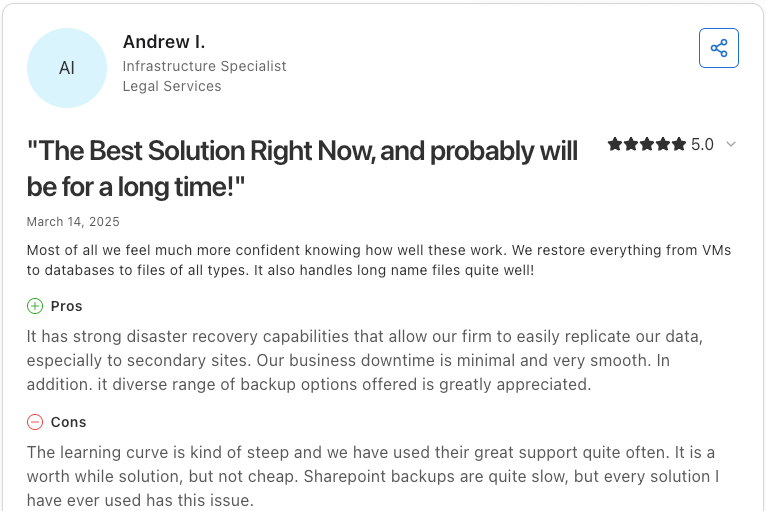
"It has strong disaster recovery capabilities that allow our firm to easily replicate our data" — Andrew I., Infrastructure Specialist, Capterra
Low-touch operation once configured
Once it's configured, Commvault runs with low failure rates and steady, hands-off backups, especially for SaaS workloads like Microsoft 365.
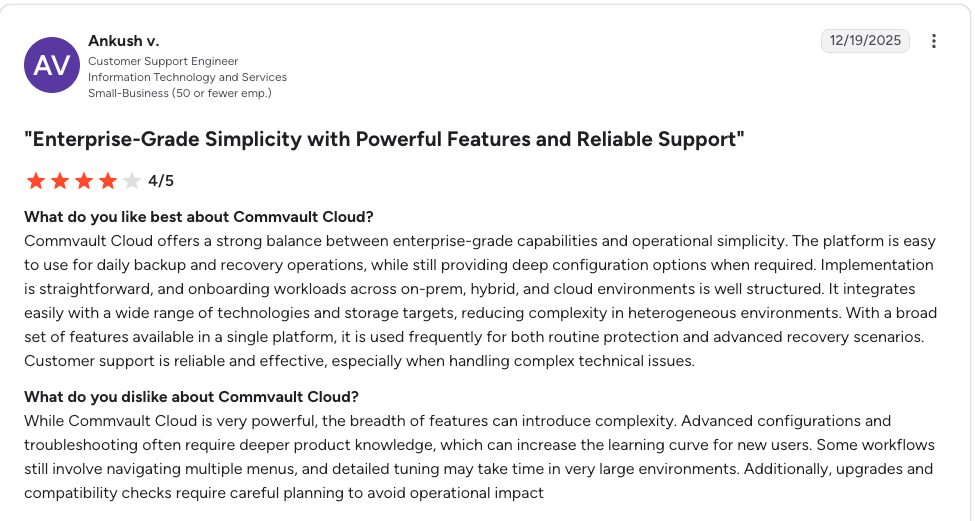
"Commvault Cloud offers a strong balance between enterprise-grade capabilities and operational simplicity." — Ankush v., G2
Cons
Steep learning curve and complex setup
Initial configuration is difficult and the interface takes real time to master, which stretches onboarding well past what teams expect.
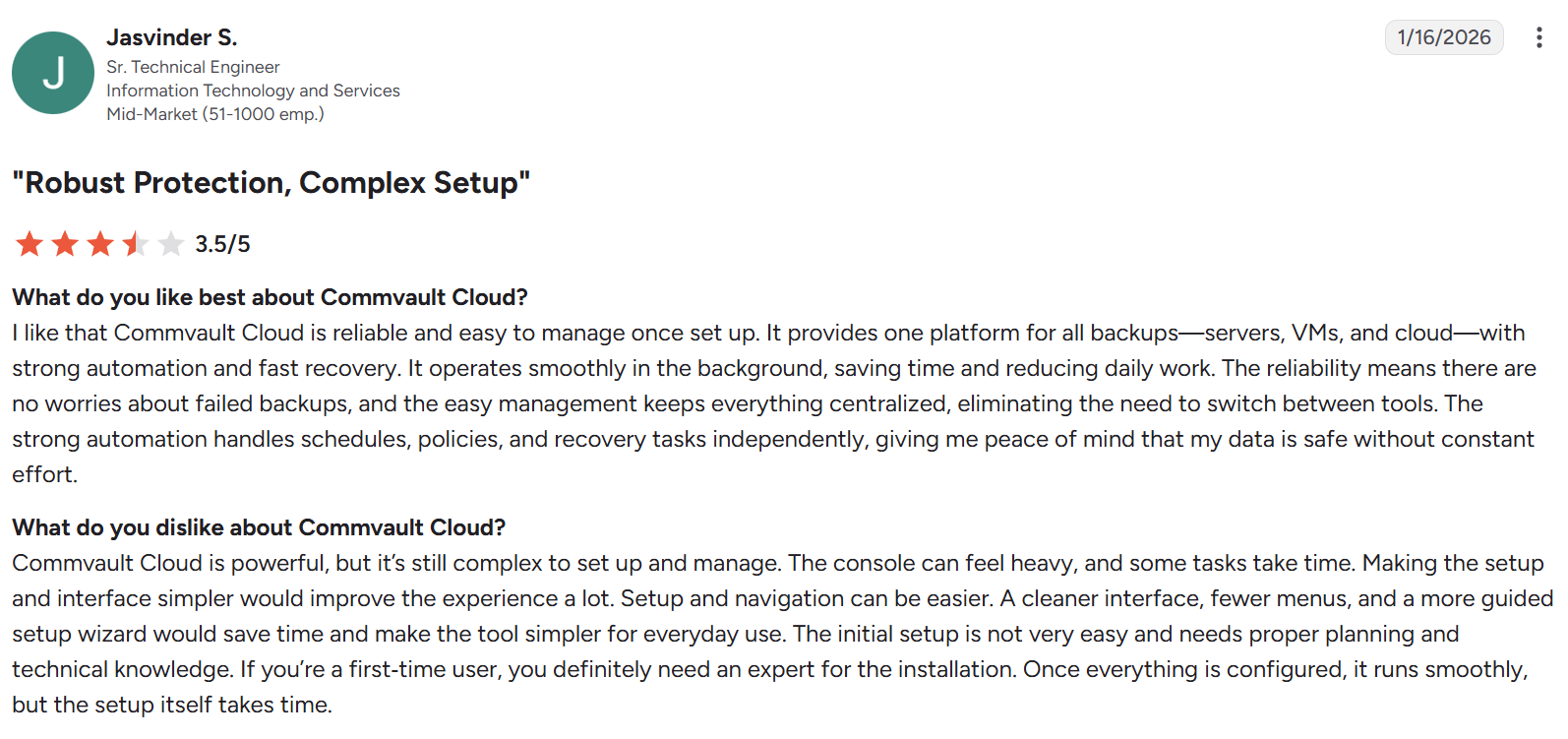
“The initial setup is not very easy and needs proper planning and technical knowledge.” — Jasvinder S., G2
Heavy administration overhead
Commvault is maintenance-intensive, and its depth ties directly to staffing cost. Keeping it healthy takes significant ongoing administration.
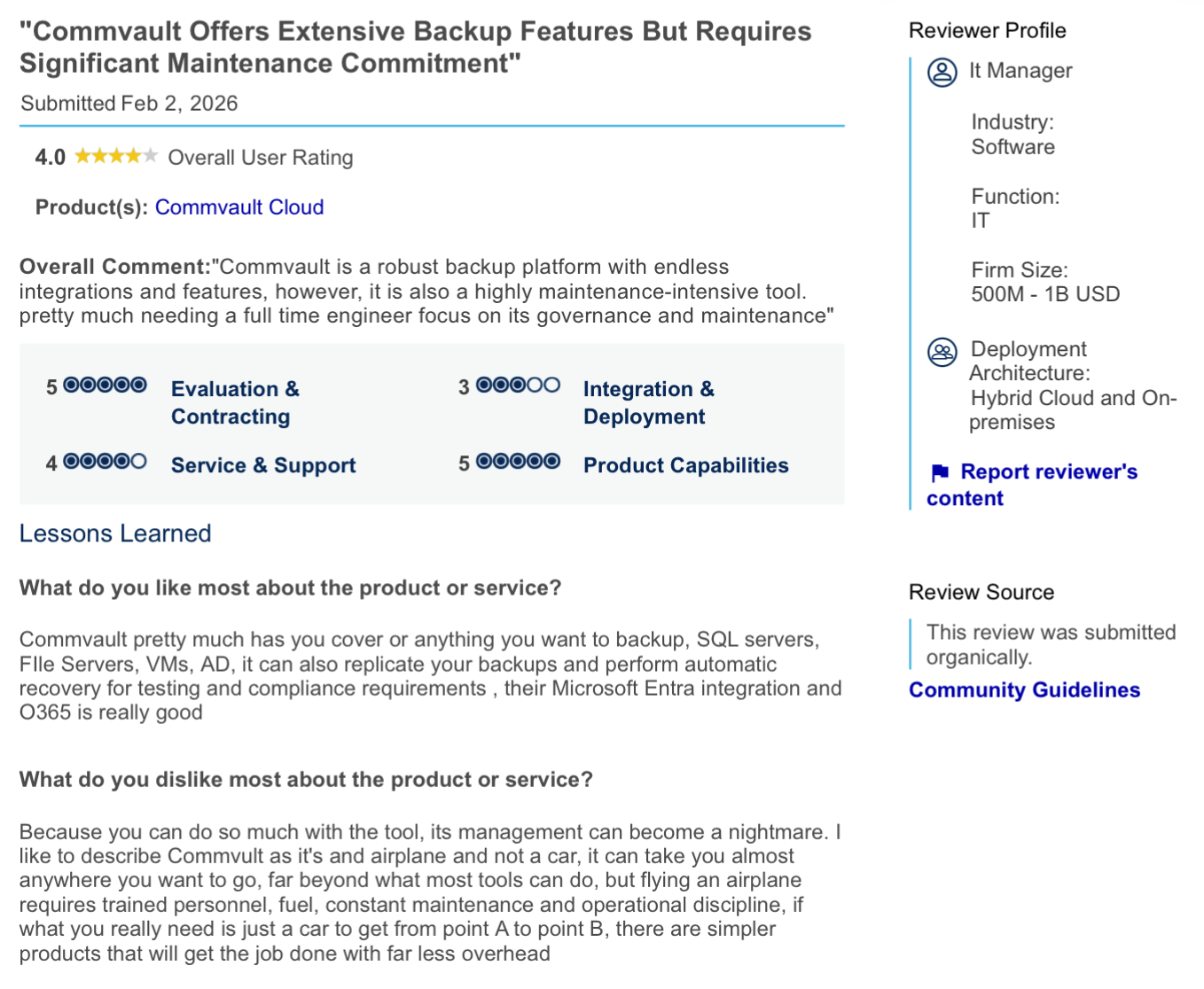
“There are simpler products that will get the job done with far less overhead.” — IT manager in software industry, Gartner Peer Insights
Premium, opaque pricing
Cost is the most common complaint. Smaller teams find the platform expensive, and pricing comes only through a custom quote with no public list price. The staffing it requires adds to the true cost.
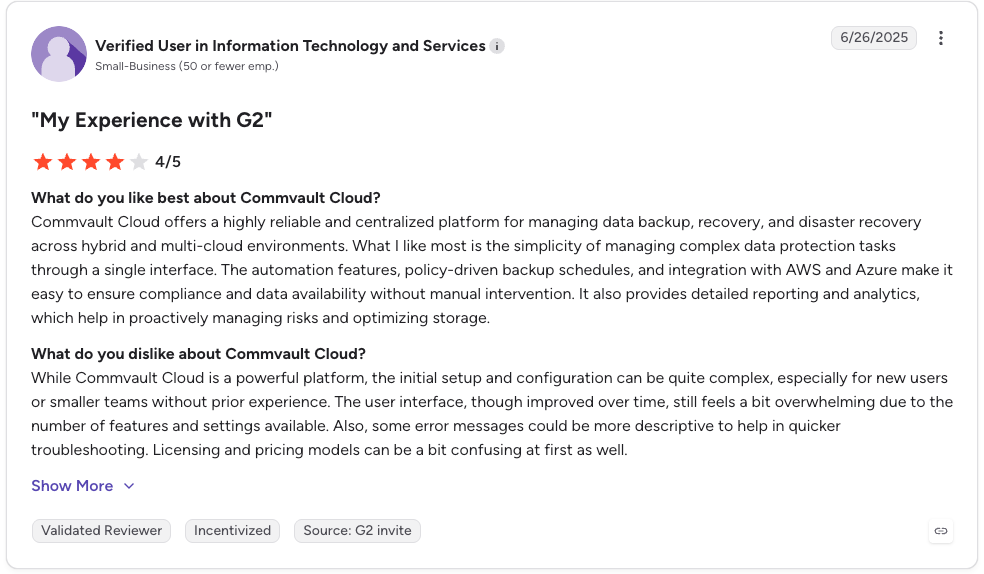
"Licensing and pricing models can be a bit confusing at first as well." — Verified User, G2
Is Commvault right for you?
Who will get the most value:
- Large hybrid or on-premises footprints that need one platform across data-center and cloud workloads.
- Mixed environments with VMs, databases, and file servers and predictable, stable infrastructure.
- Regulated organizations that want deep retention, compliance reporting, and recovery testing.
- Teams with dedicated backup administrators who can manage setup and ongoing policy maintenance.
Who should look elsewhere:
- Cloud-first companies running multi-account, multi-region AWS, Azure, or Google Cloud environments at scale.
- Teams that need to recover individual files, database records, or table-level data without restoring full environments.
- Organizations where backup storage cost is already a concern and growing with data volume.
- Environments where new resources deploy frequently and need automated backup discovery and classification.
- Teams that want to use backup data for analytics, compliance, or AI workloads without running ETL pipelines.
The 2025 Commvault security incident
In February 2025, Microsoft alerted Commvault to a nation-state actor inside its Azure environment. Attackers exploited a zero-day in the Commvault Web Server, tracked as CVE-2025-3928 with a CVSS score of 8.7.
CISA added the flaw to its Known Exploited Vulnerabilities catalog in April 2025 and published a follow-up advisory in May. The activity let attackers reach client secrets tied to Commvault's Metallic Microsoft 365 backup service, which affected a small number of customers who stored those secrets with Commvault.
Commvault patched the flaw, rotated credentials, and stated that it found no unauthorized access to the backup data it stores. For teams evaluating any SaaS backup provider, the episode is a reminder to check credential handling, permission scoping, and rotation policies.
What cloud-first teams actually need from a backup platform
Cloud-first infrastructure has a different backup problem than on-prem. Resources spin up continuously across accounts and regions, ownership is fragmented across teams, and new workloads go unprotected because static policies were not built to track infrastructure that never stops changing.
A lot of cloud teams start with native tools like AWS Backup and Azure Backup because they are already there. Over time, fragmented visibility, full-environment restores, and rising snapshot costs make it clear those tools were not built for multi-account environments at scale either.
We built Eon Data Protection for exactly this problem. The platform is fully SaaS-managed, so teams run no backup gateways, media agents, access nodes, or patching cycles. It connects to AWS, Azure, and Google Cloud through read-only APIs, and Eon deploys and manages every data plane component.
Four things work together to address the gaps cloud-first teams hit with Commvault and native tools:
- Granular recovery with global search: File-, record-, and table-level restores with search across every cloud provider, so recovering one database record never means rehydrating a full environment.
- Queryable backup data with zero-ETL access: Backups are stored in open formats (Parquet, Iceberg, and Delta Lake), so teams can query them directly for audits, investigations, and historical reporting, or feed them into Snowflake, Databricks, BigQuery, and Athena for analytics and AI work with zero ETL.
- Cloud Backup Posture Management (CBPM): Continuously discovers new resources, classifies them by data type, and assigns policy without manual tagging, so coverage gaps and drift get flagged automatically.
- Immutable, logically air-gapped vaults by default: Backups sit in immutable, logically air-gapped storage, with ransomware detection that reads the logical content of database backups to flag clean recovery points.
Backup storage cost climbs when teams keep redundant copies across accounts and snapshots. Eon removes that overlap with cloud-native deduplication and incremental backups, so backup spend tracks only the data you need. Cost Explorer then breaks that spend down from cloud account to individual resource, which turns a quote-shaped line item into a number teams can attribute and defend.
That is how NETGEAR cut backup storage costs 35% and recovered a 10TB SQL Server database 88% faster, from 24 hours to 3 hours.
Commvault vs native cloud backup tools vs Eon
Most cloud-first teams pass through a couple of decision points before landing on a purpose-built platform. Seeing where each option breaks down explains why.
| | Commvault | Native cloud tools | Eon |
|---|---|---|---|
| Setup | Complex (console plus on-prem heritage) | Simple (console-based) | Agentless SaaS (API-based) |
| Cost at scale | High, quote-based, plus administration | Low initially, grows with snapshots | 30-50% lower via cloud-native dedup plus incremental |
| Recovery | Full-environment restores; granular DB per workload | Basic snapshot-level restore | Granular (file, record, table level) |
| Visibility | Centralized via Command Center | Fragmented across accounts | Full visibility across accounts and clouds, plus Cost Explorer spend breakdown by resource |
| Posture management | Manual policy assignment | Per-service configuration | Automated CBPM |
| Backup data access | Restore required | Restore required | Zero-ETL, queryable in place |
Native tools are the default starting point, but create blind spots as environments grow. Suites like Commvault centralize management, though the on-premises heritage adds administration overhead in cloud-native deployments. Neither was originally designed for multi-account, multi-region cloud environments at scale.
Final verdict
Commvault is a strong backup platform for the environment it was built for. In large hybrid or on-premises setups with mixed workloads and dedicated administrators, it delivers reliable, capable protection.
Cloud-first infrastructure is a different problem. Infrastructure changes constantly and rarely has a single owner, so recovery usually comes down to pulling one file or record instead of restoring everything. Commvault's on-premises heritage and manual policy work create friction there, and premium pricing adds to it as the environment grows.
Still stitching coverage together and running full restores just to recover a single file? Book a demo and see how Eon flags coverage gaps automatically and recovers one file or record without rehydrating your whole environment.
Frequently asked questions
Is Commvault a good backup solution?
Yes, Commvault is a capable backup platform for enterprise environments running hybrid or on-prem infrastructure, with strong workload coverage, deduplication, and centralized management. For how it compares against the rest of the market, see our roundup of enterprise backup software.
What are the main disadvantages of Commvault?
The main disadvantages are a steep learning curve, heavy administration that often needs dedicated staff, and premium quote-based pricing. Granular restore exists but runs through separate per-workload workflows, which is less streamlined at multi-cloud scale.
How does Commvault compare to AWS Backup?
The main difference between Commvault and AWS Backup is scope: Commvault centralizes management and policy across mixed workloads, while AWS Backup is simpler to set up but offers less visibility and no record-level recovery. Both leave gaps in cost control and posture management at multi-account scale.
Is Commvault expensive?
Yes, Commvault is often described as expensive, especially for smaller teams. Pricing is consumption-based and quote-only with no public list price, and administration adds a real staffing cost on top of the license. What a quote typically contains, and the published SaaS rates behind it, are broken down in our Commvault pricing guide.
Does Commvault work well for cloud-native environments?
Not fully. Commvault supports AWS, Azure, and Google Cloud, but its on-premises heritage and manual policy model add overhead in cloud-native deployments. Cloud-first teams with multi-account, multi-region infrastructure often report friction around cost, resource discovery, and recovery precision.
Does Commvault offer file-level or record-level restore?
Yes. Commvault offers file- and object-level restore across many workloads, plus table-level and point-in-time restore for databases like SQL Server, Oracle, PostgreSQL, and Informix.
Each runs through its own workflow, though, and table-level SQL restores route through a recovery point on a separate instance, so teams needing record- or table-level recovery across many cloud-native databases may find a purpose-built platform like Eon more streamlined.
What happened in the 2025 Commvault security breach?
In 2025, a nation-state actor exploited a Commvault zero-day, CVE-2025-3928, to reach client secrets for its Metallic Microsoft 365 backup service. CISA issued an advisory, Commvault patched the flaw, and the company reported no unauthorized access to stored backup data.
What is a good alternative to Commvault for cloud environments?
For cloud-first teams, Eon is purpose-built for cloud infrastructure across AWS, Azure, and Google Cloud. It created the Cloud Backup Posture Management (CBPM) category, delivers granular recovery at the file, record, and table levels, and makes backup data queryable without a full restore.