

The Fivetran invoice usually gets a closer look at renewal. Marketing added a few ad accounts, engineering spun up new Postgres databases, and each of those connections now has its own MAR count and, since January 2026, its own minimum charge.
Most teams shopping for Fivetran alternatives still want managed pipelines. What they’re after is a bill they can forecast, faster syncs on the few databases that need them, or a way to stop paying twice to copy the same data.
Paying twice is the one we see most, because we back up the cloud databases a lot of those pipelines read from. Plenty of them exist only to move production tables into a warehouse while backups of those same tables already sit in object storage.
Below are seven alternatives grouped by what each one meters and the sources each is actually built for, so you can price a replacement against the connections on your own bill.
What is Fivetran?
Fivetran is a managed ELT platform that extracts data from SaaS apps, databases, and files, then loads it into a warehouse or data lake through more than 750 pre-built sources.
Transformation happens after the load, inside the destination, and that side of the stack got bigger when Fivetran completed its merger with dbt Labs on June 1, 2026. It now sells reverse ETL as Activations (previously known as Census).
Fivetran sells four plans: Free, Standard, Enterprise, and Business Critical. Standard syncs as often as every 15 minutes, and Enterprise drops that to every minute.
Why teams switch from Fivetran
Cost is the reason most teams give, and it usually traces back to how Monthly Active Rows (MAR) are counted. Fivetran pricing runs on a per-connection curve that rewards one large connection and penalizes many small ones.
How MAR pricing works
MAR counts distinct rows moved into your destination. A row counts once a month, however often it syncs, and the initial historical sync is free. The Free plan covers 500,000 MAR a month.
Volume discounts changed on March 1, 2025, when tiering moved from the account to each connection. Many equal-sized connections now cost more than one dominant connection moving the same rows, so a stack of 30 mid-sized SaaS sources lands on the wrong side of it.
What changed on January 1, 2026
Fivetran's 2026 pricing update added three changes, and annual-contract customers pick them up at renewal:
- Minimum charge per connection: Standard connections that generate between 1 and 1 million MAR a month carry a $5 base charge. 40 such connections now cost at least $200 a month. Connections that generate no paid MAR carry no base charge, and the Free plan is exempt.
- Deletes count: Inserts, updates, and deletes now all count toward paid MAR. Deletes used to be free.
- History mode changes count: Every change tracked in history mode now counts toward paid MAR, so tables with frequent updates cost more to keep history on.
Other reasons teams switch
- Freshness: Standard syncs every 15 minutes, which is too slow for anything that has to act on a change as it happens.
- Control: Some teams want pipelines in their own VPC or repo, with no row-based vendor bill at all.
- Database copies: Some connections exist only to land production database tables in a warehouse that the business already stores elsewhere. Most teams still spend a day or more making that data usable once it lands.
Best Fivetran alternatives at a glance
- Eon: Zero-ETL pick, for cloud databases and storage you already back up. No SaaS-app connectors.
- Airbyte: Open-source pick, with the largest catalog you can self-host or extend.
- Hevo Data: Managed no-code pick, on flat monthly tiers.
- Estuary: Real-time CDC pick, for changes that land in seconds.
- Matillion: In-pipeline transformation pick, for Snowflake, Databricks, and Redshift.
- Stitch: Budget pick, from about $100 a month.
- dlt: Code-first open-source pick, as Python in your own repo.
How we evaluated these tools
We assessed each tool from its documentation, official pricing page, and user reviews published in the last 12 months. Where a feature depends on a plan or edition, we say which one.
The criteria:
- Source fit: Whether the tool is built for SaaS APIs, production databases, event streams, or data you already store.
- Pricing unit: Rows, events, GB, credits, or task hours, and how that unit grows with your data.
- Change capture and freshness: Log-based CDC, cursor-based incremental loads, or scheduled snapshots, and how fresh the data lands.
- Deployment: SaaS only, self-hosted, hybrid, or bring your own cloud.
Fivetran alternatives: Quick comparison
| Tool | Best for | Pricing | Deployment | CDC support |
|---|---|---|---|---|
 Eon |
Cloud databases and storage you already back up | Per GB/month of protected storage; no tier ladder | SaaS | 15-min high-frequency policy (EC2, S3, DynamoDB, GCS); 15-min PITR increments on RDS/Aurora; not log-based |
 Airbyte |
SaaS and database sources, self-hosted or managed | Credits or capacity; free (Core), $20/month (Standard) | Self-hosted, cloud, hybrid | Log-based: Postgres, MySQL, SQL Server, MongoDB |
 Hevo Data |
SaaS and database sources on a flat tier | Events per month; free, then $299/month | SaaS | Log-based, with SQL-based fallback where logs aren't available |
 Estuary |
Database changes that land in seconds | Per GB plus per connector; free, then $0.50/GB + $100 per connector | SaaS, private, BYOC | Log-based: Postgres, MySQL, SQL Server, MongoDB, Oracle |
 Matillion |
Warehouse-resident transformation | Credits by task hour; custom quote | SaaS, hybrid (Scale) | Log-based; streaming CDC on Scale |
 Stitch |
A few sources into one warehouse | Rows per month; $100/month | SaaS | Log-based: 6 database types |
 dlt |
Pipelines as Python in your own repo | Free library; paid platform on credits | Your own environment | Cursor-based incremental and merge |
1. Eon: Best for zero-ETL access to cloud databases you already back up
What it does: Eon is a cloud data and AI infrastructure platform that backs up AWS, Azure, and Google Cloud data and publishes those backups as open-format tables your warehouse can query.
Best for: Cloud-first teams whose Fivetran bill is mostly database connectors, where the same databases are already (or should be) backed up.
Eon was built by the team behind CloudEndure, the cloud migration technology AWS acquired. It fits as a Fivetran alternative in one lane: when the source is your own cloud database or bucket.
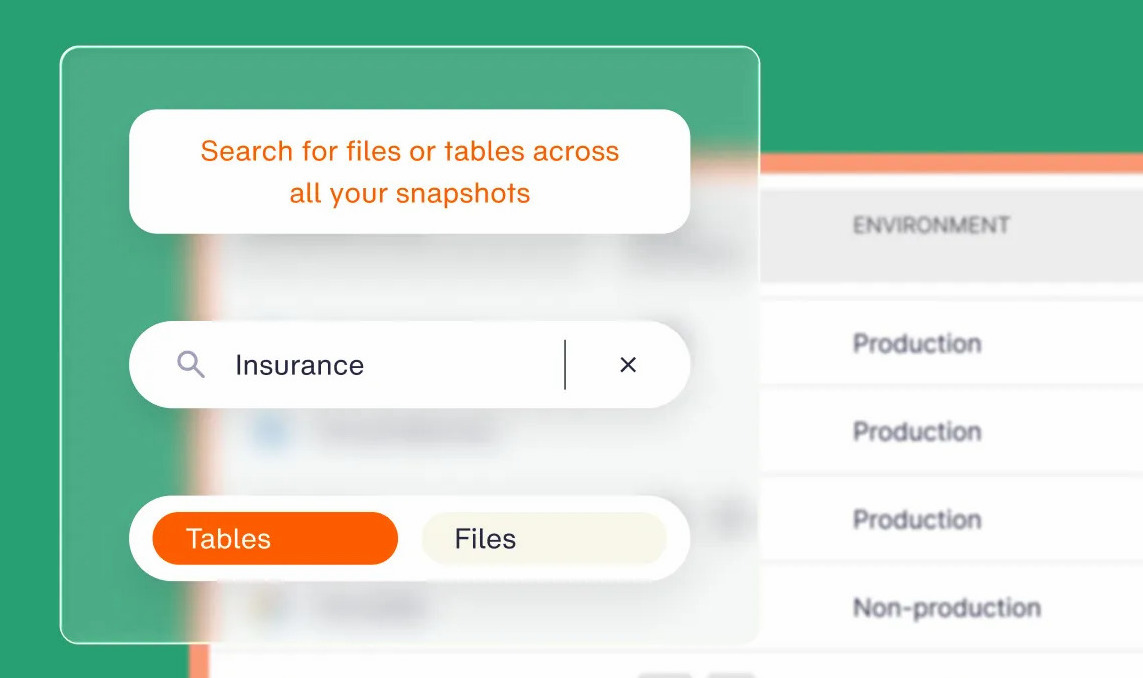
Database backups land as Iceberg tables backed by Parquet files, and engines like Snowflake, Databricks, BigQuery, Redshift, Athena, and Microsoft Fabric read them in place. There's no extract job and no second copy to pay for.
For event streams, Eon Yukon, a separate product, lands data in Iceberg directly. Rise streams roughly 200 billion events a day through it, with sub-minute freshness, down from a 3- to 5-minute baseline.
Key features
- Zero-ETL queryable backups: Backups of PostgreSQL, MySQL, SQL Server, DynamoDB, and other supported databases become queryable tables in Redshift, Fabric, Snowflake, Databricks, or BigQuery, with read-only access.
- Backup refresh cadence: A high-frequency policy backs up EC2, S3, DynamoDB, and Google Cloud Storage as often as every 15 minutes. RDS and Aurora reach the same 15 minutes through point-in-time recovery increments rather than a high-frequency schedule.
- Cloud Backup Posture Management (CBPM): A category originated by Eon. New databases and buckets are discovered as they appear and get policy by data type (PII, financial, production), with no manual tagging.
- Eon Mind: Describes every column as data lands and works out how sources join, for AI agents over MCP, including Claude and Gemini.
Pros and cons
Pros:
 Point-in-time backups answer questions about last quarter's data. That includes tables no pipeline was syncing at the time.
- You stop paying twice to store the same bytes. The warehouse reads the backup copy instead of a second extracted one.
- Long-running analytics queries never touch the production database. They run against the backup copy instead.
Cons:
 It has no SaaS-app connectors, so most teams keep a connector tool for CRM, finance, and marketing data.
- A backup schedule sets the ceiling on freshness. Anything that needs changes within seconds belongs with a CDC tool.
- Warehouse access to the backup tables is read-only, so transformed results have to land somewhere else.
What users say
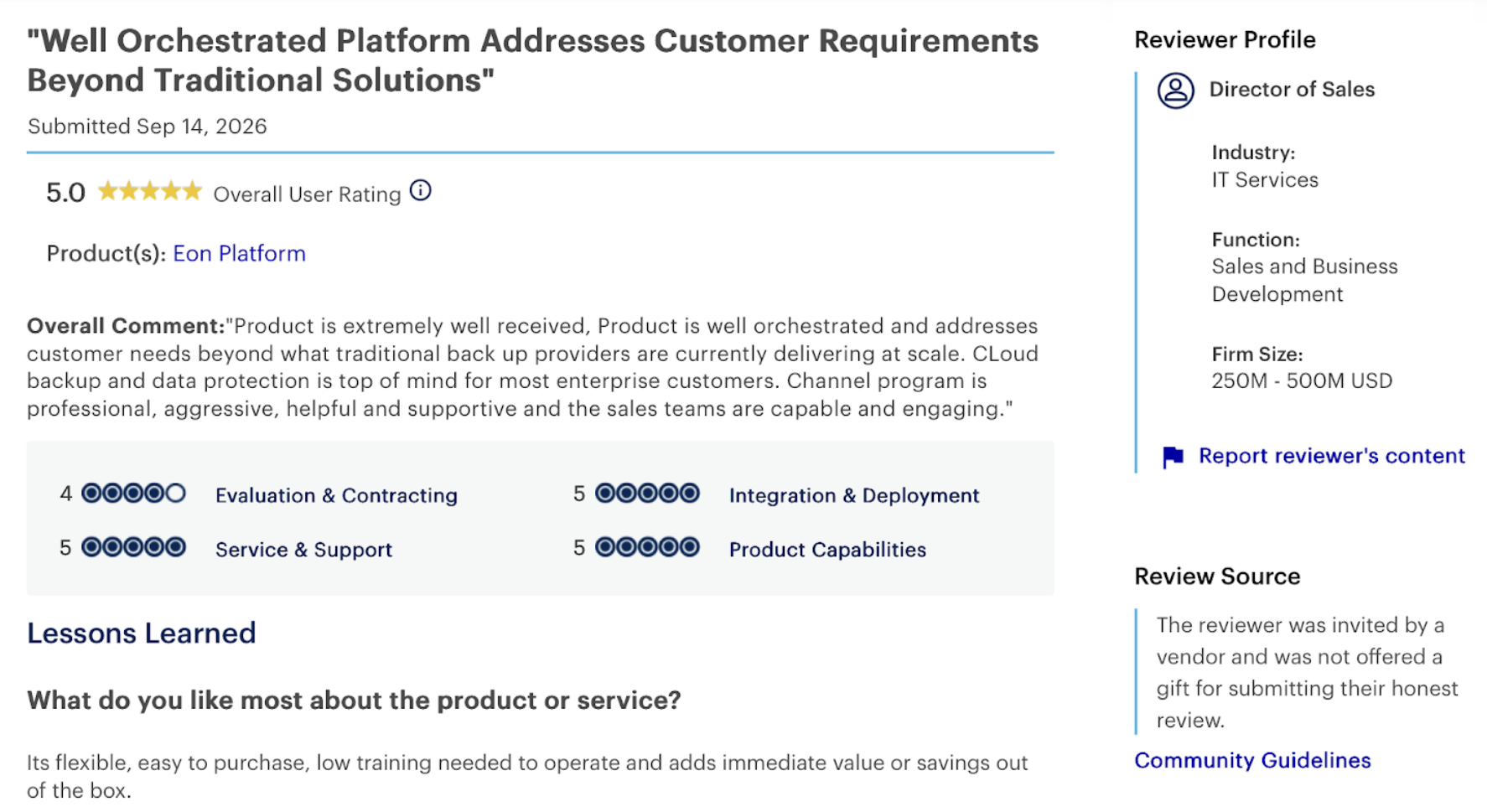
"[It] addresses customer needs beyond what traditional back up providers are currently delivering at scale." – Verified reviewer, Director of Sales, Gartner Peer Insights
"I wish the [restore] process wouldn't need a local network." – Alejandro Z., CaaS infrastructure manager, G2
Pricing
Eon uses usage-based pricing, billed per GB of backed-up storage per month, and you can buy it through AWS Marketplace. Global deduplication cuts backup storage costs by up to 50%. Eon Yukon is priced separately.
Bottom line
Eon earns a slot when most of what you sync through Fivetran is your own AWS, Azure, or Google Cloud databases and storage. It is the narrowest fit on this list, and a stack whose volume sits in SaaS apps will barely feel it.
2. Airbyte: Best for open-source control and custom connectors
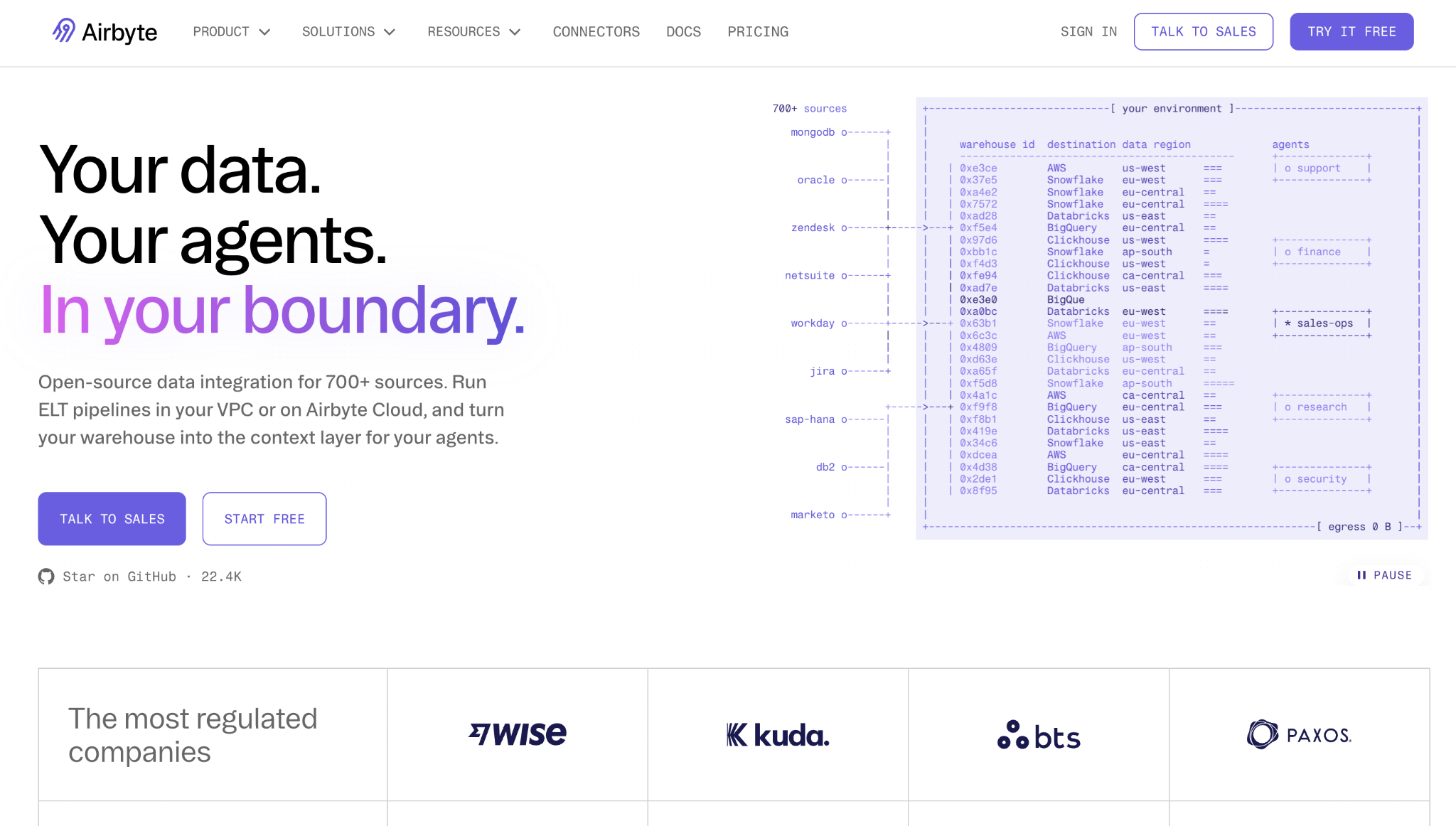
What it does: Airbyte ships 700+ connectors as open source, to self-host for free or run as a managed cloud service.
Best for: Stacks where most sources already exist in a public catalog, and security won't clear a vendor holding raw data.
Airbyte’s free Core edition gives you the code and leaves upgrades, scaling, and on-call to your team. Connectors ship under the Elastic License 2.0 (ELv2), so you can run them yourself, while Airbyte Cloud and Enterprise need a commercial license. Cloud also runs dbt for post-sync transformations, which Core doesn’t.
Key features
- Connector Builder: Builds source connectors without code, and its AI assistant (beta, Standard plan and above) pre-fills auth, pagination, and incremental settings from API docs.
- Log-based CDC: Supports Postgres, MySQL, SQL Server, and MongoDB on every plan. Oracle, SAP HANA, and IBM Db2 come through Enterprise Connectors, a paid add-on available only on Pro and Enterprise Flex.
- Enterprise Flex: A hybrid deployment where the data plane runs in your VPC, on-prem, or across regions.
- Developer tooling: An API, a Terraform provider, PyAirbyte, and integrations with Airflow, Dagster, and Prefect.
Pros and cons
Pros:
- At 700+ connectors, Airbyte's catalog is the closest match to Fivetran's on this list.
- Stacks with niche regional or internal APIs don't get stuck waiting on a vendor to add the source.
- Security review is a shorter conversation when raw data never leaves your own account.
Cons:
- CDC incremental needs a primary key on most sources, and changes made through TRUNCATE or ALTER don't appear in the logs.
- Credits are metered differently by source type on Standard and Plus, so database-heavy workloads are harder to forecast than API syncs.
What users say
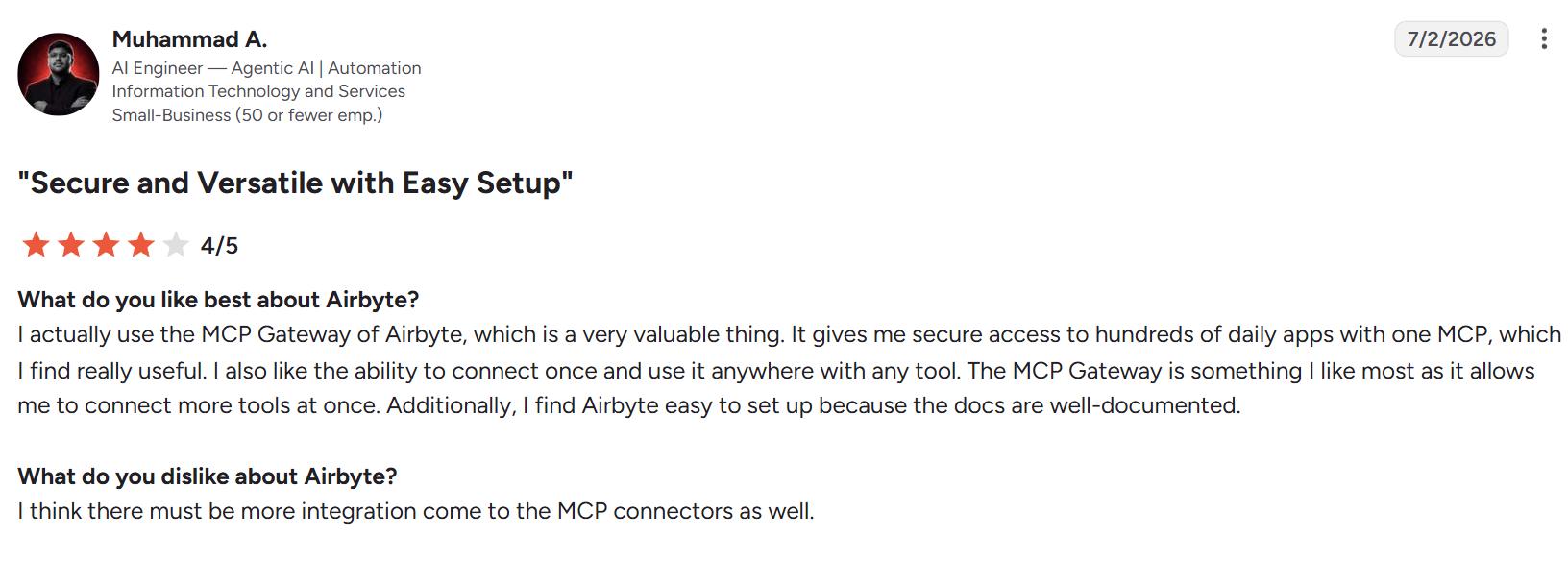
"It gives me secure access to hundreds of daily apps with one MCP." – Muhammad A., AI engineer, G2
"One thing that might improve Airbyte is how we manage usage and tokens." – Chintan M., G2
Pricing
Airbyte Core is free to self-host. On the managed side, Standard starts at $20 a month with 5 credits (about 1 GB of syncs), and Plus starts at $189 a month for 40 credits. Pro and Enterprise Flex use capacity-based pricing by Data Workers. New accounts get a 14-day trial with 400 credits.
Bottom line
Airbyte is the closest open-source match to Fivetran's catalog. Budget engineering time if you self-host, and check CDC requirements table by table before you move production databases onto it. Note the sync ceiling too: Standard tops out at hourly syncs, and matching Fivetran Standard’s 15 minutes means Plus at $189 a month.
3. Hevo Data: Best for managed, no-code pipelines on a fixed monthly budget
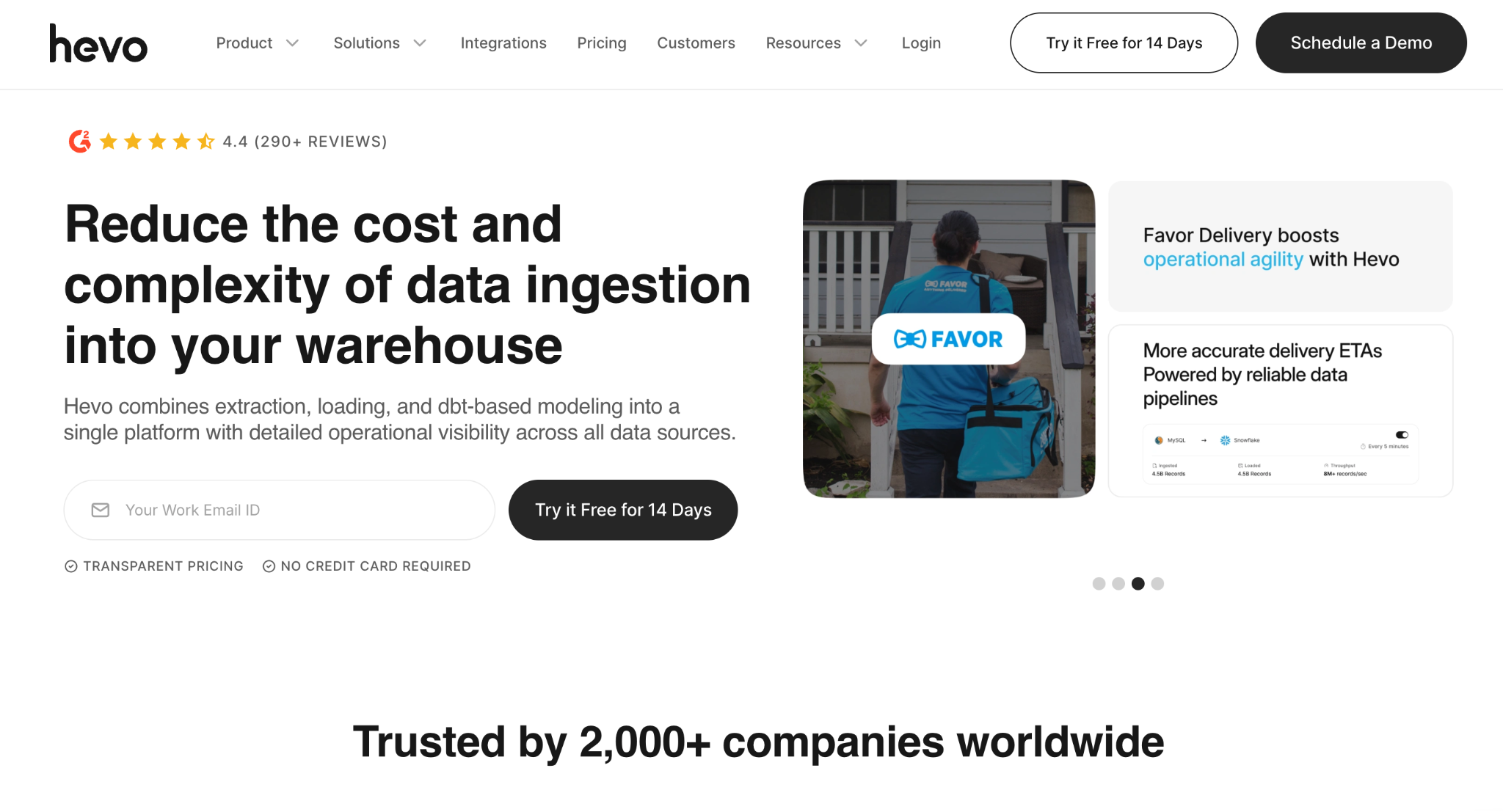
What it does: Hevo Data runs managed, no-code pipelines across 210+ connectors, with log-based CDC and dbt Core transformations.
Best for: Small and mid-sized data teams that want Fivetran-style setup on a flat monthly tier.
Hevo bills by events, counting each record inserted, updated, or deleted in the destination against your plan’s monthly quota. Usage above the quota is billed on-demand on top of the plan.
Key features
- Log-based CDC: Reads database logs for inserts, updates, and deletes, with SQL-based options for sources without log access.
- Hevo Transformers: Runs existing dbt Core projects and SQL models inside Hevo.
- Regional processing: Keeps pipeline data in one of six regions: Frankfurt, Mumbai, Oregon, Virginia, Singapore, or Sydney.
- Private connectivity: Reverse SSH on Professional, plus VPC peering on Enterprise.
Pros and cons
Pros:
- Finance gets one monthly number to plan around. That holds only while usage stays inside the tier's event quota.
- Ingestion and dbt runs sit on one schedule; a nightly failure surfaces in one place instead of two.
- Every paid plan includes 24x7 email and live chat support. Teams without an on-call data engineer get a vendor to escalate to.
Cons:
- Overage is billed on-demand, so a backfill or a bulk update to a large table can push one month far past the plan price.
- The catalog is about a quarter the size of Fivetran's, and some listed connectors cover fewer objects than buyers expect.
What users say
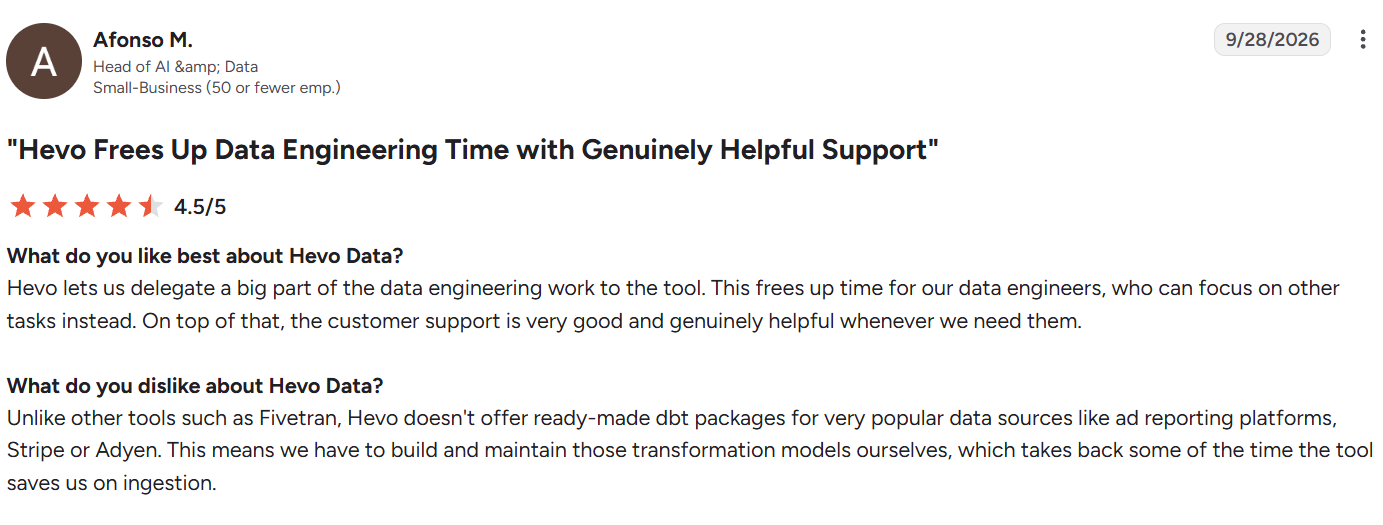
"Hevo lets us delegate a big part of the data engineering work to the tool." – Afonso M., head of AI and data in small business, G2
"A pipeline breaks, but I don't get the correct notification." – Simon E., G2
Pricing
Hevo lists a Free plan with up to 1 million events a month and limited connectors. Starter costs $299 a month ($265 a month billed annually), and Professional costs $849 a month ($750 billed annually). Enterprise, which adds RBAC, SSO, and VPC peering, is quote-based. Paid plans start with a 14-day trial.
Bottom line
Hevo is the easiest switch for a small team that wants Fivetran's managed feel with a steadier bill. Check that your specific SaaS objects are supported before you migrate.
4. Estuary: Best for real-time CDC from production databases
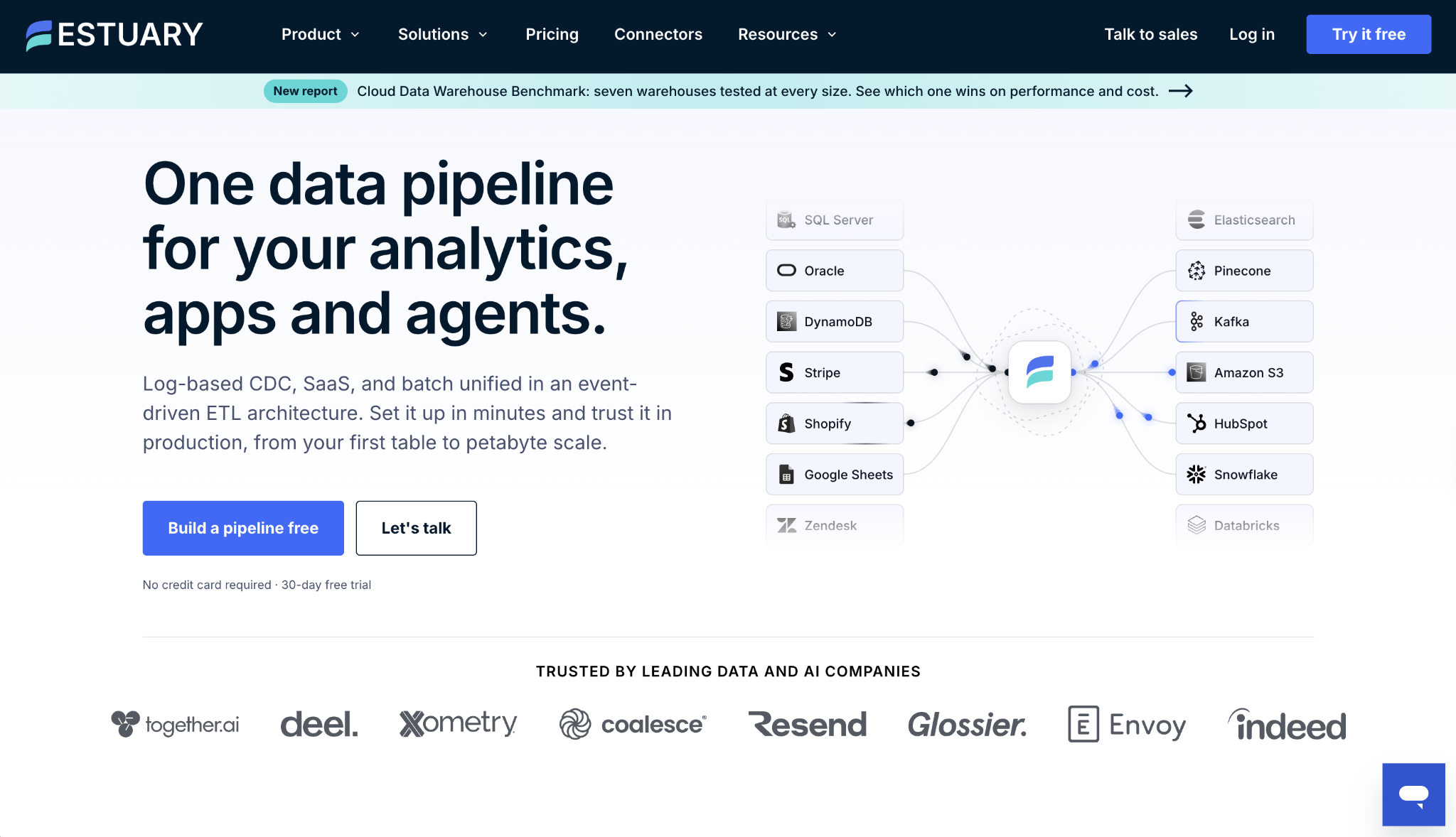
What it does: Estuary moves data in real time or on a schedule, using log-based CDC for databases and 200+ connectors overall.
Best for: Database changes that have to reach a warehouse, cache, or operational system within seconds.
Estuary claims exactly-once delivery with sub-100ms end-to-end latency. It meters data twice, once when it captures and once when it delivers, so 100 GB from one source into one destination bills as 200 GB. Connector instances carry a separate monthly fee on top of that.
Key features
- Log-based CDC: Captures changes from Postgres, MySQL, SQL Server, MongoDB, Oracle, and more.
- Streaming or batch per destination: Sets latency per destination, from under 100ms to hourly loads.
- Automatic schema evolution: Applies upstream schema changes so pipelines don't need manual updates.
- Private and BYOC deployment: On Enterprise, the data plane can run as a dedicated instance or inside your own AWS, GCP, or Azure account.
Pros and cons
Pros:
- Fraud checks, inventory counts, and customer-facing dashboards run on changes from seconds ago. A 15-minute sync cannot feed any of them.
- An added column upstream doesn't page anyone, because the capture keeps running.
- One database capture feeds a real-time consumer and the nightly warehouse load. That’s one bill for the source instead of two.
Cons:
- The $100 monthly fee per connector instance adds up fast when you have many small SaaS sources.
- Initial backfills of very large tables can run for days before streaming takes over.
What users say
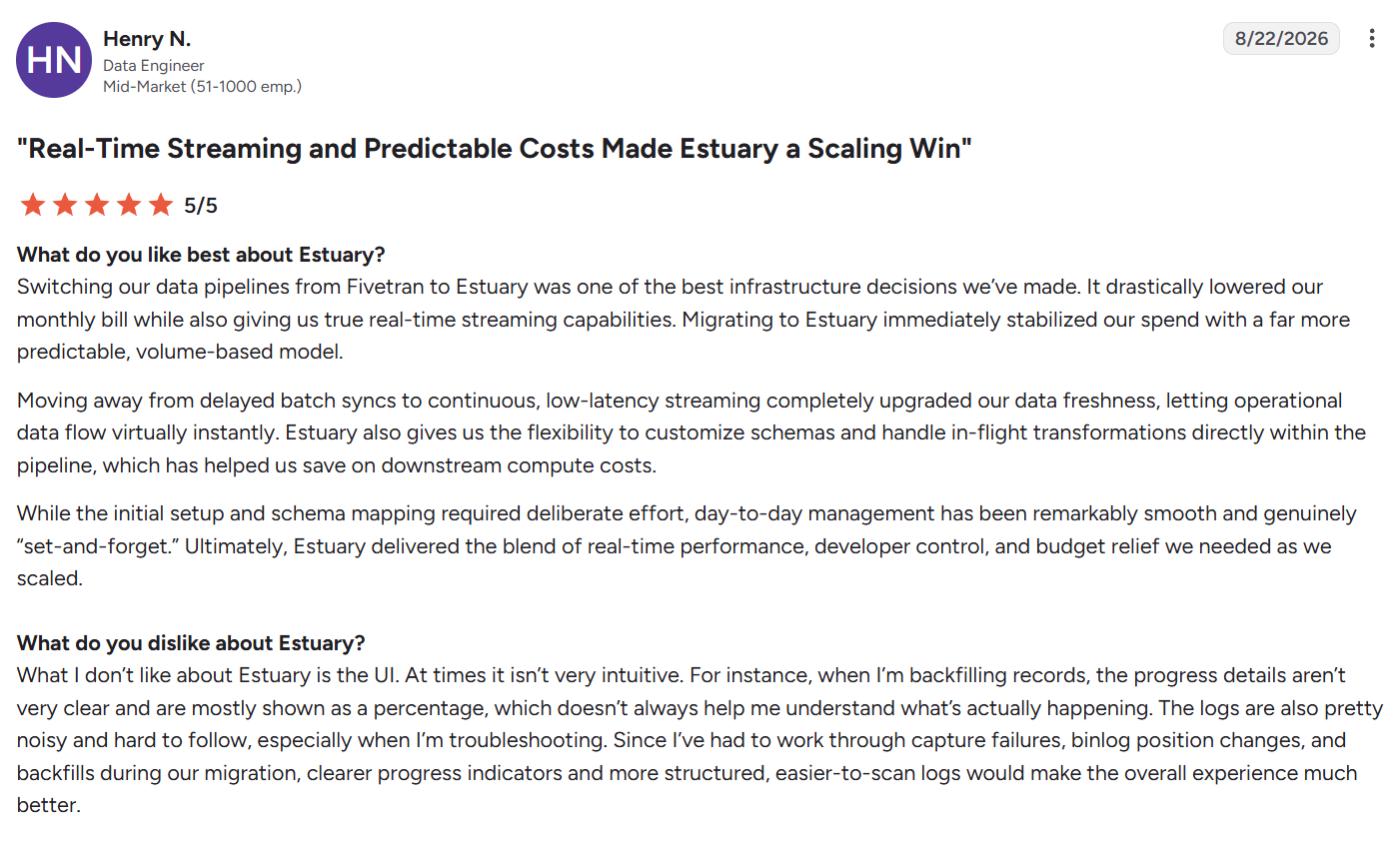
"It drastically lowered our monthly bill while also giving us true real-time streaming capabilities." – Henry N., data engineer, G2
"I would prefer an easier and quicker GUI based approach [for transformation templates]." – Carlo P., senior director of data & analytics, G2
Pricing
Estuary's Developer plan is free for up to 10 GB a month and 2 connectors. Cloud costs $0.50 per GB plus $100 a month per connector instance ($50 after your sixth), with a 30-day free trial.
Estuary's own example puts 100 GB a month from Postgres to Snowflake at $300. Enterprise, with private and BYOC deployment, requires a custom quote.
Bottom line
Go to Estuary when freshness is the reason you're leaving Fivetran. For a long list of small SaaS sources, the per-connector fee makes a row- or event-based tool cheaper.
5. Matillion: Best for transforming data inside your warehouse
What it does: Matillion builds data pipelines on a low-code canvas with SQL and Python, and pushes transformations down into your cloud warehouse.
Best for: Teams on Snowflake, Databricks, or Redshift that want ingestion and transformation in one tool.
Matillion is the transformation-heavy option. Its pushdown architecture runs transformations on your warehouse’s own compute. The product formerly called Data Productivity Cloud is now Maia Foundation, part of Matillion's Maia AI platform.
Key features
- Pushdown ELT: Runs SQL, Python, and dbt transformations inside the four cloud data platforms Matillion supports.
- Maia agents: Generates and edits pipelines, diagnoses failures, and documents existing jobs.
- CDC: Log-based change capture, with streaming CDC on the Scale edition.
- Built-in Git: Every edition includes a Git repository, and Scale adds bring-your-own Git.
Pros and cons
Pros:
- Transformation compute runs in the warehouse you already govern. FinOps and security watch one bill and one access model.
- Inheriting undocumented pipelines stops being a blocker. Nobody has to find the engineer who wrote them.
- Analysts who know SQL but not Python can build production jobs on the canvas. Engineers drop into code when a job needs it.
Cons:
- Streaming CDC, hybrid deployment, custom SSO, and data lineage are limited to the Scale edition.
- Credits are consumed by task hours, so a slow-running pipeline costs more even when it moves the same data.
What users say
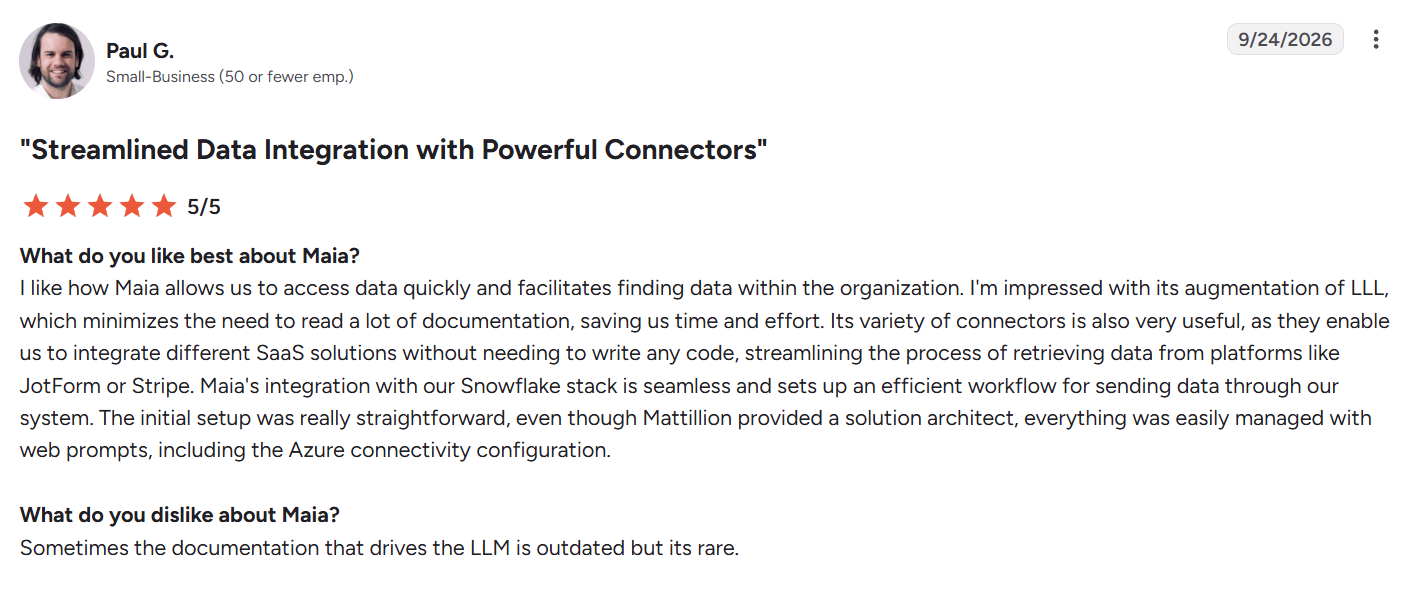
"I like how Maia allows us to access data quickly and facilitates finding data within the organization." – Paul G., G2
"The cost keeps ratcheting up, outpacing inflation." – Daniel K., EVP Operations IT, Capterra
Pricing
Matillion sells Developer, Teams, and Scale editions on credits, consumed by task hours while pipelines run and by additional developer users. Matillion doesn't list a credit price. A free trial is available, and you can buy through AWS, Azure, or Snowflake marketplaces.
Bottom line
Matillion makes sense when transformation is the bigger job and ingestion is the smaller one. If you only need to move data, a dedicated ingestion tool costs less.
6. Stitch: Best for small teams replicating a few sources on a budget
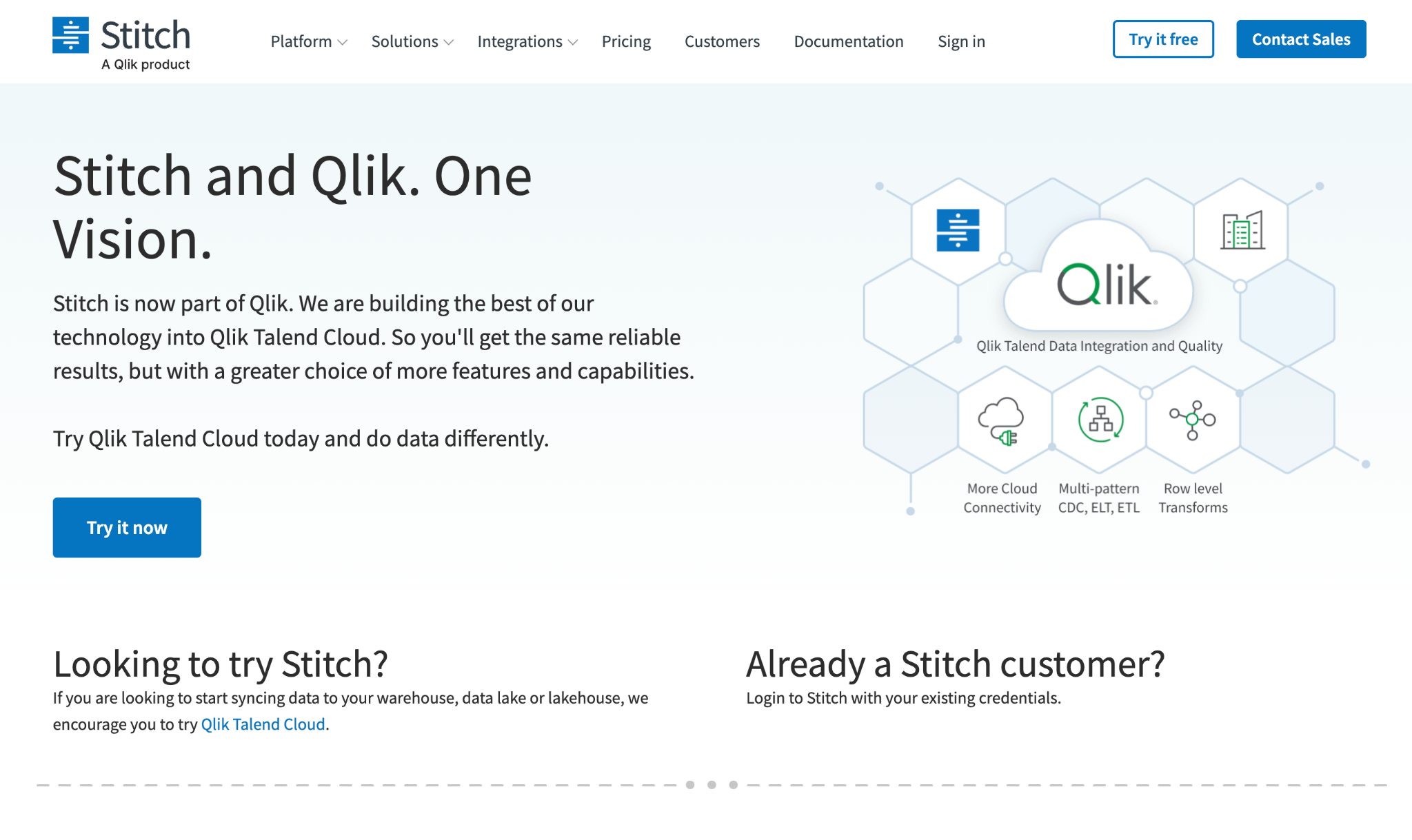
What it does: Stitch is a cloud ELT service, now a Qlik product, that replicates SaaS and database sources into a warehouse using a Singer-based replication engine.
Best for: A handful of sources into one warehouse, for about $100 a month.
Stitch keeps the job narrow. It loads raw data and leaves modeling to your warehouse or dbt. User-defined transformations aren't supported.
For databases, Stitch offers log-based incremental replication for MySQL (binlog), PostgreSQL (logical replication), Oracle (LogMiner), SQL Server (Change Tracking), MongoDB, and DynamoDB.
Key features
- Singer-based engine: Built on Singer, the open-source standard for extraction "taps" and loading "targets."
- No full-table reloads: Log-based replication on the six supported databases loads only what changed.
- Flexible scheduling: Sets replication frequency per integration, from minutes to hours, including cron expressions.
- Post-load webhooks: Triggers downstream jobs like dbt runs as soon as a load finishes.
Pros and cons
Pros:
- The $100 Standard plan covers up to 10 standard sources, the lowest paid entry point on this list.
- Stitch only lands raw tables. Moving to another loader later doesn't mean rewriting transformation logic.
Cons:
- Standard allows one destination and standard sources only. Enterprise sources push you to Advanced at $1,500 a month, fifteen times the Standard entry point.
- Stitch's free-trial button now opens a Qlik Talend Cloud trial, so ask Qlik about Stitch's roadmap before signing a multi-year deal.
What users say
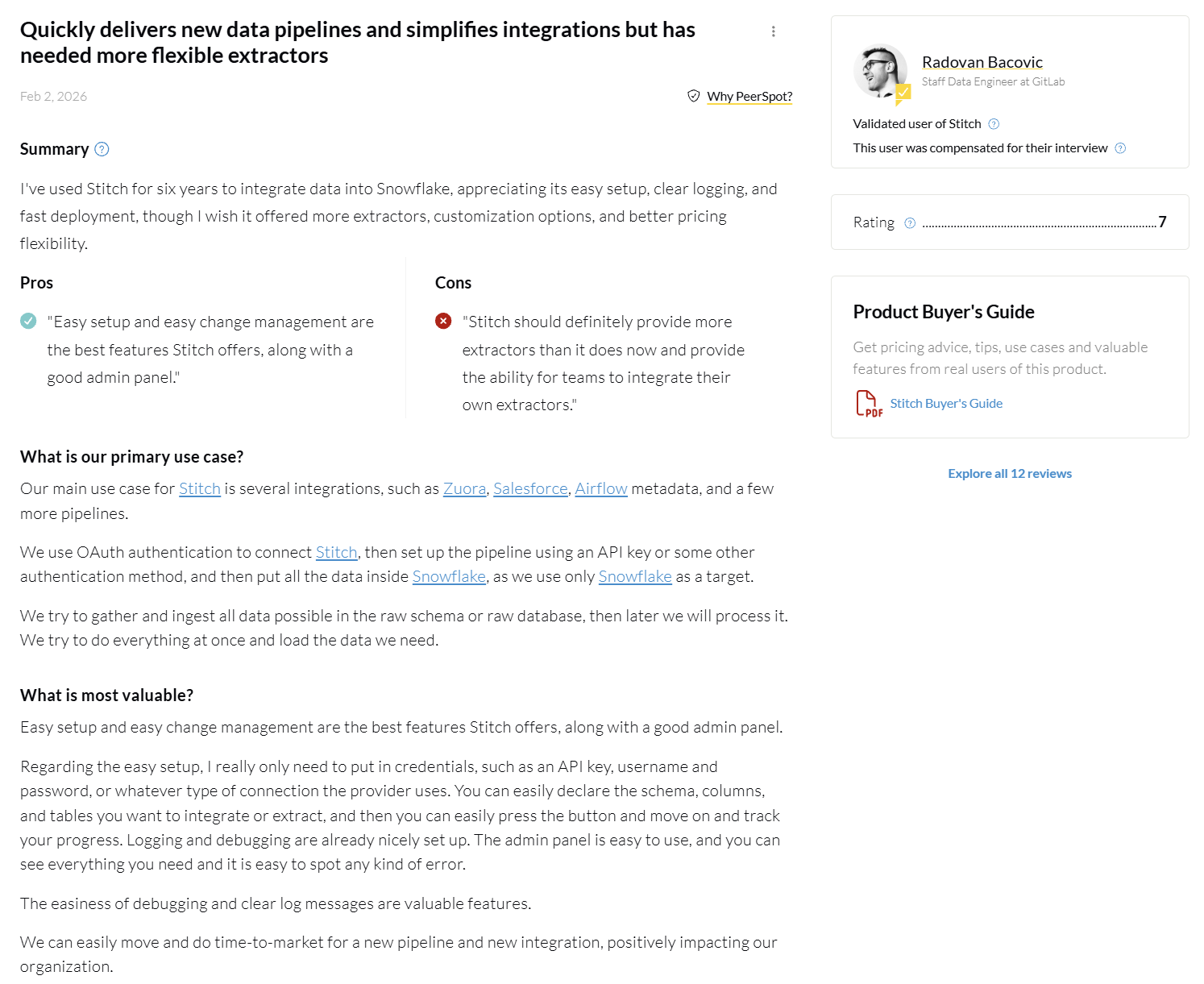
"The easiness of debugging and clear log messages are valuable features." – Radovan Bacovic, staff data engineer, PeerSpot
"I wish it had a slightly more flexible and built-in transformation tool." – reviewer2816820, developer, AWS Marketplace
Pricing
Stitch's Standard plan starts at $100 a month for 5 million rows, with tiers up to 300 million rows. Advanced lists at $1,500 a month, billed annually, covering 100 million rows a month across 3 destinations with unlimited enterprise sources. Premium lists at $3,000 a month, billed annually, for 1 billion rows across 5 destinations.
Stitch publishes a 14-day free trial, though the trial button now routes to Qlik Talend Cloud. Listed prices are US-only.
Bottom line
Stitch is a sensible budget option for a few sources and one warehouse. Teams that expect to grow past that should get an Advanced quote early.
7. dlt: Best for code-first, open-source pipelines
What it does: dlt (data load tool) loads data from a Python script, installed with pip install dlt and released under the Apache 2.0 license.
Best for: Pipelines written as Python, kept in your own repo and run by your own orchestrator.
dlt has no servers or UI to run. You write a Python script and it loads into 20+ destinations, including Snowflake, BigQuery, Databricks, Redshift, Postgres, DuckDB, Iceberg, and Delta.
If you prefer configuration over code, Meltano is the other open-source option to look at. It's MIT-licensed and runs 600+ Singer connectors.
Key features
- Incremental loading and merge: Loads only new or changed rows and upserts on the primary key.
- Schema contracts: Sets tables or columns to evolve, freeze, or discard when the source schema changes, adding new columns with an ALTER TABLE on the fly where contracts allow it.
- Schema inference: Works out table structure from the source, including nested data, without a predefined schema.
- Runs anywhere Python runs: Fits into Airflow, Dagster, or any scheduler you already use.
Pros and cons
Pros:
- A bad pipeline change gets caught in a pull request and CI, the same way your team catches bad application code.
- A frozen table fails the load rather than silently changing shape downstream.
- The library adds no vendor bill, so you pay only for the compute your scheduler already runs.
Cons:
- Your team owns scheduling, retries, alerting, and secrets, so dlt assumes you already run an orchestrator.
- Many SaaS APIs mean writing and maintaining Python yourself, where a managed tool would ship the connector.
What users say
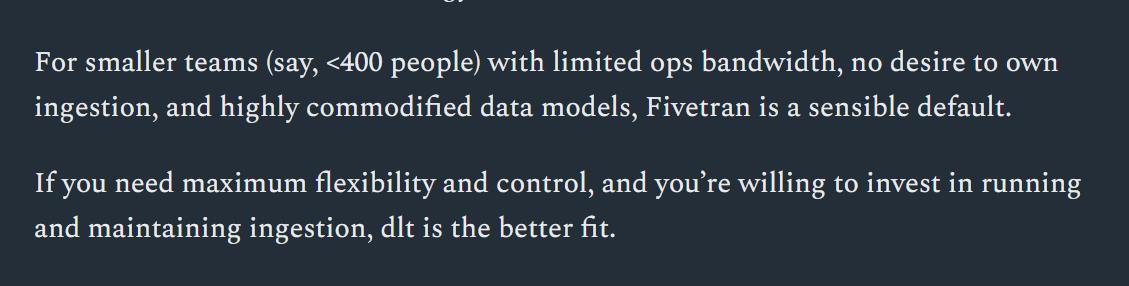
"If you need maximum flexibility and control ... dlt is the better fit." – Julien Hurault, Boring Data & AI, Substack
"The pipeline does not reproduce Fivetran's soft-delete behavior for physical source deletes." – Martin Seifert, sfrt.io, Substack
Pricing
The dlt library is free. dltHub's managed platform is pay-as-you-go at $10 per runtime hour, with no minimum spend and no contract term; one credit buys one hour of runtime. An Annual Commitment plan adds volume discounts on a 12-month minimum and is quoted. Every signup starts with a 14-day trial and $30 in credits.
Bottom line
dlt suits engineering-led teams that already run an orchestrator and want full control. Teams without that setup will spend more on upkeep than they save on a vendor bill.
How to move off Fivetran without breaking reports
Most migrations go wrong on the details: deleted rows, renamed columns, and dbt models that expect Fivetran's naming.
- Pull the last three months of MAR by connection from Fivetran’s usage reporting. The top five connections usually make up most of the bill.
- Put SaaS apps, production databases, and files or streams in separate groups. Each group points to a different kind of tool.
- Check for a zero-ETL path before buying another connector. On production databases in AWS, Azure, or Google Cloud, a backup copy or a native integration may already serve the warehouse.
- Run the new pipeline next to Fivetran on one or two high-volume connections for a full month. Compare row counts, freshness, and how each tool handles deletes.
- Update any dbt models and dashboards that reference Fivetran’s system columns, such as _fivetran_synced and _fivetran_deleted, before cutover.
- Cut over one domain at a time. Pause the old Fivetran connection after each one and keep it until a full billing month closes cleanly.
Which data integration tool should you choose?
Match the tool to where your data comes from, how fast it has to land, and what you want to own:
- Most of your Fivetran bill is database and object-storage connectors, and those sources are already backed up: Eon
- Your security review won't clear a SaaS vendor holding raw data, and your sources are mostly already in a public catalog: Airbyte
- Your volumes are steady and finance needs one number to budget against: Hevo Data
- Database changes need to land in seconds: Estuary
- Transformation is the bigger job, and you're on Snowflake, Databricks, or Redshift: Matillion
- You have a few sources and one warehouse: Stitch
- You already run an orchestrator and review infrastructure changes in pull requests: dlt
Many teams end up with two tools: one for SaaS connectors, and a separate path for production databases.
Final verdict
For SaaS-heavy stacks, Airbyte and Hevo Data are the closest swaps, Estuary wins on freshness, and Matillion fits when transformation is most of the work. Eon covers the narrowest lane, where the sources are cloud databases and storage you already back up.
The best Fivetran alternatives for 2027 are the ones whose pricing unit grows the way your data grows, so price each one against your own usage.
Before you buy another connector for a production database, check whether that database is already backed up. If it is, the copy your analysts need may already be sitting in your backups.
Paying to sync databases you already back up? Book a demo to see your backups queried as Iceberg tables.
Frequently asked questions
Who does Fivetran compete with?
Fivetran competes with managed ELT platforms like Airbyte, Hevo Data, Stitch, and Matillion, real-time CDC tools like Estuary, and open-source options like dlt and Meltano. Zero-ETL approaches, including native cloud integrations and queryable backups, also compete for database sources.
What are some good alternatives to Airbyte?
Good alternatives to Airbyte include Fivetran for fully managed connectors, Hevo Data for no-code pipelines on flat monthly tiers, Estuary for real-time CDC, and dlt or Meltano for code-first open-source pipelines.
How does Fivetran pricing work?
Fivetran prices each connection by Monthly Active Rows (MAR), the distinct rows synced in a calendar month, with volume discounts applied per connection. Since January 1, 2026, standard connections with 1 to 1 million MAR carry a $5 minimum, and deletes count toward paid MAR.
What is the best open-source alternative to Fivetran?
Airbyte is the best open-source alternative to Fivetran for teams that want a large connector catalog and a UI. dlt suits engineers who want pipelines as Python code, and Meltano suits teams that want Singer connectors managed through configuration.
Is Fivetran an ETL or ELT tool?
Fivetran is an ELT tool. It extracts data from sources and loads it into a warehouse or lake first, then transforms it there. Since its merger with dbt Labs closed in June 2026, Fivetran also owns dbt.
Can zero-ETL replace Fivetran?
Yes, for database sources. Zero-ETL can replace Fivetran connectors for cloud databases and storage, either through native cloud integrations or by querying backups in place with a tool like Eon. SaaS apps like Salesforce or HubSpot still need a connector-based tool.