Backup as a service (BaaS) platforms differ most during recovery, and similarly priced platforms can recover very differently. The nine best BaaS providers below are judged on how they hold up when recovery is tested, then matched to the environment each one fits. If the model itself is still the question, start with what backup as a service actually covers.
The 9 best backup as a service providers: TL;DR
- Druva Data Security Cloud: Best for teams that want fully managed, SaaS-delivered backup with no infrastructure to run.
- Veeam: Best for VMware-heavy and hybrid shops moving toward managed backup.
- Eon: Best for cloud-native teams that need record-level recovery and backups they can query.
- Rubrik: Best for security-led buyers who put immutability and ransomware recovery first.
- Cohesity: Best for large enterprises consolidating on-prem and cloud protection onto one platform.
- Commvault: Best for complex, globally distributed environments spanning legacy systems, clouds, and SaaS.
- HYCU: Best for teams facing SaaS-application sprawl or running Nutanix.
- AWS Backup: Best for teams running inside a single AWS account that want native protection.
- Microsoft Azure Backup: Best for teams whose workloads sit mostly in Azure.
How these BaaS providers were evaluated
Every provider here was assessed across seven dimensions that decide how a managed backup service performs in a real cloud environment.
- Managed scope: How much of the backup lifecycle the provider runs, from scheduling through restore support.
- Cloud coverage: Which clouds, accounts, and workloads the service protects, and whether coverage holds across regions.
- Recovery granularity: Whether the platform restores a single file, object, record, or table, or defaults to a full-resource restore.
- Immutability and isolation: Whether backup copies stay immutable and separate from production credentials during ransomware or credential compromise. Eon bundles both into a single ransomware protection package rather than selling them as separate add-ons.
- Pricing-model transparency: How the service bills, and which costs like egress, API calls, restore, and indexing sit outside the headline rate.
- Multi-cloud support: Whether one control plane covers AWS, Azure, and Google Cloud, or each cloud needs its own tool. On the native side that choice starts with Azure Backup vs AWS Backup.
- Backup-data usability: Whether backups can be searched and queried, or stay locked inside opaque snapshots.
One of these carries more weight in 2026 than it did a year ago: ransomware now targets the recovery plane directly, so immutability and isolation decide whether a backup survives an attack. Backup-data usability is the newer dimension more teams are starting to weigh.
9 best BaaS providers: Quick comparison
| Provider | Key strength | Billing model | Best for |
|---|---|---|---|
| Druva Data Security Cloud | Air-gapped copies, strong endpoint and M365 coverage | Per-user and per-workload | Fully managed backup, no infrastructure |
| Veeam | Broad hypervisor coverage, automated recovery verification | Per-workload subscription | VMware-heavy and hybrid shops |
| Eon | Record-level recovery, queryable multi-cloud backups | Protected-storage consumption | Cloud-native, multi-cloud teams |
| Rubrik | Immutable by default, strong ransomware recovery | Per-TB capacity | Security-led, immutability-first buyers |
| Cohesity | Global dedup, built-in ransomware detection | Per-TB capacity | Consolidating on-prem and cloud |
| Commvault Cloud | Broadest workload and legacy coverage, cleanroom recovery | Per-workload or capacity | Complex, distributed environments |
| HYCU | 100+ workloads across cloud, SaaS, on-prem | Per-workload or consumption | SaaS-app sprawl and Nutanix |
| AWS Backup | Native AWS integration, Vault Lock immutability | Pay-per-use | Single-account AWS |
| Microsoft Azure Backup | Native Azure integration, immutable vaults | Per-instance plus storage | Azure-centric environments |
The 9 best backup as a service (BaaS) providers in 2026
1. Druva Data Security Cloud: Best for SaaS-delivered, fully managed backup
Best for: Teams that want fully managed backup with no infrastructure to run.
What it does: Druva delivers backup, archival, and recovery as a SaaS service across endpoints, servers, SaaS applications, and cloud workloads.
Druva runs entirely on cloud infrastructure, so there are no appliances or backup servers to size, patch, or secure. It centralizes management across endpoints and cloud apps, keeps copies air-gapped and immutable, and deduplicates data across each customer's own protected data to hold down storage. Endpoint and Microsoft 365 coverage is a particular strength.
Key Features
- Centralized console: Monitors backups across endpoints, servers, and cloud apps from one place.
- Global deduplication: Shrinks stored data so long-term retention stays affordable.
- Air-gapped, immutable copies: Hold clean recovery points through ransomware or accidental deletion.
Pros
- ✅ Fully SaaS, with no infrastructure to patch or scale
- ✅ Simple deployment and centralized management
- ✅ Strong endpoint and SaaS-application coverage
Cons
- ❌ Restores of very large datasets can run slow
- ❌ Cost climbs as protected data volume grows
What Users Say
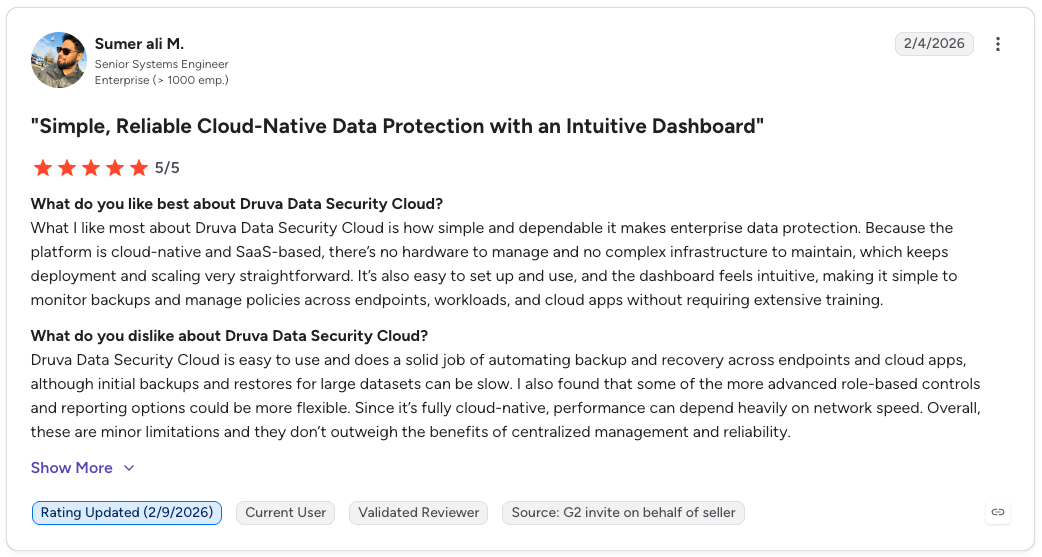
"There’s no hardware to manage and no complex infrastructure to maintain, which keeps deployment and scaling very straightforward." — Sumer Ali M., G2
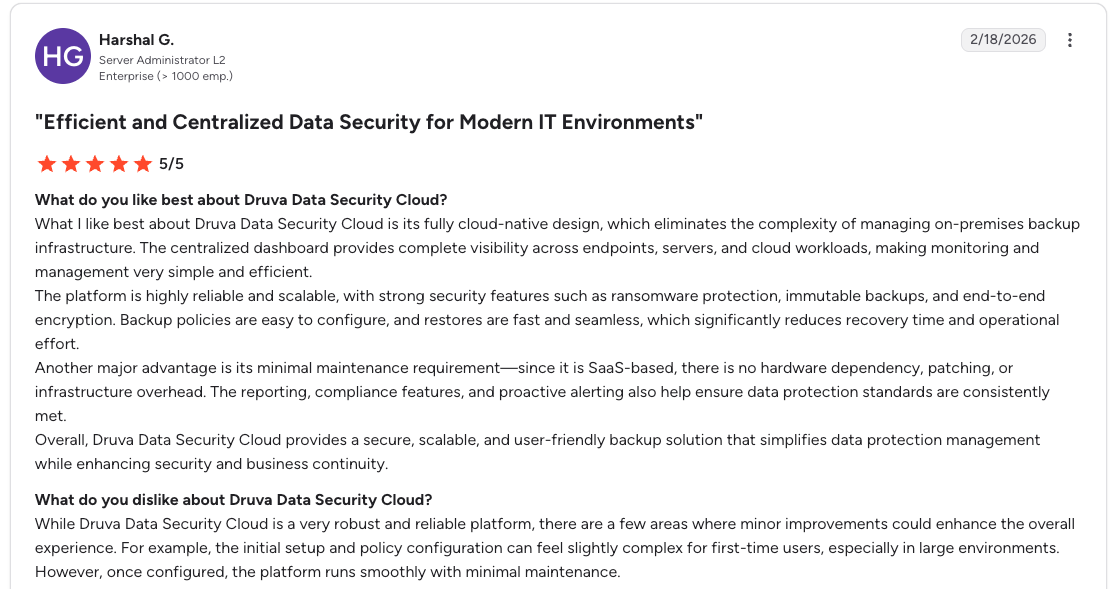
"The initial setup and policy configuration can feel slightly complex." — Harshal G., G2
Pricing
Druva pricing is subscription-based, scaled by the volume of data protected and the number of endpoints or workloads covered. It runs on a consumption model with no hardware to buy, so costs rise as data and user counts grow. Our full breakdown of Druva pricing covers how steeply that scales.
Bottom Line
Teams that are SaaS- and endpoint-heavy and want zero infrastructure to run get the most out of Druva. The ceiling shows up around large cloud databases, where both restore granularity and big-dataset recovery speed lag.
2. Veeam: Best for VMware-heavy and hybrid environments
Best for: Virtualization-first and hybrid shops moving toward managed backup.
What it does: Veeam protects virtual, physical, cloud, and SaaS workloads, delivered as managed backup (BaaS) through Veeam Cloud & Service Provider partners, with Veeam Data Cloud covering SaaS workloads directly.
Veeam is software-led and hardware-agnostic, with deep VMware and Hyper-V support and a large install base to match.
Immutable backups and automated recovery verification give teams confidence that a restore will work before they need it. Its Veeam Universal License moves capacity across environments as workloads shift.
Key Features
- Hardware-agnostic architecture: Protects VMware, Hyper-V, physical, cloud, and SaaS from one platform.
- SureBackup verification: Tests restores automatically so recovery works before an incident.
- Veeam Universal License: Moves backup capacity across workloads as needs change.
Pros
- ✅ Broad workload and hypervisor coverage
- ✅ Flexible licensing that moves across environments
- ✅ Automated recovery verification built in
Cons
- ❌ Steeper learning curve and more moving parts
- ❌ Cloud infrastructure configuration sits outside its recovery scope
What Users Say
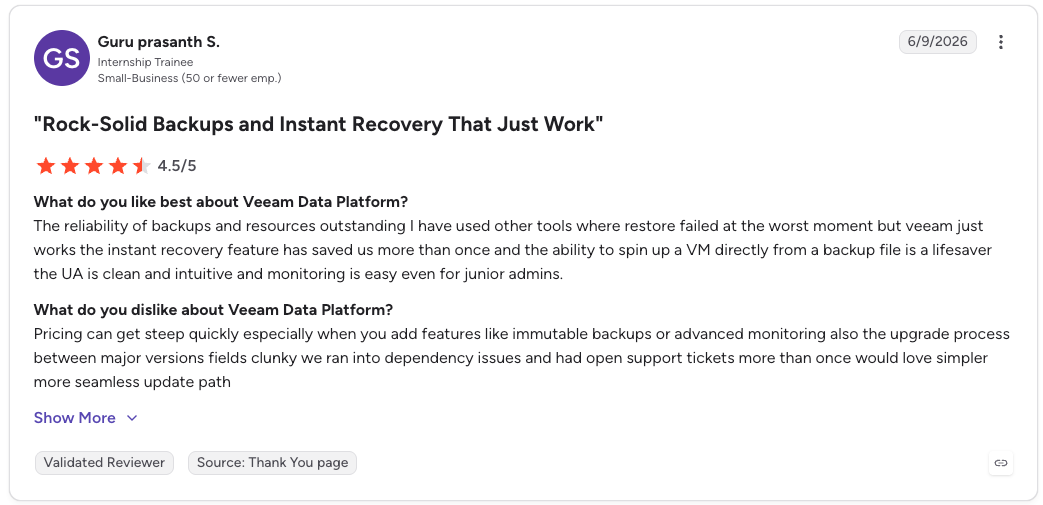
"The reliability of backups and resources [is] outstanding." — Guru Prasanth S., G2
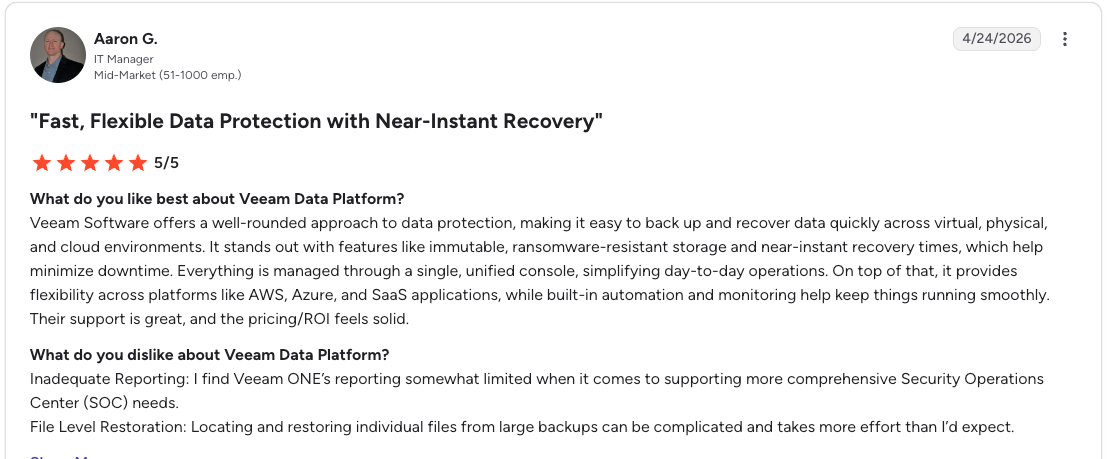
"Locating and restoring individual files from large backups can be complicated." — Aaron G., G2
Pricing
Veeam Data Platform is sold through the portable Veeam Universal License, which shifts capacity between environments as needs change and is sold in bundles of 10 instances.
A free Community Edition of Veeam Backup & Replication covers up to 10 workloads, so teams can pilot it at no licensing cost before committing.
Bottom Line
If your environment leans on VMware or Hyper-V and you want licensing that moves with your workloads, Veeam is a strong pick. The trade-off is operational weight that a lighter, agentless platform would spare fully cloud-native teams. If the environment is AWS rather than VMware, the closer comparison is AWS Backup vs Veeam.
3. Eon: Best for cloud-native teams that want searchable, queryable backups
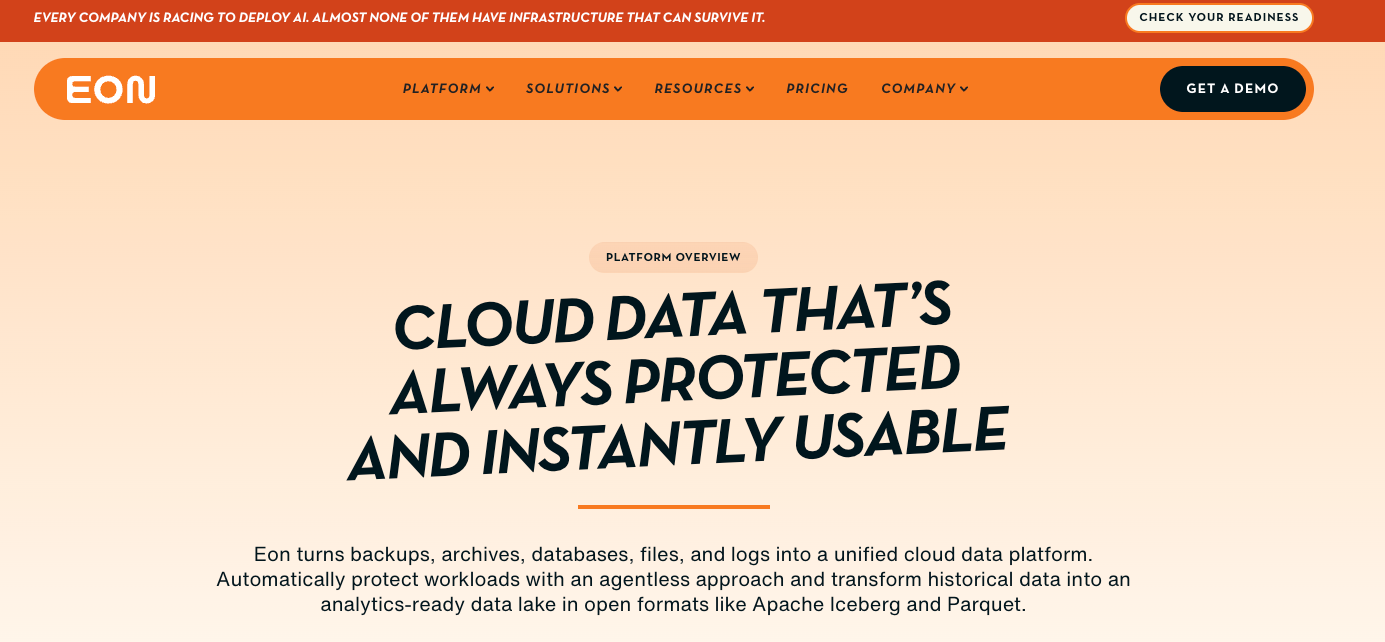
Best for: Cloud-native teams that need recovery precision and backup data they can query.
What it does: Eon is an agentless, cloud-native backup platform for AWS, Azure, and Google Cloud, built around Cloud Backup Posture Management (CBPM).
Eon discovers and classifies resources across accounts and regions automatically, then lands backups in a logically air-gapped, immutable vault outside production, with no manual tagging to maintain.
Deployment is a read-only IAM role or the equivalent cloud permissions, with nothing installed on hosts. Recovery runs from one control plane across all three clouds and reaches a single record, object, or table inside a snapshot.
That record-level model extends to AI-agent incidents. When a coding agent with valid credentials drops a production table or corrupts a schema, Eon rolls back the exact records the agent touched and recovers in minutes.
Key Features
- Cloud Backup Posture Management (CBPM): Discovers and classifies resources across accounts and regions, then applies policy without manual tagging.
- Granular recovery: Locates and pulls a specific object, record, or table from within a snapshot, so restores skip full-resource rehydration.
- Logically air-gapped ransomware detection: Catches ransomware and tampering inside your databases (VMs, object storage, and managed databases) and rolls back the exact records affected.
- Zero-ETL queryable backups: Query backup data inside Eon, and make it available to Snowflake, BigQuery, or Databricks through zero-ETL ingestion in open Parquet, Iceberg, and Delta Lake formats.
Pros
- ✅ Multi-cloud coverage across AWS, Azure, and GCP from one control plane
- ✅ Granular recovery down to a single record or file
- ✅ Backup data stays queryable without restores or ETL
Cons
- ❌ Not built for endpoint or on-premises backup
- ❌ Consumption-based pricing can be harder to forecast without upfront planning
What Users Say
“Eon matched the scale of our data and gave us a recovery approach to meet reliability SLOs of our mission-critical solution.” — Joseph Rozenfeld, AlphaSense Executive VP of Engineering, Eon Case Study
“I wish the restore process wouldn't need a local network.” — Alejandro Z., G2
Pricing
Eon pricing is usage-based, charged per GB per month on data stored after deduplication and compression. That base is smaller than the front-end volume per-TB capacity models bill against, which is where the advantage compounds at scale. Contracts run on flexible spending commitments sized to expected capacity, with no agents, appliances, or hidden fees.
Bottom Line
Eon fits multi-cloud teams that want record-level recovery and backup data they can query across AWS, Azure, and Google Cloud. Teams whose main need is endpoint or on-premises backup should look at a platform built for those workloads.
4. Rubrik: Best for cyber-resilience and immutability-first buyers
Best for: Teams that put ransomware resilience and immutability ahead of everything else.
What it does: Rubrik Security Cloud delivers backup, recovery, and data security, with immutable backups by default.
Everything in Rubrik sits in append-only storage that neither attackers nor rogue insiders can alter or delete, which is the foundation the rest of the platform builds on. Anomaly detection, Zero Trust access, and the data-security posture features from its Laminar acquisition layer on top, across cloud, on-prem, and SaaS. It deploys as a cloud service, with no appliances to stand up first.
Key Features
- Append-only immutable storage: Stops attackers or insiders from altering or deleting backups.
- Anomaly and threat detection: Flags ransomware activity and surfaces clean recovery points.
- Data security posture: Classifies sensitive data to guide protection and recovery priority.
Pros
- ✅ Immutable by default with strong ransomware recovery
- ✅ Integrated data security and threat detection
- ✅ Simple to deploy and operate
Cons
- ❌ Pricing sits at the premium end of the market
- ❌ Advanced reporting and cross-platform DR are lighter than some rivals
What Users Say
"We can update it instantaneously as part of an automatic rollout." — Kevin S., G2
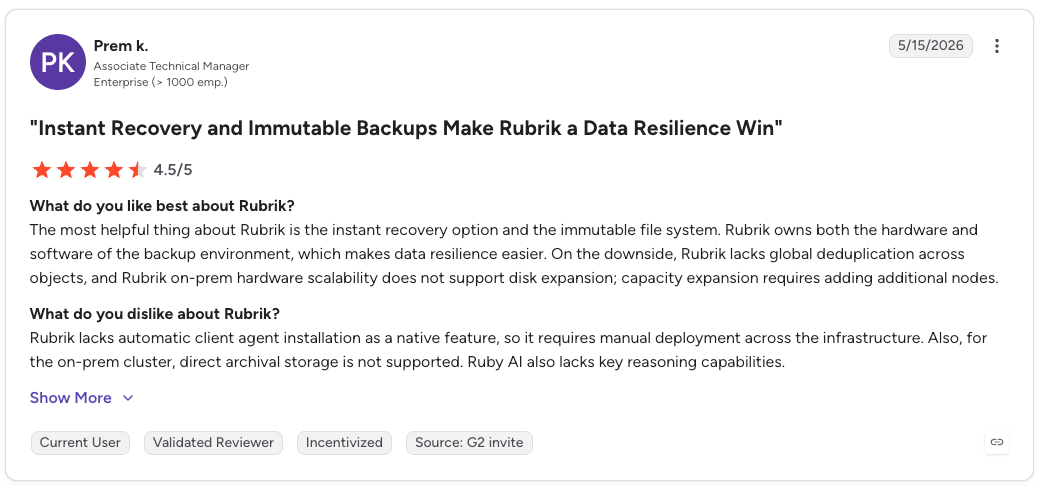
"Rubrik lacks automatic client agent installation as a native feature." — Prem K., G2
Pricing
Rubrik Security Cloud is sold as a subscription metered by protected capacity, typically per TB, with per-user metering for SaaS workloads like Microsoft 365. Appliance or virtual-appliance and storage fold into the rate, so more of the cost sits in a single line.
Bottom Line
Rubrik earns its place with security-led teams that build backup around immutability and ransomware recovery. Buyers on a tighter budget, and anyone needing deep cross-platform disaster recovery and reporting, will feel the limits.
5. Cohesity: Best for enterprises consolidating on-prem and cloud
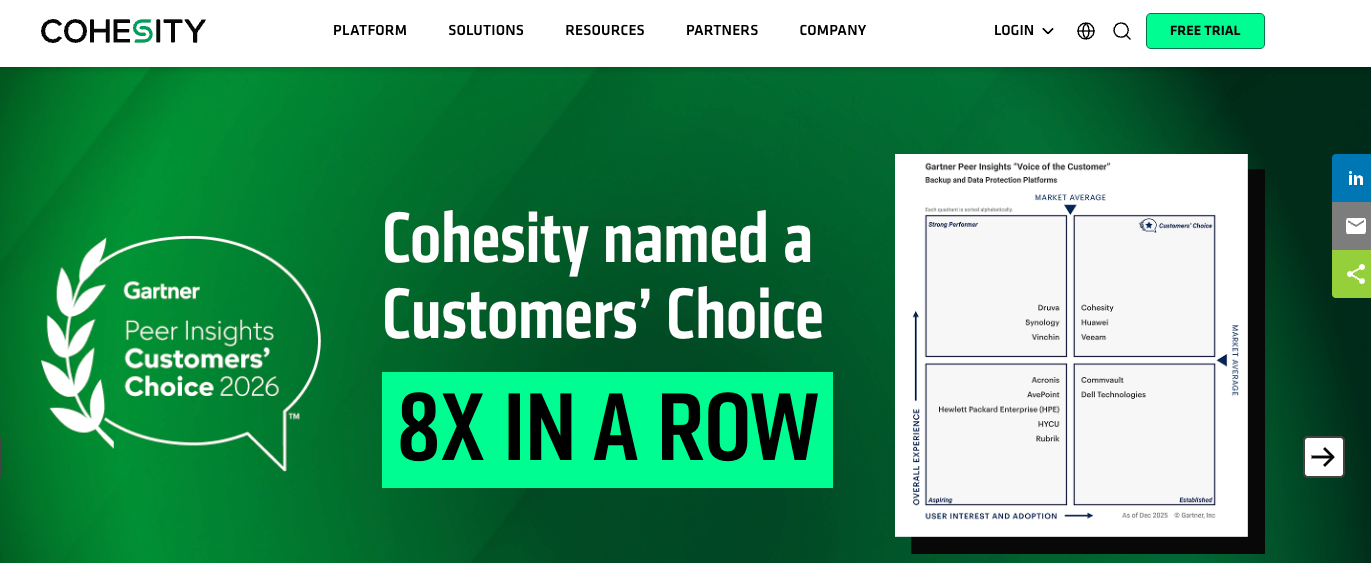
Best for: Large enterprises consolidating on-prem and cloud data protection onto one platform.
What it does: Cohesity provides backup, recovery, and cyber resilience on a unified platform that now includes Veritas NetBackup.
After absorbing Veritas NetBackup, Cohesity now spans a wider range of workloads across large, mixed environments. It pairs converged storage and backup with global deduplication and built-in ransomware detection, and teams can run it as software, as an appliance, or as a managed service.
Key Features
- Converged storage and backup: Consolidates secondary data onto one platform to cut sprawl.
- Global deduplication: Compresses data across the environment to lower storage cost.
- DataHawk threat detection: Scans backups for ransomware and supports clean recovery.
Pros
- ✅ Very broad workload coverage after the Veritas merger
- ✅ Strong ransomware recovery and global deduplication
- ✅ Flexible deployment as software, appliance, or managed service
Cons
- ❌ Setup and portfolio complexity, more so post-merger
- ❌ Application backups such as Exchange, SQL, and AD rely on agents
What Users Say
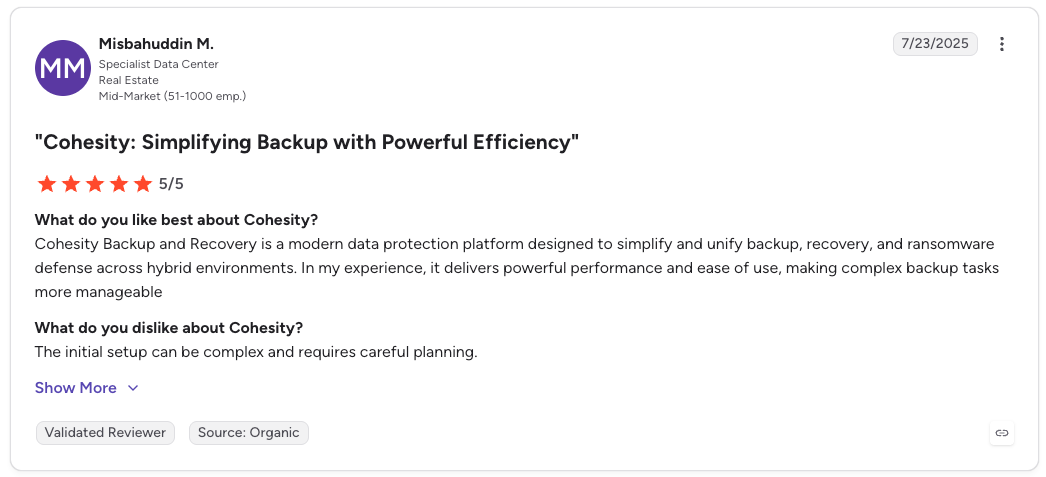
"It delivers powerful performance and ease of use." — Misbahuddin M., G2
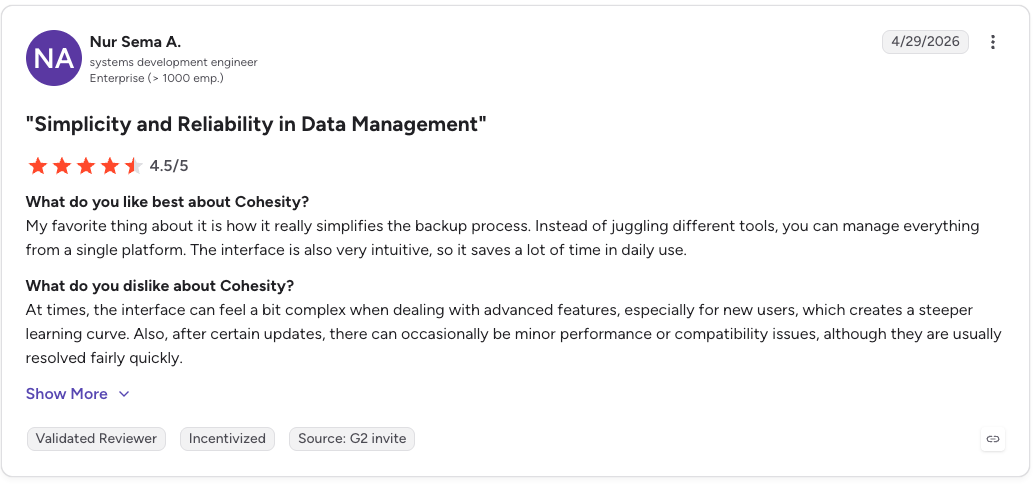
"At times, the interface can feel a bit complex when dealing with advanced features." — Nur Sema A., G2
Pricing
Cohesity licenses DataProtect on a per-TB capacity basis, available as software-only, as a hardware appliance, or as DataProtect as a Service. The managed SaaS option is generally priced at a premium to the software-only license. Typical per-TB ranges for each of those models are in our Cohesity cost breakdown.
Bottom Line
Large enterprises pulling on-prem and cloud protection onto one platform, with ransomware recovery that holds up, are Cohesity's core audience. Smaller cloud-only teams inherit setup and portfolio complexity beyond what their workload calls for. Where Veeam is the other name on the shortlist, our Cohesity and Veeam comparison covers the trade-off.
6. Commvault Cloud: Best for complex, globally distributed environments
Best for: Large, mixed environments that span legacy systems, multiple clouds, and SaaS.
What it does: Commvault Cloud protects on-prem, multi-cloud, and SaaS workloads, with cleanroom recovery built in and cloud-native recovery added via its Clumio and Appranix acquisitions.
Commvault carries the broadest workload and legacy support in this list, from old on-prem systems to modern cloud services. It adds a managed data-protection-as-a-service option, cleanroom recovery for clean restores, and machine-learning-driven operations.
The cloud-native recovery pieces arrived through acquisition, and the underlying architecture predates them. That much coverage comes with depth of configuration.
Key Features
- Broad workload coverage: Protects legacy on-prem systems through modern cloud and SaaS.
- Cleanroom Recovery: Spins up an isolated environment to validate clean restores after an attack.
- Cloud Rewind (via Appranix): Rebuilds cloud-native applications and the infrastructure they run on, alongside the data.
Pros
- ✅ Broadest workload and legacy coverage
- ✅ Cleanroom recovery plus cloud-native recovery from Clumio and Appranix
- ✅ Managed data-protection-as-a-service option
Cons
- ❌ Complexity and a steeper operating model
- ❌ Documentation can be thin in places
What Users Say
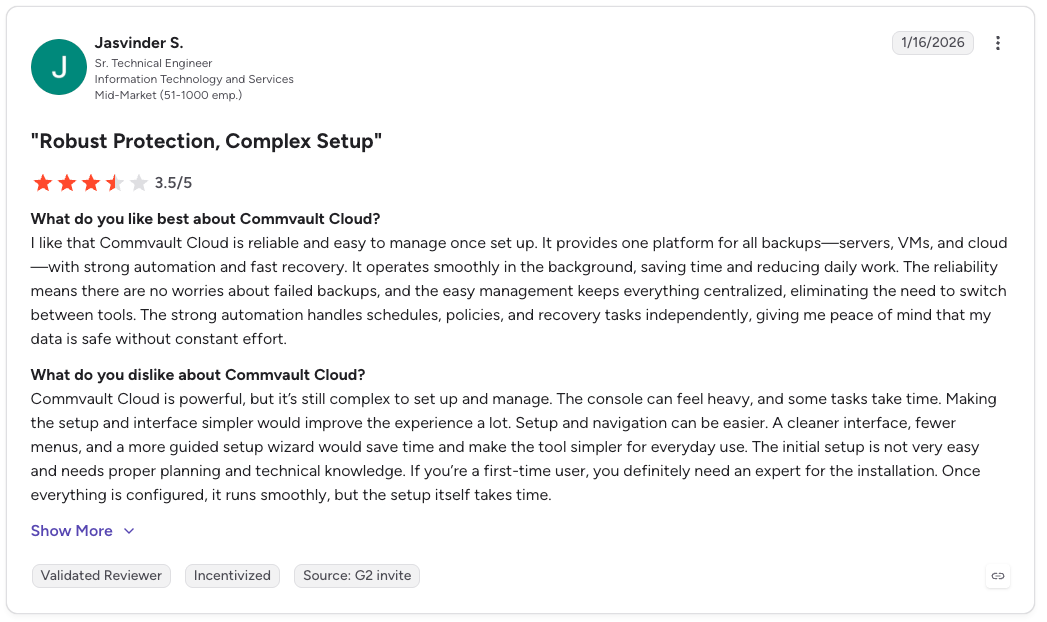
"Commvault Cloud is reliable and easy to manage once set up." — Jasvinder S., G2
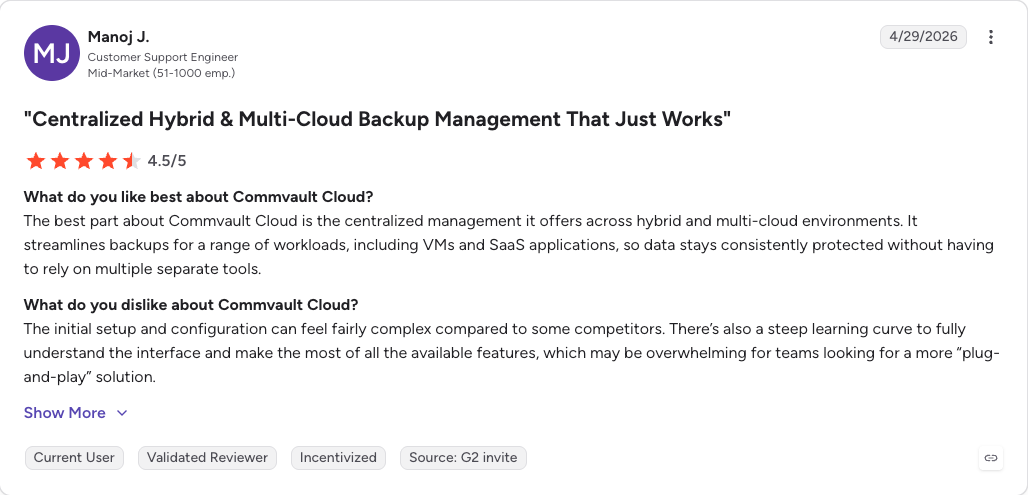
"The initial setup and configuration can feel fairly complex compared to some competitors." — Manoj, G2
Pricing
Commvault Cloud is sold on a per-workload or capacity subscription, with its Metallic managed service priced per user or per workload. Pricing scales with the number of workloads and the scope of the environment protected. We put published figures against those variables in our breakdown of Commvault pricing.
Bottom Line
Commvault's depth of configuration is both its edge and its cost. Teams with a purely cloud-native footprint will find it heavier than they need.
7. HYCU: Best for SaaS-application and Nutanix coverage
Best for: Teams facing SaaS-application sprawl or running Nutanix.
What it does: HYCU delivers agentless backup through its R-Cloud platform, spanning more than 100 workloads across cloud, SaaS, and on-prem.
Where HYCU stands apart is the marketplace model behind R-Cloud, which lets teams add agentless protection for new SaaS and cloud sources without custom development, each with one-click recovery and immutable copies. Its deepest roots are in Nutanix, still one of its strongest integrations.
Key Features
- R-Cloud marketplace: extends coverage to more than 100 workloads across cloud, SaaS, and on-prem without custom development.
- Agentless deployment: connects to workloads with no software to install on each host.
- One-click recovery: restores workloads and SaaS data without scripting.
Pros
- ✅ Wide SaaS-application coverage through R-Cloud
- ✅ Strong Nutanix support and one-click recovery
- ✅ Agentless and quick to stand up
Cons
- ❌ File-level VM restores can require broad admin rights
- ❌ Reporting and deduplication have gaps outside Nutanix
What Users Say
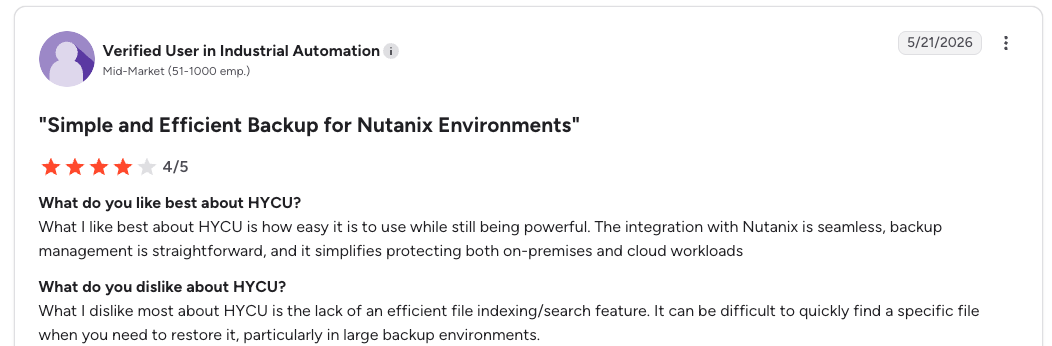
"What I like best about HYCU is how easy it is to use while still being powerful." — Verified user, G2
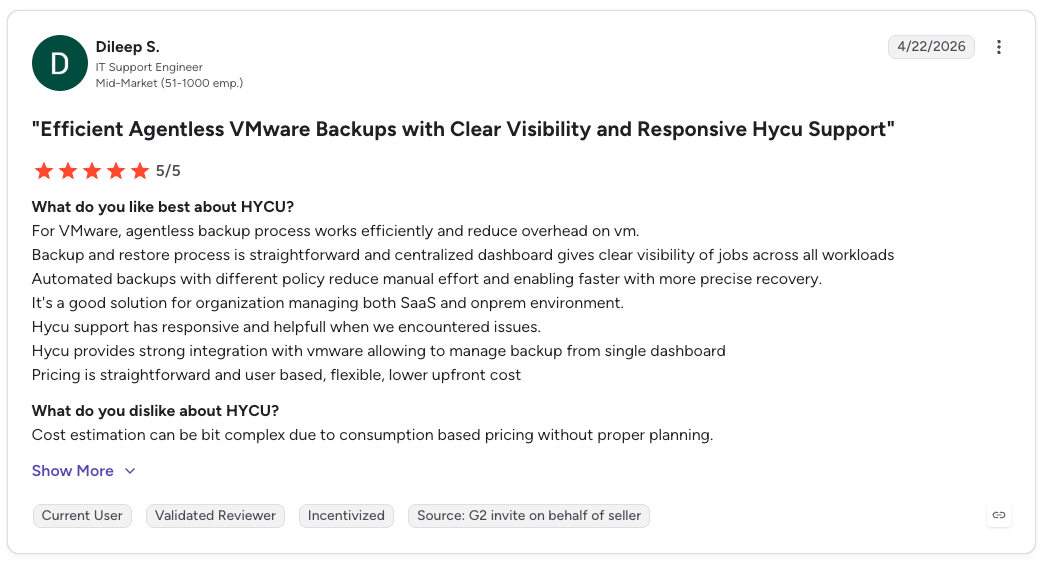
"Cost estimation can be [a bit] complex due to consumption based pricing without proper planning." — Dileep S., G2
Pricing
HYCU R-Cloud is priced per workload or by consumption, scaling with the number of protected sources across clouds and SaaS applications. Its marketplace model lets teams add coverage for new sources without negotiating new contracts.
Bottom Line
Teams facing SaaS-application sprawl, or running Nutanix, get agentless marketplace coverage from HYCU that stands up quickly. Those centered on managed cloud databases and record-level recovery should weigh a more database-focused platform.
8. AWS Backup: Best for single-account AWS environments
Best for: teams that run inside a single AWS account and want native protection.
What it does: AWS Backup centralizes backup and restore for AWS services such as EC2, EBS, RDS, DynamoDB, S3, and EFS.
AWS Backup applies policy-based backup plans across supported services and stores recovery points in backup vaults. Vault Lock adds immutability, and billing follows usage. Cross-account and cross-region coverage requires configuration, and item-level restore covers only certain AWS services.
Key Features
- Policy-based backup plans: automate schedules and retention across supported AWS services.
- Backup Vault Lock: enforces immutability so recovery points cannot be deleted or changed.
- Cross-Region and cross-account copy: replicate backups for resilience once configured.
Pros
- ✅ Native AWS integration with no extra vendor
- ✅ Vault Lock immutability for supported resources
- ✅ Pay only for the storage and restores you use
Cons
- ❌ AWS-only, with no multi-cloud view
- ❌ Cross-account and cross-region aggregation take setup, and item-level restore is limited
What Users Say
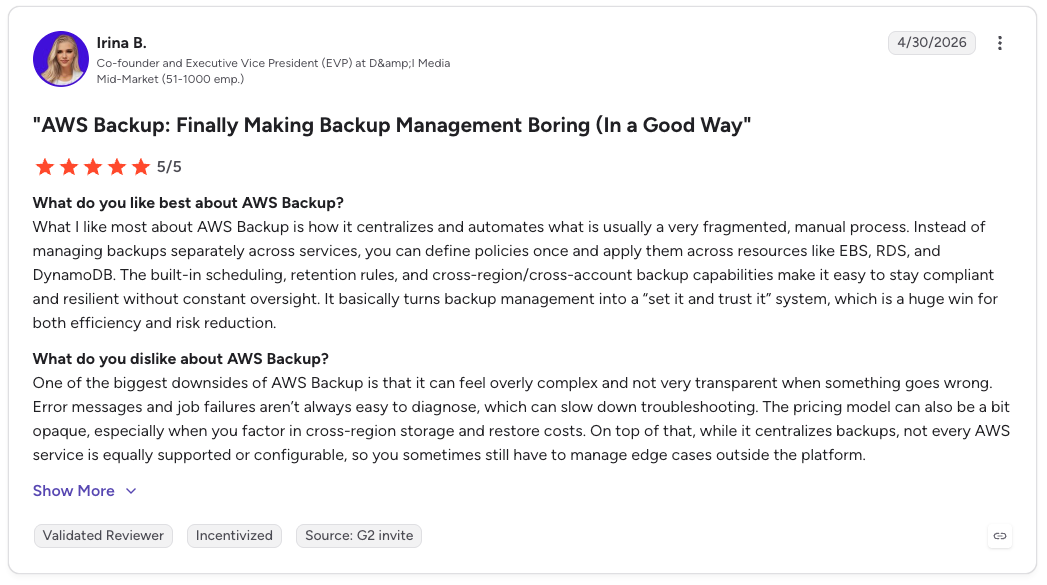
"It centralizes and automates what is usually a very fragmented, manual process." — Irina B., G2
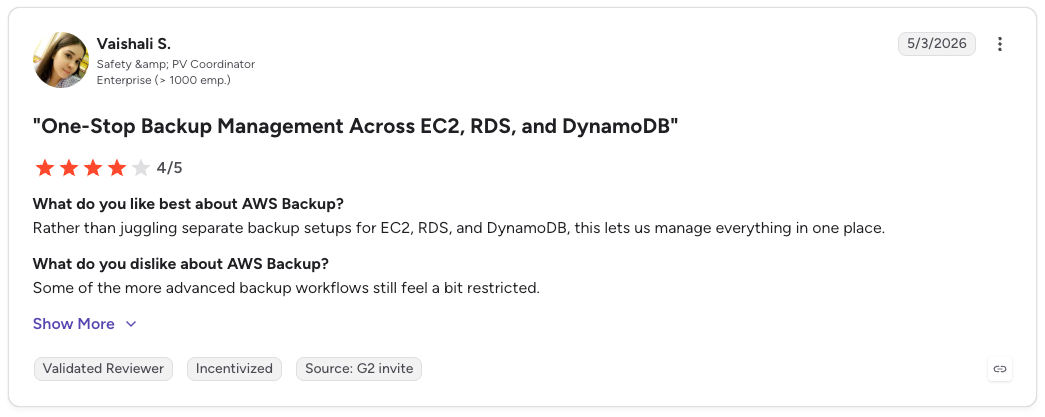
"Some of the more advanced backup workflows still feel a bit restricted." — Vaishali S., G2
Pricing
AWS Backup pricing is pay-as-you-go, based on GB-month of backup storage and restore volume. Costs vary by service and region, with no base subscription. Our breakdown of what AWS Backup costs shows how storage, restores, and transfers combine on a real bill.
Bottom Line
AWS Backup fits teams that run inside a single AWS account and want protection native to their console and billing. Multi-cloud teams need a platform built for cross-provider coverage, since AWS Backup stops at the AWS boundary.
9. Microsoft Azure Backup: Best for Azure-centric environments
Best for: Teams whose workloads sit mostly in Azure.
What it does: Azure Backup protects Azure VMs, disks, files, and SQL, plus some on-prem systems, through the Recovery Services vault.
Built into Azure itself, Azure Backup leans on immutable vaults and soft delete to guard against accidental or malicious deletion, and its Microsoft 365 and Azure integration runs tight. Once configured, most of it works in the background.
Key Features
- Recovery Services vault: Centralizes backup for Azure VMs, disks, files, and SQL.
- Immutable vaults and soft delete: Guard recovery points against accidental or malicious deletion.
- Native Azure integration: Backs up workloads in the background with minimal setup.
Pros
- ✅ Deep native Azure and Microsoft 365 integration
- ✅ Immutable vaults with soft delete
- ✅ Runs in the background with minimal setup
Cons
- ❌ Azure-focused, with limited coverage outside it
- ❌ Costs can climb quickly at scale
What Users Say
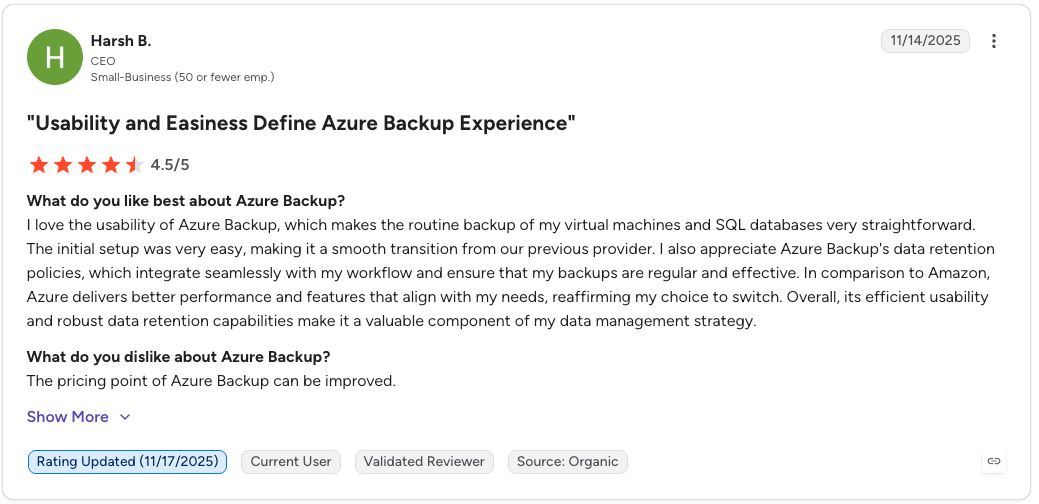
"[It] makes the routine backup of my virtual machines and SQL databases very straightforward." — Harsh B., G2
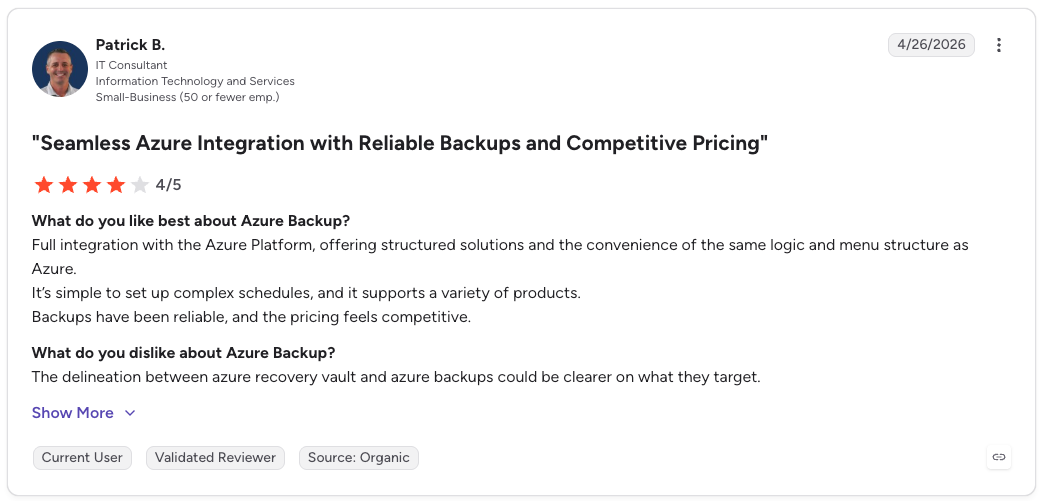
"The delineation between Azure Recovery Vault and Azure Backups could be clearer." — Patrick B., G2
Pricing
Azure Backup pricing combines a per-instance protection fee, tiered by the size of each protected instance, with the cost of backup storage consumed in the Recovery Services vault. Charges vary by region and redundancy tier, with no upfront license.
Bottom Line
For teams running almost entirely on Microsoft infrastructure, Azure Backup's native integration is the main draw. Reach beyond Azure and coverage thins, since it centers on the Microsoft ecosystem.
What is backup as a service (BaaS)?
Backup as a service is a managed service where a provider helps handle backup infrastructure, scheduling, retention, monitoring, and recovery support for business data.
For cloud-first companies, the harder problem is rarely creating a copy. It is proving the right resources are protected, the retention policy still fits, the backup is usable, and the team can restore the exact data it needs when something breaks.
How does backup as a service work?
Backup as a service connects data sources to a managed backup platform. The platform applies backup policies, stores protected copies away from production data, and restores data when needed.
At cloud scale, the workflow also needs posture controls: what exists, what is protected, what is drifting, and what can be restored.
- Connect data sources. Connect cloud accounts, subscriptions, projects, organizations, databases, file systems, applications, or storage locations.
- Define backup policies. Set what gets backed up, how often backups run, how long copies are retained, and where protected data is stored.
- Monitor jobs and posture. Track failed jobs, missed resources, retention issues, policy drift, and coverage gaps.
- Store protected copies. Keep backup copies separate from production data, with encryption, retention controls, and protection against accidental or malicious deletion.
- Restore the right data. Restore a full resource when needed, or recover a file, object, table, record, folder, or query result where supported.
How a platform handles steps 2 and 5 is where providers diverge most. In Eon, policies use conditions and rules. Conditions decide which resources the policy applies to, while rules define backup frequency, retention period, and vault destination.
For recovery, Eon supports granular restore across AWS workloads: EC2 instances, volumes, folders, or files; RDS, Aurora, or EC2-hosted database records based on a SQL query; and S3 buckets, objects, or files.
SoFi is a useful example of how this plays out in practice. Its team needed retention changes tied to student-loan servicing workloads applied consistently across five AWS regions, which previously took hours or days.
With Eon, those updates were applied in seconds. When recovery is needed, the team can search the backup, identify the affected data, and restore only the records or tables it needs.
How BaaS pricing works and where costs hide
Backup as a service bills in a few different ways, and the headline rate rarely reflects the final invoice. Native tools charge per GB and per restore. SaaS platforms often charge per workload or per user.
Enterprise suites tend to price per TB of protected capacity, sometimes with appliance or compute costs on top. Most extra charges sit outside that headline number.
API and request fees accrue on high-volume workloads. Restore and retrieval can carry their own charges, and some platforms bill separately to index or search backup contents.
Those costs draw real scrutiny. According to Eon's 2026 Cloud Data Infrastructure Report, 63% of respondents said data-protection costs weigh heavily in their cloud budgeting decisions.
The biggest savings come from storing less data in the first place. Cloud-native deduplication across an entire cloud environment cuts how much protected data ever reaches storage, without agents or per-API charges. That is how NETGEAR, on Eon, cut its backup storage costs 35%.
How to choose a BaaS provider for your environment
The right provider depends on the shape of your environment, and each of the nine maps to a different footprint.
- Choose Druva if you want fully managed backup with no infrastructure to run, plus strong endpoint and Microsoft 365 coverage.
- Choose Veeam if your environment leans on VMware or Hyper-V and you want licensing that moves across workloads.
- Choose Eon if you span AWS, Azure, or Google Cloud and need record-level recovery plus backup data you can query.
- Choose Rubrik if immutability and ransomware recovery anchor your strategy and budget is a secondary concern.
- Choose Cohesity if you are a large enterprise consolidating on-prem and cloud protection onto one platform.
- Choose Commvault if you run large, mixed environments that span legacy systems, multiple clouds, and SaaS.
- Choose HYCU if you face SaaS-application sprawl or run Nutanix and want agentless, marketplace-driven coverage.
- Choose AWS Backup if you run inside a single AWS account and want protection native to your console and billing.
- Choose Azure Backup if your workloads sit almost entirely in Azure and the wider Microsoft stack.
- Skip this category if your footprint is a single small cloud with low data volume, or your infrastructure runs mostly on-premises. In those cases, a native tool or a hybrid-first vendor fits better than a cloud-native platform.
Multi-cloud is where native tools break down. AWS Backup, Azure Backup, and Google Cloud each cover only their own cloud, so recovery falls through the gaps between them, and the risk is measurable: Eon’s 2026 report revealed 84% of organizations on three or more cloud platforms had at least one recovery failure last year. Closing those gaps takes a single platform across all three.
For teams carrying heavy on-prem or legacy workloads, an enterprise suite like Cohesity, Commvault, or Veeam absorbs that mix more comfortably than a cloud-only platform. For regulated data, weigh audit evidence and immutability above all.
Final verdict
The strongest backup-as-a-service providers in 2026 win in different lanes. Native services like AWS Backup and Azure Backup fit single-cloud footprints, and legacy suites like Veeam, Rubrik, Cohesity, and Commvault fit hybrid and legacy-heavy operations.
Among cloud-native platforms, Druva focuses on fully managed SaaS and endpoint coverage, while Eon is built for cloud infrastructure spanning accounts and providers.
Eon is the platform to weigh when backups already span AWS, Azure, and Google Cloud. Its backup posture management maps what is protected across every account and region, and recovery reaches a single record or table without rebuilding the resource. Backup data also stays queryable in place, so analytics and AI workloads read it without a restore first.
Seeing recovery gaps or blind spots across AWS, Azure, and Google Cloud? Book a demo and see how Eon protects and recovers across all three from one control plane.
Frequently asked questions
Is backup as a service the same as backend as a service?
No, backup as a service is not the same as backend as a service. They share the BaaS acronym but solve different problems. Backup as a service protects, stores, and recovers business data. Backend as a service, such as Firebase or Supabase, gives developers ready-made app infrastructure like databases, authentication, and APIs.
What is the difference between BaaS and DRaaS?
The main difference between BaaS and DRaaS is that backup as a service protects and restores data, while disaster recovery as a service maintains a standby environment for fast failover. BaaS suits workloads that can tolerate some downtime and costs less. DRaaS compresses recovery time to minutes at higher cost.
How much does backup as a service cost?
Backup as a service cost depends on the billing model and data volume. Native tools charge per GB and per restore, SaaS platforms charge per workload or user, and enterprise suites charge per TB of capacity. Watch for egress, API, and retrieval charges that sit outside the headline rate.
Is cloud-native BaaS better than native cloud backup tools?
Yes, cloud-native BaaS is usually better than native cloud backup tools for multi-cloud environments, because native services each cover only their own cloud. A cloud-native platform protects AWS, Azure, and Google Cloud from one control plane. For a single-cloud footprint, native tools can be enough.
Which BaaS provider is best for multi-cloud?
The best BaaS providers for multi-cloud cover AWS, Azure, and Google Cloud from one control plane. Eon does this as a cloud-native platform, while broad enterprise suites like Commvault and Cohesity cover the same three clouds alongside on-prem and legacy workloads. Each provider enforces immutability its own way, and the Azure implementation is covered in how Azure immutable backups work.
Can BaaS protect managed databases and SaaS applications?
Yes, backup as a service can protect managed databases and SaaS applications, though coverage varies by provider. Some platforms detect ransomware inside managed databases and restore at the record level. Others focus on SaaS-application coverage, with Druva and HYCU among the stronger options there.