

Most teams start shopping for NetBackup alternatives at renewal time. The quote now carries a Cohesity logo, the support portal has moved, and the AWS and Azure footprint has grown well past what the original media servers were sized for.
The right replacement depends on the mix: appliance-based platforms still fit tape-heavy data centers, while cloud-native SaaS fits estates that have moved to AWS, Azure, and Google Cloud.
What is NetBackup?
NetBackup is enterprise backup and recovery software, built by Veritas and now owned by Cohesity, that protects physical servers, VMs, databases, cloud workloads, and SaaS apps from one management layer. NetBackup's product coverage spans VMware, Oracle, SQL Server, SAP HANA, AWS, Azure, Google Cloud, Kubernetes, and Microsoft 365.
It runs on a three-tier design. A primary server manages backups and restores and usually holds the catalog; media servers write data to the disk and tape devices attached to them, and client software sits on each machine being protected.
NetBackup is sold on custom quotes. Under Cohesity's NetBackup license terms, the Capacity Edition is metered in front-end terabytes (FETB) or by CPU, while traditional licenses count servers, clients, or tape drives.
NetBackup is also a separate product from Backup Exec, Veritas' backup tool for smaller environments, which serves a largely different customer base, sits under Cloud Software Group, and now has Cognizant handling its sales and renewals.
Most NetBackup shops now weigh appliance-based platforms against cloud-native SaaS when they compare enterprise backup solutions.
What happened to NetBackup?
NetBackup became a Cohesity product on December 10, 2024, when Cohesity completed its combination with Veritas' enterprise data protection business.
The rest of Veritas became Arctera, which took Backup Exec, and Cloud Software Group completed its acquisition of Arctera on December 1, 2025. NetBackup belongs to Cohesity; Backup Exec sits inside Cloud Software Group.
Version 11.2 shipped in June 2026, and Cohesity's Future of NetBackup white paper commits to two releases a year. The roadmap points toward Cohesity's own stack: NetBackup can now be managed from within the Helios control plane, and Cohesity Data Cloud for NetBackup connects NetBackup to Cohesity's SpanFS file system through DirectIO.
Capacity licensing is unchanged under Cohesity, though Data Cloud bundles now let each TB cover either DataProtect or NetBackup. Support has moved as well: Veritas support links redirect to Cohesity, and OpsCenter reached end of life on December 31, 2025.
No deadline forces a move, but Cohesity bought Stone Ram in October 2025 to help move NetBackup customers onto its own platform. A multi-year renewal is a bet on where that roadmap lands.
TL;DR: 9 NetBackup alternatives by use case
- Eon: For cloud-first teams protecting AWS, Azure, and Google Cloud workloads.
- Veeam Data Platform: When tape and several hypervisors still hold most of the estate.
- Commvault Cloud: For matching NetBackup's workload coverage under one policy engine.
- Rubrik Security Cloud: When your security team owns recovery and wants threat hunting in the backups.
- Cohesity DataProtect: Lowest-friction move if you would rather keep one vendor contract through the transition.
- Druva: For teams that want backups stored in SaaS with no backup servers to run.
- Dell PowerProtect Data Manager: For teams already invested in Data Domain appliances.
- HYCU R-Cloud: When SaaS sprawl and Google Cloud are where coverage thins out.
- NAKIVO Backup & Replication: For budget-capped VMware and Hyper-V sites and branch offices.
How we evaluated these NetBackup alternatives
This breakdown draws on each tool's documentation, official pricing or licensing pages, and recent user reviews. Where a capability depends on a specific edition or add-on, that's noted with its source.
The criteria lean toward cloud workloads, because that's where most NetBackup estates have grown:
- Cloud coverage: Which AWS, Azure, and Google Cloud services are protected natively, including managed databases like RDS, DynamoDB, Azure SQL, and Cloud SQL.
- What runs in your accounts: Appliances, media servers, worker instances, or nothing at all.
- Recovery granularity: Full instance only, or files, tables, and individual records.
- Isolation and ransomware detection: Immutable or logically air-gapped copies, and which tier includes scanning.
- On-prem and tape: Physical servers, hypervisors, and tape libraries for estates that still run them.
- Licensing: Capacity, workload, user, or usage-based, and how predictable the bill is as data grows.
NetBackup alternatives: Quick comparison
| Tool | Cloud and SaaS coverage | Tape | Pricing model (lowest published figure) |
|---|---|---|---|
 Eon |
AWS, Azure, GCP, M365, Google Workspace | ❌ | Usage-based: per GB stored/month |
 Veeam |
AWS, Azure, GCP; M365, Entra ID and Salesforce via Veeam Data Cloud (licensed separately) | ✅ | Per workload: $1,550 per 10-workload pack/year (Foundation) |
 Commvault |
AWS, Azure, GCP, M365, Salesforce | ✅ | Per workload: $102.49 per 10-VM pack/month |
 Rubrik |
AWS, Azure, GCP, M365, Google Workspace, Salesforce | Via QStar | Custom quote (3-year subscription) |
 Cohesity DataProtect |
AWS, Azure, GCP, M365, Salesforce | Via QStar | Custom quote (per back-end TB) |
 Druva |
AWS, Azure, M365, Google Workspace, Salesforce | ❌ | Custom quote (per TB/month, post-dedupe) |
 Dell PowerProtect |
AWS, Azure, limited GCP; M365, Google Workspace and Salesforce via PowerProtect Backup Services (separate product) | Not documented | Custom quote (per front-end TB) |
 HYCU |
AWS, Azure, GCP, M365, Salesforce, Atlassian | Via QStar | Per app/user: $2.25 per M365 user/month at 200 users; hybrid and cloud tiers quote-only |
 NAKIVO |
EC2, M365 | ✅ Enterprise Essentials+ | Per workload: from $1.95 per workload/month (Pro Essentials, 1-year) |
1. Eon: Best for cloud-first teams protecting AWS, Azure, and Google Cloud
What it does: Eon is cloud data protection and recovery for AWS, Azure, and Google Cloud, plus Microsoft 365 and Google Workspace, delivered as fully SaaS-managed Eon Data Protection.
Best for: Cloud-first enterprises whose AWS, Azure, or Google Cloud footprint has outgrown a NetBackup design built around primary and media servers.
Eon fits NetBackup customers whose growth is in AWS, Azure, and Google Cloud. Eon created the Cloud Backup Posture Management (CBPM) category because the hard part of cloud backup at scale is proving what's covered.
Resources appear daily across hundreds of accounts, tags drift, and nobody owns backup centrally. If you can't prove coverage, you don't have coverage.
CBPM discovers and classifies resources (VMs, databases, object storage) by environment and data type, then applies the matching backup policy with no manual tagging. Backups land in logically air-gapped, immutable vaults. There are no agents, appliances, or clusters to run, and discovery uses read-only access to your accounts.
SoFi cut recovery from a full day to under five minutes across five AWS regions.
Key features
- Autonomous CBPM: Discovers new resources as environments change, applies policy automatically, and flags violations such as a missing cross-region copy, short retention, or policy drift.
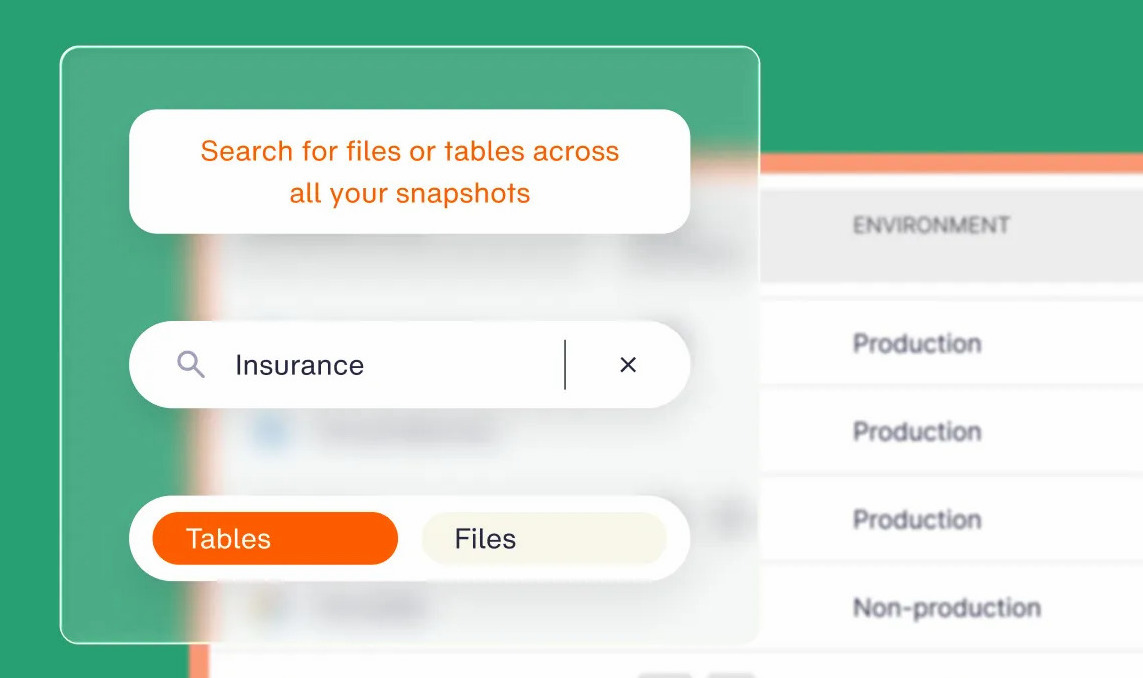
- Global Search and queryable backups: Finds files and database records across clouds in seconds, and runs SQL directly against backups for audits and investigations.
- Granular recovery: Restores a single file, table, or record with no full-environment rehydration.
- Ransomware detection (add-on): Scans backups across managed databases, object storage, and VMs to find clean recovery points, including logical analysis of database backups that file-level scanners can't read.
Pros and cons
Pros:
 You can prove coverage to an auditor from one view, so audit prep stops depending on reports pulled account by account.
- Recovery after corruption or ransomware can stay scoped to the tables or records that changed, so one bad change doesn't force a rollback of the whole database.
- There's no media-server or appliance layer to size, patch, and refresh, which removes the infrastructure NetBackup teams maintain today.
Cons:
 Eon is built cloud-first, so a mostly on-prem or tape-heavy estate needs a separate tool for physical servers, tape libraries, and large on-prem VMware clusters.
- Using backup data for analytics and AI is newer than the core backup and recovery features, so the tooling around it is still filling out.
What users say
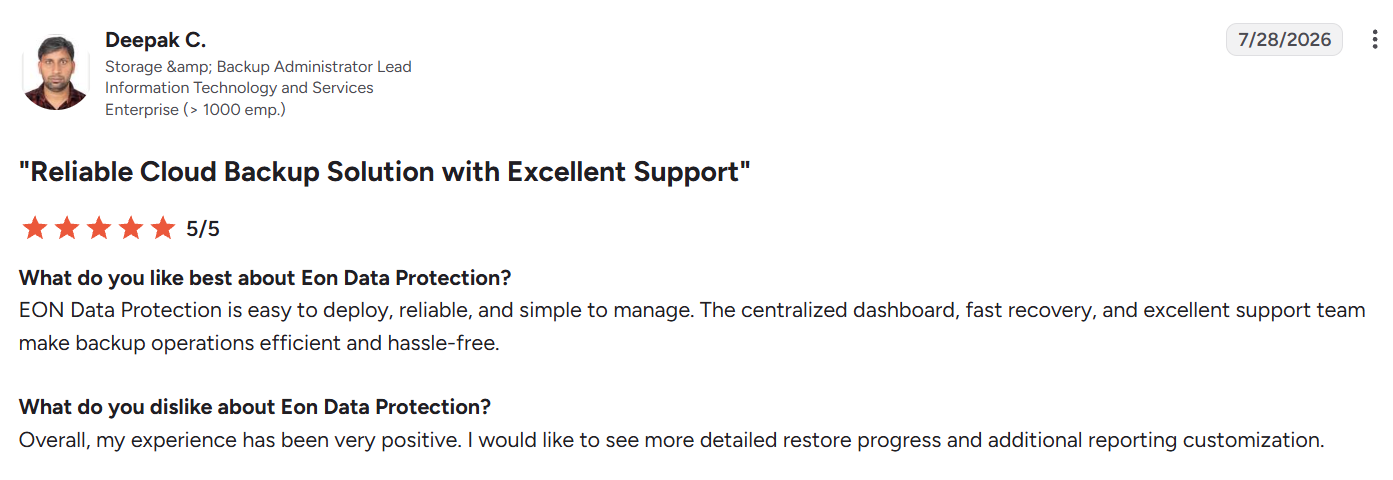
"Eon Data Protection is easy to deploy, reliable, and simple to manage." – Deepak C., storage & backup administrator lead, G2
"Because of our internal policies, we sometimes need backups in a different format than Eon’s." – Stefan T., DBA, G2
Pricing
Eon uses usage-based pricing billed per GB of backed-up storage per month, with flexible spending commitments. You can buy it through AWS Marketplace on 1-, 12-, 24-, or 36-month contracts. Core backup and recovery features aren't split into tiers, and ransomware protection is quoted separately as an add-on.
Global deduplication typically cuts backup storage costs by up to 50%, and Cost Explorer breaks spend down by resource, resource type, and source account.
Bottom line
Eon is the strongest fit when most of what NetBackup protects today is (or soon will be) in AWS, Azure, or Google Cloud. NETGEAR made that move from a legacy backup provider and now restores a 10TB SQL Server database in under three hours, down from 24.
If tape and physical servers still make up most of the estate, start with Veeam or Commvault. In a mixed estate, keep an on-prem tool for that slice and run Eon for the cloud, since on-prem backup tools tend to fall short in the cloud.
2. Veeam Data Platform: Best for mixed estates that span hypervisors, physical servers, tape, and cloud
What it does: Veeam Data Platform backs up VMs, physical servers, NAS, databases, and cloud workloads from one console, and Veeam Data Cloud covers Microsoft 365, Entra ID, Salesforce, and Azure.
Best for: Enterprises replacing NetBackup across a mixed data center that still runs tape and several hypervisors.
Veeam is a widely deployed platform for mixed estates that still run tape and several hypervisors alongside cloud. Version 13.1, generally available since July 29, 2026, extended support to 14 hypervisors, added Epic EHR protection, and extended Db2 to Windows and Oracle to incremental merge and Database 26ai.
Cloud protection works differently from the data center product. Veeam Backup for AWS runs a backup appliance as an EC2 instance and launches temporary worker instances for backup and restore jobs. For RDS image-level backups, those workers have to run in production accounts. On-prem, you run the backup server, proxies, and repositories yourself.
Restores go down to individual files from image-level backups, and Veeam Explorer for Microsoft SQL Server can bring back selected schema and data objects without restoring the whole database. In AWS, RDS restores work at the instance level, or by database for SQL Server and PostgreSQL image-level backups.
Key features
- Instant VM Recovery: Boots VMs straight from backup on vSphere, Hyper-V, Nutanix AHV, and Proxmox VE while the full restore runs.
- Hardened Repository: A Linux repository where backup files can't be moved, modified, or deleted during the immutability period.
- Malware detection: Inline scans and file system activity analysis flag attacks during backup, and Veeam Threat Hunter or YARA rules scan before restore.
- Tape support: Writes to LTO and IBM 3592 libraries, standalone drives, and virtual tape libraries.
Pros and cons
Pros:
- Tape, physical servers, and 14 hypervisors make it a close like-for-like swap for NetBackup in a mixed data center.
- The Universal License moves between workloads, so a VM that migrates to the cloud keeps its license.
- The free Community Edition covers 10 workloads for labs and small sites.
Cons:
- AWS protection runs on an appliance and worker instances in your accounts, and snapshot and cross-region charges land on your AWS bill.
- DynamoDB, Redshift, and image-level SQL backups on AWS only work when a Veeam Backup & Replication server manages the appliance.
What users say
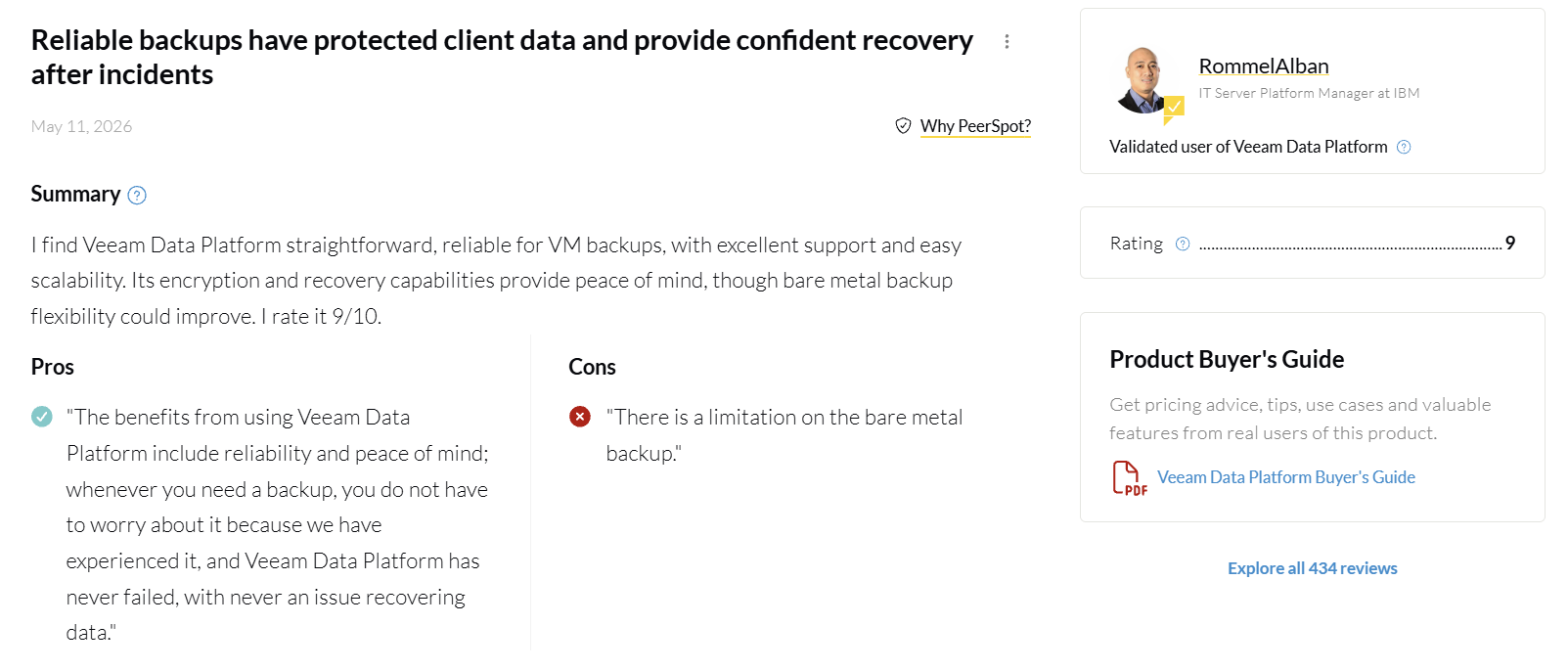
"Its encryption and recovery capabilities provide peace of mind." – RommelAlban, IT server platform manager at IBM, PeerSpot
"It is less appropriate for backing up Cloud Native resources like S3 buckets..." – Jonathan Fisher, Sr. Systems Administrator, TrustRadius
Pricing
Veeam Data Platform is licensed per protected workload under the Universal License. Veeam's online store lists Foundation Edition at $1,550 per 10-workload pack per year, with Advanced at $1,890 and Premium at $2,275, and larger estates get a custom quote.
The license is only part of Veeam's total cost, since AWS snapshot, storage, and cross-region charges land on your cloud bill.
Bottom line
Veeam is the most direct replacement when the NetBackup estate is still mostly VMware, physical servers, and tape. AWS-heavy teams often shortlist Veeam alternatives instead, mainly because of the appliance and worker costs that come with Veeam in the cloud compared with Eon.
3. Commvault Cloud: Best for matching NetBackup's workload coverage
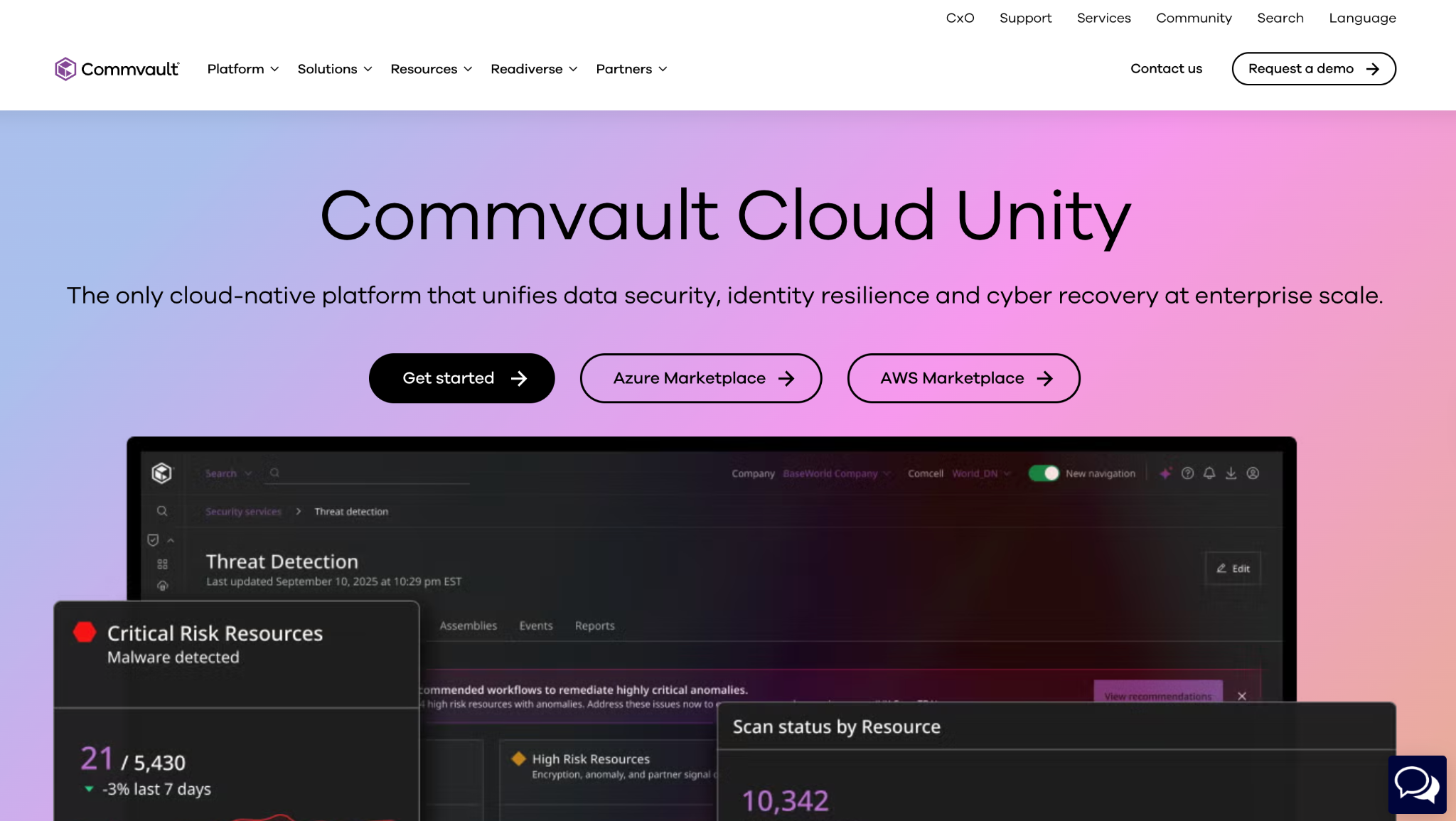
What it does: Commvault Cloud protects on-prem servers, hypervisors, databases, SaaS apps, and cloud workloads under one policy engine, as SaaS or customer-managed software.
Best for: Teams that want a NetBackup replacement with a similar scope and a documented route for bringing NetBackup data across.
Commvault covers a wider range of workloads than anything else here. It covers EC2, RDS, DynamoDB, and S3 on AWS; VMs, Azure SQL, and Blob on Azure; and Compute Engine, BigQuery, and Cloud SQL on Google Cloud, alongside Microsoft 365, Salesforce, tape, NAS, and dozens of databases.
Its cloud-native recovery comes through acquisitions. Clumio, bought in 2024, handles S3, EC2, EBS, RDS, Aurora, DynamoDB, and now Google Cloud Storage, and Cloud Rewind brings application rebuild from the Appranix acquisition.
You can run it as a Commvault-managed SaaS service (formerly sold as Metallic) or as software in your own environment. Self-managed deployments need a CommServe host plus MediaAgents, the SaaS version needs a backup gateway next to on-prem data, and Clumio deploys its resources into your AWS accounts through CloudFormation or Terraform.
Restores range from full VMs down to individual files, and Clumio can bring back filtered sets of DynamoDB items or single S3 objects. SQL Server table restores are limited to SQL clones in the current docs.
Key features
- NetBackup Data Import: A documented import path for bringing NetBackup backup data into Commvault.
- Cloud Rewind: Rebuilds cloud applications across compute, storage, networking, and databases on AWS, Azure, and Google Cloud.
- Commvault AirGap: Commvault-managed, logically air-gapped, immutable storage for an isolated copy.
- Commvault Cleanroom: On-demand isolated recovery environments for testing recovery and running forensics before restoring to production.
Pros and cons
Pros:
- Covers nearly every workload NetBackup does, including tape and NAS, so most estates can move in one platform decision.
- The NetBackup import lets file and VM history move with you, so fewer NetBackup domains have to stay running just for retention.
Cons:
- The NetBackup import is run only by Commvault professional services, is purchased separately, and can't import Oracle, SQL Server, or NDMP data.
- Cloud workloads are priced on Clumio's per-GiB schedule with data transfer charged on top, separate from the main SaaS price list.
What users say
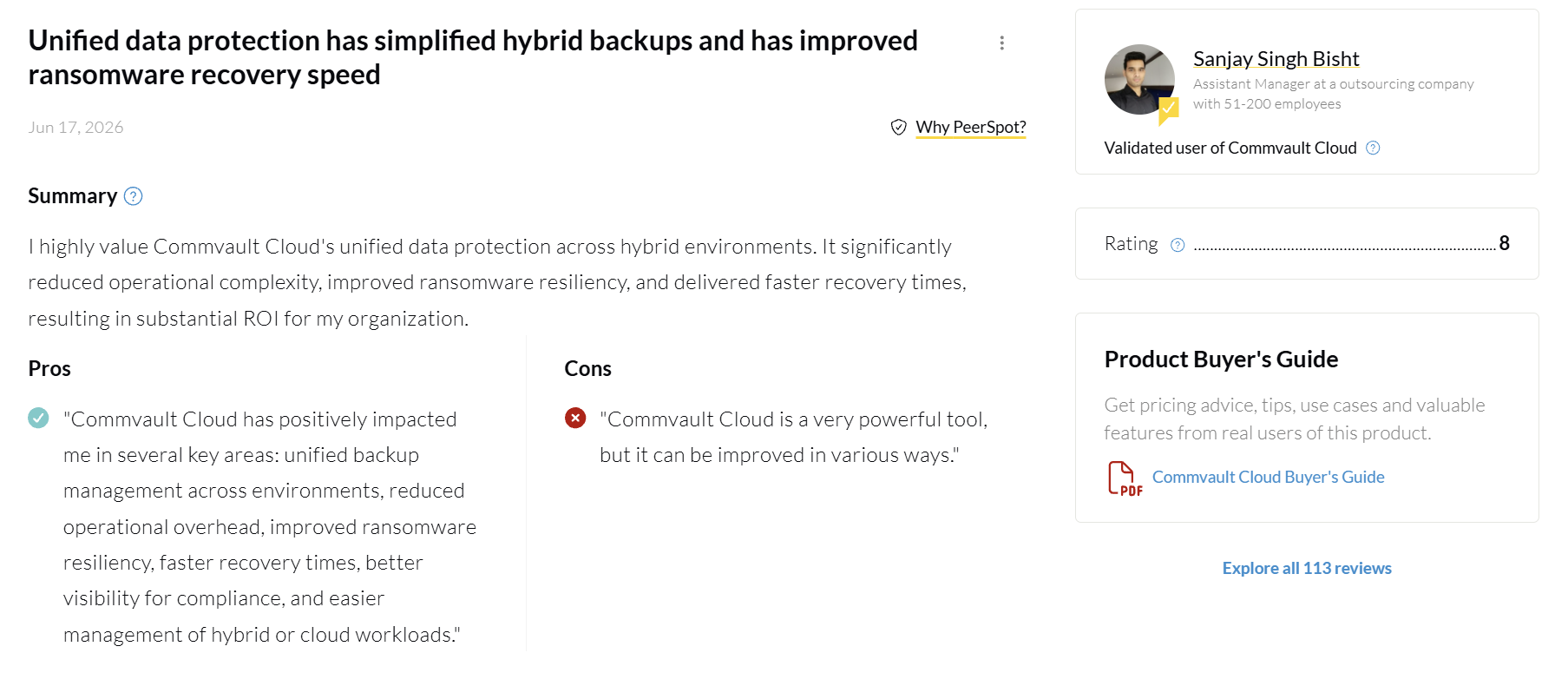
"It significantly reduced operational complexity, improved ransomware resiliency…" – Sanjay Singh Bisht, assistant manager, PeerSpot
“Its licensing and pricing structure can scale up quickly.” – Ömer Faruk A., backup admin, G2
Pricing
VM backup costs $102.49 per 10-VM pack per month, Microsoft 365 from $1.70 per user per month, database backup from $90 per TB per month, and file and object backup from $58.50 per TB per month.
Clumio's AWS pricing runs $0.035 to $0.045 per GiB-month for EC2 and EBS, and customer-managed software is quote-based. Since Commvault pricing splits across SaaS SKUs and Clumio's schedule, model both before comparing quotes.
Bottom line
Commvault is the closest match to NetBackup's coverage, and the import tool shortens the move for file and VM data.
Cloud-first teams weighing Commvault alternatives usually come down to how protection is assembled in AWS: Commvault extended its on-premises patterns into the cloud and assembles AWS protection through separate modules, while Eon protects AWS, Azure, and Google Cloud from a single cloud-native platform.
4. Rubrik Security Cloud: Best for security-led teams that want threat hunting inside their backups
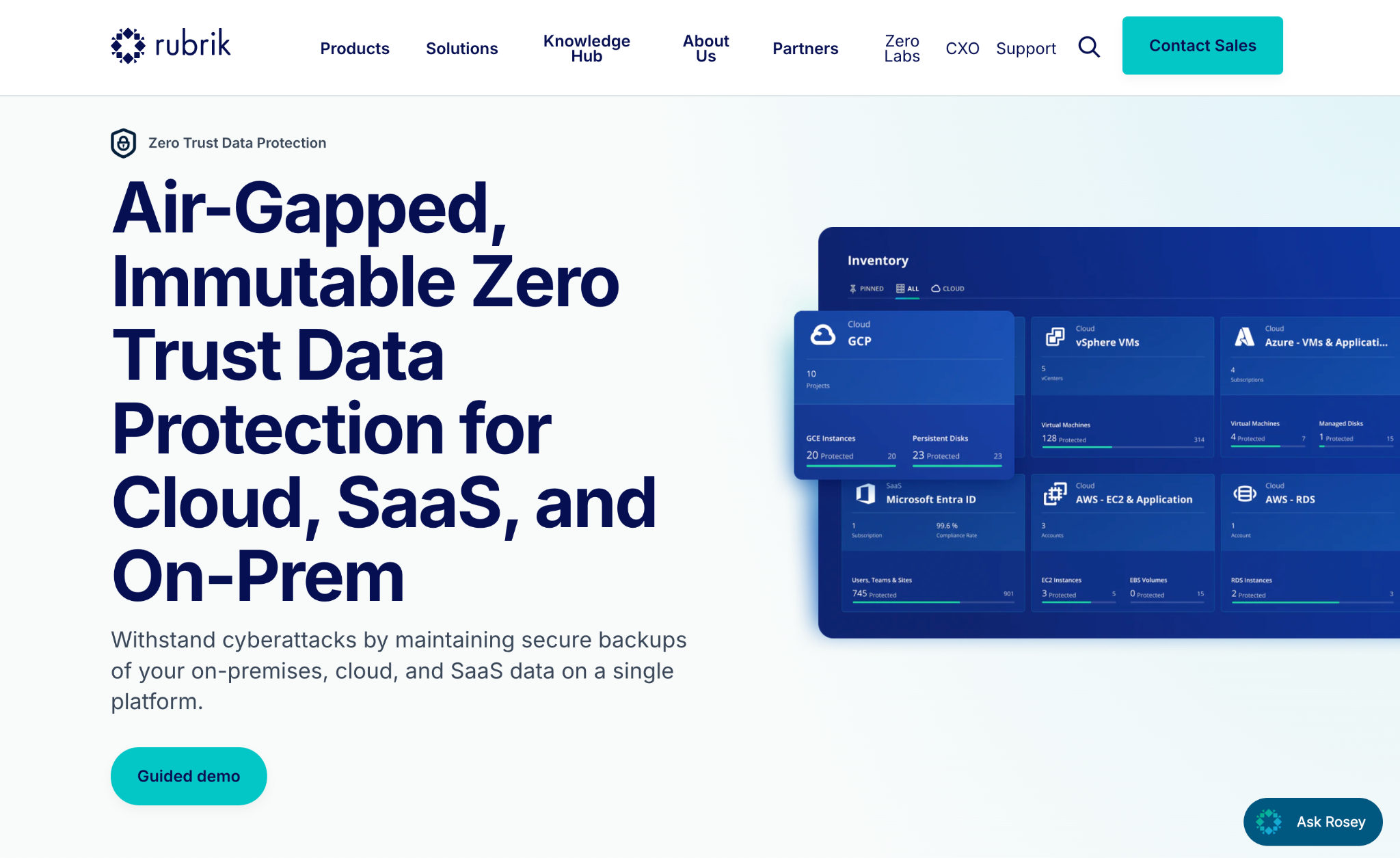
What it does: Rubrik Security Cloud backs up data center, cloud, and SaaS workloads onto an immutable file system and adds threat detection and cyber recovery tools.
Best for: Security teams that own cyber recovery and want detection and backup from one vendor.
On-prem, Rubrik covers VMware, Hyper-V, Nutanix AHV, physical systems, NAS, and databases. In the cloud, it protects EC2, EBS, S3, RDS, Aurora, and DynamoDB on AWS, VMs, managed disks, Blob, Azure SQL, and PostgreSQL Flexible Servers on Azure, and instances and disks on Google Cloud.
SaaS coverage includes Microsoft 365, Google Workspace, Salesforce, and identity providers such as Entra ID and Okta.
Backups land on Rubrik clusters, physical or virtual, on-prem or in the cloud. For AWS-native protection, Rubrik uses Exocompute to run backup and restore jobs, scan backups for threats, and precompute clean restore points, hosted either in your own AWS account or inside Rubrik's cloud.
You can search for a file or folder across snapshots and restore it, and SQL Server databases come back at the database level or through Live Mount as a queryable copy.
Key features
- Immutable file system: Backups can't be deleted, modified, or encrypted by attackers once written.
- Threat detection and hunting: Anomaly Detection, Threat Monitoring, and Turbo Threat Hunting help find the last clean copy before a restore.
- Rubrik Cloud Vault: A managed, isolated, immutable offsite copy on AWS, Azure, or Google Cloud, with all-inclusive pricing so a recovery doesn't produce a separate retrieval bill.
- Cyber recovery: Isolates infected snapshots and runs recovery simulations in isolated environments.
Pros and cons
Pros:
- Detection, threat hunting, and recovery sit in one console, which shortens the search for a clean restore point after an attack.
- SaaS and identity coverage is broad, so Microsoft 365, Salesforce, and Entra ID move under the same policy.
Cons:
- Enterprise Edition is a three-year subscription, and protecting in-cloud workloads needs the Universal Cloud License add-on.
- Google Cloud coverage is thinner than AWS and Azure: instances and disks on the main page, with Cloud SQL, BigQuery, and Cloud Storage handled on separate pages.
What users say
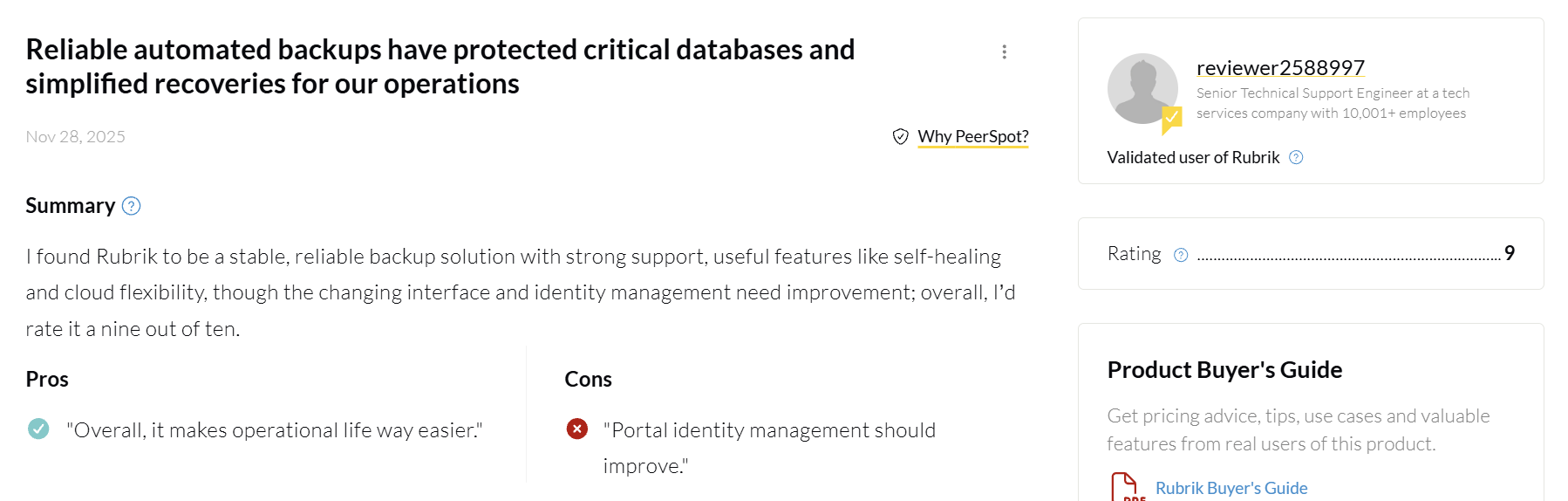
"Overall, it makes operational life way easier." – reviewer2588997, senior technical support engineer, PeerSpot
"The platform can be expensive, particularly for smaller organizations." – Rayanne A., network support engineer, G2
Pricing
Rubrik sells Foundation, Business, Enterprise, and Enterprise Proactive editions, each as a custom quote. Enterprise Edition is a three-year subscription that includes software and support, and the Ransomware Recovery Warranty applies only to Enterprise and Enterprise Proactive, with a 250TB minimum and a concurrent Customer Resilience Manager subscription.
Edition, term length, and cloud add-ons drive most of Rubrik pricing, so settle those before the sales call.
Bottom line
Rubrik suits teams that judge backup by how fast they can prove a clean recovery point. In the cloud, the clearest difference between Rubrik and Eon is what runs in your accounts: Rubrik's customer-hosted model runs Exocompute in your VPC, its managed model keeps it in Rubrik's cloud, and Eon runs no agents, appliances, or clusters in your accounts either way.
5. Cohesity DataProtect: Best for NetBackup customers who want to stay with the same vendor
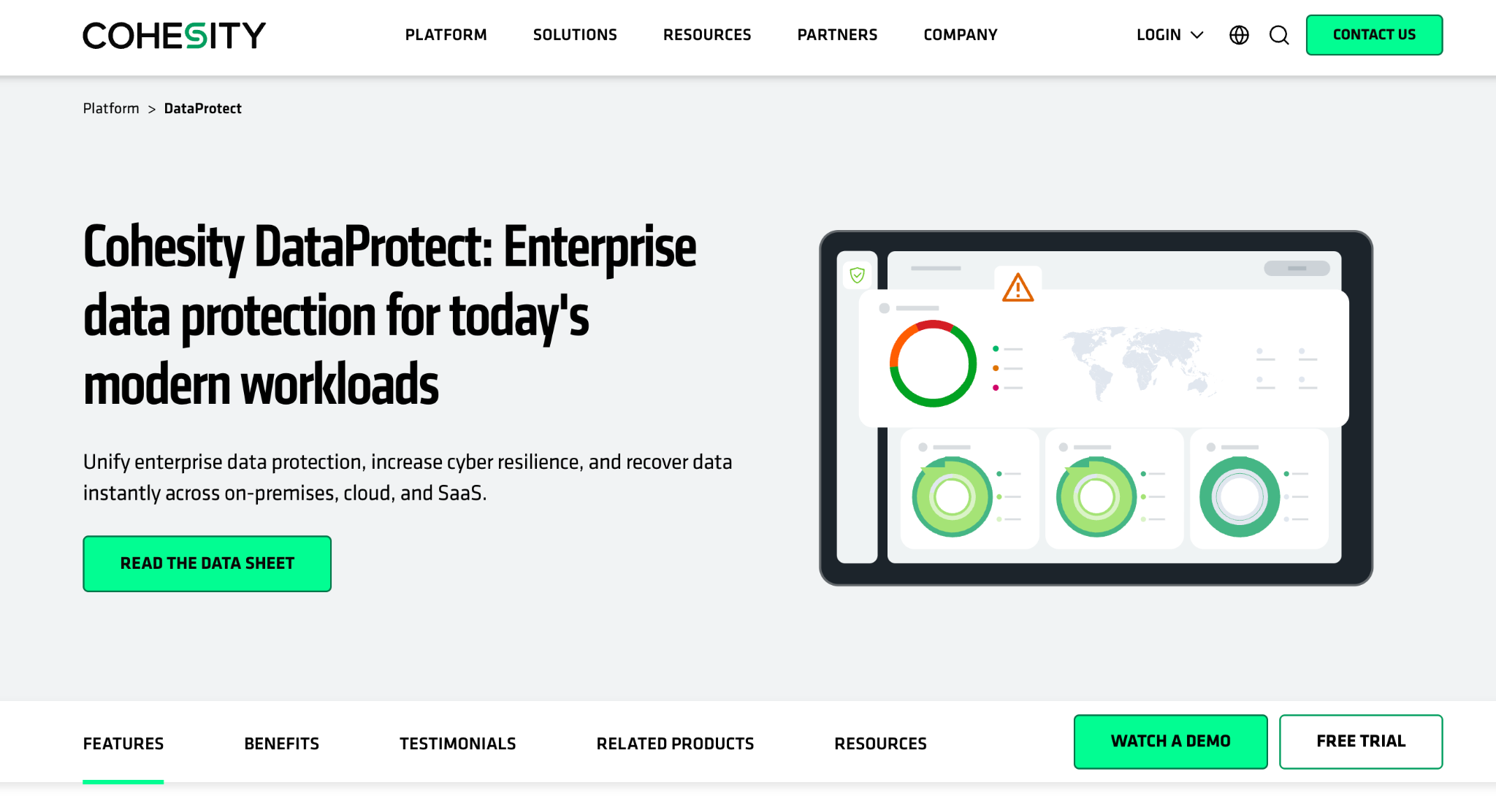
What it does: Cohesity DataProtect backs up VMs, physical servers, databases, NAS, SaaS, and cloud workloads on Cohesity's scale-out platform, as self-managed software or as a service.
Best for: NetBackup customers who want to consolidate onto Cohesity's own platform and keep one vendor relationship.
This is a same-vendor move. Both products now come from Cohesity, so you keep the same supplier, contract, and support desk while the platform underneath changes.
DataProtect runs as customer-managed clusters or as a Cohesity-managed service. Self-managed clusters start at three nodes, so your team owns the hardware, upgrades, and capacity planning.
The service version hands that work to Cohesity but still needs SaaS Connectors in your environment, and Cohesity Data Cloud bundles let each licensed TB cover either DataProtect or NetBackup during a phased move.
Cohesity says DataProtect can recover individual files, objects, or VMs to any point in time. Databases restore at the database level, and Cohesity also documents granular recovery of tables and transactions for SQL Server.
Key features
- Instant mass restore: Brings back large numbers of VMs at once after a wide-scale incident.
- FortKnox SaaS: A fully managed cyber vault on AWS, Azure, or Google Cloud, available for both DataProtect and NetBackup.
- Threat detection and hunting: AI-powered detection, hash-based scanning, and YARA-based threat hunting across backup data.
- Cloud coverage: EC2, RDS, and S3 on AWS, plus Azure VMs and Azure SQL and Compute Engine on Google Cloud, with Microsoft 365 and Salesforce on the SaaS side.
Pros and cons
Pros:
- One vendor, one support relationship, and licensing that can cover NetBackup and DataProtect side by side during a transition.
- FortKnox works for both products, so you can add an isolated copy before deciding on the platform move.
Cons:
- Threat protection and data classification now come with Cohesity Data Cloud Enterprise, so deeper detection means a higher edition.
- Self-managed clusters add hardware, node planning, and upgrades your team has to run.
What users say
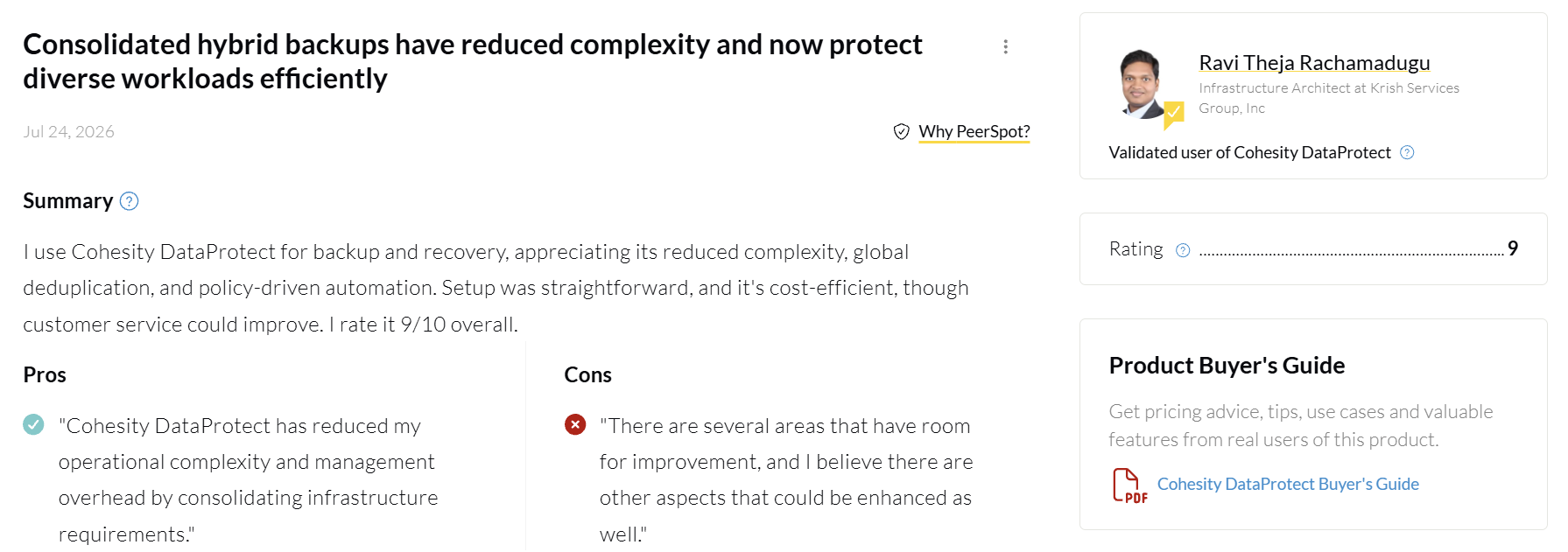
"Cohesity DataProtect has reduced my operational complexity and management overhead by consolidating infrastructure requirements." – Ravi Theja Rachamadugu, infrastructure architect, PeerSpot
"The container functionality is very limited at the moment, not covering the whole container." – Carlos Castells, consultancy CIO, PeerSpot
Pricing
Self-managed DataProtect is licensed on back-end capacity per TB, and every deal is a custom quote. Cohesity Data Cloud Core and Enterprise bundles entitle each TB to either DataProtect or NetBackup, and the bundle you pick drives most of Cohesity pricing, since threat detection sits in Enterprise.
Bottom line
DataProtect is the lowest-friction path if you want to stay with Cohesity and modernize the platform under NetBackup.
Teams that would rather leave the vendor too have a separate set of Cohesity alternatives to weigh, and for AWS-heavy estates, Cohesity and Eon differ most on infrastructure: customer-run clusters or connectors versus fully SaaS-managed protection.
6. Druva: Best for teams that want backups stored in SaaS with no backup servers
What it does: Druva Resilience Cloud stores backups in Druva's own cloud and protects data center, AWS, Azure, SaaS, and endpoint data from one console.
Best for: Teams that want off-site, immutable backups with no backup servers or storage arrays to run.
Druva keeps backups outside your AWS organization and covers EC2, RDS, S3, and EFS on AWS, plus Azure VMs, Azure SQL, Blob, and Files. In the data center, it protects VMware, Hyper-V, Nutanix, and major databases. Google Cloud infrastructure and tape aren't on the list.
Druva highlights Atlantic Container Line, which moved off NetBackup and says a backup job it had spent eight months on with Veritas was done in four hours with Druva.
You still run a backup proxy for VMware, and AWS protection deploys CloudRanger resources and IAM roles in your account. VMware restores go down to VMDKs, files, and folders, while RDS restores launch a new instance.
Key features
- SaaS storage: Backups land in Druva's cloud as logically air-gapped, immutable copies, with no backup hardware on your side.
- Local cache for fast restores: TurboTier keeps up to 90 days locally, with instant restore for VMware VMs, and Data Domain works as a local target too.
- Ransomware recovery: Entropy-based anomaly detection, quarantine, and a "golden snapshot" built from the latest clean file versions.
- SaaS and identity coverage: Microsoft 365, Google Workspace, Salesforce, Entra ID, Active Directory, and Okta.
Pros and cons
Pros:
- No backup servers, storage arrays, or capacity planning, which removes the media server layer NetBackup teams maintain today.
- Off-site copies exist from the first backup.
Cons:
- Accelerated Ransomware Recovery and Threat Insights are paid add-ons.
- Its AWS support matrix excludes RDS clusters and S3 buckets in private VPCs, and application-consistent EC2 backup is Windows only.
What users say
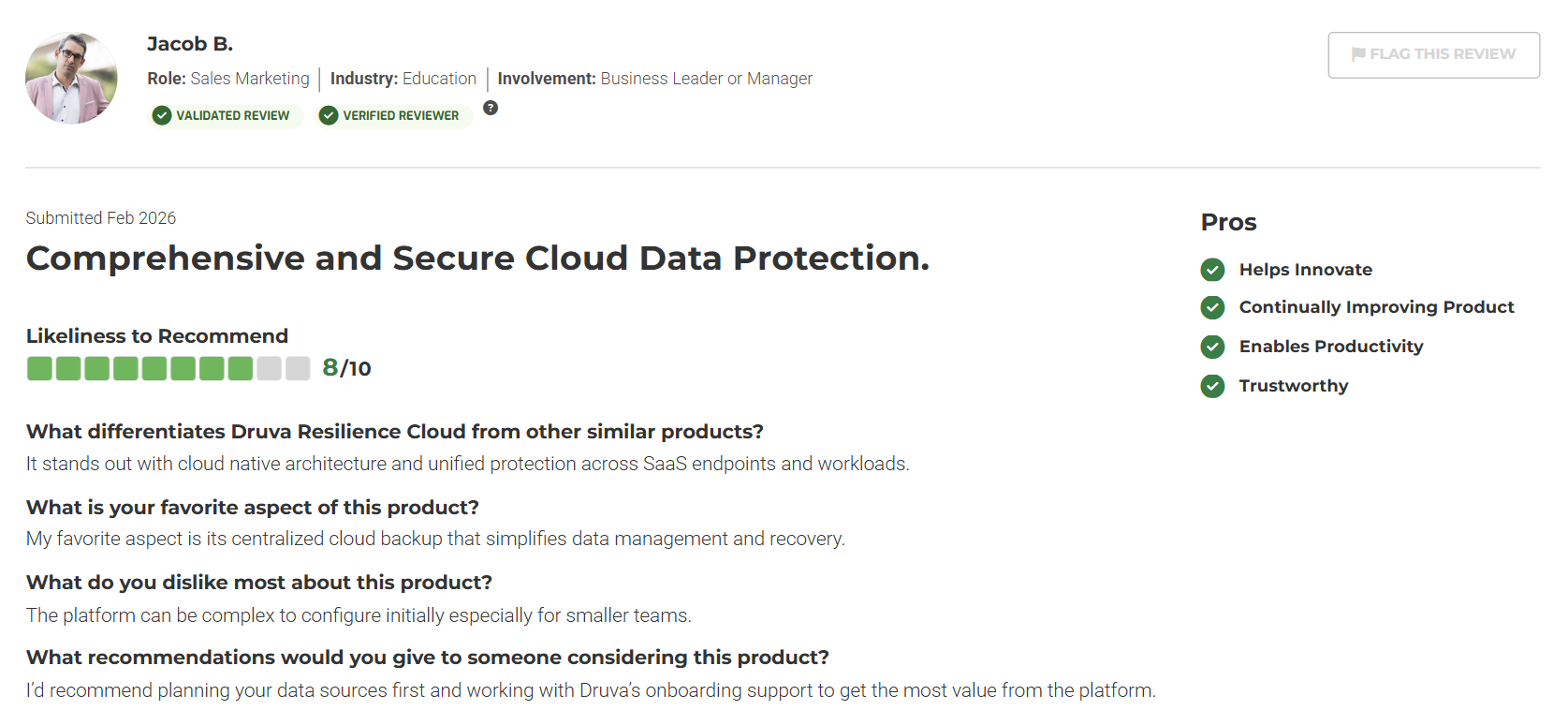
"It stands out with cloud native architecture and unified protection across SaaS endpoints and workloads." – Jacob B., SoftwareReviews
"Data restoration for users is a bit clunky." – Nathalie White, EUC Support Analyst, TrustRadius
Pricing
Druva works on a custom quote. Enterprise data plans come in Business, Enterprise, and Elite tiers billed per TB per month after deduplication, and Microsoft 365 and Google Workspace plans are billed per user. Usage runs on Druva Credits, where one credit equals 1 TB of backup data stored for a month.
Bottom line
Druva fits teams that would rather not own backup infrastructure at all. Budget for the ransomware add-ons up front, and model credit consumption carefully, since it's the hardest part of a Druva bill to forecast.
Druva and Eon both run as SaaS, so the decision comes down to cloud coverage and how granular a restore you need.
7. Dell PowerProtect Data Manager: Best for teams already invested in Data Domain
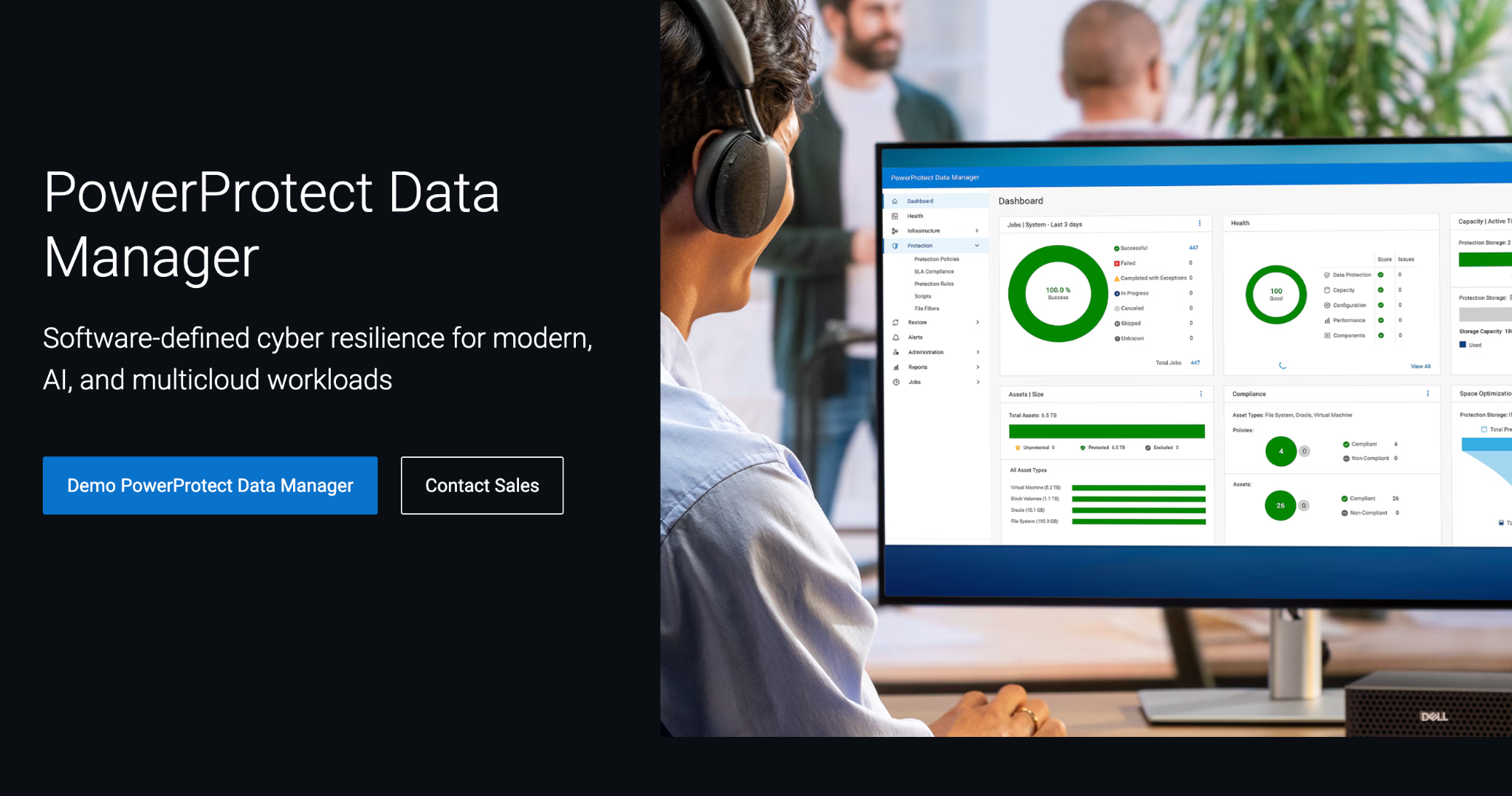
What it does: PowerProtect Data Manager orchestrates backup for VMs, databases, file systems, Kubernetes, and cloud workloads, and writes to PowerProtect Data Domain appliances.
Best for: Data Domain owners, including NetBackup shops using it as a backup target.
Dell launched PowerProtect One at Dell Technologies World in May 2026. It puts Data Manager and Data Domain under one control plane. On the cloud side, Cloud Snapshot Manager covers EC2, EBS, RDS, Aurora, Redshift, and DynamoDB on AWS and VMs and Blob on Azure, but only file-level restore on Google Cloud VMs.
SaaS and endpoint protection is a separate product, PowerProtect Backup Services (formerly APEX Backup Services).
On-prem, you run Data Manager as a virtual appliance or on a Linux host and send backups to Data Domain appliances you own. Restores cover image-level and file-level recovery, a SQL Server table restore works by mounting the backup and pulling data out with ItemPoint, and Oracle recovers at the database level.
Key features
- Data Domain deduplication: Dell cites up to 75:1 data reduction on the DD6410, DD9410, DD9910 and DD9910F, and up to 50x on the All-Flash Ready Node, Virtual Edition, and DD3410, with native tiering of deduplicated data to the cloud.
- Cyber Recovery vault: An isolated vault cut off from production, on-prem or on AWS, Azure, or Google Cloud.
- Anomaly detection: ML-based detection included in Data Manager at no additional cost.
- Broad on-prem coverage: vSphere, Hyper-V, Nutanix AHV, OpenShift Virtualization, databases, and NAS.
Pros and cons
Pros:
- Keeps your Data Domain investment and its deduplication ratios in play after NetBackup leaves.
- Anomaly detection is included rather than tiered, so the ransomware check doesn't become a second line item at renewal.
Cons:
- The design leans on Data Domain, and Cyber Recovery needs Data Domain with Retention Lock.
- Google Cloud coverage is limited, and SaaS backup means buying and running a second product.
What users say

"Dell PowerProtect Data Manager drastically improved my backup processes." – SkylerWilliams, electrical engineer II, PeerSpot
"Dell is not putting much investment in development on the backup piece." – Sun Fung, architect, PeerSpot
Pricing
Dell works on a custom quote. Data Manager's primary licensing model is front-end protected TB, with per-socket licensing as an option, sold perpetual or as a term subscription. Data Domain is sold as physical appliances or as Virtual Edition software, and both are quoted through Dell.
Bottom line
Dell makes the most sense when Data Domain already anchors your backup storage. If most new data is landing in AWS or Google Cloud, check cloud coverage closely before you commit.
8. HYCU R-Cloud: Best for SaaS-heavy estates and Google Cloud workloads
What it does: HYCU R-Cloud protects on-prem, cloud, and SaaS workloads from one platform, with a marketplace of SaaS integrations.
Best for: Organizations with a long tail of SaaS apps and significant Google Cloud workloads.
HYCU's Google Cloud coverage is the broadest of the three clouds, covering Compute Engine, GKE, Cloud Storage, Cloud SQL, BigQuery, and Google Cloud VMware Engine. AWS and Azure coverage is narrower, led by EC2, S3, and Azure VMs.
The bigger draw is SaaS. HYCU protects Microsoft 365, Salesforce, Box, Google Workspace, GitHub, GitLab, Atlassian, Okta, and Entra ID, apps that often sit outside a NetBackup domain or get covered by separate point tools.
On-prem, HYCU runs as a backup controller VM you deploy. It restores whole VMs, virtual disks, or individual files, and application items such as SQL Server databases and Exchange mailboxes.
Key features
- R-Shield: Anomaly detection and malware scanning at the source, plus backup target posture checks.
- R-Lock: Customer-owned, offsite immutable storage.
- SaaS marketplace: Per-app protection for code repositories, identity providers, and productivity tools.
- Hybrid coverage: Nutanix, vSphere, Hyper-V, and physical Windows and Linux servers, with application awareness for SQL Server, Exchange, AD, and Oracle.
Pros and cons
Pros:
- Covers SaaS apps most enterprise backup tools skip, such as GitHub, Jira, and Okta.
- Google Cloud coverage reaches GKE, BigQuery, Cloud SQL, and Google Cloud VMware Engine, so GCP-heavy teams can protect them from the same platform as their SaaS apps.
Cons:
- Tape works only through third-party QStar software, and Oracle RAC and SQL Server failover cluster instances aren't supported.
- Hybrid and cloud tiers are quote-only.
What users say
"I really like how easy it is to restore from backups." – Daryl C., systems administrator, G2
"One downside of HYCU is that the reporting could be more customizable and detailed." – Sandile M., system administrator, G2
Pricing
At 200 users HYCU lists Microsoft 365 protection at $2.25 per user per month, the Atlassian Suite at $4, and the Workforce Identity Suite (AWS IAM, Entra ID, Okta) at $1.20; the suite rates fall at higher user counts and go to a quote above 500 users. Hybrid and cloud tiers (Backup & Recovery, Enterprise Resilience, and Unified Resilience) are custom quotes.
Bottom line
HYCU is worth a look if SaaS sprawl and Google Cloud are where your coverage thins out. For tape-heavy or Oracle RAC estates, pick something else.
9. NAKIVO Backup & Replication: Best for budget-capped VMware and Hyper-V sites
What it does: NAKIVO Backup & Replication backs up VMware, Hyper-V, Nutanix AHV, Proxmox VE, physical servers, NAS, Amazon EC2, and Microsoft 365 from a single web console.
Best for: Branch offices, smaller data centers, and teams with a fixed budget that still need tape and immutability.
NAKIVO is the budget option, and its prices are public. Version 11.2, released in March 2026, added vSphere 9 and Proxmox VE 9 support. It fits the remote sites and branch offices that a NetBackup domain is used to cover.
You install the Director, Transporters, and backup repositories yourself, on one machine or several. Restores go down to individual files, Exchange emails, and Active Directory objects, and SQL Server recovery can bring back single tables or schemas.
Key features
- Flash Boot: Boots VMs straight from compressed, deduplicated backups.
- Immutable repositories: Local Linux repositories plus Amazon S3, Azure Blob, Wasabi, and S3-compatible storage.
- Tape support: LTO tape libraries, LTO-3 and later standalone drives, and AWS Tape Gateway, on Enterprise Essentials and above.
- Pre-recovery malware scan: Scans backups with ClamAV, ESET, Microsoft Defender, or Sophos before restore.
Pros and cons
Pros:
- Published per-workload and per-socket prices make it easy to model against an enterprise NetBackup quote.
- Tape, immutable repositories, and Flash Boot instant VM recovery give a branch site enterprise-grade resilience at a budget-tier price.
Cons:
- Cloud coverage is EC2 only, with no RDS, DynamoDB, or Azure and Google Cloud workloads, and backing up EC2 instances in a region needs a Transporter instance you deploy there.
- Pro and Enterprise Essentials are capped at 50 workloads per organization, and malware scanning needs your own scan servers and antivirus.
What users say
"Its ease of use, robust ransomware protection, and 24/7 support are outstanding." – Ederley Terrero, business consulting at Gestion IT, PeerSpot
"This may not be suited for heavy or large scale enterprise that uses legacy system." – Eric Villanueva, IT infrastructure administrator, TrustRadius
Pricing
NAKIVO publishes its prices: Pro Essentials starts at $1.95 per workload per month and Enterprise Essentials at $2.55, both on a one-year subscription, with 20% off on a three-year term. Perpetual licenses start at $229 per CPU socket, and the Free Edition covers 10 workloads for one year.
Bottom line
NAKIVO is a sensible pick for the edge of a NetBackup estate. Pair it with a cloud-native platform if most of your data has already moved to AWS, Azure, or Google Cloud.
How to choose a NetBackup alternative for cloud workloads
Most NetBackup domains were designed when the data center held almost everything, and cloud data has grown fast since. In our 2026 Cloud Data Infrastructure Report, 54% of cloud IT leaders said they run on three or more cloud platforms, and 72% said migration or modernization frequently or sometimes exposes unexpected protection or governance shortfalls.
Check these before you build a shortlist:
- Map what NetBackup protects today: Sort clients and policies into on-prem, AWS, Azure plus Google Cloud, and SaaS. A tape-heavy, VMware-heavy estate points toward Veeam, Commvault, or Dell; growth in the cloud points toward a cloud-native platform.
- Check managed databases and SaaS: Confirm native protection and restore level (instance, table, or record) for RDS, Aurora, DynamoDB, Azure SQL, Cloud SQL, and BigQuery, plus Microsoft 365, Google Workspace, and Salesforce.
- Count what runs in your accounts: Ask for an architecture diagram showing appliances, worker instances, or media-server equivalents, who patches them, and what they cost on your cloud bill.
- Plan for drift: In our 2026 report, 61% of respondents said they find protection gaps only after an incident, audit, or failed restore. Look for automatic discovery and policy assignment by data type and environment.
- Decide what happens to old NetBackup images: Keep a minimal NetBackup domain running read-only until retention expires, or import them. Import tools are limited; Commvault's skips Oracle, SQL Server, and NDMP data.
- Model licensing against growth: NetBackup charges on front-end TB; the alternatives charge per workload, per front-end or back-end TB, per user, or per GB of backup storage. Model each against your data in three years.
Which NetBackup alternative should you choose?
Start with where your data lives today and where it'll be in three years:
- Most new data lands in AWS, Azure, or Google Cloud: Eon
- Mixed data center with tape, physical servers, and several hypervisors: Veeam
- You need NetBackup's workload range and an import path for NetBackup data: Commvault
- The security team owns recovery and wants threat hunting in backups: Rubrik
- You want to stay with Cohesity and modernize the platform: Cohesity DataProtect
- No appetite for backup servers or storage at all: Druva
- Data Domain already anchors your backup storage: Dell PowerProtect
- SaaS sprawl and Google Cloud are where you're most exposed: HYCU
- Branch offices and small sites on a fixed budget: NAKIVO
Large enterprises often end up with two tools for a while: one for the shrinking on-prem and tape estate, and one built for the cloud estate that's growing.
Final verdict
Most large NetBackup estates won't move to one tool in one step. Tape libraries, physical servers, and years of retained NetBackup images keep an on-prem platform in play for a while, even as most new data lands in AWS, Azure, and Google Cloud. Plan for two tools during the transition, and decide up front which one owns the cloud estate.
Before you sign, pressure-test every finalist the same way: restore a single table from last month's backup, pull a coverage report across every account and region, and price the full monthly bill, including whatever runs in your accounts. The tool that passes all three at your data volume is the one worth the renewal.
If your NetBackup renewal is coming up, check how much of your cloud estate it actually covers. Eon discovers resources across every account, region, and cloud as they appear, and applies the matching policy automatically.
Wondering how much of your cloud estate is sitting outside your NetBackup policies right now? Book a demo and see how Eon maps backup coverage across every account, region, and cloud, flags policy drift, and restores a single table from an isolated vault.
Frequently asked questions
What happened to Veritas backup?
Veritas split its backup business in two. NetBackup went to Cohesity when the companies combined in December 2024, while Backup Exec went to Arctera, which Cloud Software Group acquired in December 2025.
What is NetBackup used for?
NetBackup is used to back up and restore enterprise data across physical servers, VMs, databases, cloud workloads, and SaaS apps. A primary server manages jobs and the catalog, and media servers write backups to disk, cloud storage, or tape.
How much does Veritas NetBackup cost?
NetBackup is quote-based, with no public list price. Cohesity prices it by front-end TB or CPU under the Capacity Edition, or per server, client, or tape drive under traditional licensing. The only published figure comes from an AWS Marketplace private-offer listing that shows NetBackup Recovery Vault at $550 per TB per year.
Is NetBackup end of life?
No. NetBackup is still in active development under Cohesity, with version 11.2 released in June 2026 and a twice-yearly release cadence. Cohesity is integrating it with Helios and its Data Cloud platform, so expect the architecture to change over time.
What's the difference between NetBackup and Backup Exec?
The main difference is scale and ownership. NetBackup is Cohesity's enterprise backup platform for large, mixed environments, while Backup Exec is a backup product for smaller environments that's now owned by Cloud Software Group.
What are the best NetBackup alternatives for cloud workloads?
The best NetBackup alternatives for cloud workloads are Eon, Veeam, Commvault, and Druva. Eon is built specifically for AWS, Azure, and Google Cloud, with autonomous policy assignment and record-level recovery. Veeam and Commvault pair cloud coverage with on-prem and tape workloads, and Druva suits teams that want backups stored in SaaS.