

Most teams start looking at Zerto alternatives when the renewal quote lands. Failover itself usually works fine. Replicas sit a few seconds behind production, and a whole group of VMs can come up at the DR site in minutes.
The problems sit around it. You pay for a license on every VM, run a replication appliance on every host, and can’t always tell whether the replica copied ransomware along with the data.
We’ve spent years on the replication side of this problem. Eon comes from the team that built CloudEndure, the replication technology AWS acquired and later turned into AWS Elastic Disaster Recovery. For this guide, we reviewed 10 tools against their documentation, official pricing, and recent user reviews.
What is Zerto?
Zerto is disaster recovery software that continuously replicates virtual machines to a second site or a public cloud, so you can fail over with only seconds of data loss.
Hewlett Packard Enterprise completed its acquisition of Zerto on September 1, 2021, and now sells it as HPE Zerto Software for VMware vSphere, Microsoft Hyper-V, AWS, and Azure workloads.
A Virtual Replication Appliance (VRA) on each protected host sends every write to a journal at the recovery site. Zerto stamps checkpoints every few seconds and keeps up to 30 days of journal history, which is where its seconds-level recovery point objective (RPO) comes from.
Why teams look beyond Zerto
Zerto does work, and it does its core job well: keeping VMs a few seconds behind production and bringing them up elsewhere in minutes.
Teams compare it against other tools for five reasons:
- Cost at scale: Licenses are per VM, and HPE doesn’t publish on-premises list prices. On PeerSpot, David Comer ballparks Zerto at about $1,000 per VM, and Caleb Easley says his company offers it only to tier-one customers.
- Infrastructure to run: Every protected host needs a VRA, every site needs a Zerto Virtual Manager (ZVM), and the recovery site needs journal storage. Moving from the Windows ZVM to the Linux appliance in Zerto 10 required a full migration for existing customers.
- Hardware tie-in for the vault: HPE’s Cyber Resilience Vault is a reference architecture built on HPE Alletra, ProLiant, and Aruba hardware, so running the vault means committing to HPE’s hardware stack.
- Ransomware travels with the data: Continuous replication copies encrypted writes to the DR site within seconds. Zerto 10’s encryption detection flags those writes quickly, but recovery still depends on a checkpoint from before the attack, inside a journal that holds 30 days at most.
- Scope: Zerto’s protection centers on VMs and cloud instances. Managed databases, object storage, and SaaS apps need a separate backup tool, and long retention for audits needs its own repository.
Most of the tools below lean toward one or the other because replication and backup answer genuinely different questions.
What to look for in a Zerto alternative
Start with the job you need the tool to do. Almost every product in this space does one of three jobs well, and a few do two.
Continuous replication and failover
This is the job Zerto was built for. If an app can’t lose more than a few seconds of data and has to be back up in minutes, you need continuous data protection (CDP) or near-continuous replication, plus orchestrated failover, failback, and non-disruptive DR tests.
Look at the best-case RPO, what the target can be (a second site, AWS, or Azure), and how failover is tested. Your recovery time objective (RTO) decides how much orchestration you need.
Scheduled backup and long retention
Backup copies data on a schedule (hourly, daily, or a few times a day) and keeps those copies for months or years. Your RPO is the time between backups, so it’s measured in minutes or hours.
In exchange, storage costs much less per GB, retention can stretch past Zerto’s 30-day journal, and coverage reaches databases, file shares, object storage, and SaaS data that replication tools skip, which is where native cloud backup pulls ahead for cloud workloads.
Cyber recovery
After ransomware, the first question is which copy is clean. Look for immutable backups in a logically or physically isolated vault, scanning that points to the last clean recovery point, an isolated environment to test the restore, and granular restores that bring back only what changed.
Most enterprises need two of these three jobs. A common pattern is continuous replication for a short list of tier-one apps, with backup and cyber recovery covering everything else, the backbone of a ransomware disaster recovery plan.
How we evaluated these tools
We assessed each tool from its official documentation, pricing page, and the newest reviews we could find on TrustRadius, PeerSpot, and G2. We didn’t run lab failover tests for this piece, so every RPO below is the vendor’s documented figure.
We scored each tool on:
- Replication: Whether it offers CDP or near-continuous replication, and its documented best-case RPO.
- Failover orchestration: Recovery plans, test failovers, and failback.
- Cyber recovery: Immutability, isolation, threat scanning, and clean-point identification.
- Platform coverage: vSphere, Hyper-V, physical servers, and native AWS, Azure, and Google Cloud services.
- Pricing clarity: Whether a starting price is published, and what’s sold as an add-on.
Zerto alternatives: TL;DR
- Eon: Best for cloud backup and ransomware recovery across AWS, Azure, and Google Cloud.
- Veeam: Best for one license that covers backup and CDP replication for vSphere.
- VMware Live Recovery: Best for teams staying on vSphere that want DR built by VMware.
- AWS Elastic Disaster Recovery: Best for moving the DR site into AWS.
- Azure Site Recovery: Best for moving the DR site into Azure.
- NAKIVO Backup & Replication: Best for low-cost real-time replication on VMware.
- Rubrik Security Cloud: Best for security-led teams that want CDP, orchestration, and threat hunting together.
- Cohesity: Best for consolidating backup, DR, and a managed cyber vault onto one platform.
- Commvault Cloud: Best for enterprises that need replication, backup, and clean-room recovery under one policy engine.
- Druva: Best for SaaS-managed backups with failover to AWS.
Zerto alternatives compared
| Tool | Main job | Best-case RPO | Best for | Starting price |
|---|---|---|---|---|
| Eon | Backup + cyber recovery | Backup schedule | Cloud-first enterprises | Usage-based, per GB |
| Veeam | Backup + CDP | 2 seconds | Mixed vSphere estates | Custom quote |
| VMware Live Recovery | Replication + failover | 1 minute | vSphere shops | Custom quote |
| AWS Elastic Disaster Recovery | Replication + failover | Seconds | DR into AWS | $0.028 per server/hr |
| Azure Site Recovery | Replication + failover | Continuous | DR into Azure | $25 per instance/mo |
| NAKIVO | Backup + replication | 1 second | Budget VMware DR | $2.45 per workload/mo (1-yr) |
| Rubrik | Backup + cyber recovery | Near-zero (CDP) | Security-led teams | Custom quote |
| Cohesity | Backup + cyber recovery | Near-zero (CDP) | Platform consolidation | Custom quote |
| Commvault | All three | Sub-minute | Broad enterprise estates | $102.49 per 10 VMs/mo |
| Druva | SaaS backup + DR | About 1 hour | No backup infrastructure | Custom quote |
1. Eon: Best for cloud backup and ransomware recovery
What it does: Eon is cloud data protection and recovery for AWS, Azure, and Google Cloud that discovers every resource, applies backup policy automatically, and restores individual files, tables, or records from isolated vaults.
Best for: Cloud-first enterprises whose workloads run on AWS, Azure, or Google Cloud and need backup, ransomware recovery, and proof of coverage across many accounts.
Once workloads run on AWS, Azure, or Google Cloud, a replica can’t tell you whether every new database is protected, which copy is clean after an attack, or how to pull back one table without rebuilding an environment. Eon handles those three jobs with posture management, isolated vaults, and record-level restores.
It doesn’t do continuous replication or VM failover. If an app needs a seconds-level RPO and a hot standby, pair a replication tool from this list with Eon.
Key features
- Cloud backup posture management (CBPM): Eon created the CBPM category. It continuously discovers and classifies resources (production, PII, financial), applies the matching backup policy with no manual tagging, and flags missing coverage and policy drift.
- Logically air-gapped, immutable vaults: Backups live in a dedicated tenant isolated from production, with ransomware detection (add-on) across VMs, object storage, and managed databases.
- Logical database ransomware detection (add-on): For managed databases such as Amazon RDS and Aurora, Azure SQL, and Cloud SQL, Eon analyzes the logical content of backups to find the last clean recovery point. File-level scanners can’t see inside those.
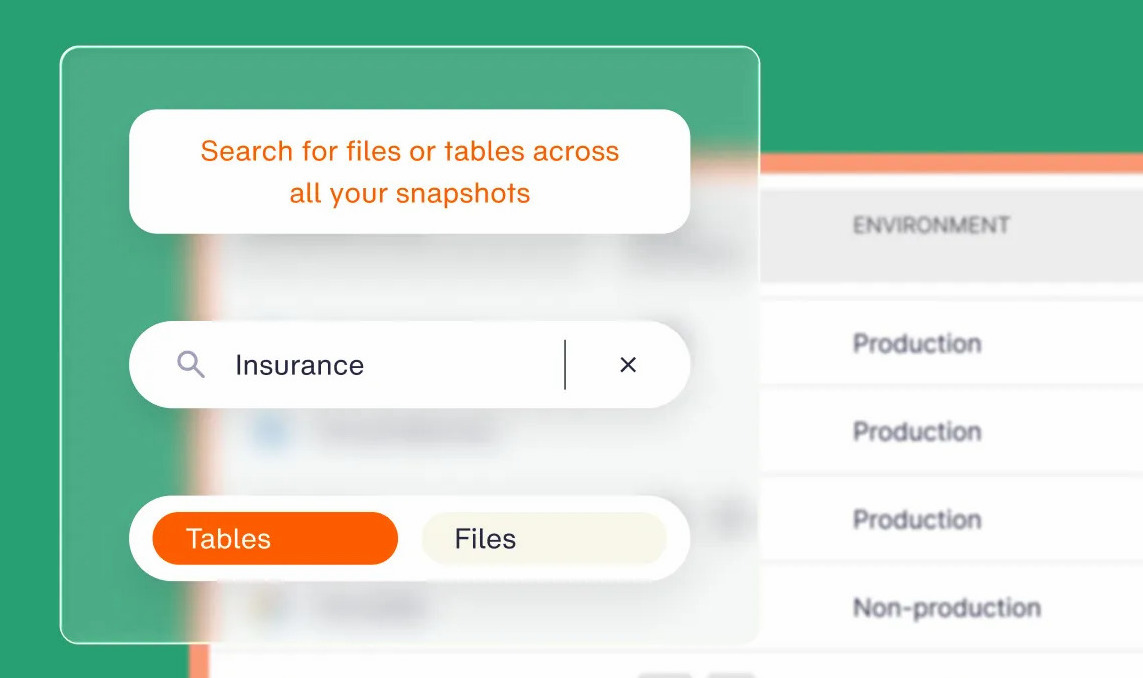
- Granular recovery and Global Search: Find a file or database record across clouds in seconds, then restore just that file, table, or record with no full-environment rehydration.
Pros and cons
Pros:
 Coverage and retention reports are ready when an auditor asks, so proving scope across dozens of accounts doesn’t start with a spreadsheet hunt.
- Global deduplication typically cuts backup storage costs by 30 to 50%.
- No agents, appliances, or clusters to deploy, patch, or size.
Cons:
 No continuous replication or orchestrated VM failover, so your RPO is set by the backup schedule, and tier-one apps still need a replication tool.
- Built for cloud workloads, so a mostly on-premises or vSphere estate is better served by a separate tool.
What users say
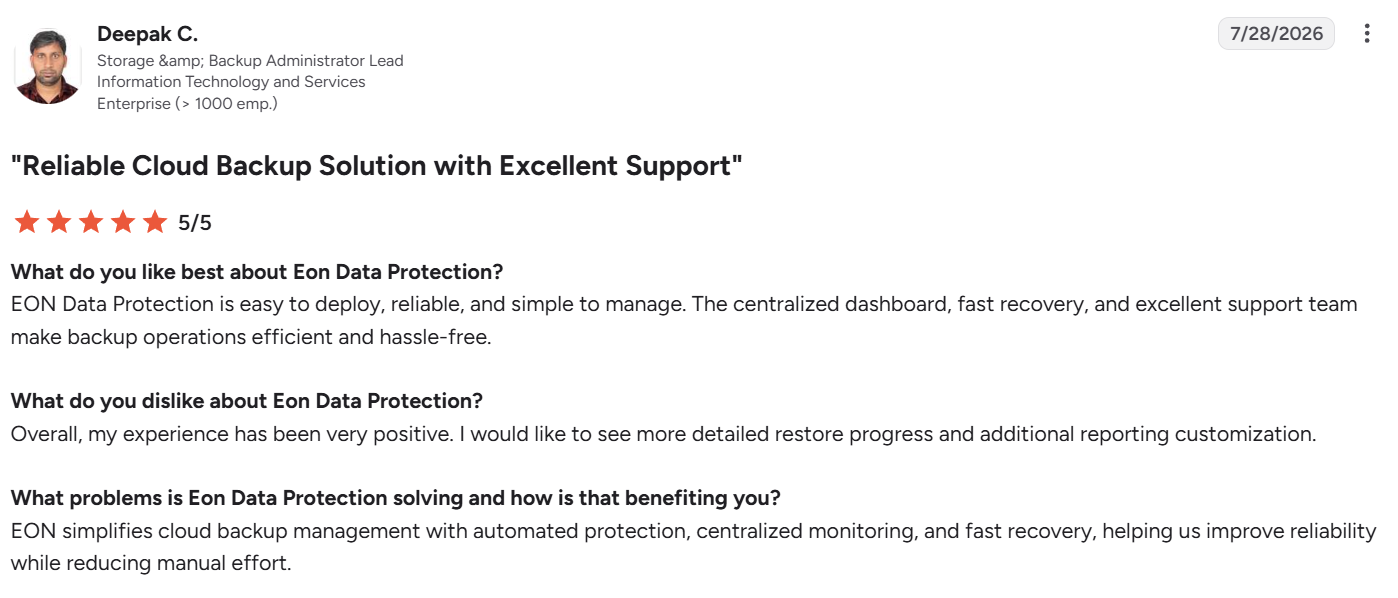
"Eon simplifies cloud backup management with automated protection, centralized monitoring, and fast recovery." – Deepak C., storage and backup administrator lead, G2
"Troubleshooting failed backups can require some investigation." – Verified user in manufacturing, G2
Pricing
Eon prices by usage: you pay per GB per month for the storage you back up, with no tier ladder or feature gates, and a contract sized to your expected capacity and growth. Ransomware protection is sold as its own package on top of storage.
Eon is also available on AWS Marketplace with consumption-based billing.
Bottom line
Eon fits teams whose workloads already live in AWS, Azure, or Google Cloud and whose hard problem is proving coverage and recovering a clean copy. NETGEAR, for example, restored a 10TB data set in hours after moving off a legacy backup provider.
Backup is one layer of a full cloud disaster recovery strategy, which also has to account for failover and RTO.
2. Veeam: Best for backup and CDP replication under one license
What it does: Veeam Backup & Replication backs up virtual, physical, and cloud workloads and adds continuous data protection for vSphere VMs, all managed from one console.
Best for: Enterprises with large vSphere estates that want backup and Zerto-style replication from one vendor, on one portable license.
Veeam is the alternative most often compared with Zerto. Veeam CDP “constantly replicates I/O operations” on VMware VMs, with a documented minimum RPO of 2 seconds, rising to 15 seconds or more for policies with many busy VMs.
Version 13 arrived in November 2025 with a hardened Linux appliance and instant recovery into an Azure clean room. Version 13.1 (July 2026) added Universal CDP support for Linux workloads, replicating them into vSphere.
Key features
- Veeam CDP: Replicates every write through a vSphere I/O filter, so failover lands seconds behind production.
- Snapshot replication and backup: Covers the apps that don’t need CDP at a lower cost, from the same console.
- Veeam Recovery Orchestrator: Runs automated, non-disruptive DR tests, orchestrated recovery, and audit reports in the Premium edition.
- Clean-room restores: Scans backups for malware before restoring to find the last known good point.
Pros and cons
Pros:
- The Veeam Universal License moves with the workload, so a VM that leaves vSphere for Hyper-V or a public cloud keeps its license.
- Version 13 runs the backup server on a hardened Linux appliance, which retires the Windows backup server many teams had to patch and lock down themselves.
Cons:
- CDP runs through a Veeam I/O filter on each vSphere cluster, so vSphere upgrades have to line up with Veeam’s support matrix.
- Recovery Orchestrator, the piece that runs scripted DR tests, ships only with Premium, the top edition, and none of the edition prices are published.
What users say
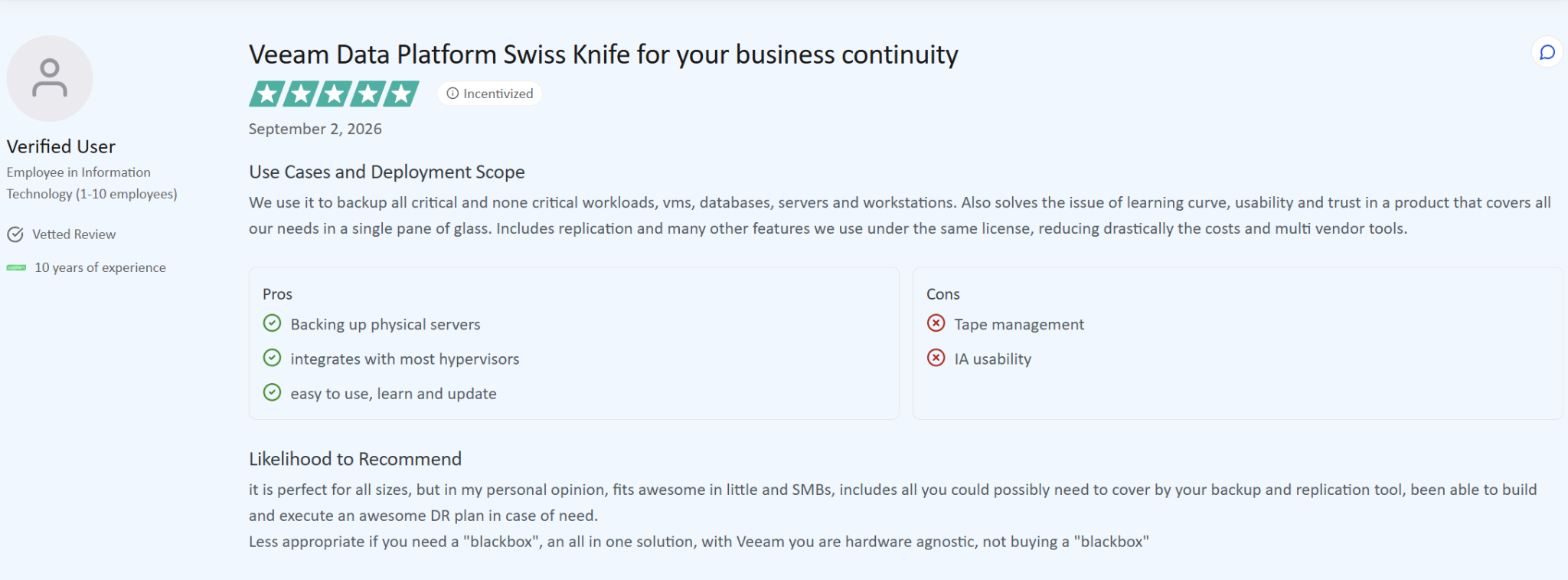
"Includes replication and many other features we use under the same license." – Verified user, employee in information technology, TrustRadius
"It just never is fully stable in some way for backing up and/or recovery when you need it." – Verified user, administrator in information technology, TrustRadius
Pricing
Veeam Data Platform is licensed per workload through the Veeam Universal License, and the Foundation, Advanced, and Premium editions are quote-based.
Veeam Data Platform Essentials, for companies under 250 employees, lists at $95 per license per year, though the add-ons and storage outside Veeam’s licensing can move the real figure.
Bottom line
Veeam is the most direct swap for teams that want Zerto-class RPOs and backup in one place, though for cloud-native workloads Veeam and Eon diverge on architecture.
3. VMware Live Recovery: Best for teams staying on vSphere
What it does: VMware Live Recovery combines VMware Live Site Recovery (formerly Site Recovery Manager) for failover orchestration with vSphere Replication for per-VM replication.
Best for: Teams committed to vSphere and VMware Cloud Foundation that want DR from the same vendor as their hypervisor.
If you’re staying on VMware, this is the in-house option. Live Site Recovery handles recovery plans, failover, failback, and non-disruptive testing, while vSphere Replication copies each VM with RPOs from 1 minute to 24 hours.
Licensing changed under Broadcom. VCF includes vSphere Replication at an RPO of 5 minutes or more. Going below 5 minutes needs the Advanced Cyber Compliance add-on. From version 9.0.4, Live Site Recovery and vSphere Replication ship as one converged appliance.
Key features
- Recovery plans: Scripted failover with boot order, IP changes, and runbook steps, so recovery doesn’t depend on who’s on call.
- Non-disruptive testing: Runs DR tests in an isolated network while production keeps running.
- vSphere Replication: Hypervisor-level replication with compression, encryption, and multiple points in time.
- VMware Live Cyber Recovery: An optional cloud service for recovering into an isolated environment after ransomware.
Pros and cons
Pros:
- VCF customers already own vSphere Replication at a 5-minute RPO or longer, so a DR pilot can start without a new purchase.
- Recovery plans can also drive storage-array replication, so arrays you already replicate fit into the same failover runbook.
Cons:
- DR licensing rides on Broadcom’s VMware bundles, so the next bundle or price change reaches your DR plan too.
- Live Cyber Recovery needs at least 10 TiB of protected capacity per region, a large commitment for a small DR footprint.
What users say
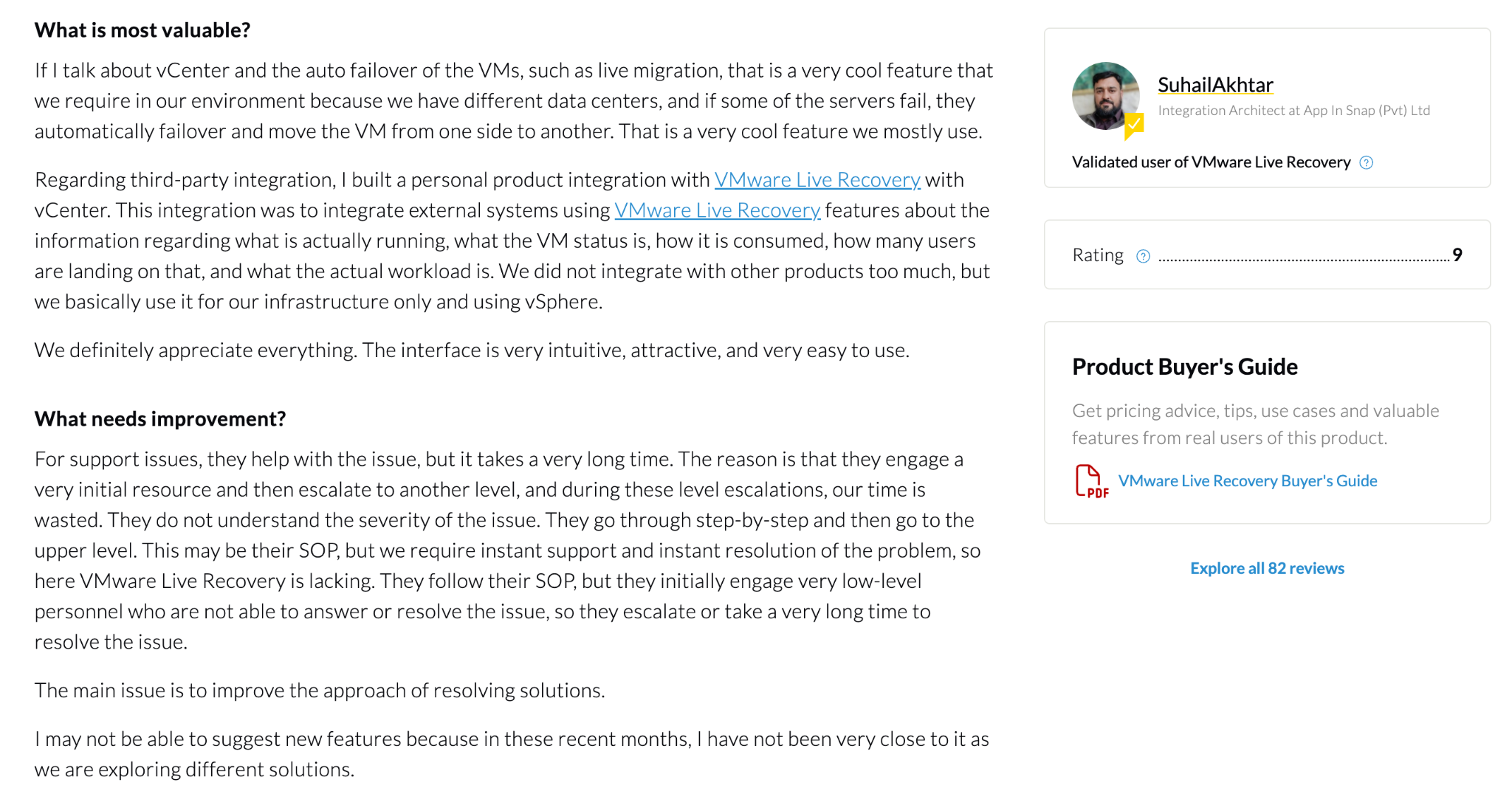
"They automatically failover and move the VM from one side to another." – SuhailAkhtar, integration architect, PeerSpot
"The licensing cost has become quite high after being acquired by Broadcom." – Yem H., IT system admin, G2
Pricing
VMware Live Recovery is licensed per protected VM as a subscription, and Broadcom doesn’t publish prices. Live Cyber Recovery adds protected-capacity subscriptions, and recovery hosts on VMware Cloud on AWS are billed separately.
Bottom line
Choose VMware Live Recovery if vSphere is your long-term platform and a 1- to 5-minute RPO covers your tier-one apps. If part of the estate is moving off VMware, a cross-platform tool will age better.
4. AWS Elastic Disaster Recovery: Best for moving the DR site into AWS
What it does: AWS Elastic Disaster Recovery (AWS DRS) continuously replicates servers into a low-cost staging area in AWS and launches recovery instances on demand.
Best for: Teams that want to retire their secondary data center and use AWS as the DR site.
AWS DRS is the next generation of CloudEndure Disaster Recovery, the technology our founding team built before AWS acquired it in 2019. It’s built for RPOs of seconds and RTOs of minutes.
It replicates physical servers, VMware vSphere, Hyper-V, and VMs in other clouds, plus EC2 instances from one AWS Region to another. Point-in-time snapshots run every 10 minutes, hourly, and daily, with daily snapshots kept for 1 to 365 days.
Key features
- Continuous block-level replication: Keeps recovery points seconds behind the source, regardless of the hypervisor.
- Low-cost staging: Replicated data sits on small replication servers and EBS volumes until you need it, so you don’t pay for idle recovery instances.
- Point-in-time recovery: Lets you launch from a snapshot taken before corruption or encryption.
- Drills: Launches test instances without stopping replication.
Pros and cons
Pros:
- A 50-server DR plan comes to about $1,000 a month in service fees before storage and compute, an easy number to hold against a colocation contract.
- Daily point-in-time snapshots can be kept for up to a year, so an attack that went unnoticed for weeks still leaves a clean launch point.
Cons:
- Every source server runs the AWS Replication Agent, and the first sync of large volumes can take a long time.
- It protects servers. Managed services like Amazon RDS, DynamoDB, and S3 need their own backup.
What users say
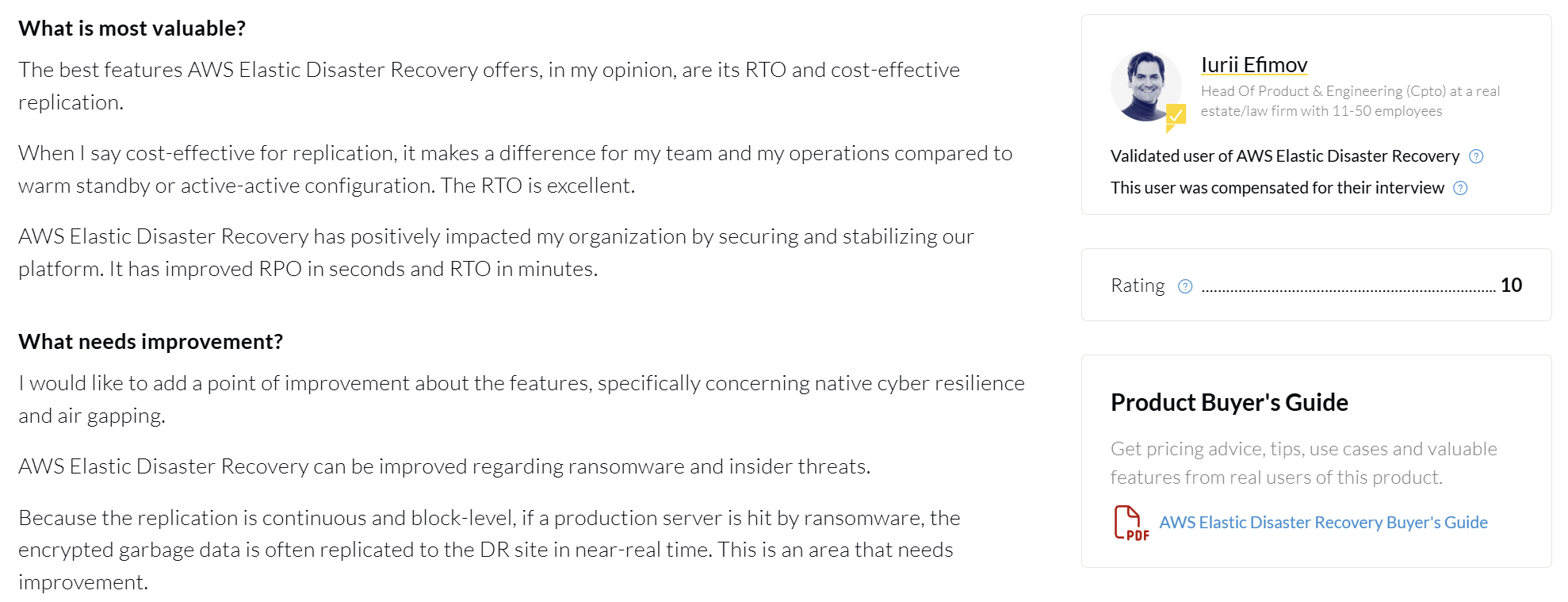
"It has improved RPO in seconds and RTO in minutes." – Iurii Efimov, head of product and engineering (CPTO), PeerSpot
"Configuring the staging area, the IAM roles needed for it, and the launch settings actually took time." – Kavya S, data engineer, PeerSpot
Pricing
AWS DRS costs $0.028 per source server per hour (about $20 per server per month), which covers replication, drills, recovery launches, and point-in-time recovery. EBS storage, replication servers, recovery instances, and data transfer are billed separately.
Bottom line
AWS DRS is the cleanest way to turn AWS into your DR site for servers, though it still sits next to backup in a full AWS disaster recovery plan.
5. Azure Site Recovery: Best for moving the DR site into Azure
What it does: Azure Site Recovery replicates Azure VMs between regions and replicates on-premises VMware, Hyper-V, and physical servers into Azure.
Best for: Microsoft-centric teams that want Azure as the DR site and recovery plans managed in the Azure portal.
Site Recovery offers continuous replication for Azure VMs and VMware VMs, and replication as often as every 30 seconds for Hyper-V. It can also replicate AWS Windows instances into Azure, or replicate between two of your own sites.
Key features
- Recovery plans: Group machines, set boot order, and add scripts or manual steps for multi-tier apps.
- Test failover: Runs DR drills in an isolated network with no impact on production.
- Region-to-region replication: Protects Azure VMs against a regional outage.
- Hybrid coverage: VMware, Hyper-V, and physical Windows and Linux servers all replicate into the same vault.
Pros and cons
Pros:
- Each protected instance is free for its first 31 days, which covers a full pilot.
- Native to Azure, so identity, networking, and monitoring stay in tools your team already runs.
Cons:
- VMware, physical, and Azure VM replication depends on the Mobility service agent, and agent or health problems can block failover.
- The $25 fee is only part of the bill, since storage, egress, and failover compute are charged on top of it.
What users say
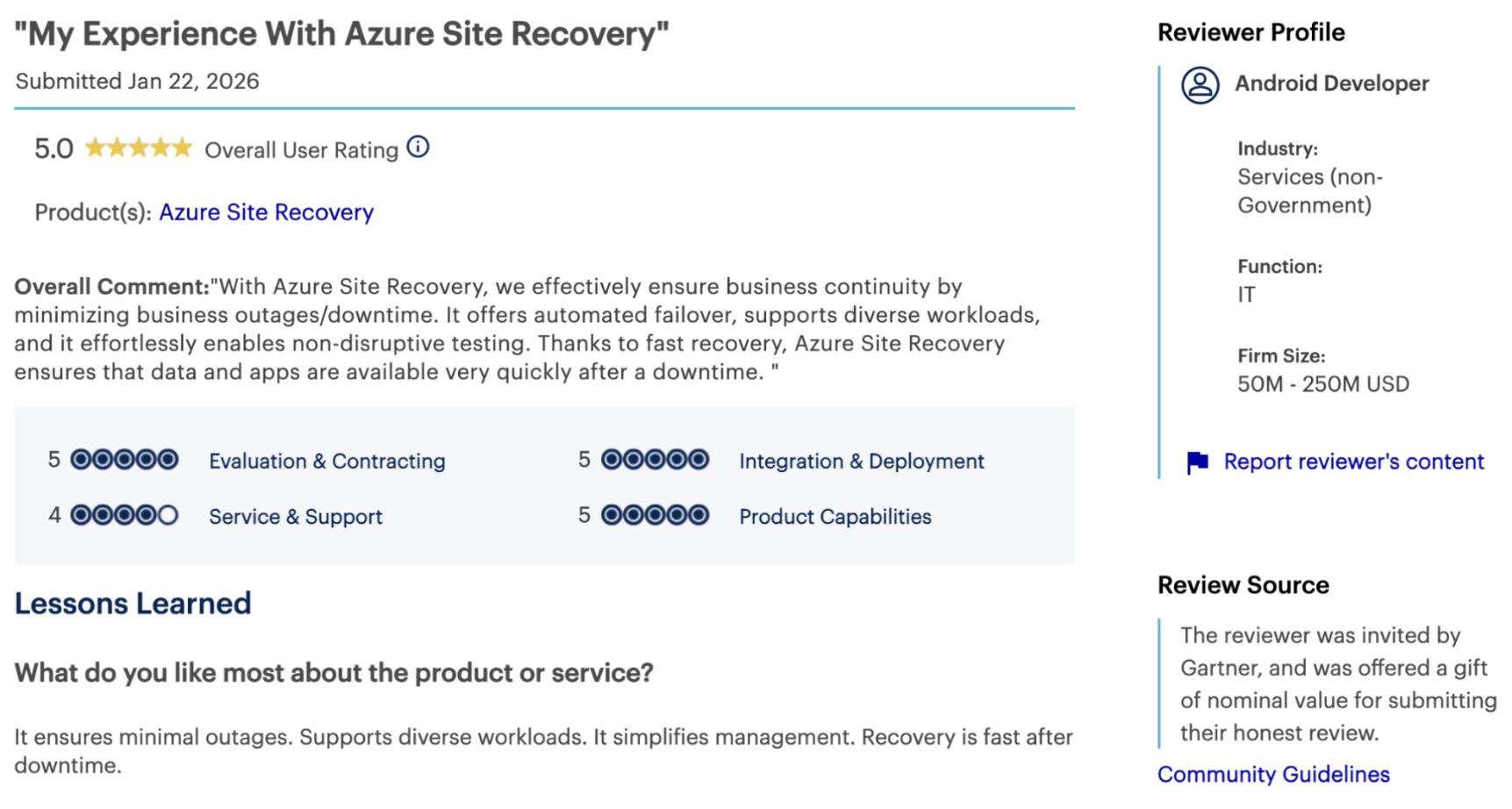
"Recovery is fast after downtime." – Android developer, Gartner Peer Insights
"Cost management can be a bit tricky depending on how much you are replicating and how often you test failovers." – Sales manager, Gartner Peer Insights
Pricing
Replication into Azure costs $25 per protected instance per month in East US, after the first 31 days. Storage, transactions, data egress, and compute during failover are billed separately. Site-to-site protection between two customer sites is priced lower.
Bottom line
Azure Site Recovery is the default for teams moving DR into Azure, where setup and ongoing Azure disaster recovery costs are the main things to model.
6. NAKIVO Backup & Replication: Best for low-cost real-time replication on VMware
What it does: NAKIVO Backup & Replication backs up and replicates VMware, Hyper-V, Proxmox, physical, and cloud workloads, with real-time replication for VMware VMs.
Best for: Mid-sized vSphere estates and branch sites that want journal-style replication at a published, per-workload price.
NAKIVO’s Real-Time Replication keeps VMware replicas with recovery points as little as 1 second apart, and installs the I/O filters and journal service for you. It arrived in version 10.10 in October 2023, labeled beta at launch.
Version 11.1 added a failover action for real-time replicas to Site Recovery workflows. Scheduled replication can run as often as every minute for VMs that don’t need real time.
Key features
- Real-Time Replication: Journal-based replication for VMware, the closest match to Zerto in this price range.
- Site Recovery: Automates and tests failover workflows with multi-step runbooks.
- Malware scan before recovery: Checks backups before you restore them.
- Immutable storage: Local Linux repositories and object storage with immutability, plus tape for an offline copy.
Pros and cons
Pros:
- At $2.45 per workload per month, tier-two VMs can get replication too.
- Full vSphere 9 support arrived in version 11.2, so it keeps pace with VMware releases.
Cons:
- Real-Time Replication launched as a beta in October 2023, so run your own failover tests before you trust tier-one apps to it.
- No clean-room recovery environment, so ransomware investigations need a separate setup.
What users say
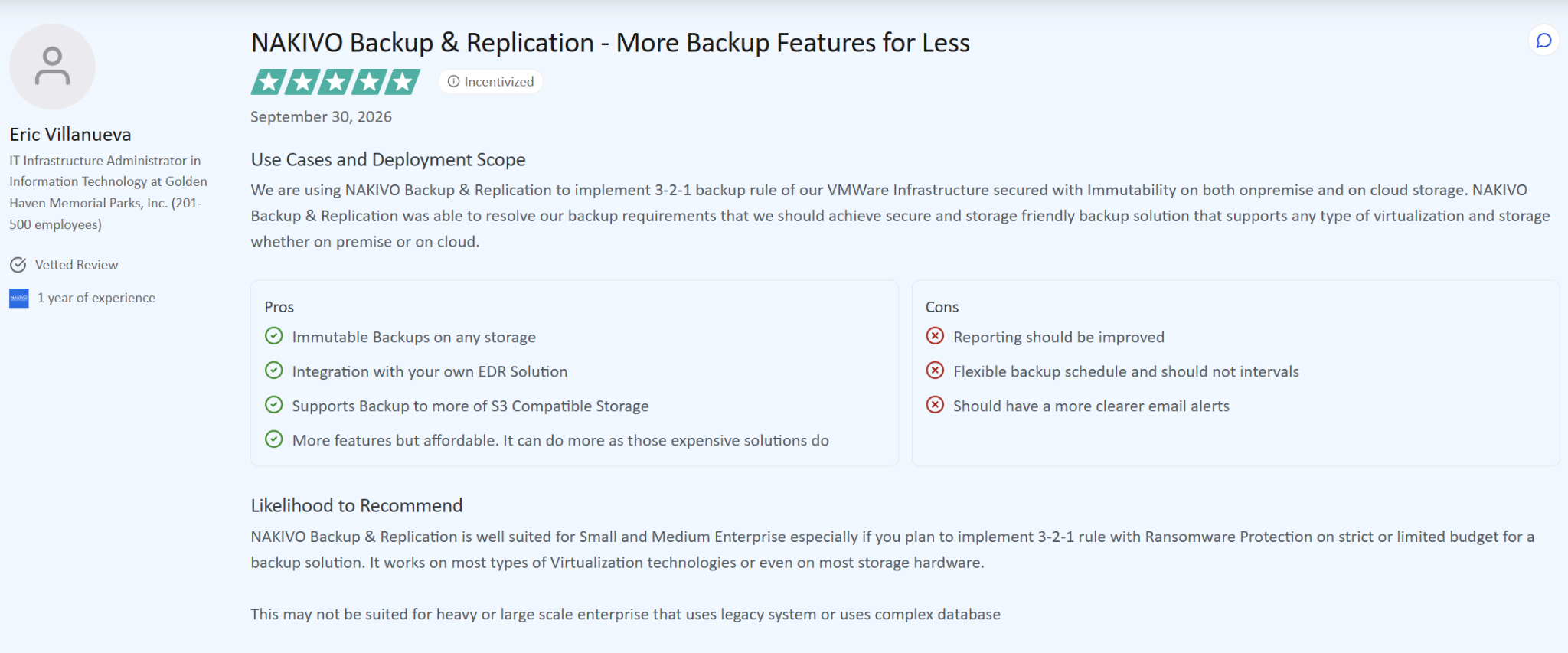
"More features but affordable." – Eric Villanueva, IT infrastructure administrator in information technology, TrustRadius
"When troubleshooting a failed job, digging through the logs to find the exact root cause sometimes takes longer than expected." – Anuvansh K., regional senior project director - data center, G2
Pricing
Subscriptions start at $2.45 per workload per month on a one-year term, or $1.95 on a three-year term, and perpetual licenses start at $229 per CPU socket. Real-Time Replication and Site Recovery need the Enterprise Essentials edition or higher.
Bottom line
NAKIVO gets you close to Zerto-style replication for VMware at a fraction of the cost. Check that a beta-born feature meets your change-control bar before you put tier-one apps on it.
7. Rubrik Security Cloud: Best for security-led teams
What it does: Rubrik Security Cloud backs up data center, cloud, and SaaS workloads onto immutable storage, with continuous data protection for VMware and threat detection built in.
Best for: Enterprises where the security team owns part of the recovery plan and wants detection and recovery from one vendor.
Rubrik offers continuous data protection for VMware with near-zero RPO and recovery to any point in time. Orchestrated Application Recovery uses blueprints to run local recovery, test failover, or production failover from Rubrik’s SaaS console.
Key features
- CDP for VMware: Lets you recover VMs to a point seconds before an incident.
- Orchestrated Application Recovery: Blueprints define boot order and dependencies, so test and production failovers follow the same steps.
- Cyber Recovery: Builds and tests recovery plans in isolated environments and quarantines infected snapshots.
- Threat hunting: Searches backups for indicators of compromise to find a clean recovery point.
Pros and cons
Pros:
- Enterprise Edition includes a $10M ransomware recovery warranty (terms apply), which few vendors in this roundup put in writing.
- Orchestrated recovery runs from Rubrik’s SaaS console, so a failover can start even if on-premises management servers are down.
Cons:
- Enterprise Edition is sold as a three-year subscription, a long commitment if you’re in the middle of a migration.
- The warranty covers data on premises and in Rubrik-managed cloud storage, so other cloud data sits outside it.
What users say
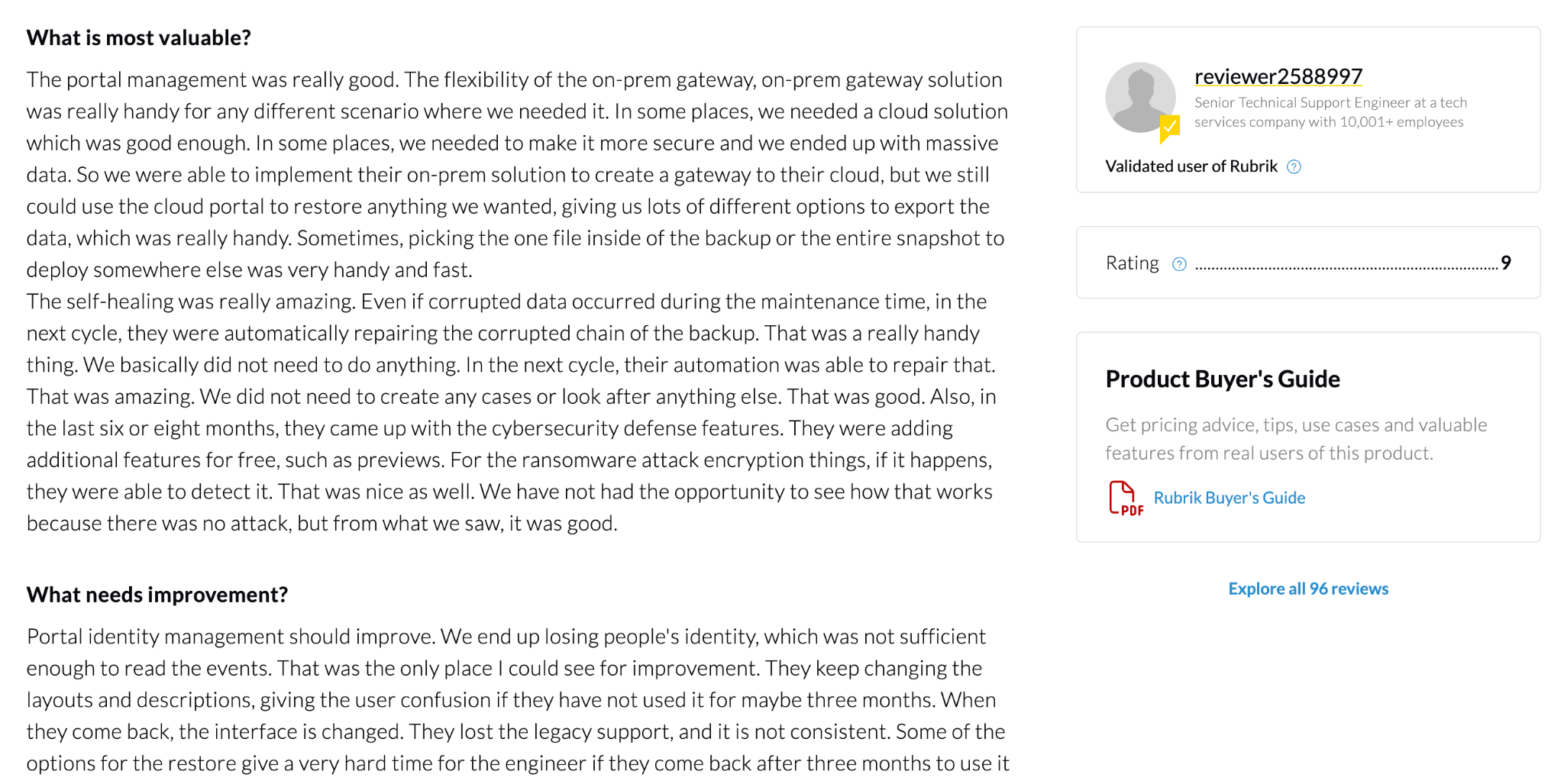
"The flexibility of the on-prem gateway, on-prem gateway solution was really handy." – reviewer2588997, senior technical support engineer, PeerSpot
"Resolution times can vary significantly depending on the complexity of the issue." – Rayanne A., network support engineer, G2
Pricing
Rubrik doesn’t publish prices. Enterprise Edition is sold as a three-year subscription, and the licensing guide lists capacity-based and per-user models, quoted by Rubrik or a reseller.
Bottom line
Rubrik suits teams that judge recovery by how fast they can prove a copy is clean, though Eon and Rubrik take different routes to cloud workloads.
8. Cohesity: Best for consolidating backup, DR, and a cyber vault
What it does: Cohesity runs DataProtect and NetBackup for backup and recovery, with journal-based CDP for VMware, DR orchestration, and the FortKnox managed cyber vault.
Best for: Large enterprises consolidating several backup and DR products onto one platform.
Cohesity combined with Veritas’ enterprise data protection business in December 2024, so NetBackup now sits under the same company. Its CDP for VMware uses journal-based replication for near-zero RPO, and its DR features cover automated failover, failback, and non-disruptive testing. DataProtect runs as self-managed clusters or as a service.
Key features
- CDP for mission-critical VMs: Recovers VMware VMs to a point seconds before data loss.
- DR orchestration: Automated failover and failback with non-disruptive DR tests.
- FortKnox: A managed, immutable cyber vault hosted on AWS, Azure, or Google Cloud, with threat scanning before restore.
- Clean room recovery: FortKnox now restores into an isolated clean room for investigation.
Pros and cons
Pros:
- NetBackup customers can add Cohesity’s CDP and FortKnox without replacing their existing backup estate.
- You can keep some sites on self-managed clusters and move others to the as-a-service version.
Cons:
- Replication is licensed separately from the Core edition, so a Zerto replacement quote starts above the base package.
- Self-managed clusters leave sizing, upgrades, and hardware refreshes with your team.
What users say
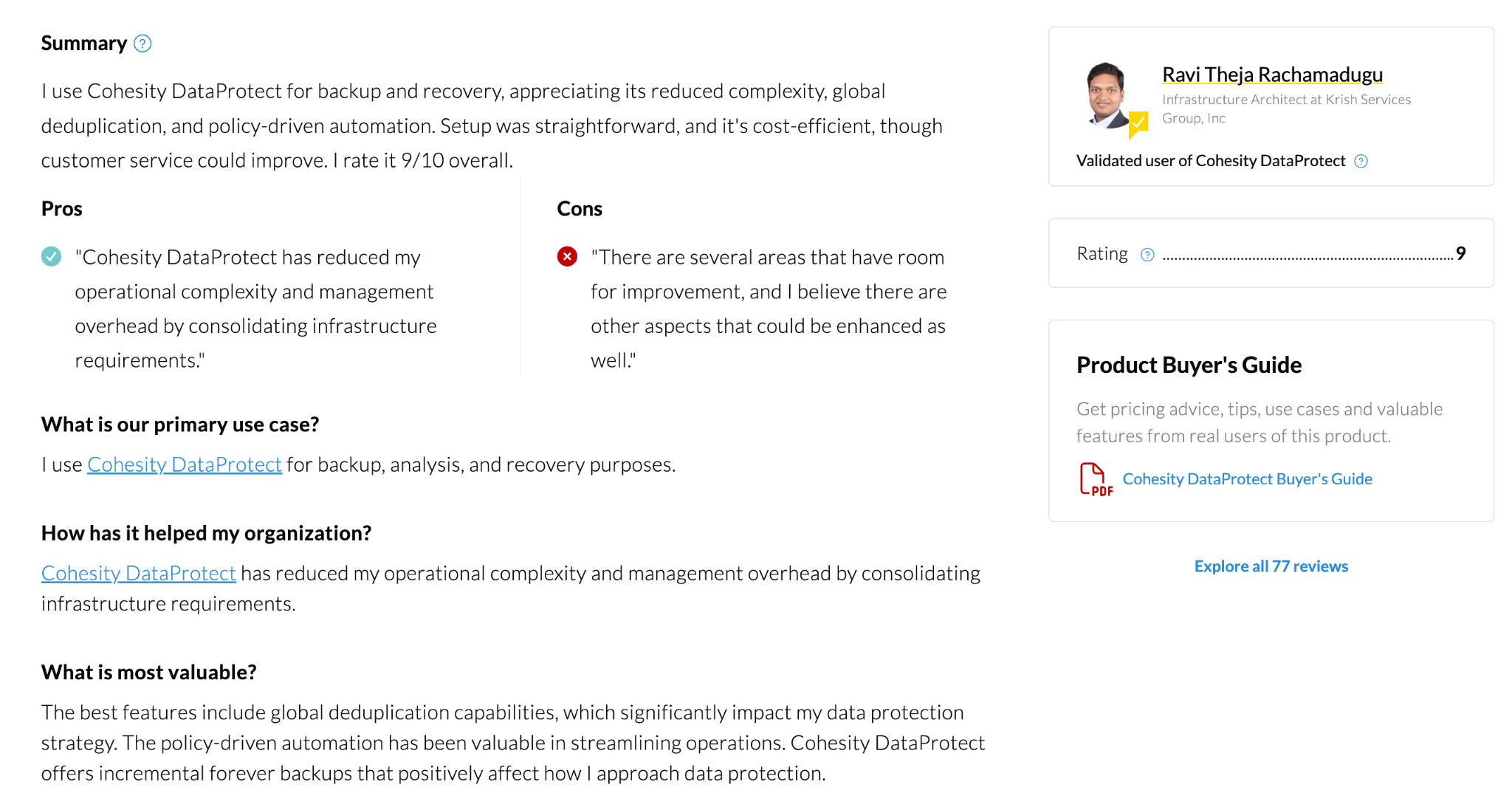
"Reduced my operational complexity and management overhead by consolidating infrastructure requirements" – Ravi Theja Rachamadugu, infrastructure architect, PeerSpot
"Customer service has been inconsistent." – Kalaiarasan Meganathan, specialist, PeerSpot
Pricing
Cohesity sells Core and Enterprise editions as one-, three-, or five-year subscriptions, with Replication, Cyber Vaulting, Data Insights, and Platinum Service sold as add-ons. Pricing comes from Cohesity sales.
Bottom line
Cohesity makes the most sense when you’re folding several products into one. For a cloud-first estate, Eon and Cohesity weigh up differently.
9. Commvault Cloud: Best for broad enterprise estates
What it does: Commvault Cloud protects VMs, databases, file and object storage, SaaS apps, and cloud workloads, with continuous replication, automated failover, and clean-room recovery.
Best for: Enterprises that want replication, backup, and cyber recovery governed by one policy engine.
Commvault’s Autonomous Recovery covers periodic to continuous replication with sub-minute RPOs and automated failover to a secondary site. For VMware, continuous replication uses block-level replication through vSphere I/O filters.
Commvault added cloud-native recovery through its Clumio and Appranix acquisitions. Cloud Rewind, built on Appranix, rebuilds cloud environments on AWS, Azure, and Google Cloud.
Key features
- Continuous replication and Live Sync: Keeps standby VMs current at an alternate site.
- Cloud Rewind: Maps dependencies and rebuilds cloud applications on demand.
- Cleanroom Recovery: Spins up an isolated cleanroom in Azure or AWS, paid for only when used.
- Air Gap Protect: Commvault-managed, immutable cloud storage for an isolated copy.
Pros and cons
Pros:
- Recovery validation checks that restored apps actually start, so a finished failover means working applications.
- VMs, databases, and SaaS apps share one set of retention and replication rules, which cuts down on policy drift between tools.
Cons:
- Continuous replication through the vSphere I/O filter covers on-premises vSphere only. VMware Cloud on AWS VMs can be backed up but not continuously replicated.
- Cleanroom Recovery is sold separately in 10 TB blocks, so testing a clean recovery means sizing a second purchase.
What users say
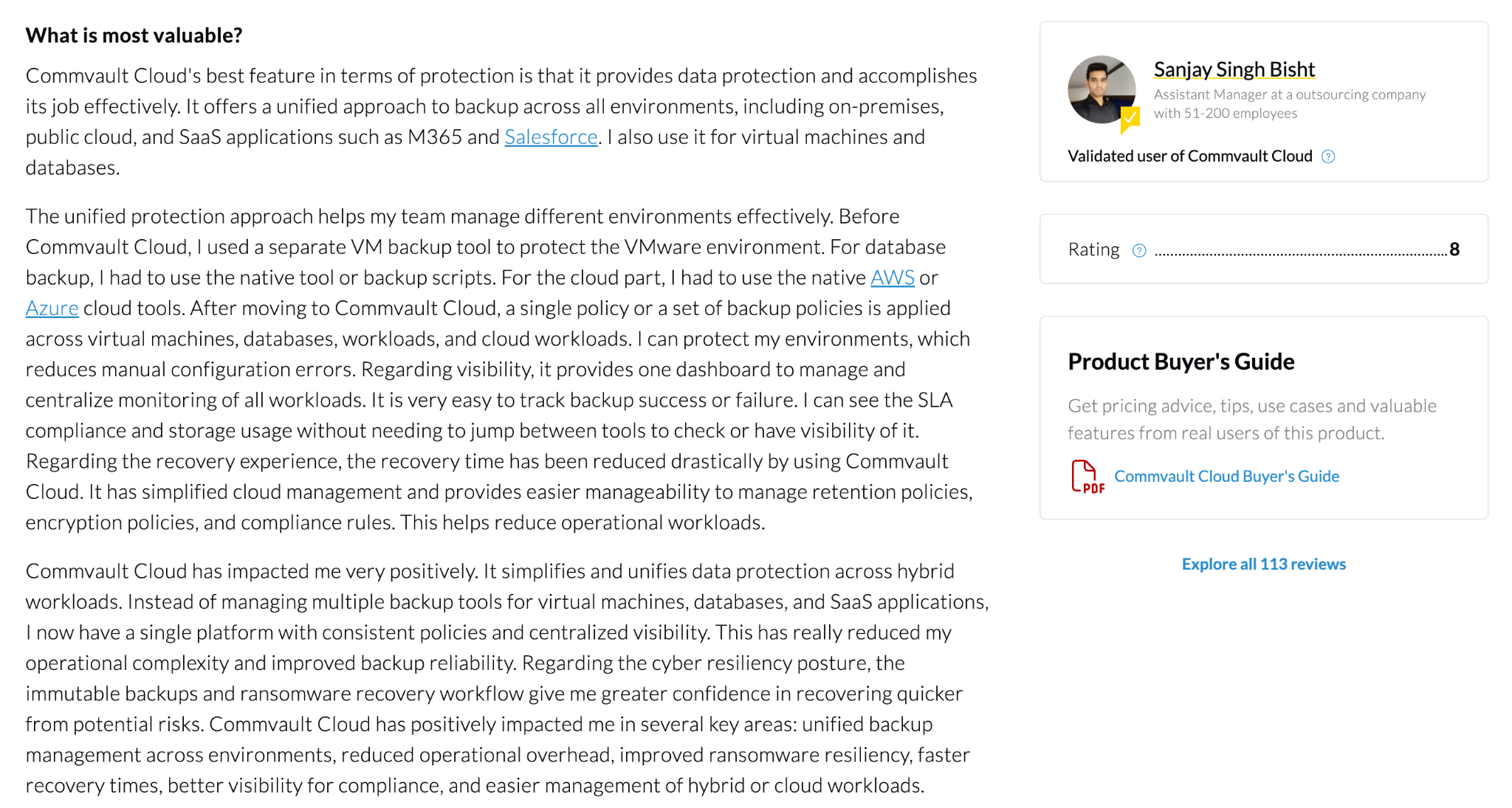
"The recovery time has been reduced drastically." – Sanjay Singh Bisht, assistant manager, PeerSpot
"The initial setup and configuration can feel fairly complex." – Manoj J., customer support engineer, G2
Pricing
SaaS VM backup costs $102.49 per 10-pack of VMs per month. Autonomous Recovery, Cloud Rewind, and Cleanroom Recovery are quote-based.
Bottom line
Commvault fits when Zerto is one of many tools you’d like to retire. If most of your data already lives in the cloud, Commvault and Eon make the closer comparison.
10. Druva: Best for SaaS-managed backup with failover to AWS
What it does: Druva backs up data center, cloud, endpoint, and SaaS data into its own SaaS service, and can turn VMware backups into ready-to-launch DR copies in AWS.
Best for: Teams that want off-site DR with no backup servers or storage to run, and can accept an RPO of about an hour.
Druva’s DR is backup-based. A proxy in your AWS account converts VM backups into DR copies and keeps them updated on the schedule in your DR plan. Druva cites an RPO of an hour and RTO of minutes.
Key features
- Single-click failover: DR plans preset VPCs, subnets, instance types, and boot order.
- SaaS storage: Backups land in Druva’s cloud as logically air-gapped, immutable copies.
- Ransomware recovery: Anomaly detection, a curated "golden snapshot," and threat hunting across backups.
Pros and cons
Pros:
- Failback can go to VMware Cloud on AWS or back on premises, so a failover doesn’t leave you stuck in EC2.
- Credits are counted in deduplicated, stored TB, so backup costs follow how much data you keep.
Cons:
- Failed-over VMs get a single NIC and VMDKs up to 16 TB, which rules out some large, multi-homed servers.
- Backup-based DR means an RPO near an hour, far from Zerto’s seconds.
What users say
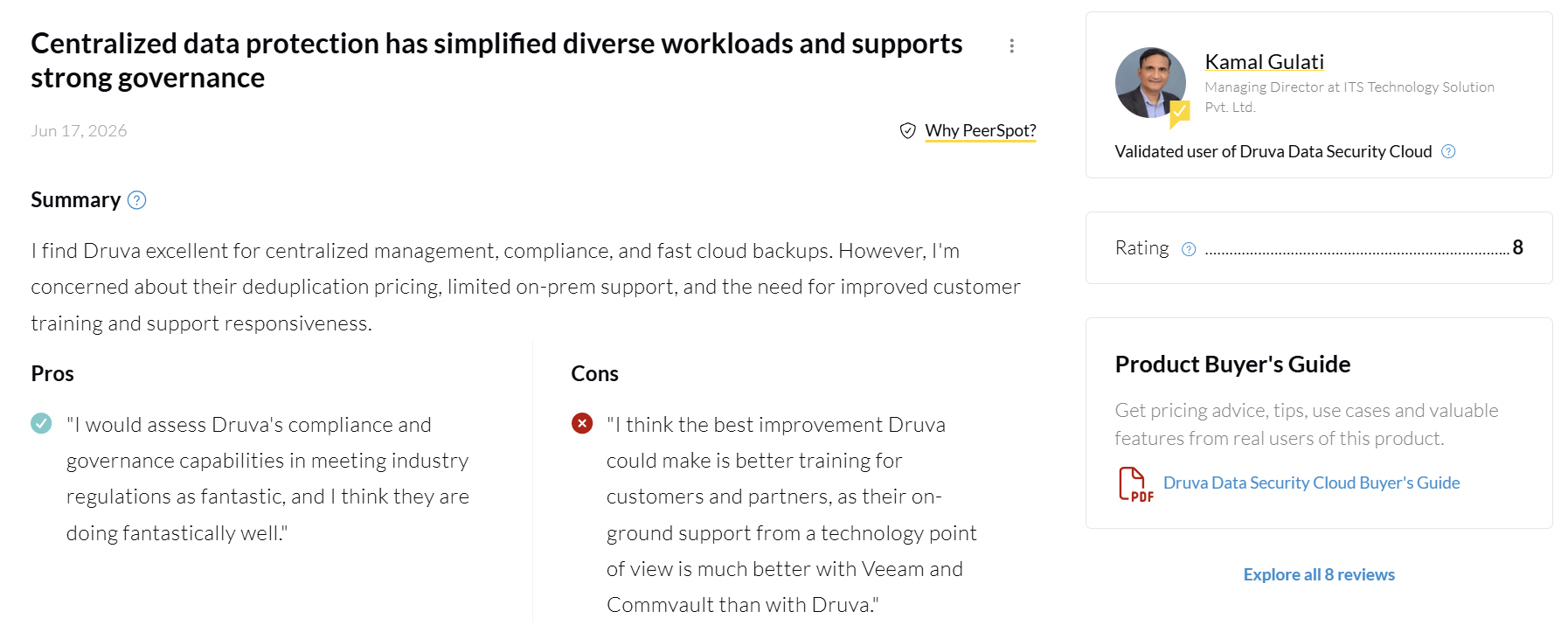
"I find Druva excellent for centralized management, compliance, and fast cloud backups." – Kamal Gulati, managing director, PeerSpot
"RDS machines have no way to restore individual databases." – Ratnodeep Roy, lead consultant, PeerSpot
Pricing
Druva bills in credits, where one credit is 1 TB of deduplicated, compressed backup data stored for a month. Data center plans are quote-based, and DR credits are priced through your account team.
Bottom line
Druva fits teams that would rather not own backup infrastructure and can live with hourly RPOs. What Druva’s users report and how it stacks against Eon are both worth checking before you shortlist it.
Zerto vs Veeam: What’s the difference?
The main difference between Zerto and Veeam is where each one started. Zerto is replication-first software built around a journal and continuous data protection. Veeam is a backup platform that added CDP for vSphere in version 11 in 2021.
That history shows up in four places:
- Architecture: Zerto puts a VRA on every protected host. Veeam CDP uses a vSphere I/O filter plus Veeam proxies.
- RPO: Both reach seconds. Zerto checkpoints every few seconds, and Veeam CDP’s documented minimum is 2 seconds.
- Retention: Zerto’s journal holds up to 30 days. Veeam keeps short-term CDP restore points and pairs them with regular backups for long retention.
- Licensing: Zerto is a per-VM subscription for replication. Veeam’s per-workload license covers backup, replication, and CDP together.
If you mostly need DR for VMware with very low RPOs, both do the job. If you also need backup across physical, Hyper-V, and cloud workloads, Veeam covers more ground with one license.
Which Zerto alternative should you choose?
Match the tool to the job, then to where your recovery site lives:
- Cloud workloads on AWS, Azure, or Google Cloud that need backup and ransomware recovery: Eon
- One license for backup and CDP on a large vSphere estate: Veeam
- Staying on vSphere for the long haul: VMware Live Recovery
- Replacing your DR data center with AWS: AWS Elastic Disaster Recovery
- Replacing your DR data center with Azure: Azure Site Recovery
- Real-time VMware replication on a tight budget: NAKIVO
- The security team owns recovery: Rubrik
- Consolidating several backup and DR products: Cohesity
- Replication, backup, and clean-room recovery under one policy engine: Commvault
- No appetite for owning backup infrastructure: Druva
Skip replication tools entirely for apps that can lose an hour of data. Scheduled backup with a tested restore is cheaper and easier to prove, and it’s one of several cloud disaster recovery solutions worth weighing for cloud-first teams.
Final verdict
A replica that sits seconds behind production also sits seconds behind the ransomware. That’s the core trade-off in replacing Zerto: replication gets you back fast after an outage, and only isolated, scanned copies get you back clean after an attack.
Coverage is the other blind spot. In our 2026 Cloud Data Infrastructure Report, 61% of respondents said they find out what is unprotected only after an incident, audit, or failed restore. For workloads on AWS, Azure, and Google Cloud, Eon finds every new resource and applies backup policy before that happens.
After an attack, could you prove a copy is clean?
Fast failover only helps if the data you fail over to is intact. Eon finds every cloud resource as it appears, keeps immutable copies in a logically air-gapped vault, and, with the ransomware detection add-on, points you to the last clean recovery point when something goes wrong.
Not sure which of your cloud resources would come back clean after an attack? Book a demo and see how Eon finds what’s unprotected across your clouds and restores a clean copy, down to a single record.
Frequently asked questions
What are the best Zerto alternatives?
The best Zerto alternatives are Veeam, VMware Live Recovery, and NAKIVO for VMware replication, AWS Elastic Disaster Recovery and Azure Site Recovery for DR into the cloud, and Rubrik, Cohesity, and Commvault for combined backup and cyber recovery.
Eon fits cloud backup and ransomware recovery on AWS, Azure, and Google Cloud, and Druva fits SaaS-managed backup with failover to AWS.
How much does Zerto cost?
Zerto is licensed per VM as a one-, three-, or five-year subscription, and HPE doesn’t publish on-premises list prices. The one public figure is HPE Zerto In-Cloud Software for AWS, at $17,970 for a 36-month contract covering 10 EC2 instances (about $600 per instance per year).
Who owns Zerto?
Hewlett Packard Enterprise owns Zerto. HPE completed the acquisition on September 1, 2021, for $374 million and now sells the product as HPE Zerto Software.
Is Zerto a backup or a disaster recovery tool?
Zerto is mainly a disaster recovery tool. It continuously replicates VMs and keeps up to 30 days of recovery points in a journal. It can also send copies to long-term retention storage, but most teams still run a separate backup tool for databases, SaaS data, and multi-year retention.
What is the difference between Zerto and VMware Site Recovery Manager?
The main difference is that Zerto does its own journal-based replication with RPOs in seconds, while VMware Site Recovery Manager (now VMware Live Site Recovery) orchestrates failover and relies on vSphere Replication or storage-array replication.
vSphere Replication reaches RPOs as low as 1 minute, and Zerto also works with Hyper-V, AWS, and Azure.
Can replication protect you from ransomware?
No, not on its own. Continuous replication copies encrypted or corrupted writes to the DR site within seconds, so recovery depends on finding a point from before the attack. Immutable, isolated backups with scanning for clean recovery points close that exposure, and setting up ransomware backup protection is what turns a replica into a recoverable copy.